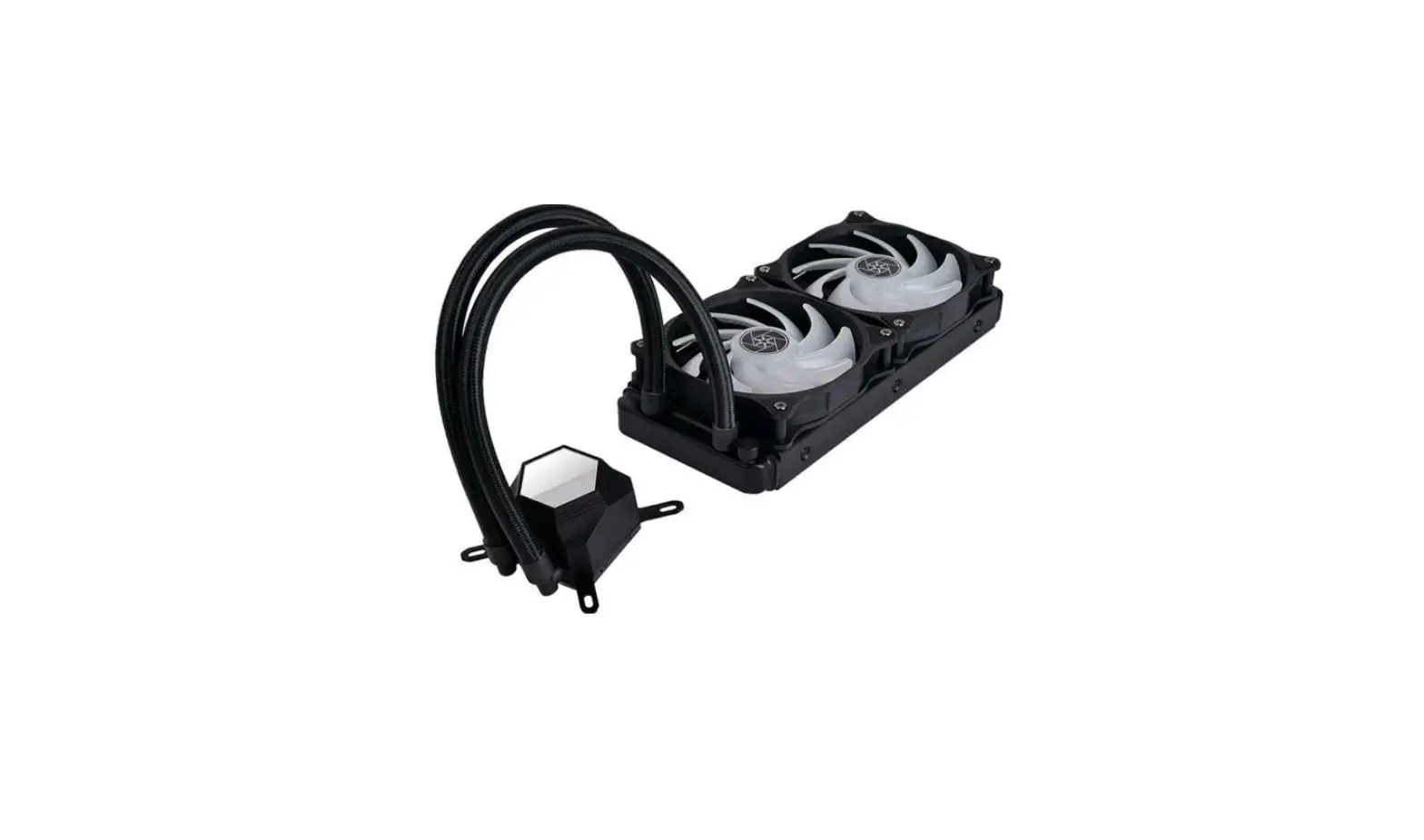
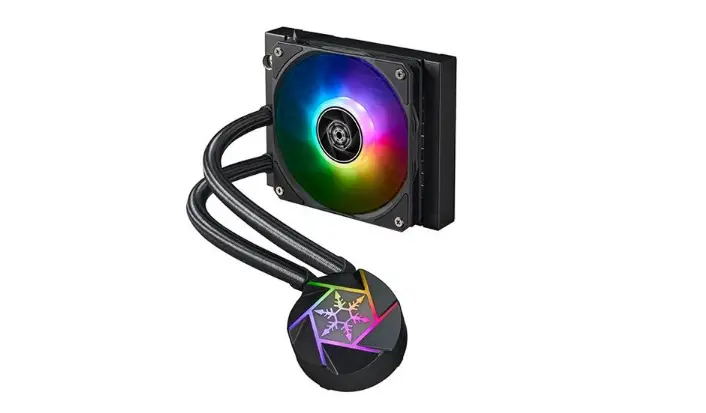
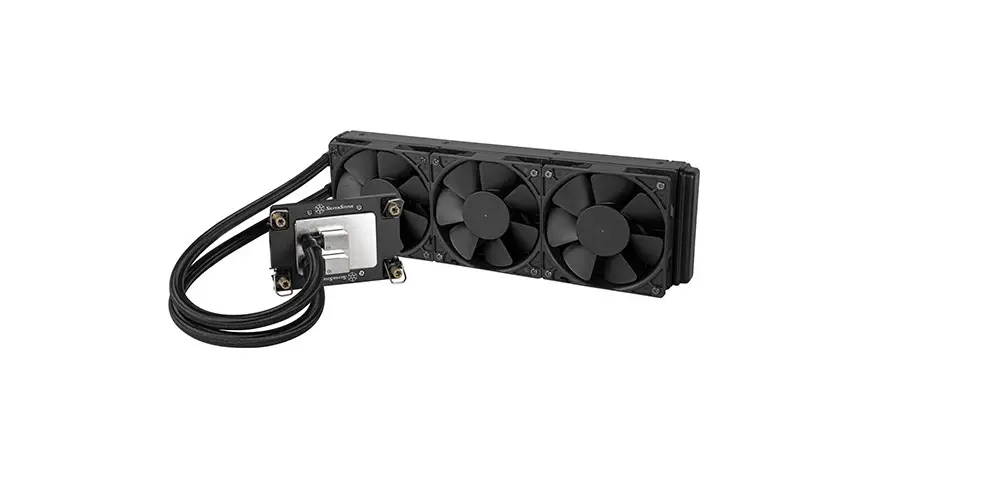
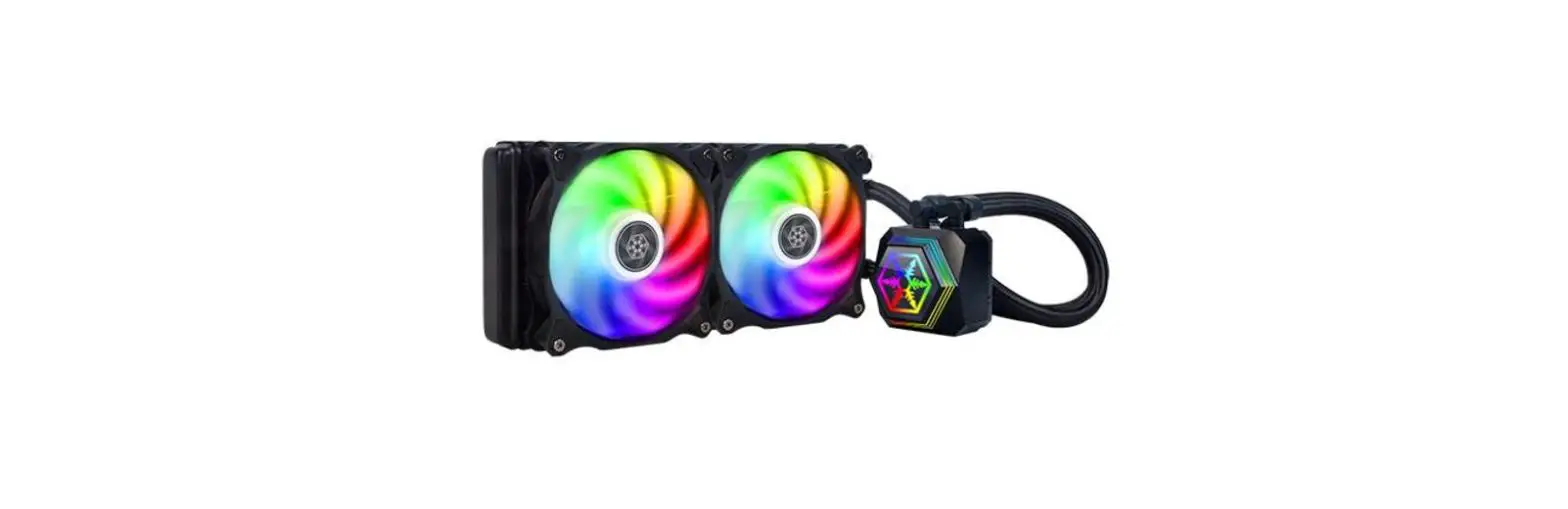
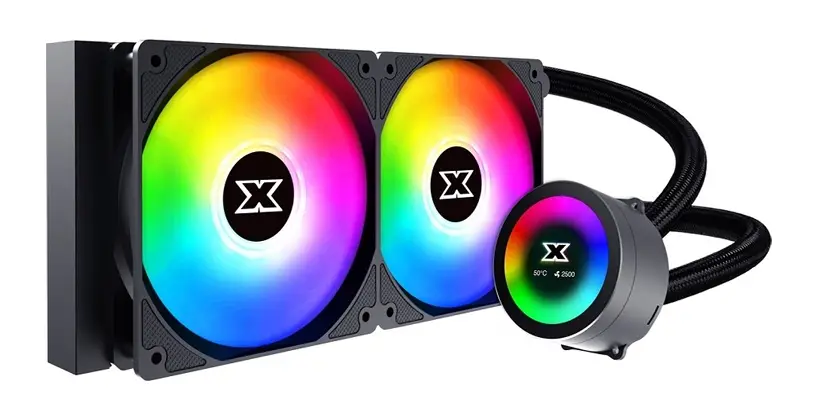
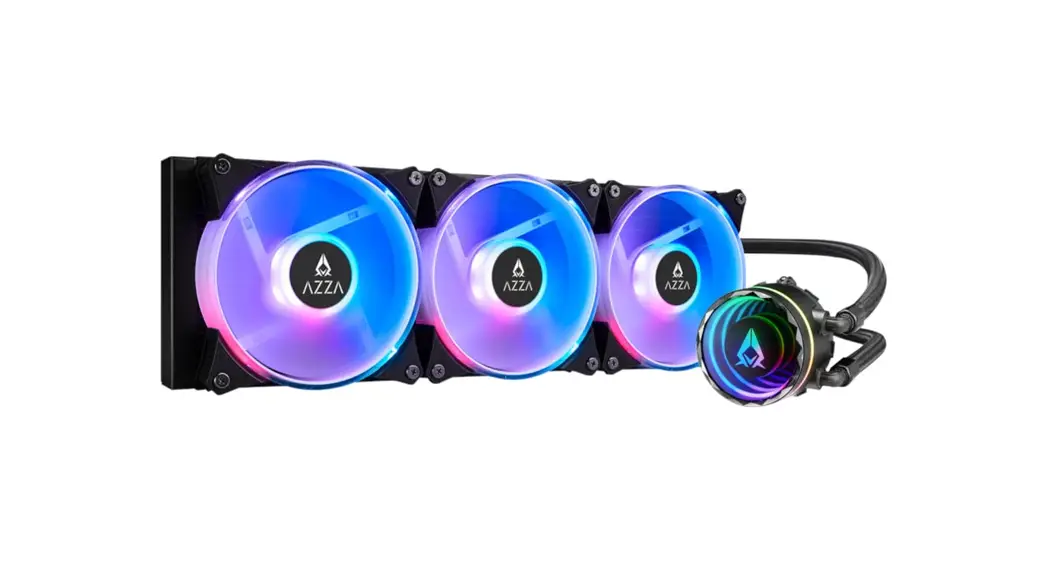
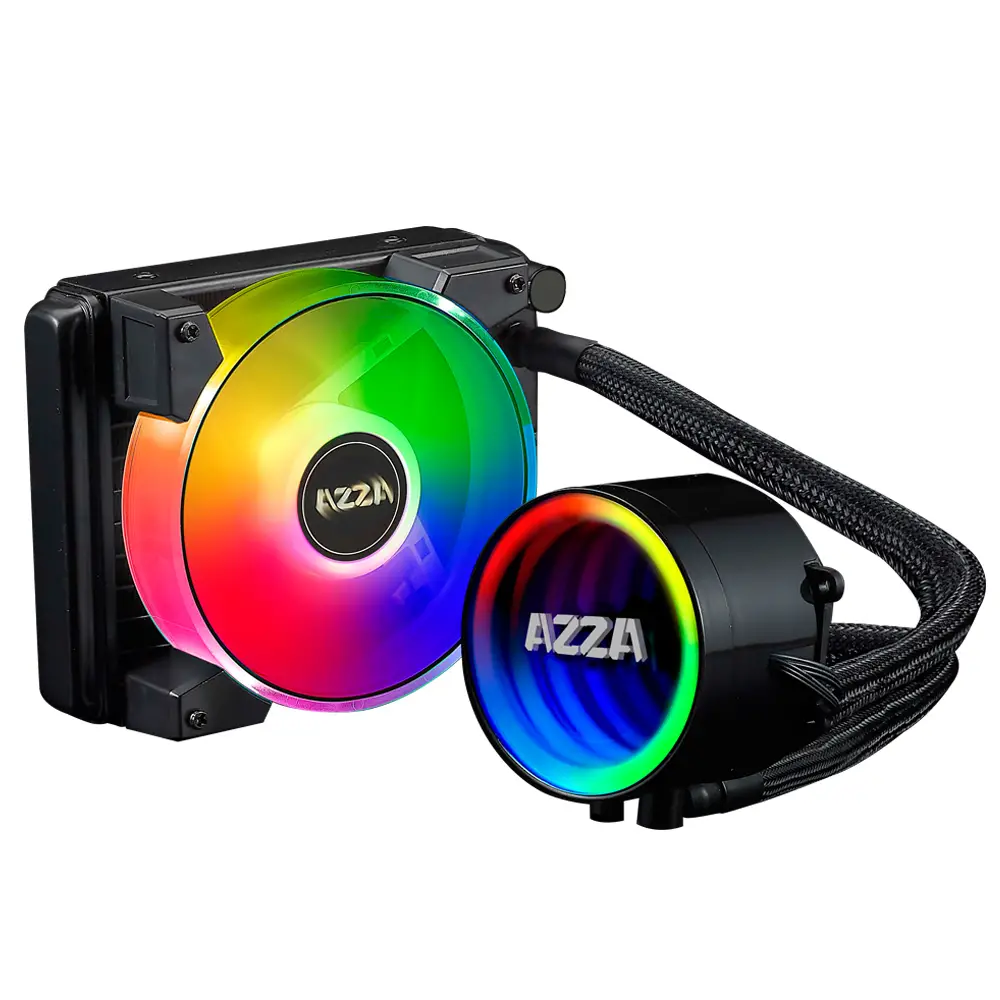
IceMyst Series Liquid Cooling
Product Information:
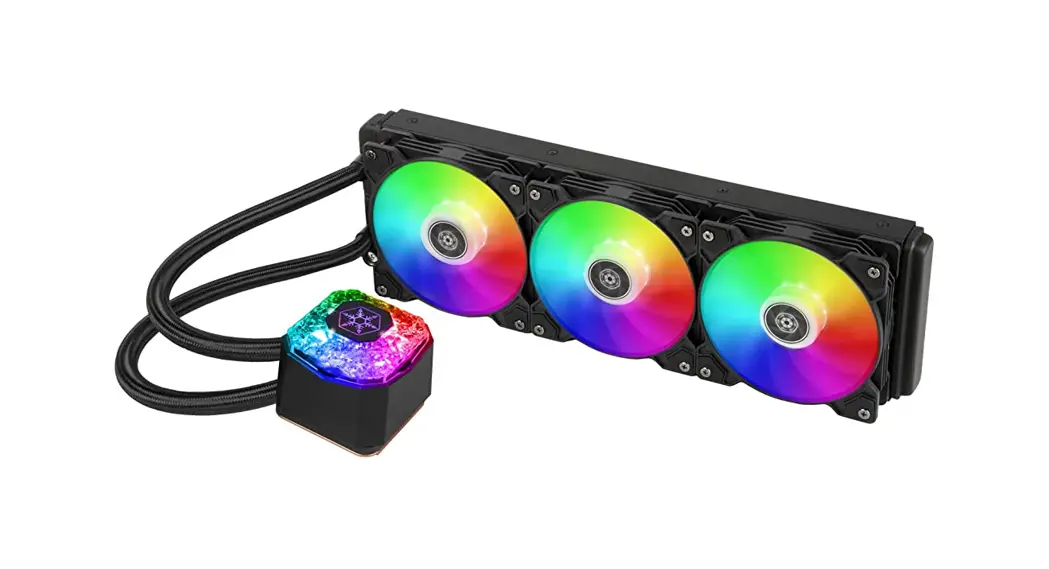
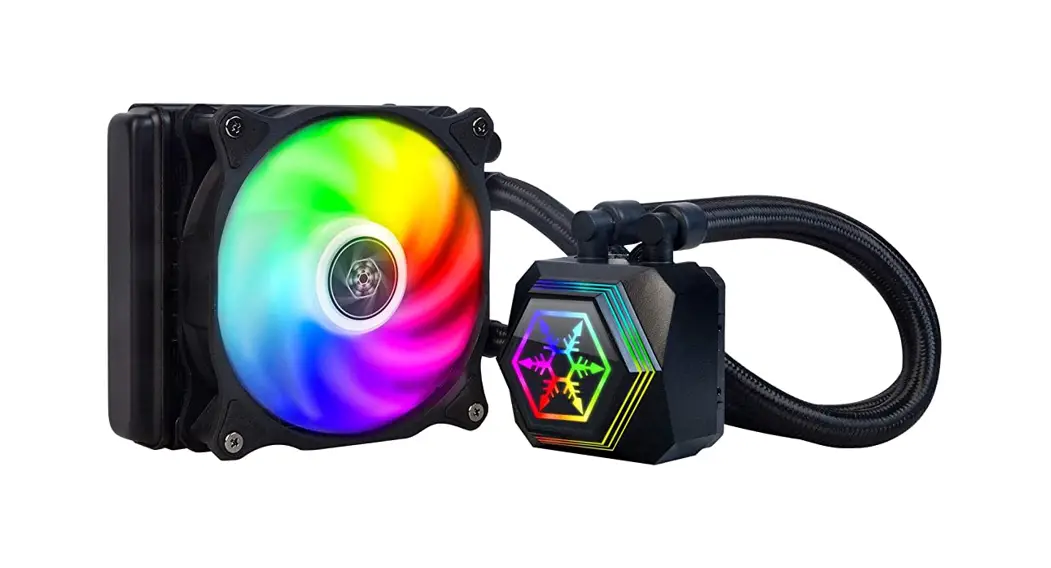
The IceMyst Series is a liquid cooling system designed for
efficient cooling of computer components. It includes various
components and accessories to ensure proper installation and
usage.
- A: Fan screws (8 for 240/280 size, 12 for
360/420 size) - B: Case screws (8 for 240/280 size, 12 for
360/420 size) - C: Spring screws (4 in total)
- D: LGA115x screws (4 in total)
- E: LGA1700 screws (4 in total)
- F: LGA2011 screws (4 in total)
- G: AMD buckle (2 in total)
- H: Thermal grease (1 tube)
- I: Intel clip (1 in total)
- J: AMD clip (1 in total)
- K: LGA115x back plate (1 in total)
- L: LGA1700 back plate (1 in total)
- M: SATA 4-pin peripheral adapter cable (1 in
total) - N: ARGB sync cable (1 in total)
- O: SATA power adapter (1 in total)
- P: 2-in-1 fan cable (240/280 size, 1 in
total) - Q: 3-in-1 fan cable (360/420 size, 1 in
total) - R: MB sync cable (1 in total)
- S: ARGB control box (1 in total)
- T: 2-in-1 ARGB cable (1 in total)
Product Usage Instructions:
- Confirm the connector, definition, and direction of your pin
header before connecting cables. - Make sure the ARGB controller or motherboard has the same +5V
pin definition as the IceMyst Series. - Refer to the user manual for specific installation instructions
based on your computer’s CPU socket type (Intel LGA 115x/1200,
Intel LGA 1700, Intel LGA 2011/2066, or AMD Socket AM4/AM5). - Attach the appropriate screws (FAN SCREW, CASE SCREW, SPRING
SCREW, LGA115x SCREW, LGA1700 SCREW, LGA2011 SCREW) to secure the
liquid cooling system in place. - If using an AMD CPU, use the AMD BUCKLE to secure the
cooler. - If using an Intel CPU, use the Intel CLIP.
- If necessary, apply the included THERMAL GREASE to ensure
proper heat transfer between the CPU and the cooler. - Connect the necessary cables (SATA 4-pin peripheral adapter
cable, ARGB sync cable, SATA power adapter, 2-in-1 fan cable,
3-in-1 fan cable, MB sync cable, ARGB control box, 2-in-1 ARGB
cable) to their respective ports on the motherboard and other
components. - Ensure all connections are secure and properly aligned.
- Power on your computer and monitor the cooling system’s
performance.
IceMyst Series
liquid cooling user’s manual
Contents
A
B
C
FAN SCREW x8 (240/280) x12 (360/420)
D
CASE SCREW x8 (240/280) x12 (360/420)
E
SPRING SCREW x4
F
LGA115x SCREW x4
G
LGA1700 SCREW x4
H
LGA2011 SCREW x4
I
AMD BUCKLE x2
J
THERMAL GREASE x1
Intel CLIP x1
K
L
AMD CLIP x1
M
LGA115x BACK PLATE x1
N
LGA1700 BACK PLATE x1
O
SATA
4PIN PERIPHERAL ADAPTER CABLE x1
P
+5V D GND
ARGB SYNC CABLE x1
S
SATA POWER ADAPTER x1
2 IN 1 FAN CABLE x1 (240/280)
3 IN 1 FAN CABLE x1 (360/420)
Q
+5V
R
D
Ground
MB SYNC CABLE x1
ARGB CONTROL BOX x1
V5+ D
+5V
DNG
D
GND V5+ D
DNG
2 IN 1 ARGB CABLE x1
240/280
N
240/280
B A
360/420
A
O
360/420
B
INTEL
I
!
!
!
LGA115x SCREW
LGA1700 SCREW
LGA2011 SCREW
C
C
C
D
E
F
H
H
H
K
L
Intel LGA 115x / 1200
Intel LGA 1700
Intel LGA 2011 / 2066
AMD
J
C G H
AMD Socket AM4/AM5
AIO_ PUMP
PSU
M
CPU_FAN
MOTHERBOARD SYNC
ARGB CONTROL BOX
+5V
D
GND
+5V
D
GND
V5+
D
DNG
V5+
D
DNG
+5V
D
GND
+5V
D
GND
V5+
D
DNG
V5+
D
DNG
+5V
D
GND
+5V
D
GND
P
P
Q R
GND D +5V
GND D +5V
MB(ASUS/MSI/ASRock/BIOSTAR) MB(GIGABYTE)
SATA
S
PSU
PLEASE CONFIRM THE CONNECTOR, THE DEFINITION AND DIRECTION OF YOUR PIN HEADER WHEN CONNECTING CABLES.
ENSURE ARGB CONTROLLER / MOTHERBOARD HAS SAME +5V PIN DEFINITION AS ICEMYST SERIES.
NO.G11248520