
REB602WE
Introduction
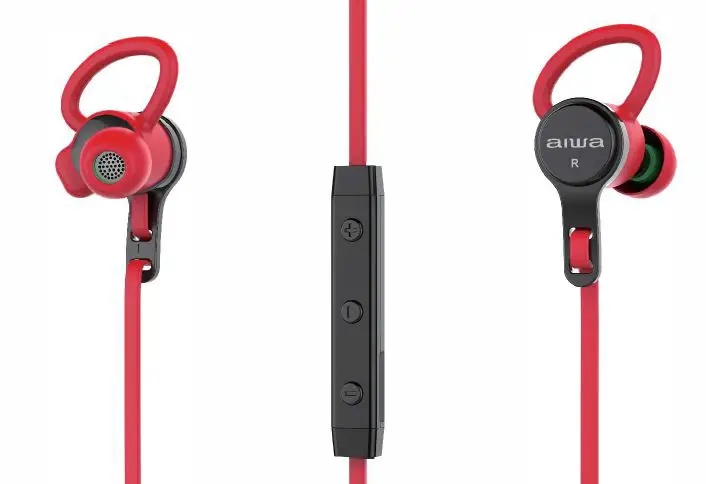
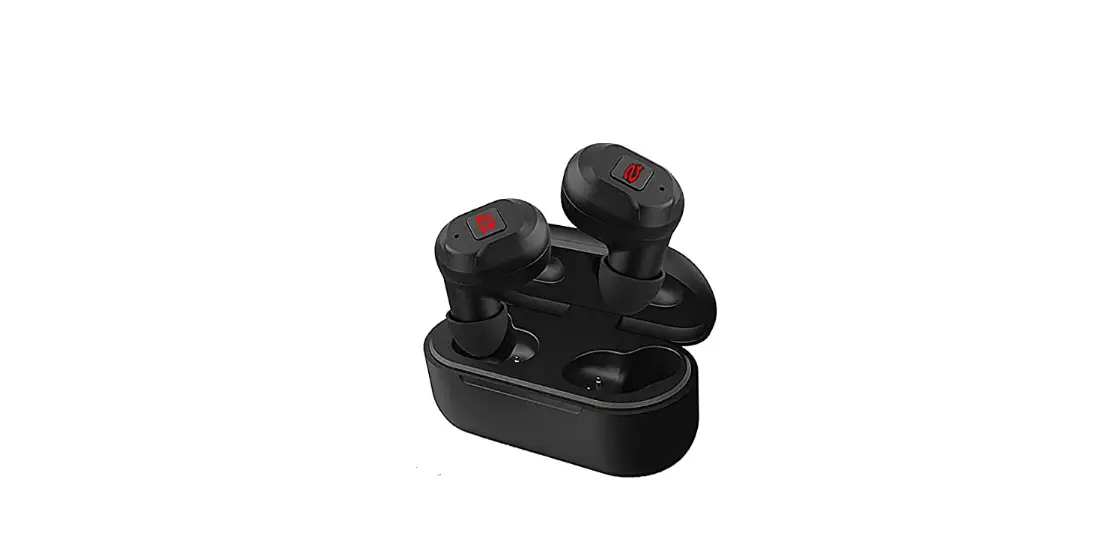
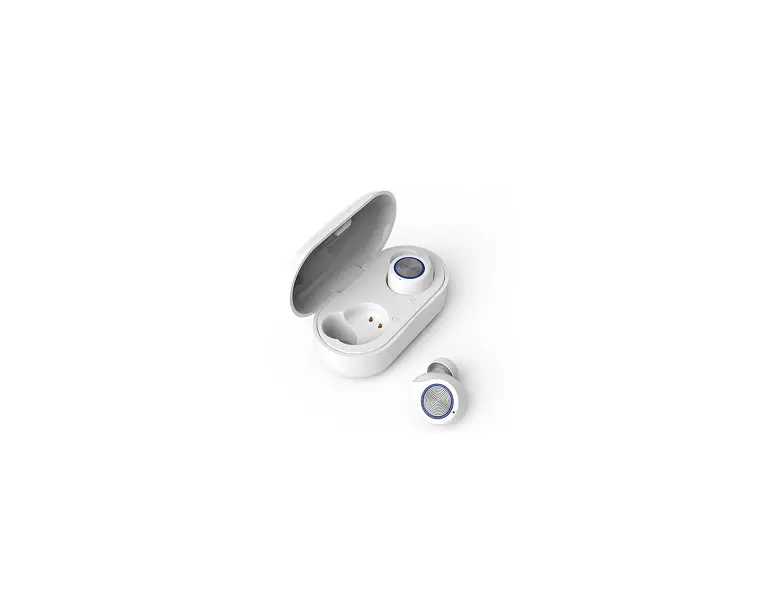
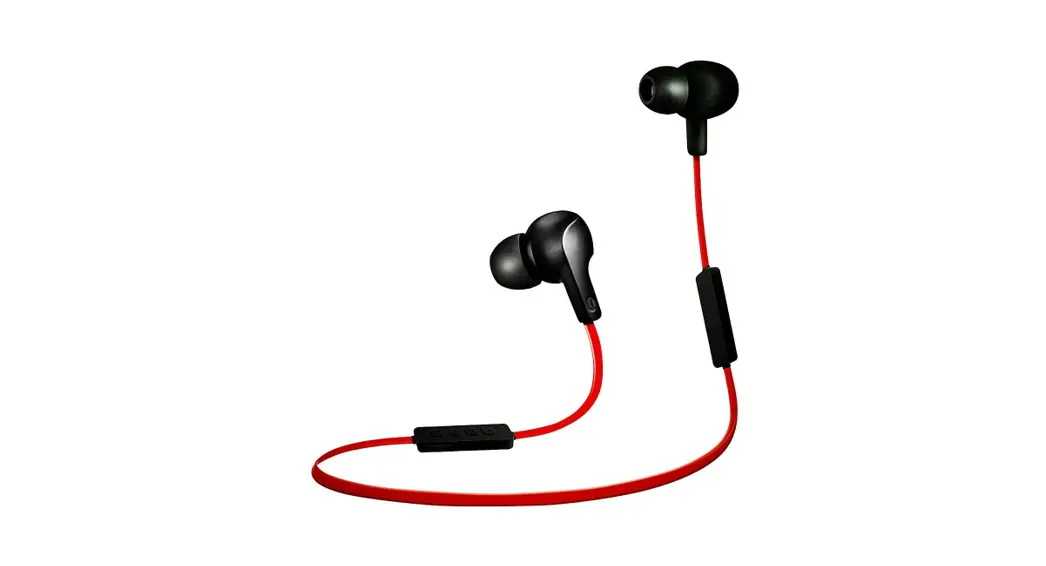
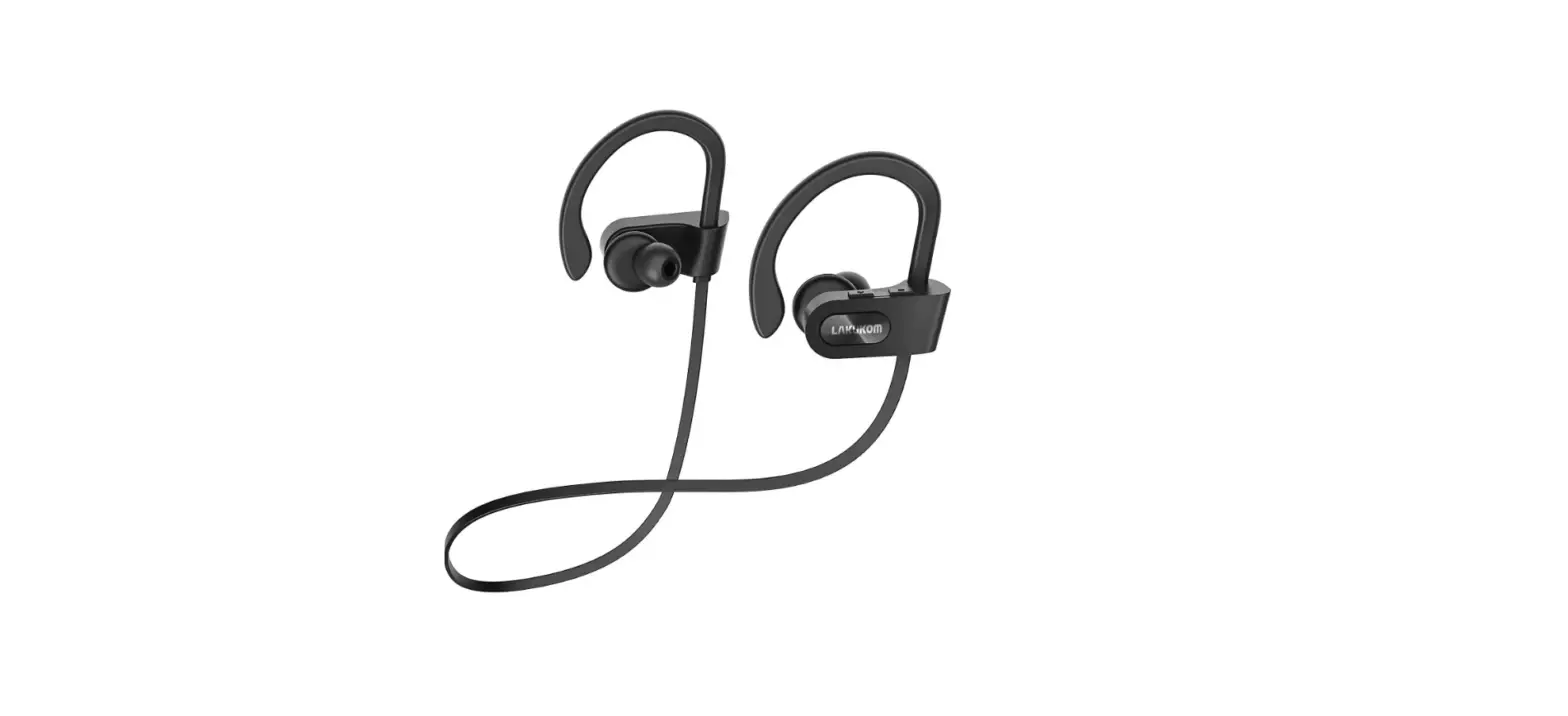
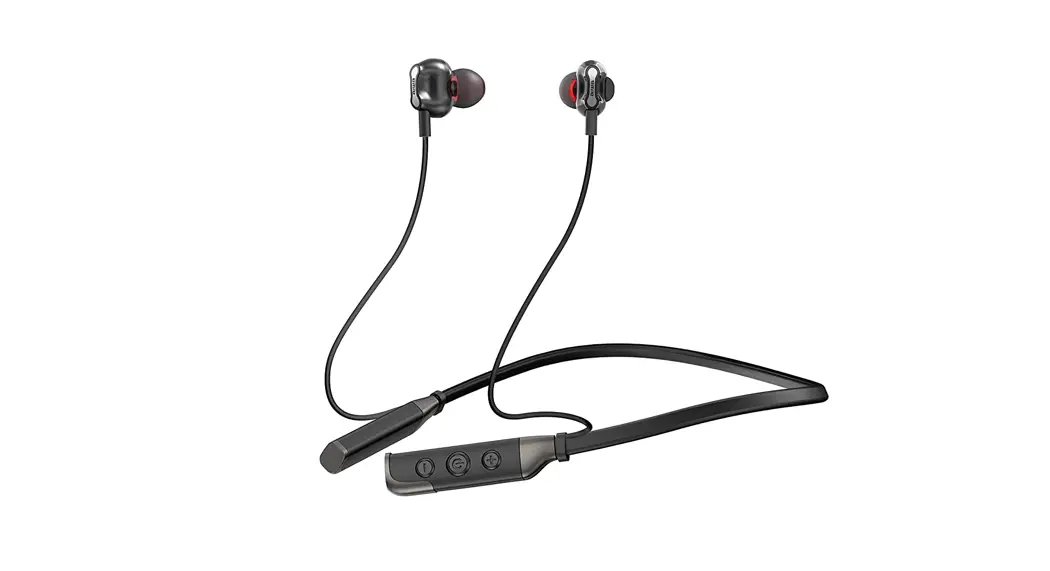
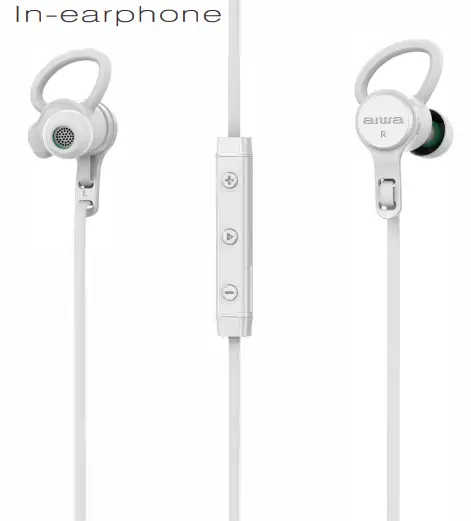
Thank you for purchasing the wireless earphone Aiwa EB602WE The earphone provides light-weight rich sound, wraps around the rear for increased stability that are ideals for the sport user. The feature-friendly buttons design makes it easy to operate the play, stop and skip audio functions and answer a call hands-free. Built-in rechargeable battery provides more music playing and standby time
Note
- Please read the user’s manual carefully before using it, and keep it properly for future reference.
- There will be a prompt tone when the volume reaches the maximum IBtel You can only pair and connect one device at Berry time. To switch Bluetooth
devices. disconnect the earphone from the current device (disable the Bluetooth feature) before connecting to another
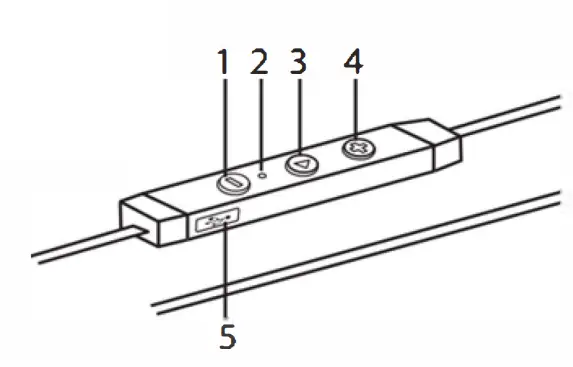
Product Indicator
- – Button
Decrease volume
Skip to previous ious track. - Microphone indicate light
- On /Off
on-off function
Multifunction. - + Button
Increase volume
Skip to the next track. - Charging Connector.

Charging the Battery
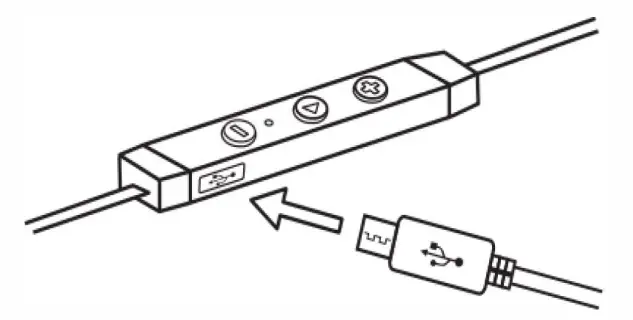
open the plastic plug of the USB connector. Connect the micro USB charging cable to any power source and the USB connector of your earphone for charging. The earphone LED turns to solid red during charging. It takes about 2 hours for the charge. When the battery is full charged• the LED turns to Blue
Note
It 1s strongly recommended fully charge for the first use
| Status | Description |
| Flashing Blue | Power on/Standby |
| No Light | Power off |
| Solid Red | Charging |
| Fast Flashing Blue | Searching Device |
| Blue and Red Alternately | Pairing mode |
| Flashing Red | Low battery |
Pairing with Bluetooth Devices
Pairing the earphone with a computer
Before pairing the earphone with your computer, please make sure your
computer or laptop has the built-in Bluetooth feature. If not. you must
purchase a Bluetooth dongle, preferably version 2.1 or above
- Make sure the earphone is off
- Start the Bluetooth program in the computer
- The “Search new device” screen will be displayed.
- Do not place both devices more than one meter away from each other
- Press the function button for 3 seconds you will hear “Power On” keep pressing 6-8 seconds until the flashes blue and red alternately to enter the pairing mode. You will hear “Pairing”,
- as soon as the system detects the new device and select Aiwa EB602WE
- If your computer asks you to enter the Pl N rode, please enter 0000 (4 zero). Once successfully paired, the blue LED is always on You will hear “Connected”
Pairing the earphone with a phone
- Make sure the earphone is off
- Do not place both devices more than one meter away from each other.
- Press the function button for 3 seconds you will hear “Power On” keep pressing 6-8 seconds unti丨the LED flashes blue and red alternately to enter the pairing mode. You will hear “Pairing”
- Start Bluetooth function on your phone and search for new devices
- Select the “Aiwa EB602WE” to pair. Once successfully paired, the blue LED is always on, You will hear “Connected”
Note
The earphone will power off if not paired within 5 minutes
Control Instructions
| Function | Operation |
| Power on | Press and hold the multi-function button 3 seconds. And the LED flashes blue 0.5 seconds and sounds “Power on” . Then flashes blue for standby. |
| Power off | Press and hold the function button for 4 seconds. And the LED flashes red for 2 seconds and sounds “Power off”. |
| Increase volume | Press the volume up (+) button. |
| Decrease volume | Press the volume down (-) button. |
| Answer a call | Press the function button to answer the call. |
| Reject a call | Press and hold the function button for 2 seconds Press the function button Wring online call. |
| End a call Redial the last number | Double dick the function button during standby or playing music mode. |
| Play media | Press the function button |
| Pause/restart media playback | Press the function button |
| Skip to the next track | Press and hold the next track (+) button. |
| Skip to the previous track | Press and hold the previous track (-) button. |
| Pairing mode | Press and hold the function button to enter pairing mode after sounding power on. (LED flashes blue and red alternately when entering the pairing moth) |
Specifications
| Item NO. | EB602WE |
| sensitivity | 83dB ± 3dB |
| power rating | 3mW |
| Frequency Response | 20Hz – 1 2,000Hz |
| Bluetooth version | 4.1 |
| Bluetooth protocol | A2DP, AVRCP, HFP, HSP |
| Bluetooth distance | 10 Meters. |
| Battery model | Lithium battery 60mahx2 |
| Playtime | 6 Hours. |
| Charge time | 2 Hours. |
| Distortion | 0.1 966(1 mW |
| Net weight | 1 7g |
Package Contents
Wireless earphone EB602WE x 1 Micro USB charging cable x 1
Ear tips x 2 sets
EVA pouch x 1
User’s manual x 1
Troubleshooting
Q: The earphone cannot be powered on.
The battery may be flat. Please recharge the battery and try again.
Q: Why doesn’t the earphone pair with the mobile phone?
A: Please check the followings
- Check that the earphone is charged and is in pairing mode.
- Make sure that the mobile phone’s Bluetooth function is on.
- Make sure that the two devices are in the effective pairing range. (10 meters)
- Make sure that there is no obstacle between the earphone and the mobile phone, such as electronic equipment and a wall.
- Furthermore, you can try restarting the earphone and pairing it with the mobile phone again.
Q: There is some noise.
Bluetooth is a radio technology, so it is sensitive to obstacles between the earphone and the pairing device.
Please make sure that there is no obstacle between the two devices and is within the range. (10 meters)
Q: I can’t hear sound.
Please check the following.
- Try to increase the volume.
- Make sure that the Bluetooth function is on and whether the two devices are connecting and in the range. (10 meters)
- Make sure the earphones are dose enough to your device, and there is no obstacle between them.
Q: My mobile phone or computer cannot find the earphone.
Please check that the earphone is in pairing mode. Pairing with Bluetooth devices. Sometimes when the earphone is connected to too many Bluetooth devices, it cannot search and pair effectively. Or your mobile phone and computer are already connected to many other devices. Try removing some connections before searching the earphone.