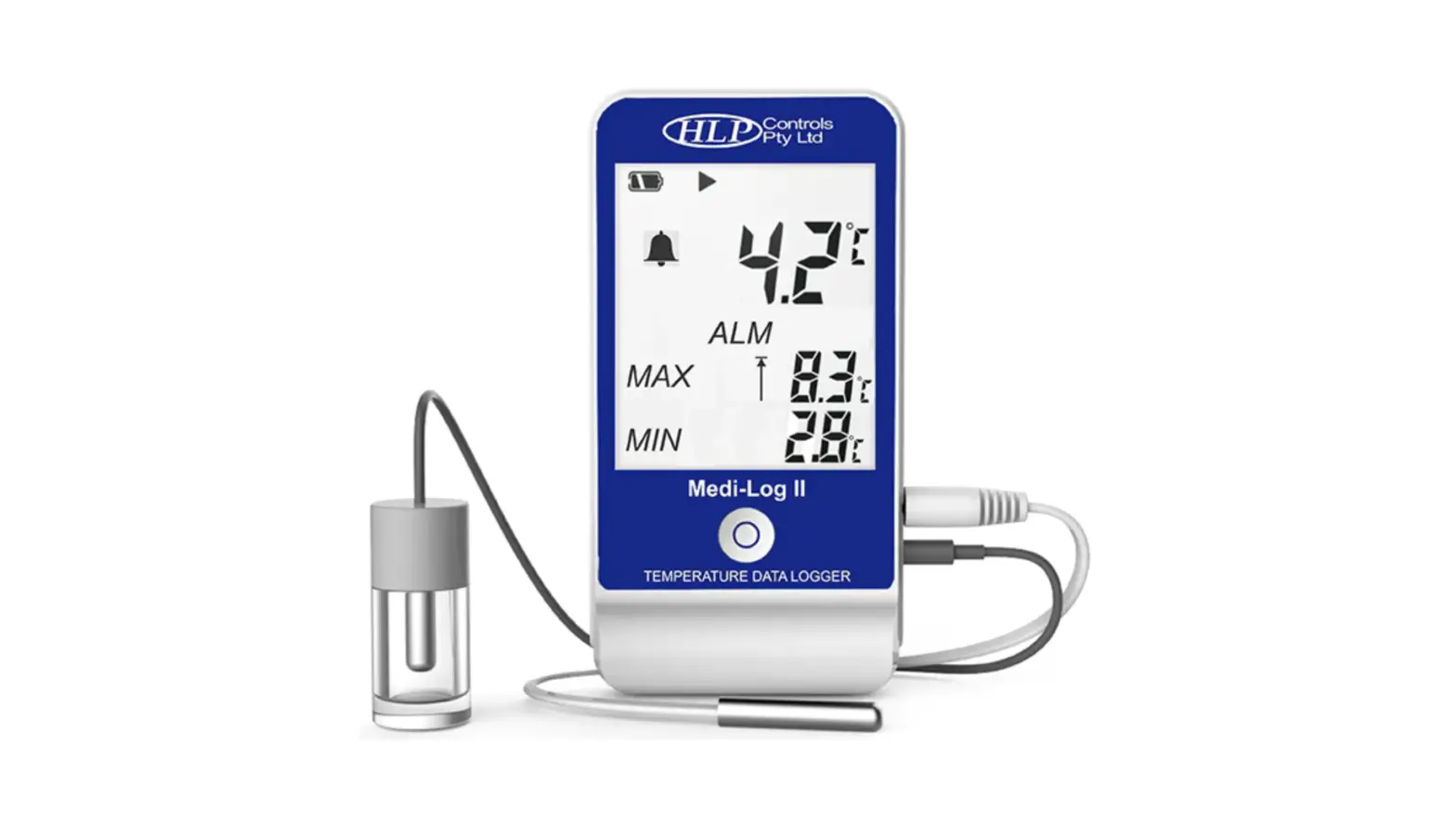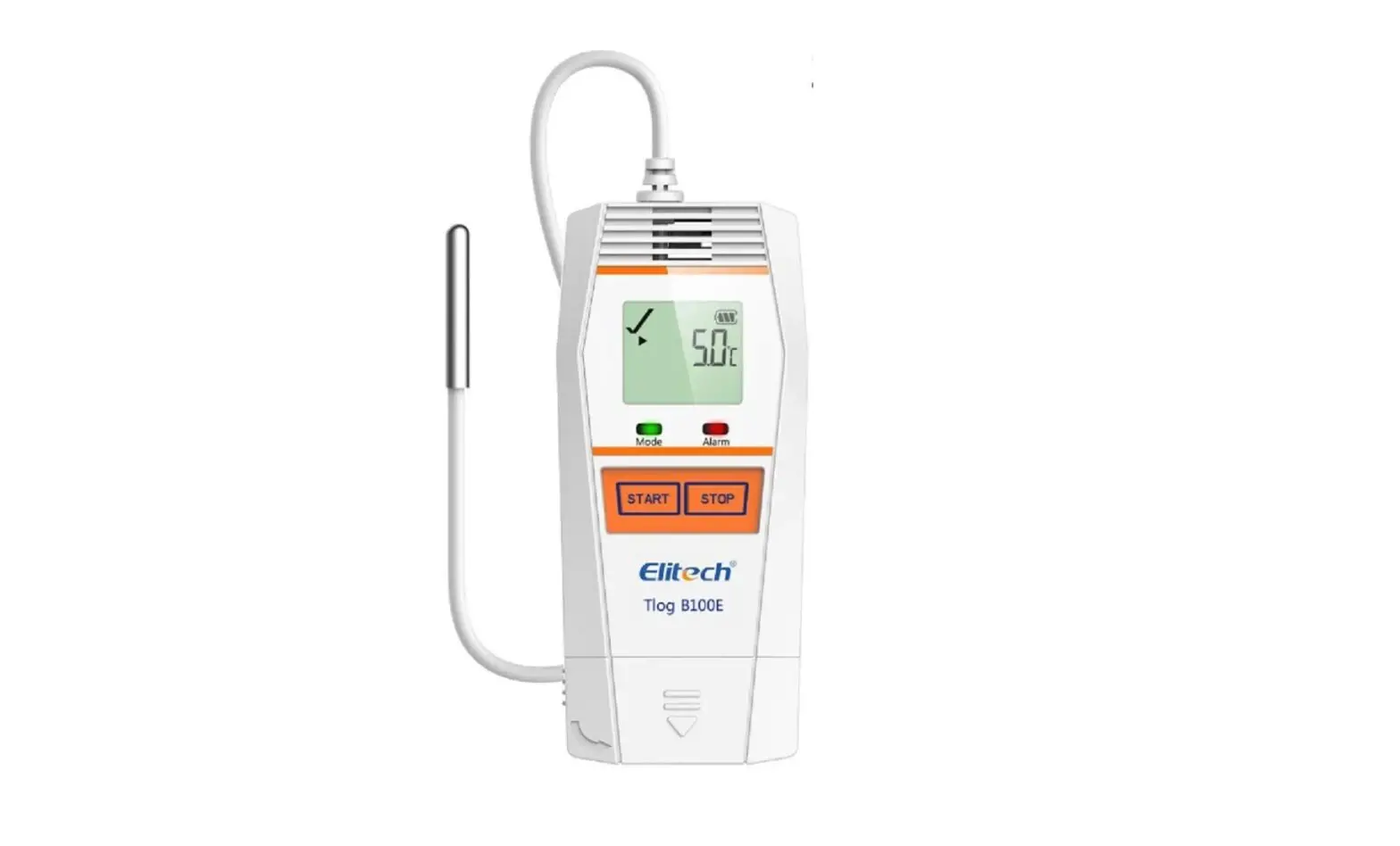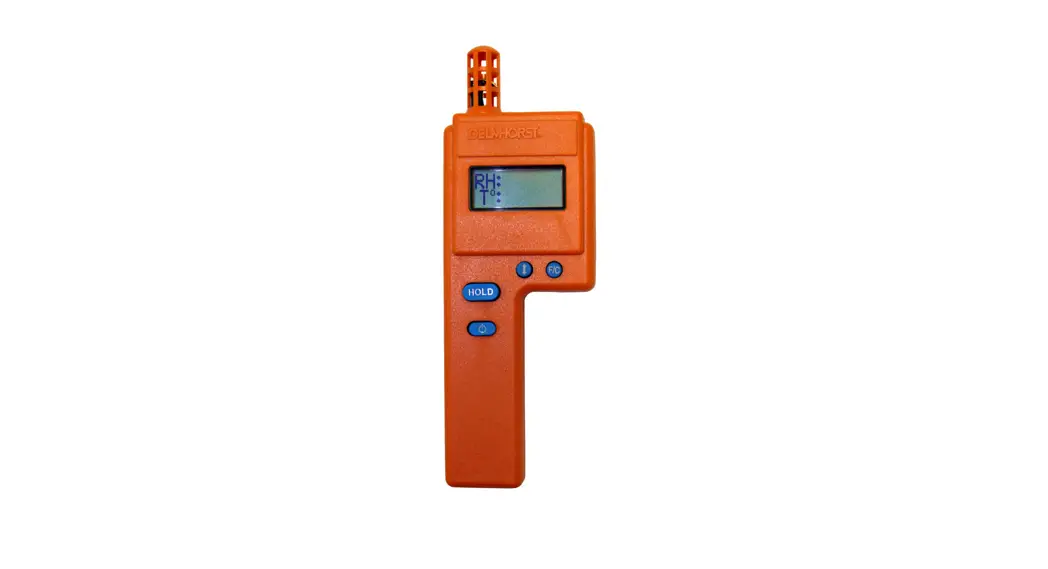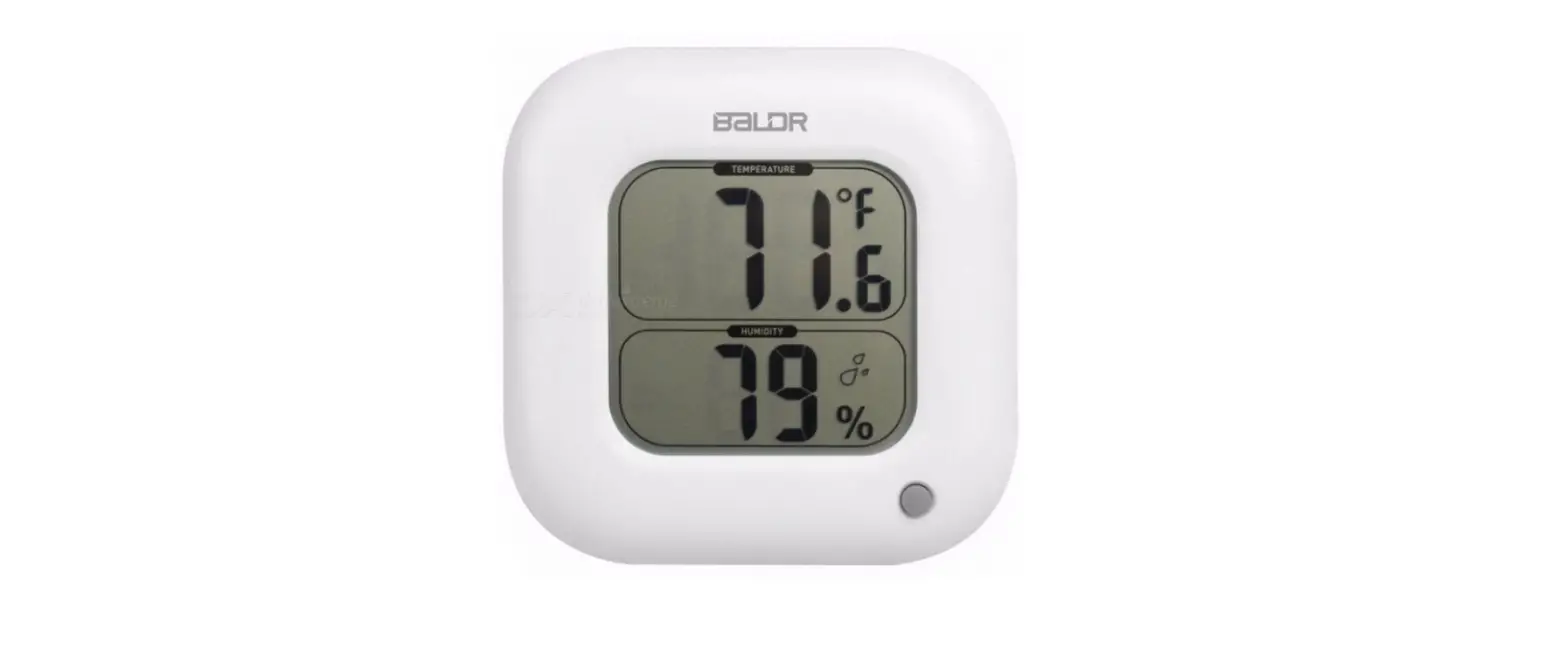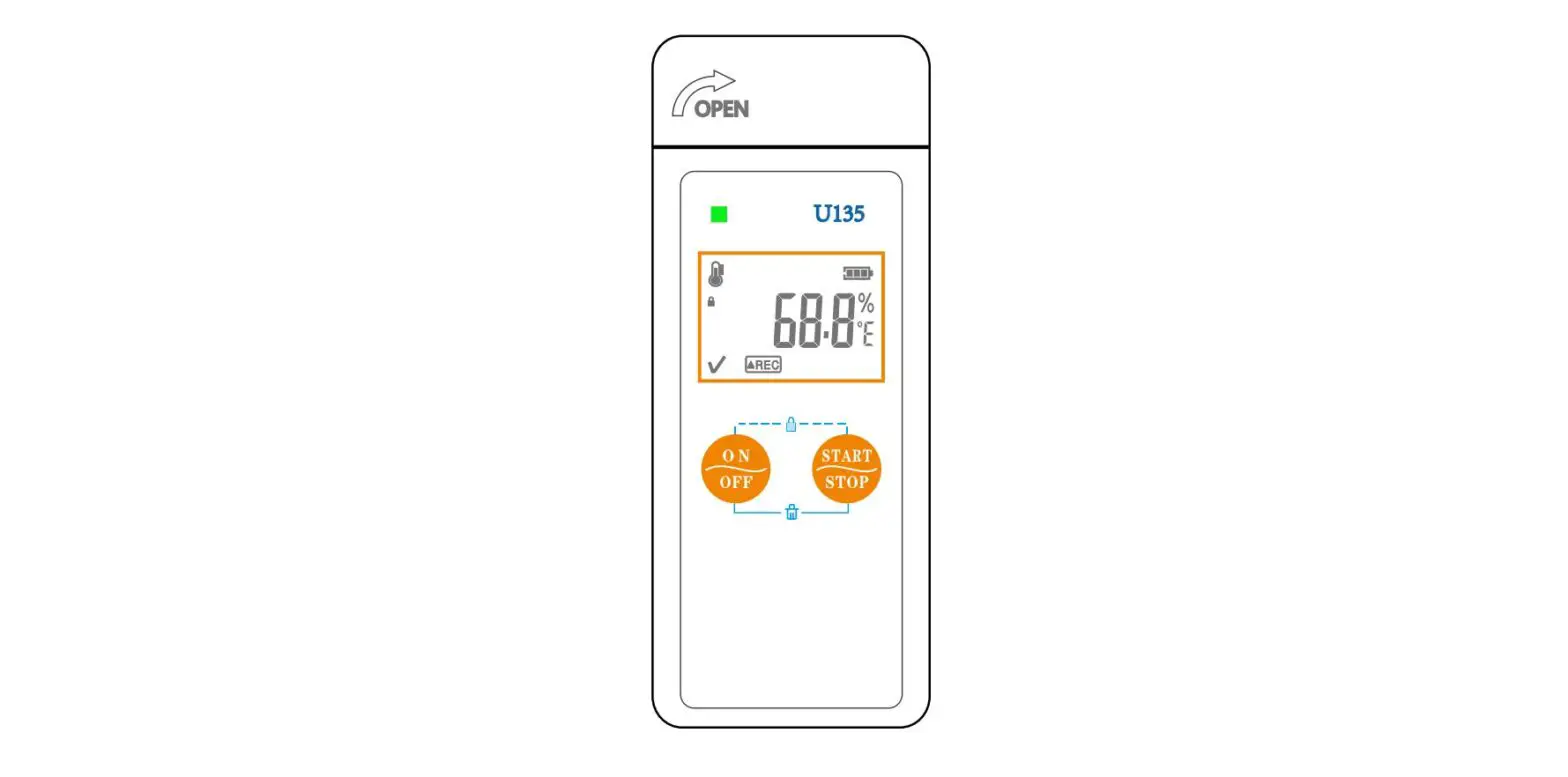
Thermo Hygro HDL-U11410T Temperature Logger
User Manual
Product overview
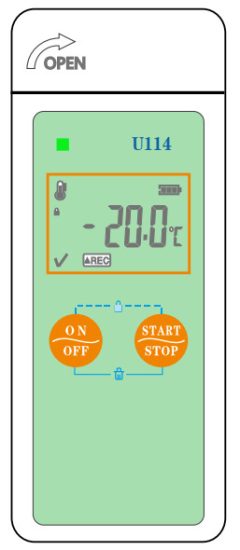
The logger is U114 mainly used to monitor and record the temperature (-20 to 60 °C) data of food, medicine, chemical supplies, and other objects during storage and transportation.
They are widely used in various cold chains of storage and logistics, such as refrigerated containers, refrigerated trucks, refrigerated packages, cold storage, laboratory, etc.
Technical parameters
- Temperature unit: °C or °F optional (selected from our software);
- Temperature range: -20°C – +60°C;
- Resolution: 0.1°C;
- Temperature accuracy: ±0.5°C (-20°C – +40°C), ±1°C for others;
- Sensor type: NTC;
- Record capacity: 48000 points;
- Record interval: lOs – 24h adjustable;
- USB interface: USB 2.0;
- File type: TXT;
- Battery: CR2450 battery;
- Battery life: 1 year ( 20°C environments with record interval min);
- Protection grade: IP65;
Product diagram
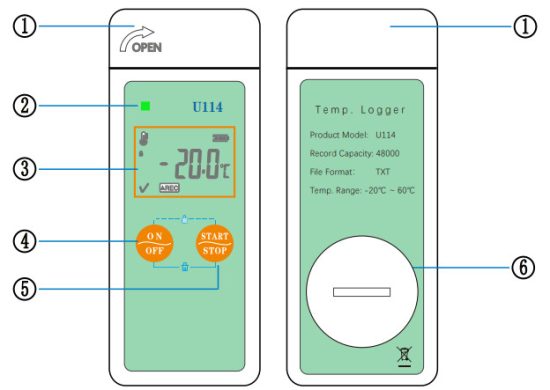
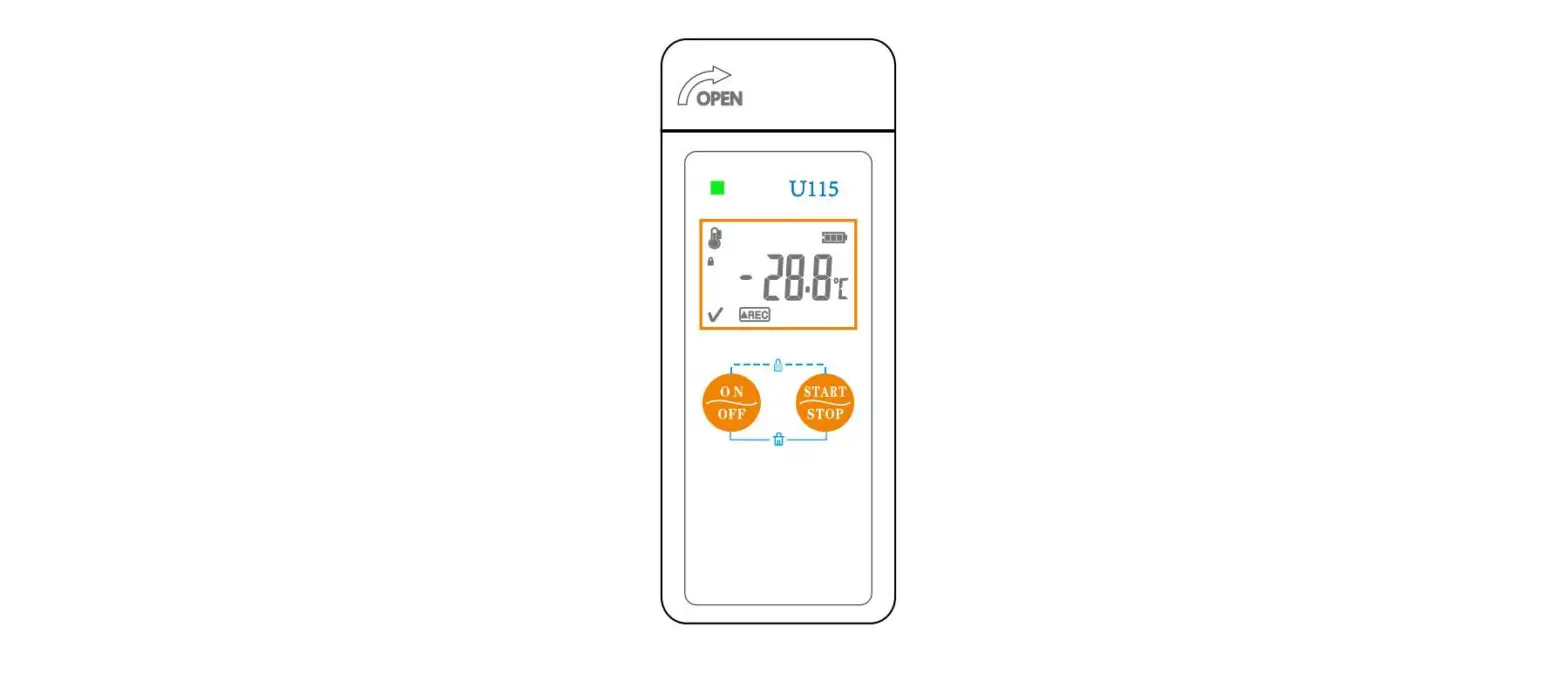
- USB protection cover
- Device indicator
- LCD screen
- Left key
- Right key
- Battery cover
Specification
Logger Dimension: 101 mm * 40 mm * 11.5 mm (H * W * D) Packing Dimension: 127 mm * 74 mm * 26 mm (H * W * D)
Battery Diagram
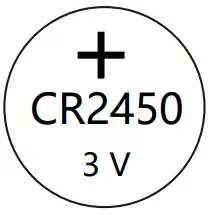 Battery positive pole This side outside when installing the battery
 Battery negative pole This side inside when installing the battery
Initial use
- Open the battery cover at the back of the product, install the battery with battery negative pole inside, then tighten the cover;
- Download and install our software on a Windows OS PC, Running it;
- Insert the USB logger to a computer by the USB port;
- Wait until the software auto-scanning the USB logger, and calculate the data arrays. (10s to 5 Mins); 5. Select the “parameter” Tab, and initialize the parameter configuration.
- Manually change the parameters according to your requirement, remember to save the parameters.
- Pull off the logger from the PC, ready for use.
Key instruction
- Turn On/Off: Hold the left key for 5s and then release it; the screen changes.
- Start/Stop Record: Hold the right for 5s and then release it; the screen will show the Rec/Stop;
- Check the Previous Item: Press and release the left key;
- Check the Next Item: Press and release the right key;
- Lock/Unlock keys: Press and release the two keys at the same;
- Wipe Data: Hold the two keys at the same time for 5s and then release them; All saved data will be wiped; Attentions
- Assure it is not recording now before Wipe Data:;
- Check the log counts to confirm empty or not; If failed, you need to enable the combination-keys delete function with the datalogger software from us.
LCD diagram
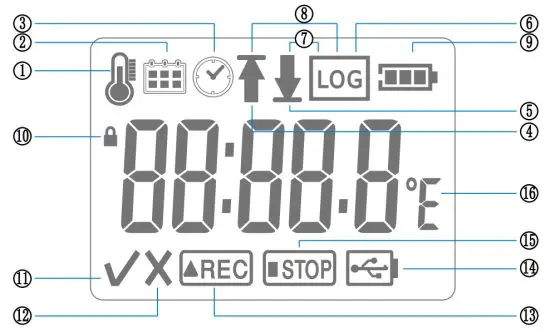
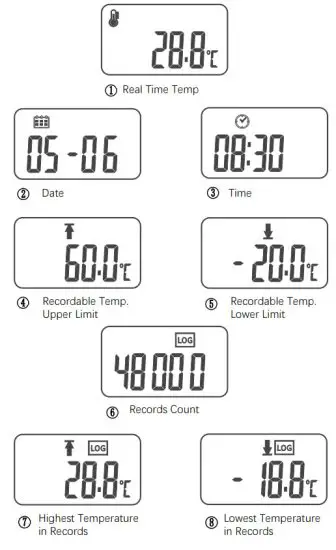
| 1. Temperature display interface | 9. Battery level |
| 2. Date display interface | 10. Keys lock icon |
| 3. Time display interface | 11. No alarm icon |
| 4. Upper limit display interface | 12. Over limit icon |
| 5. Lower limit display interface | 13. Record status icon |
| 6. Record points display interface | 14. USB connection status icon |
| 7. Lowest temperature record display interface | 15. Non-recording status icon |
| 8. Highest temperature record Iv display interface | 16. Temperature unit |
Battery level instruction
| Battery level | Remaining capacity |
 | 60% – 100% |
 | 20% – 60% |
 | 10% – 20% |
 | < 10% |
Note:
- When the remaining battery capacity is less than 20%, it is recommended to replace the battery to prevent inconvenience;
- When the remaining battery capacity is less than 10%, please replace the battery as soon as possible to prevent the battery from running out.
Factory default parameters
| Temperature unit: °C | Export file type: TXT |
| Time zone: UTC +8:00 | Report language: English |
| Start mode: start by pressing a key | Start delay: 0 min |
| Stop mode: stop by pressing a key | Temperature offset value: ±0.0°C |
| Temperature upper limit: 60.0°C | Temperature lower limit: -20.0°C |
| Normal record interval: min | Overlimit record interval: 30s |
| Circular log: enabled | Multiple starts: enabled |
| Long-press keys to delete data: enabled | Reset record after finishing configuration. disabled |
| LCD always on: timing off | Alarm setting: no alarm |
| Trip No.: XC000000 | Trip description: NULL |
Pressing Key indicates Hold the key for 5s.
Device standard list
- piece logger
- piece CR2450 battery
- piece user manual
Haswell Electronics & Haswell Trade
https://www.thermo-hygro.com
[email protected]
Copyright Haswell-Haswell All Rights Reserved