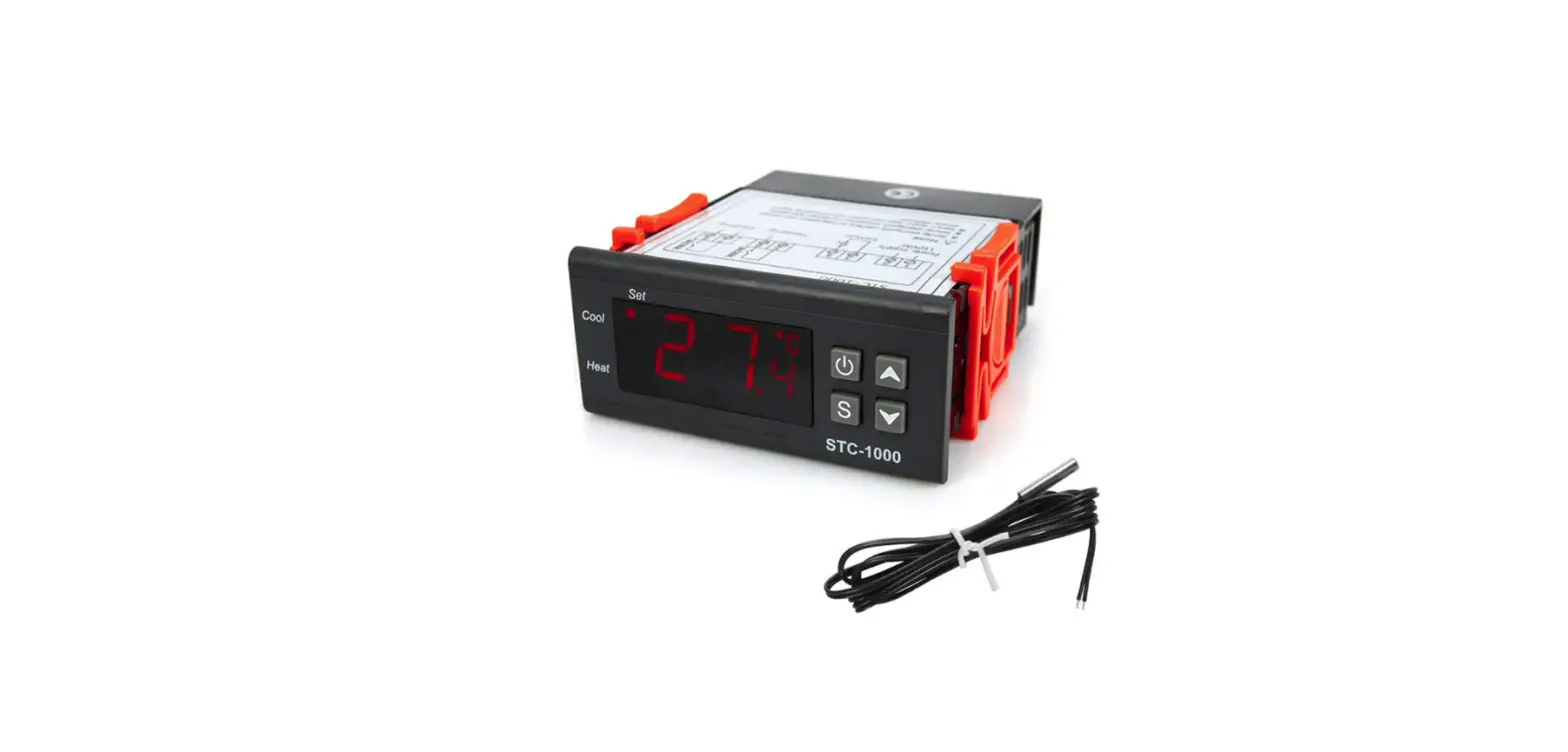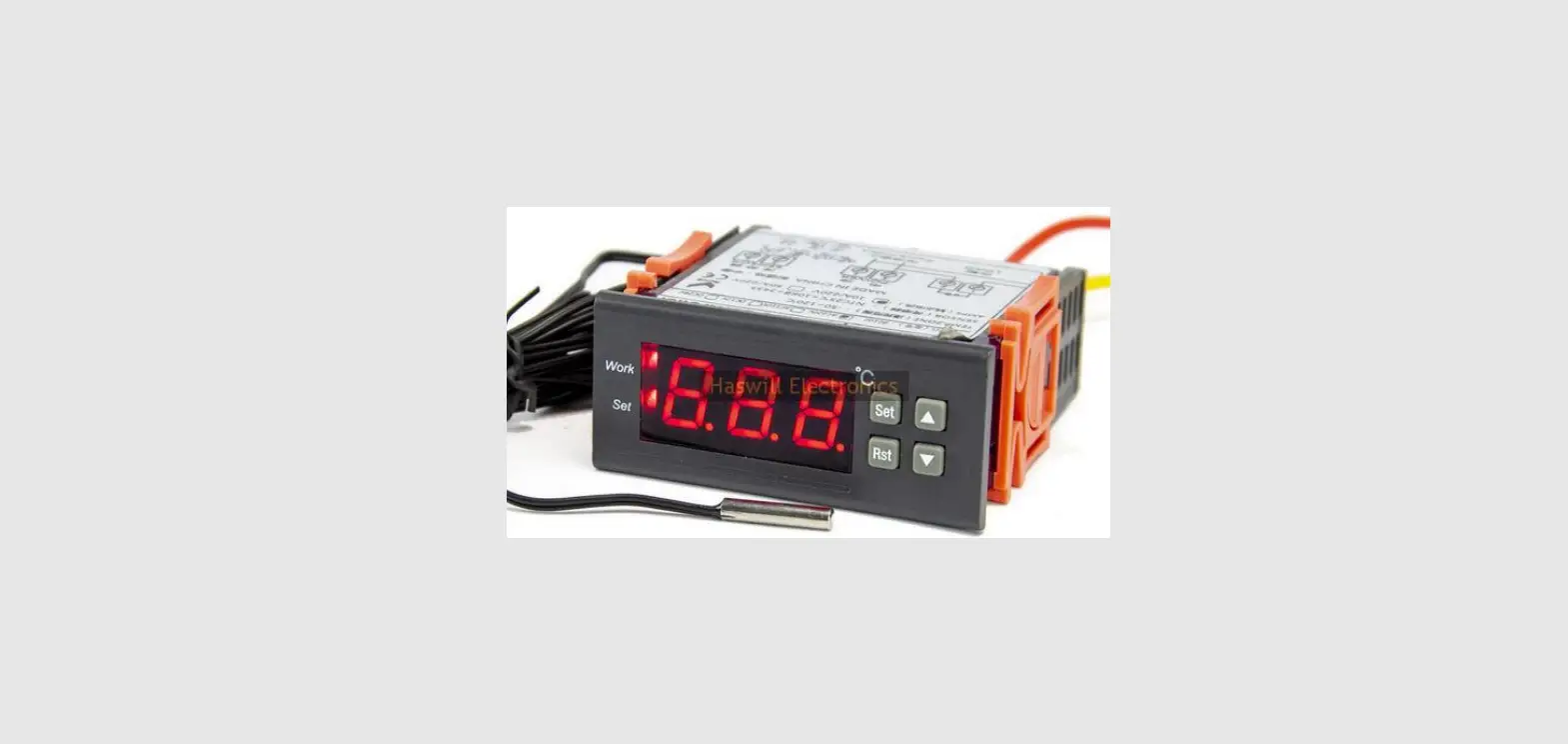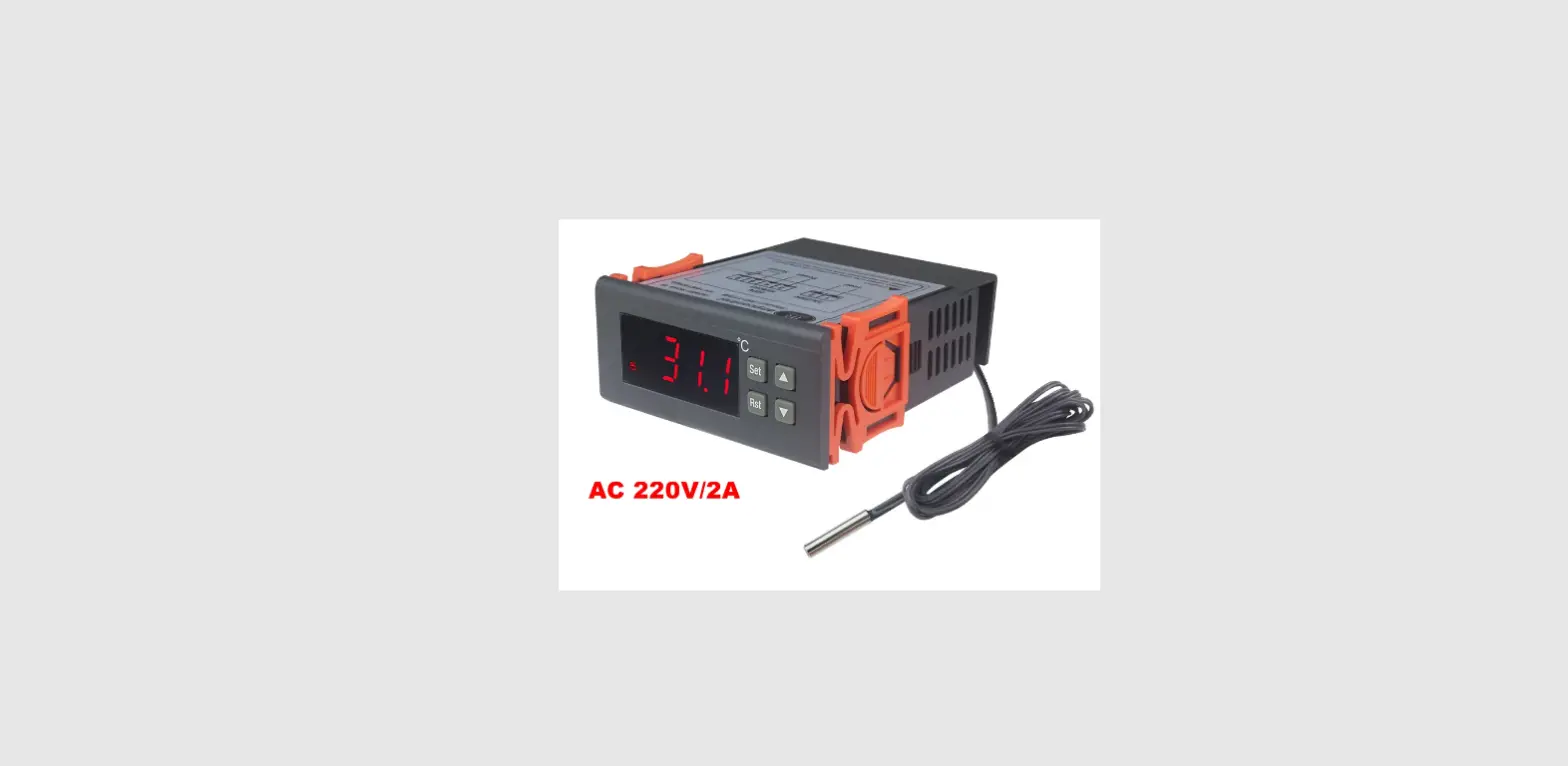
Thermo Hygro AL8010H Thermostat
User Guide
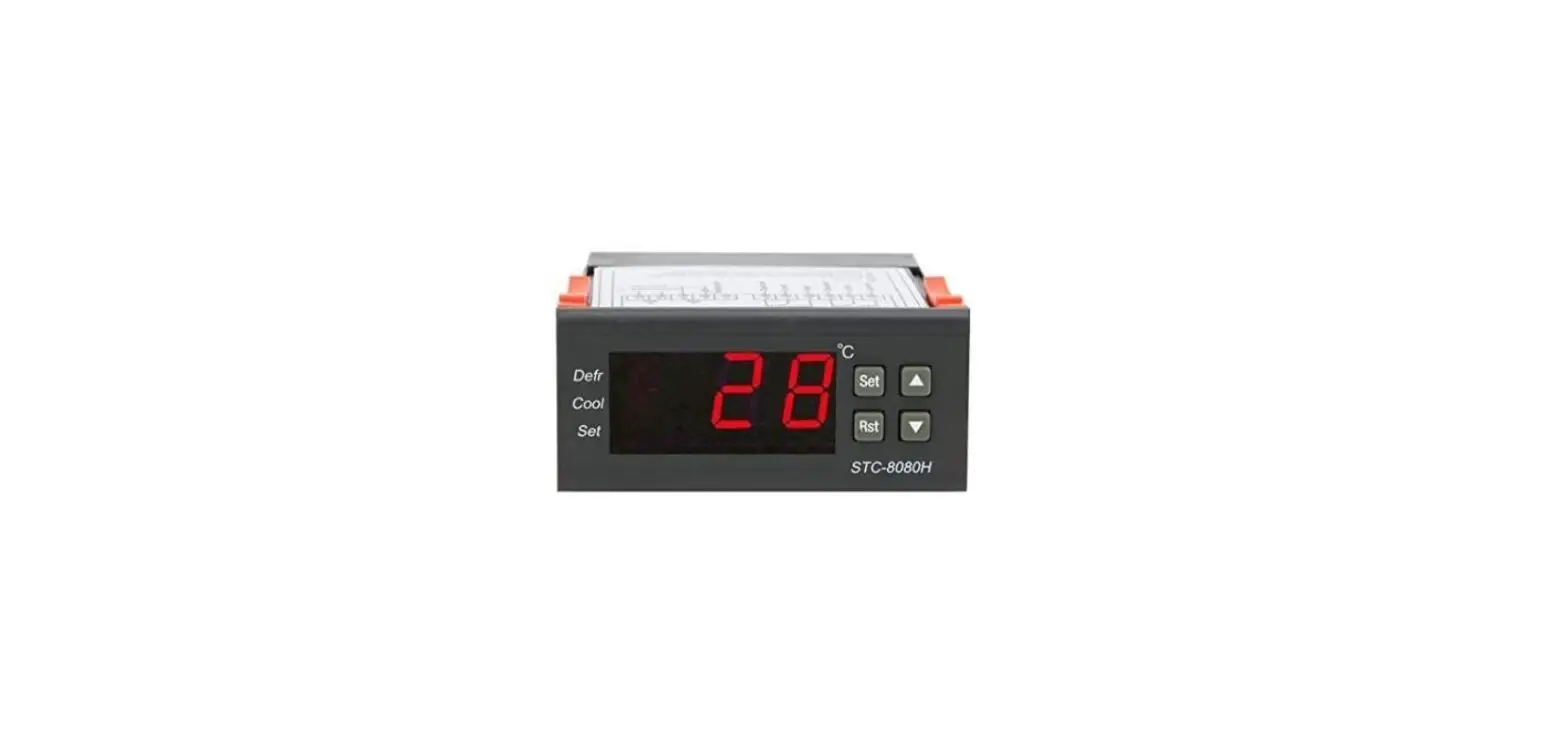
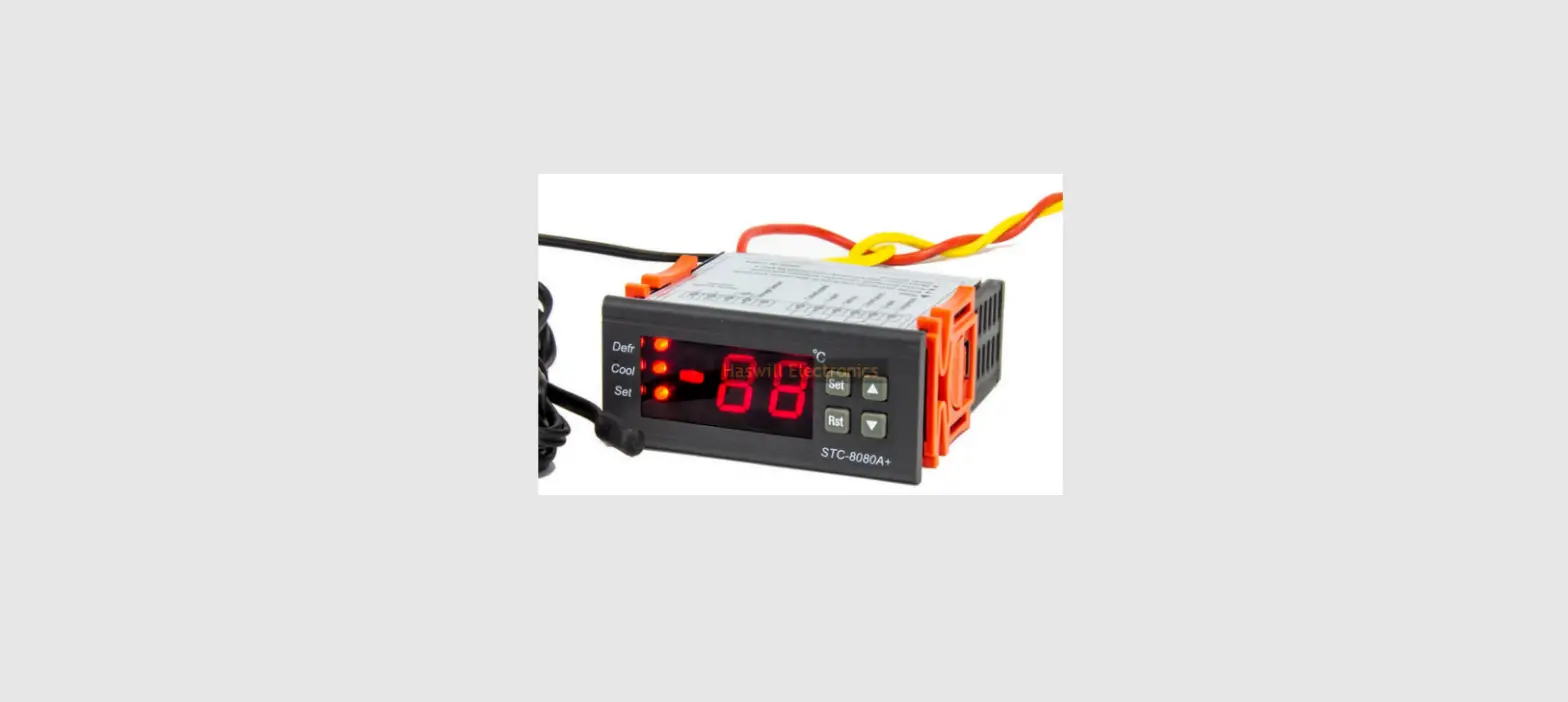
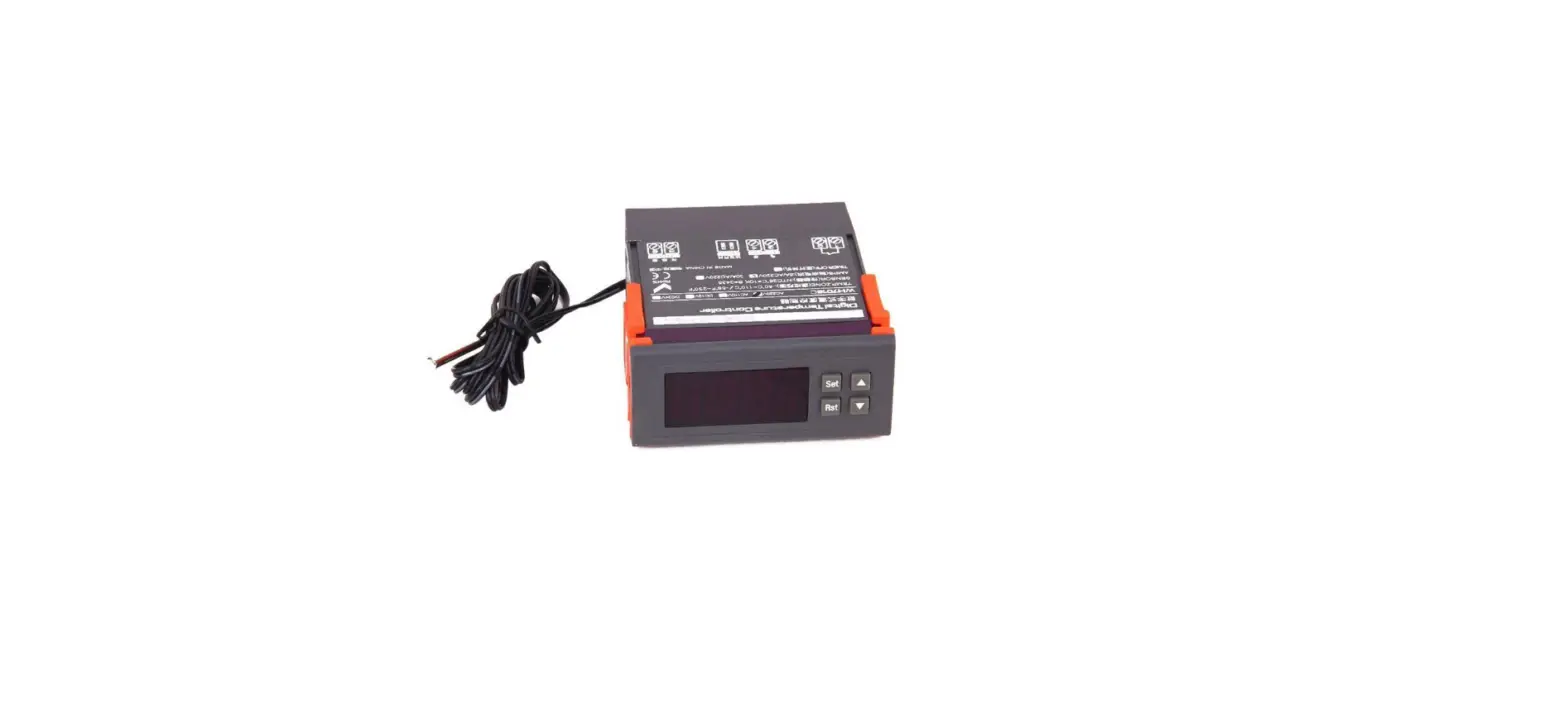
AL8010H thermostat owns one 30A output relay to control the power supply status of the heater, and the set-point temperature ranges from 0 to 300 ℃.
Wiring Diagram
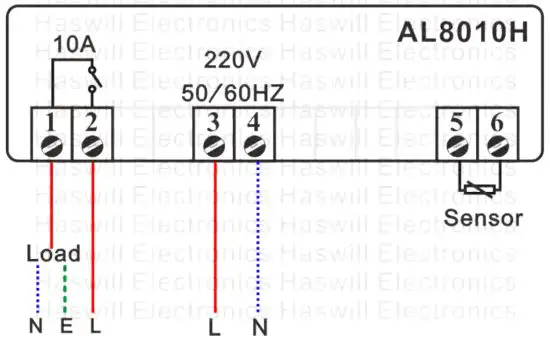
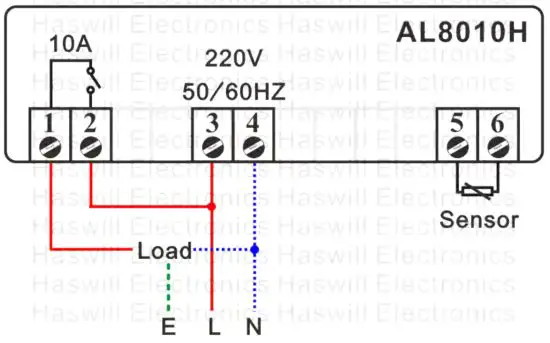
The input power of this controller and the load could be the same and different, hence exist two wiring diagrams;
But please keep in mind that the voltage for this controller must same as the diagram shows:
Different Voltage
Same Voltage
| Code | Description |
| Refrigeration or Heating Mode | |
| Temp Hysteresis / Return Difference | |
| Lower Limit for SP | |
| Upper Limit for SP | |
| Temperature Calibration | |
| Protection Delay Time for Refrigeration |


Set the Aimed Temp Range
The aimed temperature range consists of two parts:
- “SP –
 ” is the bottom line and
 - “SP +” is the top line,
So, you need to set both the “SP” and the “ ”.
”.
Set the “SP” value
Press the  key to see the SP value;
Press the  or
or key to change it;
Press the key to save new data.
If you found the “SP” cannot reach your ideal value, you must first change the range limitation (LS & HS ).
Set the “Hysteresis” Value?
Hold the key for 3s; you will see the code HC.
Next, press the direction key to find the “D.”
Press the key to see the current value and press the direction key to change it.
At last, press the key to save the new data.
Load Works Conditions
- When HC = H, works if
• Sensor Temp. ≤ SP – Temp. Hysteresis (D) - When HC = C, reach all the below conditions
• The time should be later than the compressor’s last stops moment + PT
• Sensor Temperature ≥ SP + D
Restore Factory Defaults
In normal status, hold both theand keys for 8s; you will see “YS” which means success.
This is not a step-by-step user manual;
It just shows the key points.
The new user should read the
Full-Content Version User Manual

https://www.thermo-hygro.com/
Haswell Electronics
AL8010H
Copyright Haswell-Haswell All Rights Reserved