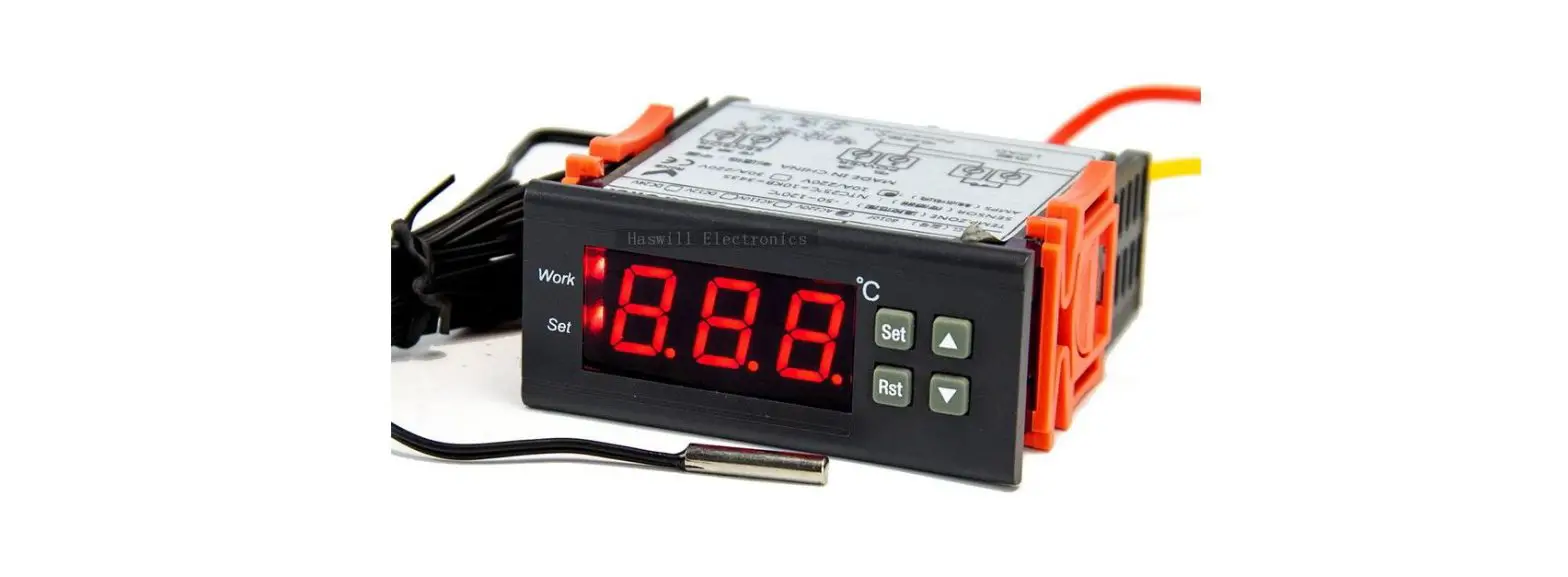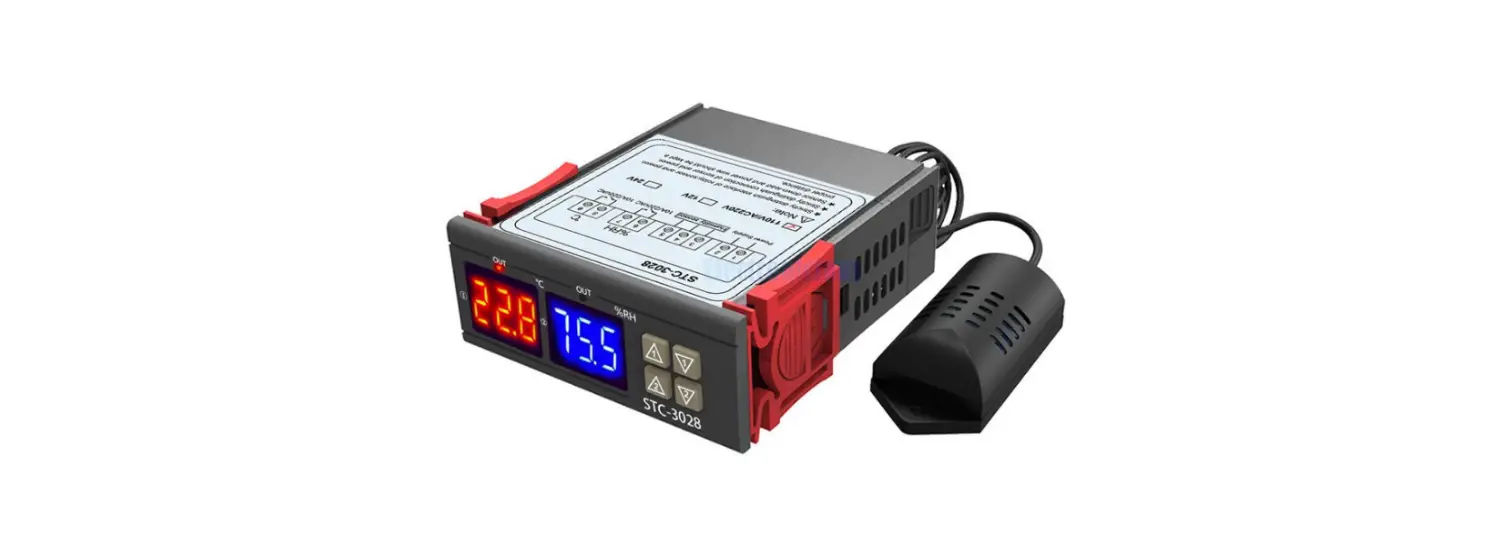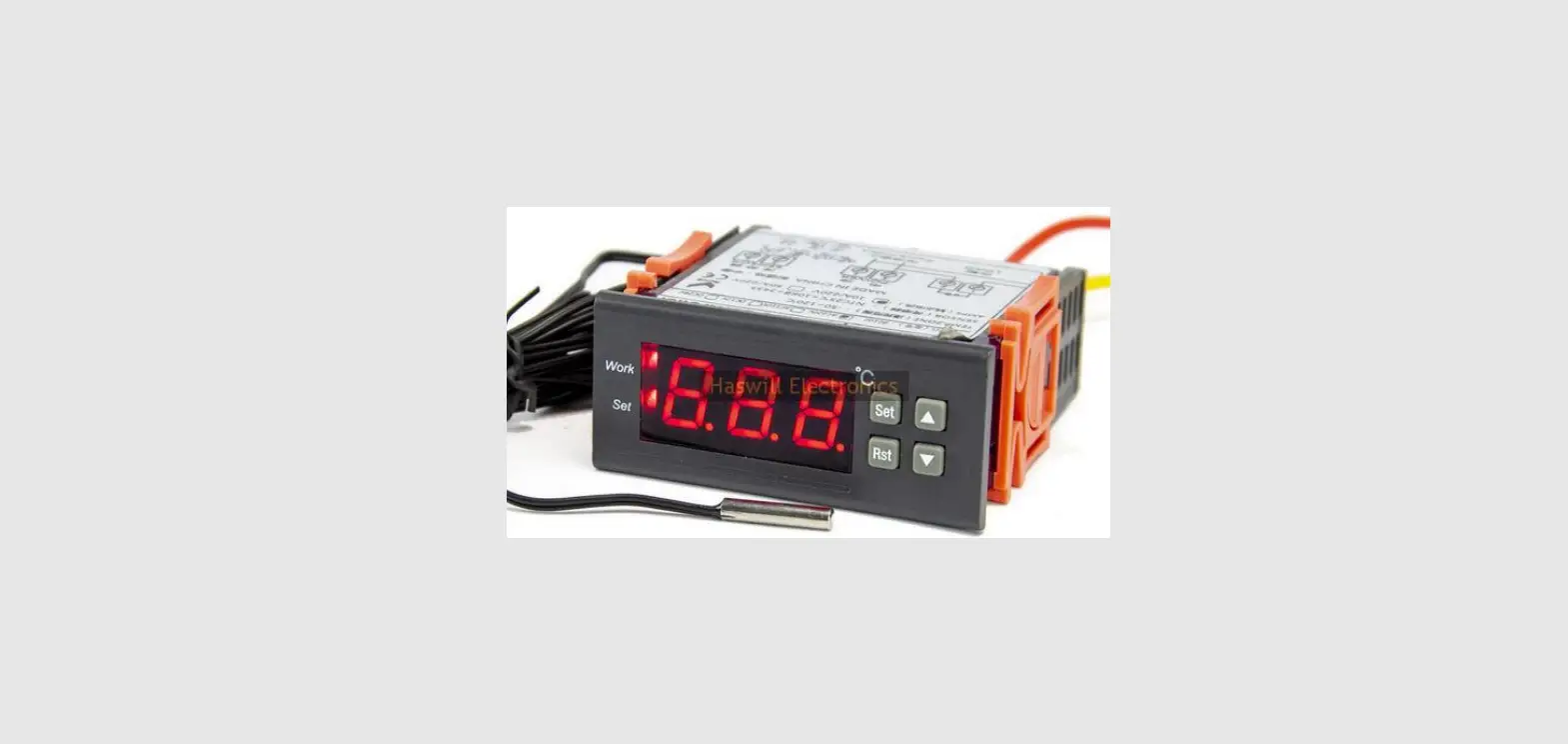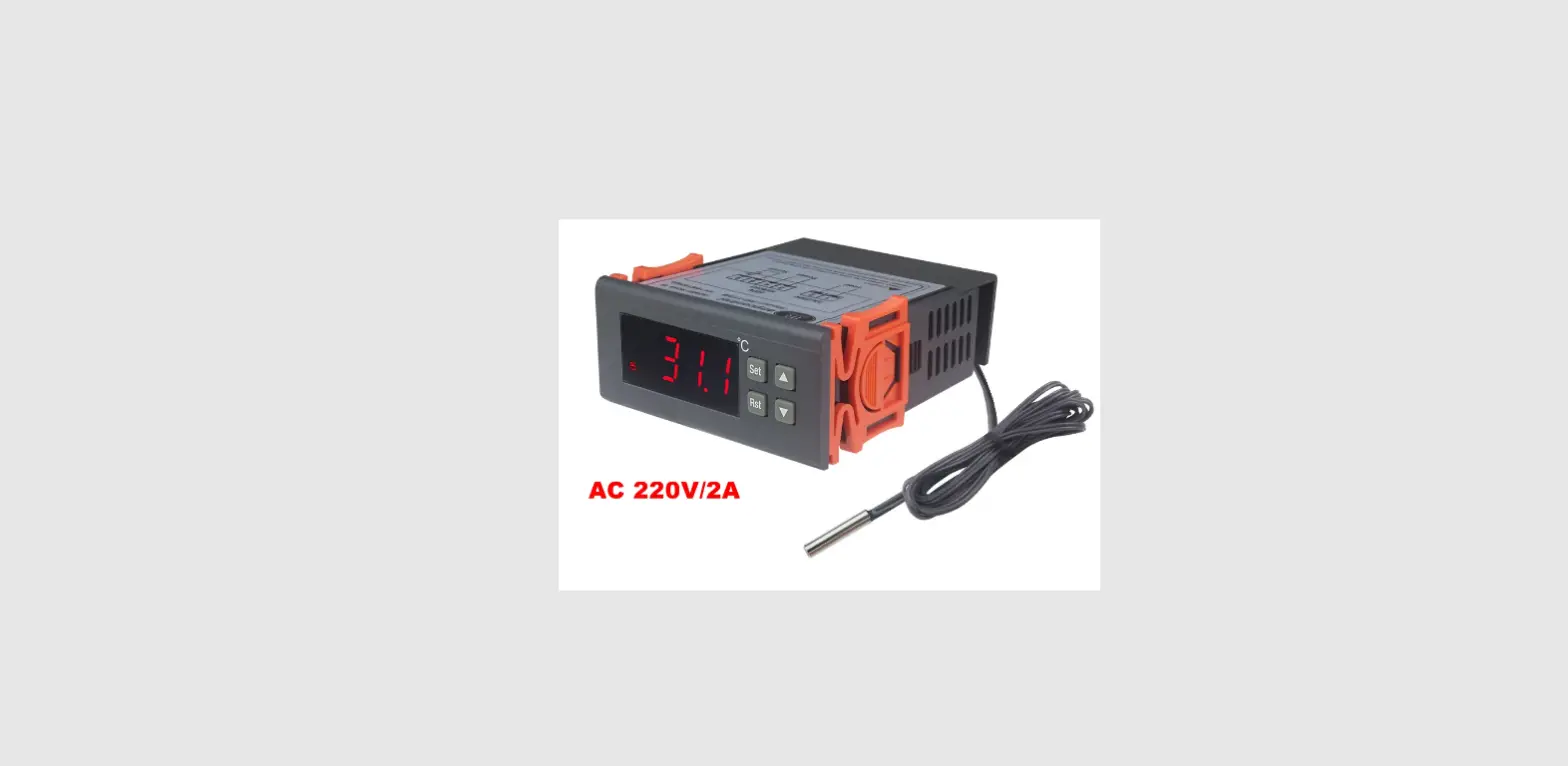

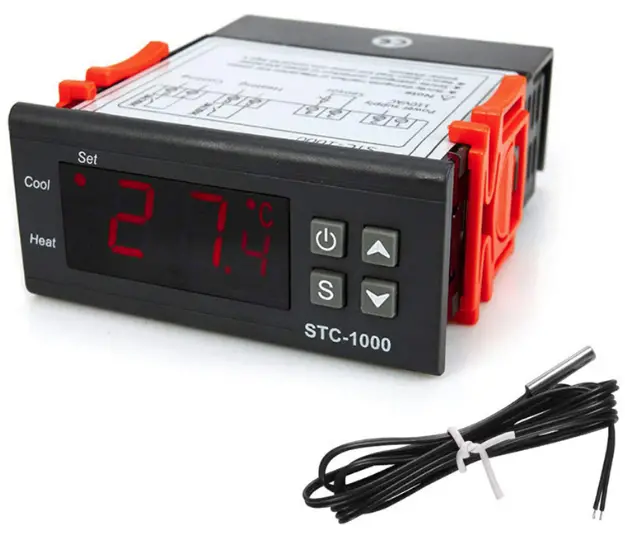
thermo-hygro AL8010F Refrigeration or Heating Digital Thermostat
Quick Start Guide
(Version 21.08.02GEN)
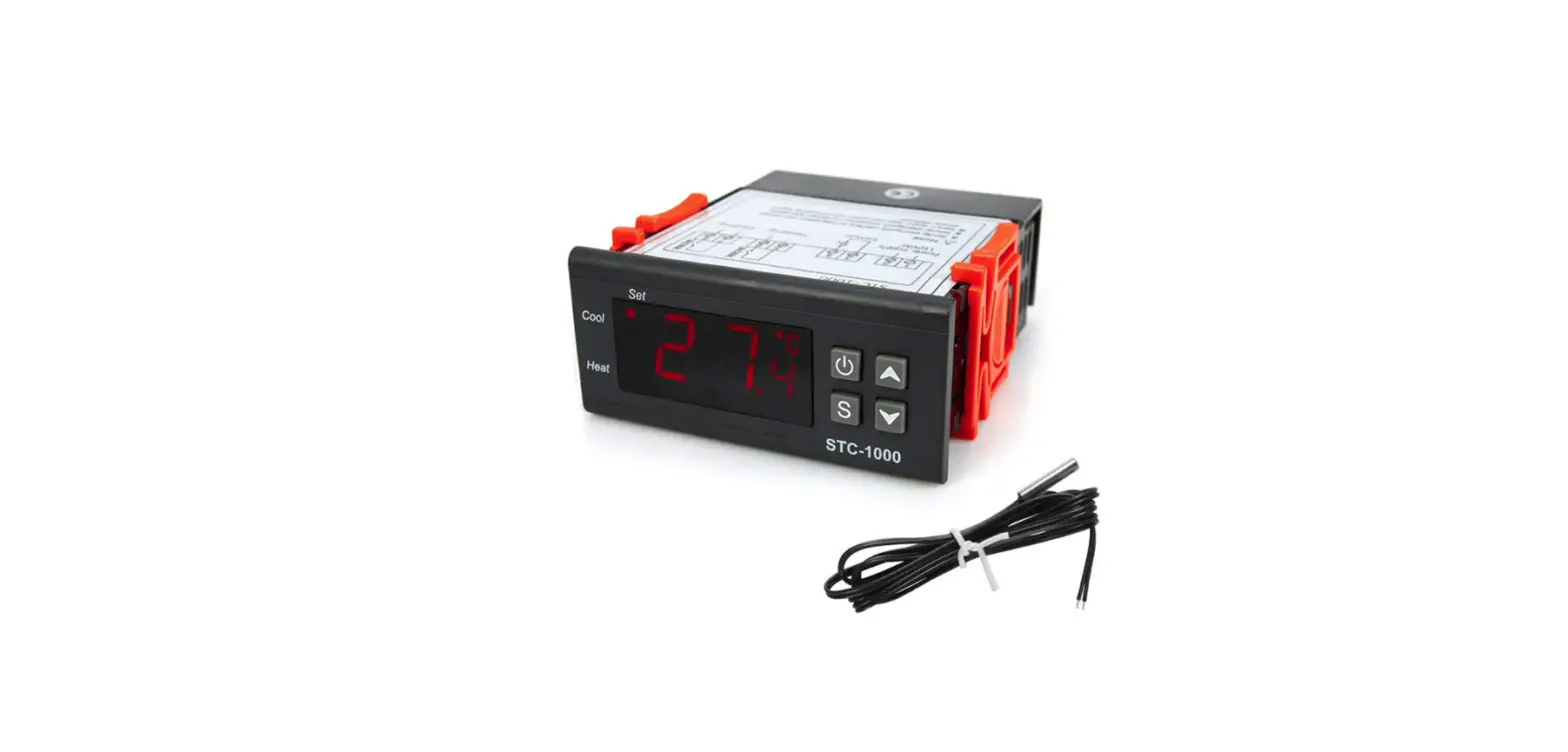
AL8010F thermostat owns one 10A output relay to control the power supply status of a heater or a refrigerator, and the set-point temperature ranges from -50 to 120 ℃.
Wiring Diagram
The input power of this controller and the load can be the same or different, hence exist two wiring diagrams; But please keep in mind that the voltage for this controller must same as the diagram shows:
With Different Input Voltage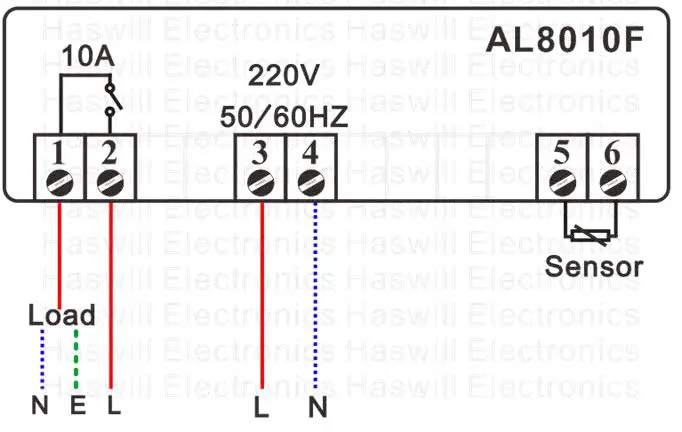
With Same Input Voltage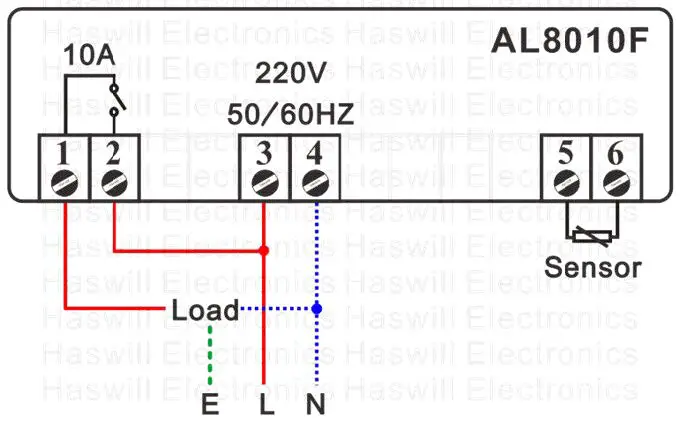
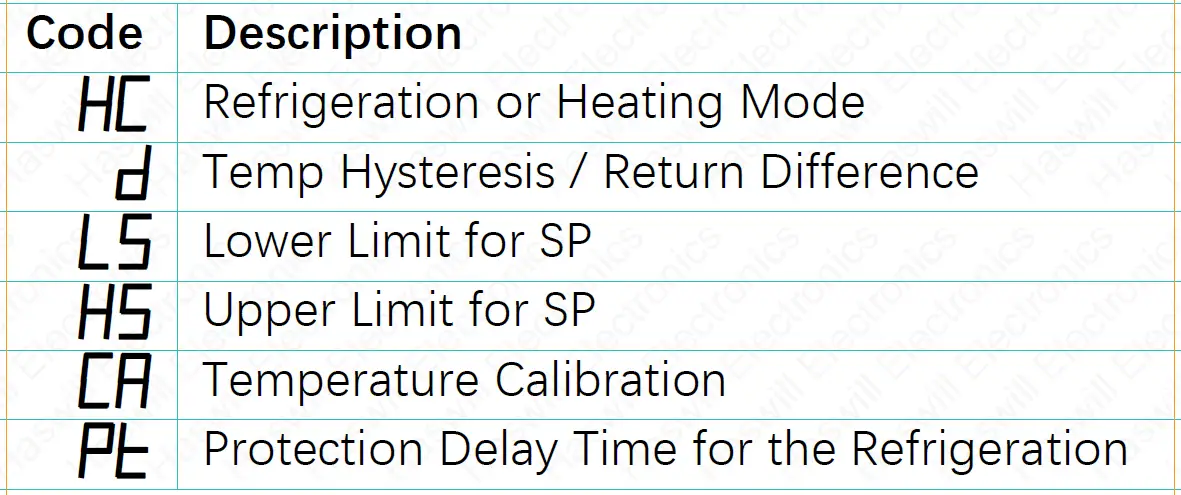
Set the Temperature
The aimed temperature range consists of two parts: “SP –D” as the lower limit, and “SP + D” as the upper limit; Thus, you need to set both the “SP” and the “D.”
Set the “SP” value
- Press the
 key to see the SP value;
 - Press theor key to change it;
- Press the key to save new data.
 key to save new data.
If you found the “SP” cannot reach your ideal value, you must first change the range limitation (LS & HS).
Set the “Hysteresis” Value?
Hold the key for 3s; you will see the code
HC.
- Next, press the direction key to find the “D.”
- Press thekey to see the current value and
- press the direction key to change it.
- At last, press thekey to save the new data.
Conditions for load work
if HC = H, works if
- Sensor Temp. ≤ SP – D
if HC = C, reach all below
conditions
- The time should be later than the compressor’s last stops moment + PT
- Sensor Temperature ≥ SP + D
Restore Factory Defaults
In normal status, hold both the  and
and  keys for 8s; you will see “YS” which means success.
This is not a step-by-step user manual; It just shows the key points. The new user should read the Full-Content Version User Manual
Haswill Electronics
AL8010F Thermostat Copyright Haswill-Haswell All Rights Reserved
 Haswill Electronics - Digital Temperature meter, controller and data Logger from China