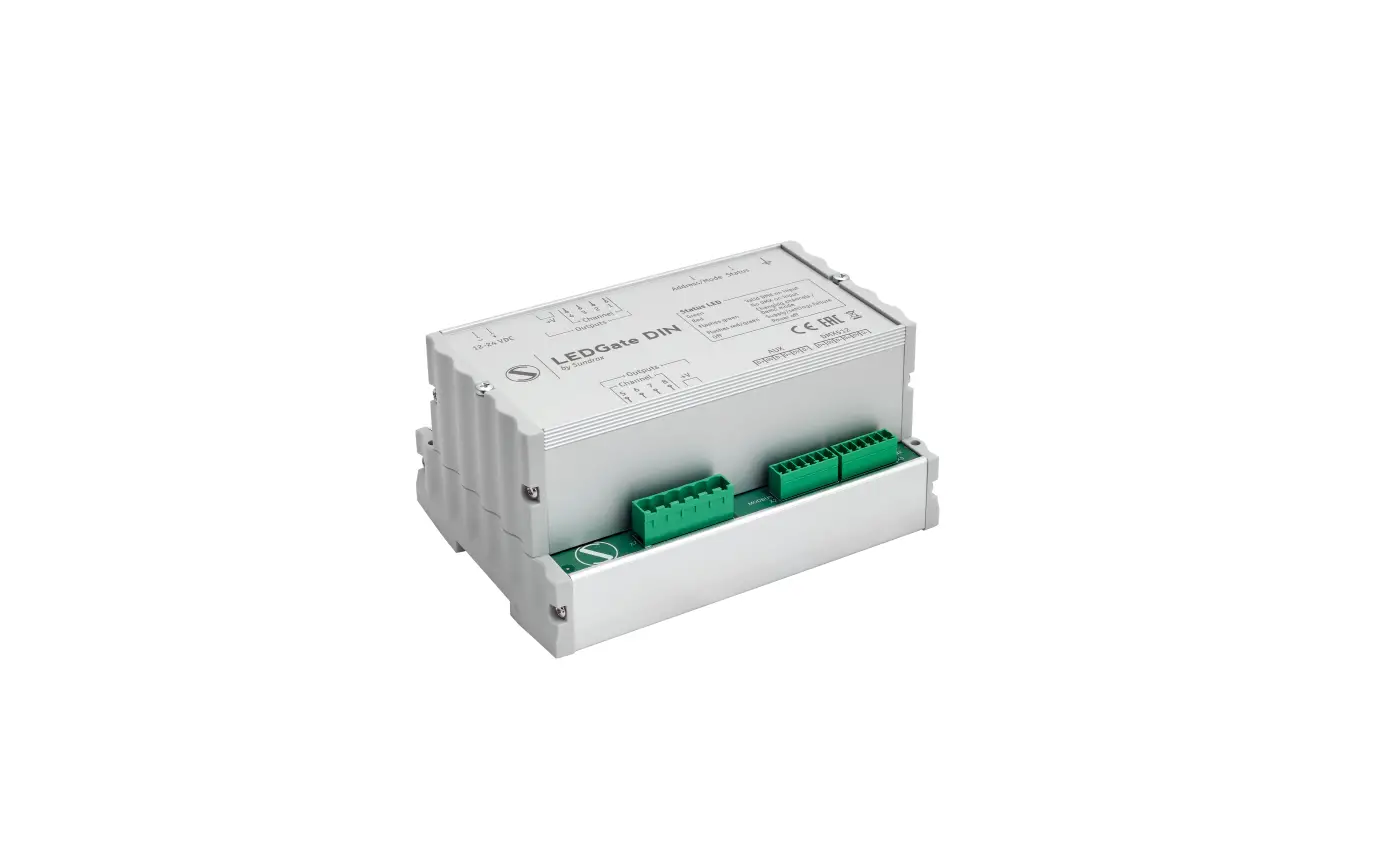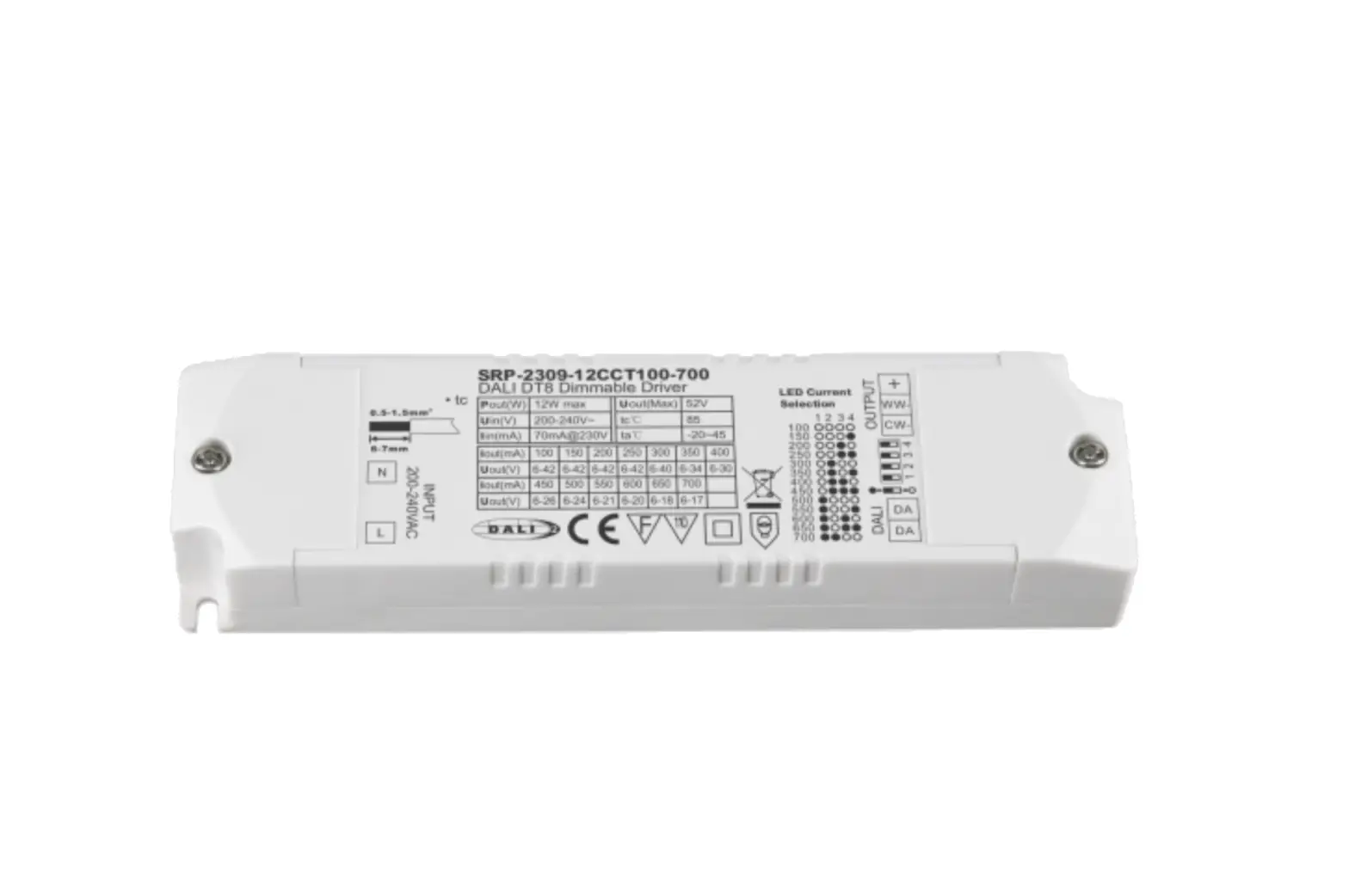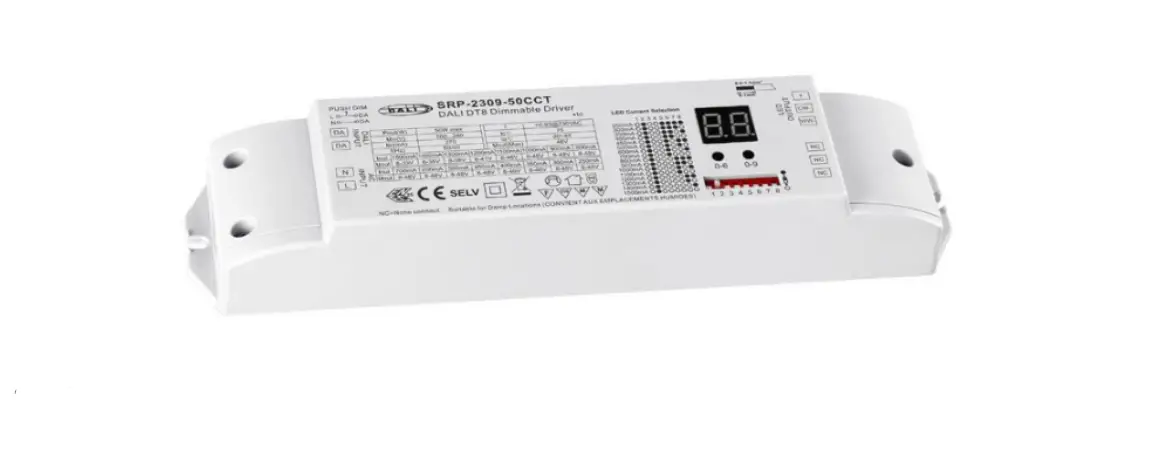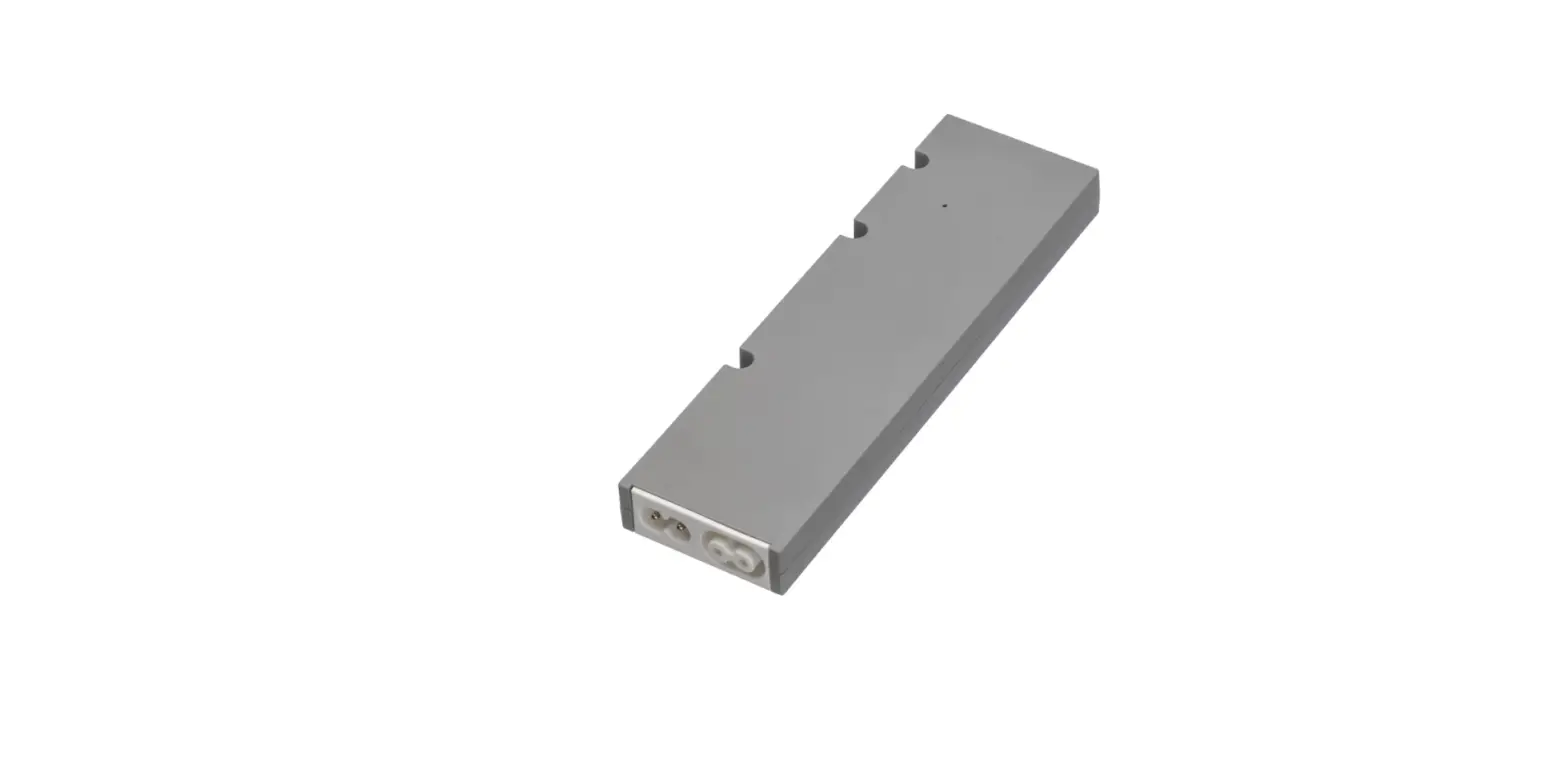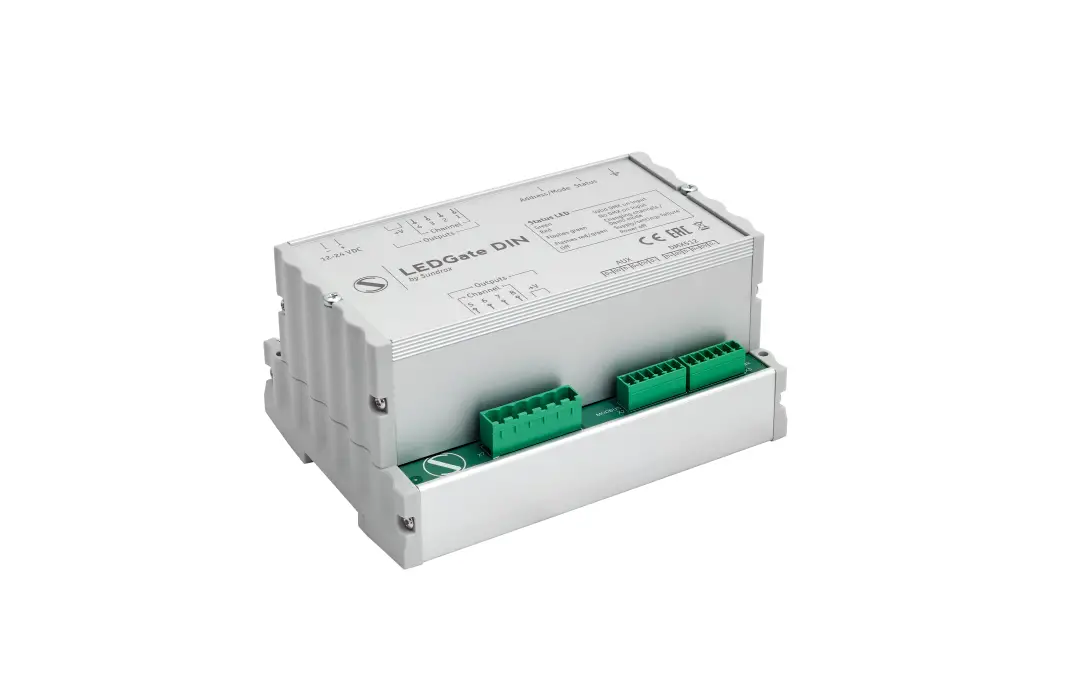
SUNDRAX LGD-1-D8LED LEDGate DIN Compact LED Driver User Manual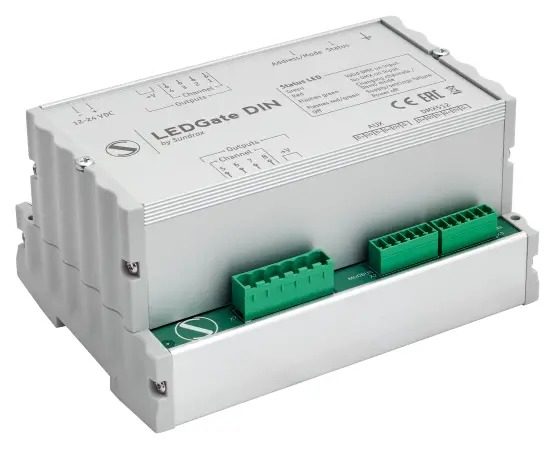
Safe operation
To ensure safe and reliable operation of the devices, please observe the following requirements
Use the device only for its intended purpose
Do not use devices that show signs of malfunctioning
Avoid strong physical impacts on the device
Protect devices and cables from contact with corrosive liquids
Whenever a fault is detected in the device, please contact the manufacturer.
General information
LEDGate DIN is compact LED driver with DMX512/RS-485 input. Powered from 12/24 VDC source, LEDGate is capable to control and dim 4 or 8 output lines for direct connection with LED equipment: duralight, driverless LED luminaires, etc, with independent short-circuit protection on each channel.
Depending on selected mode, each output channel can be controlled by 1(8-bit logarithmic) or 2(16-bit linear) DMX addresses. In 8-bit mode each device uses 8 DMX addresses while in 16-bit mode each device uses 16 DMX addresses, where first address for each channel corresponds to high byte of intensity and second address- to low byte of intensity.
Thanks to innovative embedded algorithms, LEDGate provides a smooth, stepless regulation in full range of intensity.
Advantages
Smooth light regulation
8-bit and 16-bit DMX control
Independent short-circuit protection on each channel
Direct connection with LED equipment
Installation
Before mounting and power up, it is necessary to verify protective earthing and cable connections.
- Ensure the device has no damage due to transportation
- Mount device on DIN rail
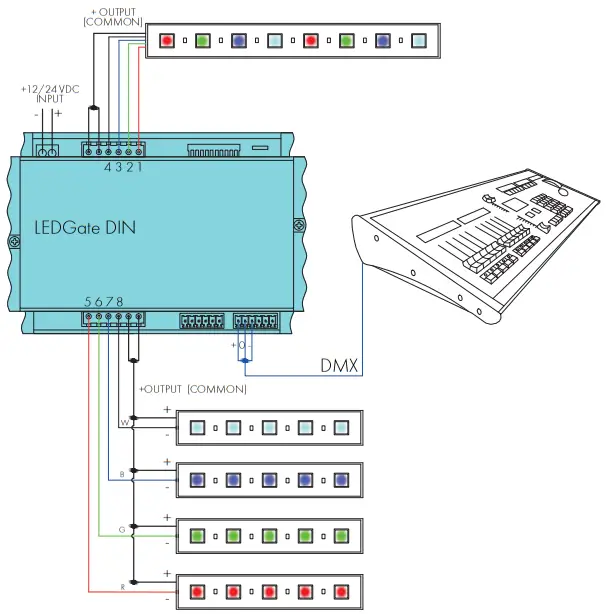
- Connect power cable, input DMX line and LED stripes
- Set device address using DIP-switcher. The range of valid addresses starts with 001, (default value) and ends on 505. Starting with this address, device will be controlled from external remote
RDM
Device supports DMX address assignment and 8/16 bit mode changing via RDM.
To select RDM address assignment mode, set all DIP-switcher sections to OFF. In other cases the actual DMX address will be indicated in RDM parameters anyway.
8-bit and 16-bit modes can be selected via RDM by choosing corresponding “device personality”.
Indication
| Red | lit blinks slow | Valid address, no DMX data Invalid address |
| Green | lit blinks | Valid address, DMX data transmitting Changed control DMX value |
| Red/Green | blinks fast | Supply voltage 25 percent below nominal. A restart is required |
Connection scheme
Technical maintenance
Maintenance, search and troubleshooting should be performed by service personnel.
The device should be free from dirt, dents, connecting cables and wires must be intact and securely fastened.
Specifications
| LED outputs | 4 or 8 |
| DMX512 interfaces | 1 |
| Additional port | RS-485 |
| Connectors | 2 EDGVC, 15 EDGVC |
| Control interface | DMX512 |
| Supported protocols | DMX512, RDM |
| DMX data refresh rate | 44 Hz |
| Power supply | 12/24 VDC |
| Max current per output | 10 A |
| Total current on outputs | 40 A |
| Max. power consumption | 1000 W |
| Operating Temperature | -40…+70°C |
| IP Rating | IP 20 |
| Dimensions, mm | 142 x 105 x 75 |
Sundrax Electronics
6008, First Central 200
2 Lakeside Drive, Park Royal, London
NW10 7FQ United Kingdom
+ 44 (0) 208 991 33 19
[email protected]
www.sundrax.com

 Sundrax Electronics - Professional Lighting Management