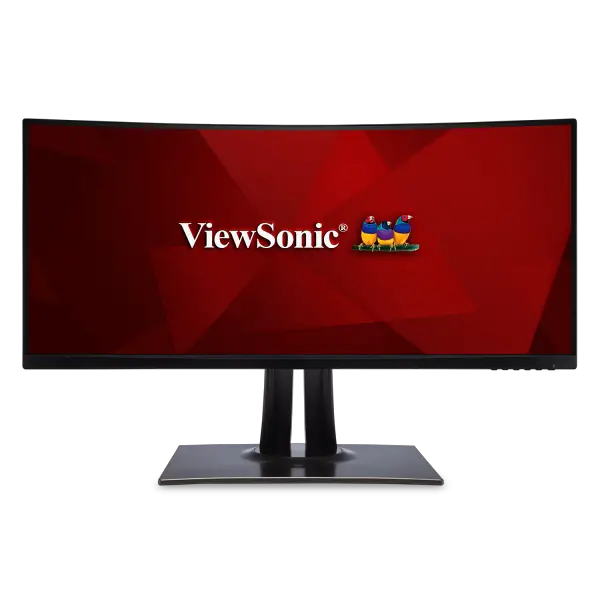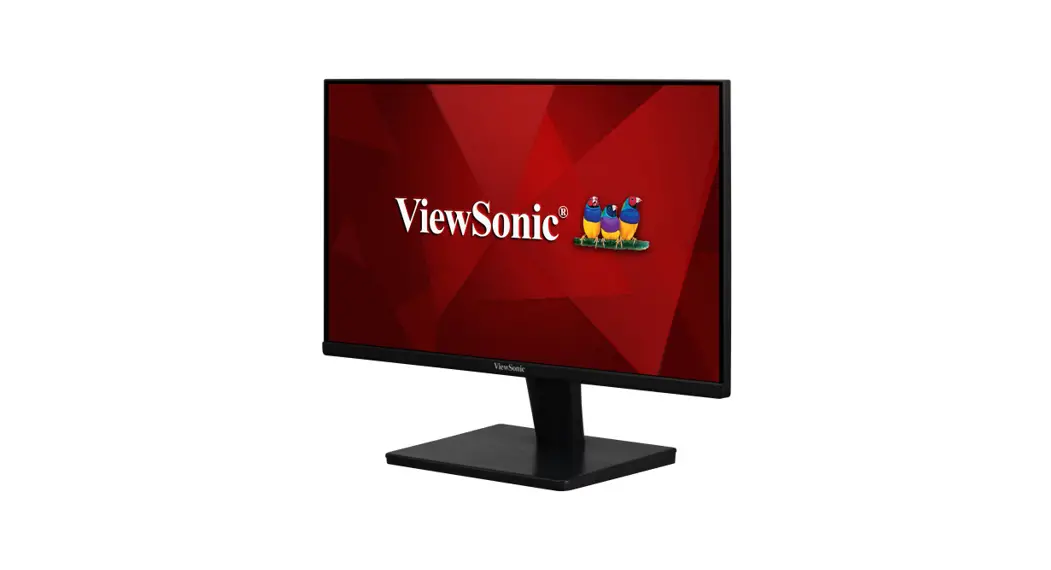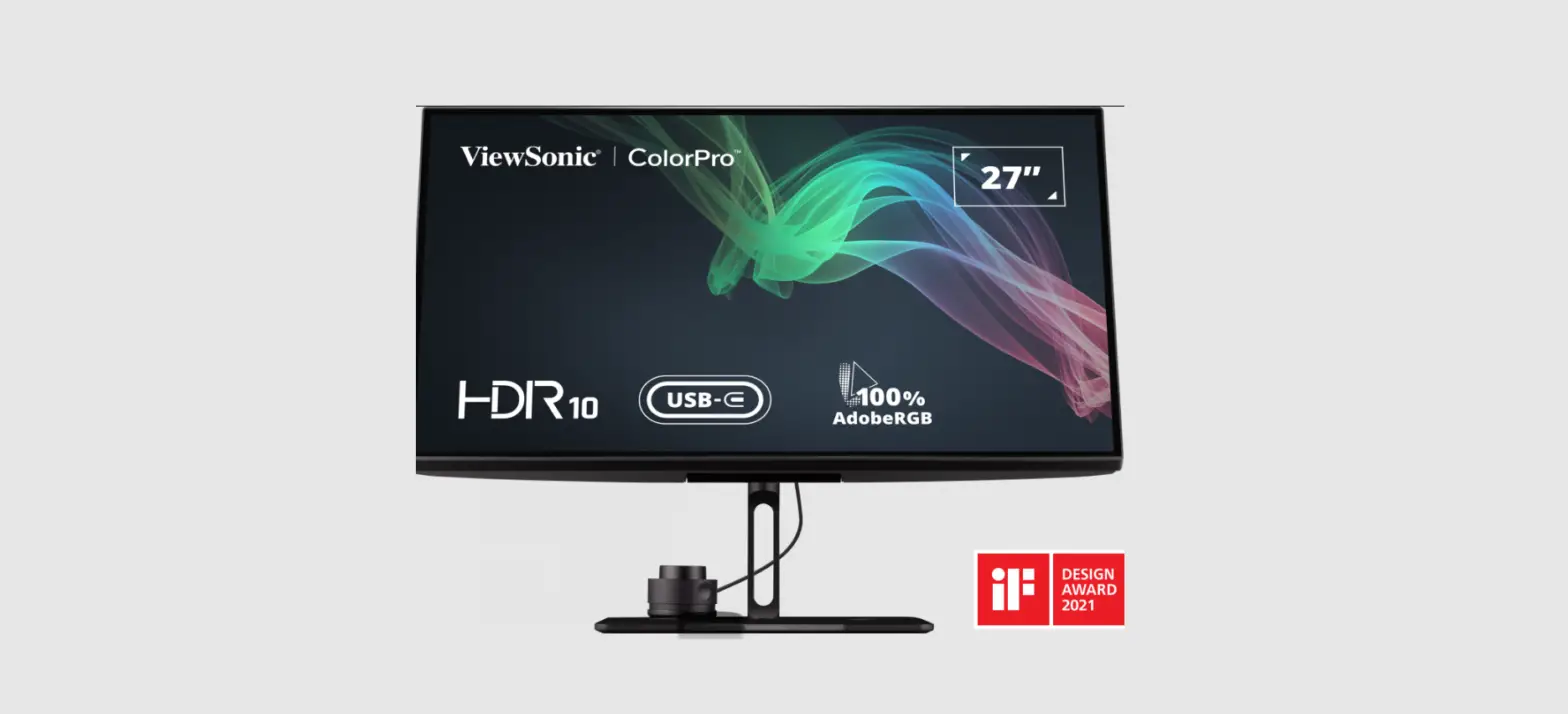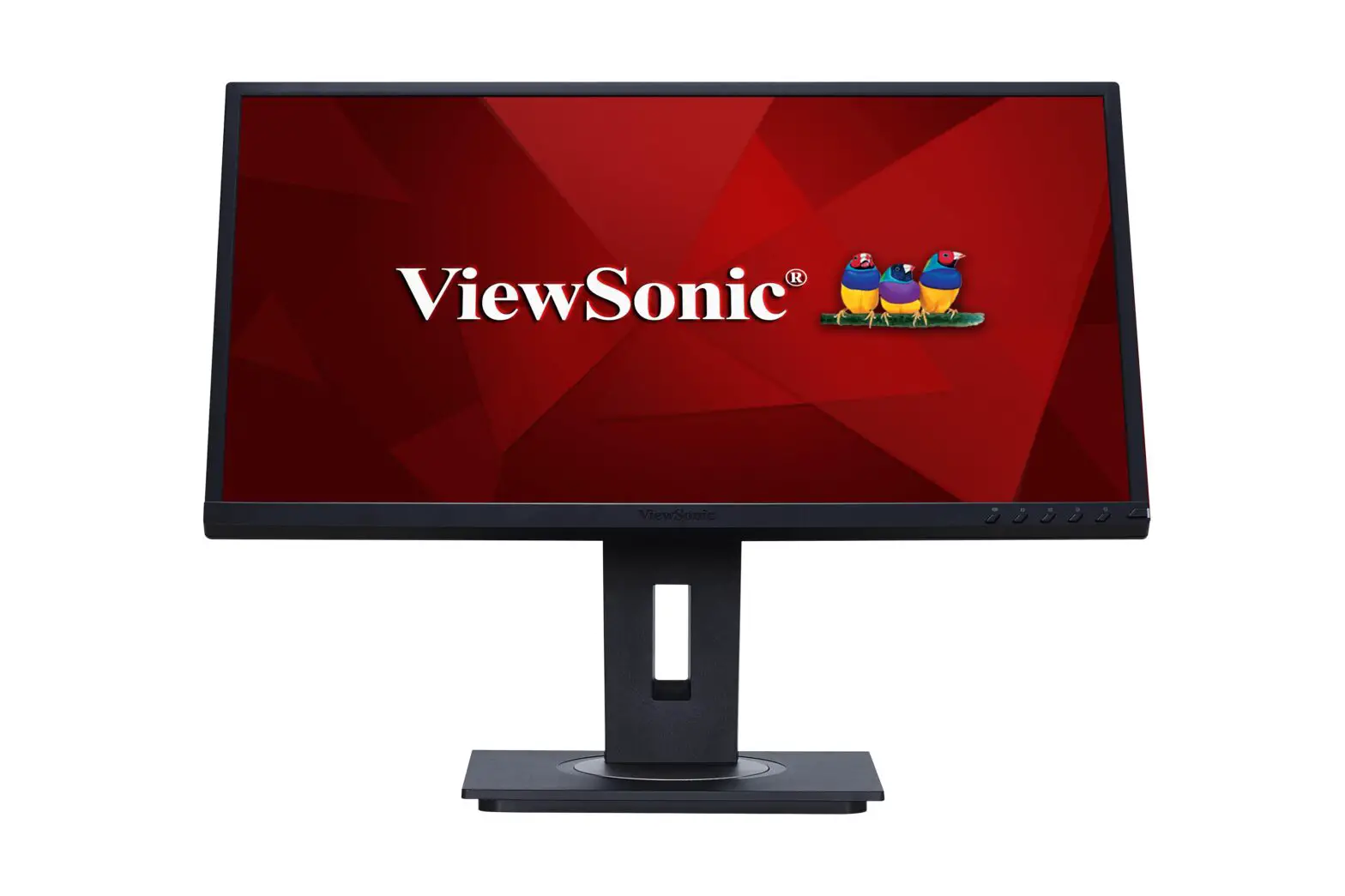
 VPC25/VPC27
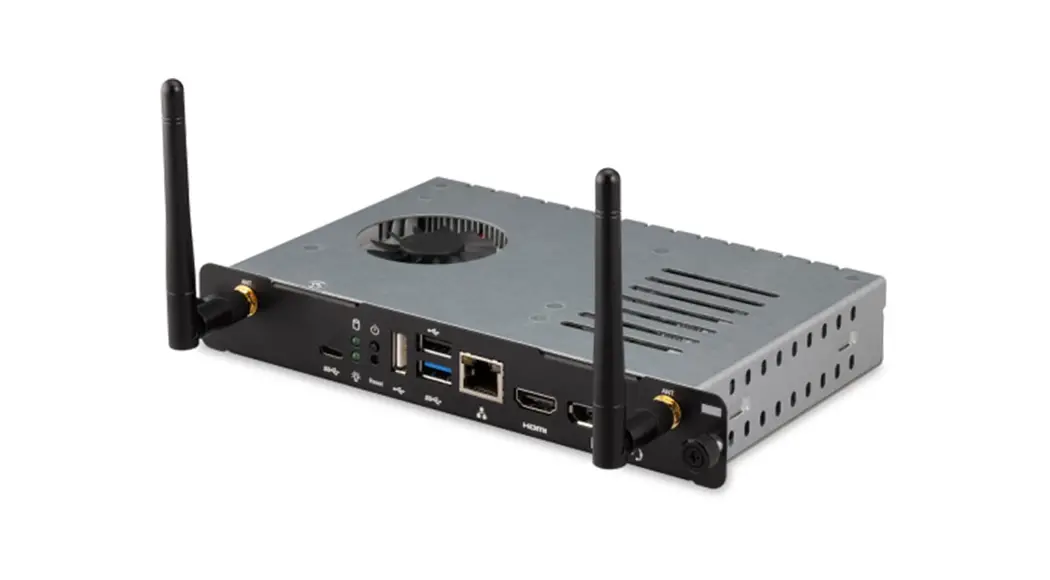
Slot in PC module
User Guide
| Model No. | P/N | Model No. | P/N |
| VS18617 | VPC25-W53-P1 | VS18617 | VPC25-W33-P1-1T |
| VS18617 | VPC25-W53-P1-1T | VS18617 | VPC25-W53-P2 |
| VS18617 | VPC25-W33-P1 | VS18617 | VPC27-W55-P2 |
Thank you for choosing ViewSonic®
As a world-leading provider of visual solutions, ViewSonic® is dedicated to exceeding the world’s expectations for technological evolution, innovation, and simplicity. At iewSonic®, we believe that our products have the potential to make a positive impact in the world, and we are confident that the ViewSonic® product you have chosen will serve you well.
Once again, thank you for choosing ViewSonic®!
Interface
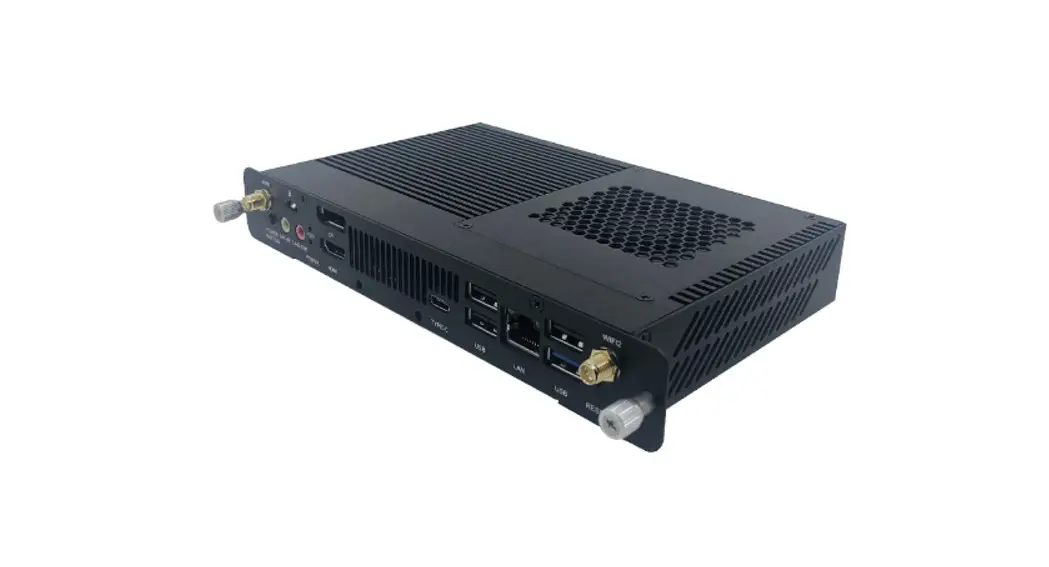
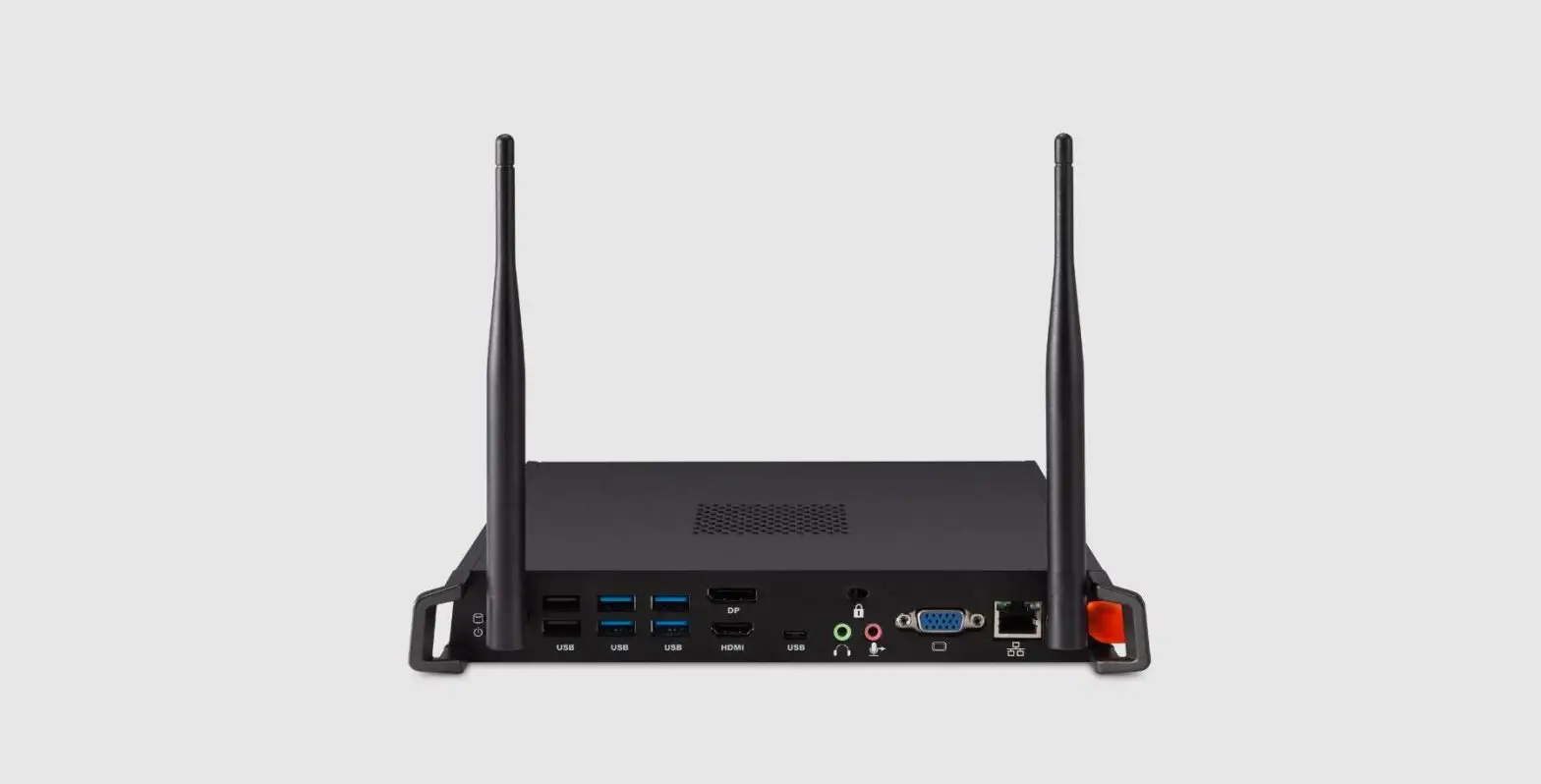
VPC-P1

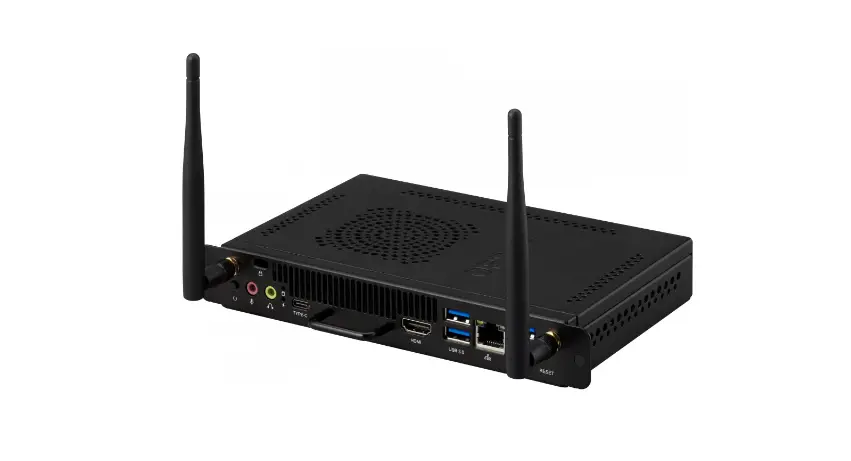
VPC-P2
| Item | Description |
| 1 | WIN antenna interface |
| 2 | Anti-theft lock |
| 3 | Connect the display to a DisplayPort connector |
| 4 | USB 2.0 interface |
| 5 | Standard RJ45 (10M/100M/1G) Internet connection interface (This network port is only used for PC) |
| 6 | Working indicator light |
| 7 | Reset |
| 8 | Power |
| 9 | Connected to device with HDMI input function |
| 10 | USB 3.0 interface |
| 11 | USB type C interface |
| 12 | Connects the device to headphones or speakers |
| 13 | Connects to a microphone |
Installation
2-1
 2-2
2-2
 2-3
2-3
 Internet Connection

Input Selection

To select an Input Source:
- Press INPUT on the remote control, press the setting button
 on the front panel or press the
 setting icon from the toolbar to display the Input Settings menu.
 - Press
 to select PC.
 - Press
 on the remote control, or touch the input source.
 - Press
 on the remote control, or touch a blank area outside of the menu to exit.
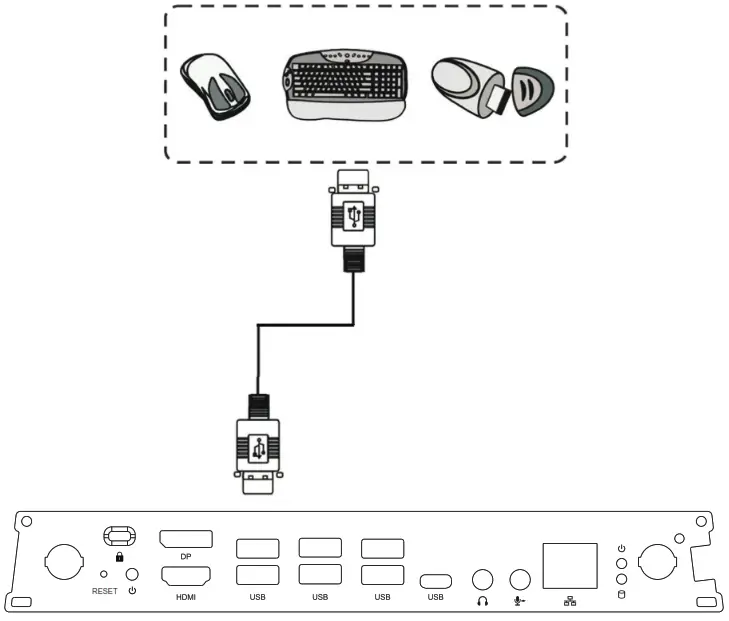
USB Connection
Specifications
| 10 ports | 1 x Display Port 1 x HDMI 1x LAN 2 x USB 2.0 (5V/0.5A) 4 x USB 3.0 (5V/0.9A) 1 x USB type C 1 x Earphone 1 x Microphone | |
| Power | 100V-240V AC 50/60HZ | |
| Operating Conditions | Temperature Humidity Altitude | 32°F to 113°F (0°C to 45°C) 10% — 90% non-condensing 0 meter to +5000 meters above sea level |
| Storage Conditions | Temperature Humidity Altitude | -4°F to 140°F (-20°C to 60°C) 10% — 90% non-condensing 0 meter to +5000 meters above sea level |
| Dimensions | Physical(mm) | 246.1 x 263.4 x 32.2 |
| Weight | Physical(kg) | 1.95 |
| Power consumption | 95W | |
| Frequency Range and Output Power (Max.) | 2402 to 2480 MHz(BT) 2.0 dBm 2402 to 2480 MHz(LE) 3.73 dBm 2412 to 2472 MHz 17.41 dBm 5150 to 5250 MHz 18.94 dBm 5250 to 5350 MHz 18.94 dBm 5470 to 5725 MHz 18.94 dBm | |
Regulatory and Service Information
Compliance Information
This section addresses all connected requirements and statements regarding regulations. Confirmed corresponding applications shall refer to nameplate labels and relevant markings on the unit.
FCC Compliance Statement
This device complies with part 15 of FCC Rules. Operation is subject to the following two conditions: (1) this device may not cause harmful interference, and (2) this device must accept any interference received, including interference that may cause undesired operation.
This equipment has been tested and found to comply with the limits for a Class B digital device, pursuant to part 15 of the FCC Rules. These limits are designed to provide reasonable protection against harmful interference in a residential installation. This equipment generates, uses, and can radiate radio frequency energy, and if not installed and used in accordance with the instructions, may cause harmful interference to radio communications. However, there is no guarantee that interference will not occur in a particular installation. If this equipment does cause harmful interference to radio or television reception, which can be determined by turning the equipment off and on, the user is encouraged to try to correct the interference by one or more of the following measures:
- Reorient or relocate the receiving antenna.
- Increase the separation between the equipment and receiver.
- Connect the equipment into an outlet on a circuit different from that to which the receiver is connected.
- Consult the dealer or an experienced radio/TV technician for help.
Warning: You are cautioned that changes or modifications not expressly approved by the party responsible for compliance could void your authority to operate the equipment.
Industry Canada Statement
CAN ICES-003(B) / NMB-003(B)
Contains FCC ID: PD9AX200NG / PD9AX201NG / PD9AX210NG
IC ID: 1000M-AX200NG / 1000M-AX201NG / 1000M-AX210NG
*Choose one of three options.
CE Conformity for European Countries The device complies with the EMC Directive 2014/30/EU and Low Voltage Directive 2014/35/EU and Radio Equipment Directive (RED) 2014/53/EU.
The following information is only for EU-member states:
The mark shown to the right is in compliance with the Waste Electrical and Electronic Equipment Directive 2012/19/EU (WEEE). The mark indicates the requirement NOT o dispose of the equipment as unsorted municipal waste, but use the return and collection systems according to local law. In all EU member states, the operation of 5150-5350MHz is restricted to indoor use only. This device should be installed and operated with a minimum distance of 20cm between the radiator and your body.
Declaration of RoHS2 Compliance
This product has been designed and manufactured in compliance with Directive 2011/65/EU of the European Parliament and the Council on the restriction of the use of certain hazardous substances in electrical and electronic equipment (RoHS2 Directive) and is deemed to comply with the maximum concentration values issued by the European technical Adaptation Committee (TAC) as shown below:
| Substance | Proposed Maximum Concentration | Actual Concentration |
| Lead (Pb) | 0.1% | < 0.1% |
| Mercury (Hg) | 0.1% | < 0.1% |
| Cadmium (Cd) | 0.01% | < 0.01% |
| Hexavalent Chromium (Cr6±) | 0.1% | < 0.1% |
| Polybrominated biphenyls (PBB) | 0.1% | < 0.1% |
| Polybrominated diphenyl ethers (PBDE) | 0.1% | < 0.1% |
| Bis (2-ethylhexyl) phthalate (DEHP) | 0.1% | < 0.1% |
| Butyl benzyl phthalate (BBP) | 0.1% | < 0.1% |
| Dibutyl phthalate (DBP) | 0.1% | < 0.1% |
| Diisobutyl phthalate (DIBP) | 0.1% | < 0.1% |
Certain components of products as stated above are exempted under the Annex III of the RoHS2 Directives as noted below:
- Copper alloy containing up to 4% lead by weight.
- Lead in high melting temperature type solders (i.e. lead-based alloys containing 85% by weight or more lead).
- Electrical and electronic components containing lead in a glass or ceramic other than dielectric ceramic in capacitors, e.g. piezoelectric devices, or in a glass or ceramic matrix compound.
- Lead in dielectric ceramic in capacitors for a rated voltage of 125V AC or 250V DC or higher.
Indian Restriction of Hazardous Substances
Restriction on Hazardous Substances statement (India). This product complies with the “India E-waste Rule 2011” and prohibits the use of lead, mercury, hexavalent chromium, polybrominated biphenyls, or polybrominated diphenyl ethers in concentrations exceeding 0.1 weight % and 0.01 weight % for cadmium, except for the exemptions set in Schedule 2 of the Rule.
Product Disposal at End of Product Life
ViewSonic® respects the environment and is committed to working and living green. Thank you for being part of Smarter, Greener Computing. Please visit the ViewSonic® website to learn more.
USA & Canada: https://www.viewsonic.com/us/company/green/go-green-with-viewsonic/#recycle-program
Europe: http://www.viewsoniceurope.com/eu/support/call-desk/
Taiwan: https://recycle.epa.gov.tw/
Customer Service
For technical support or product service, see the table below or contact your reseller.
NOTE: You will need the product’s serial number.
References
 优派中国 ViewSonic China | ViewBoard, LED LCD 液晶显示器, 投影机, 数位看板, 互动白板
 ViewSonic Australia | ViewBoards, Monitors, and Visual Solutions
-
ViewSonic Bangladesh | ViewBoards, Monitors, and Visual Solutions
-
ViewSonic Germany | ViewBoards, Monitors, and Visual Solutions
-
ViewSonic Spain | ViewBoards, Monitors, and Visual Solutions
-
ViewSonic Europe | ViewBoards, Monitors, and Visual Solutions
-
Solution ViewBoard, Écrans PC, Vidéoprojecteurs | ViewSonic
-
ViewSonic Hong Kong | ViewBoards, Monitors, and Visual Solutions
-
ViewSonic Hong Kong | ViewBoards, Monitors, and Visual Solutions
-
ViewSonic Indonesia | ViewBoards, Monitors, and Visual Solutions
-
ViewSonic Israel | ViewBoards, Monitors, and Visual Solutions
-
ViewSonic India | Gaming Monitors, Projectors & ViewBoards
-
ビューソニックジャパン
-
뷰소닉 코리아 | 프로젝터, LCD 모니터, 디지털사이니지, 전자칠판등의 미국디스플레이 전문 기업
-
ViewSonic Kazakhstan | ViewBoards, Monitors, and Visual Solutions
-
ViewSonic Middle East | ViewBoards, Monitors, and Visual Solutions
-
ViewSonic Myanmar | ViewBoards, Monitors, and Visual Solutions
-
Projectors, Monitors & Visual Solutions | ViewSonic MY
-
ViewSonic Nepal | ViewBoards, Monitors, and Visual Solutions
-
ViewSonic New Zealand | ViewBoards, Monitors, and Visual Solutions
-
ViewSonic Philippines | ViewBoards, Monitors, and Visual Solutions
-
ViewSonic Pakistan | ViewBoards, Monitors, and Visual Solutions
-
ViewSonic Russia | ViewBoards, Monitors, and Visual Solutions
-
Projector, 4K Monitor & Digital Signage | ViewSonic SG
-
ViewSonic Thailand | ViewBoards, Monitors, and Visual Solutions
-
ViewSonic Turkey | ViewBoards, Monitors, and Visual Solutions
-
ViewSonic Taiwan | ViewBoards, Monitors, and Visual Solutions
-
ViewSonic Ukraine | ViewBoards, Monitors, and Visual Solutions
-
ViewSonic UK | ViewBoards, Monitors, and Visual Solutions
-
ViewSonic
-
Trang chủ - ViewSonic Việt Nam | Website Chính Thức
-
ViewSonic South Africa | ViewBoards, Monitors, and Visual Solutions
-
ViewSonic Europe | ViewBoards, Monitors, and Visual Solutions
 資源回收網(資源回收專線:0800-085717您幫我清一清)
-
Go Green with ViewSonic
 优派中国 ViewSonic China | ViewBoard, LED LCD 液晶显示器, 投影机, 数位看板, 互动白板
 ViewSonic Australia | ViewBoards, Monitors, and Visual Solutions
 ViewSonic Europe | ViewBoards, Monitors, and Visual Solutions
 資源回收網(資源回收專線:0800-085717您幫我清一清)