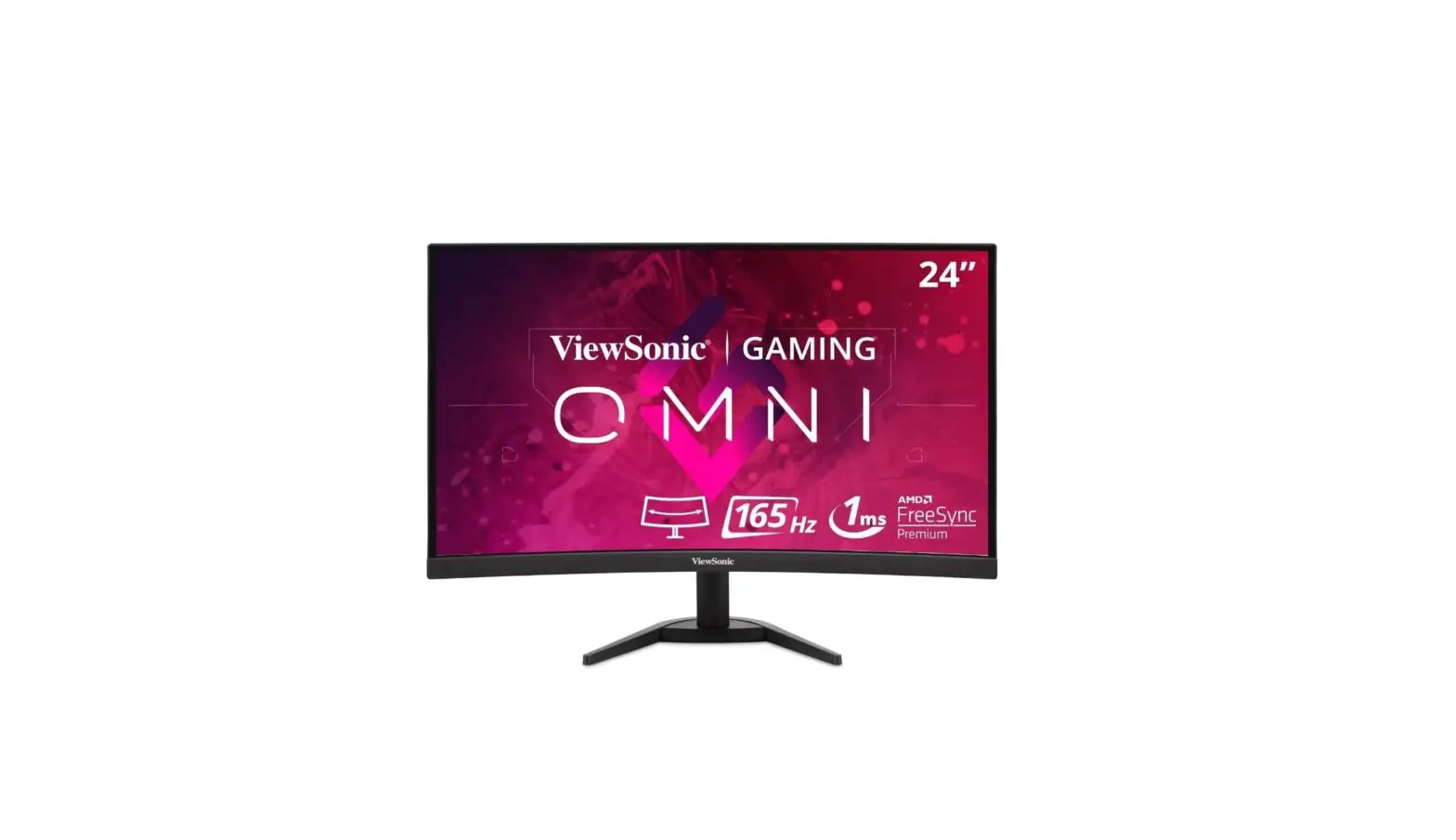
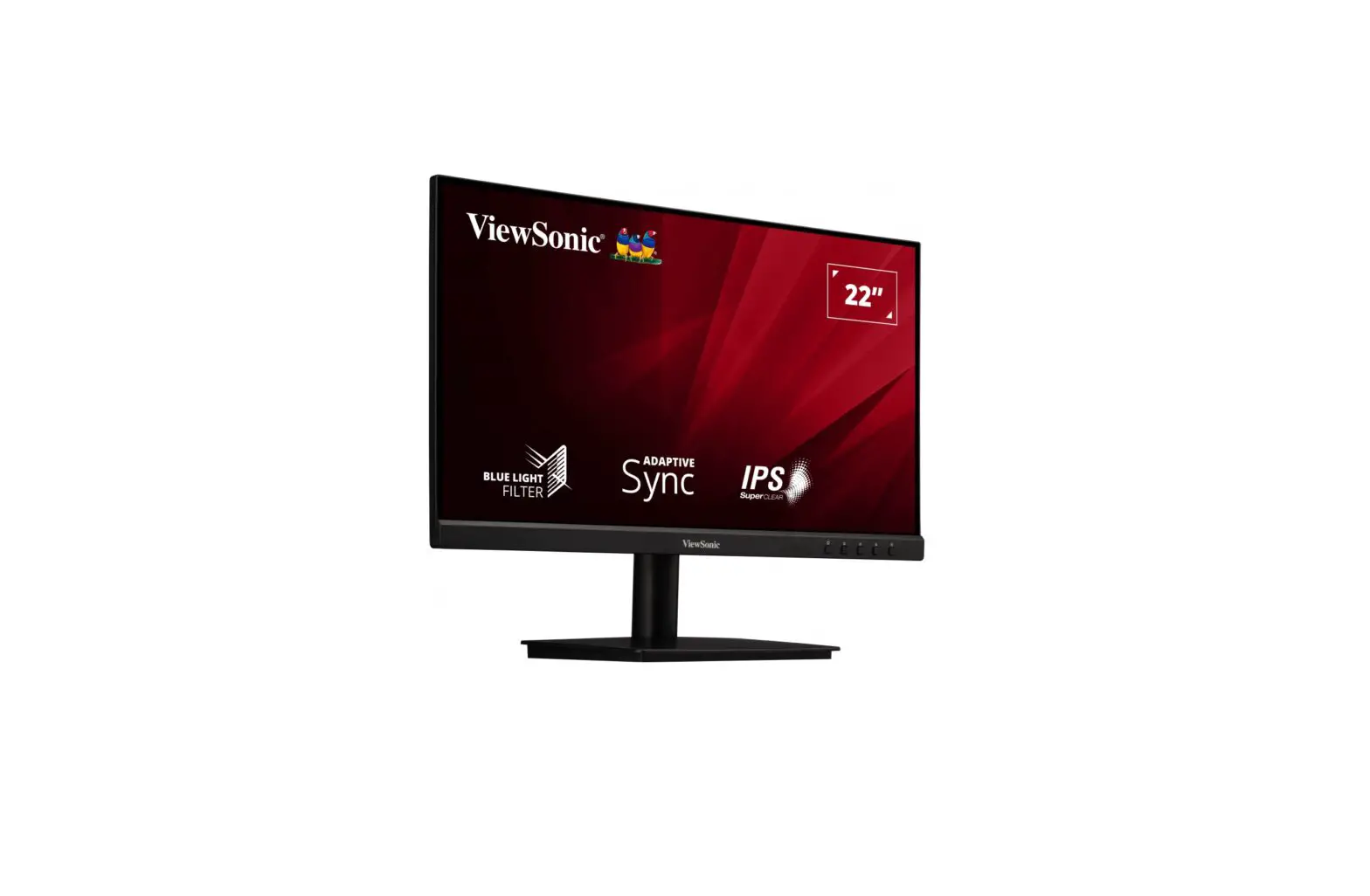
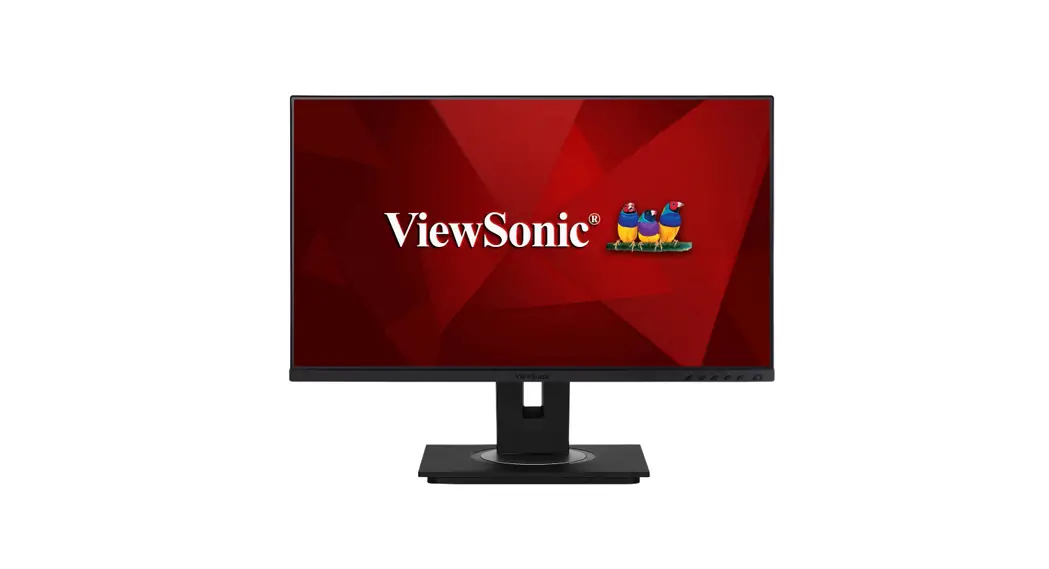
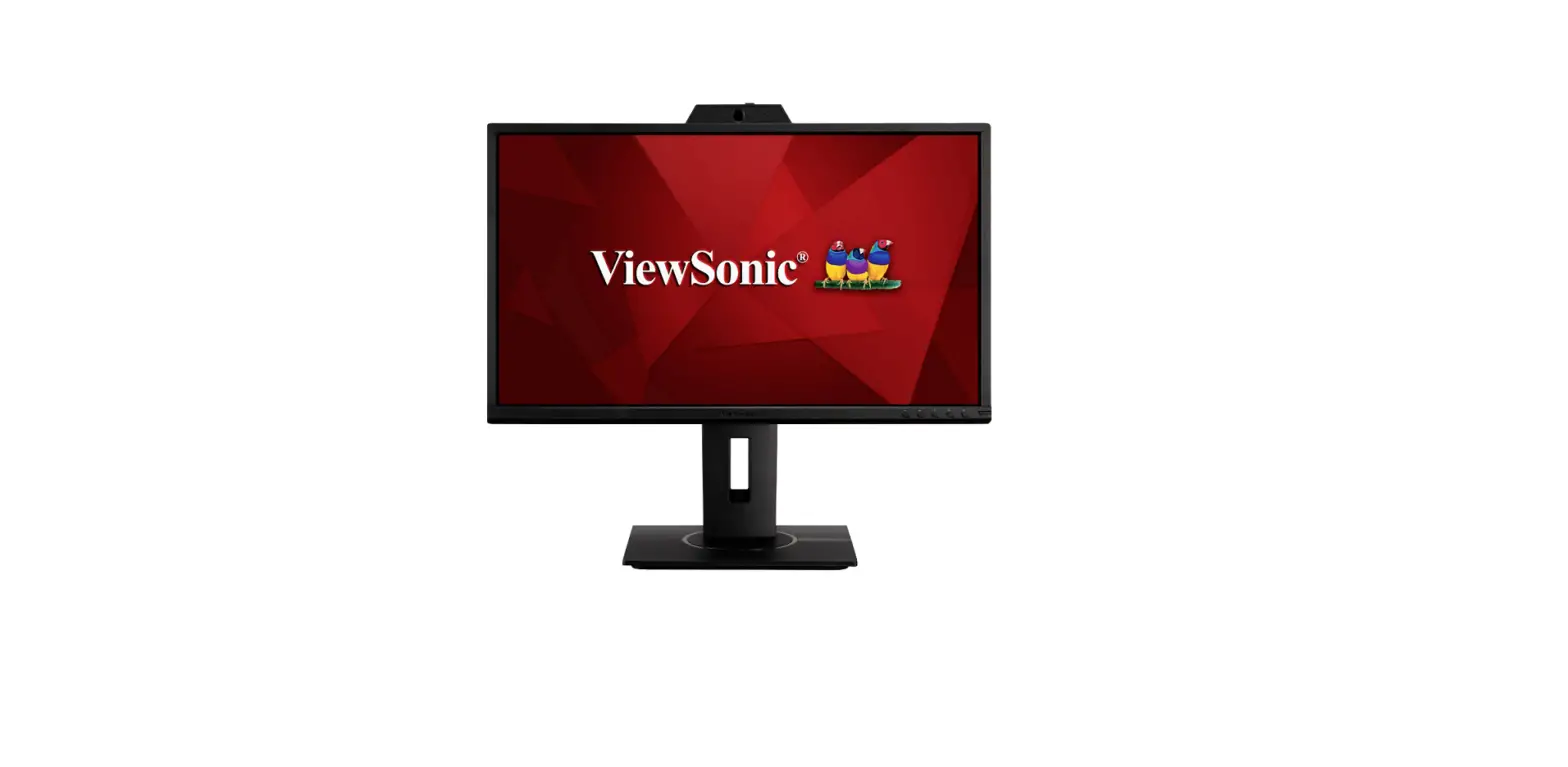
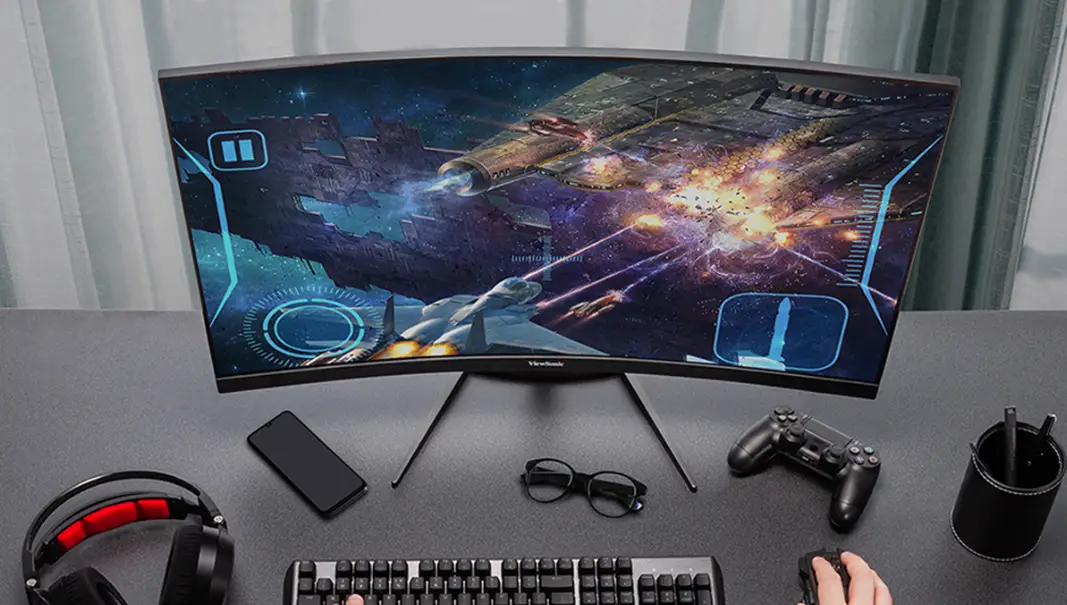
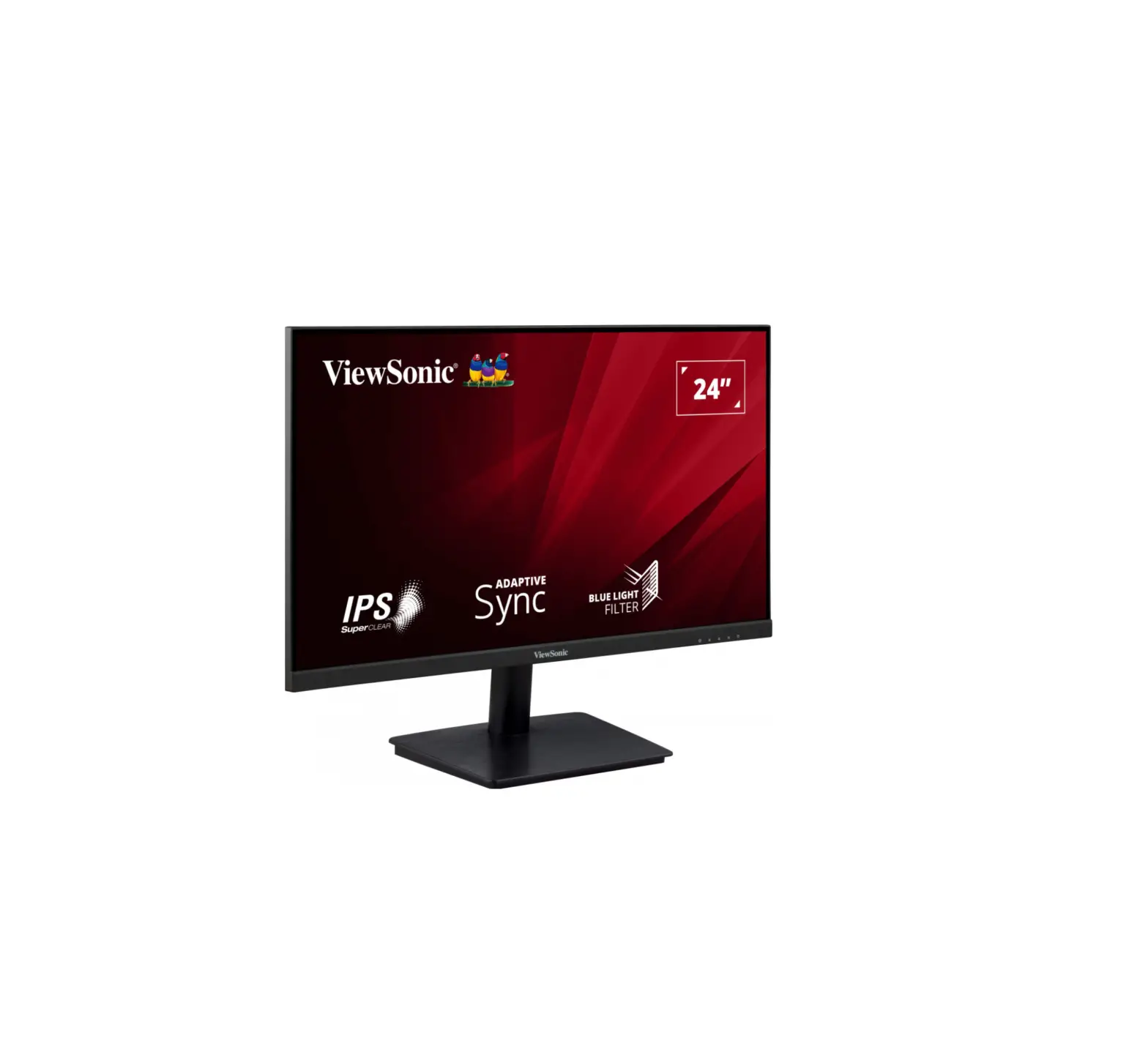
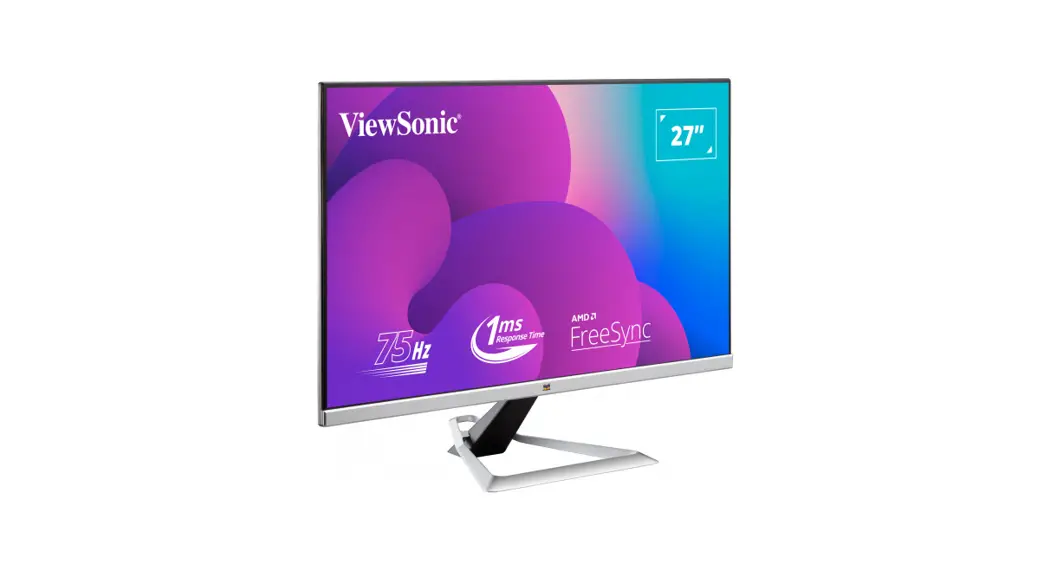
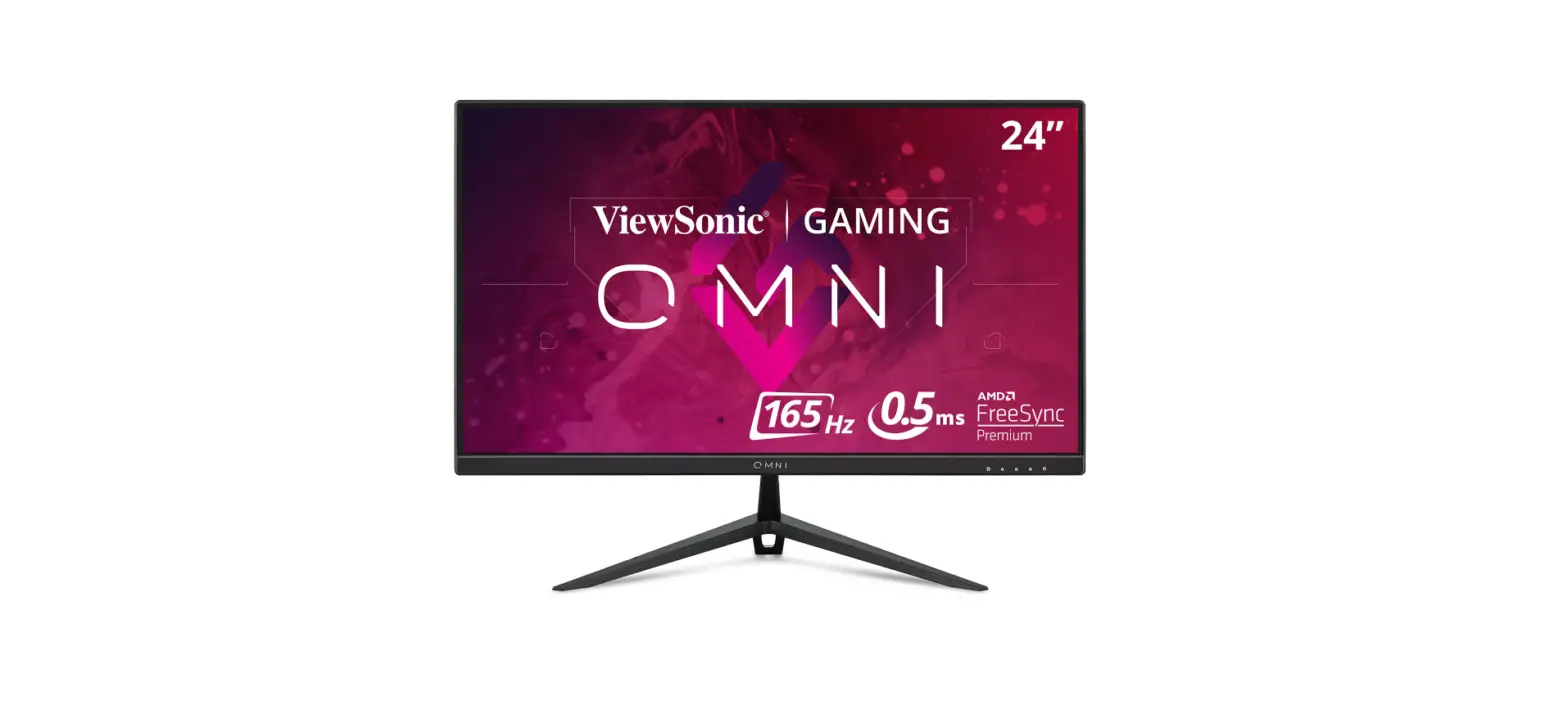
VX2418C Gaming Screen
Product Information
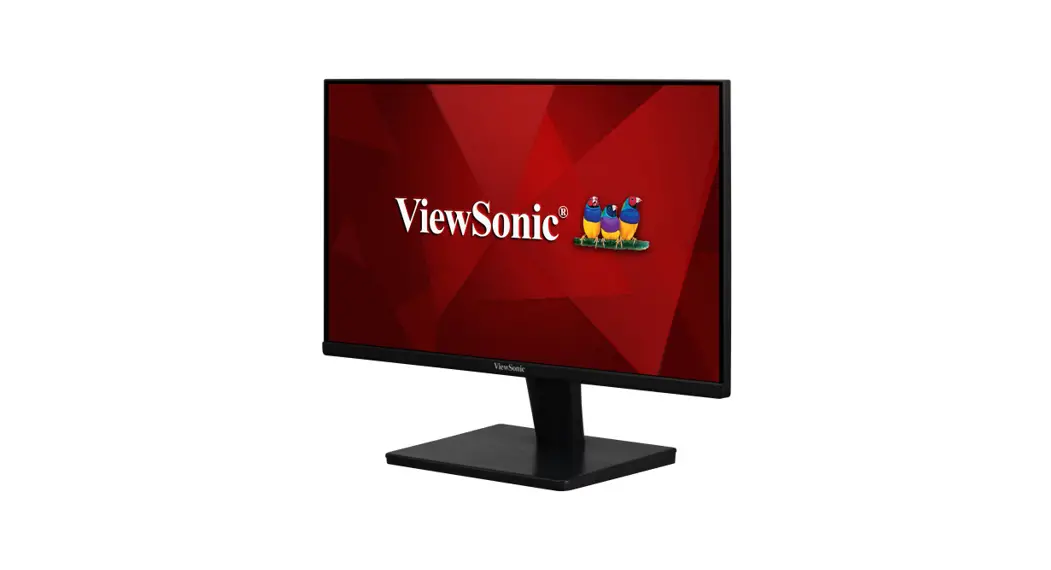
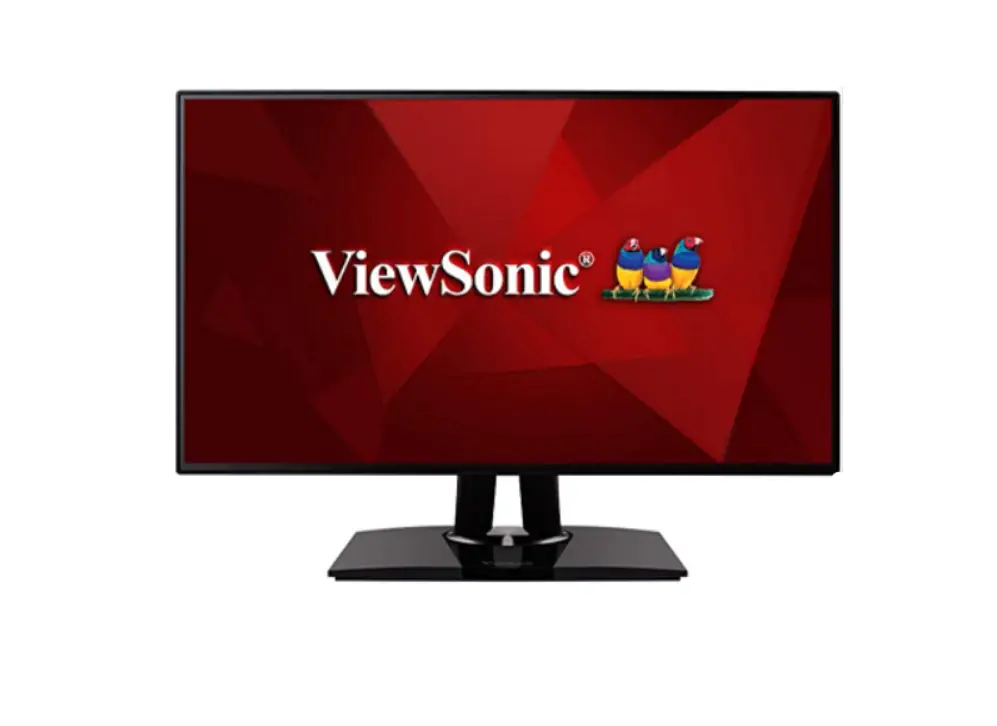
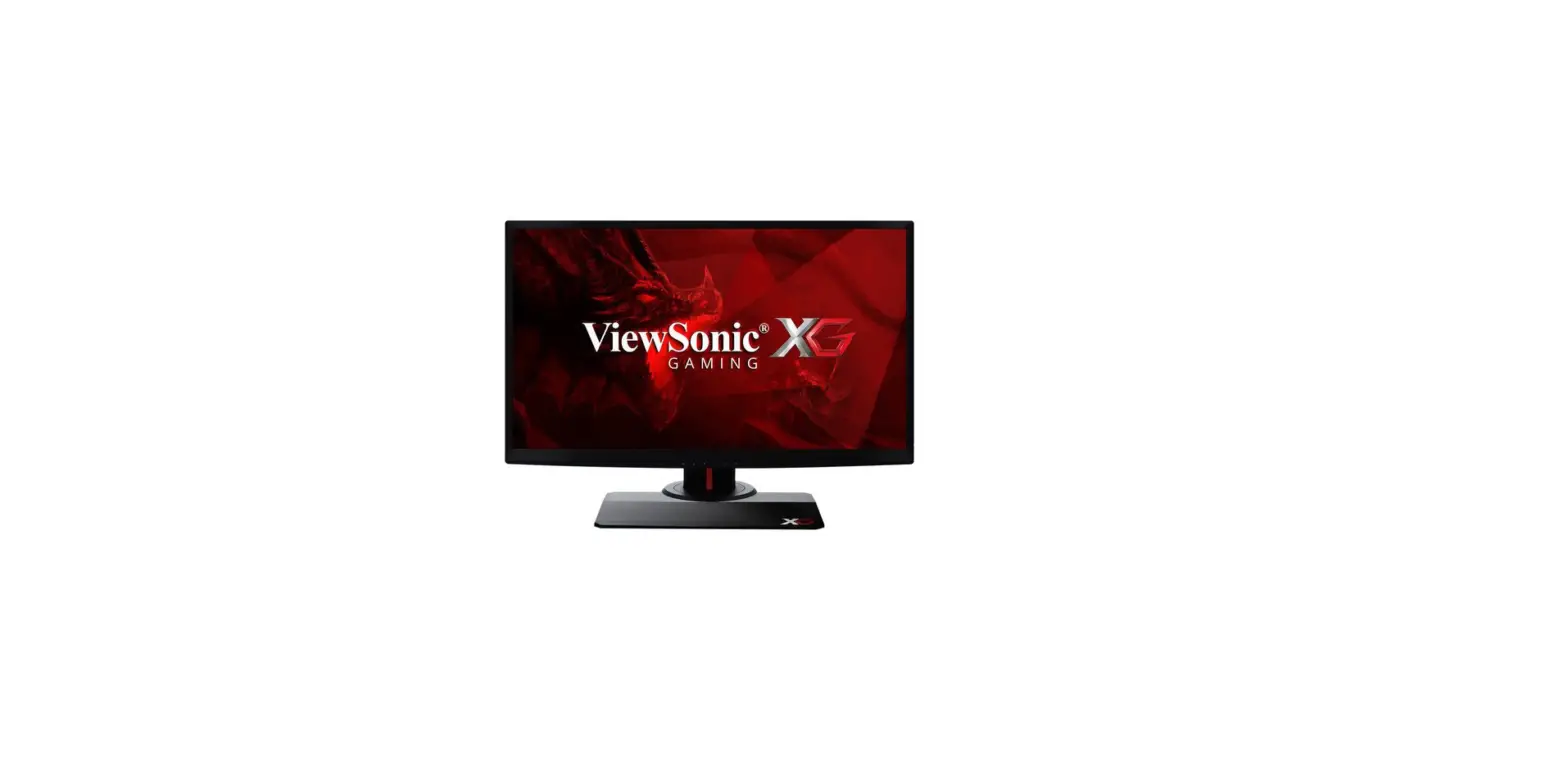
The VX2418C is a high-quality monitor manufactured by ViewSonic.
It features a sleek design and advanced display technologies to
deliver an immersive viewing experience. With its impressive
specifications and connectivity options, this monitor is ideal for
both professional and entertainment purposes.
- Model: VX2418C
- Website: http://www.viewsonicglobal.com/q/VX2418C
Product Usage Instructions
- Connectivity:
The VX2418C offers multiple connectivity options to connect
various devices. Use the provided cables to connect the monitor to
your computer or other compatible devices. - Power On:
To power on the monitor, make sure it is connected to a power
source and press the power button located on the front or side of
the monitor. - Adjusting Display Settings:
Use the control buttons located on the monitor to adjust display
settings such as brightness, contrast, color temperature, and more.
Refer to the user manual for detailed instructions on accessing and
navigating the monitor’s menu. - Optimizing Viewing Experience:
Experiment with different display settings to find the optimal
viewing experience for your needs. Adjust the monitor’s position,
tilt, and height to achieve a comfortable viewing angle.
VX2418C
http://www.viewsonicglobal.com/q/VX2418C
2 1
VX2418C
http://www.viewsonicglobal.com/q/VX2418C
1
2
3
3 4
KWWSVZZZYLHZVRQLFJOREDOFRPSXEOLFSURGXFWVBGRZQORDGVDIHWBFRPSOLDQFHOFG96B%60,B5R+6SGI
Model No. VS19012 / P/N: VX2418C Copyright © 2022 ViewSonic Corporation. All rights reserved. VX2418C_QSG_1a_20220114
 VX2418C - 24" Curved 165 Hz Gaming Monitor w/FreeSync