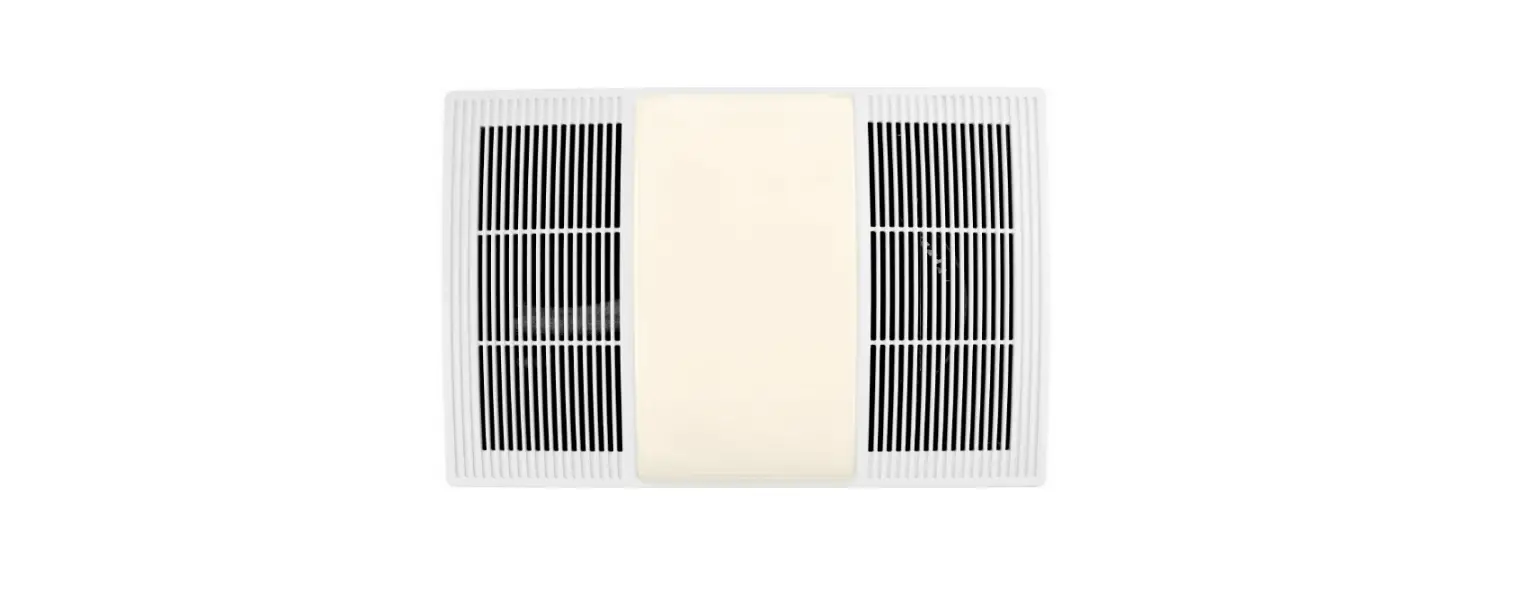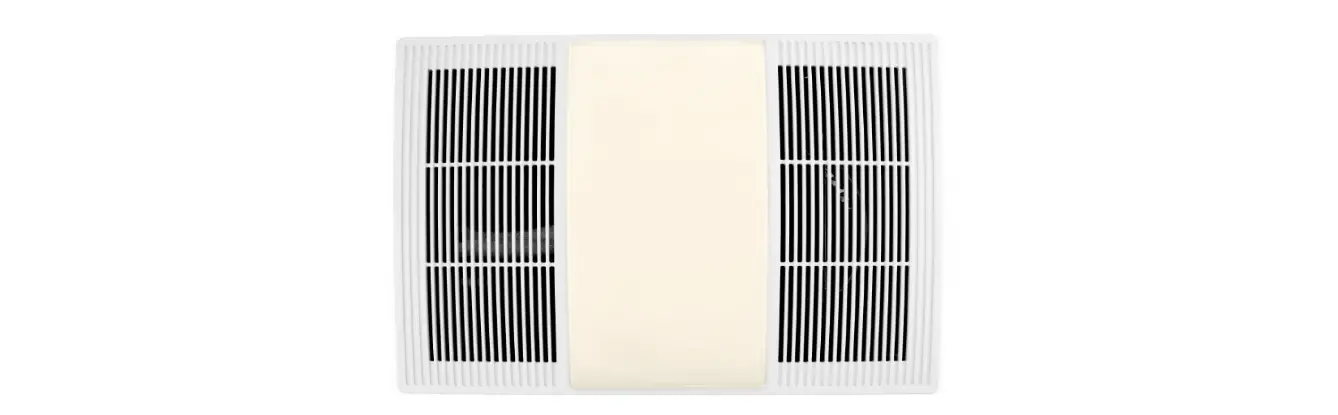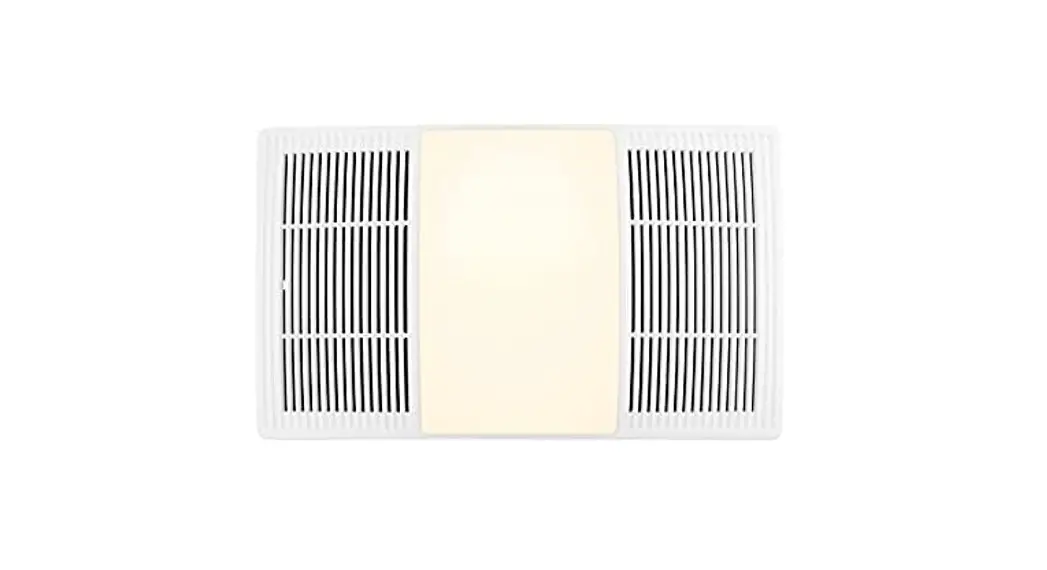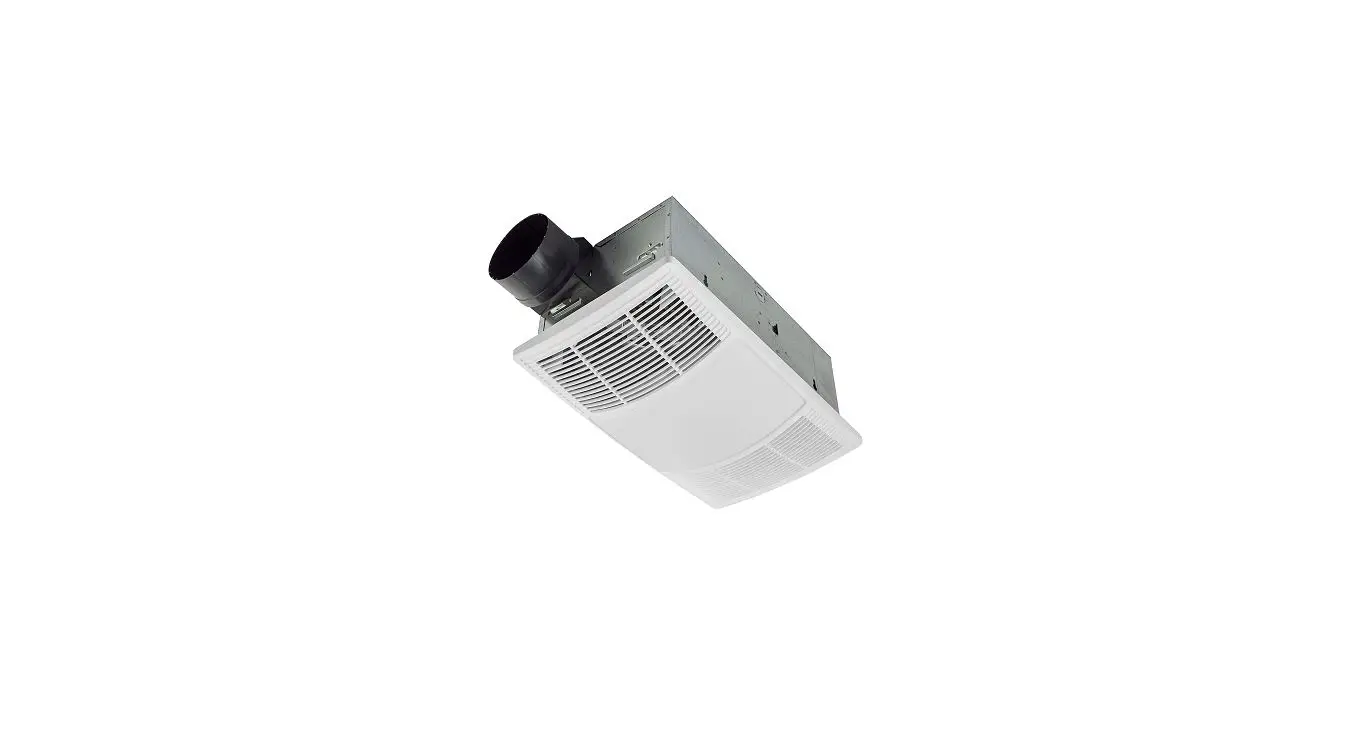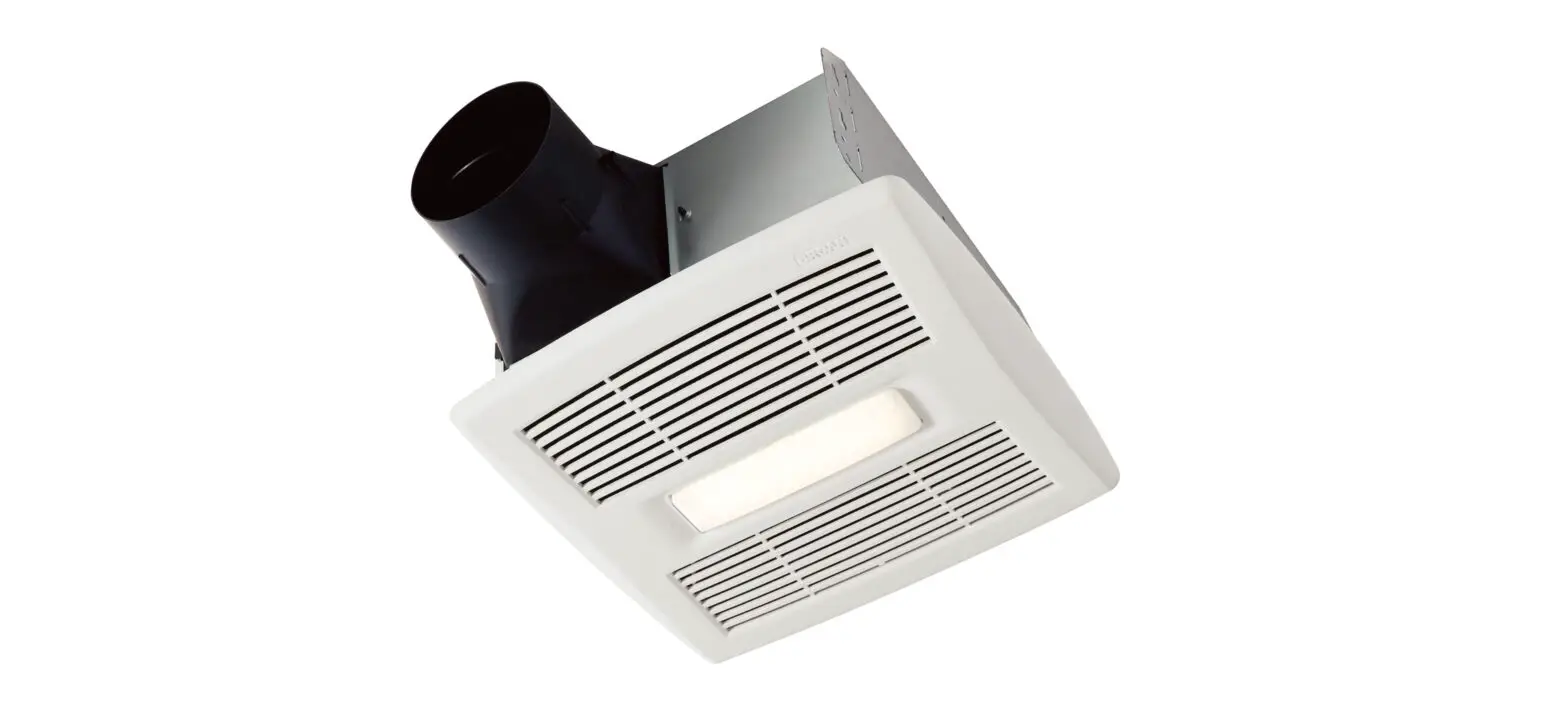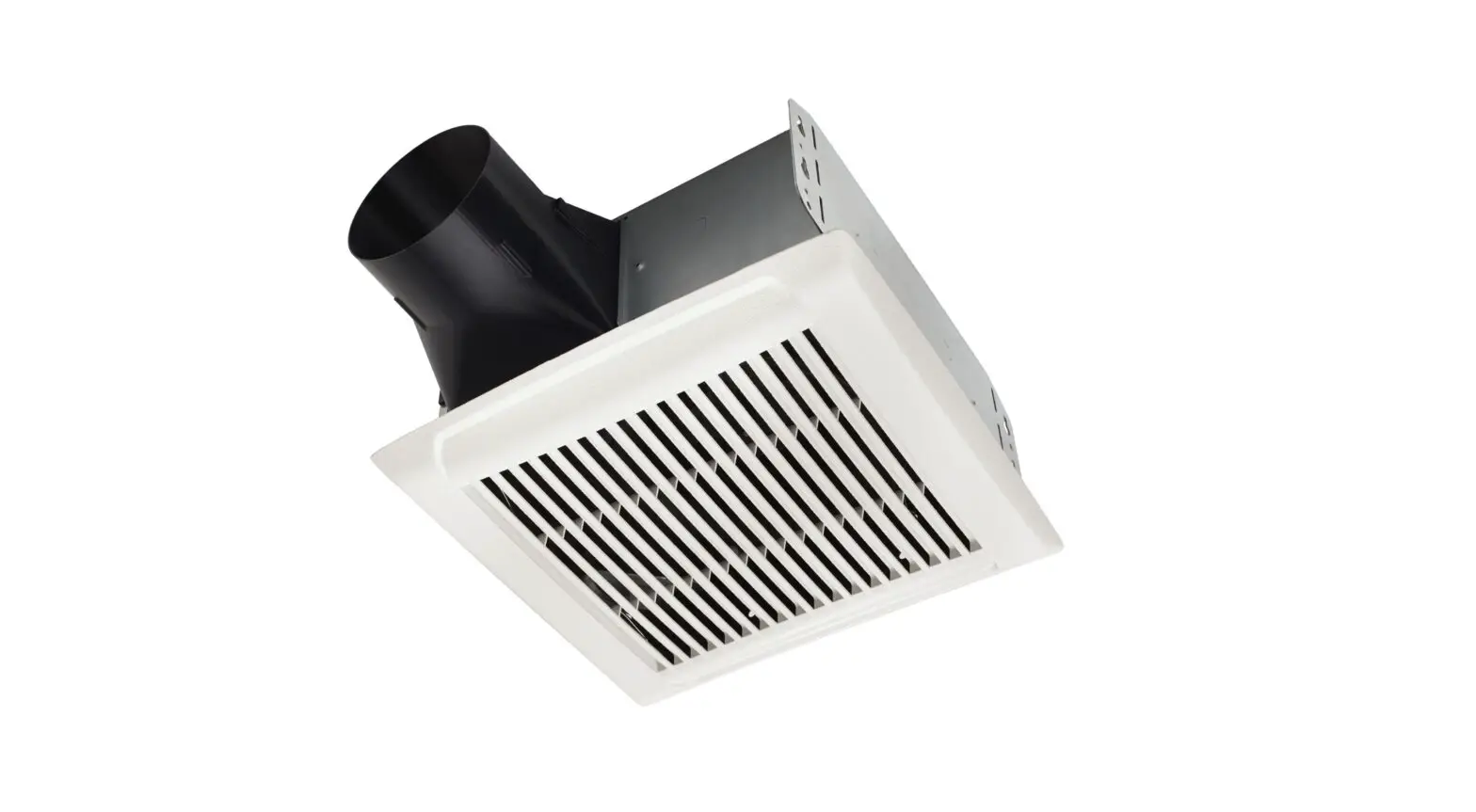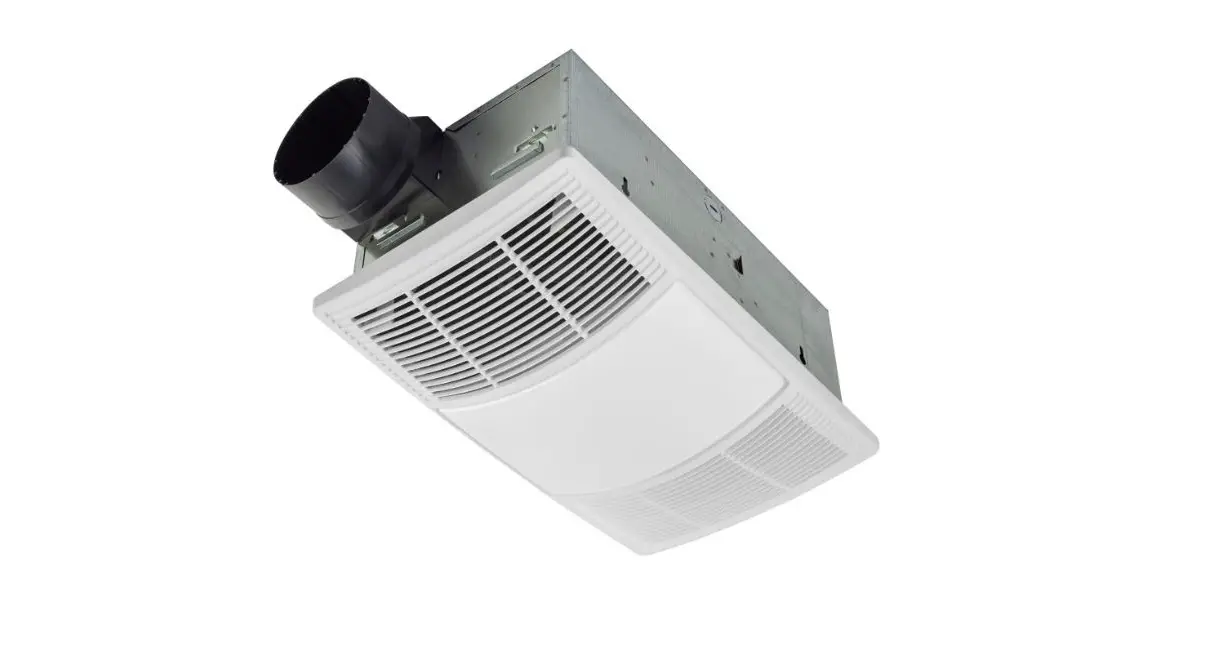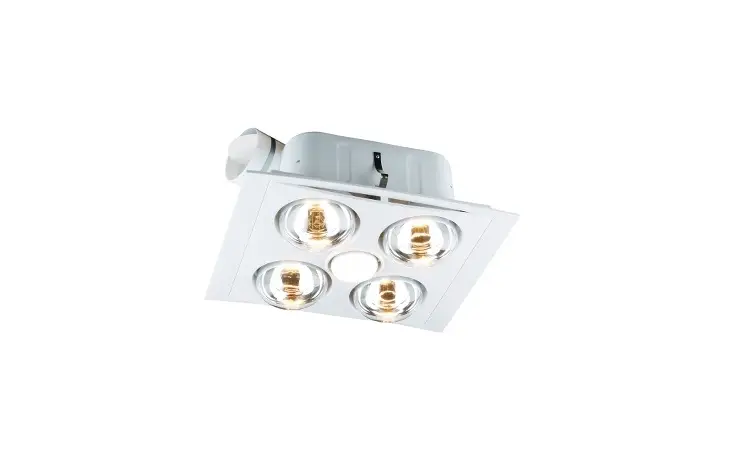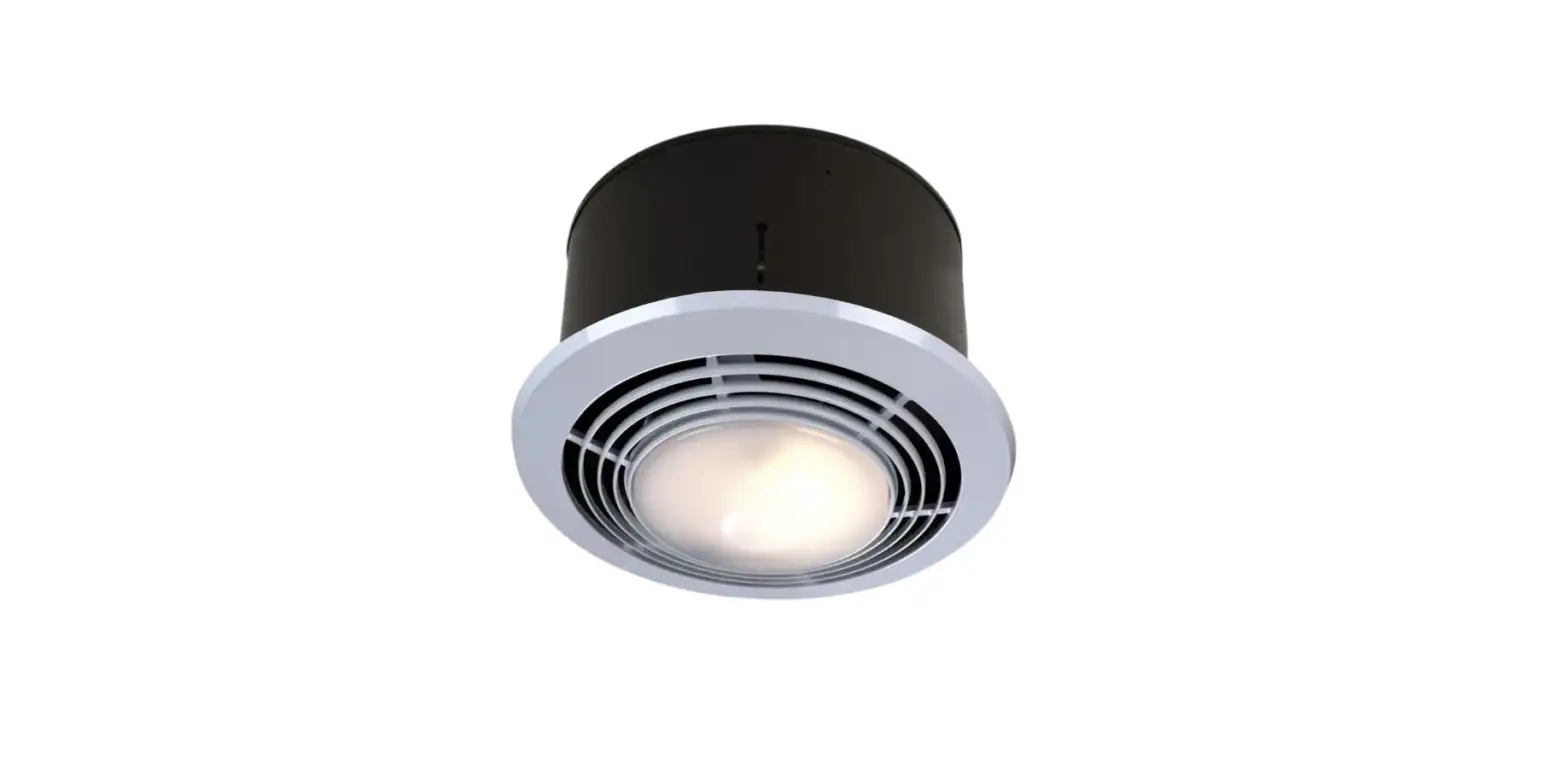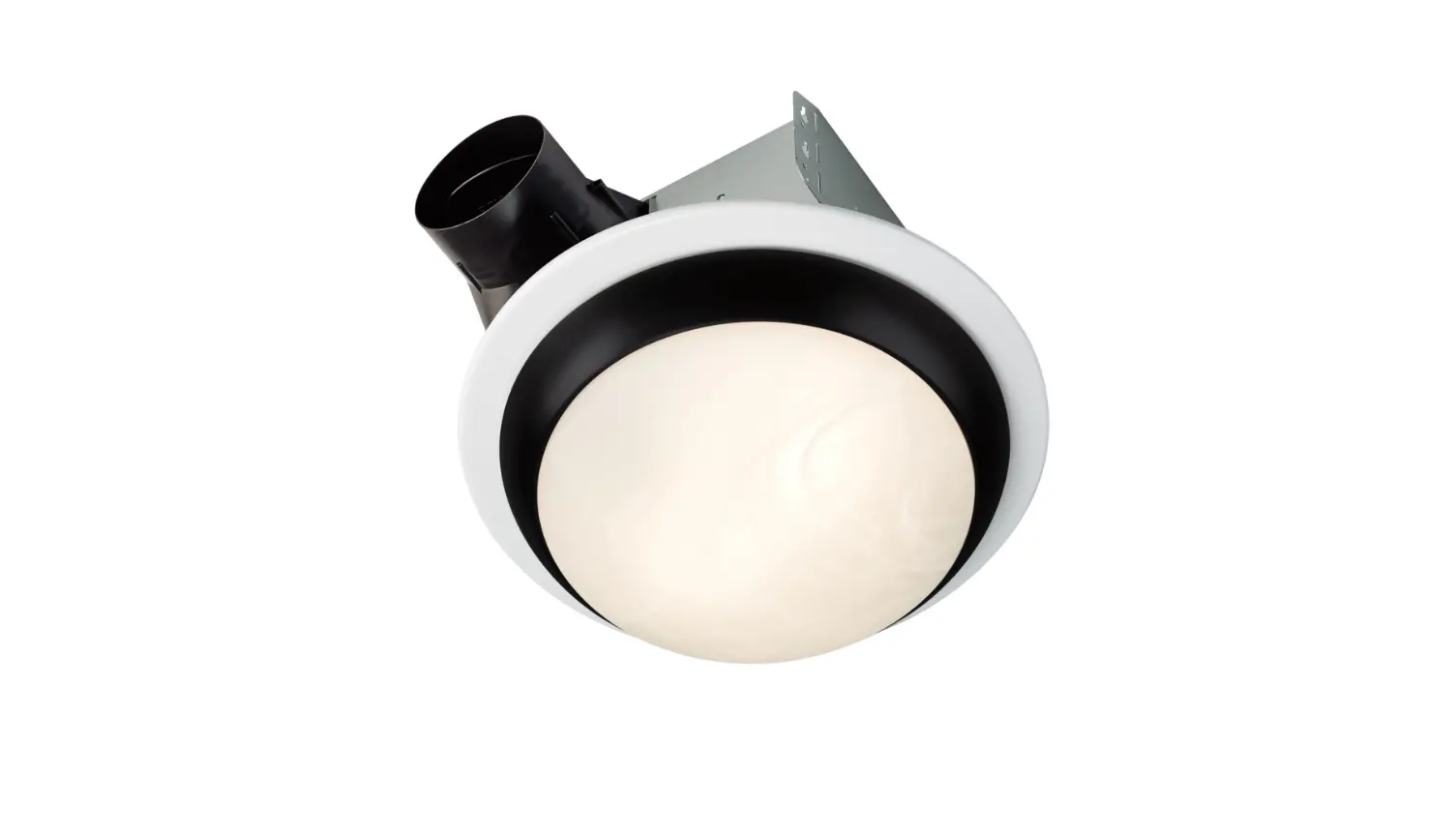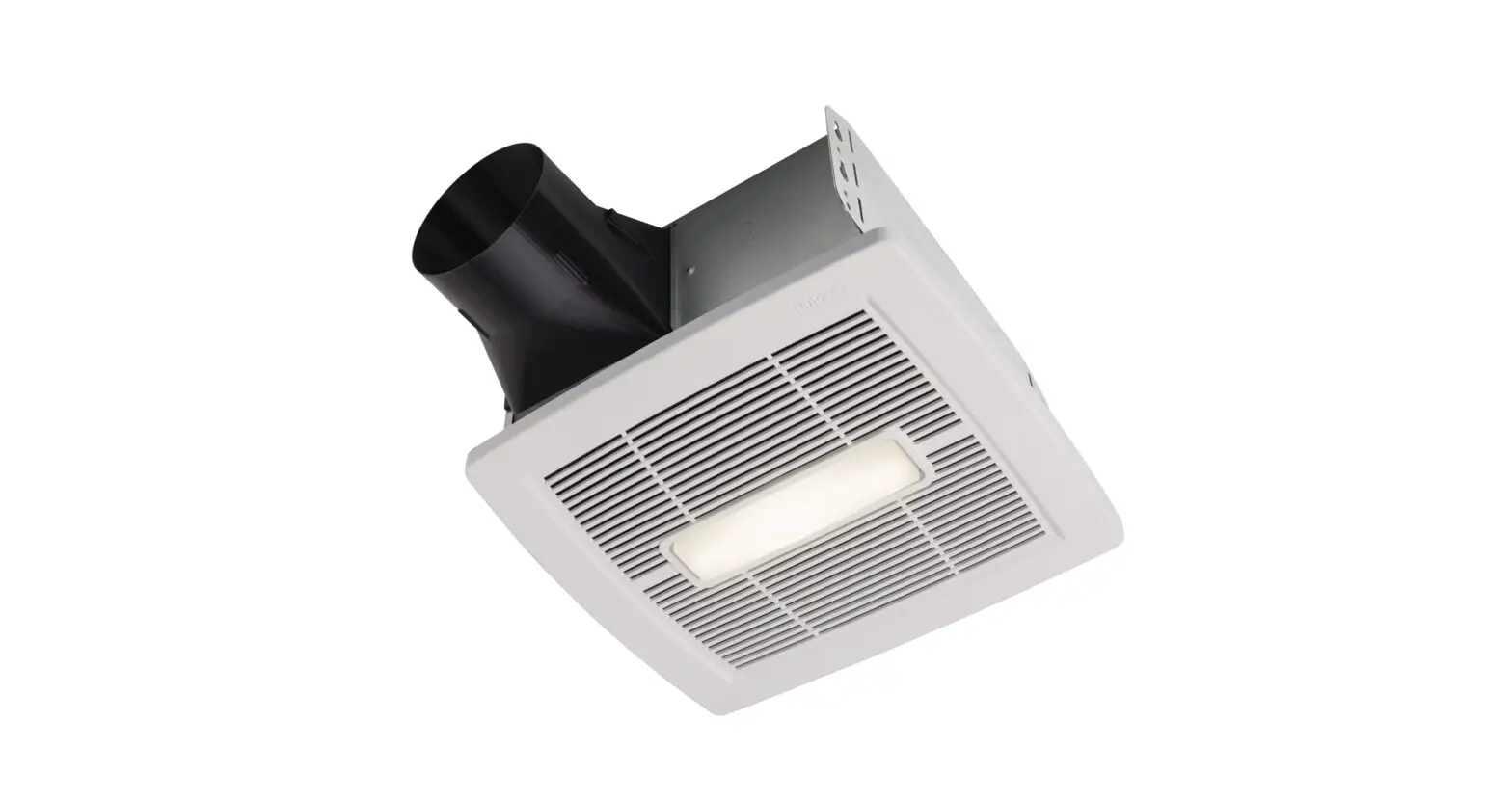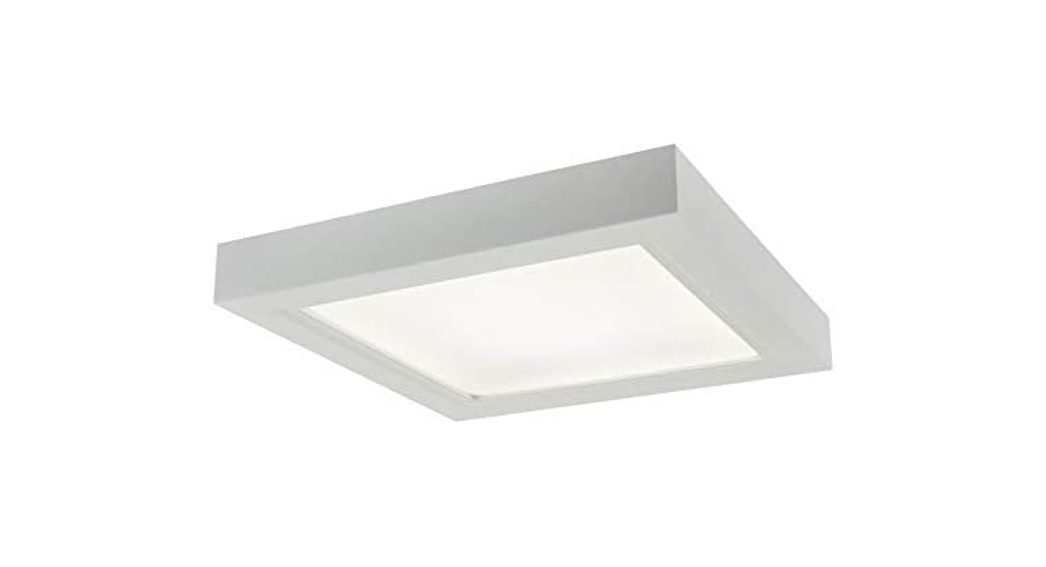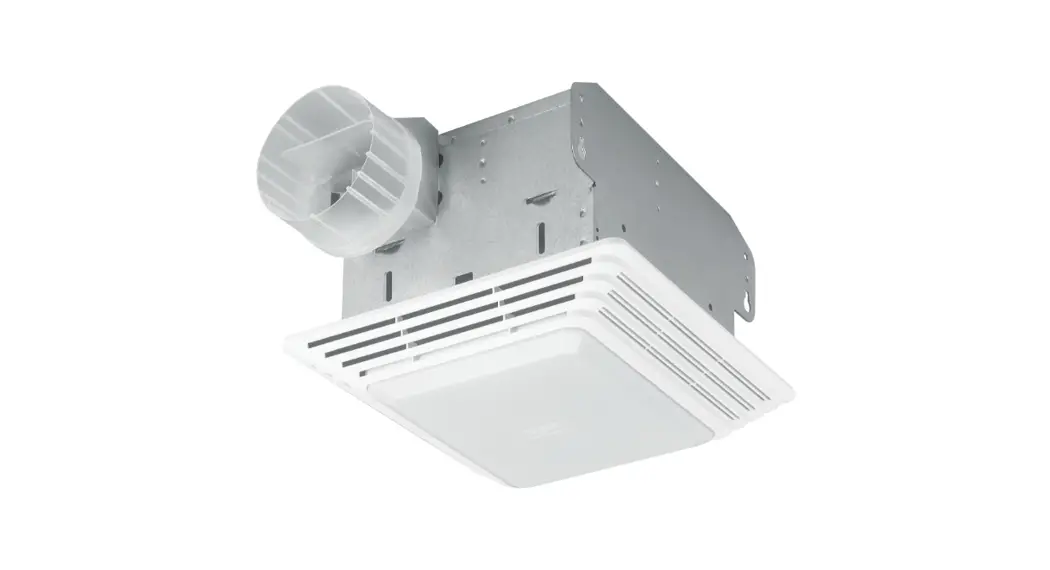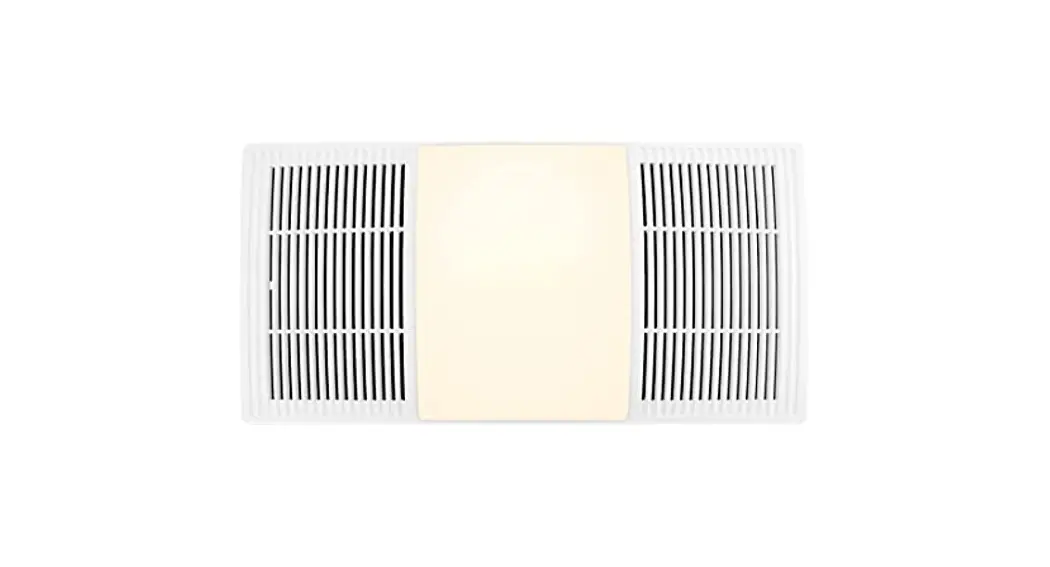
 Heater Fan Light Upgrade Cover
 WARNING
Switch power off at the service panel and lock the service disconnecting means to prevent power from being switched on accidentally.
CAUTION
Always wear safety gloves and glasses.
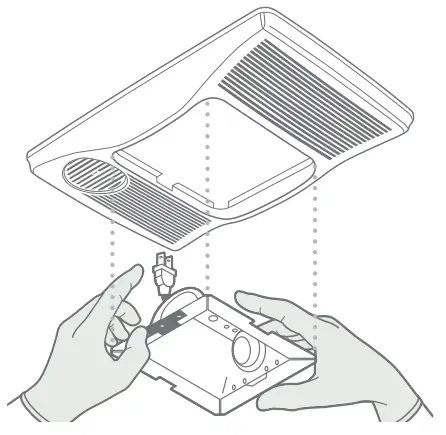
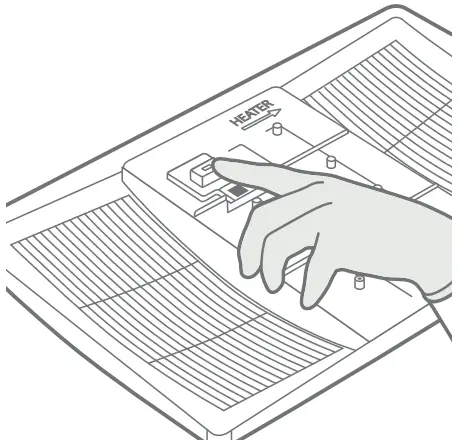
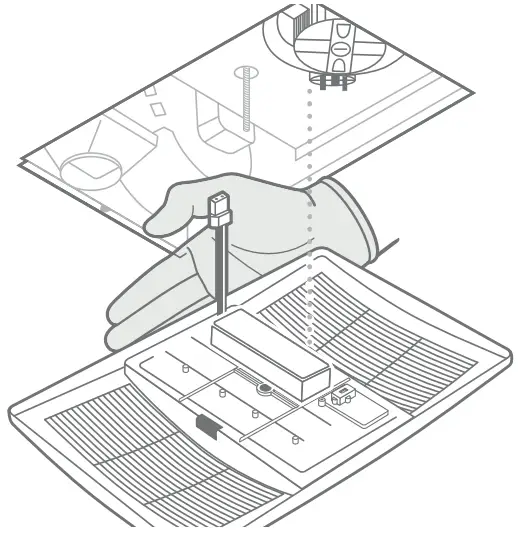
NOTE: Before installing your upgrade fan cover, plug in the light of your new fan cover (in the fan outlet) and select color temperature using CCT switch.
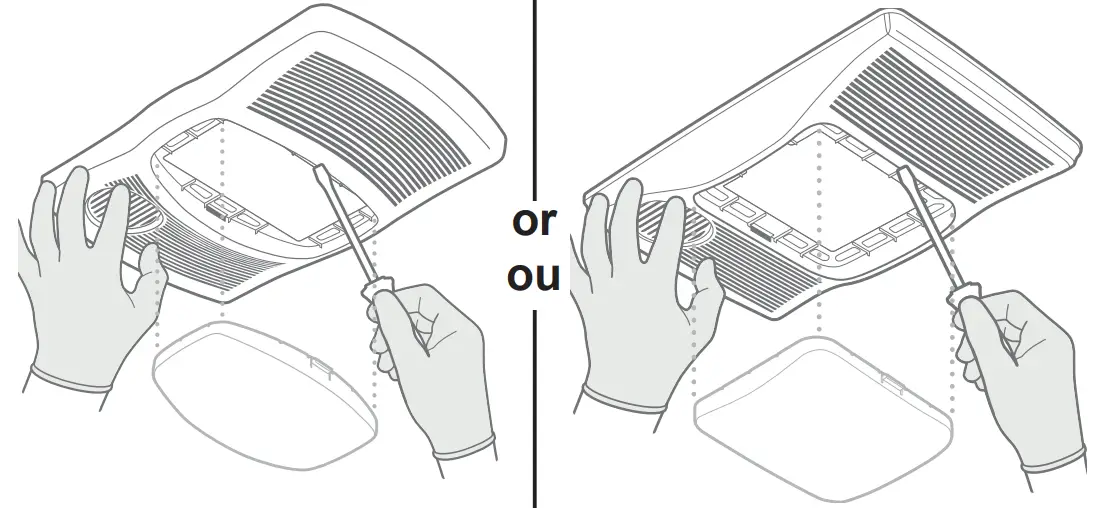
- Remove the lens by disengaging tabs on both sides of the lens. Your fan cover will look like one of these two options.

 https://scnv.io/5miP?qr=1
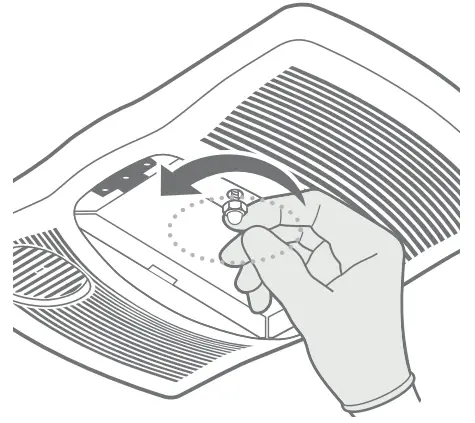
 - Unscrew acorn nut.

- Remove reflector by unplugging light plug.

- Select LED color temperature using the CCT switch (see note above).

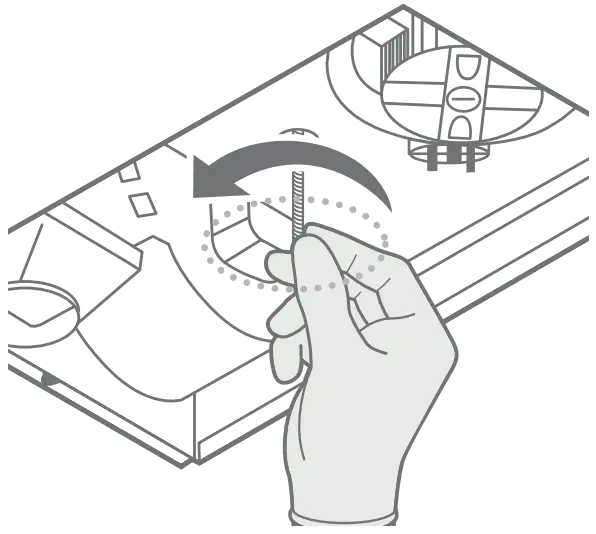
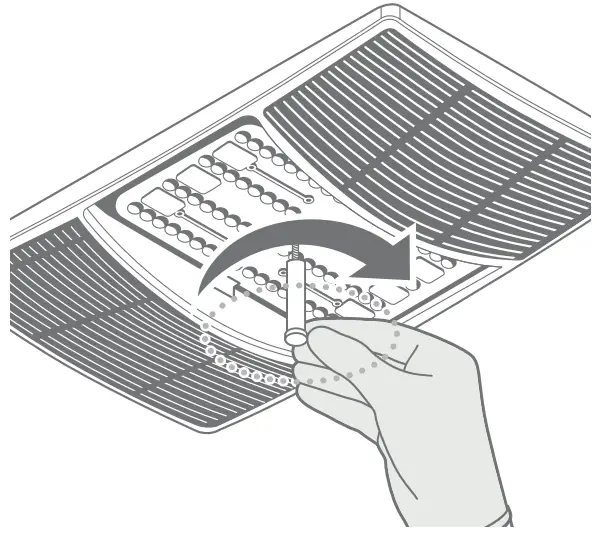
- Extend mounting screw as much as possible.

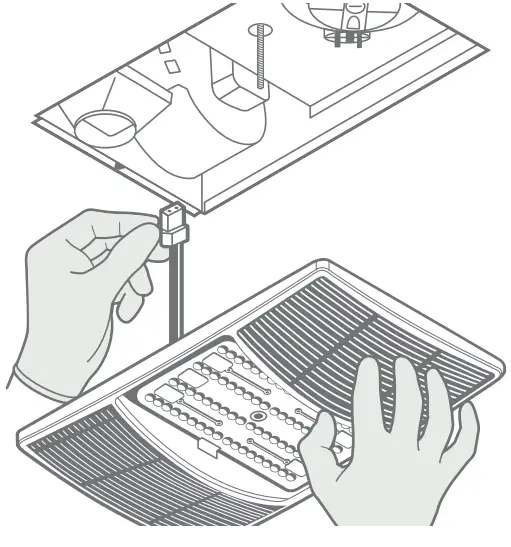
- Plug in light plug. (Note: Plug may differ from that pictured.)

- Orientate LED driver on light cover toward fan side.

- Secure cover by threading mounting post over the mounting screw. Hand-tighten mounting post until the cover is secure against ceiling surface.

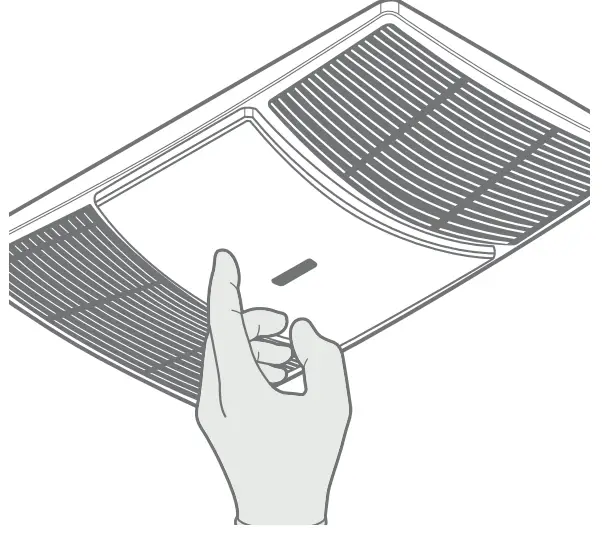
- Snap in lens.

1103603A