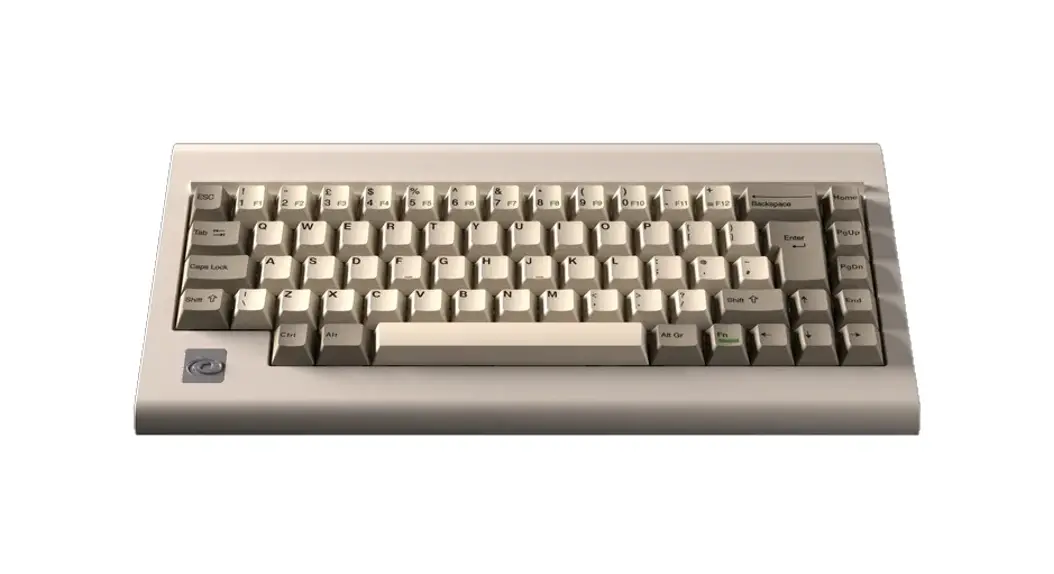
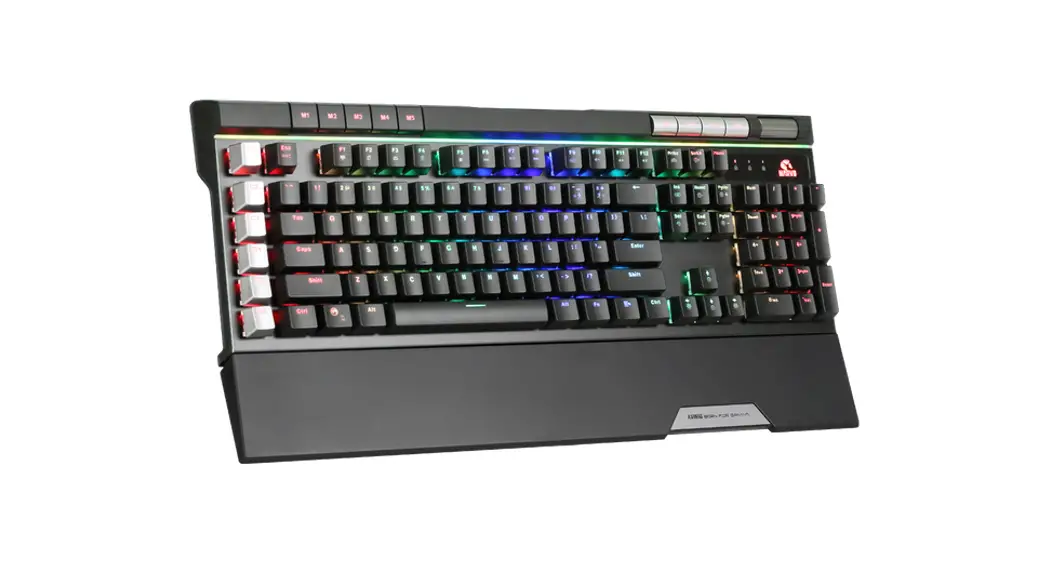
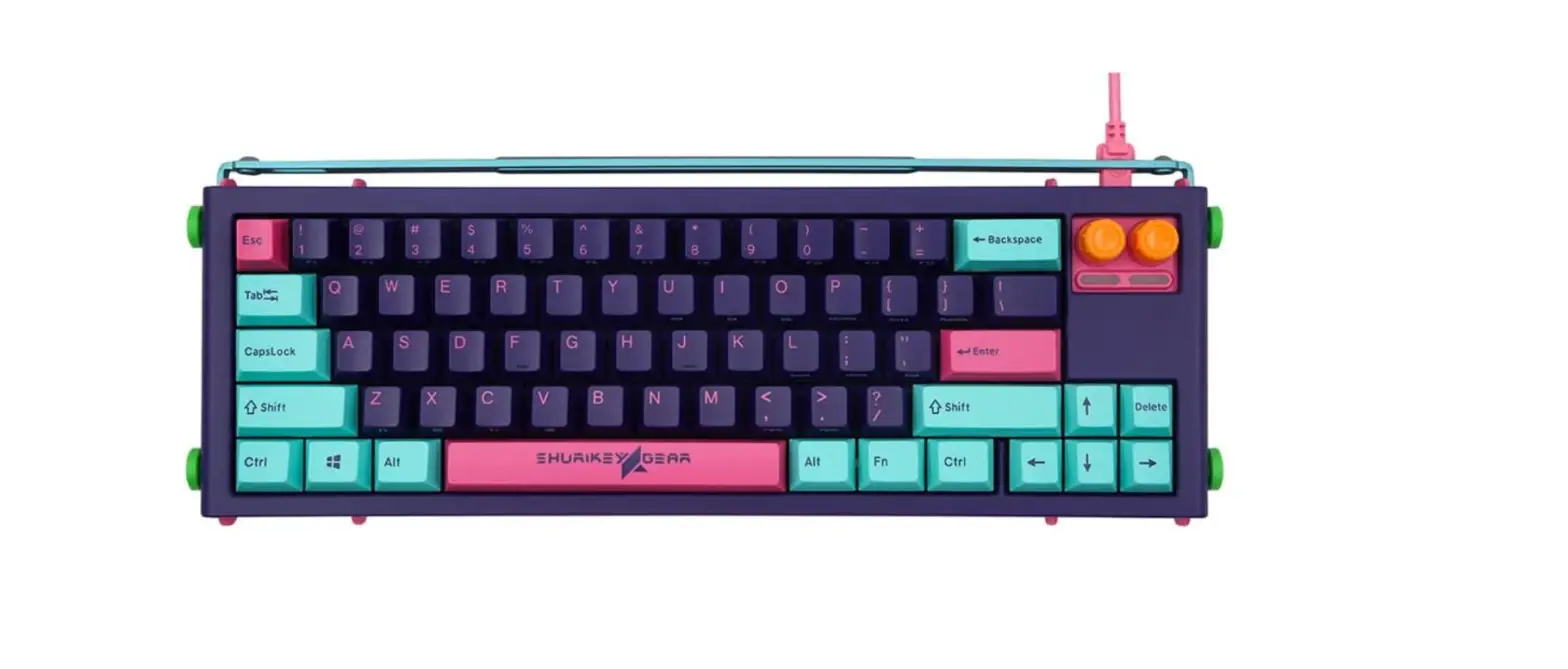
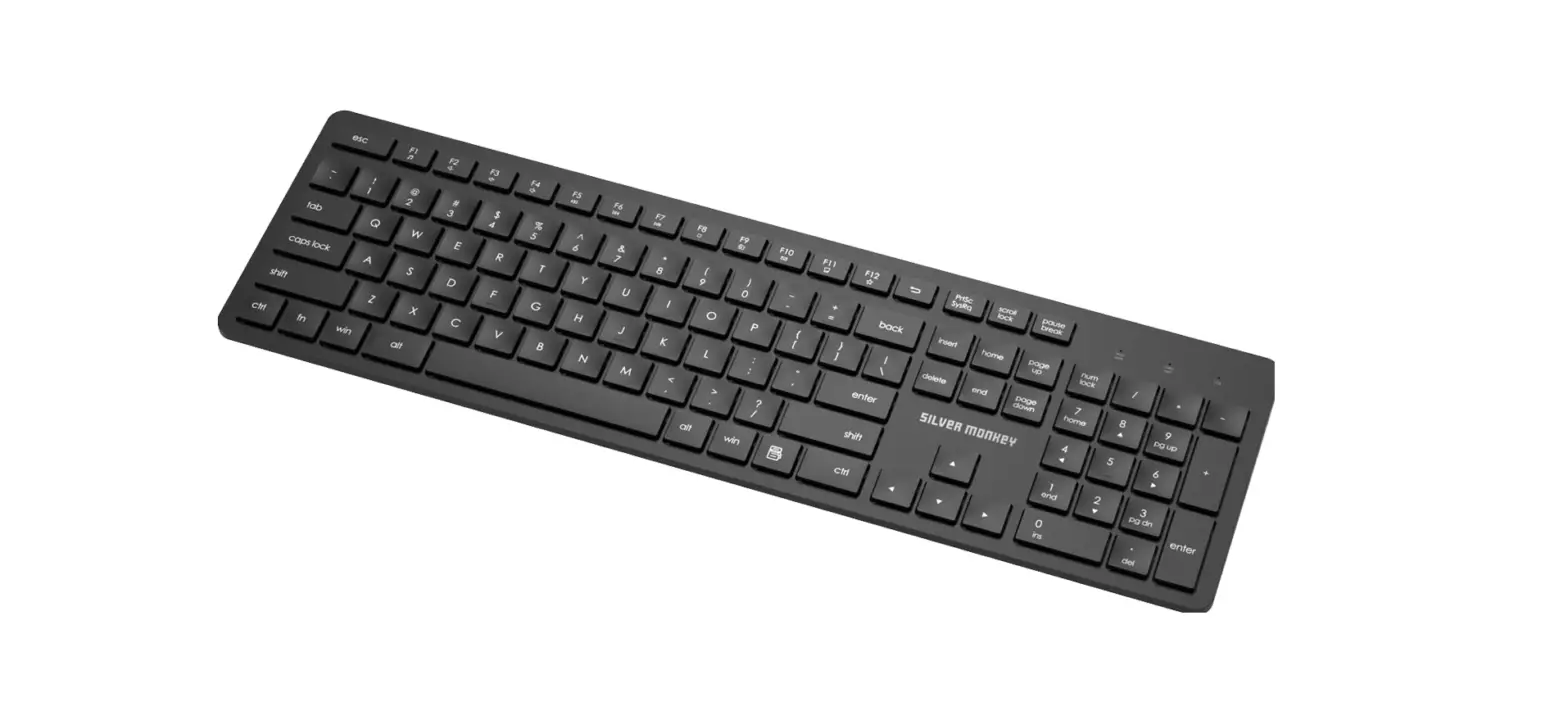
M0110 Mechanical Keyboard
Product Information:
- Product Name: 2.4Ghz/Bluetooth Keyboard
- Connectivity: 2.4Ghz and Bluetooth
Product Usage Instructions:
- Switching to 2.4Ghz Mode:
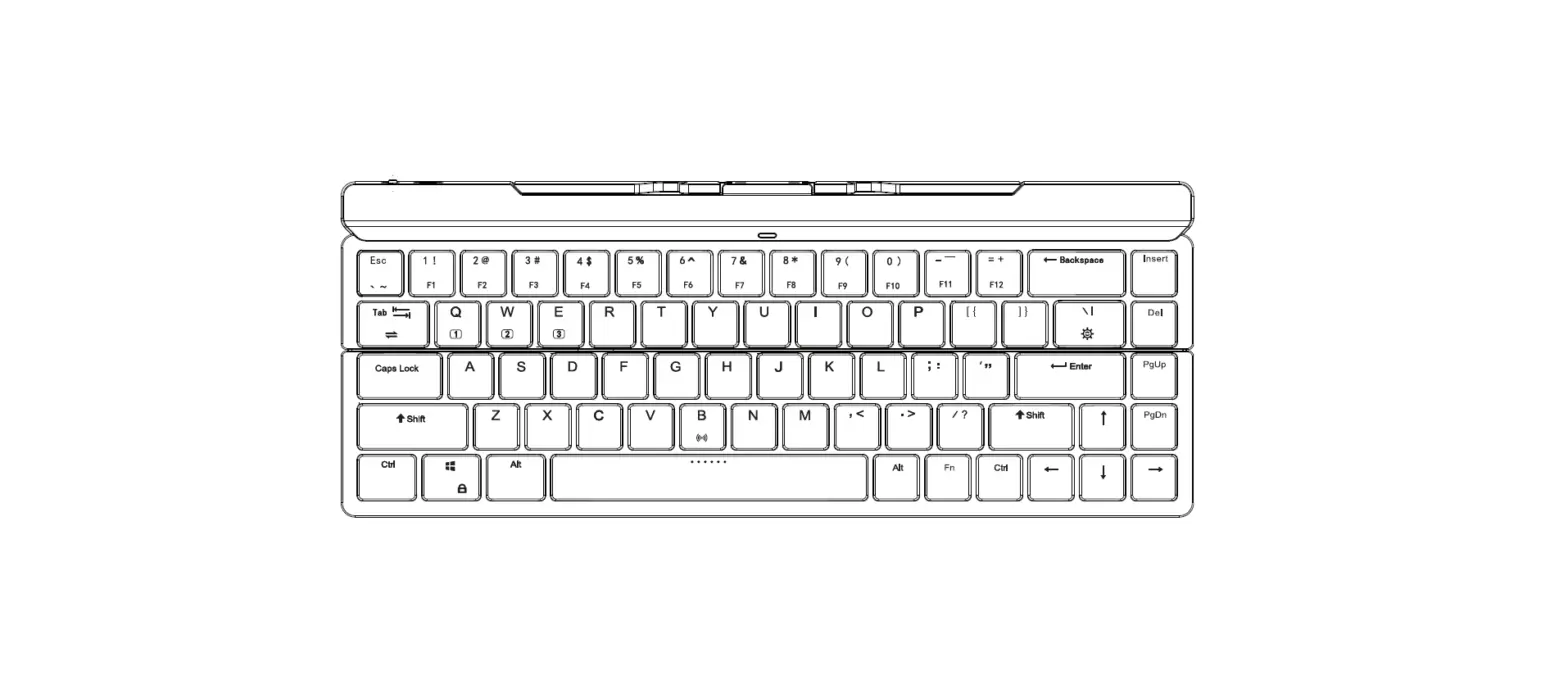
- Press and hold the Fn key and Alt_L key simultaneously.
- While keeping the Fn and Alt_L keys pressed, press the number
key (1, 2, or 3) corresponding to the desired device. - The keyboard will now be in 2.4Ghz mode for the selected
device.
- In 2.4Ghz mode, use the G key to switch between paired
devices. - Press the G key once to switch to the previous paired
device. - Press the B key once to switch to the next paired device.
- Press and hold the Fn key and Alt_L key simultaneously.
- While keeping the Fn and Alt_L keys pressed, press the number
key (1, 2, or 3) corresponding to the desired device. - The keyboard will now be in Bluetooth mode for the selected
device.
- Make sure the Bluetooth switch at the bottom of the keyboard is
turned on. - Press and hold the Fn key.
- While keeping the Fn key pressed, press the Alt_L key.
- Continue holding the Fn and Alt_L keys, then press the number
key (1, 2, or 3) for approximately 5-8 seconds. - The blue light will flash 3 times to enter broadcast mode, then
flash rapidly to indicate that pairing mode has been entered.
2.4Ghz /
(3)
Fn
Alt_L
1 2 3
G B 2.4Ghz () G B ()
1
2
3
()
G B ()
Fn
Alt_L
1 2 3
1
FNFNAlt FNAlt1/2/35-8 (3)
LED_A
Connection
2.4Ghz / Bluetooth
Pairing Mode (Keeping press for 3 seconds)
Fn
Alt_L
1 or 2 or 3
G B 2.4Ghz Mode (Left)
Device 1
Device 2
Device 3
G B Wired Mode (Center)
Switch between paired devices
G B Bluetooth Mode (Right)
Fn
Alt_L
1 or 2 or 3
Device 1
Device 2
Device 3
The steps to enter pairing mode are as follows:
Turn on the Bluetooth switch located at the bottom of the keyboard. Press and hold the FN key, and while keeping the FN key pressed, press the Alt key. Continue holding the FN and Alt keys, then press the 1/2/3 key for approximately 5-8 seconds to
enter pairing mode.
(During the pairing process, the blue light will flash 3 times to enter broadcast mode, then the blue light will flash rapidly to indicate that pairing mode has been entered.)
±If you notice LED_A’s blue light turning on during pairing but unable to connect, it may be due to low battery voltage.
¸We recommend using wired power for pairing and switching to battery power after completion.