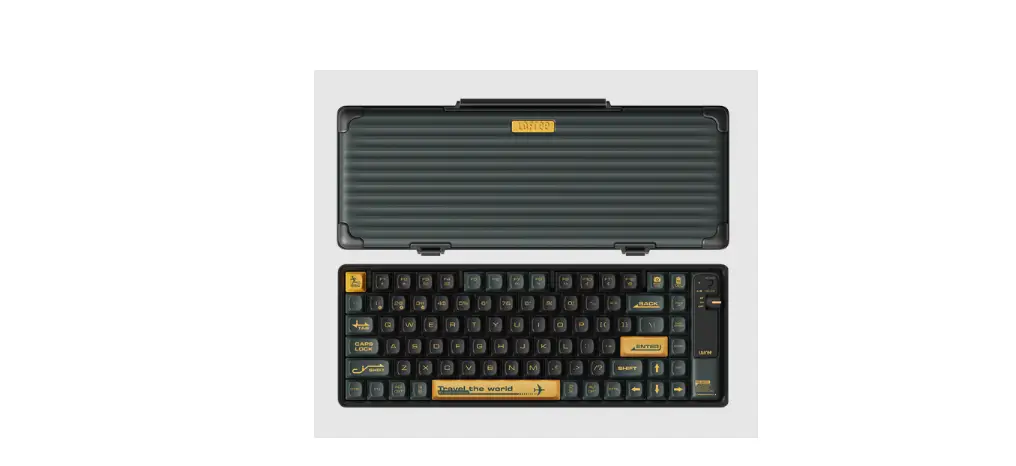
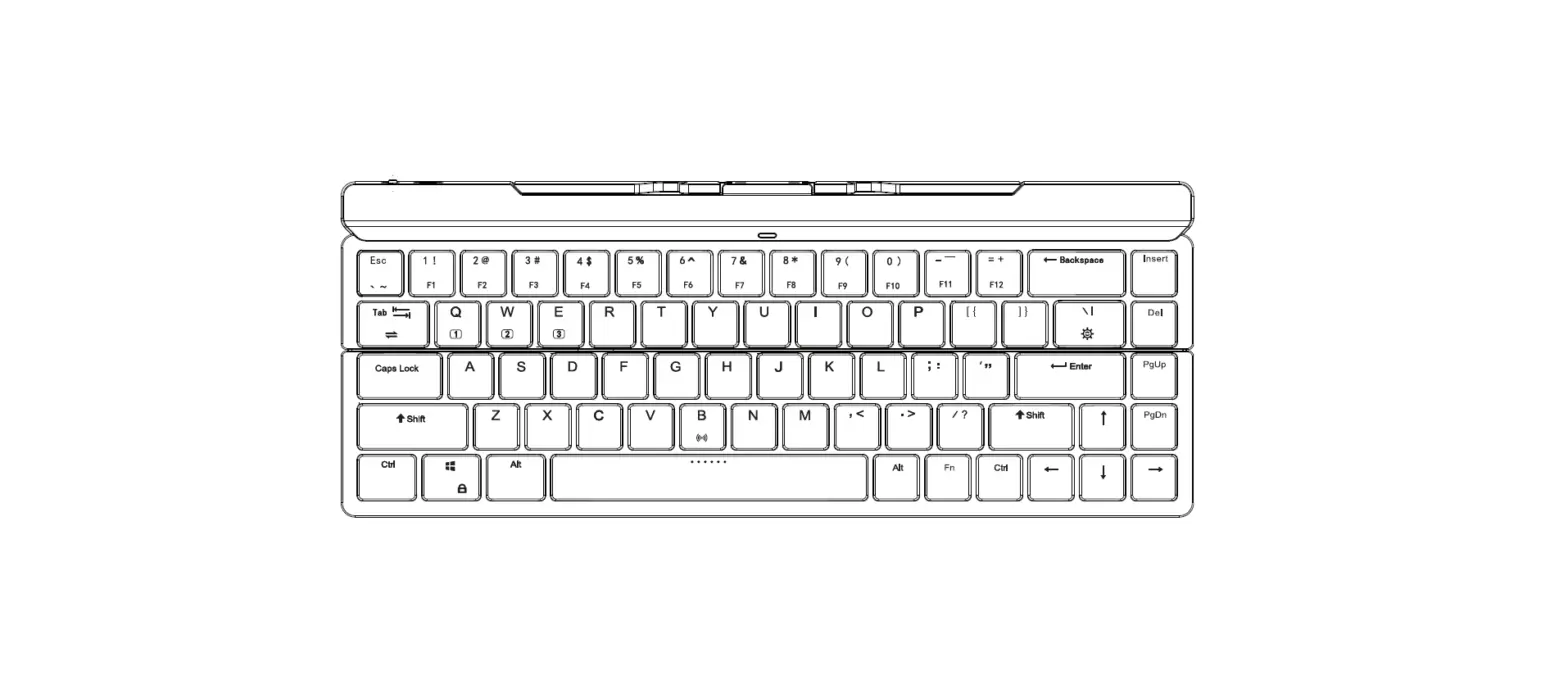
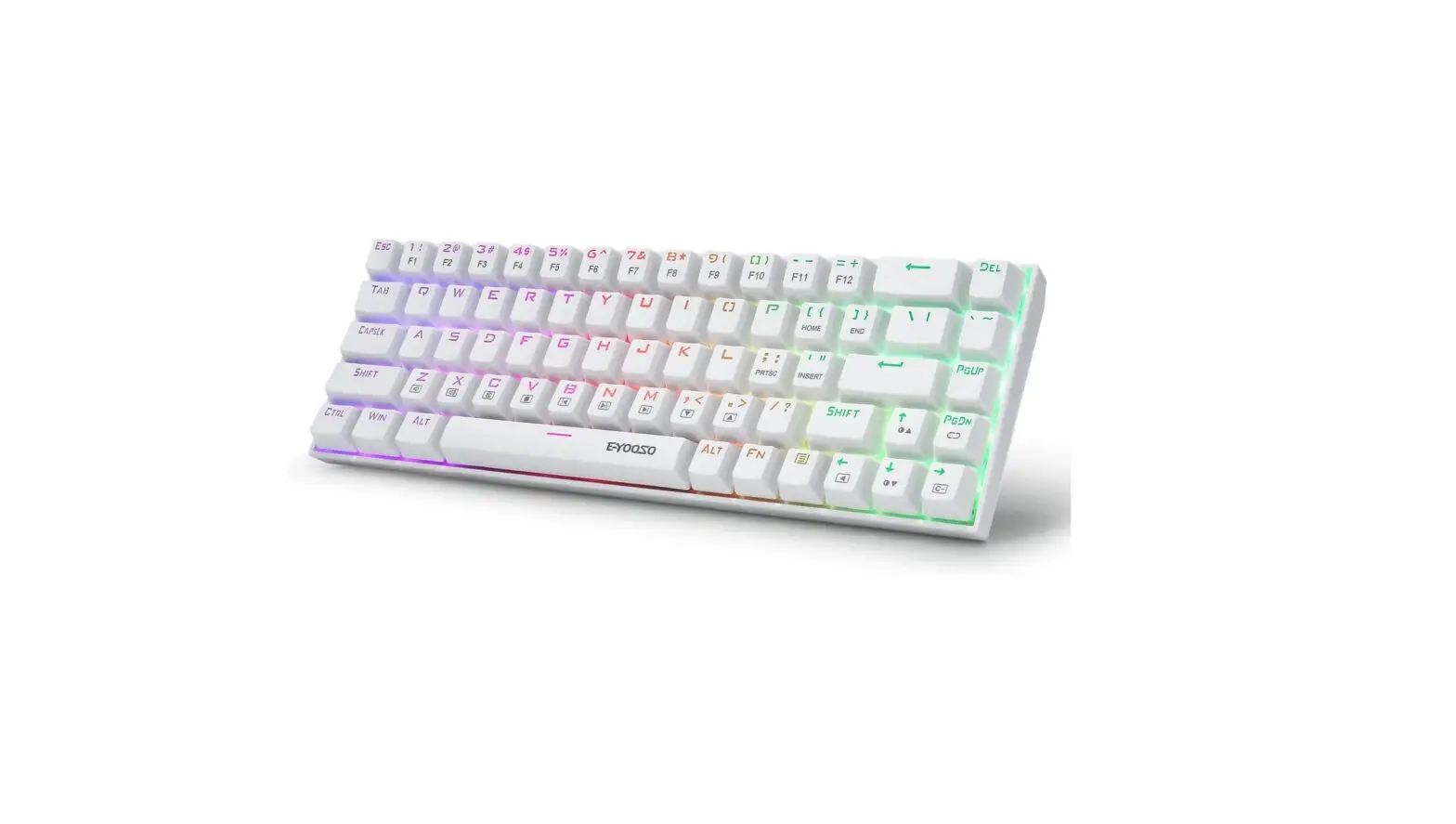
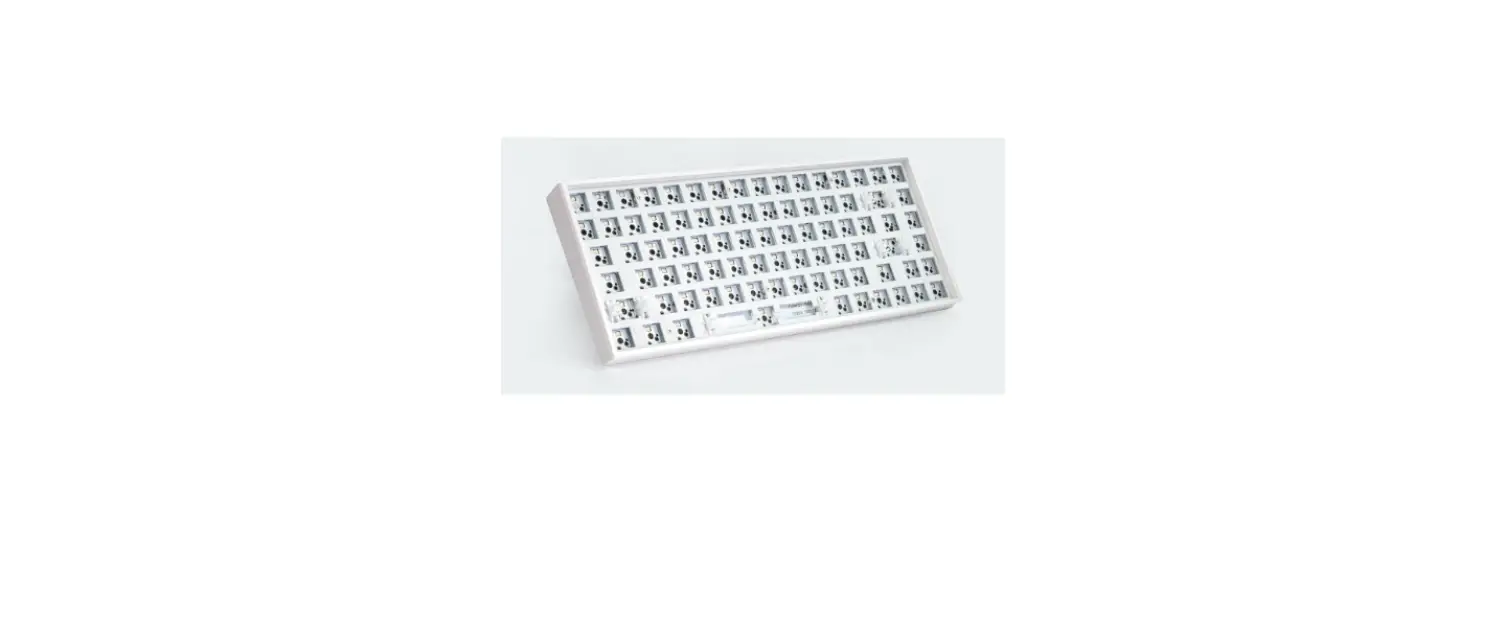
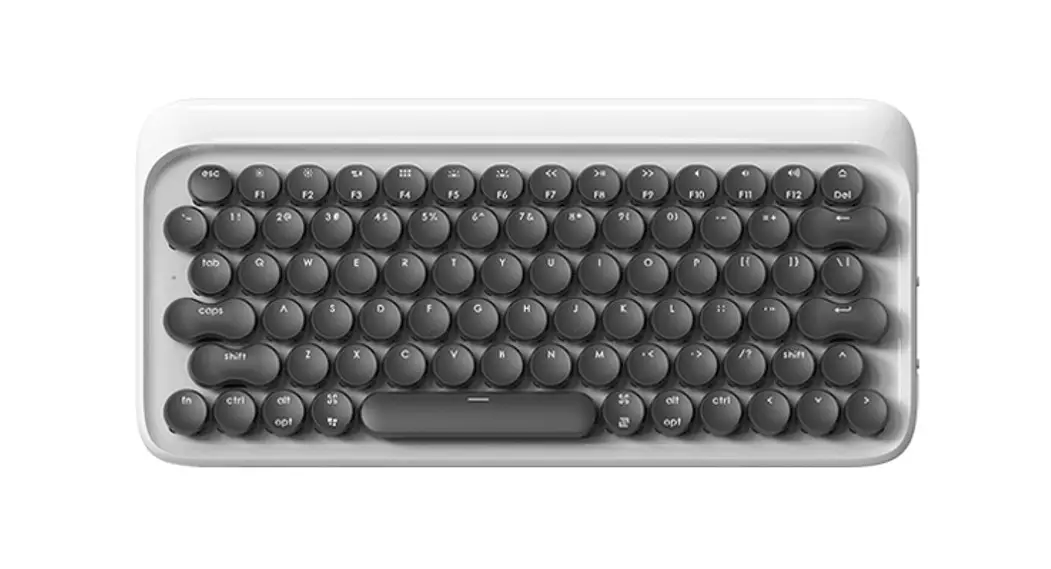
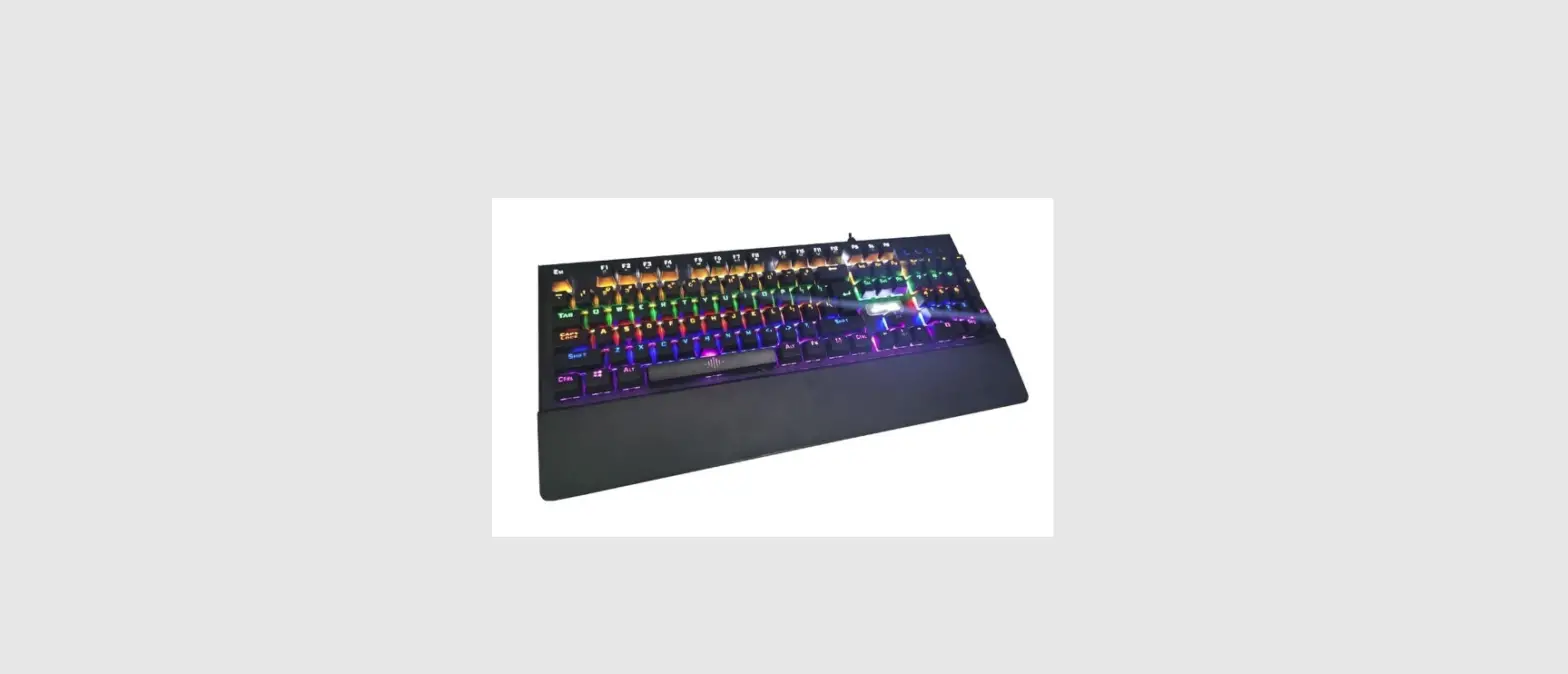
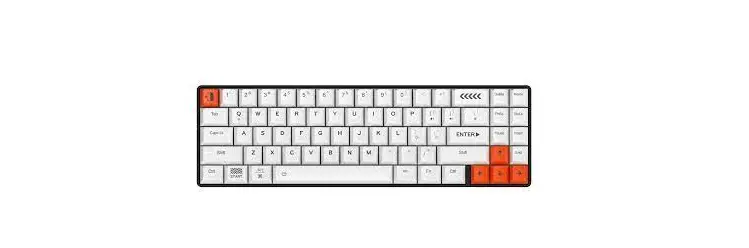
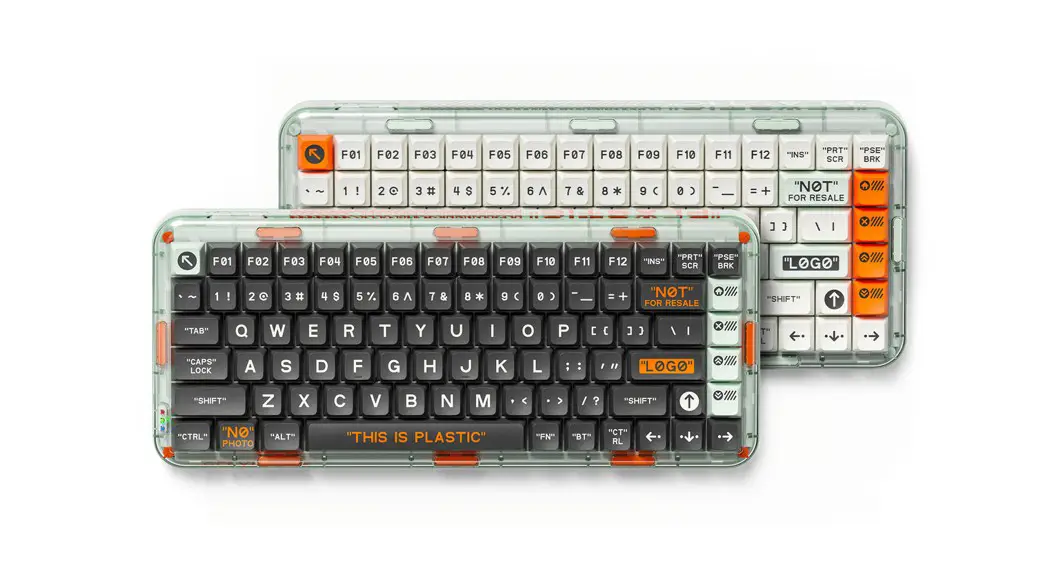
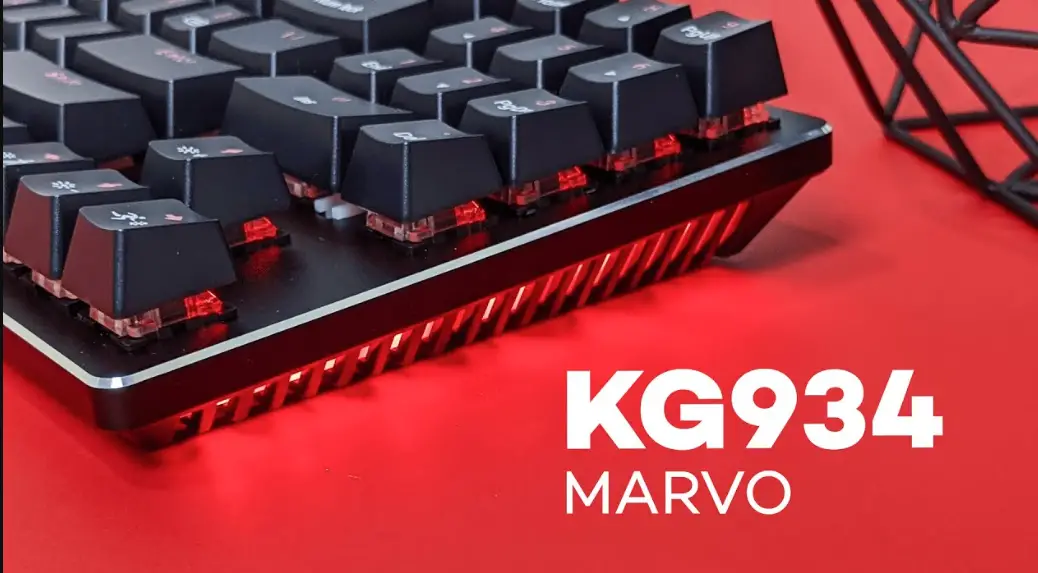
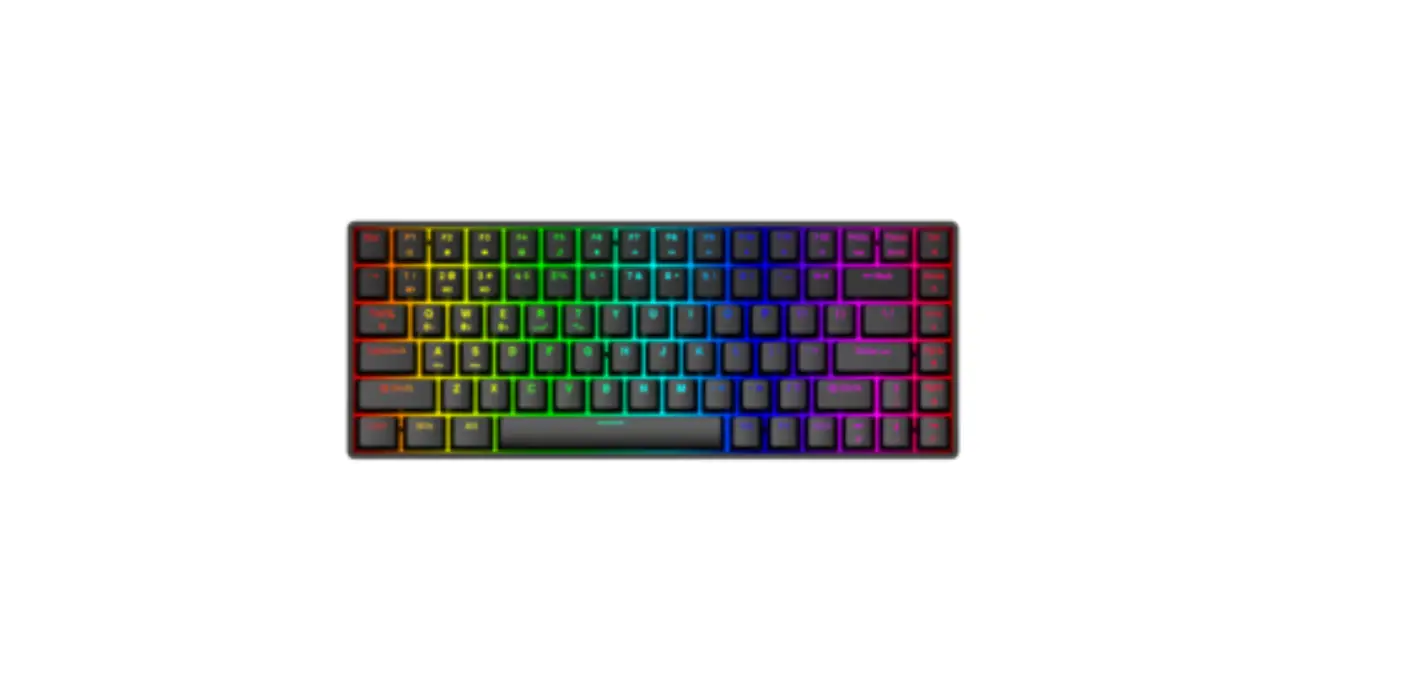
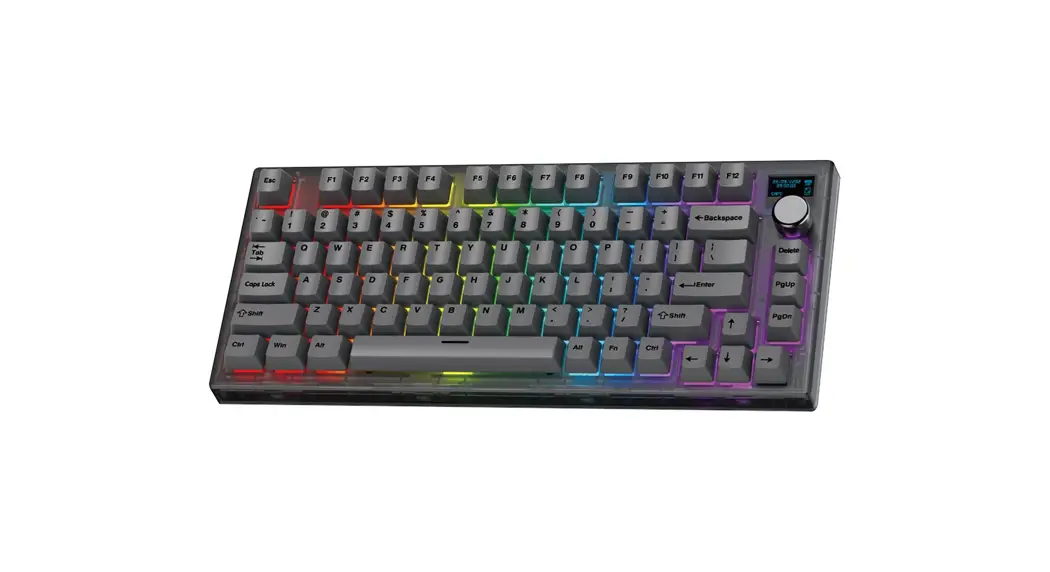
FLOW OE915 Mechanical Keyboard
Product Information
Product Name: OE915
Product Description: This product is a high-performance device
designed for various applications. It is equipped with advanced
features to meet the needs of users.
Product Features:
- Advanced technology for efficient operation
- Durable and reliable construction
- Easy to use and maintain
- Multiple settings and options for customization
Product Usage Instructions
To ensure proper and safe use of the product, please follow the
instructions below:
1. Installation
Before installation, make sure to:
- Read and understand the user manual
- Check the package contents for any missing parts or damage
- Select an appropriate location for installation, considering
ventilation and accessibility
To install the product:
- Place the product in the desired location
- Connect any necessary cables or wires
- Securely fasten the product using the provided mounting
accessories, if applicable
2. Setup and Configuration
To set up and configure the product:
- Power on the product by connecting it to a suitable power
source - Follow the on-screen instructions or consult the user manual
for initial setup - Configure the desired settings and options according to your
needs - Perform any necessary firmware updates, if available
3. Operation
To operate the product:
- Refer to the user manual for detailed information on the
product’s controls and interface - Follow the recommended operating procedures and safety
guidelines - Use the product in accordance with its intended purpose
- Monitor the product’s performance and make adjustments as
necessary
4. Maintenance
To maintain the product’s performance and longevity:
- Regularly clean the product using a soft, dry cloth
- Avoid exposing the product to extreme temperatures or
humidity - Keep the product away from water or other liquids
- Periodically check for any loose connections or signs of
damage
For further assistance or troubleshooting, please refer to the
complete user manual or contact our customer support.
OE915
)&&5DGLDWLRQ([SRVXUH6WDWHPHQW
7KLVHTXLSPHQWFRPSOLHVZLWK)&&UDGLDWLRQH[SRVXUHOLPLWVVHWIRUWKIRUDQ XQFRQWUROOHGHQYLURQPHQW 7KLVWUDQVPLWWHUPXVWQRWEHFRORFDWHGRURSHUDWLQJLQFRQMXQFWLRQZLWK DQRWKHUDQWHQQDRUWUDQVPLWWHU
$QFKDQJHVRUPRGLILFDWLRQVQRWH[SUHVVODSSURYHGEWKHSDUW UHVSRQVLEOHIRUFRPSOLDQFHFRXOGYRLGWKHXVHU
VDXWKRULWWRRSHUDWHWKH HTXLSPHQW
12)%XLOGLQJ),'($/$1’%DRXDQ5RDG;L[LDQJ %DRDQ’LVWULFW6KHQ]KHQ&KLQD