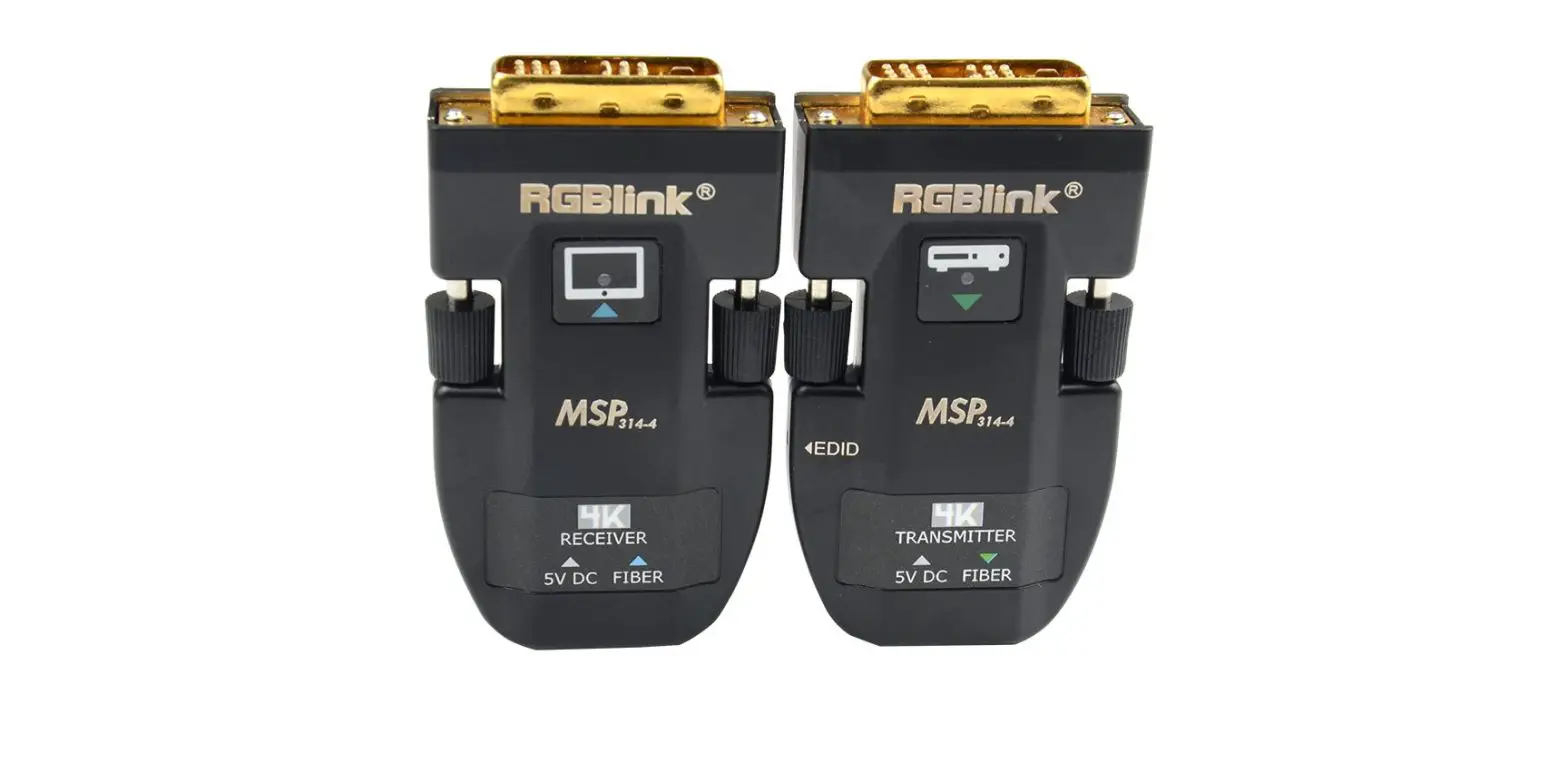
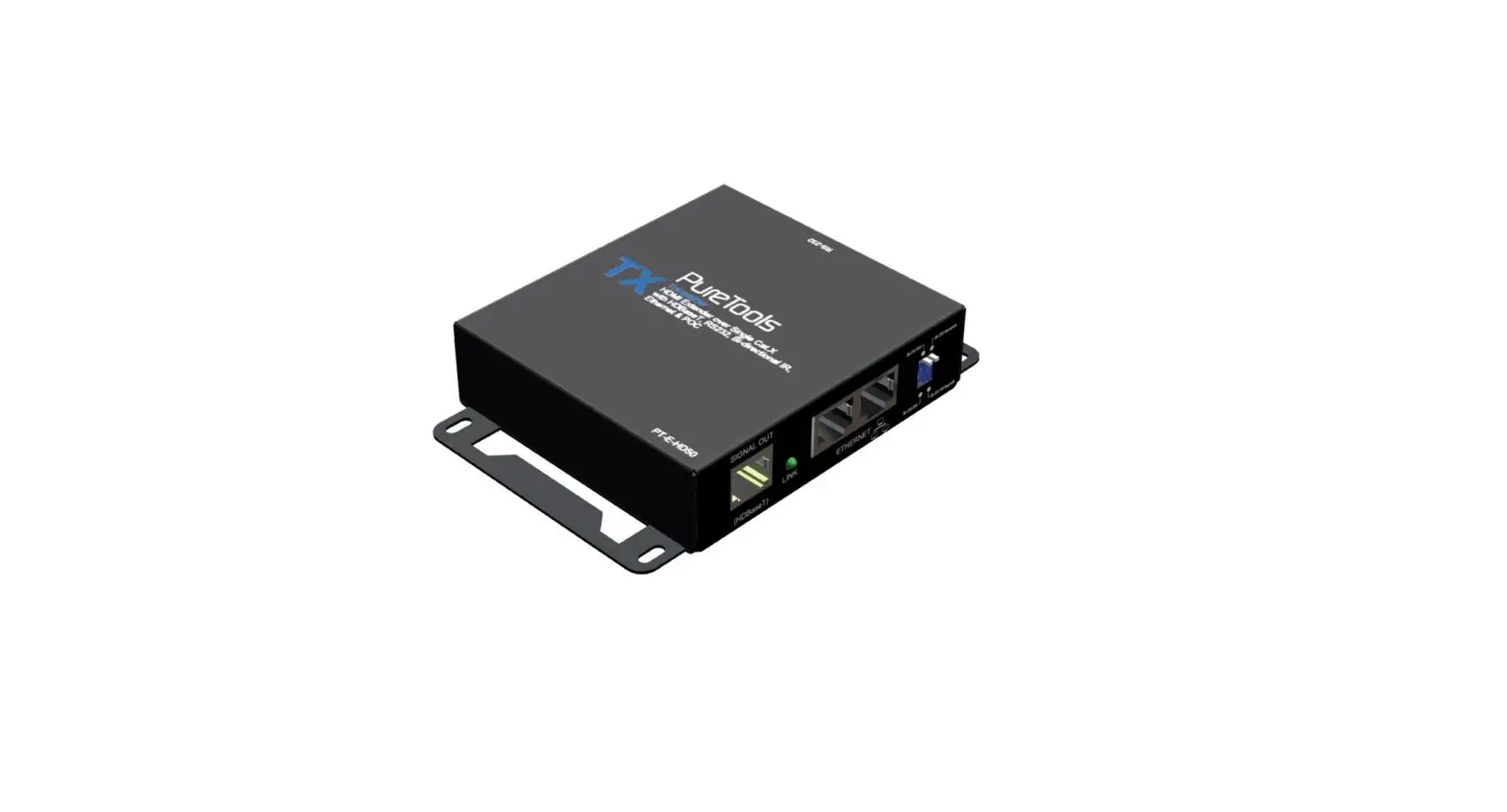
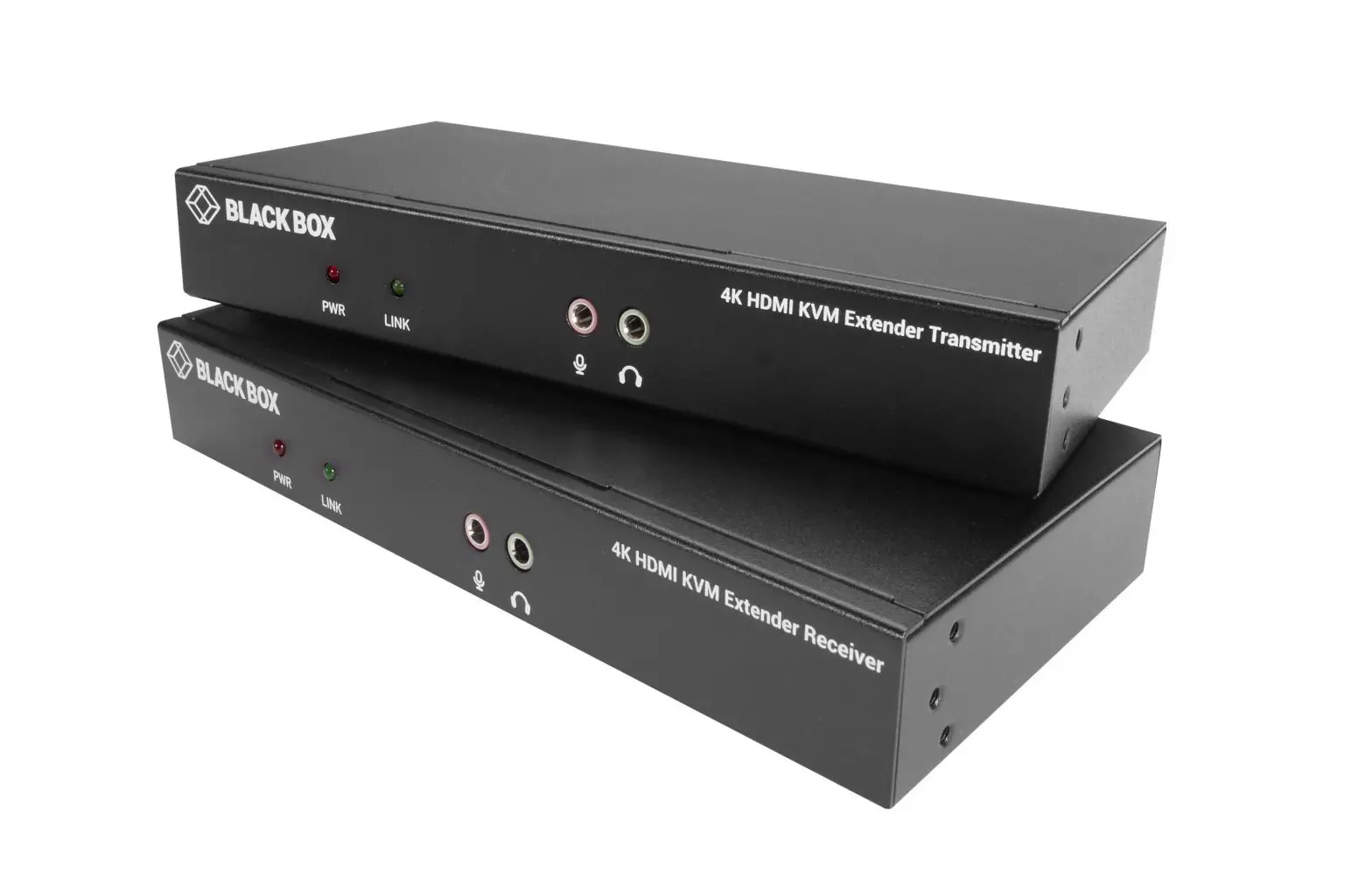
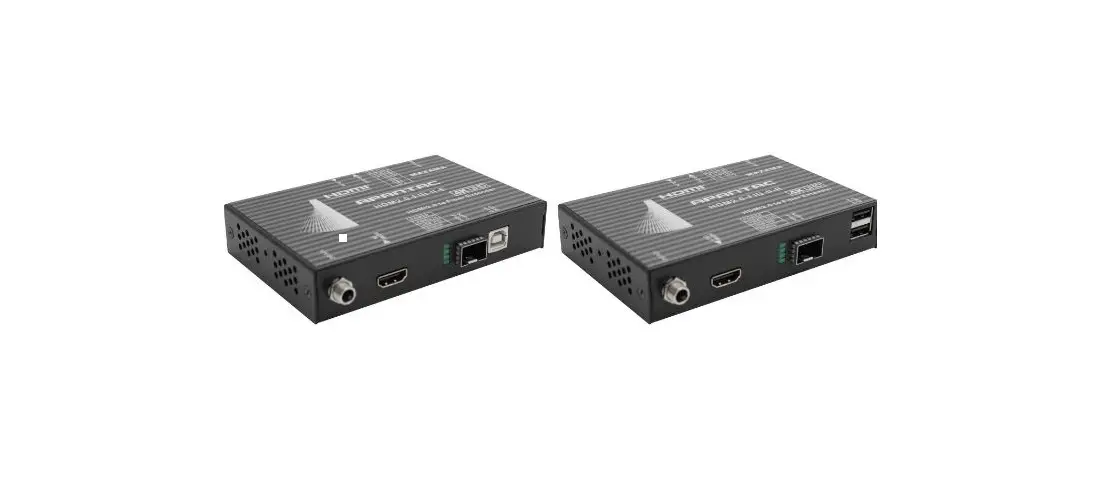
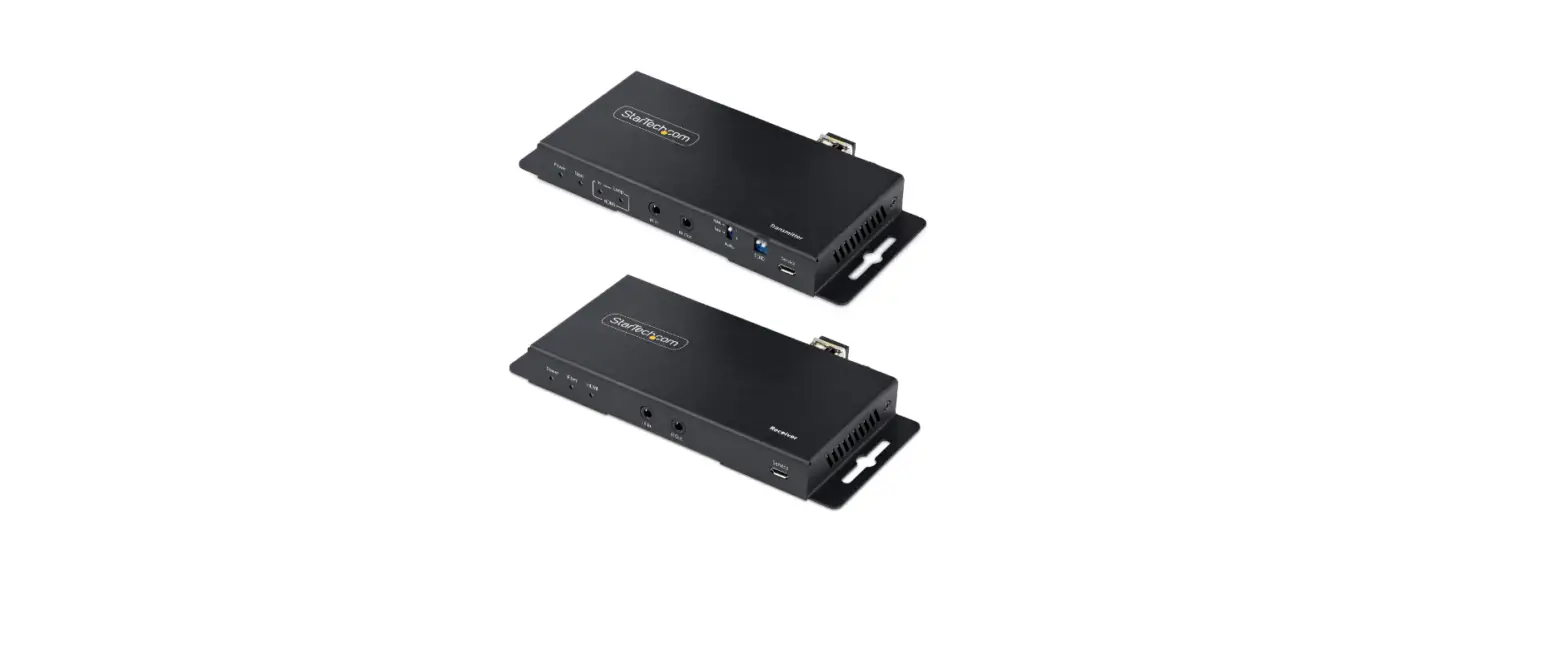
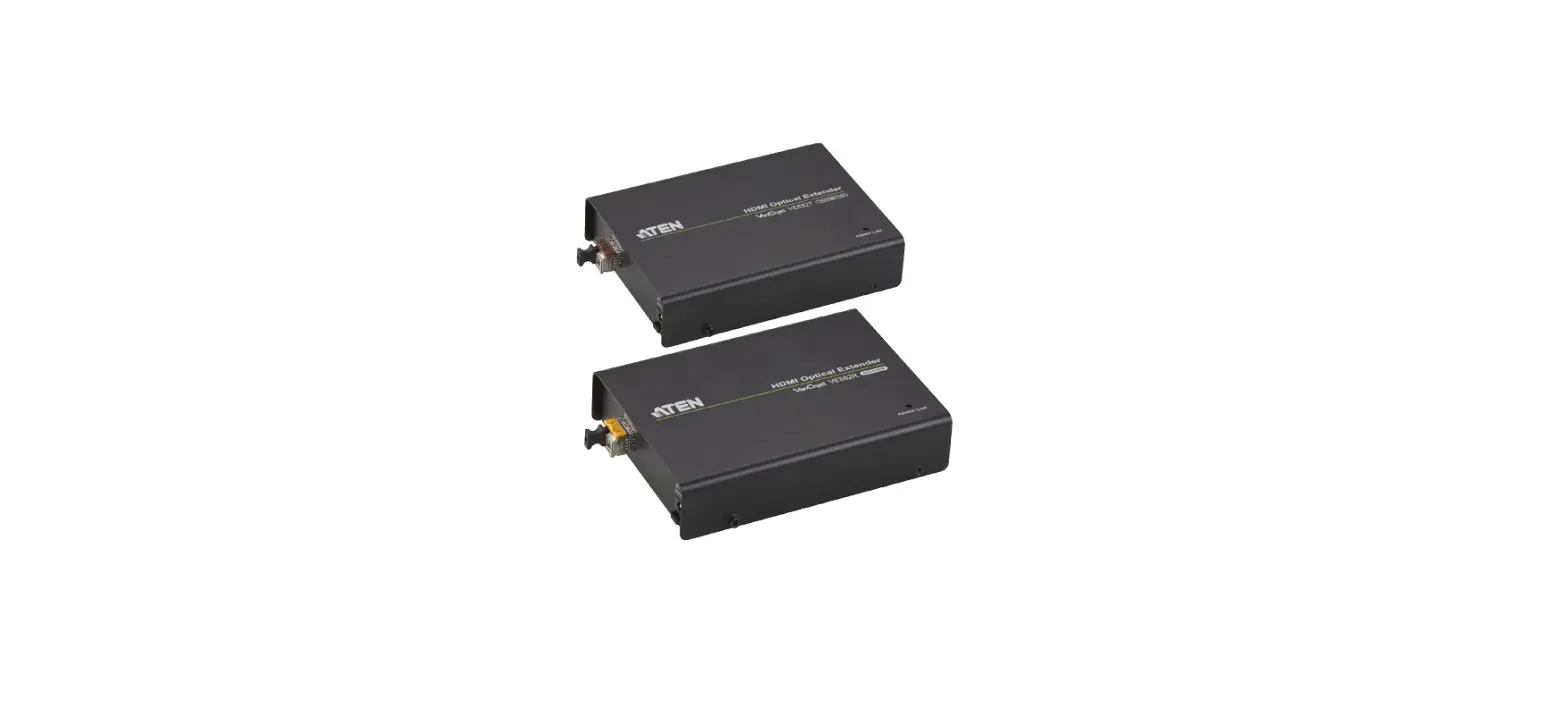
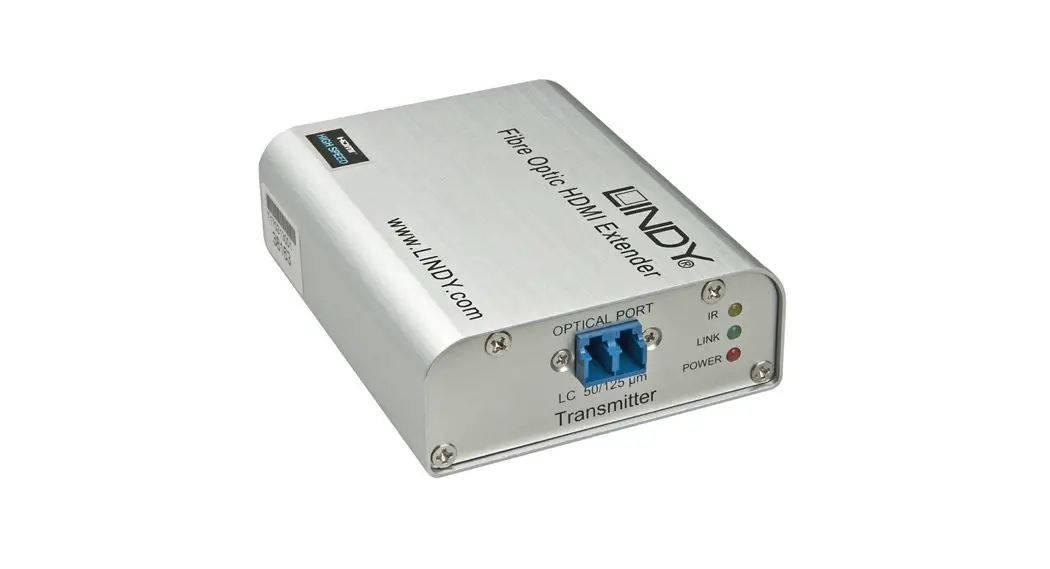
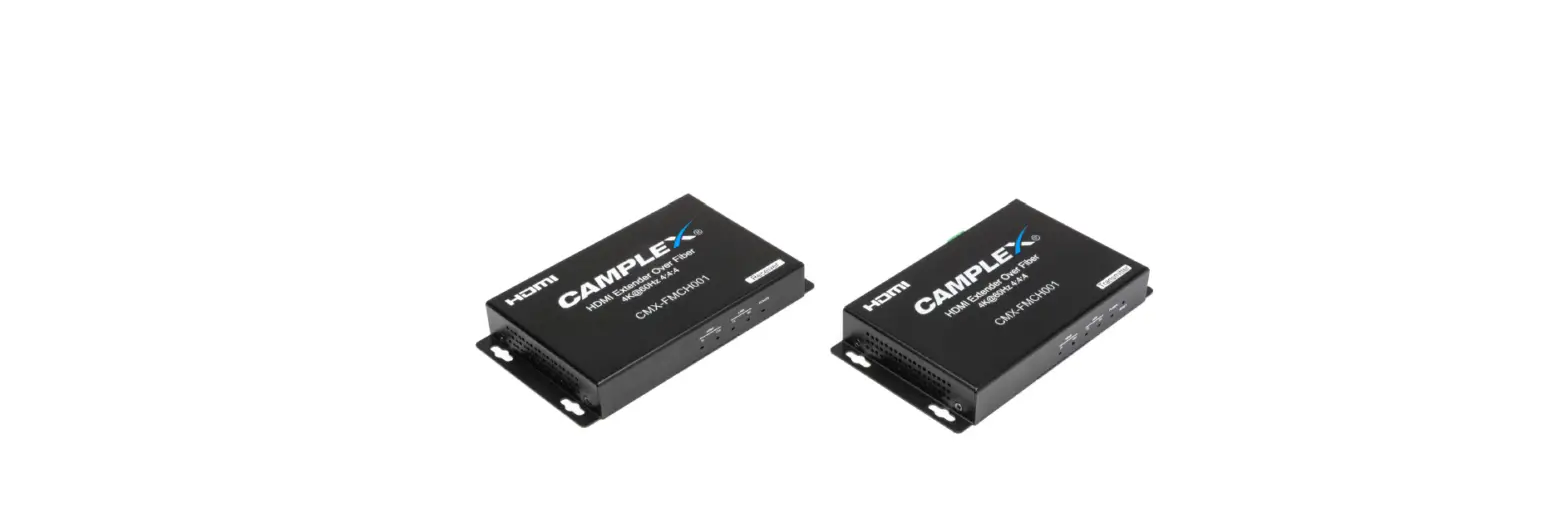
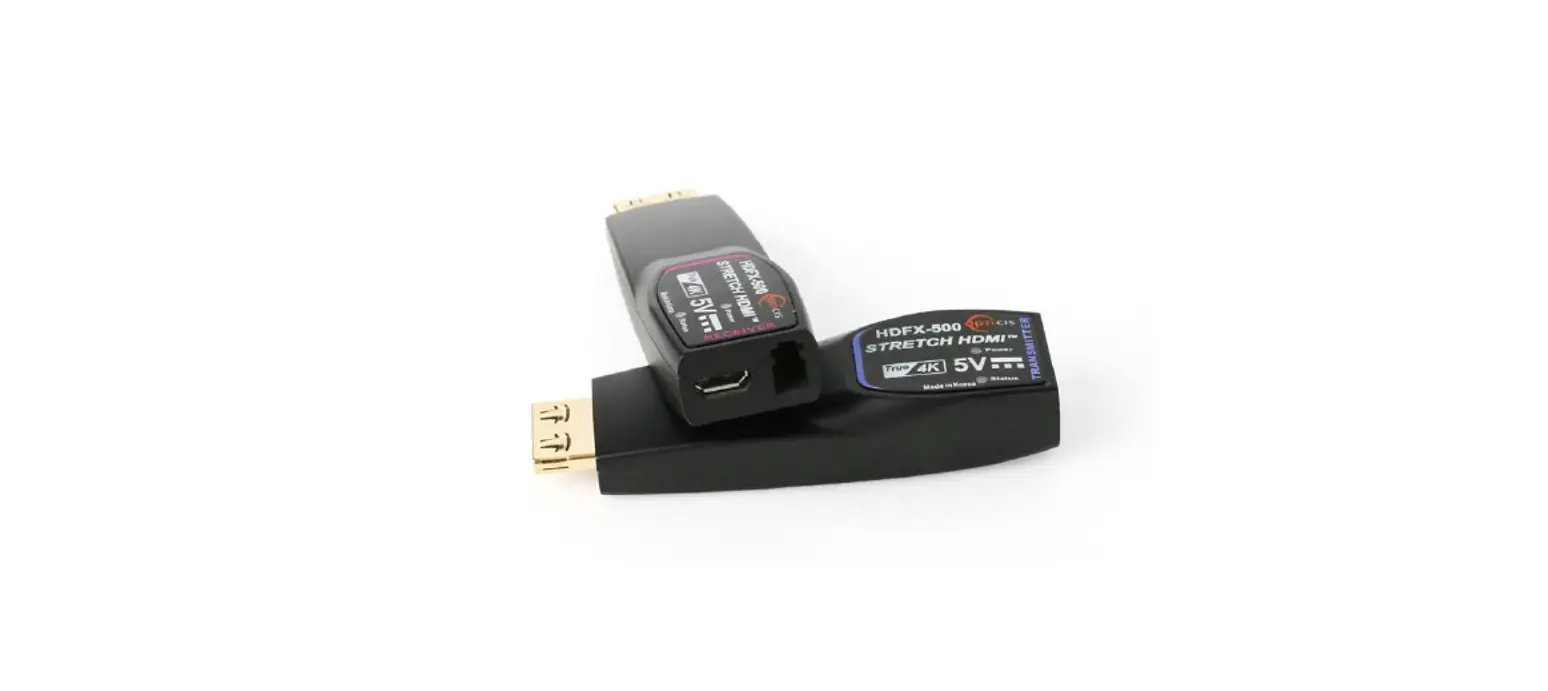
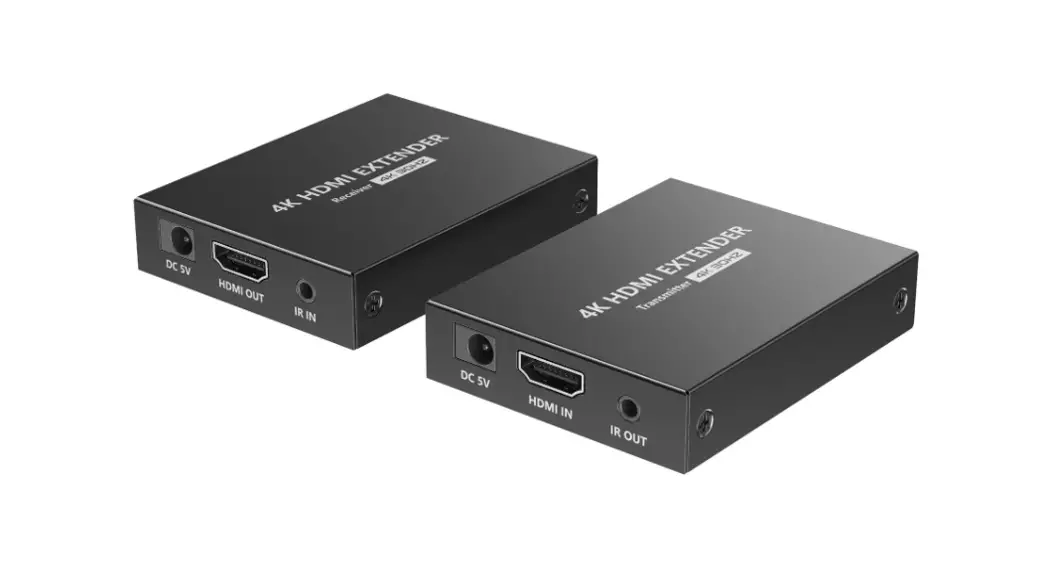
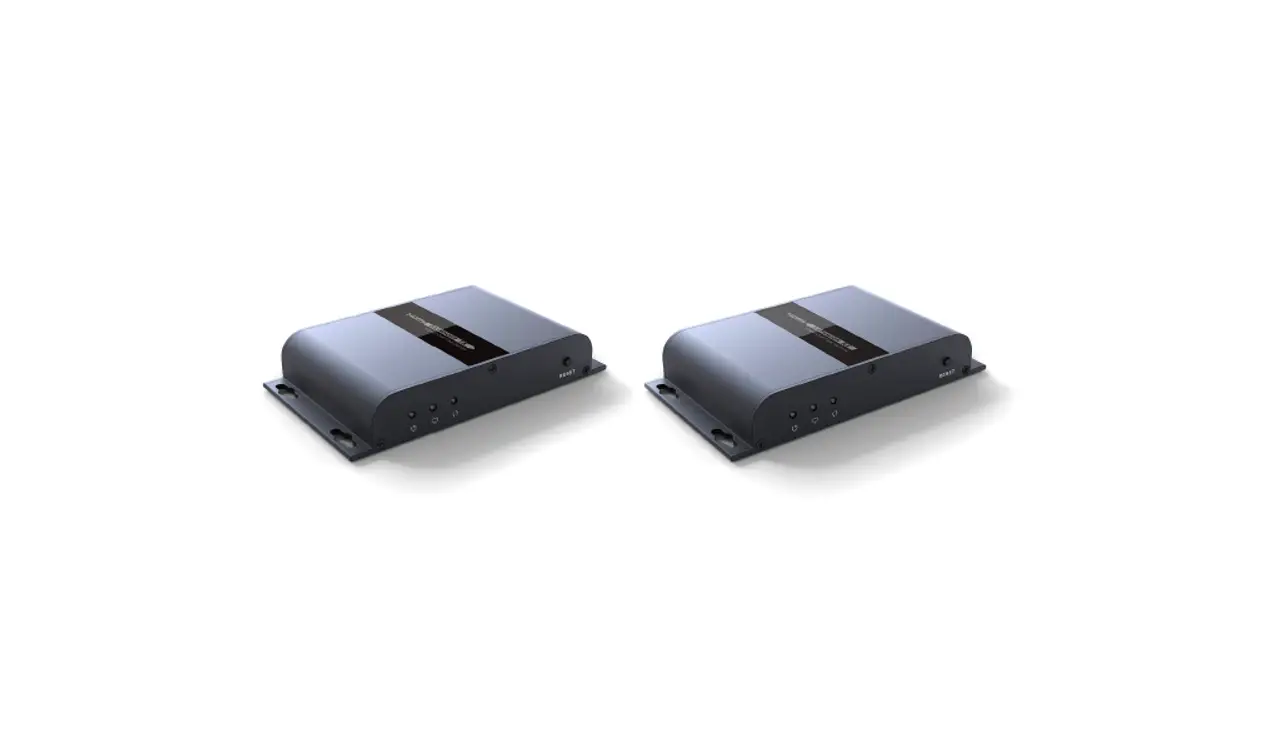
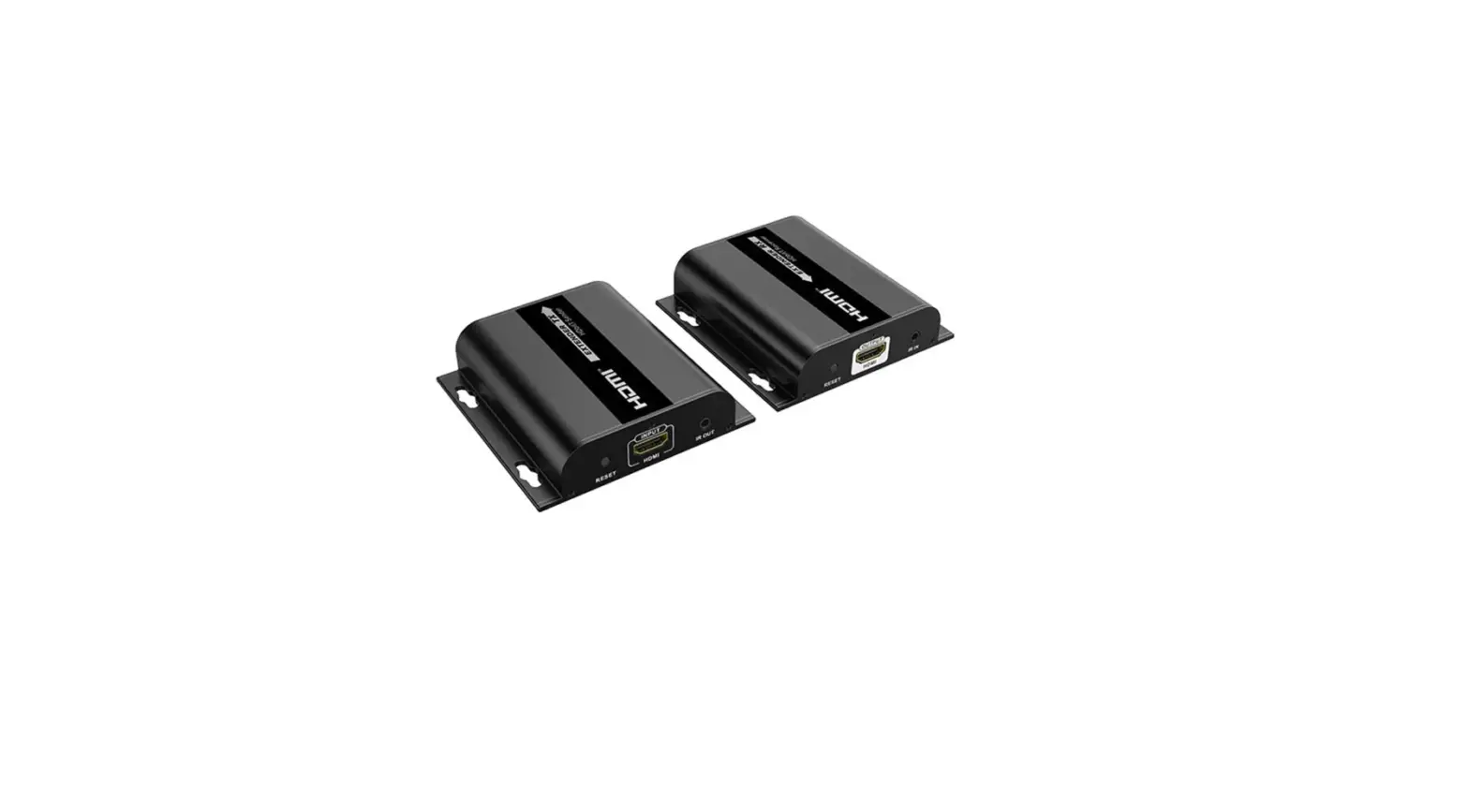
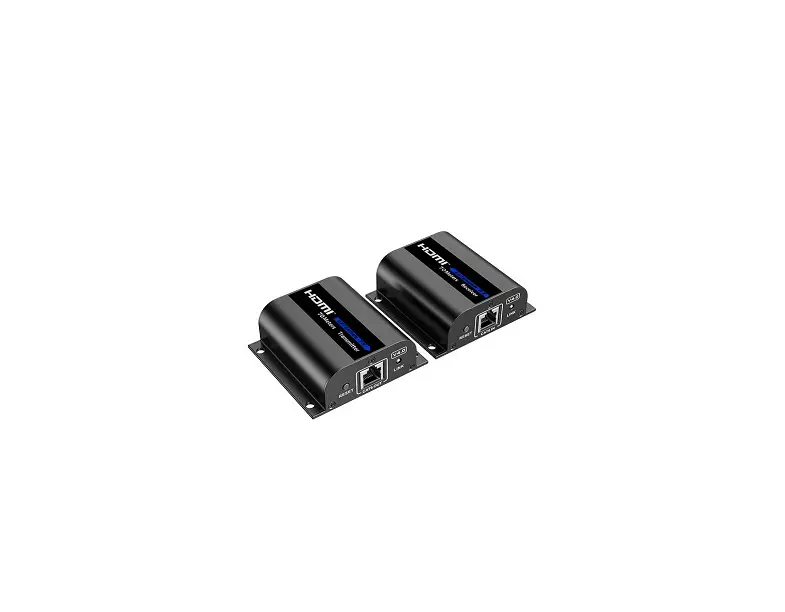
MSP318N HDMI 2.0 Fiber Extender Set
Product Information:
Product Name: MSP 318N HDMI 2.0 Fiber Extender
Set
Article Number: RGB-RD-UM-MSP 318N C000 Article
No: V1.0
Description: This user manual provides
instructions on how to use the MSP 318N HDMI 2.0 Fiber Extender
Set. It is designed to help users quickly understand and utilize
all the features of the product.
Product Usage Instructions:
Please follow the instructions below to ensure safe and proper
usage of the MSP 318N HDMI 2.0 Fiber Extender Set:
Declarations:
- FCC/Warranty: The product complies with the regulations set by
the Federal Communications Commission (FCC). RGBlink provides a
guarantee for perfect manufacturing and should be contacted in case
of any complaints.
Operators Safety Summary:
- Do Not Remove Covers or Panels: The unit does not have
user-serviceable parts. Opening the top cover may expose dangerous
voltages, so it should not be removed. Do not operate the unit
without the cover installed. - Power Source: The product is designed to operate from a power
source with a maximum voltage of 230 volts rms. Ensure proper
grounding for safe operation. - Grounding the Product: The product is grounded through the
grounding conductor of the power cord. Plug the power cord into a
properly wired receptacle before connecting to the product’s input
or output terminals. - Use the Proper Power Cord: Only use the specified power cord
and connector for the product. Ensure the power cord is in good
condition. Seek assistance from qualified service personnel for
cord and connector changes. - Use the Proper Fuse: Use only a fuse with identical type,
voltage rating, and current rating characteristics to avoid fire
hazards. Consult qualified service personnel for fuse
replacement. - Do Not Operate in Explosive Atmospheres: Avoid operating the
product in explosive atmospheres to prevent potential
explosions.
Installation Safety Summary:
- Safety Precautions: Follow these safety and handling rules
during MSP 318N installation procedures to prevent damage to
yourself and the equipment. Ensure the chassis is connected to
earth via the ground wire provided in the AC power cord. - AC Socket-outlet: Install the AC socket-outlet near the
equipment for easy accessibility.
MSP 318N
HDMI 2.0 Fiber Extender Set
User Manual
Article No: RGB-RD-UM-MSP 318N C000 Article No: V1.0
CONTENTS
CONTENTS…………………………………………………………………………………………………………………………. 2 Declarations………………………………………………………………………………………………………………………..3
FCC/Warranty……………………………………………………………………………………………………………… 3 Operators Safety Summary…………………………………………………………………………………………… 4 Installation Safety Summary…………………………………………………………………………………………. 4 Chapter 1 Your Product…………………………………………………………………………………………………………6 1.1 In the Box……………………………………………………………………………………………………………….6 1.2 Product Overview……………………………………………………………………………………………………7
1.2.1 Transmitter Panel…………………………………………………………………………………………. 8 1.2.2 Receiver Panel……………………………………………………………………………………………… 9 1.2.3 Demension………………………………………………………………………………………………… 10 Chapter 2 Use Your Product……………………………………………………………………………………………….. 11 2.1 Application Example………………………………………………………………………………………………11 Chapter 3 Order Codes………………………………………………………………………………………………………. 12 3.1 Product Codes……………………………………………………………………………………………………… 12 Chapter 4 Support …………………………………………………………………………………………………………… 13 4.1 Contact Us…………………………………………………………………………………………………………… 13 Chapter 5 Appendix…………………………………………………………………………………………………………… 14 5.1 Specification………………………………………………………………………………………………………… 14 5.2 Terms & Definitions……………………………………………………………………………………………….16 5.3 Revision History…………………………………………………………………………………………………….22
MSP 318N
User Manual
2
Thank you for choosing our product!
This User Manual is designed to show you how to use this HDMI Extender quickly and make use of all the features. Please read all directions and instructions carefully before using this product.
Declarations
FCC/Warranty
Federal Communications Commission (FCC) Statement
This equipment has been tested and found to comply with the limits for a class A digital device, pursuant to Part 15 of the FCC rules. These limits are designed to provide reasonable protection against harmful interference when the equipment is operated in a commercial environment. This equipment generates, uses, and can radiate radio frequency energy and, if not installed and used in accordance with the instruction manual, may cause harmful interference to radio communications. Operation of this equipment in a residential area may cause harmful interference, in which case the user will be responsible for correcting any interference.
Guarantee and Compensation
RGBlink provides a guarantee relating to perfect manufacturing as part of the legally stipulated terms of guarantee. On receipt, the purchaser must immediately inspect all delivered goods for damage incurred during transport, as well as for material and manufacturing faults. RGBlink must be informed immediately in writing of any complains.
The period of guarantee begins on the date of transfer of risks, in the case of special systems and software on the date of commissioning, at latest 30 days after the transfer of risks. In the event of justified notice of compliant, RGBlink can repair the fault or provide a replacement at its own discretion within an appropriate period. If this measure proves to be impossible or unsuccessful, the purchaser can demand a reduction in the purchase price or cancellation of the contract. All other claims, in particular those relating to compensation for direct or indirect damage, and also damage attributed to the operation of software as well as to other service provided by RGBlink, being a component of the system or independent service, will be deemed invalid provided the damage is not proven to be attributed to the absence of properties guaranteed in writing or due to the intent or gross negligence or part of RGBlink. If the purchaser or a third party carries out modifications or repairs on goods delivered by RGBlink, or if the goods are handled incorrectly, in particular if the systems are commissioned operated incorrectly or if, after the transfer of risks, the goods are subject to influences not agreed upon in the contract, all guarantee claims of the purchaser will be rendered invalid. Not included in the guarantee coverage are system failures which are attributed to programs or special electronic circuitry provided by the purchaser, e.g. interfaces. Normal wear as well as normal maintenance are not subject to the guarantee provided by RGBlink either. The environmental conditions as well as the servicing and maintenance regulations specified in
MSP 318N
User Manual
3
this manual must be complied with by the customer.
Operators Safety Summary
The general safety information in this summary is for operating personnel.
Do Not Remove Covers or Panels
There are no user-serviceable parts within the unit. Removal of the top cover will expose dangerous voltages. To avoid personal injury, do not remove the top cover. Do not operate the unit without the cover installed.
Power Source
This product is intended to operate from a power source that will not apply more than 230 volts rms between the supply conductors or between both supply conductor and ground. A protective ground connection by way of grounding conductor in the power cord is essential for safe operation.
Grounding the Product
This product is grounded through the grounding conductor of the power cord. To avoid electrical shock, plug the power cord into a properly wired receptacle before connecting to the product input or output terminals. A protective-ground connection by way of the grounding conductor in the power cord is essential for safe operation.
Use the Proper Power Cord
Use only the power cord and connector specified for your product. Use only a power cord that is in good condition. Refer cord and connector changes to qualified service personnel.
Use the Proper Fuse
To avoid fire hazard, use only the fuse having identical type, voltage rating, and current rating characteristics. Refer fuse replacement to qualified service personnel.
Do Not Operate in Explosive Atmospheres
To avoid explosion, do not operate this product in an explosive atmosphere.
Installation Safety Summary
Safety Precautions
For all MSP 318N installation procedures, please observe the following important safety and handling rules to avoid damage to yourself and the equipment. To protect users from electric shock, ensure that the chassis connects to earth via the ground wire provided in the AC power Cord.
MSP 318N
User Manual
4
The AC Socket-outlet should be installed near the equipment and be easily accessible.
Unpacking and Inspection
Before opening MSP 318N shipping box, inspect it for damage. If you find any damage, notify the shipping carrier immediately for all claims adjustments. As you open the box, compare its contents against the packing slip. If you find any shortages, contact your sales representative. Once you have removed all the components from their packaging and checked that all the listed components are present, visually inspect the system to ensure there was no damage during shipping. If there is damage, notify the shipping carrier immediately for all claims adjustments.
Site Preparation
The environment in which you install your MSP 318N should be clean, properly lit, free from static, and have adequate power, ventilation, and space for all components.
MSP 318N
User Manual
5
Chapter 1 Your Product
1.1 In the Box
NO.
Item
Qty.
1
IR Blaster Cable (1.5 meters)
2
2
IR Receiver Cable (1.5 meters)
2
3
5V/1A Power Adapter
2
4
3-pin 3.81mm Phoenix Connector
2
5
User Manual
1
Note: Power Adapter supplied as standard according to destination market.
MSP 318N
User Manual
6
1.2 Product Overview
This HDMI Extender can extend HDMI signal up to 3300 feet/1000 meters (over single-mode fiber cable) or 1000 feet/300 meters (over multi-mode fiber cable). Video resolution is up to 4K2K@60Hz 4:4:4. Transmitter supports loop output, audio embedding and EDID management function. Receiver supports audio extracting function. In addition, the extender supports bidirectional IR control and RS-232 signal pass-through. It can allow you to easily control the display device on the signal source side or control the signal source device on the display side when using this extender.
The key features are as follows: Support 4K@60hz (18Gbps) RGB 4:4:4 8bits, HDR Support HDMI 2.0b/HDCP 2.2 External SFP+ 10 Giga module for different distance (order optional) Support 3D,HDR format Support Bi-directional IR control,RS 232 pass through EDID management by dip switch Transmitter supports loop output and audio embedding Receiver supports audio extracting
MSP 318N System Connection Diagram
MSP 318N
User Manual
7
1.2.1 Transmitter Panel
No. Name 1 POWER LED
FIBER LED 2
3 HDMI LED
4
IR IN
5
IR OUT
AUDIO switch 6
7 EDID DIP switch
8 SERVICE port
9
DC 5V
10
FIBER
11 HDMI OUT
12 HDMI IN
13 LINE IN 14 RS-232
Function Description
The power indicator is always on when the Transmitter is powered on.
The optical fiber connection indicator is always on when the Transmitter and Receiver establish a normal optical fiber signal connection. IN: The HDMI signal input indicator is always on when there is signal input on the HDMI IN port. LOOP:The HDMI loop output indicator is always on when the HDMI OUT port of the Transmitter outputs signals to the HDMI display device. Connect to IR Receiver cable. The IR signal will send to the IR OUT port of the Receiver.
Connect to IR Blaster cable. The IR signal is from the IR IN port of the Receiver.
Switch to select audio signal source (HDMI IN or LINE IN). When there is no video signals input, audio signals can be transmitted separately. Dial the switch to set EDID. 11: Copy RX HDMI OUT 10: Copy TX HDMI LOOP OUT 01:4K60_2CH 00: 1080P_2CH Firmware update port. DC 5V/1A power supply port Connect the Transmitter optical fiber module,and transmit signals to the Receiver via an optical fiber cable. HDMI video loop output port, connect to HDMI display device such as TV or Projector with an HDMI cable. HDMI signal input port, connect to HDMI source device such as DVD or PC with an HDMI cable. Audio signal input port, connect to audio source device such as MP3.
RS-232signal pass-through port for transmitting RS-232 command signals between the Transmitter and Receiver.
MSP 318N
User Manual
8
1.2.2 Receiver Panel
No. Name
Function Description
1 POWER LED The power indicator is always on when the Receiver is powered on.
The optical fiber connection indicator is always on when the Transmitter and Receiver 2 FIBER LED establish a normal optical fiber signal connection.
The HDMI signal output indicator is always on when the HDMI OUT port of the 3 HDMI LED Receiver outputs signals to the HDMI display device.
4 IR IN Connect to IR Receiver cable. The IR signal will send to the IR OUT port of the Transmitter.
5 IR OUT Connect to IR Blaster cable. The IR signal is from the IR IN port of the Transmitter.
6
SERVICE Firmware update port. port
7 DC 5V DC 5V/1A power supply port
8 FIBER Connect the Receiver optical fiber module, and receive signals from the Transmitter via an optical fiber cable.
9 HDMI OUT HDMI signal output port, connect to HDMI display device such as HDTV or Projector with an HDMI cable.
Audio signal extracting output port (extract the HDMI OUT audio signal), connect to 10 AUDIO OUT audio output device such as amplifier or speaker.
11 RS-232 RS-232 signal pass-through port for transmitting RS-232 command signals between the Transmitter and Receiver.
MSP 318N
User Manual
9
1.2.3 Demension
Following is the dimension of MSP 318N for your reference: 160mm×68mm×18mm (TX/RX)
MSP 318N
User Manual
10
Chapter 2 Use Your Product
2.1 Application Example
1. Use HDMI cable to connect HDMI port of bluray player or DVD to”HDMI IN”on MSP 318N TX (transmitter) and connect “HDMI Out” on MSP 318N RX (receiver) to HDMI port of projector by HDMI cable. 2. Use optical fiber cable to connect SFP on MSP 318N TX and RX. 3. MSP 318N Extender provides bidirectional IR control, connecting as needed: one transmitter connects to the IR receiver, the other transmitter connects to the IR transmitter, or both the IR receiver and the IR transmitter. 4. Connect the RS232 control device to the RS232 interface of any transmitter (either transmitter or receiver, the data is bidirectional) and the RS232 interface of the controlled device to the RS232 interface of another transmitter . 5. Supply power to TX and RX via 5V/1A power supply.
MSP 318N
User Manual
11
Chapter 3 Order Codes
3.1 Product Codes
611-0318-01-0 950-0007-00-0 950-0004-00-0 950-0002-00-0
MSP 318N (TX/RX Set) SFP, Single Mode, 2km Max SFP, Single Mode, 10km Max SFP, Multi Mode, 300m Max
MSP 318N
User Manual
12
Chapter 4 Support
4.1 Contact Us
MSP 318N
User Manual
13
Chapter 5 Appendix
5.1 Specification
Connectors Input Output Audio Communication
Performance Input Resolution
Output Resolution
TX
HDMI 2.0
RX
SFP Fiber
TX
HDMI Loop
SFP Fiber
RX
HDMI 2.0
TX
LINK IN
RX
AUDIO OUT
TX
RS232
IR IN/OUT
RX
RS232
IR IN/OUT
1×HDMI- A 2×LC 1×HDMI-A 2×LC 1×HDMI-A 1×3.5mm Stereo Jack 1×3.5mm Stereo Jack 1×3.81mm Phoenix Connector 2×3.5mm Stereo Jack 1×3.81mm Phoenix Connector 2×3.5mm Stereo Jack
SMPTE 480i| 576i|[email protected]/60|[email protected]/60|
[email protected]/24/25/29.97/30/50/59.94/60
VESA
640×480@60/75 | 800×600@60/75 | 1024×768@60/75 | 1280× 800@60 | 1280×1024@60/75 | 1360×768@60 | 1366×768@60 | 1440×900@60 | 1440×1050@60 | 1680×1050@60 | 2048× 1152@60 | 3840×2160@30/60
SMPTE 480i | 576i | [email protected]/60 | [email protected]/60 |
[email protected]/24/25/29.97/30/50/59.94/60
VESA
640×480@60/75 | 800×600@60/75 | 1024×768@60/75 | 1280× 800@60 | 1280×1024@60/75 | 1360×768@60 | 1366×768@60 | 1440×900@60 | 1440×1050@60 | 1680×1050@60 | 2048× 1152@60 | 3840×2160@30/60
MSP 318N
User Manual
14
Color Space
RGB, YCbCr 4:4:4 / 4:2:2, YUV 4:2:0
Color Depth
8/10/12-bit (1080P60Hz); 8-bit (4K60Hz)
Audio Format
LPCM2/5.1/7.1CH, Dolby Digital/Plus/EX, Dolby True HD, DTS, DTS-EX,DTS-96/24,
DTS High Res, DTS-HD Master Audio, DSD
Transmission
Single-mode: 10km; Multi-mode: 300m
IR Frequency
20KHz~60KHz
RS 232Baud Rate
4800~115200bps
Power
Input Voltage
TX
DC 5V/1A
RX
DC 5V/1A
Constant Power
Environment
Working Temperature
TX 0 ~40
3.85W
RX
2.7W
Storage Temperature -20~60
Humidity
Physical
Weight
20 – 90% 0.28 kg (TX)
0.278kg (RX)
Dimension
160mm×68mm×18mm (TX/RX)
MSP 318N
User Manual
15
5.2 Terms & Definitions
The following terms and definitions are used throughout this guide. RCAConnector used primarily in consumer AV equipment for both audio and video. The RCA connector was developed by the Radio Corporation of America.
BNC: Stands for Bayonet Neill-Concelman. A cable connector used extensively in television (named for its inventors). A cylindrical bayonet connector that operates with a twist-locking motion .
CVBSCVBS or Composite video, is an analog video signal without audio. Most commonly CVBS is used for transmission of standard definition signals. In consumer applications the connector is typically RCA type, while in professional applications the connector is BNC type.
YPbPr: Used to describe the colour space for progressive-scan. Otherwise known as component video.
VGAVideo Graphics Array. VGA is an analog signal typically used on earlier computers. The signal is non-interlaced in modes 1, 2, and 3 and interlaced when using in mode
DVI Digital Visual Interface. The digital video connectivity standard that was developed by DDWG (Digital Display Work Group). This connection standard offers two different connectors: one with 24 pins that handles digital video signals only, and one with 29 pins that handles both digital and analog video.
SDISerial Digital Interface. Standard definition video is carried on this 270 Mbps data transfer rate. Video pixels are characterized with a 10-bit depth and 4:2:2 color quantization. Ancillary data is included on this interface and typically includes audio or other metadata. Up to sixteen audio channels can be transmitted. Audio is organised into blocks of 4 stereo pairs. Connector is BNC.
HD-SDI: high-definition serial digital interface (HD-SDI), is standardized in SMPTE 292M this provides a nominal data rate of 1.485 Gbit/s.
3G-SDI: standardized in SMPTE 424M, consists of a single 2.970 Gbit/s serial link that allows replacing dual link HD-SDI.
6G-SDI: standardized in SMPTE ST-2081 released in 2015, 6Gbit/s bitrate and able to support 2160p@30.
12G-SDI:standardized in SMPTE ST-2082 released in 2015, 12Gbit/s bitrate and able to support 2160p@60.
U-SDI:Technology for transmitting large-volume 8K signals over a single cable. a signal interface called the ultra high definition signal/data interface (U-SDI) for transmitting 4K and 8K signals using a single optical cable. The interface was standardized as the SMPTE ST 2036-4.
MSP 318N
User Manual
16
HDMI High Definition Multimedia Interface: An interface used for the transmission of uncompressed high definition video, up to 8 channels of audio, and control signals, over a single cable. HDMI 1.3: released on June 22 2006, and increased the maximum TMDS clock to 340 MHz (10.2 Gbit/s). Support resolution 1920 × 1080 at 120 Hz or 2560 × 1440 at 60 Hz). It added support for 10 bpc, 12 bpc, and 16 bpc color depth (30, 36, and 48 bit/px), called deep color. HDMI 1.4 : released on June 5, 2009, added support for 4096×2160 at 24 Hz, 3840×2160 at 24, 25, and 30 Hz, and 1920×1080 at 120 Hz. Compared to HDMI 1.3, 3 more features added which are HDMI Ethernet Channel (HEC) , audio return channel (ARC),3D Over HDMI, a new Micro HDMI Connector, an expanded set of color spaces. HDMI 2.0, released on September 4, 2013 increases the maximum bandwidth to 18.0 Gbit/s. Other features of HDMI 2.0 include up to 32 audio channels, up to 1536 kHz audio sample frequency, the HE-AAC and DRA audio standards, improved 3D capability, and additional CEC functions. HDMI 2.0a: was released on April 8, 2015, and added support for High Dynamic Range (HDR) video with static metadata. HDMI 2.0b: was released March, 2016, support for HDR Video transport and extends the static metadata signaling to include Hybrid Log-Gamma (HLG). HDMI 2.1 : released on November 28, 2017. It adds support for higher resolutions and higher refresh rates, Dynamic HDR including 4K 120 Hz and 8K 120 Hz.
DisplayPort: A VESA standard interface primarily for video, but also for audio, USB and other data. DisplayPort (orDP) is backwards compatible with HDMI, DVI and VGA.
DP 1.1: was ratified on 2 April 2007, and version 1.1a was ratified on 11 January 2008. DisplayPort 1.1 allow a maximum bandwidth of 10.8 Gbit/s (8.64 Gbit/s data rate) over a standard 4-lane main link, enough to support 1920×1080@60Hz
DP 1.2: introduced on 7 January 2010, effective bandwidth to 17.28 Gbit/s support increased resolutions, higher refresh rates, and greater color depth, maximum resolution 3840×2160@60Hz
DP 1.4: publish on 1 Mar, 2016.overall transmission bandwidth 32.4 Gbit/s ,DisplayPort 1.4 adds support for Display Stream Compression 1.2 (DSC), DSC is a “visually lossless” encoding technique with up to a 3:1 compression ratio. Using DSC with HBR3 transmission rates, DisplayPort 1.4 can support 8K UHD (7680×4320) at 60 Hz or 4K UHD (3840×2160) at 120 Hz with 30 bit/px RGB color and HDR. 4K at 60 Hz 30 bit/px RGB/HDR can be achieved without the need for DSC.
Multi-mode Fiber: Fibers that support many propagation paths or transverse modes are called multi-mode fibers, generally have a wider core diameter and are used for short-distance communication links and for applications where high power must be transmitted.
Single-mode Fiber: Fiber that support a single mode are called single-mode fibers. Single-mode fibers are used for most communication links longer than 1,000 meters (3,300 ft).
MSP 318N
User Manual
17
SFPsmall form-factor pluggable , is a compact, hot-pluggable network interface module used for both telecommunication and data communications applications.
optical fiber connector: terminates the end of an optical fiber, and enables quicker connection and disconnection than splicing. The connectors mechanically couple and align the cores of fibers so light can pass. 4 most common types of optical fiber connectors are SC, FC, LC,ST.
SC:(Subscriber Connector), also known as the square connector was also created by the Japanese company Nippon Telegraph and Telephone. SC is a push-pull coupling type of connector and has a 2.5mm diameter. Nowadays, it is used mostly in single mode fiber optic patch cords, analog, GBIC, and CATV. SC is one of the most popular options, as its simplicity in design comes along with great durability and affordable prices.
LC(Lucent Connector) is a small factor connector (uses only a 1.25mm ferrule diameter) that has a snap coupling mechanism. Because of its small dimensions, it is the perfect fit for high-density connections, XFP, SFP, and SFP+ transceivers. FC :(Ferrule Connector) is a screw type connector with a 2.5mm ferrule. FC is a round shaped threaded fiber optic connector,mostly used on Datacom, telecom, measurement equipment, single-mode laser.
ST: (Straight Tip) was invented by AT&T and uses a bayonet mount along with a long spring-loaded ferrule to support the fiber.
USB: Universal Serial Bus is a standard that was developed in the mid-1990s that defines cables, connectors and communication protocols. This technology is designed to allow a connection, communication and power supply for peripheral devices and computers.
USB 1.1: FullBandwidth USB, specification was the first release to be widely adopted by the consumer market. This specification allowed for a maximum bandwidth of 12Mbps.
USB 2.0:or HiSpeed USB, specification made many improvements over USB 1.1. The main improvement was an increase in bandwidth to a maximum of 480Mbps.
USB 3.2: Super Speed USB with 3 varieties of 3.2 Gen 1(original name USB 3.0), 3.2Gen 2(original name USB 3.1), 3.2 Gen 2×2 (original name USB 3.2) with speed up to 5Gbps,10Gbps,20Gbps respectively.
USB version and connectors figure:
USB 2.0
Type Type B Mini
A
A
Mini Micro- Micro Type C
B
A
-B
MSP 318N
User Manual
18
USB 3.0
USB 3.1&3.2
NTSC : The colour video standard used in North America and some other parts of the world created by the National Television Standards Committee in the 1950s. NTSC utilizes an interlaced video signals.
PAL: Phase Alternate Line. A television standard in which the phase of the colour carrier is alternated from line to line. It takes four full images (8 fields) for the colour-to-horizontalimages (8 fields) for the colour-to-horizontal phase relationship to return to the reference point. This alternation helps cancel out phase errors. For this reason, the hue control is not needed on a PAL TV set. PAL, is widely used in needed on a PAL TV set. PAL, is widely used in Western Europe, Australia, Africa, the Middle East, and Micronesia. PAL uses 625-line, 50-field (25 fps) composite colour transmission system.
SMPTESociety of Motion image and Television Engineers. A global organization, based in the United States, that sets standards for baseband visual communications. This includes film as well as video and television standards.
VESA: Video Electronics Standards Association. An organization facilitating computer graphics through standards.
HDCP: High-bandwidth Digital Content Protection (HDCP) was developed by Intel Corporation an is in wide use for protection of video during transmission between devices.
HDBaseT: A video standard for the transmission of uncompressed video (HDMI signals) and related features using Cat 5e/Cat6 cabling infrastructure.
ST2110: A SMPTE developed standard, ST2110 describes how to send digital video over and IP networks. Video is transmitted uncompressed with audio and other data in a separate streams. SMPTE2110 is intended principally for broadcast production and distribution facilities where quality and flexibility are more important.
SDVoE: Software Defined Video over Ethernet (SDVoE) is a method for transmission, distribution and management AV signals using a TCP/IP Ethernet infrastructure for transport with low latency. SDVoE is commonly used in integration applications.
Dante AV: The Dante protocol was developed for and widely adopted in audio systems for the transmission of uncompressed digital audio on IP based networks. The more recent Dante AV specification includes support for digital video.
NDI: Network Device interface (NDI) is a software standard developed by NewTek to enable video-compatible products to communicate, deliver, and receive broadcast quality video in a high quality,
MSP 318N
User Manual
19
low latency manner that is frame-accurate and suitable for switching in a live production environment over TCP (UDP) Ethernet based networks. NDI is commonly found in broadcast applications.
RTMP: Real-Time Messaging Protocol (RTMP) was initially a proprietary protocol developed by Macromedia (now Adobe) for streaming audio, video and data over the Internet, between a Flash player and a server.
RTSP : The Real Time Streaming Protocol (RTSP) is a network control protocol designed for use in entertainment and communications systems to control streaming media servers. The protocol is used for establishing and controlling media sessions between end points.
MPEG: Moving Picture Experts Group is a working group formed from ISO and IEC developing standards that allow audio/video digital compression and Transmission.
H.264: Also known as AVC (Advanced Video Coding) or MPEG-4i is a common video compression standard. H.264 was standardized by the ITU-T Video Coding Experts Group (VCEG) together with the ISO/IEC JTC1 Moving Picture Experts Group (MPEG).
H.265: Also known as HEVC (High Efficiency Video Coding )H.265 is the successor to the widely used H.264/AVC digital video coding standard. Developed under the auspices of ITU, resolutions up to8192x4320 may be compressed.
API: An Application Programming Interface (API) provides a predefined function which allows access capabilities andfeaturesorroutines viaa software or hardware, without accessing source code or understanding the details of inner working mechanism. An API call may execute a function and/or provide datafeedback/report.
DMX512: The communication standard developed by USITT for entertainment and digital lighting systems.The wide adoption of the Digital Multiplex (DMX) protocol has seen the protocol used for a wide range of other devices including video controllers. DMX512 is delivered over cable of 2 twisted pairs with 5pin XLR cables for connection.
ArtNet: An ethernet protocol based on TCP/IP protocol stack, mainly used in entertainment/events applications. Built on the DMX512 data format, ArtNet enables multiple “universes” of DMX512 to be transmitted using ethernet networks for transport.
MIDI: MIDI is the abbreviation of Musical Instrument Digital Interface. As the name indicates the protocol was developed for communication between electronical musical instruments and latterly computers. MIDI instructions are triggers or commands sent over twisted pair cables, typically using 5pin DIN connectors.
OSC: The principle of Open Sound Control (OSC) protocol is for networking sound synthesizers, computers, and multimedia devices for musical performance or show control. As with XML and JSON, the OSC protocol allows sharing data. OSC is transported via UDP packets between devices connected
MSP 318N
User Manual
20
on an Ethernet.
BrightnessUsually refers to the amount or intensity of video light produced on a screen without regard to colour. Sometimes called black level.
Contrast RatioThe ratio of the high light output level divided by the low light output level. In theory, the contrast ratio of the television system should be at least 100:1, if not 300:1. In reality, there are several limitations. Well-controlled viewing conditions should yield a practical contrast ratio of 30:1 to 50:1.
Colour Temperature: The colour quality, expressed in degrees Kelvin (K), of a light source. The higher the colour temperature, the bluer the light. The lower the temperature, the redder the light. Benchmark colour temperature for the A/V industry include 5000°K, 6500°K, and 9000°K.
Saturation: Chroma, Chroma gain. The intensity of the colour, or the extent to which a given colour in any image is free from white. The less white in a colour, the truer the colour or the greater its saturation. Saturation is the amount of pigment in a colour, and not the intensity.
Gamma:The light output of a CRT is not linear with respect to the voltage input. The difference between what you should have and what is actually output is known as gamma.
Frame: In interlaced video, a frame is one complete image.A video frame is made up of two fields, or two sets of interlaced lines. In a film, a frame is one still image of a series that makes up a motion image.
Genlock: Allows synchronisation of otherwise video devices. A signal generator provides a signal pulses which connected devices can reference. Also see Black Burst and Color Burst.
Blackburst: The video waveform without the video elements.It includes the vertical sync, horizontal sync, and the Chroma burst information. Blackburst is used to synchronize video equipment to align the video output.
ColourBurst: In colour TV systems, a burst of subcarrier frequency located on the back part of the composite video signal. This serves as a colour synchronizing signal to establish a frequency and phase reference for the Chroma signal. Colour burst is 3.58 MHz for NTSC and 4.43 MHz for PAL.
Colour BarsA standard test pattern of several basic colours (white, yellow, cyan, green, magenta, red, blue, and black) as a reference for system alignment and testing. In NTSC video, the most commonly used colour bars are the SMPTE standard colour bars. In PAL video, the most commonly used colour bars are eight full field bars. On computer monitors the most commonly used colour bars are two rows of reversed colour bars
Seamless Switching: A feature found on many video switchers. This feature causes the switcher to wait until the vertical interval to switch. This avoids a glitch (temporary scrambling) which often is seen when switching between sources.
MSP 318N
User Manual
21
Scaling: A conversion of a video or computer graphic signal from a starting resolution to a new resolution. Scaling from one resolution to another is typically done to optimize the signal for input to an image processor, transmission path or to improve its quality when presented on a particular display.
PIP: Picture-In-Picture. A small image within a larger image created by scaling down one of image to make it smaller. Other forms of PIP displays include Picture-By-Picture (PBP) and Picture- With-Picture (PWP), which are commonly used with 16:9 aspect display devices. PBP and PWP image formats require a separate scaler for each video window .
HDR: is a high dynamic range (HDR) technique used in imaging and photography to reproduce a greater dynamic range of luminosity than what is possible with standard digital imaging or photographic techniques. The aim is to present a similar range of luminance to that experienced through the human visual system.
UHD: Standing for Ultra High Definition and comprising 4K and 8K television standards with a 16:9 ratio, UHD follows the 2K HDTV standard. A UHD 4K display has aphysical resolution of3840x2160 which is four times the area and twice both the widthandheightofaHDTV/FullHD (1920×1080) video signal.
EDID: Extended Display Identification Data. EDID is a data structure used to communicate video display information, including native resolution and vertical interval refresh rate requirements, to a source device. The source device will then output the provided EDID data, ensuring proper video image quality.
5.3 Revision History
The table below lists the changes of MSP 318N User Manual.
Format V1.0
Time 2022-06-08
ECO# 0000#
Description Release
Principal Aster
All information herein is Xiamen RGBlink Science & Technology Co Ltd. excepting where noted. RGBlink is a registered trademark of Xiamen RGBlink Science & Technology Co Ltd. While all effor ts are made for accuracy at time of printing, we reserve the right to alter, vary or otherwise make change without notice.
MSP 318N
User Manual
22
References
 8K resolution - Wikipedia
-
Data communication - Wikipedia
-
Color depth - Wikipedia
-
Digital imaging - Wikipedia
-
Dynamic range - Wikipedia
-
Dynamic Resolution Adaptation - Wikipedia
-
Fiber cable termination - Wikipedia
-
Hertz - Wikipedia
-
High dynamic range - Wikipedia
-
High-dynamic-range television - Wikipedia
-
High-Efficiency Advanced Audio Coding - Wikipedia
-
Hot swapping - Wikipedia
-
Hybrid log–gamma - Wikipedia
-
Luminance - Wikipedia
-
Luminosity - Wikipedia
-
Mechanical splice - Wikipedia
-
Multi-mode optical fiber - Wikipedia
-
Optical fiber - Wikipedia
-
Photography - Wikipedia
-
Single-mode optical fiber - Wikipedia
-
SMPTE 292 - Wikipedia
-
SMPTE 424M - Wikipedia
-
Telecommunications - Wikipedia
-
Transverse mode - Wikipedia
-
Visual system - Wikipedia
 8K resolution - Wikipedia