
The NODE LCD Menu Description
Main Screen
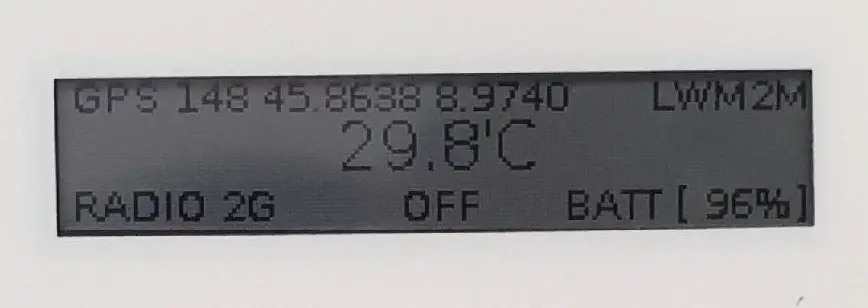
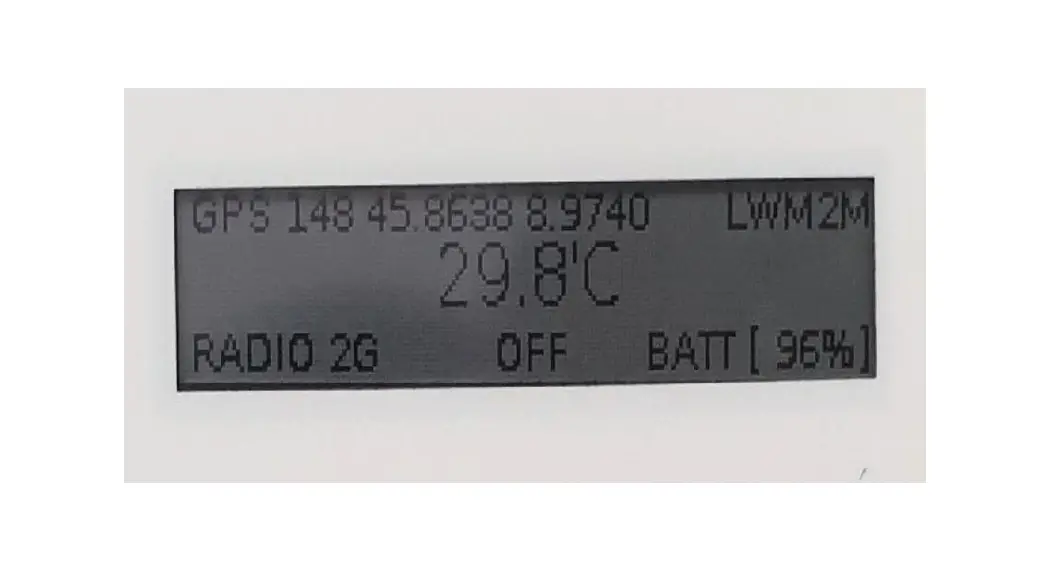
On the main screen we show all the operational information:
- Top Left: Last GPS Information
- Top Right: Operational Status
- FOTA: Checking for a FOTA Update
- LWM2M: Connected to LWM2M Server
- Bottom Left: Radio Status with information on Connection Technology
- Bottom Center: Accelerometer Information
- Bottom Right: Battery Status
- Center: Temperature Reading
Information Screens
By pressing the Button from the main screen you enter the information screen sequence, after each press you select the successive screen. After 30 seconds of no press the device will return back to the Main Screen.
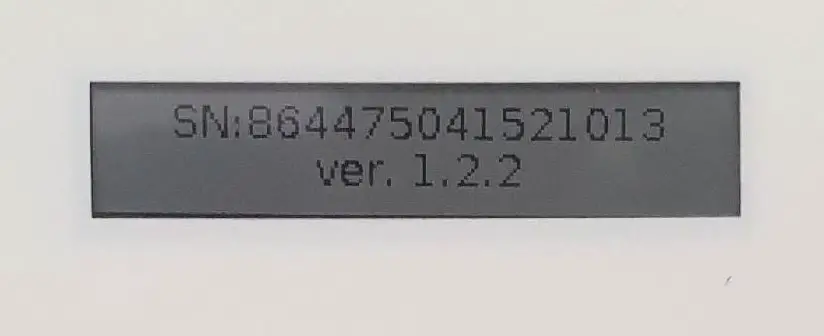
- Serial Number and Firmware Version

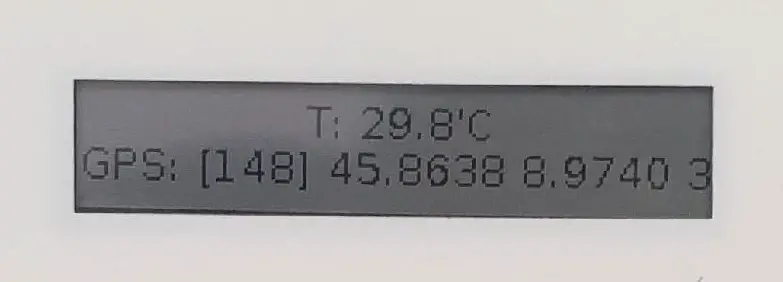
- Sensor Information: Temperature and last GPS Fix

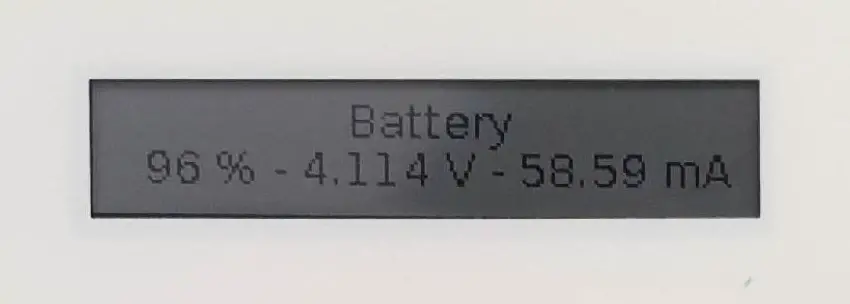
- Battery Information: Capacity %, Battery Voltage, current current consumption

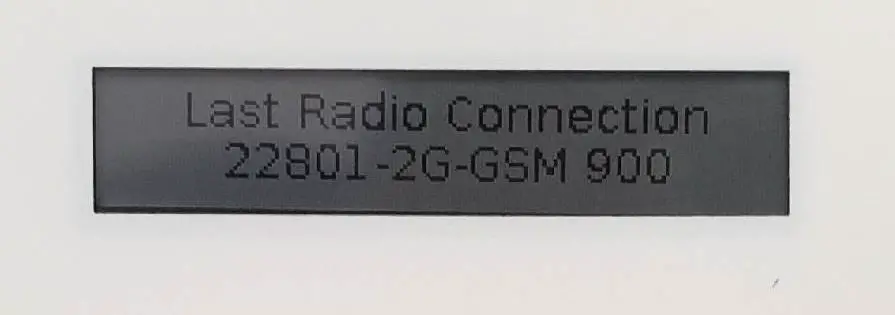
- Last Radio Connection Information

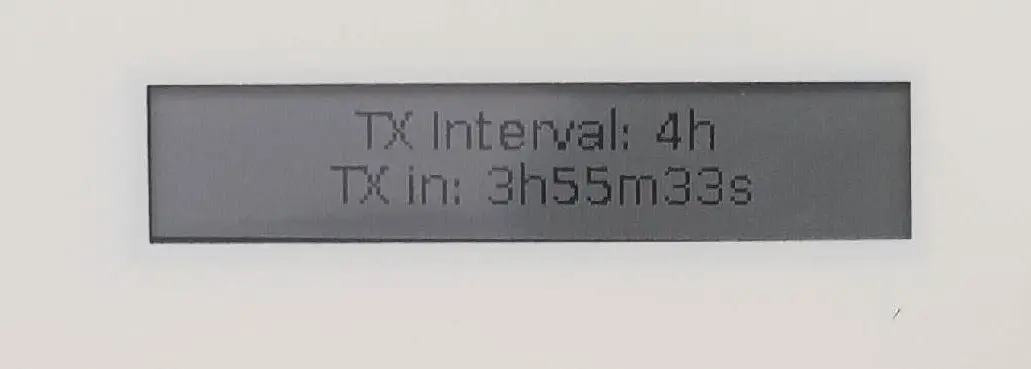
- TX Interval Information: current interval and time to next trasmission

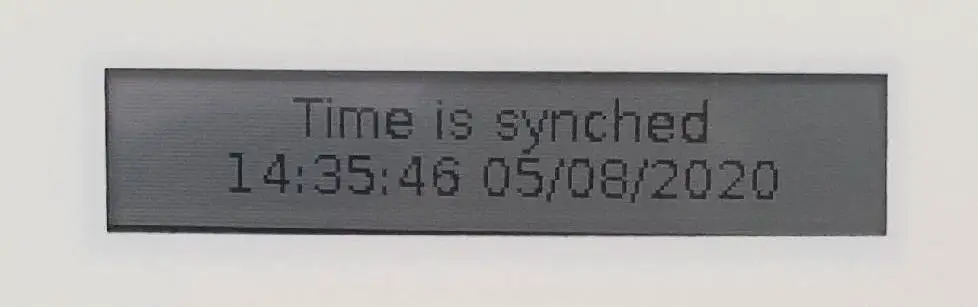
- RTC Status and current Time in UTC

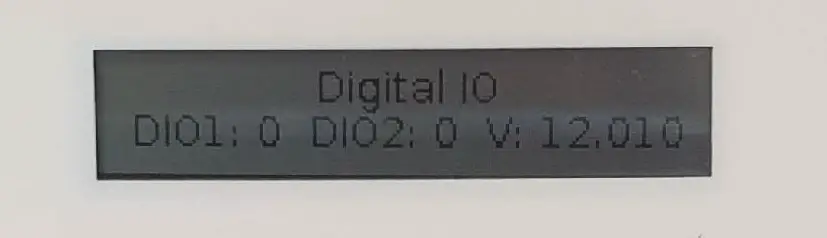
- DIGITAL IO Status and Voltage Input
 This screen is available only on device fitted with the Digital IO Expansion.
 - POWER Off

 This screen is available only on device fitted with the Digital IO Expansion.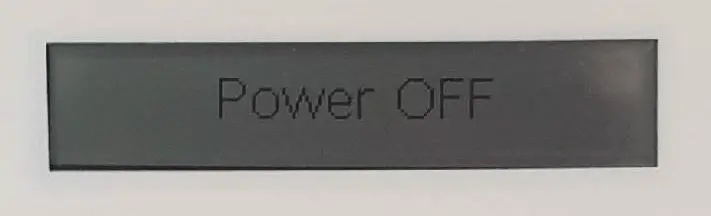
When in this screen the device can be powered off by keeping pressed the button for more than 10 seconds.