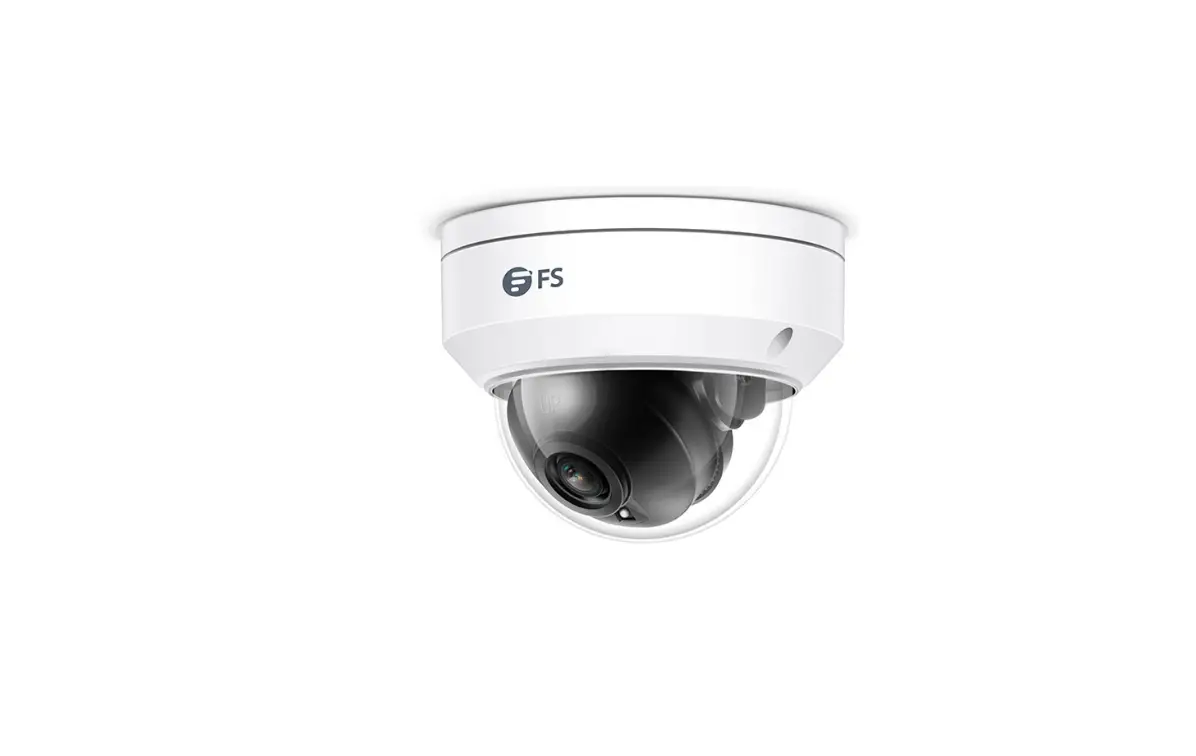
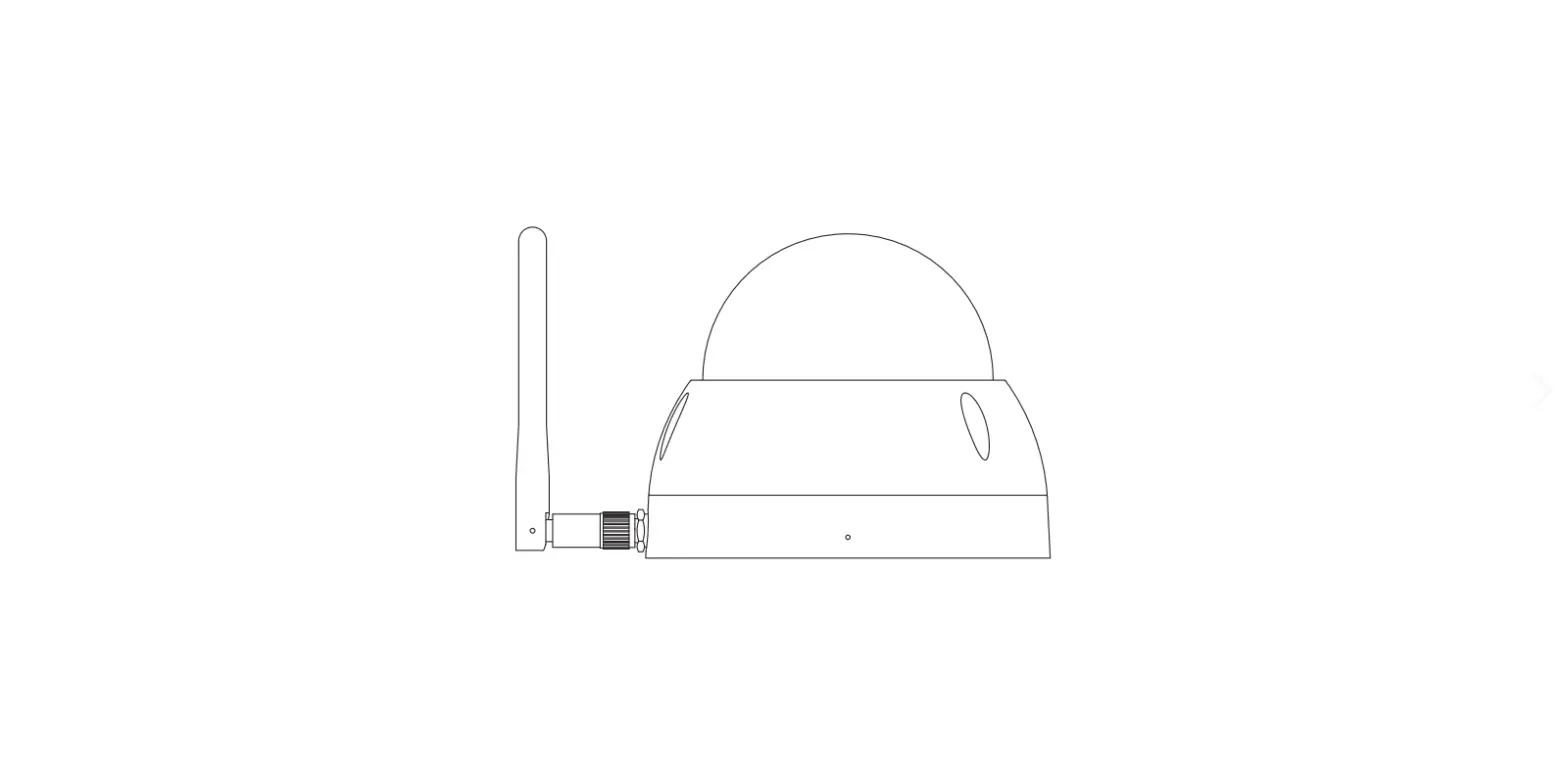
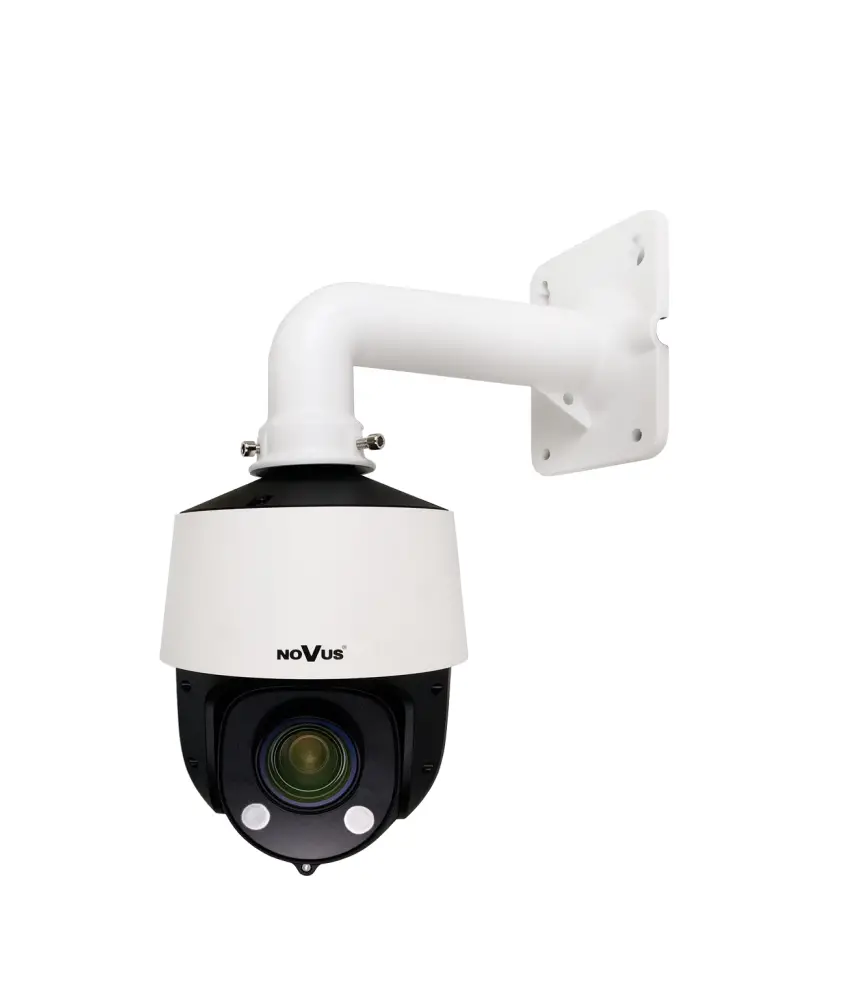
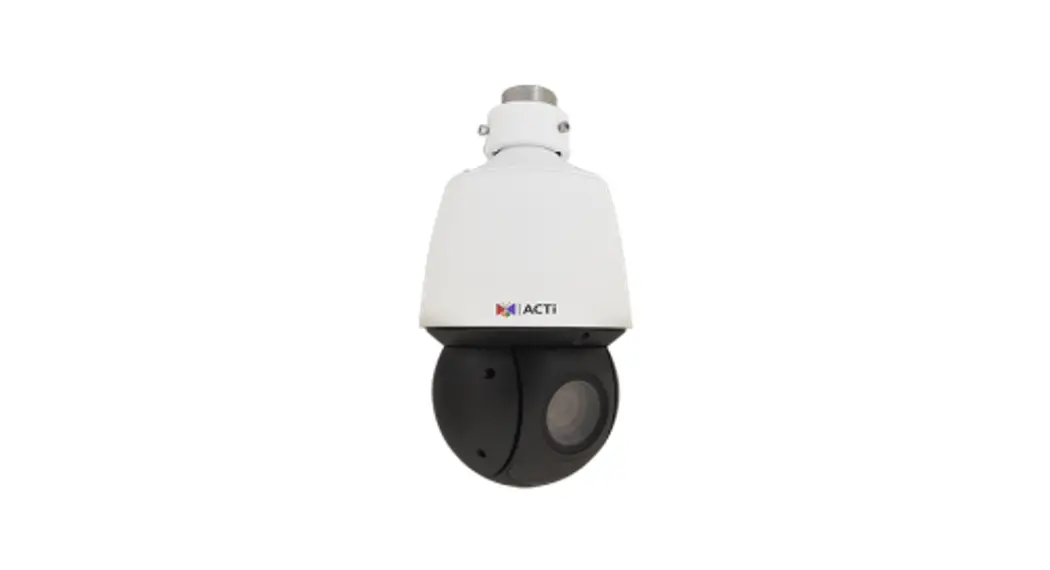
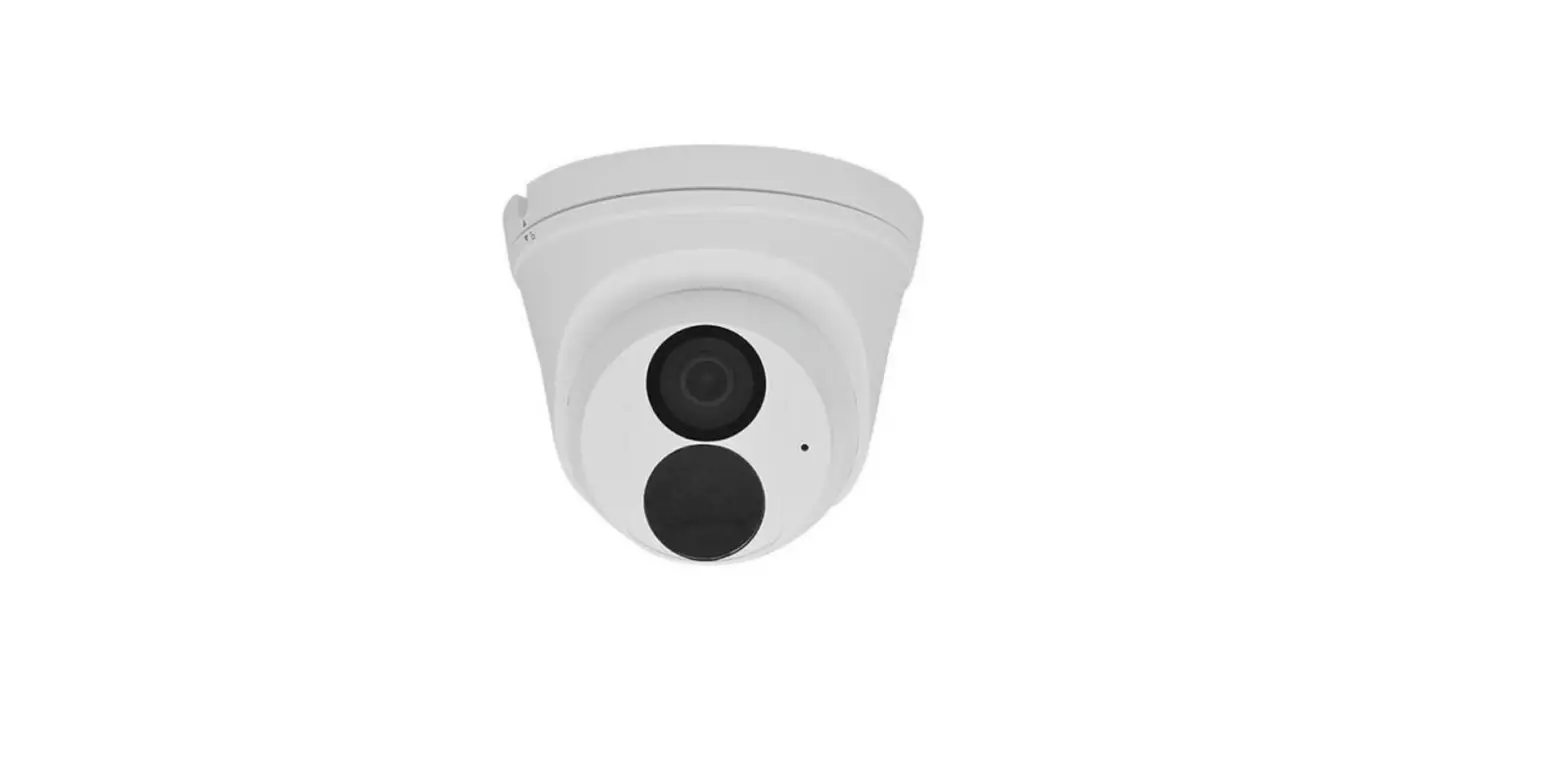
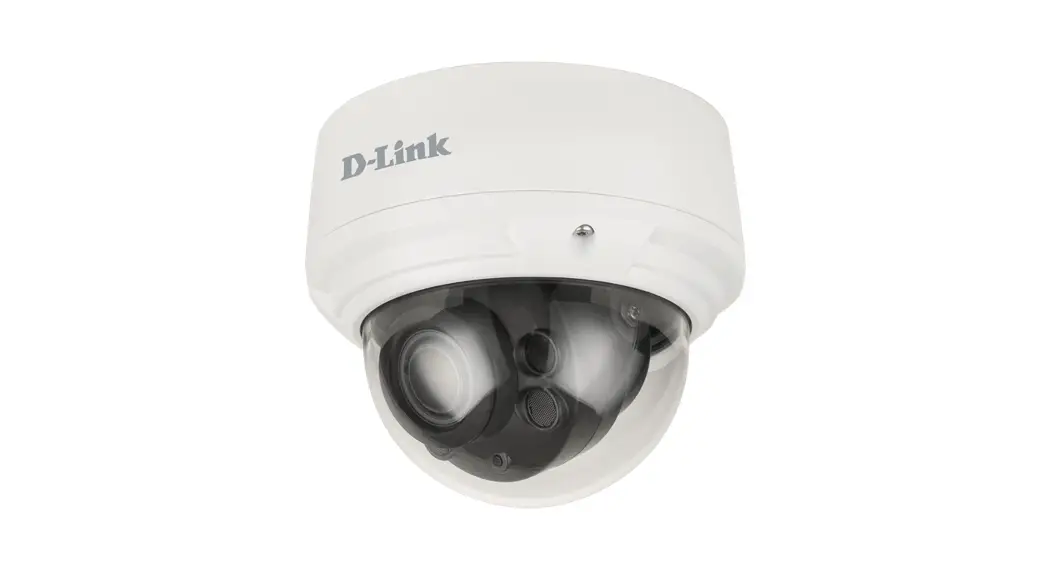
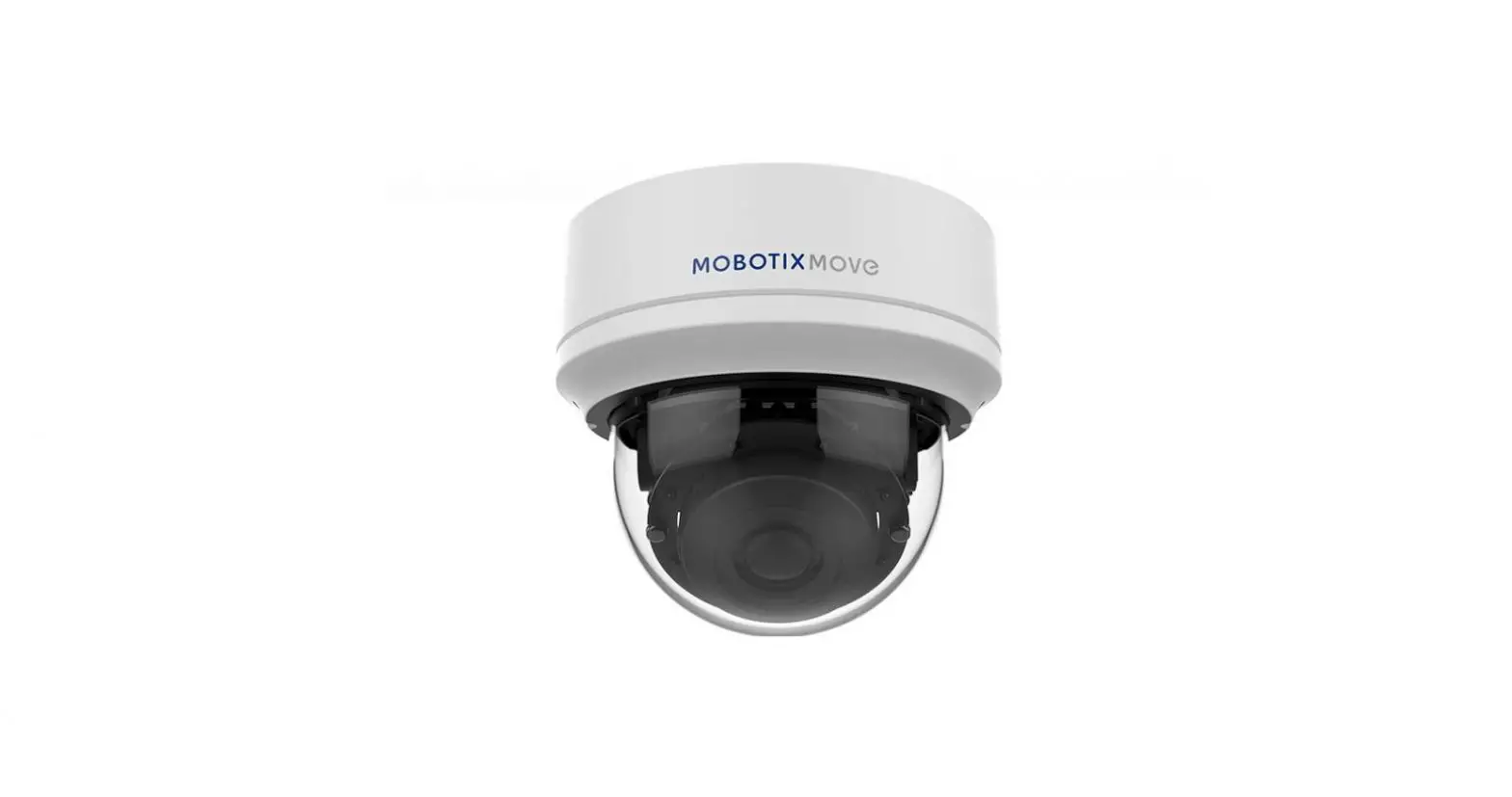
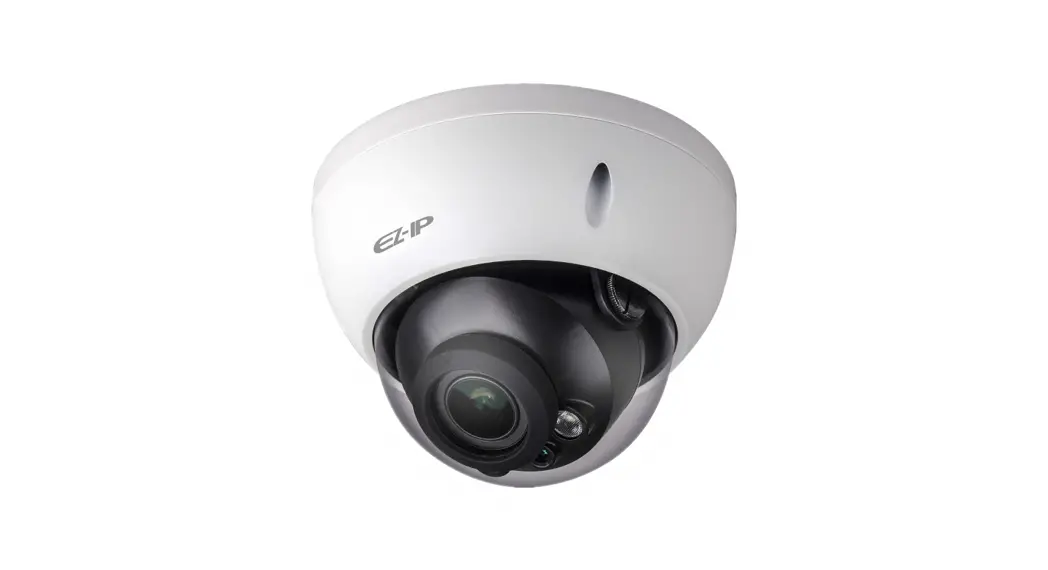
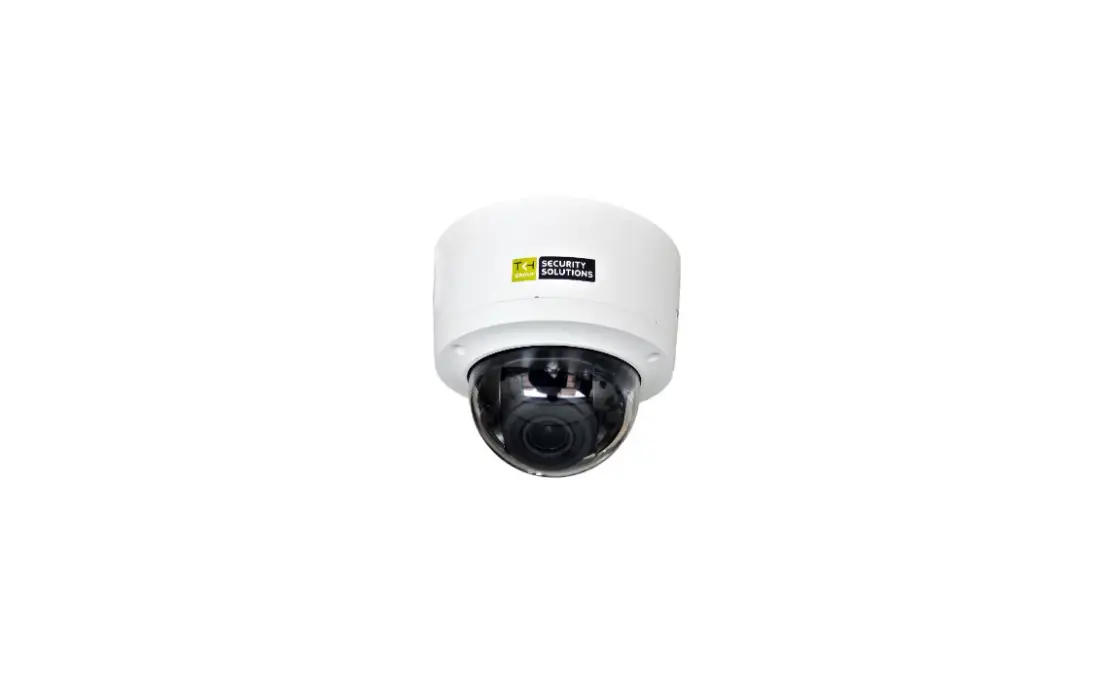
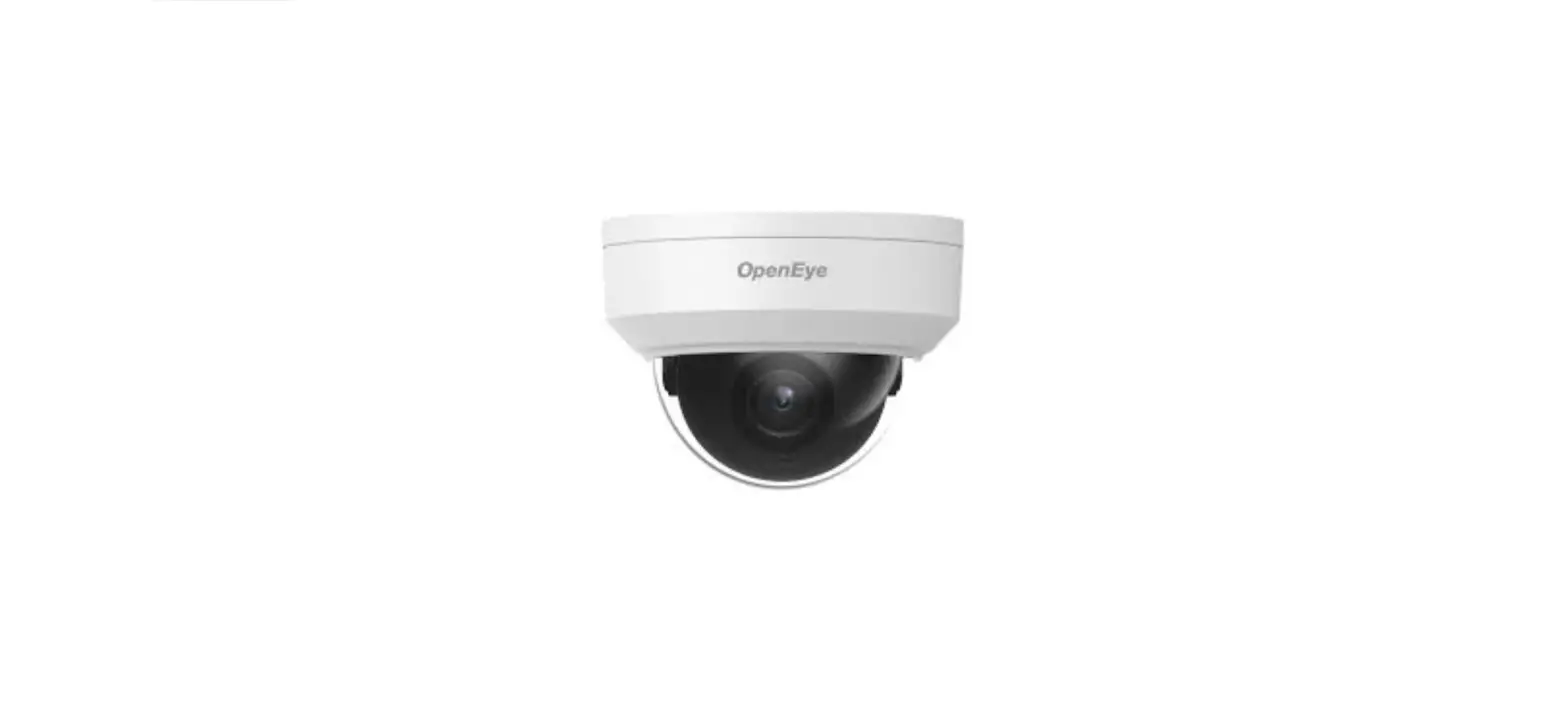
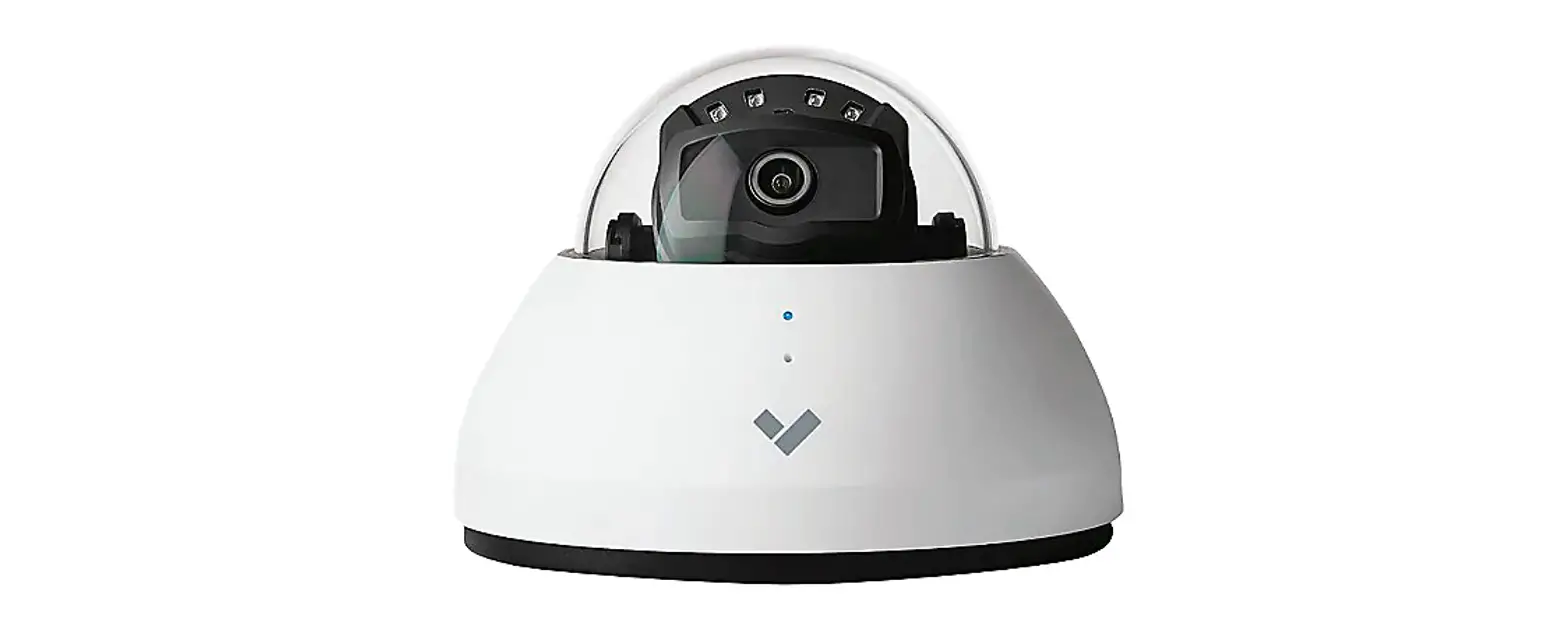
SCC52D7/MZ-M 2MP EXIR Dome Camera
Product Information:
The SCC52D7/MZ-M 2 MP EXIR Dome Camera is a high-resolution
camera designed for surveillance purposes. It features advanced
technology and a range of key features that enhance its
performance.
Key Features:
- Camera Image Sensor
- Signal System
- Video Frame Rate
- Resolution
- Min. Illumination
- Shutter Time
- Lens Horizontal Field of View
- Lens Mount
- Day & Night Angle Adjustment
- Synchronization
- WDR (Wide Dynamic Range)
- Menu AGC
- D/N Mode
- Image Mode
- BLC (Backlight Compensation)
- WDR 3D DNR
- Language Functions
- Interface Video Output Switch Button
- General Operating Conditions
- Power Supply
- Power Consumption
- Protection Level
- Material
- IR Range
- Dimensions
- Weight
Specifications:
- High/Medium/Low Auto/Color/BW (Black and White)
- STD/HIGH-SAT
- Yes
- Yes
- Level 1 to 9
- English
- Brightness, Sharpness, 3D DNR, Mirror, Smart IR
- 1 HD analog output TVI/AHD/CVI/CVBS
Order Model:
DS-2CE5AD3T-VPIT3ZF, DS-2CE5AD3T-AVPIT3ZF
Dimensions:
111.3 mm (4.37)
Accessories:
- DS-1273ZJ-140-DM45 Wall Mount
- DS-1280ZJ-DM45 Junction Box
- DS-1281ZJ-DM45 Inclined Ceiling Mount
- DS-1271ZJ-140-DM45 Pendant Mount
- DS-1275ZJ-SUS Vertical Pole Mount
- DS-1276ZJ-SUS Corner Mount
Product Usage Instructions:
To use the SCC52D7/MZ-M 2 MP EXIR Dome Camera, please follow the
instructions below:
- Ensure that the camera is properly installed and connected to
the power supply. - Adjust the camera angle according to your surveillance needs
using the Day & Night Angle Adjustment feature. - Configure the camera settings using the menu options. Adjust
parameters such as AGC, D/N Mode, Image Mode, BLC, and WDR 3D DNR
to optimize the image quality. - Choose the desired language for the camera interface.
- Connect the video output to a compatible device using the
provided interface video output switch button. - Follow the general operating conditions specified in the user
manual to ensure optimal performance and longevity of the
camera.
Note: For more detailed information on installation,
configuration, and additional features, please refer to the user
manual provided with the camera.
SCC52D7/MZ-M 2 MP EXIR Dome Camera
Key Features
2 MP high-performance CMOS Ultra low light 1920 × 1080 resoluon 2.7 mm to 13 mm motorized vari-focal lens, auto focus EXIR 2.0, smart IR, up to 70 m IR distance OSD menu, 3D DNR, 120 dB true WDR, day/night switch 4 in 1 video output (switchable TVI/AHD/CVI/CVBS) IP67, IK10 Up the coax (HIKVISION-C)
Camera Image Sensor Signal System
Video Frame Rate
Resoluon Min. Illuminaon
Shuer Time
Lens Horizontal Field of View Lens Mount Day & Night Angle Adjustment Synchronizaon WDR (Wide Dynamic Range) Menu AGC D/N Mode Image Mode BLC (Backlight Compensaon) WDR 3D DNR Language Funcons Interface Video Output Switch Buon General Operang Condions
Power Supply
Power Consumpon
Protecon Level Material IR Range Dimensions
Weight
Specificaons
2.0 megapixel progressive scan CMOS PAL/NTSC PAL: 1080p@25fps NTSC: 1080p@30fps 1920 (H) ×1080 (V) 0.005 Lux@(F1.2, AGC ON), 0 Lux with IR PAL: 1/25 s to 1/50, 000 s NTSC: 1/30 s to 1/50, 000 s 2.7 mm to 13.5 mm 102° to 31° Ø 14 IR cut filter Pan: 0° to 340°, Tilt: 0° to 75°, Rotaon: 0° to 355° Internal synchronizaon 120 dB
High/Medium/Low Auto/Color/BW (Black and White) STD/HIGH-SAT Yes Yes Level 1 to 9 English Brightness, Sharpness, 3D DNR, Mirror, Smart IR
1 HD analog output TVI/AHD/CVI/CVBS
-40 °C to 60 °C (-40 °F to 140 °F), Humidity: 90% or less (non-condensaon) 12 VDC ±25% -A: 24 VAC ±15%, 12 VDC ±20% Max. 7.7 W -A: Max. 9.7 W IP67, IK10 Metal Up to 70 m 84.5 mm × 92 mm × 255.1 mm (3.33″ × 3.62″ × 10″) Approx. 830 g (1.83 lb.) -A: Approx. 870 g (1.92 lb.)
Order Model
DS-2CE5AD3T-VPIT3ZF, DS-2CE5AD3T-AVPIT3ZF
Dimension
Ø 145 mm (5.70″) Ø 139.9 mm (5.49″)
(30-.Ø184″.)6 m(m5Ø.1113″0) mm
120 °
111.3 mm (4.37″)
Accessory
DS-1273ZJ-140-DM45 Wall Mount
DS-1280ZJ-DM45 Juncon Box
DS-1281ZJ-DM45 Inclined Ceiling Mount
DS-1271ZJ-140-DM45 Pendant Mount
DS-1275ZJ-SUS Vercal Pole Mount
DS-1276ZJ-SUS Corner Mount