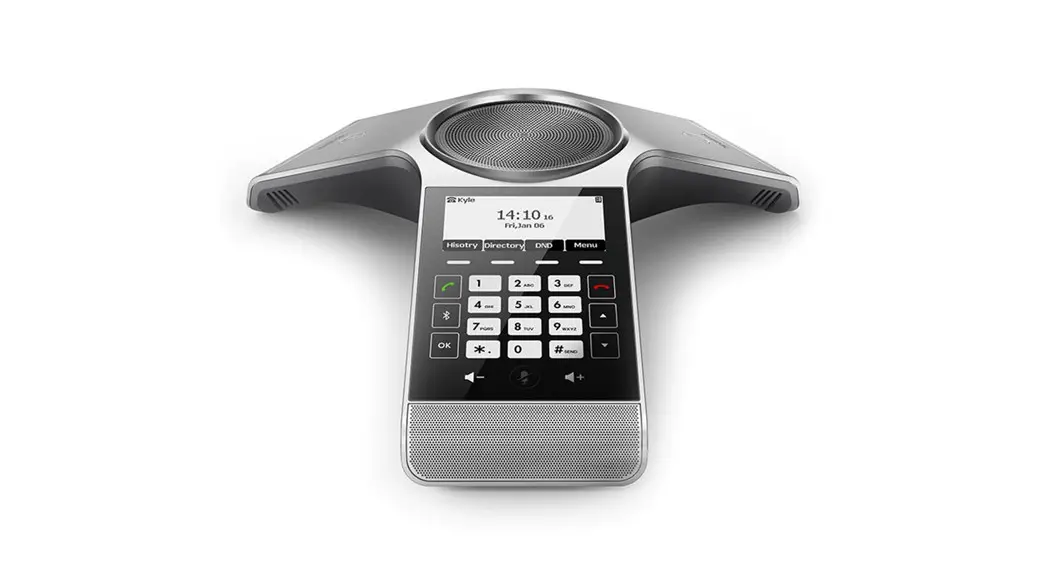
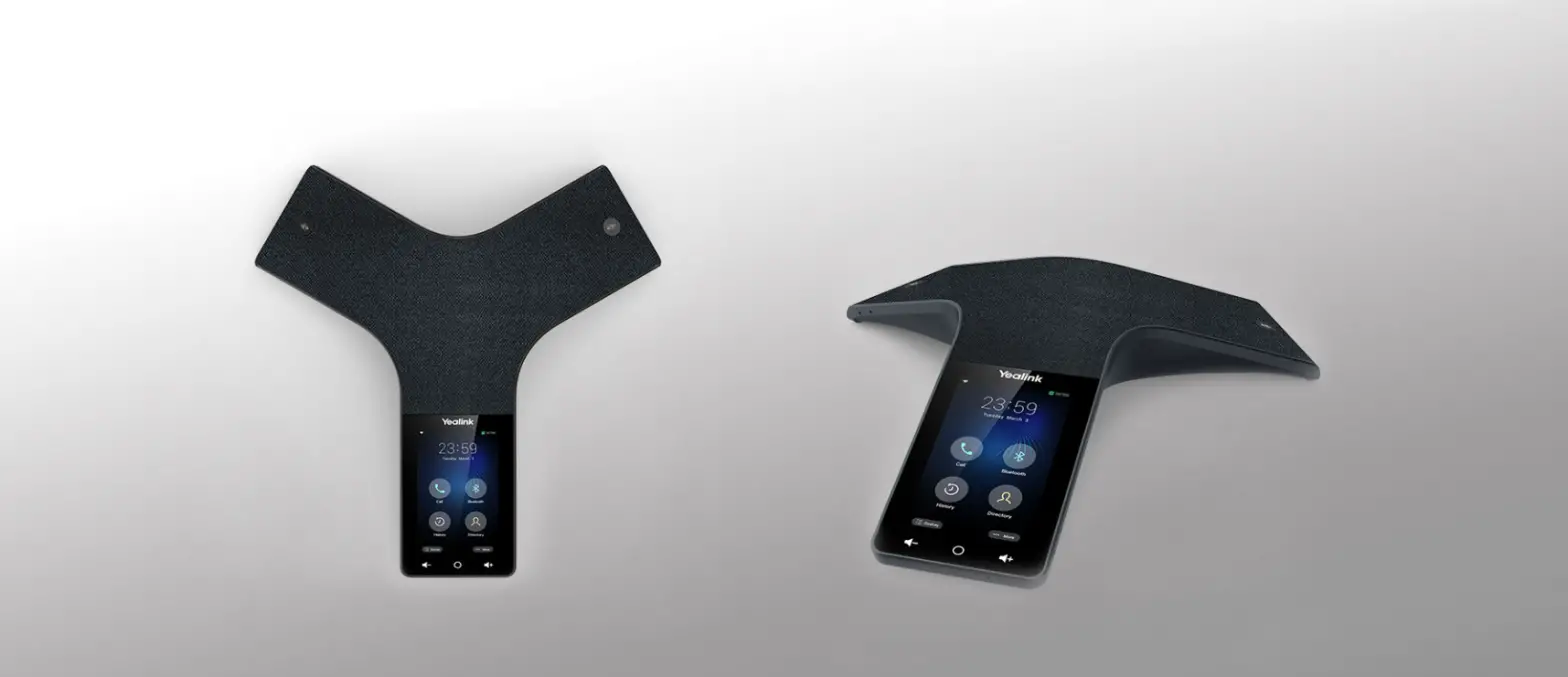
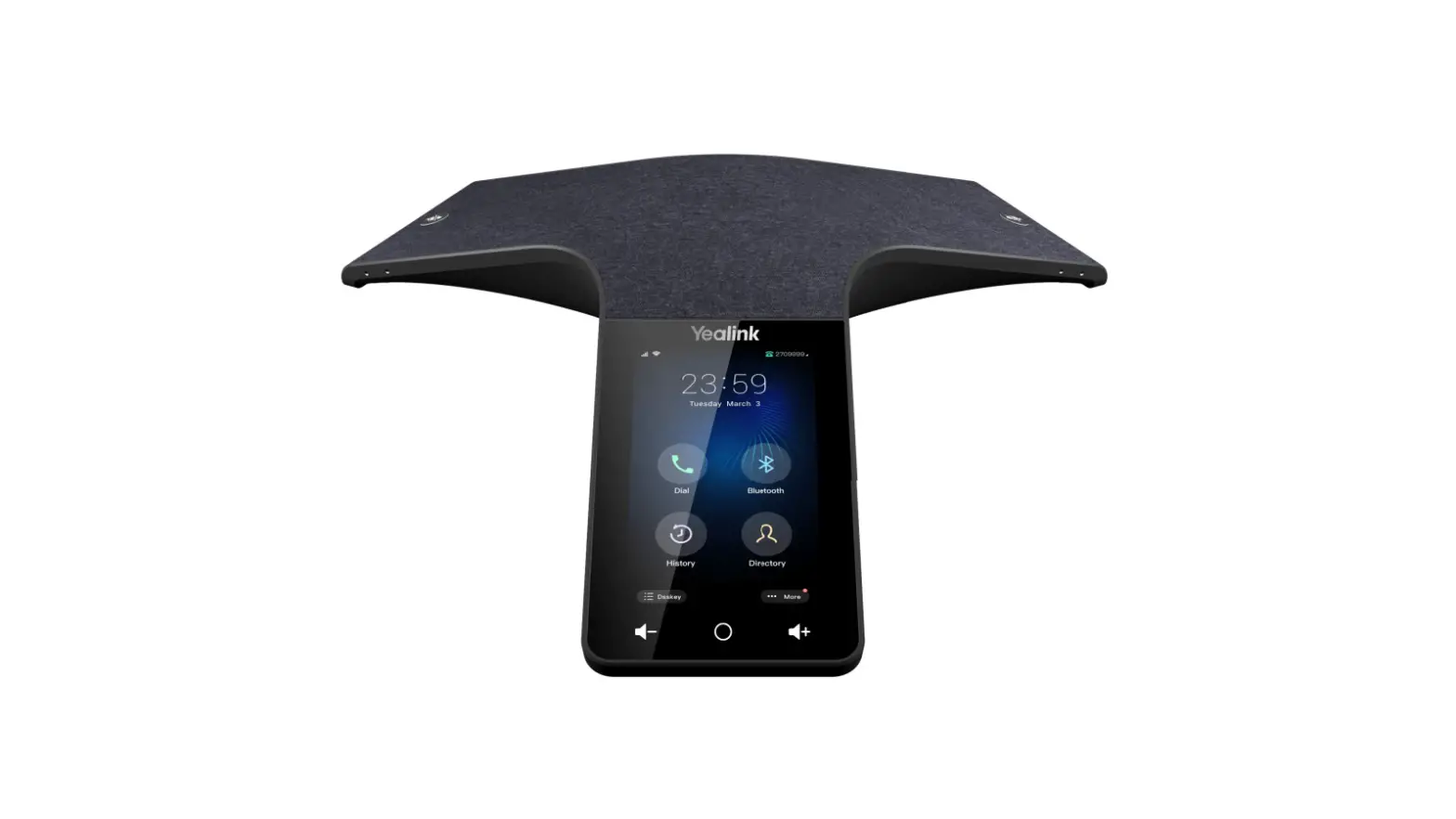
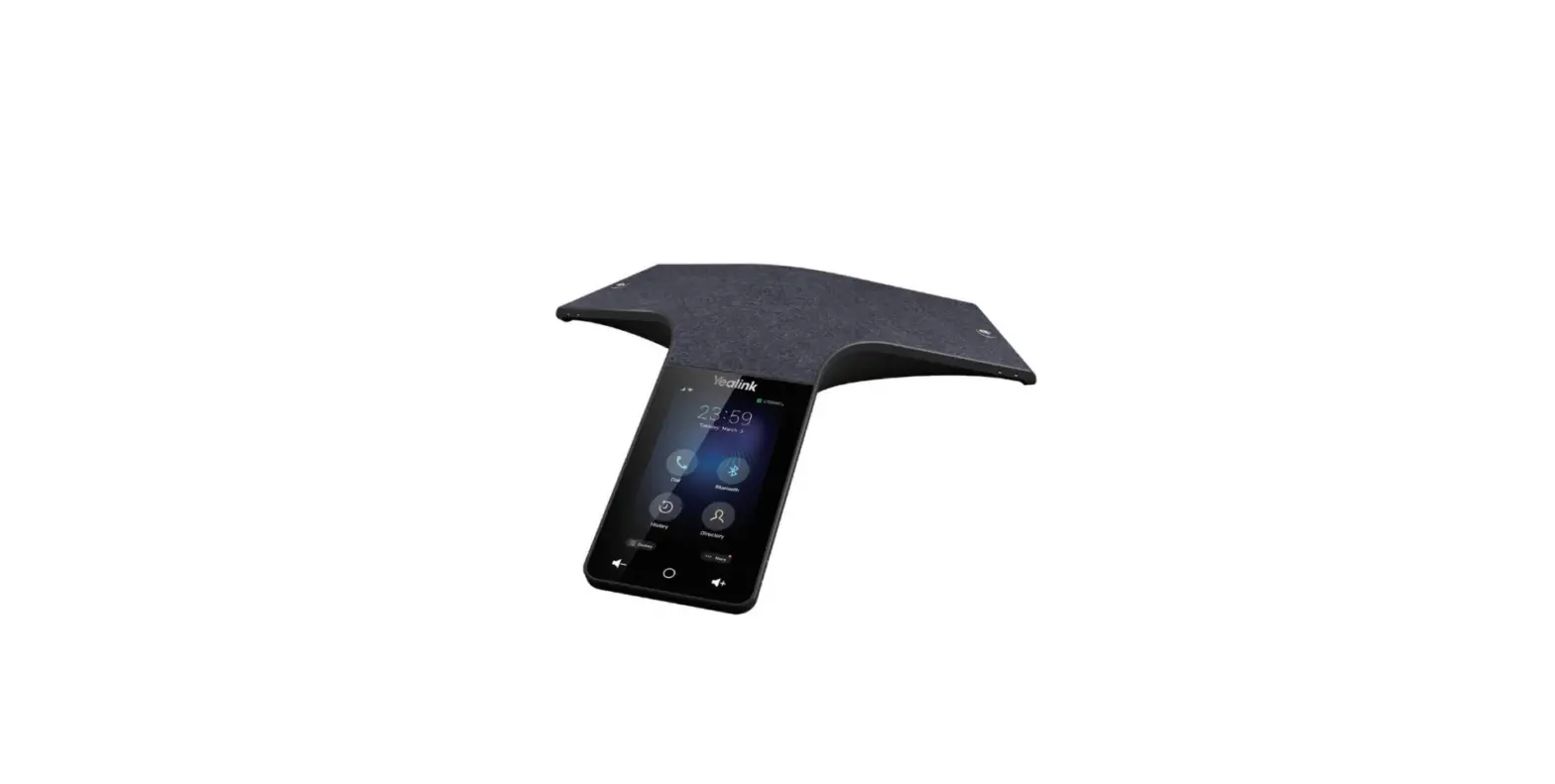
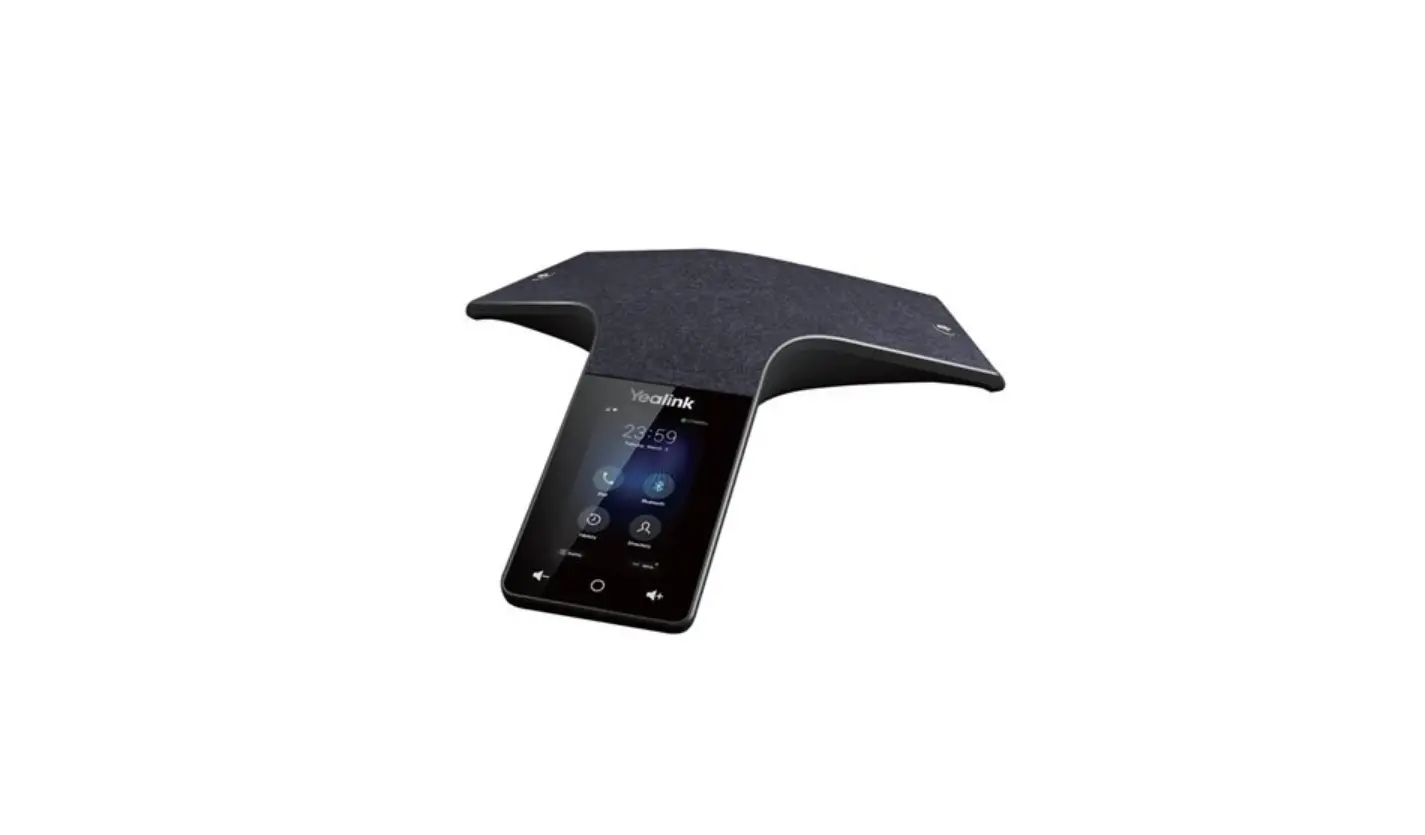
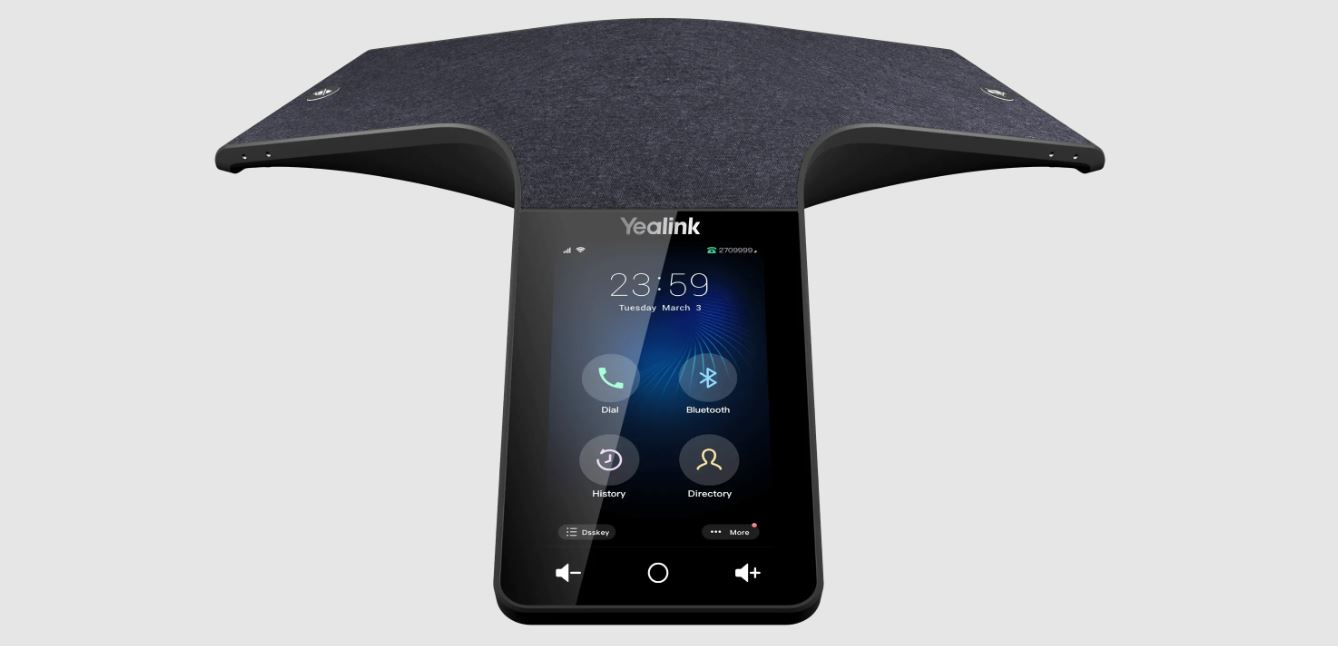
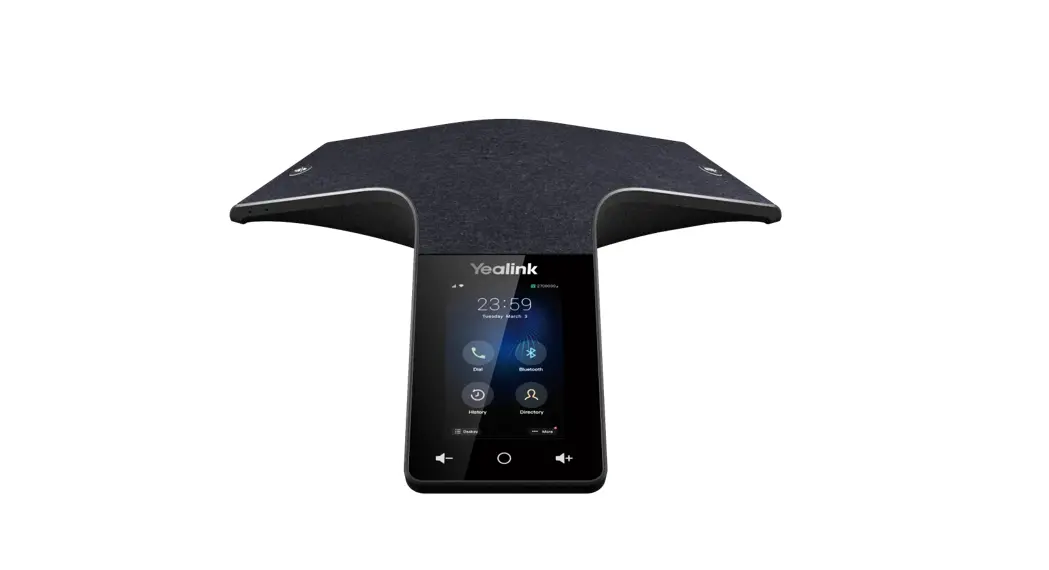
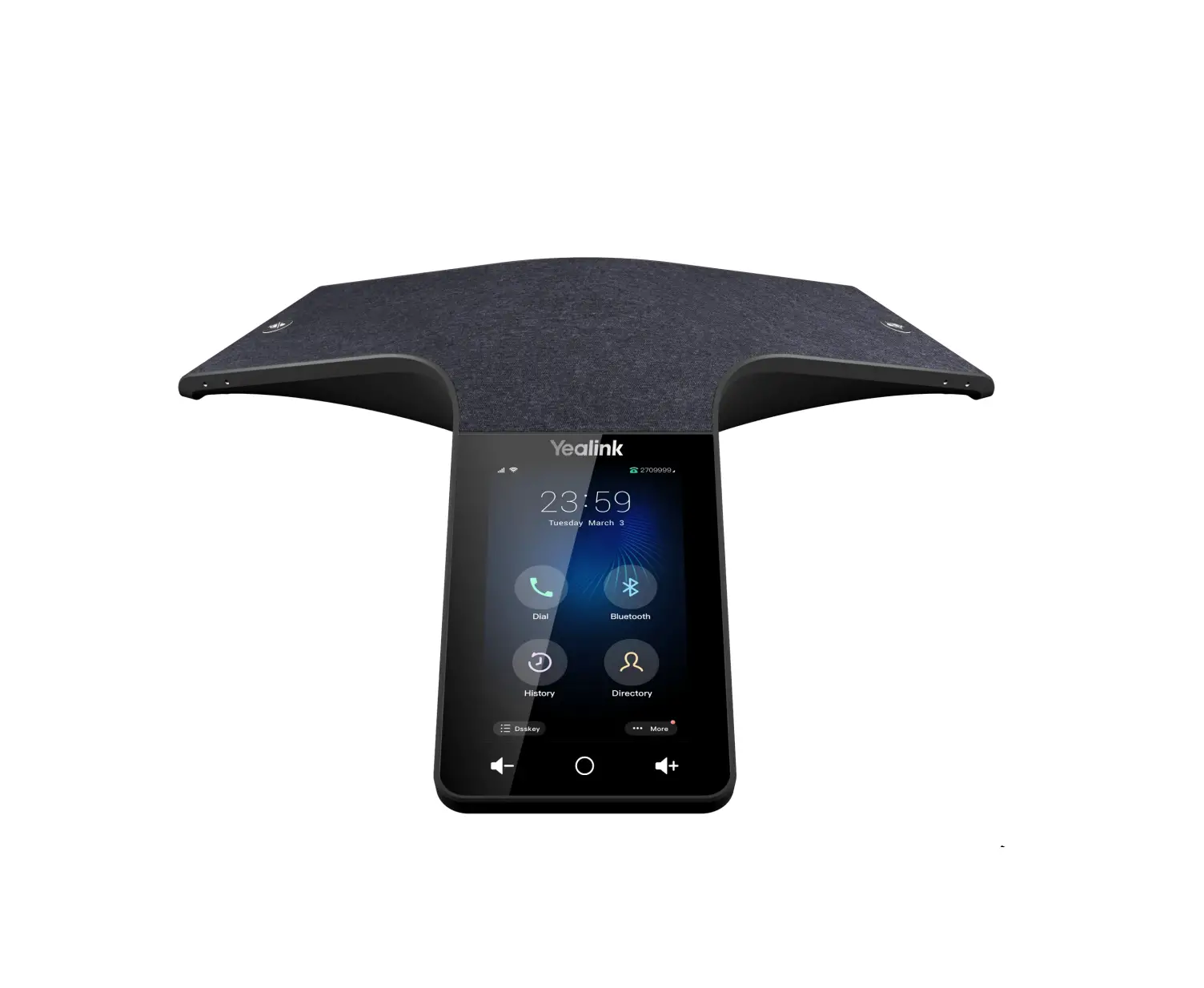
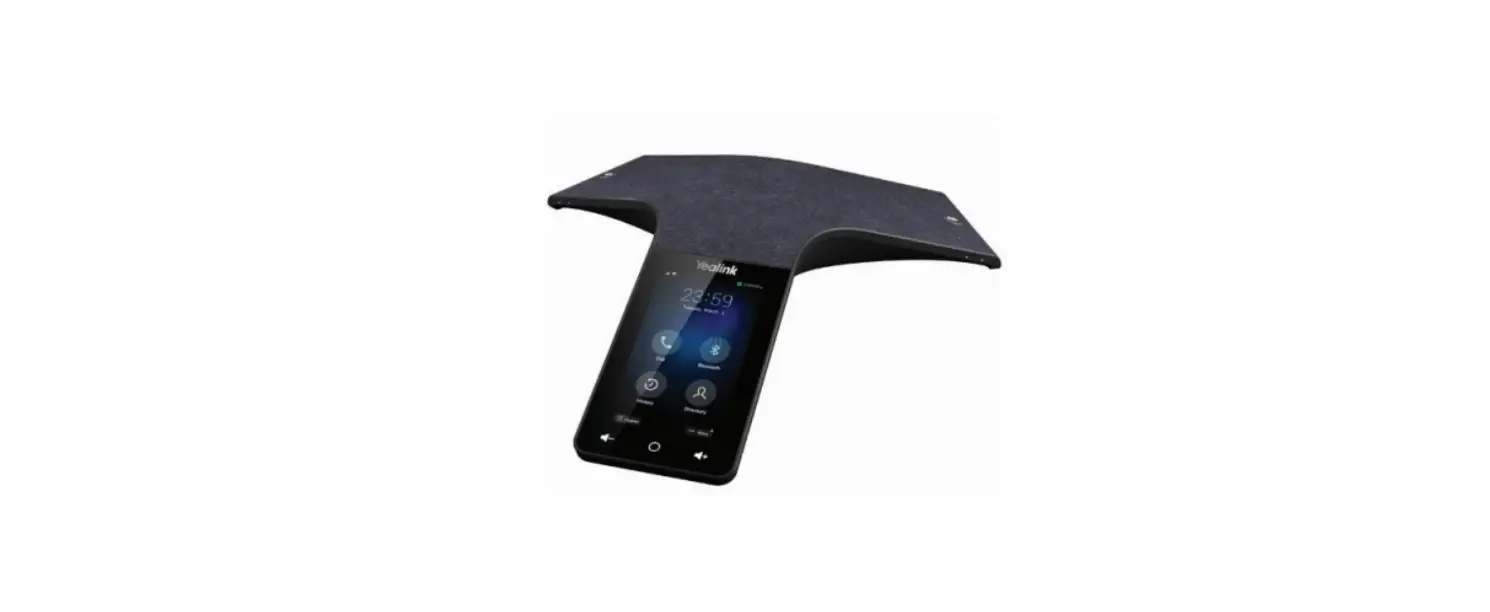
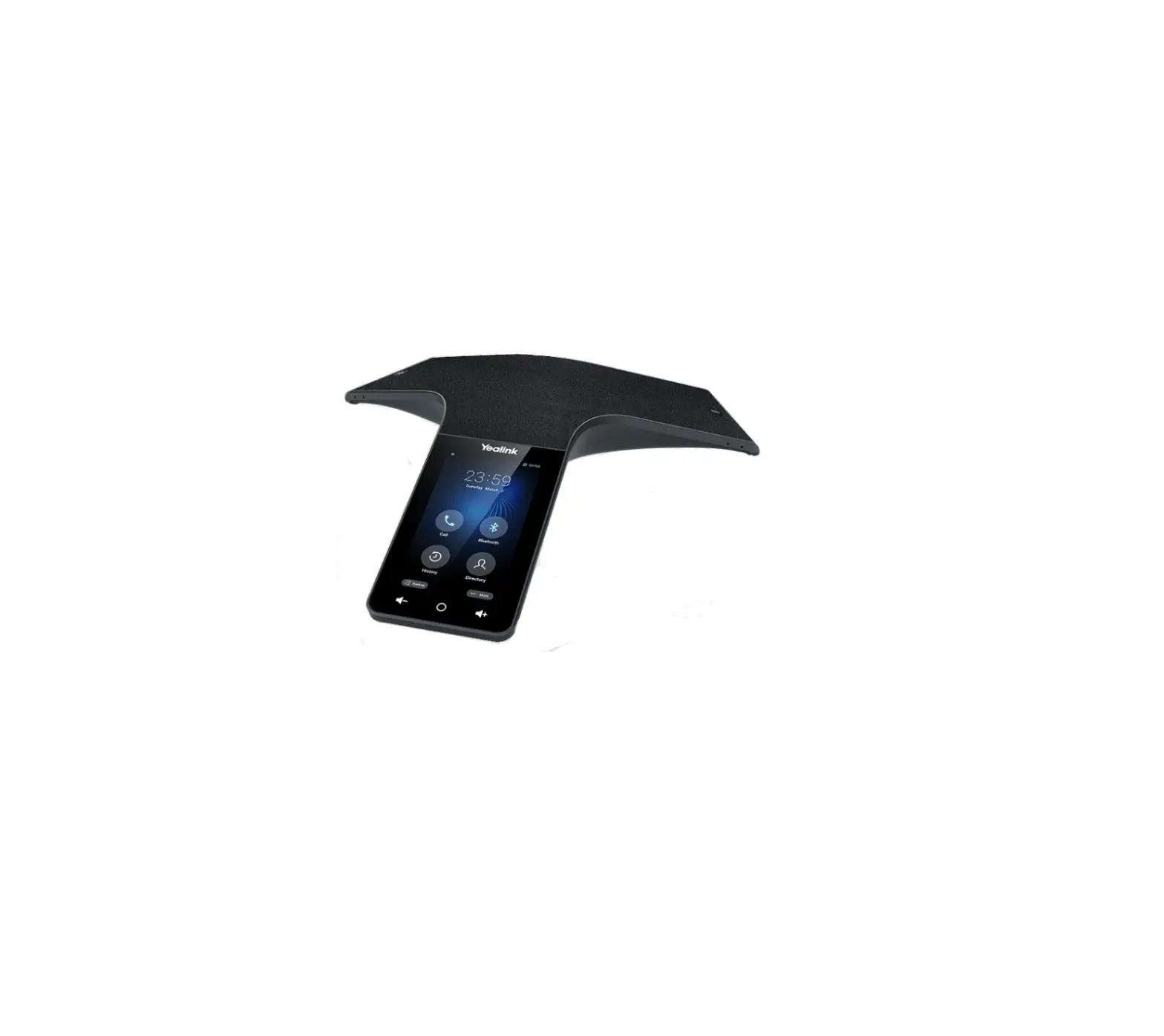
CP965 HD IP Conference Phone Teams Edition
Product Information
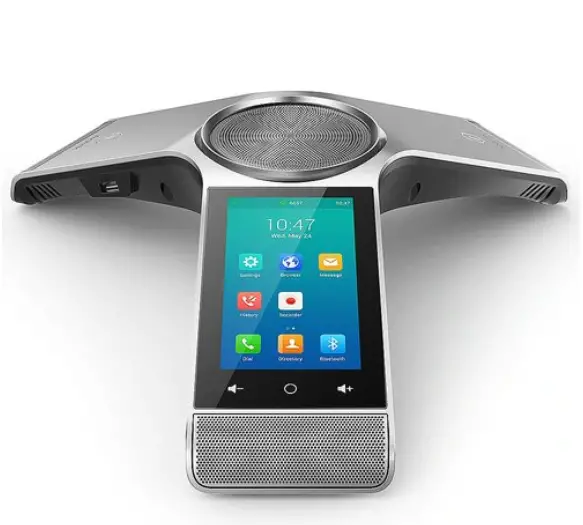
The Yealink HD IP Conference Phone CP965 is a Teams Edition
conference phone that provides high-definition audio and video
conferencing capabilities. It is designed to enhance communication
and collaboration in conference room settings. The phone is
equipped with advanced features such as a touch screen, USB ports,
and support for wireless connectivity.
Package Contents
- CP965 IP Phone
- Ethernet Cable (7.5m CAT5E UTP cable)
- Screwdriver and Screw
- Power Cord
- PoE Adapter YLPOE30 (Optional)
- Charger Cradle
- USB Cable
- Quick Start Guide
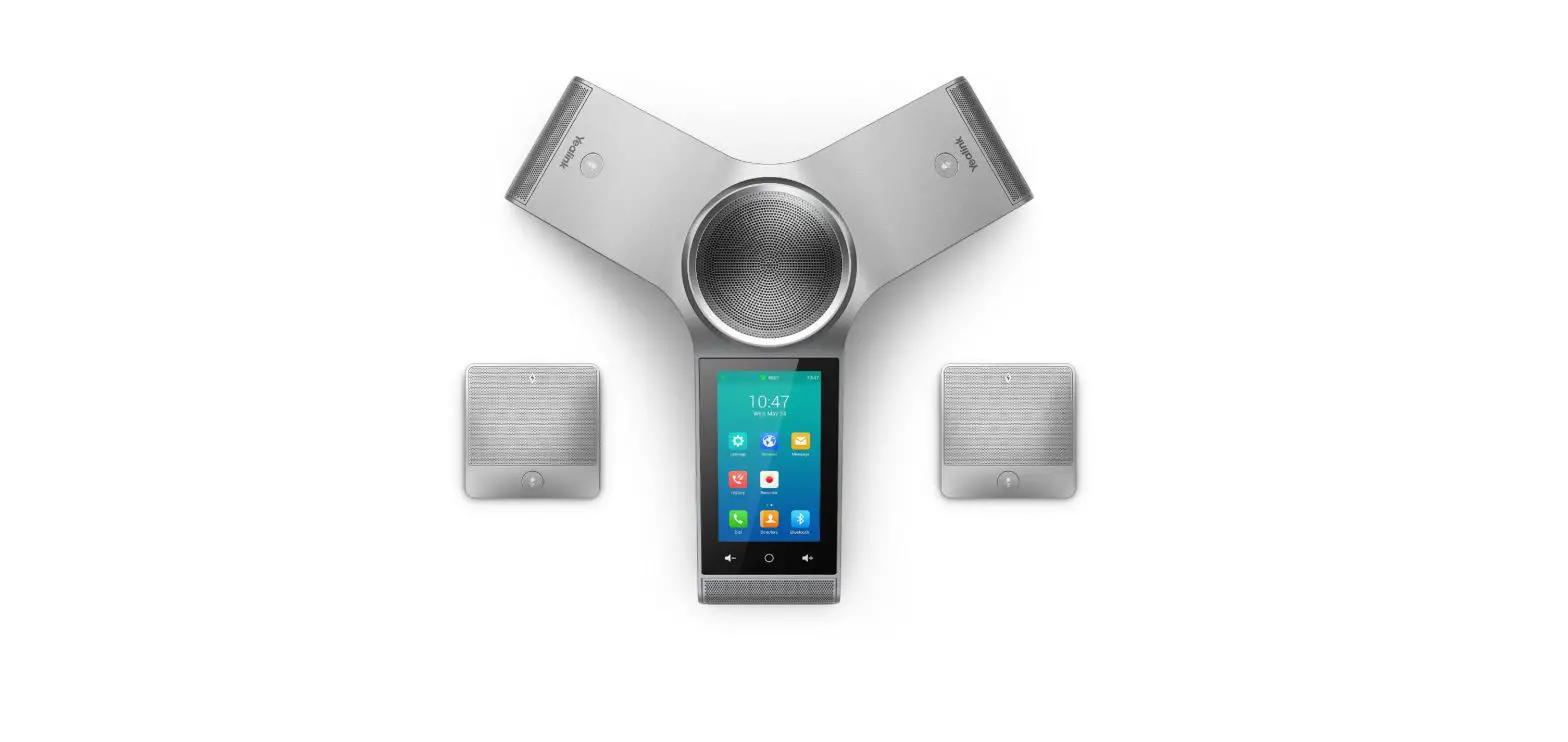
- DECT Wireless Microphone CPW65-DECT-Duo (Optional)
- Bluetooth Wireless Microphone CPW25-BT-Single (Optional)
Note: It is recommended to use the accessories provided or
approved by Yealink to ensure optimal performance. The use of
unapproved third-party accessories may result in reduced
performance.
Hardware Components
- Mute Key
- Volume(-) Touch Key
- USB Type-C Port
- Touch Screen
- Volume(+) Touch Key
- Home Touch Key
- USB Type-A Port
- Security Slot
Product Usage Instructions
Assembling the Phone
To assemble the phone, follow these steps:
- Connect the power and wired network using the provided Ethernet
cable. - If using a wireless network, connect the power and wireless
network.Note: The IP phone should be used with Yealink original PoE
adapter (54V/0.56A) only. The use of third-party PoE adapters may
cause damage to the phone. Replace the cable if its skin is
broken.
Wireless Network Connection
To connect the phone to a wireless network, follow these
steps:
- Tap the account avatar in the top-right corner of the interface
and go to Settings -> Device settings -> Wi-Fi. - Turn on Wi-Fi. The phone will automatically search for
available wireless networks in your area. - Tap an available wireless network to connect.
- If the network is secure, enter its password in the Password
field and tap CONNECT.
Startup and Sign in
To start up the phone and sign in to Microsoft Teams, follow
these steps:
- After connecting the Teams phone to the network and supplying
it with power, it will automatically begin the initialization
process. - Select a desired language and timezone on the phone.
- On the sign-in screen, tap “Sign in on this device”. You will
be connected to the Company Portal automatically. - Follow the on-screen prompts to sign in to Microsoft
Teams.
Alternatively, you can also sign in to Microsoft Teams via web
sign-in by visiting https://microsoft.com/devicelogin on your
computer or mobile. Enter the code shown on your phone and follow
the prompts to sign in with your account credentials.
Yealink Documentation support.yealink.com
HD IP Conference Phone CP965
-Teams Edition
English | | Deutsch | Español | Français
Quick Start Guide (V1.0)
www.yealink.com
Applies to firmware version Teams: 143.15.0.7 or later
Table of Contents
English …………………………………….1 …………………………………..5 Deutsch ……………………………………9 Español …………………………………..13 Français ………………………………….17
E
N
Package Contents
G L
I
S
H
Ethernet Cable
Screwdriver
(7.5m CAT5E UTP cable) and Screw
Quick Start Guide
CP965 IP Phone
PSE
Ethernet Cable (2m CAT5E FTP cable)
Power Cord
PoE Adapter YLPOE30 (Optional)
DECT Microphone×2
Charger Cradle
USB Cable
Quick Start Guide
DECT Wireless Microphone CPW65-DECT-Duo (Optional)
Bluetooth Micro- Charger
phone
Cradle
Quick Start Guide
Bluetooth Wireless Microphone CPW25-BT-Single (Optional)
Note: We recommend that you use the accessories provided or approved by Yealink. The unapproved third-party accessories may result in reduced performance.
1
Assembling the Phone
7.5 m 2 m
Connect the power and A wired network.
PC
PC
PC PC
Refer to Wireless Network Connection mentioned below for more information.
7.5 m
Wi-Fi
B Connect the power and wireless network.
Note: The IP phone should be used with Yealink original PoE adapter (54V/0.56A) only. The use of the third-party PoE adapter may cause the damage to the phone. The cable should be replaced at once if its skin is broken.
Wireless Network Connection
1. Tap the account avatar in the top-right corner of the interface, and then tap Settings->Device settings->Wi-Fi.
2. Turn Wi-Fi on. The phone will automatically search for available wireless networks in your area.
3. Tap an available wireless network to connect. 4. If the network is secure, enter its password in the Password field, and then tap CONNECT.
2
Hardware Component Instructions
Mute Key 1
1 Mute Key
Volume(-) Touch Key 3
8
USB Type-C Port
2 Touch Screen
4 Volume(+) Touch Key 5 Home Touch Key
6 USB Type-A Port 7 Security Slot
3
Startup and Sign in
Startup
After the Teams phone is connected to the network and supplied with power, it automatically begins the initialization process. After startup, select a desired language and timezone, then the phone enters the sign-in screen.
Sign in to Microsoft Teams Phone Sign-in
To sign in to Microsoft Teams on your phone: 1. Tap Sign in on this device.
You will be connected to the Company Portal automatically. 2. Follow the on-screen prompts.
Web Sign-in To sign in to Microsoft Teams via web sign-in: 1.Go to https://microsoft.com/devicelogin on your computer or mobile. 2. Enter the code shown on your phone and select Next. 3. Enter your account credentials or select a desired account to sign in.
A confirmation message is displayed after you successfully sign in to Microsoft Intune Company Portal.
4
7.5 UTP 5
CP965 IP
PSE
2 FTP
PoE YLPOE30 ( )
DECT x2
USB
DECT CPW65-DECT-Duo
CPW25-BT-Single ( )
:
5
”
8J’J
#
1$
1$ 1$
$ 1
: Yealink PoE 54V/0.56A
1. Wi-Fi -> -> Wi-Fi 2. Wi-Fi
Wi-Fi 3. Wi-Fi 4. ,
6
1
(-) 3
8
USB Type C
1 2
4 (+) 5
6 USB Type A 7
7
Teams
1.
2.
1. https://microsoft.com/devicelogin 2. 3.
Microsoft Intune Company Portal
8
D
E
U
Verpackungsinhalt
T S
C
H
Ethernet-Kabel
Schrauben-
(7,5m CAT5E UTP Kabel)
dreher und Schraube
Kurzanleitung
CP965 IP-Telefon
PSE
Ethernet-Kabel (2m CAT5E FTP Kabel)
Stromkabel
PoE-Adapter YLPOE30 (optional)
2x DECT-Mikro- Lad-
fon
eschale
USB-Kabel
Kurzanleitung
Kabelloses DECT-Mikrofon CPW65-DECT-Duo (optional)
Bluetooth-Mikro- Lad-
fon
eschale
Kurzanleitung
Kabelloses Bluetooth-Mikrofon CPW25-BT-Single (optional)
Hinweis: Wir empfehlen die Verwendung von Zubehör, das von Yealink entweder geliefert oder empfohlen wird. Der Gebrauch von Drittanbietern bereitgestellten Zubehörs, das von Yealink nicht freigegeben wurde, kann zu einer verminderten Leistungsfähigkeit führen.
9
Installation des Telefons
7.5 m 2 m
Schließen Sie die Strom- A versorgung und das kabelgebundene Netzwerk an.
PC
PC
PC PC
Weitere Informationen finden Sie unter ,,Kabellose Netzwerkverbindung” weiter unten.
7.5 m
Wi-Fi
B Schließen Sie die Stromversorgung und das kabellose Netzwerk an.
Hinweis: Das IP-Telefon sollte ausschließlich mit dem Original-PoE-Adapter von Yealink (54V/0.56A) verwendet werden. Die Verwendung eines Netzteiles eines Drittanbieters kann zu einer Beschädigung des Telefons führen. Bei Beschädigung der Ummantelung ist das Kabel umgehend zu ersetzen.
Kabelloser Netzwerkanschluss
1. Streichen Sie vom oberen Bildschirmrand nach unten und tippen Sie lange auf WLAN, oder tippen Sie auf Mehr->Einstellungen->WLAN.
2. Schalten Sie das WLAN ein. Das Telefon sucht automatisch nach verfügbaren kabellosen Netzwerken in Ihrer Umgebung.
3. Tippen Sie auf ein verfügbares kabelloses Netzwerk, um sich zu verbinden. 4. Ist das Netzwerk gesichert, geben Sie das Passwort in das Feld ,,Password” ein und tippen Sie
dann auf ,,Verbinden”.
10
Funktionen
Stummschalttaste
1
Lautstärke (-) Bild-
schirmtaste
3
8
USB-Port Typ C
1 Stummschalttaste
2 Touch Screen Lautstärke (+) Bild-
4 schirmtaste 5 Startseite Bildschirm-
taste 6 USB-Port Typ A 7 Sicherhe-
itssteckplatz
11
Inbetriebnahme und Anmeldung
Inbetriebnahme
Nach der Verbindung mit dem Netzwerk und der Stromversorgung startet das IP-Telefon automatisch den Initialisierungsvorgang. Nachdem das Teams-Telefon mit dem Netzwerk verbunden und mit Strom versorgt ist, startet es automatisch den Initialisierungsprozess. Wählen Sie nach der Inbetriebnahme die gewünschte Sprache. Danach wechselt das Telefon zum Anmeldebildschirm.
In Microsoft Teams anmelden
Telefonanmeldung To sign in to Microsoft Teams on your phone: Gehen Sie folgendermaßen vor, um sich auf Ihrem Telefon bei Microsoft Teams anzumelden: 1. Klicken Sie auf Anmelden.
Sie werden automatisch mit dem Unternehmensportal verbunden. 2. Folgen Sie den Anweisungen am Bildschirm.
Web-Anmeldung Gehen Sie folgendermaßen vor, um sich über die Web-Anmeldungbei Microsoft Teams anzumelden: 1. Rufen Sie auf Ihrem Computer die Seite
https://microsoft.com/devicelogin auf. 2. Geben Sie den Code ein, der auf Ihrem Telefon angezeigt wird,
und wählen Sie Weiter. 3. Geben Sie die Anmeldeinformationen Ihres Kontos ein oder
wählen Sie das gewünschte Konto zur Anmeldung aus. Nach erfolgreicher Anmeldung beim Microsoft Intune Unternehmensportal wir eine Bestätigungsnachricht angezeigt.
12
E
S
P
Contenido de la caja
A Ñ
O
L
Teléfono IP
Cable Ethernet (Cable UTP CAT5E de
7.5m)
Destornillador y tornillo
Guía de inicio rápido
PSE
Cable Ethernet (Cable FTP CAT5E de 2m)
Cable de alimentación
Adaptador PoE YLPOE30 (opcional)
Micrófono DECT Base de
× 2
carga
Cable USB
Guía de inicio rápido
Micrófono inalámbrico DECT CPW65-DECT-Duo (opcional)
Micrófono Blue- Base de
Guía de
tooth
carga inicio rápido
Micrófono inalámbrico Bluetooth CPW25-BT-Single (opcional)
Nota: Utilice siempre accesorios proporcionados o aprobados por Yealink. El uso de accesorios no homologados puede causar un mal funcionamiento del equipo.
13
Assembling the Phone
7.5 m 2 m
Conecte la alimentación A y la red cableada.
PC
PC
PC PC
Consulte “Conexión de red inalámbrica”, mencionada a continuación, para obtener más información.
7.5 m
Wi-Fi
B Conecte la alimentación y la red inalámbrica.
Nota: El teléfono IP debe utilizarse únicamente con el adaptador PoE original de Yealink (54 V / 0,56 A). El uso de PoE de terceros puede causar daños irreparables en el equipo.
Conexión de red inalámbrica
1. Deslice el dedo de arriba a abajo en la pantalla y mantenga presionado Wi-Fi, o pulse Más-> Configuración-> Wi-Fi.
2. Encienda el Wi-Fi. El teléfono buscará automáticamente las redes inalámbricas disponibles en su área.
3. Toque una red inalámbrica disponible para conectarse. 4. Si la red es segura, introduzca su contraseña en el campo Contraseña y luego pulse Conectar.
14
Caracteristicas
Tecla de mute 1
Volumen (-) Tecla
3
táctil
8
Puerto USB tipo C
1 Tecla de mute
2 Pantalla táctil Volumen (+) Tecla
4 táctil 5 Tecla táctil de
inicio 6 Puerto USB tipo A 7 Ranura de seguridad
15
Puesta en marcha e iniciar sesión
Puesta en marcha
Una vez que el teléfono de Teams se conecta a la red y recibe alimentación, comienza automáticamente el proceso de inicialización. Después del inicio, seleccione el idioma y la zona horaria deseadas y el teléfono ingresará en la pantalla de inicio de sesión.
Iniciar sesión de Microsoft Teams Inicio de sesión en el teléfono Para iniciar sesión en Microsoft Teams en su teléfono: 1. Pulse Iniciar sesión en este dispositivo.
Será conectado al Portal de empresa automáticamente. 2. Siga las indicaciones en pantalla.
En la pantalla Iniciar sesión, puede seleccionar Iniciar sesión desde otro dispositivo para iniciar sesión en Microsoft Teams mediante el método de inicio de sesión web.
Inicio de sesión web To sign in to Microsoft Teams via web sign-in: Para iniciar sesión en Microsoft Teams a través del inicio de sesión web: 1. Vaya a https://microsoft.com/devicelogin en su PC. 2. Introduzca el código que se muestra en su teléfono y seleccione
Siguiente. 3. Introduzca las credenciales de su cuenta o seleccione la cuenta deseada
para iniciar sesión. Se muestra un mensaje de confirmación después de iniciar sesión correctamente en el Portal de empresa de Microsoft Intune.
16
F
R
A
N
Contenu de la boîte
Ç
A
I
S
Câble Ethernet (câble 7,5m CAT5E UTP)
Tournevis Guide de démar-
et vis
rage rapide
Téléphone IP
PSE
Câble Ethernet
Cordon d’ali-
(câble 2m CAT5E FTP) mentation
Adaptateur Ethernet YLPOE30 (en option)
2 microphones Socle
DECT
chargeur
Câble USB
Guide de démarrage rapide
Microphone sans fil DECT CPW65-
DECT-Duo (en option)
Microphone Bluetooth
Socle chargeur
Guide de démarrage rapide
Microphone sans fil Bluetooth CPW25-BT-Single (en option)
Remarque : Nous vous recommandons d’utiliser les accessoires fournis et approuvés par Yealink. L’utilisation d’accessoires tiers non approuvés peut engendrer une perte de capacité des produits.
17
Montage du téléphone
7.5 m 2 m
Connectez l’alimentation et le réseau filaire. A
Pour plus d’informations, reportez-vous à la connexion réseau sans fil mentionnée ci-dessous.
7.5 m
Wi-Fi
B Connectez l’alimentation et le réseau sans fil.
PC
PC PC
PC
Remarque : Le téléphone IP doit être utilisé avec l’adaptateur PoE Yealink d’origine (54 V/0,56 A) uniquement. L’utilisation d’un PoE adaptateur tiers peut endommager le téléphone. Le câble doit être remplacé immédiatement si son revêtement est détérioré.
Connexion à un réseau sans fil
1. Balayez l’écran de haut en bas et appuyez longuement sur Wi-Fi, ou appuyez sur Plus -> Paramètres -> Wi-Fi.
2. Activez le Wi-Fi. Le téléphone recherchera automatiquement les réseaux sans fil disponibles dans votre zone.
3. Appuyez sur un réseau sans fil disponible pour vous connecter. 4. Si le réseau est sécurisé, entrez le mot de passe dans le champ Password, puis appuyez sur
Connect.
18
Fonctionnalités
Touche muet 1
Touche de contrôle
du volume (-)
3
8
Port USB Type C
1 Touche muet
2 Écran tactile
Touche de contrôle 4 du volume (+) 5 Touche d’accueil
6 Port USB Type A
7
Emplacement de
sécurité
19
Démarrage et connexion
Démarrage
Une fois que le téléphone Teams est connecté au réseau et alimenté en courant, il débute automatiquement le processus d’initialisation. Après le démarrage, sélectionnez la langue et le fuseau horaire souhaités, le téléphone accède alors à l’écran de connexion.
Connexion à Microsoft Teams Connexion sur le téléphone Pour vous connecter à Microsoft Teams sur votre téléphone : 1. Appuyez sur Connextion sur cet appareil.
Vous serez connecté automatiquement au portail d’entreprise. 2. Suivez les invites à l’écran.
Connexion Web To sign in to Microsoft Teams via web sign-in: Pour vous connecter à Microsoft Teams par connexion Web : 1. Accédez à https://microsoft.com/devicelogin sur votre ordinateur. 2. Entrez le code affiché sur votre téléphone et sélectionnez Next. 3. Entrez vos identifiants de compte ou sélectionnez un compte souhaité
pour vous connecter. Un message de confirmation s’affiche après la réussite de votre connexion au portail Microsoft Intune Company Portal.
20
Regulatory Notices
Operating Ambient Temperatures
· Operating temperature: +14 to 122°F (-10 to 50°C) · Relative humidity: 5% to 90%, noncondensing · Storage temperature: -22 to +160°F (-30 to +70°C)
Warranty
Our product warranty is limited only to the unit itself, when used normally in accordance with the operating instructions and the system environment. We are not liable for damage or loss resulting from the use of this product, or for any claim from a third party. We are not liable for problems with Yealink device arising from the use of this product; we are not liable for financial damages, lost profits, claims from third parties, etc., arising from the use of this product.
DC symbol
is the DC voltage symbol.
E
N
· Do not tread on, pull, or over-bend any cable in case of malfunction of the device.
G L
· During a thunderstorm, stop using the device and disconnect it from I
the power supply. Unplug the power plug and the Asymmetric Digital S
Subscriber Line (ADSL) twisted pair (the radio frequency cable) to avoid lightning strike.
H
· If the device is left unused for a rather long time, disconnect it from the
power supply and unplug the power plug.
· When there is smoke emitted from the device, or some abnormal noise
or smell, disconnect the device from the power supply, and unplug the
power plug immediately. Contact the specified maintenance center for
repair.
· Do not insert any object into equipment slots that is not part of the
product or auxiliary product.
· Before connecting a cable, connect the grounding cable of the device
first. Do not disconnect the grounding cable until you disconnect all
other cables.
Restriction of Hazardous Substances Directive (RoHS)
This device complies with the requirements of the EU RoHS Directive. Statements of compliance can be obtained by contacting [email protected].
Safety Instructions Save these instructions. Read these safety instructions before use!
Cleaning Requirements
· Before cleaning the device, stop using it and disconnect it from the power supply.
· Use a piece of soft, dry and anti-static cloth to clean the device. · Keep the power plug clean and dry. Using a dirty or wet power plug
may lead to electric shock or other perils.
The following basic safety precautions should always be followed to reduce risk of fire, electrical shock, and other personal injury.
ENVIRONMENTAL RECYCLING
General Requirements
Never dispose of the device with domestic waste
· Before you install and use the device, read the safety instructions
Ask your Town Council about how to dispose of it
carefully and observe the situation during operation.
in an environmentally friendly way. The cardboarc
· During the process of storage, transportation, and operation, please
box, plastic packaging and player components may
always keep the device dry and clean.
be recycled in accordance with prevailing recycling
· During the process of storage, transportation, and operation, please
regulations in your country.
avoid collision and crash of the device.
Always adhere to prevailing regulations
· Please attempt not to dismantle the device by yourself. In case of any discrepancy, please contact the appointed maintenance center for repair.
Those who fail to do so may be fined or prosecuted in accordance with the law. The crossed out garbage can that appears on the device means that when it
· Without prior written consent, no organization or individual is permit-
has reached the end of its useful life, it should be
ted to make any change to the structure or the safety design of the
taken to a special waste disposal centre and treated
device. Yealink is under no circumstance liable to consequences or
separately to general urban waste.
legal issues caused by such changes.
· Please refer to the relevant laws and statutes while using the device. Legal rights of others should be respected as well.
Troubleshooting
The unit cannot supply power to Yealink device.
Environmental Requirements
There is a bad connection with the plug.
· Place the device at a well-ventilated place. Do not expose the device under direct sunlight.
· Keep the device dry and free of dusts. · Place the device on a stable and level platform. · Please place no heavy objects on the device in case of damageand
deformation caused by the heavy load. · Keep at least 10 cm between the device and the closest object for
heat dissipation. · Do not place the device on or near any inflammable or fire-vulnerable
object, such as rubber-made materials. · Keep the device away from any heat source or bare fire, such as a
candle or an electric heater.
1. Clean the plug with a dry cloth. 2. Connect it to another wall outlet. The usage environment is out of operating temperature range. 1. Use in the operating temperature range. The cable between the unit and the Yealink device is connected incorrectly. 1. Connect the cable correctly. You cannot connect the cable properly. 1. You may have connected a wrong Yealink device. 2. Use the correct power supply. Some dust, etc., may be in the port. 1. Clean the port.
Contact your dealer or authorized service facility for any further questions.
· Keep the device away from any household appliance with strong Contact Information
magnetic field or electromagnetic field, such as a microwave oven or a refrigerator.
YEALINK NETWORK TECHNOLOGY CO.,LTD.
309, 3rd Floor, No.16, Yun Ding North Road, Huli District, Xiamen City, Fujian,
Operating Requirements
P.R.C
· Do not let a child operate the device without guidance.
YEALINK (EUROPE) NETWORK TECHNOLOGY B.V.
· Do not let a child play with the device or any accessory in case of Strawinskylaan 3127, Atrium Building, 8th floor, 1077ZX Amsterdam, The
accidental swallowing. · Please use the accessories provided or authorized by the manufactur-
er only. · The power supply of the device shall meet the requirements of the
input voltage of the device. Pleaseusethe provided surge protection
Netherlands YEALINK (USA) NETWORK TECHNOLOGY CO., LTD. 999 Peachtree Street Suite 2300, Fulton, Atlanta, GA, 30309, USA Made in China
power socket only.
· Before plugging or unplugging any cable, make sure that your hands
are completely dry.
· Do not spill liquid of any kind on the product or use the equipment
near water, for example, near a bathtub, washbowl, kitchen sink, wet
basement or near a swimming pool.
21
D
E
U Sicherheitshinweise
T Betriebsumgebungstemperaturen
S
· Betriebstemperatur: -10 bis 50 °C · Relative Luftfeuchtigkeit: 5 % bis 90 %, nicht kondensierend
C · Lagertemperatur: -30 bis + 70 °C
H Garantie
· Verschütten Sie keine Flüssigkeiten auf das Gerät und verwenden Sie es nicht in der Nähe von Wasser, beispielsweise in der Nähe einer Badewanne, Waschschüssel, einem Spülbecken, in einem feuchten Keller oder in der Nähe eines Schwimmbeckens.
· Treten Sie nicht auf das Kabel, ziehen und verbiegen Sie es nicht, da es dadurch zu einer Fehlfunktion des Geräts kommen kann.
· Schalten Sie das Gerät bei Gewitter aus und trennen Sie es von der Strom-
Unsere Produktgarantie ist auf das Gerät selbst beschränkt, wenn es normal und gemäß den Betriebsanweisungen und der Systemumgebung verwendet wird. Wir sind weder für Schäden oder Verluste haftbar, die aus der Verwendung dieses Produkts entstehen, noch für Ansprüche eines Dritten. Wir sind nicht haftbar für Probleme mit dem Yealink Gerät, die aus der Verwendung dieses Produkts entstehen. Wir sind nicht haftbar für finanzielle Schäden, Gewinnverluste, Ansprüche
Dritter etc., die aufgrund der Verwendung dieses Produkts entstehen.
versorgung. Ziehen Sie das Netzkabel und das ADSL-Twisted-Pair-Kabel (Festnetzkabel) zurVermeidung eines Blitzschlags. · Wenn das Gerät längere Zeit ungenutzt bleibt, trennen Sie es von der Stromversorgung und ziehen Sie den Netzstecker. · Wenn Rauch oder ungewöhnliche Geräusche oder Gerüche aus dem Gerät austreten, trennen Sie das Gerät sofort von der Stromversorgung und ziehen Sie das Netzkabel. Wenden Sie sich an das angegebene Wartungscenter für eine Reparatur.
Symbol DC
ist das Symbol für DC-Spannung.
· Führen Sie keine Gegenstände in Einschübe oder Anschlussöffnungen des Geräts ein, die kein Bestandteil des Produktes oder ein Zubehörteil sind.
Richtlinie zur Beschränkung der Verwendung bestimmter gefährlicher Stoffe in Elektro- und Elektronikgeräten (RoHS)
· Schließen Sie zuerst das Erdungskabel des Geräts an, bevor Sie ein Kabel anschließen.Trennen Sie das Erdungskabel nicht, bis nicht alle anderen Kabel entfernt wurden.
Das Gerät erfüllt die Anforderungen der RoHS-Richtlinie der EU. Für Bestätigungen der Einhaltung können Sie sich an [email protected] wenden.
Reinigungsvorschriften
· Bevor Sie das Gerät reinigen, schalten Sie es aus und trennen Sie es von
Sicherheitshinweise
Bewahren Sie diese Anweisungen auf. Lesen Sie diese Sicherheitshinweise vor der Verwendung!
der Stromversorgung. · Verwenden Sie ein Stück trockenes, weiches und antistatisches Tuch zum
Reinigen des Geräts. · Halten Sie das Netzkabel sauber und trocken. Über einen schmutzigen
Die folgenden grundlegenden Vorsichtsmaßnahmen müssen zur Vermeidung von Bränden, Stromschlag und anderen Verletzungen immer befolgt werden.
Allgemeine Vorschriften
· Lesen Sie vor der Installation und Verwendung des Geräts die Sicherheit-
oder nassen Netzstecker kann es zu einem elektrischen Schlag oder anderen Gefahren kommen.
UMWELTFREUNDLICHE VERWERTUNG
shinweise sorgfältig durch und beobachten Sie die Situation im Betrieb. · Halten Sie das Gerät während der Lagerung, dem Transport und dem Be-
trieb stets sauber und trocken.
Entsorgen Sie das Gerät nicht mit dem Hausmüll. Erkundigen Sie sich bei Ihrer Stadtverwaltung, wie Sie das
· Vermeiden Sie während der Lagerung, dem Transport und dem Betrieb
Gerät umweltfreundlich entsorgen können Pappkarton,
stets Zusammenprallen und Stürze des Geräts.
Kunststoffverpackung und Bauteile des Gerätes können im
· Versuchen Sie nicht das Gerät eigenständig zu demontieren. Wenden
Einklang mit den geltenden Vorschriften in Ihrem Land verwertet
Siesich im Falle von Mängeln an das zuständige Wartungscenter für eine Reparatur.
werden.
· Ohne vorherige schriftliche Zustimmung dürfen weder Unternehmen noch
Einzelperson Änderungen an der Struktur oder dem Sicherheitskonzept
Halten Sie stets die geltenden Vorschriften ein.
des Geräts vornehmen. Yealink übernimmt unter keinen Umständen die Haftung für Folgen oder Rechtsansprüche, die auf solche Änderungen zurückzuführen sind. · Beachten Sie bitte die entsprechenden Gesetze und Vorschriften bei der Verwendung des Geräts. Die gesetzlichen Rechte Dritter müssen ebenfalls
Deren Nichtbeachtung kann eine Buße oder Verfolgung gemäß dem geltenden Recht nach sich ziehen Die durchgestrichene Mülltonne auf dem Gerät bedeutet, dass das Gerät am Ende seiner Nutzungsdauer zu einer speziellen Elektroschrottsammelstelle gebracht und vom Hausmüll gesondert verarbeitet werden muss.
beachtet werden.
Umweltvorschriften
· Stellen Sie das Gerät an einem gut belüfteten Ort auf. Setzen Sie das Gerät nicht direkter Sonneneinstrahlung aus.
· Halten Sie das Gerät trocken und frei von Staub. · Stellen Sie das Gerät auf einen stabilen, ebenen Untergrund. · Bitte legen Sie keine schweren Gegenstände auf das Gerät, da Beschädi-
gung und Verformungen durch zu hohe Last möglich sind. · Halten Sie mindestens 10 cm Abstand zwischen dem Gerät und dem
nächsten Objekt ein, um die Wärmeabfuhr zu gewährleisten. · Stellen Sie das Gerät nicht auf oder in der Nähe von entflammbaren oder
brandgefährdeten Objekt wie Gummimaterialien auf. · Halten Sie das Gerät fern von Hitzequellen und offenem Feuer, wie Kerzen
oder einer elektrischen Heizung. · Halten Sie das Gerät fern von jedem Haushaltsgerät mit starkem Mag-
netfeld oder Elektromagnetfeld, z.B. einem Mikrowellenherd oder einem Kühlschrank.
Betriebsvorschriften
· Lassen Sie das Gerät nicht ohne Aufsicht durch ein Kind verwenden. · Lassen Sie kein Kind mit dem Gerät oder einem Zubehörteil spielen, da
Kleinteile verschluckt werden können. · Bitte verwenden Sie ausschließlich Zubehör, das vom Hersteller bereit-
gestellt oder genehmigt wurde. · Die Stromversorgung des Geräts muss den Anforderungen der Ein-
gangsspannung des Gerätes entsprechen. Bitte verwenden Sie ausschließlich den bereitgestellten Überspannungsschutz an der Steckdose. · Achten Sie vor dem Anschließen oder Abziehen des Kabels darauf, dass Ihre Hände vollständig trocken sind.
Fehlerbehebung
Die Einheit kann das Yealink Gerät nicht mit Strom versorgen. Es gibt Probleme mit dem Steckeranschluss. 1. Reinigen Sie den Stecker mit einem trockenen Tuch. 2. Schließen Sie ihn an einer anderen Steckdose an. Die Umgebungstemperatur liegt oberhalb des Betriebstemperaturbereichs. 1. Verwenden Sie die Einheit innerhalb des Betriebstemperaturbereichs. Das Kabel zwischen der Einheit und dem Yealink Gerät ist nicht richtig angeschlossen. 1. Schließen Sie das Kabel richtig an. Das Kabel lässt sich nicht richtig anschließen. 1. Sie haben möglicherweise ein falsches Yealink Gerät angeschlossen. 2. Verwenden Sie die richtige Stromversorgung. Es befindet sich möglicherweise Staub etc. im Port. 1. Reinigen Sie den Port. Setzen Sie sich bei weiteren Fragen mit Ihrem Händler oder Ihrer anerkannten Servicestelle in Verbindung.
Kontaktdaten des Ansprechpartners
YEALINK NETWORK TECHNOLOGY CO., LTD. 309, 3rd Floor, No. 16, Yun Ding North Road, Huli District, Xiamen City, Fujian, VR China
YEALINK (EUROPE) NETWORK TECHNOLOGY B.V. Strawinskylaan 3127, Atrium Building, 8th floor, 1077ZX Amsterdam, Niederlande YEALINK (USA) NETWORK TECHNOLOGY CO., LTD. 999 Peachtree Street Suite 2300, Fulton, Atlanta, GA, 30309, USA Hergestellt in China
22
E
Instrucciones de seguridad
Temperatura ambiente de funcionamiento
· Temperatura de funcionamiento: +14 to 122°F (-10 to 50°C) · Humedad relativa: 5% to 90%,sin condensación · Temperatura de almacenaje: -22 to +160°F (-30 to +70°C)
Garantía
La garantía del producto está limitada solo a la unidad, cuando se usa normalmente de acuerdo con las instrucciones de operación y el entorno del sistema. No somos responsables por daños o pérdidas resultantes del uso de este producto, o por cualquier reclamo de un tercero. No nos hacemos responsables de los problemas con el dispositivo Yealink que surjan del uso de este producto; No nos hacemos responsables de los daños financieros, pérdidas de beneficios, reclamaciones de terceros, etc., que surjan del uso de este producto.
Símbolo CC
Es el símbolo de voltaje de CC.
Directiva de Restricción de Sustancias Peligrosas (RoHS)
Este dispositivo cumple con los requisitos de la directiva RoHS de la UE. Las declaraciones de cumplimiento se pueden obtener contactando a [email protected].
Instrucciones de seguridad Conserve estas instrucciones. ¡Lea estas instrucciones de seguridad
· No derrame líquidos de ningún tipo sobre el producto ni use el equipo cerca de agua, por ejemplo, cerca de una bañera, palangana, fregadero, sótanos
S P
húmedos o piscinas.
A
· No pise, estire ni retuerza los cables para evitar fallos del dispositivo.
Ñ
· En caso de tormenta, deje de usar el aparato y desenchúfelo de la alimentación eléctrica. Desenchufe la clavija eléctrica y el cable de par tren-
O
zado (el cable de radiofrecuencia) de la línea de abonado digital simétrica L
(ADSL, por sus siglas en inglés) para evitar rayos.
· Si deja el dispositivo sin utilizar durante mucho tiempo, desconéctelo de la
alimentación eléctrica y desenchufe la clavija eléctrica.
· Si sale humo del dispositivo o ruidos u olores anormales, desconecte el dis-
positivo de la alimentación eléctrica y desenchufe la clavija eléctrica inmed-
iatamente. Póngase en contacto con el centro de mantenimiento designado
para su reparación.
· o introduzca ningún objeto que no forme parte del producto o de los acce-
sorios en las ranuras del equipo.
· Antes de conectar un cable, conecte el cable de toma de tierra del dispositi-
vo. No desconecte el cable de toma de tierra hasta que haya desconectado
los demás cables.
Requisitos de limpieza
· Antes de limpiar el dispositivo, deje de utilizarlo y desconéctelo de la alimentación eléctrica.
· Utilice un trapo suave, seco y antiestático para limpiar el dispositivo. · Mantenga el enchufe eléctrico limpio y seco. Si usa un enchufe eléctrico
sucio o húmedo podría provocar una descarga eléctrica y otros peligros.
antes de usar el dispositivo!
RECICLAJE AMBIENTAL
Las siguientes instrucciones básicas de seguridad deben respetarse siempre para reducir el riesgo de incendio, descarga eléctrica y otras lesiones personales.
Requisitos generales
· Lea detenidamente estas instrucciones de seguridad antes de instalar y usar el dispositivo y controle la situación durante el funcionamiento.
· Mantenga siempre el dispositivo seco y limpio durante el proceso de almacenaje, transporte y funcionamiento.
· Evite golpes y sacudidas en el dispositivo durante el proceso de almacenaje, transporte y funcionamiento.
· No desmonte el dispositivo por su cuenta. En caso de fallos, póngase en contacto con el centro de mantenimiento designado para su reparación.
· No se permite hacer modificaciones en la estructura ni el diseño de seguridad del dispositivo sin previo consentimiento por escrito. Yealink no será responsable bajo ninguna circunstancia de las consecuencias o problemas legales derivados de dichas modificaciones.
· Consulte las leyes y estatutos pertinentes cuando use el dispositivo. También deben respetarse los derechos legales de terceros.
Requisitos ambientales
· Coloque el dispositivo en un lugar bien ventilado. No exponga el dispositivo a la luz del sol directa.
· Mantenga el dispositivo seco y libre de polvo. · Coloque el dispositivo sobre una plataforma estable y nivelada. · No coloque objetos pesados sobre el dispositivo para evitar daños o defor-
maciones causadas por el peso. · Deje al menos 10 cm de distancia entre el dispositivo y los objetos más
cercanos para facilitar la disipación del calor. · No coloque el dispositivo encima o cerca de objetos inflamables o vulnera-
bles al fuego, como materiales hechos de goma. · Mantenga el dispositivo alejado de fuentes de calor o fuego vivo, como vel-
as o radiadores eléctricos. · Mantenga el dispositivo alejado de aparatos domésticos con campos mag-
néticos o electromagnéticos intensos, como hornos microondas o neveras.
Requisitos de funcionamiento
· No permita que los niños utilicen el dispositivo sin supervisión. · No permita que los niños jueguen con el dispositivo ni sus accesorios para
evitar asfixia accidental. · Utilice únicamente los accesorios suministrados o autorizados por el fabri-
cante. · La alimentación eléctrica debe cumplir los requisitos de voltaje de entrada
del dispositivo. Utilice únicamente una toma de corriente con protección contra sobretensiones. · Asegúrese de tener las manos completamente secas antes de enchufar o
desenchufar los cables.
Nunca deseche el equipo con los residuos domésticos
Pregunte en su ayuntamiento cómo desecharlo de forma
respetuosa con el medio ambiente. Se debe reciclar la caja
de cartón, el embalaje de plástico y los componentes en
conformidad con la normativa de reciclaje vigente en su
país.
Respete siempre la normativa vigente
En caso de incumplirla, podría ser multado o procesado en cumplimiento de la ley. El cubo de basura tachado que aparece en el producto indica que debe llevarse a un centro de eliminación de residuos especiales y debe tratarse por separado de los residuos urbanos al final de su vida útil.
Problemas y soluciones
La fuente de alimentación no alimentar al dispositivo de Yealink. Hay una mala conexión con el enchufe. 1. Limpie el enchufe con un trapo seco. 2. Conecte a una toma de pared diferente. La temperatura del entorno está fuera del rango de temperatura de funcionamiento. 1. Asegúrese de que la temperatura del entorno está dentro de los límites permiti-
dos. El cable entre la unidad y el dispositivo de Yealink no está conectado correctamente. 1. Conecte el cable correctamente. El cable no se puede conectar correctamente. 1. Es posible que haya conectado un dispositivo incorrecto. 2. Utilice la fuente de alimentación correcta. El puerto está sucio. 1. Limpie el puerto Póngase en contacto con su distribuidor o centro de atención autorizado para cualquier consulta.
Información de Contacto YEALINK NETWORK TECHNOLOGY CO.,LTD.
309, 3rd Floor, No.16, Yun Ding North Road, Huli District, Xiamen City, Fujian, P.R.C
YEALINK (EUROPE) NETWORK TECHNOLOGY B.V.
Strawinskylaan 3127, Atrium Building, 8th floor, 1077ZX Amsterdam, The Netherlands
YEALINK (USA) NETWORK TECHNOLOGY CO., LTD.
999 Peachtree Street Suite 2300, Fulton, Atlanta, GA, 30309, USA Made in China
23
F
R
A Consignes de sécurit
N Températures de fonctionnement ambiantes
Ç
· Température de fonctionnement : +14 à 122 °F (-10 à 50 °C)
A
· Humidité relative : 5 % à 90 %, sans condensation
I
· Température de stockage : -22 à +160 °F (-30 à +70 °C)
S Garantie
Notre garantie produit est limitée à l’appareil lui-même, lorsqu’il est utilisé nor-
malement selon le mode d’emploi et l’environnement du système. Nous ne som-
mes pas responsables des dommages ou pertes découlant de l’utilisation de ce
produit ou de toute réclamation d’un tiers. Nous ne sommes pas responsables
des problèmes avec les appareils Yealink découlant de l’utilisation de ce produit.
Nous ne sommes pas responsables pour les dommages financiers, pertes de
profits, réclamations de tiers, etc. découlant de l’utilisation de ce produit.
Symbole DC
est le symbole de tension CC.
Directive sur les substances dangereuses (RoHS)
Ce dispositif est conforme aux exigences de la directive RoHS de l’Union européenne. Vous pouvez obtenir les déclarations de conformité en envoyant un message à l’adresse : [email protected].
Consignes de sécurité Gardez ces instructions. Lisez ces consignes de sécurité avant utilisation de l’appareil !
Les précautions de base suivantes doivent toujours être suivies pour réduire le risque d’incendie, d’électrocution et de blessures.
Exigences générales
· Avant de brancher ou de débrancher tout câble, assurez-vous que vos mains sont complètement sèches.
· Ne renversez aucun liquide sur le produit et n’utilisez pas l’équipement près de l’eau, par exemple, près d’une baignoire, d’un lavabo, d’un évier, dans sous-sol humide ou près d’une piscine.
· Veuillez à ne pas marcher sur, tirer sur, ou plier les câbles de l’appareil, cela pourrait entraîner son mauvais fonctionnement.
· En cas d’orage, n’utilisez pas l’appareil et débranchez-le de son alimentation. Débranchez la prise d’alimentation et l’Asymmetric Digital Subscriber Line (ADSL) à paire torsadée (le câble de fréquence radio) pour éviter la foudre.
· Si l’appareil reste inutilisé pendant une longue période de temps, débranchez-le de l’alimentation électrique et débranchez le cordon d’alimentation.
· Si l’appareil émet de la fumée, des odeurs ou bruits anormaux, débranchez l’appareil de son alimentation et débranchez immédiatement le cordon d’alimentation. Pour toute réparation, contactez le centre de service spécifié.
· N’insérez aucun objet dans les fentes de l’appareil ne faisant pas partie du produit ou n’est pas un produit auxiliaire.
· Avant de brancher un câble, connectez d’abord le câble de mise à la terre du de l’appareil. Ne débranchez pas le câble de mise à la terre jusqu’à ce que tous les autres câbles aient été débranchés.
Exigences de nettoyage
· Avant de nettoyer l’appareil, arrêtez de l’utiliser et déconnectez-le de son alimentation.
· Utilisez un chiffon doux, sec et antistatique pour nettoyer l’appareil. · Maintenez la prise d’alimentation propre et sèche. Une prise sale ou hu-
mide peut causer des chocs électriques et autres dangers.
RECYCLAGE ENVIRONNEMENTAL
· Avant d’installer et d’utiliser l’appareil, lisez les consignes de sécurité et observez la situation pendant le fonctionnement.
· Lorsque l’appareil est rangé, transporté ou utilisé, veuillez le garder toujours propre et sec.
· Lorsque l’appareil est rangé, transporté ou utilisé, veuillez éviter tout choc ou toute collision.
· Ne tentez pas de désassembler vous-même l’appareil. En cas de mauvais fonctionnement, veuillez contacter le centre de service désigné.
· Sans consentement écrit préalable, aucune organisation ou individu n’est autorisé à apporter des changements à la structure ou au dispositif de sécurité de l’appareil. Yealink n’est en aucun cas responsable des conséquences ou des problèmesjuridiques causés par ces changements.
· Veuillez vous référer aux lois et règlements pertinents lorsque l’appareil
est utilisé. Les droits légaux des tiers doivent également être respectés.
Ne jetez pas cet appareil avec les déchets ménagers
Contactez vos collectivités locales pour savoir comment l’éliminer de façon écologique. La boîte en carton, l’emballage en plastique et les composants de l’appareil peuvent être recyclés conformément à la réglementation en vigueur dans votre pays.
Respectez toujours la réglementation en vigueur Les personnes qui l’enfreignent sont passibles de poursuites judiciaires. Le symbole de poubelle barrée apposé sur l’appareil signifie que lorsque celui-ci a atteint sa fin de vie utile, il doit être amené à un centre de traitement des déchets spécial et traité séparément des déchets ménagers ordinaires.
Exigences environnementales
· Placez l’appareil dans un espace correctement ventilé. N’exposez pas l’appareil à la lumière directe du soleil.
· Gardez l’appareil propre et sec. · Placez l’appareil sur une surface stable et plate. · Veuillez ne placer aucun objet lourd sur l’appareil risquant d’entraîner
dégâts et déformations. · Maintenez une distance d’au moins 10 cm entre l’appareil et l’objet le plus
proche afin que la chaleur puisse se dissiper. · Ne placez pas l’appareil sur ou à proximité de tout objet inflammable ou
vulnérable au feu, comme des matériaux en caoutchouc. · Gardez l’appareil loin de toute source de chaleur ou des flammes, comme
une bougie ou un radiateur électrique. · Gardez l’appareil loin de tout appareil électroménager avec un fort champ
magnétique ou un champ électromagnétique, tel qu’un four à micro-ondes ou un réfrigérateur.
Exigences d’utilisation
· Ne laissez pas des enfants utiliser l’appareil sans surveillance. · Ne laissez pas les enfants jouer avec l’appareil ou ses accessoires pour
éviter tout risque d’étouffement.
· Veuillez uniquement utiliser les accessoires fournis ou autorisés par le fabricant.
· L’alimentation de l’appareil doit satisfaire aux exigences de la tension d’entrée de l’appareil. Veuillez uniquement utiliser la prise protégée contre les surtensions fournie.
Dépannage
L’unité ne peut pas alimenter le dispositif de Yealink. Mauvaise connexion avec la fiche. 1. Nettoyez la fiche avec un chiffon sec. 2. Branchez-la sur une autre prise murale. L’environnement d’utilisation est hors de la plage de températures de fonctionnement. 1. Utilisez l’appareil dans sa plage de températures de fonctionnement. Le câble entre l’appareil et le dispositif Yealink est mal branché. 1. Branchez le câble correctement. Vous ne pouvez pas brancher le câble correctement. 1. Vous avez peut-être branché le mauvais dispositif Yealink. 2. Utilisez une source d’alimentation appropriée. Le port contient peut être de la poussière. 1. Nettoyez le port. Contactez votre revendeur ou un réparateur agréé pour toute autre question.
Informations de contact
YEALINK NETWORK TECHNOLOGY CO.,LTD. 309, 3rd Floor, No.16, Yun Ding North Road, Huli District, Xiamen City, Fujian, Chine
YEALINK (EUROPE) NETWORK TECHNOLOGY B.V.
Strawinskylaan 3127, Atrium Building, 8th floor, 1077ZX Amsterdam, Pays-Bas
YEALINK (USA) NETWORK TECHNOLOGY CO., LTD. 999 Peachtree Street Suite 2300, Fulton, Atlanta, GA, 30309, États-Unis Fabriqué en Chine
24
25
About Yealink Yealink (Stock Code: 300628) is a global brand that specializes in video conferencing, voice communications and collaboration solutions with best-in-class quality, innovative technology and user-friendly experience. As one of the best providers in more than 140 countries and regions, Yealink ranks No.1 in the global market share of SIP phone shipments (Global IP Desktop Phone Growth Excellence Leadership Award Report, Frost & Sullivan, 2019).
Technical Support Visit Yealink WIKI (http://support.yealink.com/) for firmware downloads, product documents, FAQ, and more. For better service, we sincerely recommend you to use Yealink Ticketing system (https://ticket.yealink.com) to submit all your technical issues.
YEALINK(XIAMEN) NETWORK TECHNOLOGY CO.,LTD. Web: www.yealink.com Copyright©2022 YEALINK(XIAMEN) NETWORK TECHNOLOGY CO.,LTD.All rights reserved.
 Link: Simple, secure one-click payments
 Yealink Support
 Yealink | UC & C Terminal, Video Collaboration, Conference Phone, IP Phone, Headsets & Video Conferencing
 Sign in to your account
 Yealink Ticket