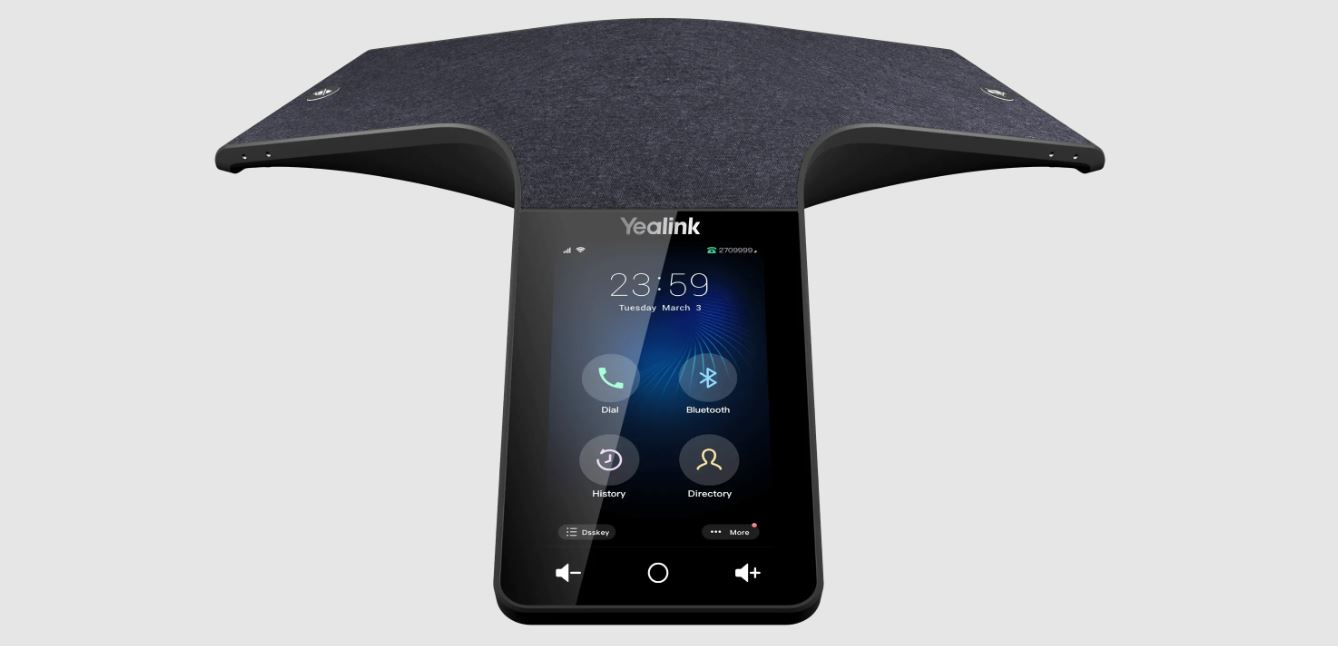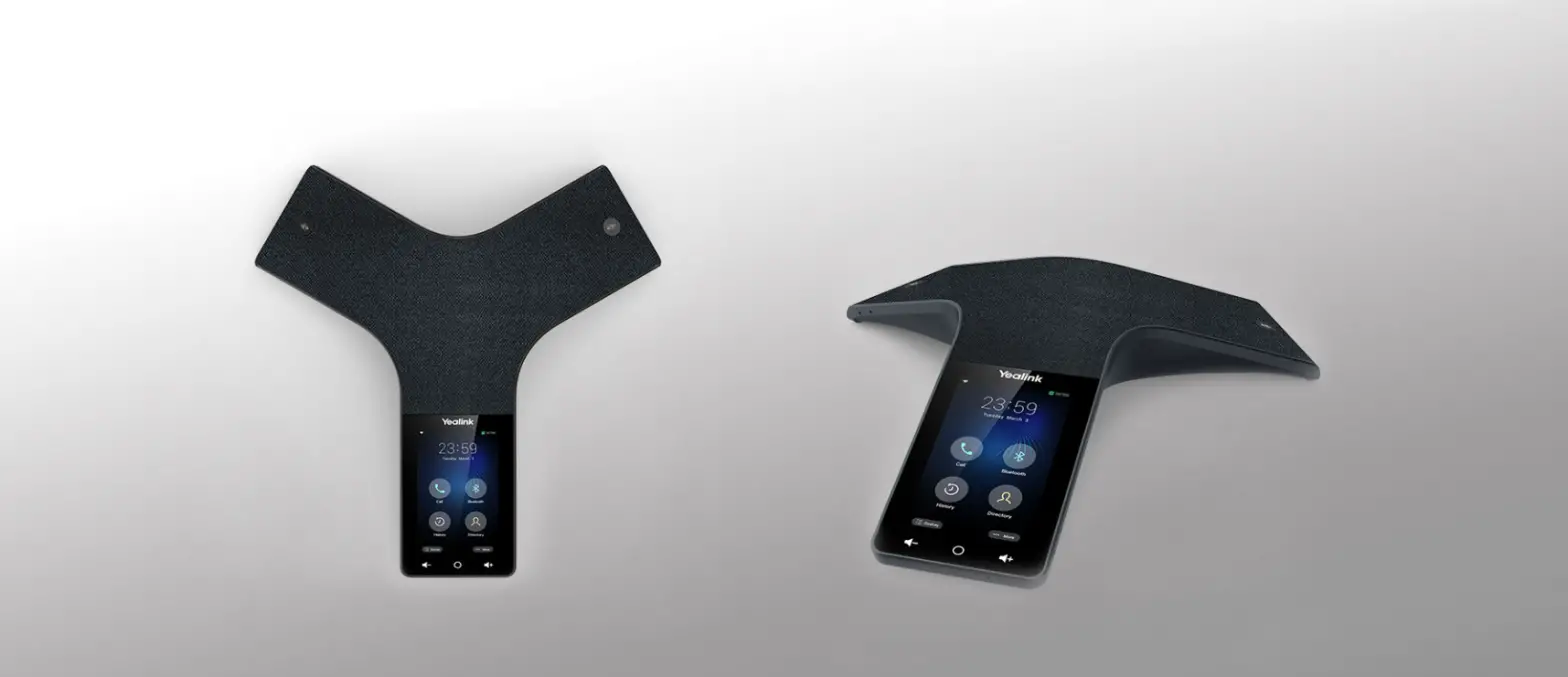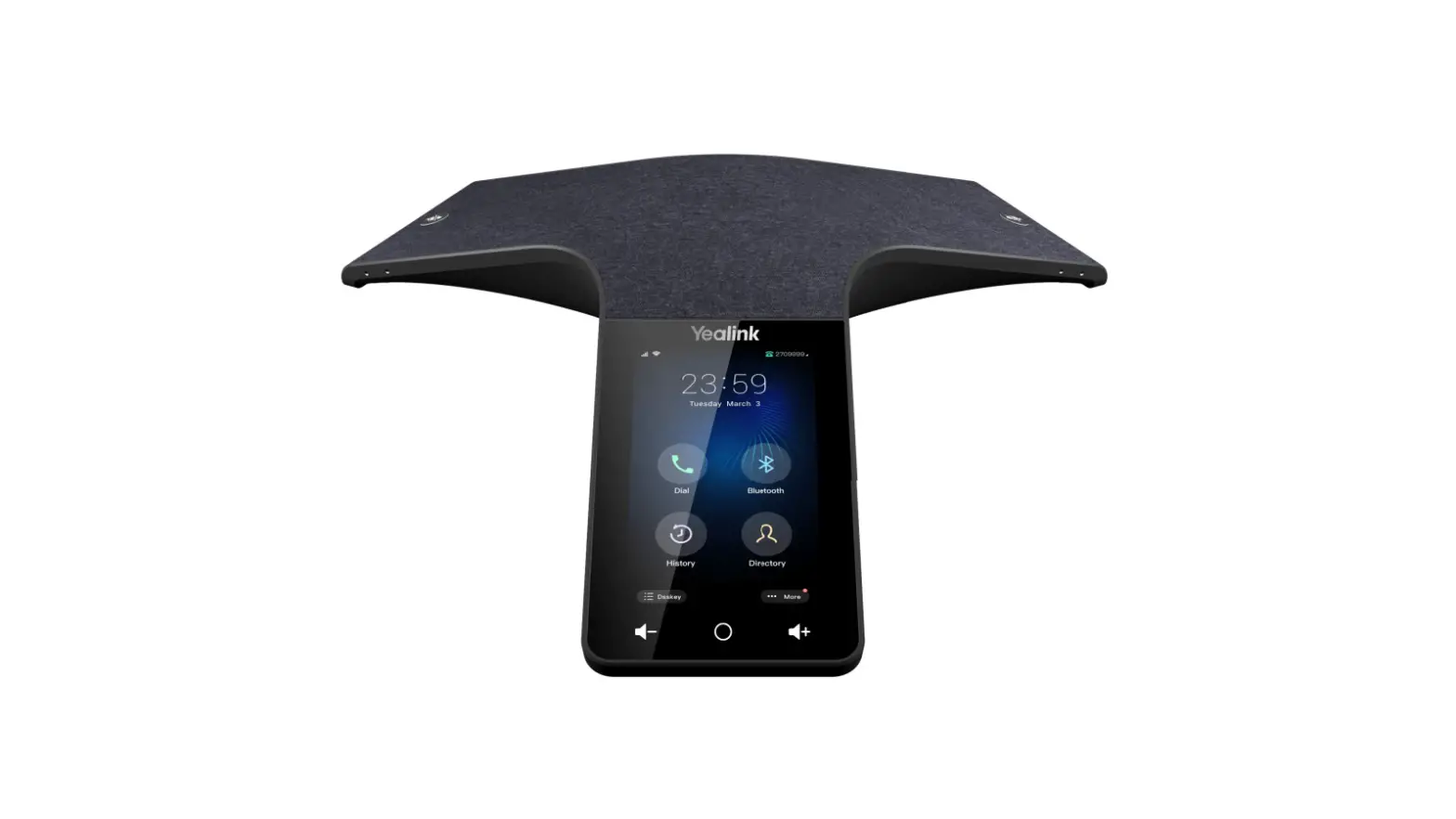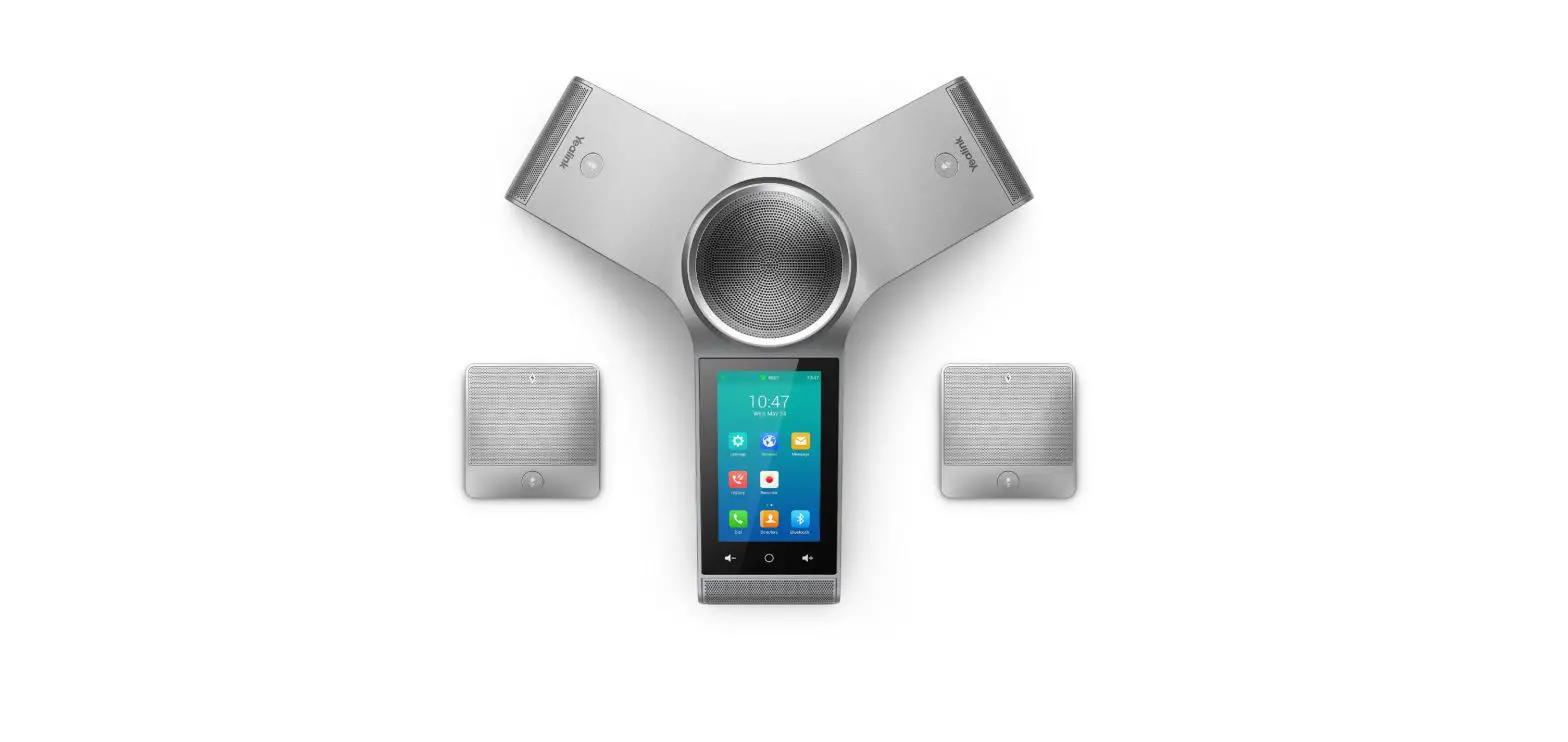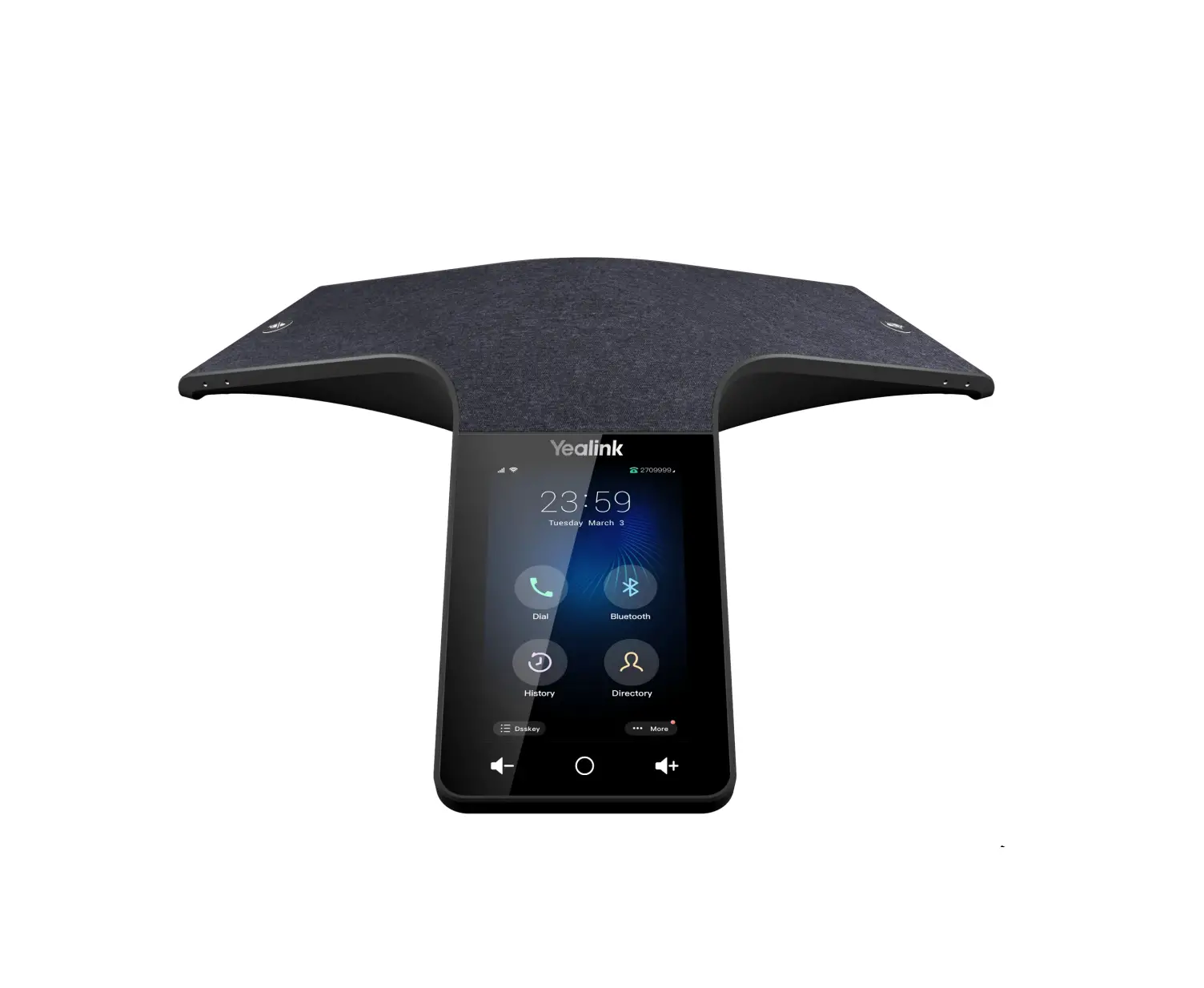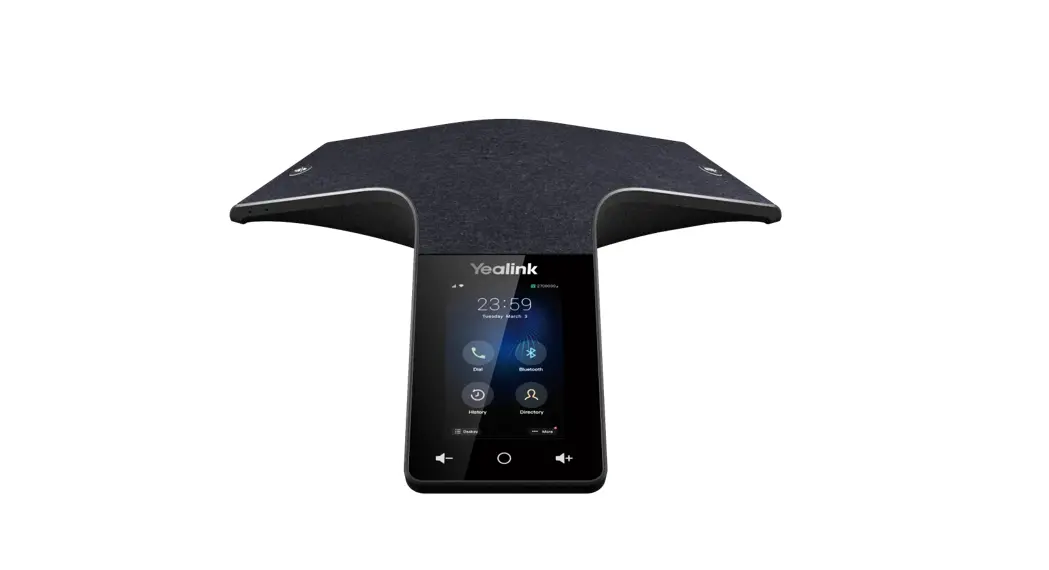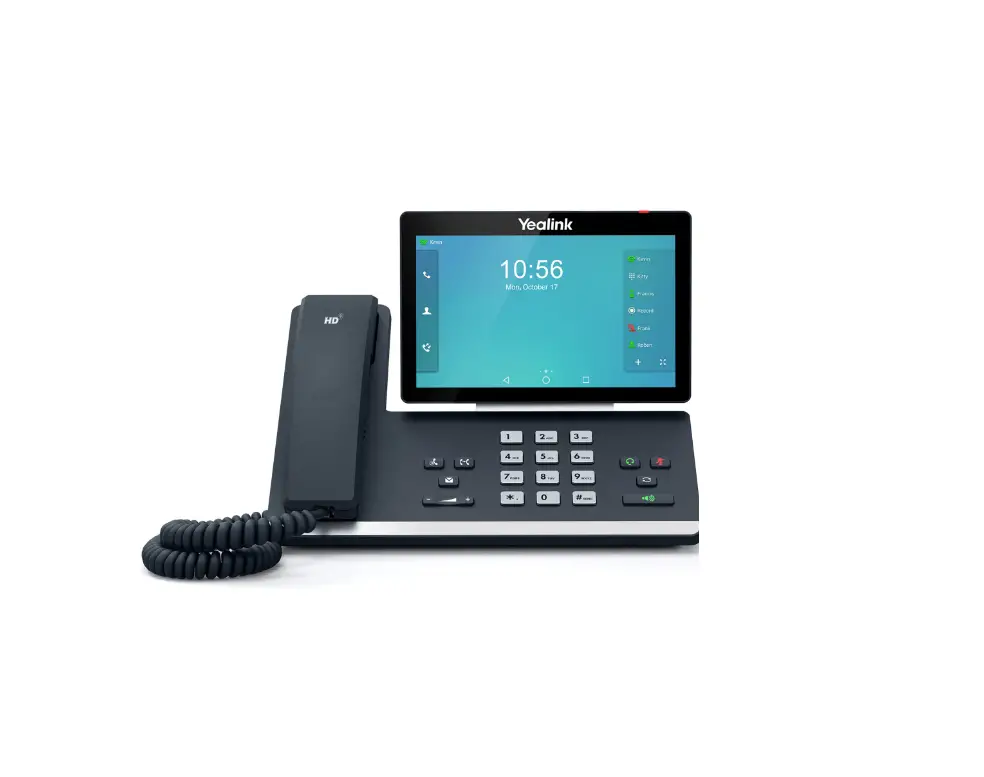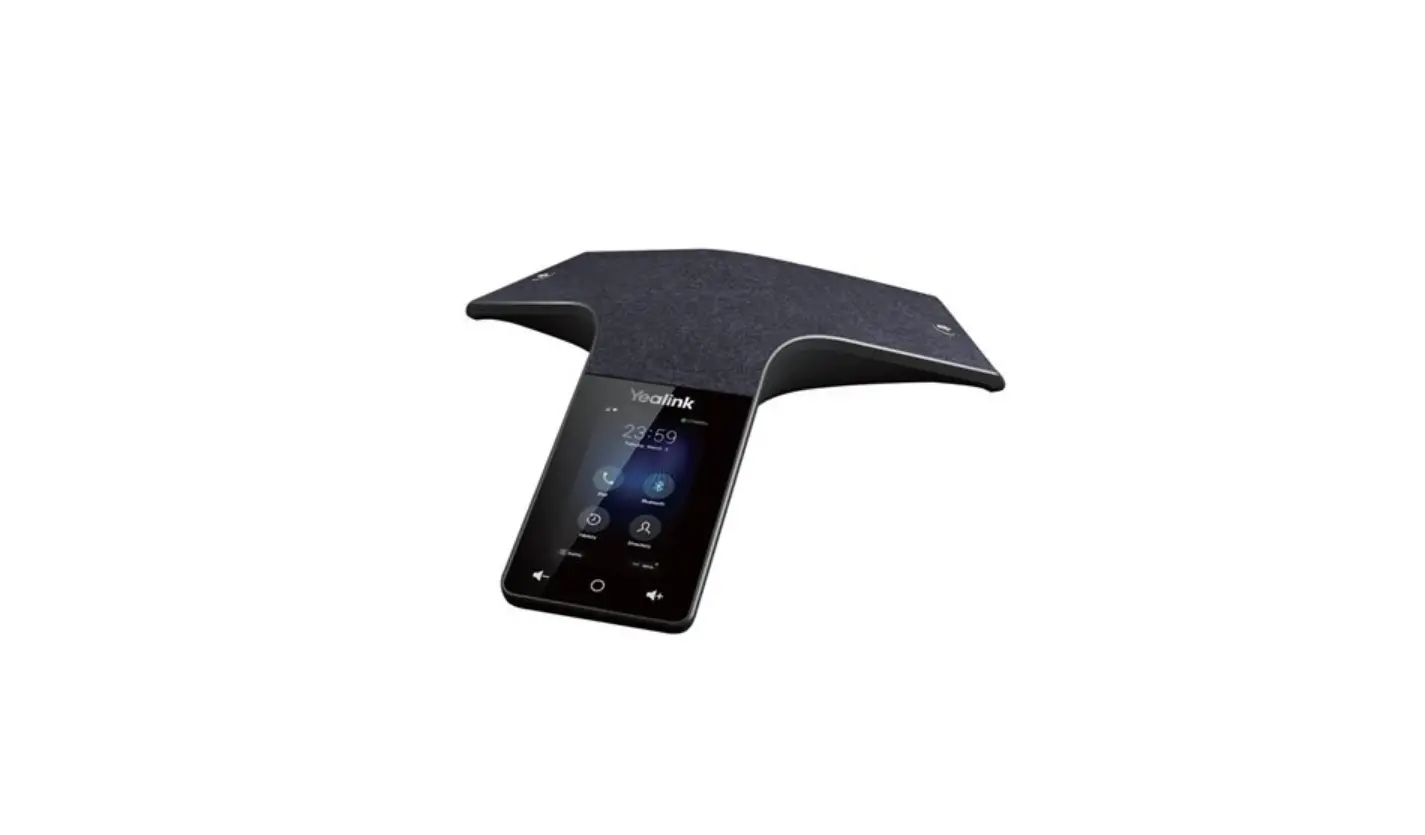

Yealink CP925 One Talk IP Conference Phone
Package Contents
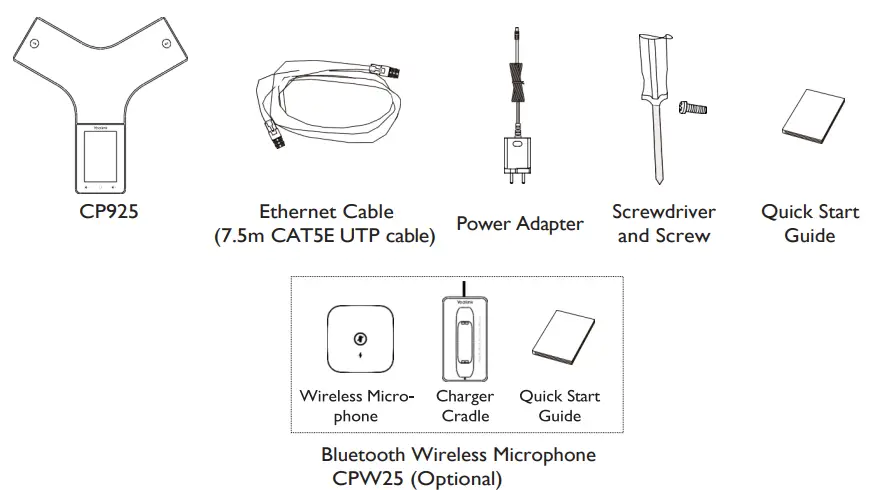
Note: We recommend that you use the accessories provided or approved by Verizon.Other third-party accessories may result in reduced performance.
Assembling the Phone
Connect the power and wired network.
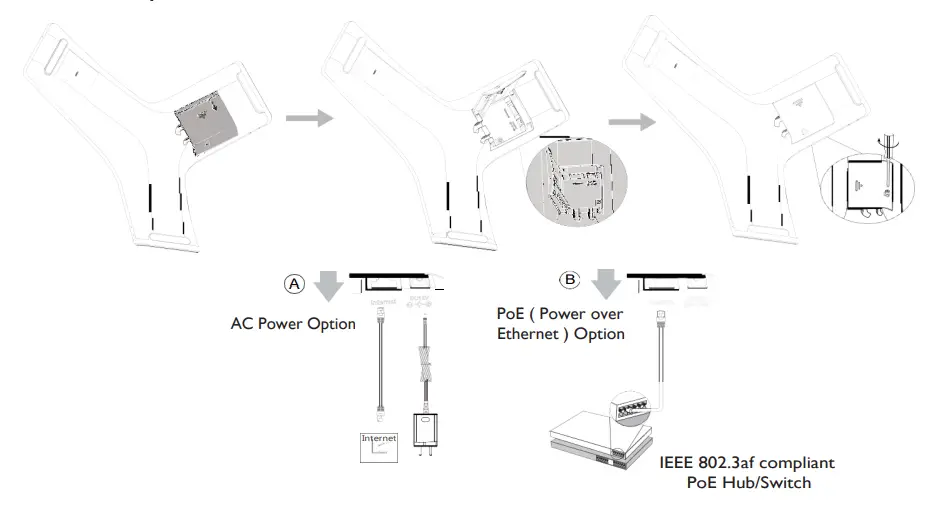
You can also connect to the wireless network after startup. Refer to Wireless Network Connection mentioned below for more information.
Note: The IP phone should be used with Yealink’s original power adapter (12V/1.25A) only. If inline power (PoE) is provided, you don’t need to connect the power adapter. Make sure the hub/switch is PoE-compliant.
Wireless Network Connection
- Tap More->Basic Settings->Wi-Fi.
- Turn Wi-Fi on.
The phone will automatically search for available wireless networks in your area. - Tap an available wireless network to connect.
- If the network is secure, enter its password in the Password field, and then tap the Save soft key.
Features
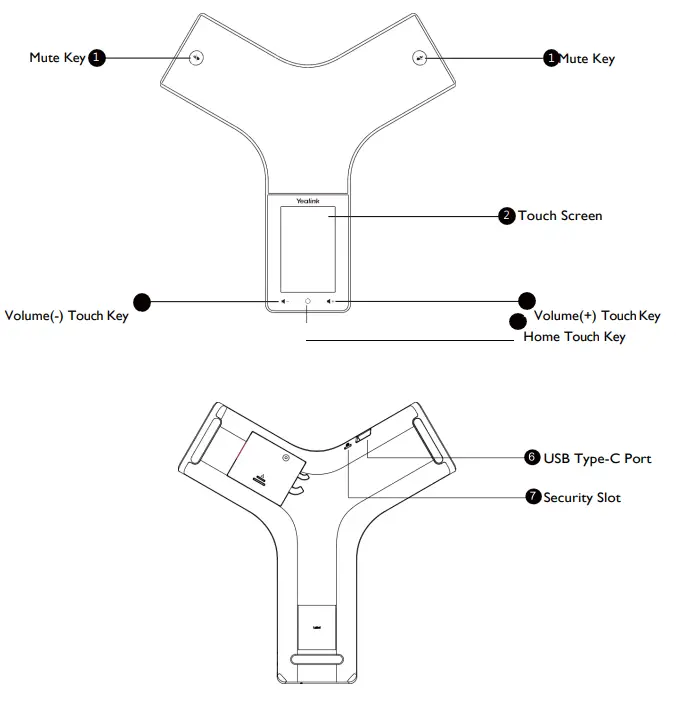
Regulatory Notices
Operating Ambient Temperatures
- Operating temperature: +14 to 122°F (-10 to 50°C)
- Relative humidity: 5% to 90%, noncondensing
- Storage temperature: -22 to +160°F (-30 to +70°C)