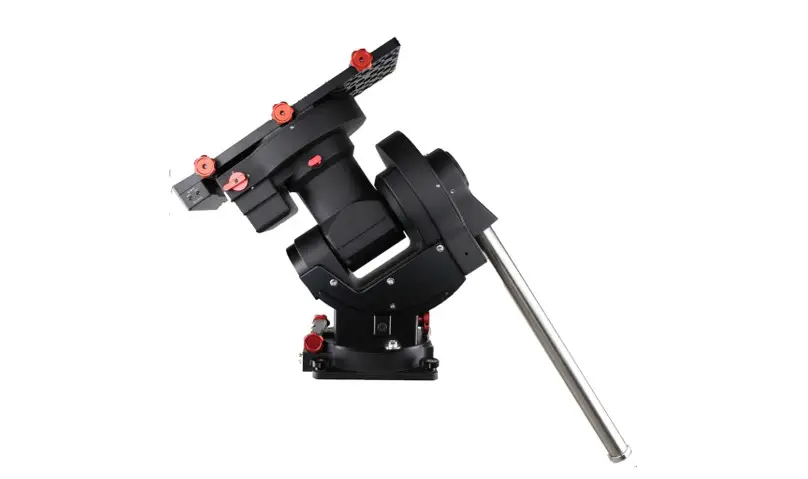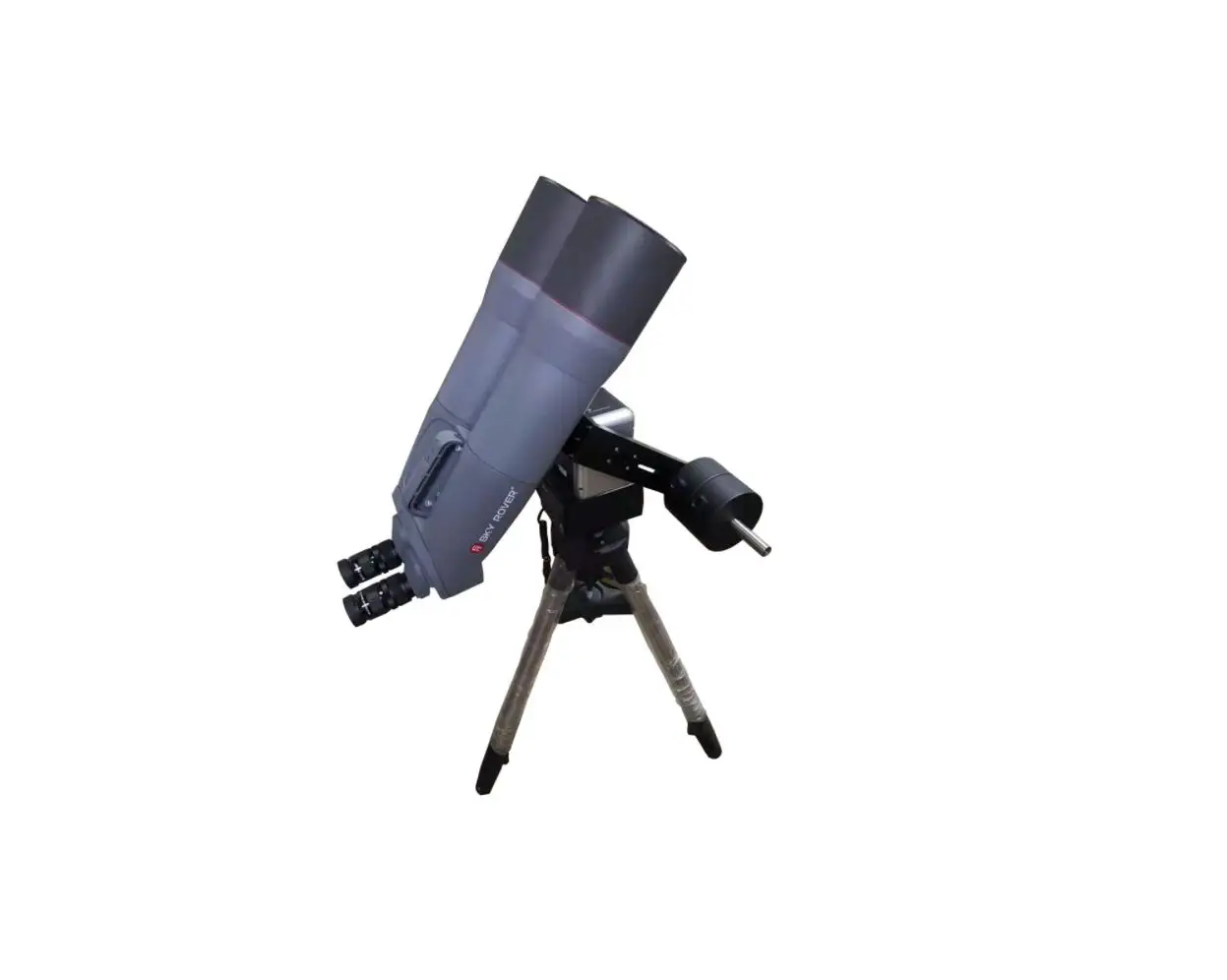
iOptron AZ Mount Pro Binocular Adapter
Instruction Manual

Tool Needed: A set of metric Allen wrench
Parts Included:
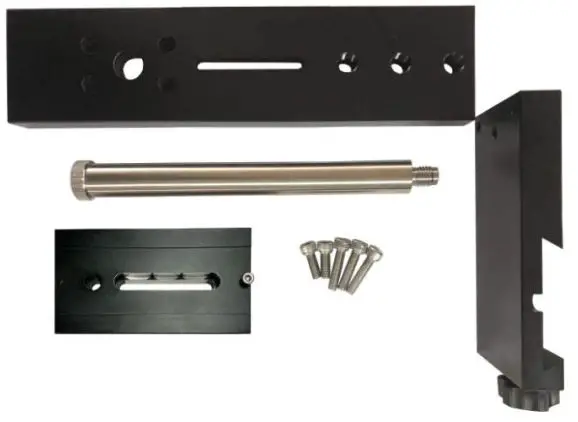
- Tighten locking knob
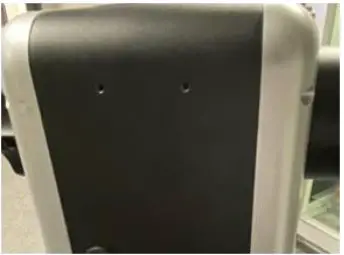
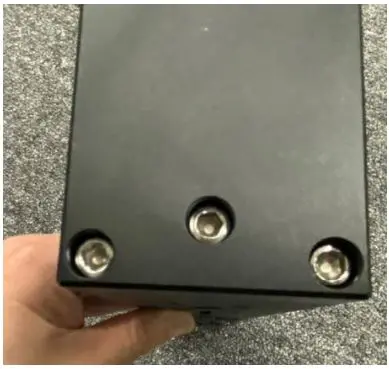
- Remove hand controller hanger

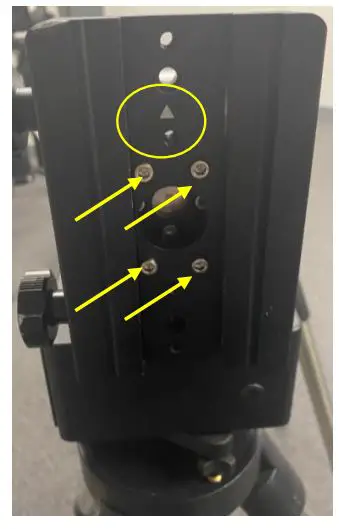
- Set the mount at Zero Position. The arrow mark on dovetail saddle should point upward. Remove dovetail saddle from the mount by releasing 4 screws.


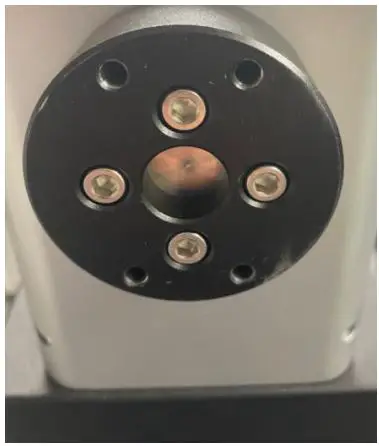
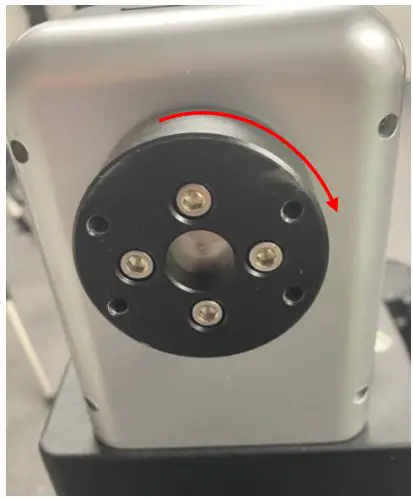
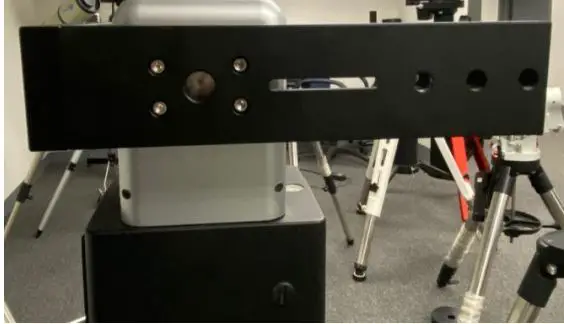
- Release 4 screws on saddle adapter. remove the adapter and rotate it 90 degree. Re-install the screws and tighten them.

You have to rotate the saddle adapter itself, not by releasing the locking knob to rotate it wth the mount ALT axle. - Install bino dovetail saddle onto the long bino adapter plate.

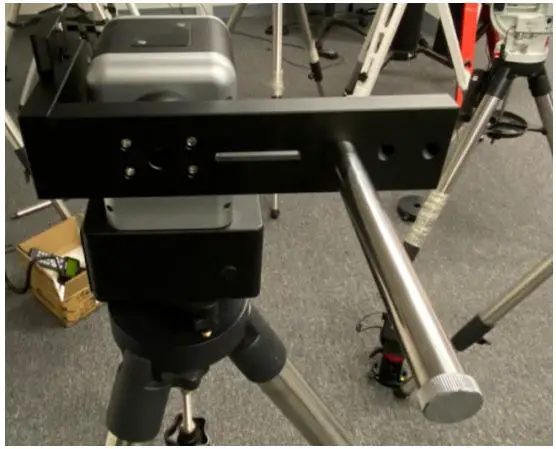
- Install the subassembly onto the AZ Mount Pro, with bino dovetail saddle on power switch side. This is important! Otherwise it will blocked by the mount body when slewing.

- Thread in CW shaft in to one of three holes on the long bino adapter bar. Usually use the lowest one.

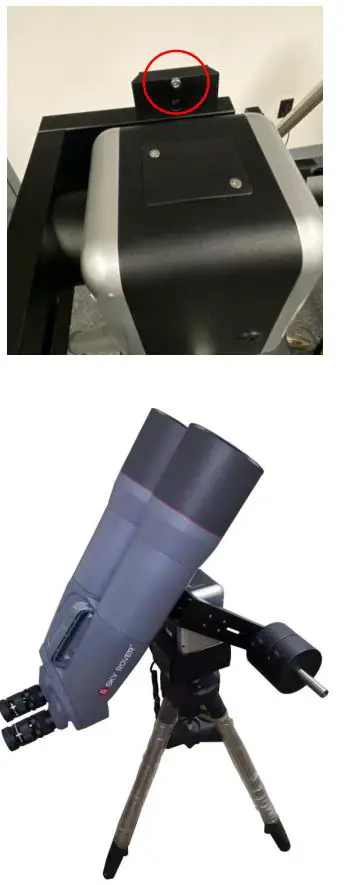
- Install counterweight first. You may release the mount ALT locking knob to set the CW at the lowest position. Then mount the bino onto included dovetail plate. Or you may use your own adapter first then attach to bino dovetail plate. Slide the dovetail plate into the bino dovetail saddle. Make sure that the STOPPER on the play is on top when the mount is at Zero Position. It will prevent the scope slide out from the saddle accidently.