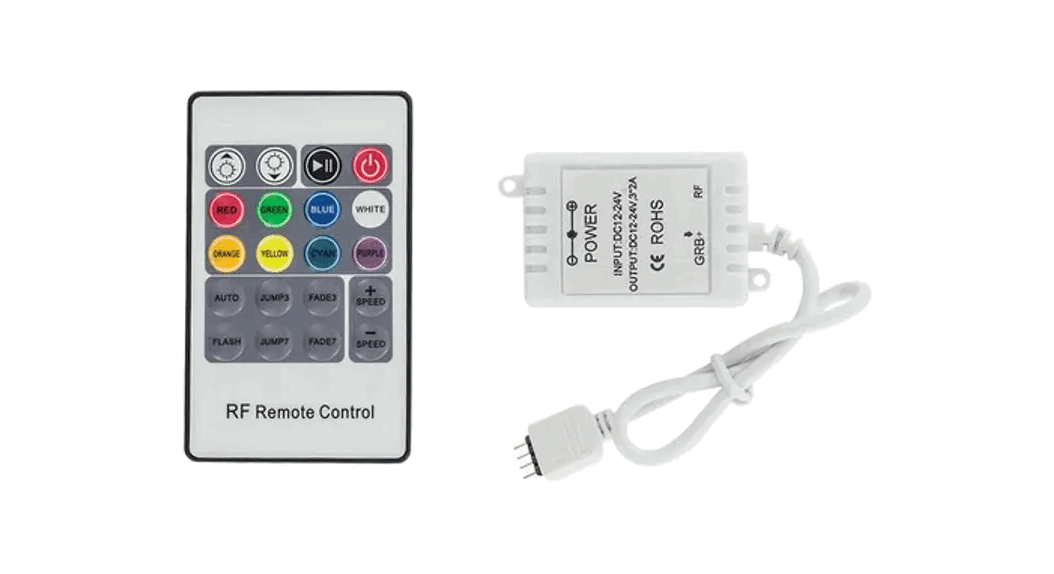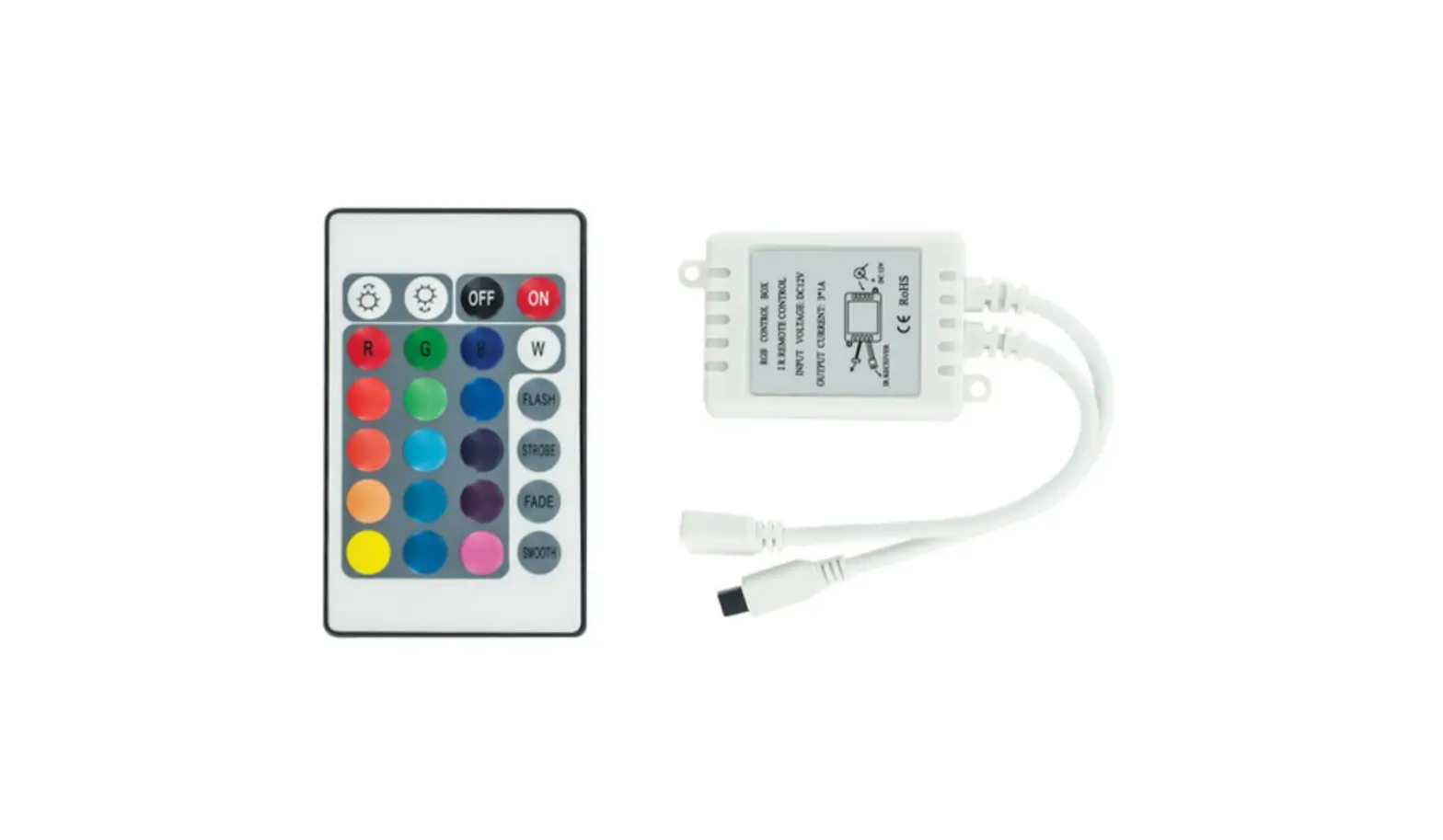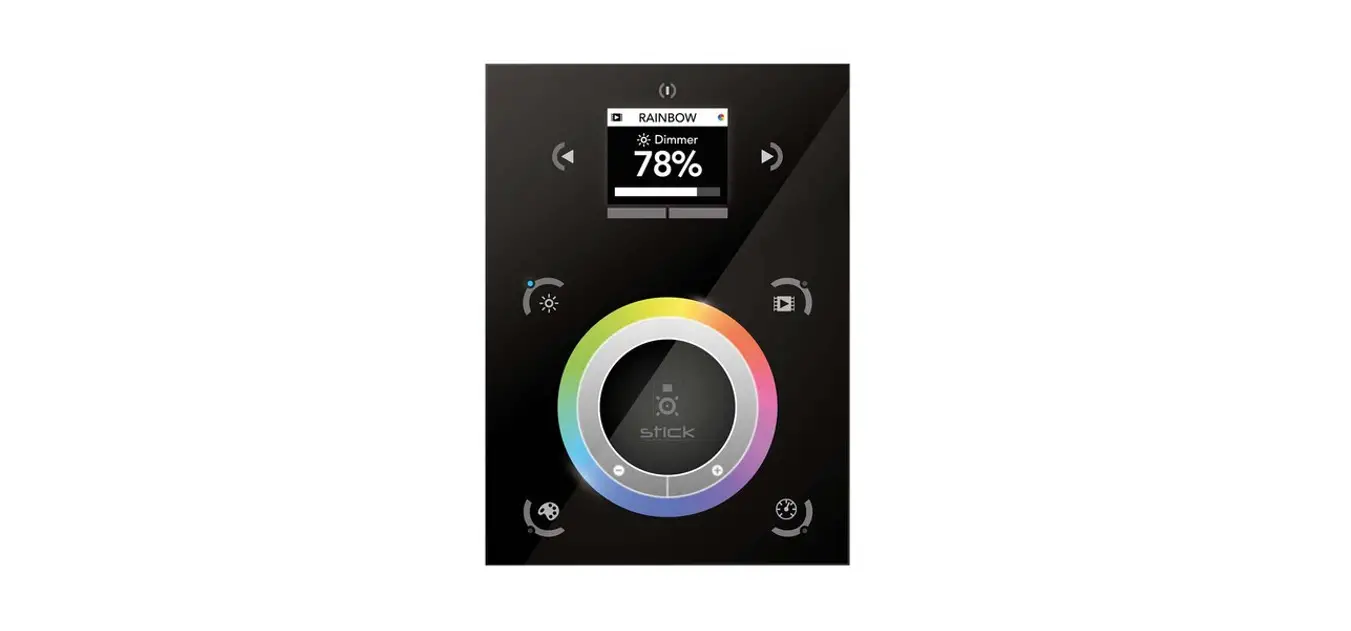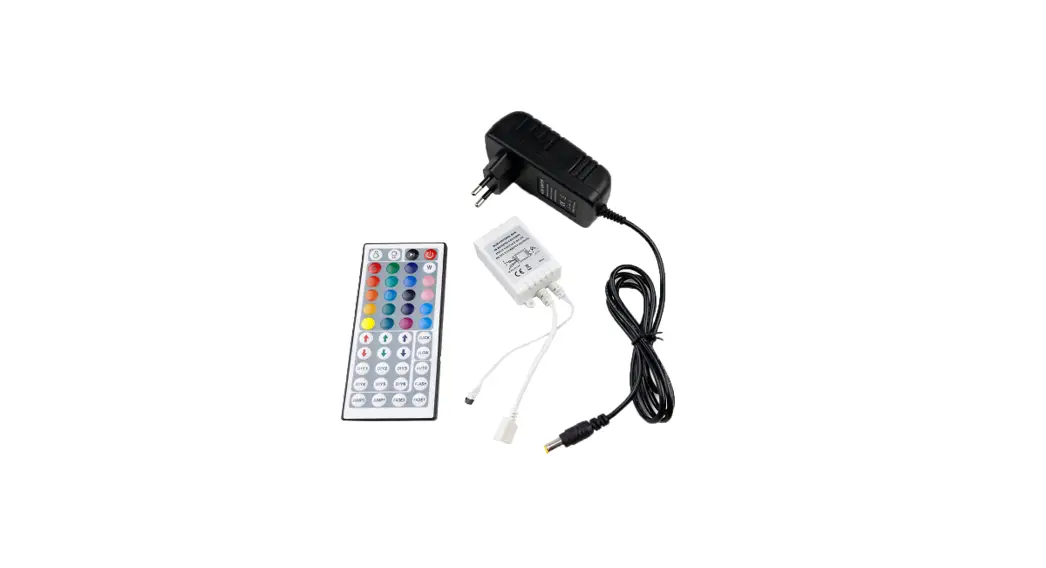

OUTWATER 2.4G Touch Screen RGBW LED Controller
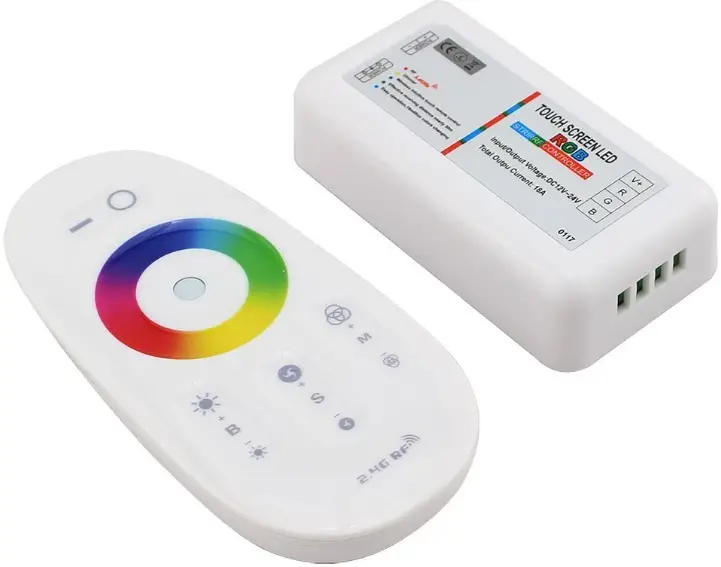
Product Information: 2.4G Touch Screen RGBW LED Controller
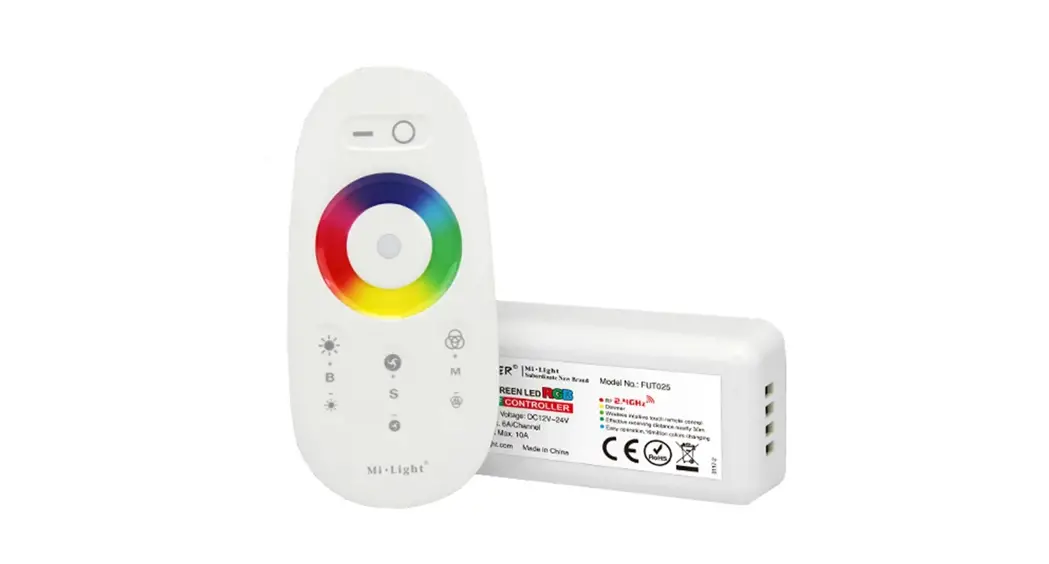
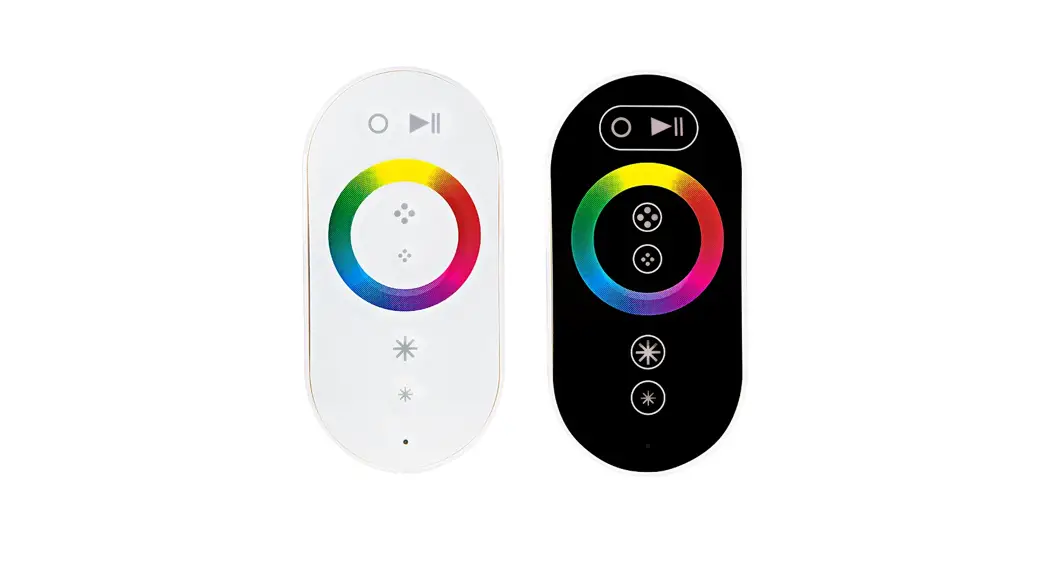
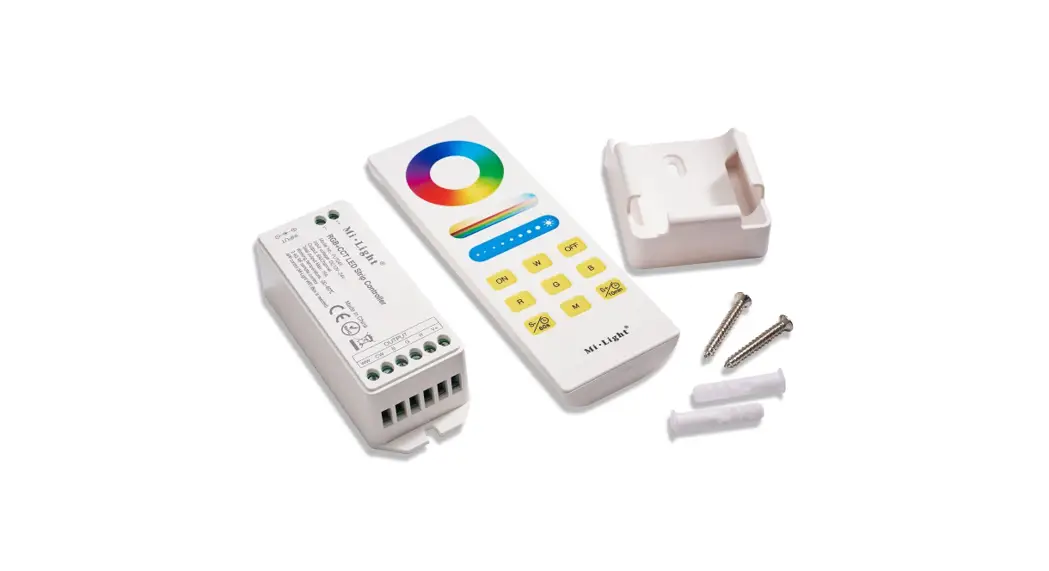
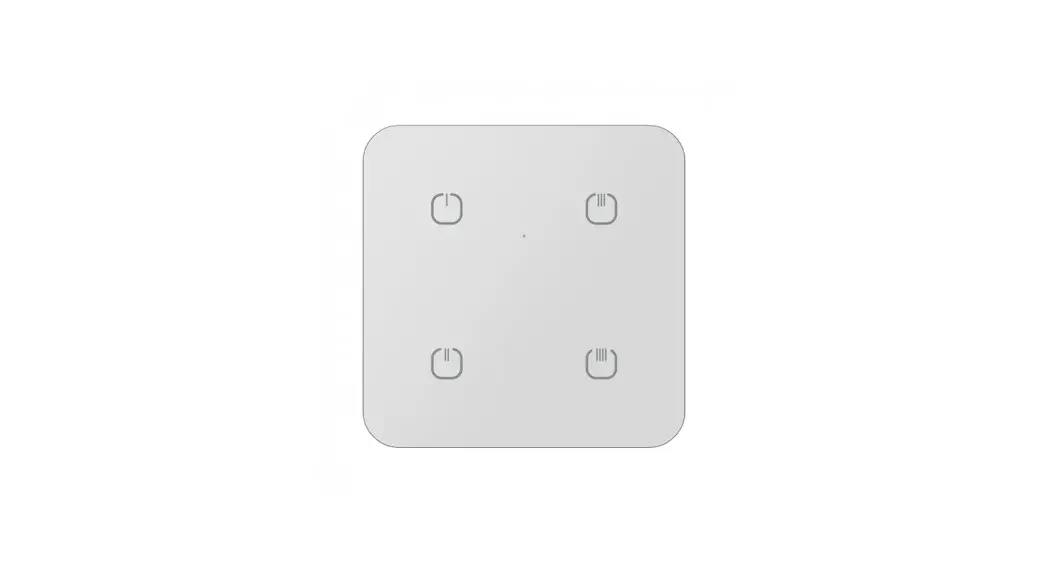
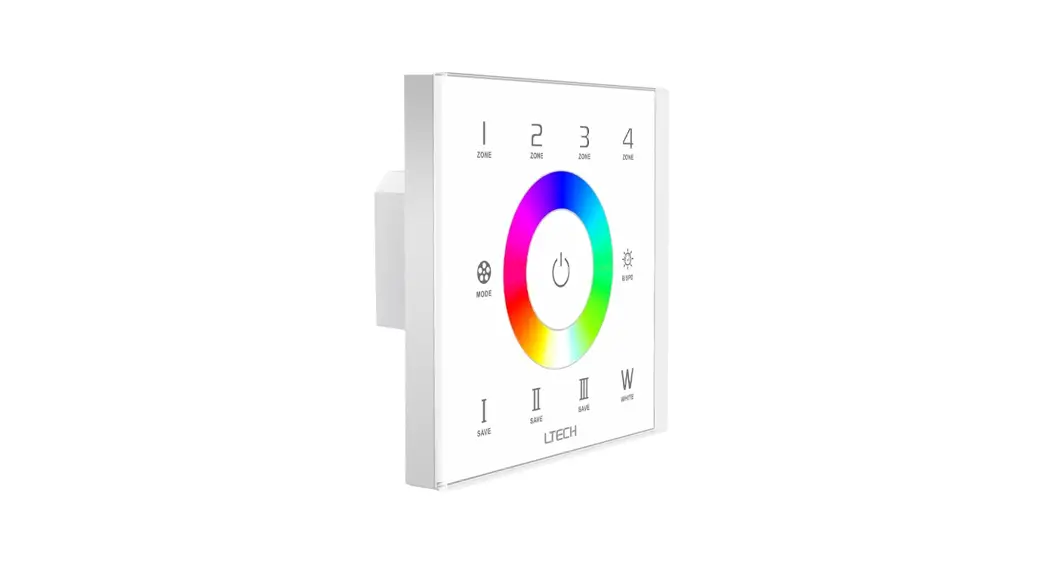
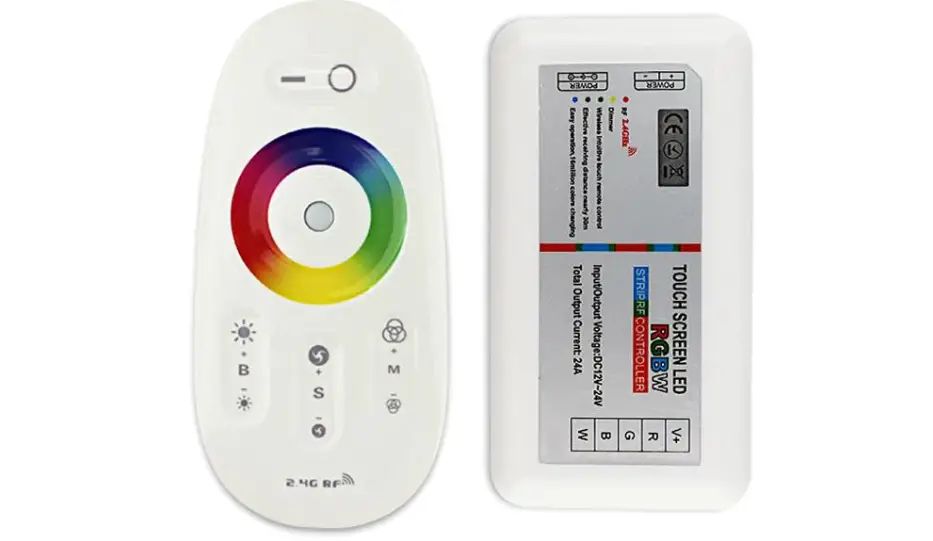
The 2.4G Touch Screen RGBW LED Controller is a high-performance remote controller for RGBW LED products. It features advanced PWM control technology, allowing for the control of all RGBW LED products with five lines and four circuits (common anode) with 640,000 colors and 20 automatic changing modes. The remote is designed to appear fashionable and elegant, making it easy to use with practical functions for color changing and brightness dimming.
The capacitive touch screen design makes the remote user-friendly with a memory function that stores previous settings.
Technical Data:
- Remote Controller Size: 110x52x20mm
- Power: AAA battery *2pcs
- Material: ABS
- Fabrication Processing Size: 85x45x23mm
- Working Voltage: DC12V~24V
- Control Way: R G B W Four Channels
- Max Load Per Channel: 6A
- Total Output Max Output Connection: 10A Common Anode
- Tele control Distance: 30 Meters
- Programs: 20 Kinds
Function of Keys:
The controller features five keys, including a power button and four function keys that allow for color changing, brightness dimming, and program selection.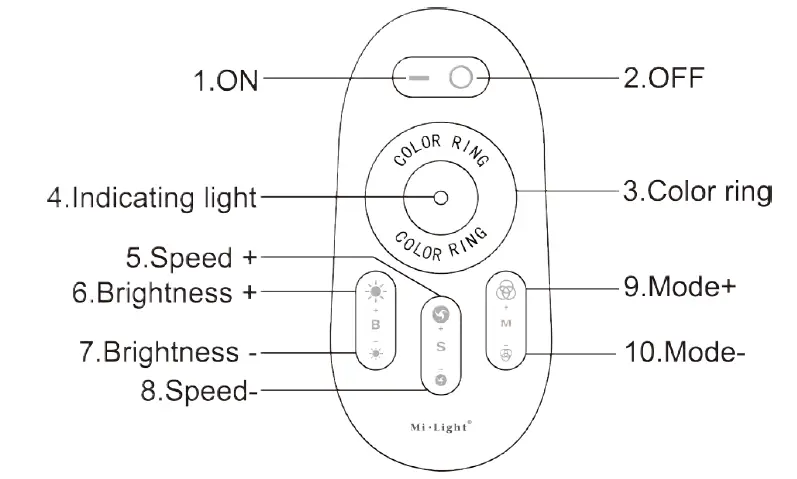
Program List:
The controller features 15 different program options, including static colors, color/white static coexist, and various jumping and gradual changing modes. The brightness and speed of many programs are adjustable.
| No. | Mode | Brightness | Speed | Remarks |
| 1 | Static Color | Adjustable | Not Adjustable | Choose Any Color by Touching the Color Ring |
| 2 | Static White Color | Adjustable | Not Adjustable | White Only |
| 3 | Color/White Static Coexist | Adjustable | Not Adjustable | Color Ring Free to Choose. Brightness Adjusts Only for Color Light |
| 4 | All Colors Gradually Change | Adjustable | Adjustable | White (Off) |
| 5 | Four Colors Gradually Change | Adjustable | Adjustable | |
| 6 | Four Colors Jump to Change | Adjustable | Adjustable | |
| 7 | Seven Colors Jump to Change (with White Color) | Adjustable | Adjustable | |
| 8 | Red/White Jumps to Change | Adjustable | Adjustable | |
| 9 | Blue/White Jumps to Change | Adjustable | Adjustable | |
| 10 | Green/White Jumps to Change | Adjustable | Adjustable | |
| 11 | Red Jumps to Change | Adjustable | Adjustable | |
| 12 | Blue Jumps to Change | Adjustable | Adjustable | |
| 13 | Green Jumps to Change | Adjustable | Adjustable | |
| 14 | White Jumps to Change | Adjustable | Adjustable | |
| 15 | Circulation Mode | Adjustable | Not Adjustable | All the Modes Cycle |
Programming:
Before using the controller for the first time, it must be programmed to the LED controller. To program the controller, correctly connect the power supply, LED controller, and LED load.
Switch OFF the power, then switch it ON again. Press Key 5 once (within 3 seconds) the moment you see the light is ON. The LED light will blink twice slowly when done correctly.
The code can be cleared as needed. To clear the code, correctly connect the power supply, LED controller, and LED load. Switch OFF the power, then switch it ON again. Press and hold Key 5 (within 3 seconds) the moment you see the light is ON. The LED light will blink nine times swiftly when done correctly.
Thank you for purchasing our 2.4G Touch Screen RGBW LED Controller. Please read the instructions carefully before using.
Product Description
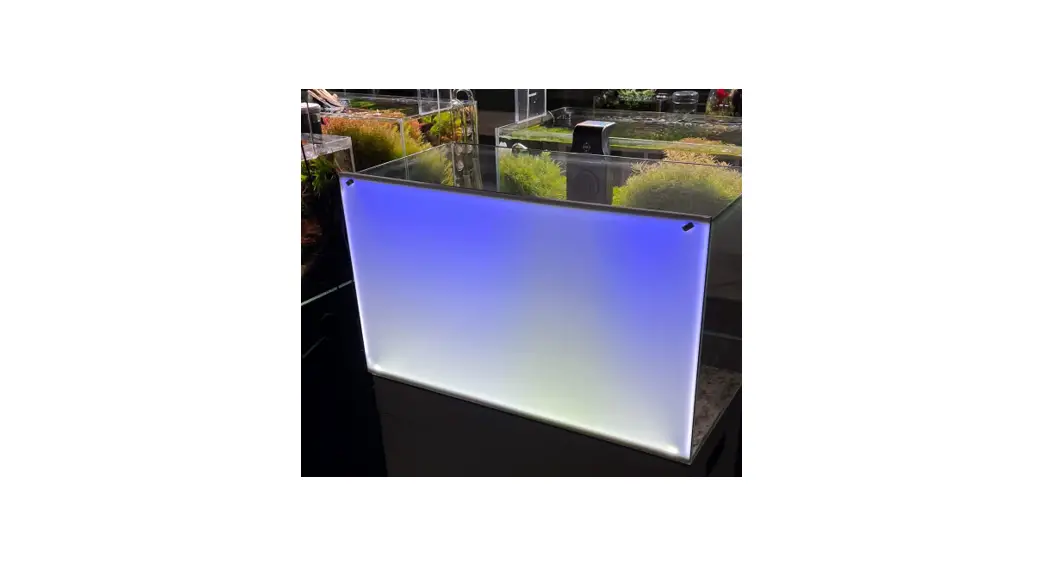
- This system is a high-performance RGBW LED touch remote controller that adopts the most advanced PWM control technology, controlling all RGBW LED products with five lines and four circuits (common anode), featuring 640,000 colors and 20 automatic changing modes.
- It features a memory function that allows the previous settings to be resumed when the unit is powered ON again making this controller ideal for use in RGBW LED strip lights, LED modules, and so on.
- The technology in the 2.4G high-frequency wireless remote control offers low power consumption, long distance transmission, strong anti-interference, high speed telecommunications, etc.
- The remote is designed to appear fashionable and elegant, with simple, practical functions of color changing and brightness dimming. The capacitive touch screen design makes the remote easy to use.
- The modular design and easy screwed terminals enable the controller to be used with all kinds of LED lighting products.
Product Technical Data
| Remote | Size | 110x52x20mm |
| Power | AAA battery *2pcs | |
| Material | ABS | |
| Fabrication Processing | Multicolor Printing & UV Varnish | |
| Controller | Size | 85x45x23mm |
| Working Voltage | DC12V~24V | |
| Control Way | R G B W Four Channels | |
| Max Load Per Channel | 6A | |
| Total Output Max | 10A | |
| Output Connection | Common Anode | |
| Tele control Distance | 30 Meters | |
| Programs | 20 Kinds |
Product Programming
Code Matching:
For a new kit (remote + controller), the remote can only work when it is programmed to the controller.
To program the controller, correctly connect the power supply, LED controller, and LED load. Switch OFF the power, then switch it ON again. Press Key 5 once (within 3 seconds) the moment you see the light is ON. The LED light will blink twice slowly when done correctly.
Code Clearing:
The code can be cleared as needed.
The kit (remote + controller) will stay in the original state after code clearing. It can only work when code rematching is done.
To clear the code, correctly connect the power supply, LED controller, and LED load. Switch OFF the power, then switch it ON again. Press and hold Key 5 (within 3 seconds) the moment you see the light is ON. The LED light will blink nine times swiftly when done correctly.
Attention:
- The product for sale is a kit comprised of a remote and a controller. The user can re-program it freely as needed. One remote can control countless controllers, but one controller can only be controlled by a maximum of four remotes.
- Please check the battery installation and controller (totally discharge the power), when you program after switching OFF and switching ON.
Connection
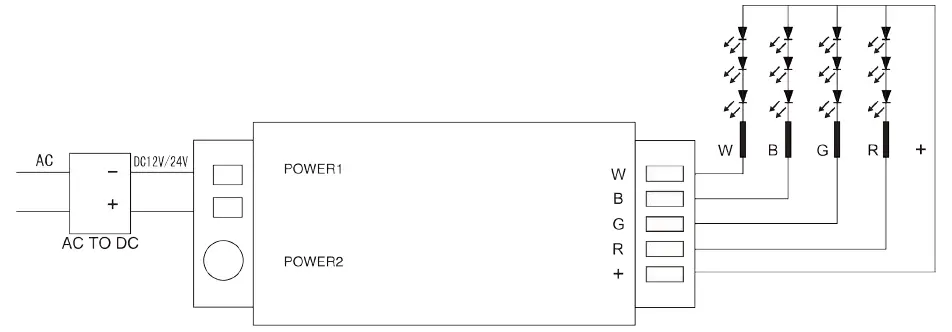
Attention
- Please check whether the input voltage of that constant voltage power supply is in accordance with the controller. Please check the connection of both the cathode and anode, otherwise the controller will be broken.
- DO NOT connect wires with the power ON. Only switch the power ON when the wires are properly connected to avoid a short circuit.
- To improve the sensitivity of the touch ring, make sure your fingers are not on it when installing the batteries. Wait at least 3 seconds after the batteries have been installed before handling the remote. If the touch ring sensitivity is low, install a fresh set of batteries.
- DO NOT use the controller in areas with lots of metal or strong electromagnetic waves as the remotes distance can be seriously affected.
 Outwater Industries