682 Senso Dot Vibrating Switch
Product Information: Senso Dot Vibrating Switch #682
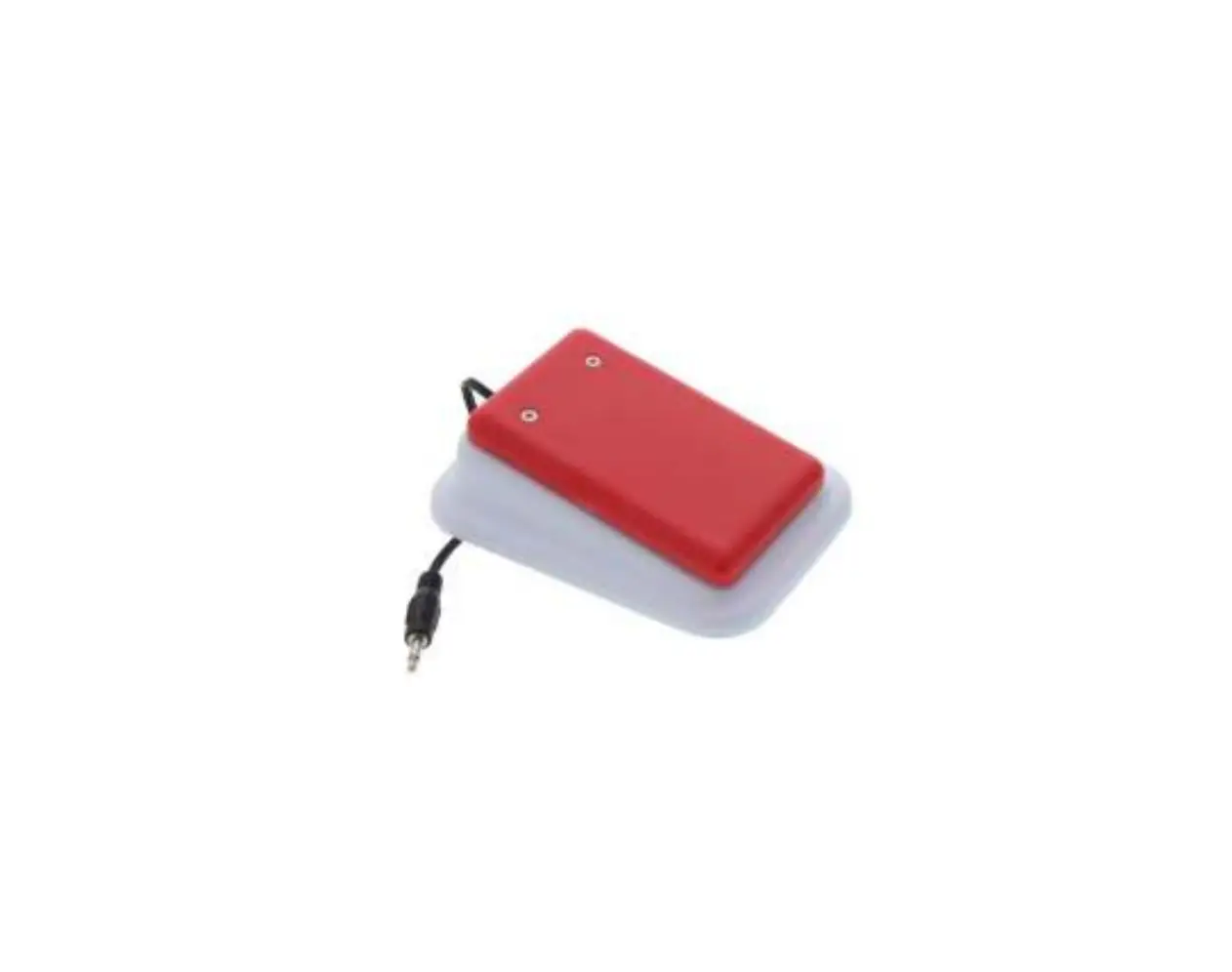
The Senso Dot Vibrating Switch #682 is a switch-adapted device
that allows users to activate toys or devices by pressing anywhere
on its textured top. The switch requires 2 AAA batteries (not
included) to operate and should only be used with alkaline
batteries such as Duracell or Energizer brand. The unit is designed
to provide a gentle vibration when activated, giving users tactile
feedback.
The switch is equipped with a battery compartment cover that can
be easily removed using a Phillips head screwdriver. It is
important to observe proper battery polarity when installing the
batteries and to ensure a tight connection between the switch and
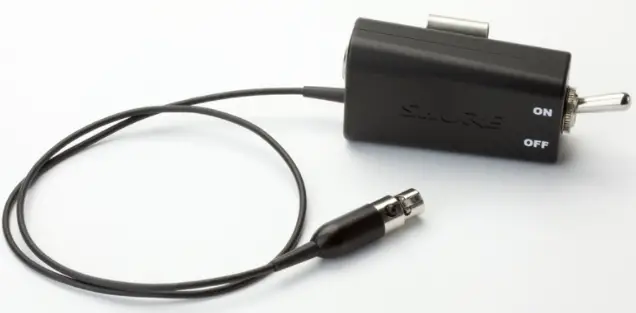
the switch-adapted toy/device. The switch has an On/Off switch
located on its side to control its operation.
If an adapter is needed to connect the Senso Dot switch to the
toy/device, it is crucial to use a MONO adapter, not a STEREO
adapter. The user should press anywhere on the textured top of the
switch to activate their toy/device. The toy/device will remain
activated as long as the switch is being pressed, and will turn off
once the switch is released.
To prevent battery drain, it is important to turn the switch OFF
when not in use. The Senso Dot switch can be cleaned using any
household multipurpose cleaner and disinfectant. However, it should
not be submerged in water or cleaned with abrasive cleaners.
Product Usage Instructions
- Ensure that the Senso Dot switch has 2 AAA alkaline batteries
installed in the correct polarity. - Turn the switch over to access the battery compartment
cover. - Using a Phillips head screwdriver, carefully remove the small
screw from the battery compartment cover. - Lift the cover off, using the end of the screwdriver if
necessary. - Insert 2 AAA batteries into the battery holder, observing
proper (+) and (-) polarity. - Replace the battery compartment cover and screw it back
in. - Set the On/Off switch located on the side of the switch to the
“On” position. - Plug the Senso Dot switch into the jack on your switch-adapted
toy/device. - Ensure a tight connection between the Senso Dot switch and your
toy/device, eliminating any gaps. - To activate your toy/device, simply press anywhere on the
textured top of the Senso Dot switch. - The toy/device will remain activated as long as the switch is
being pressed, and will turn off when the switch is released. - Remember to turn OFF the switch when not in use to prevent
battery drain.
Senso Dot Vibrating Switch #682 USER’S GUIDE
For Technical Support: Call our Technical Service Department Monday through Friday, 9 a.m. to 5 p.m. (EST)
1-800-832-8697 [email protected]
50 Broadway Hawthorne, NY 10532 Tel. 914.747.3070 / Fax 914.747.3480 Toll Free 800.832.8697 www.enablingdevices.com
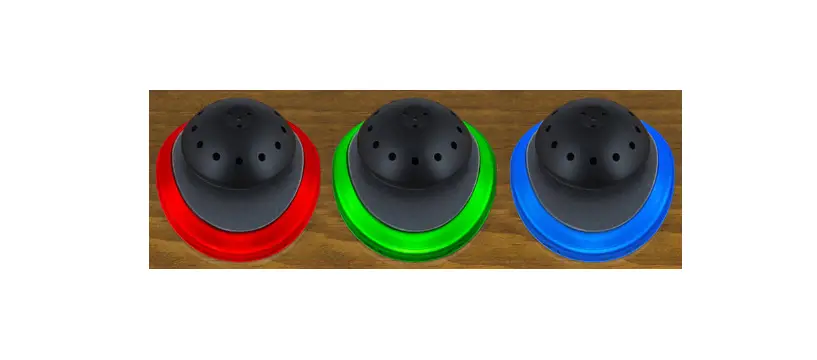
Heightens sensory awareness! Our tactile and visually stimulating switch provides a wonderful somatosensory experience when activating any toy or device. The slightest push on any part of the dome will activate a device while you feel a soft vibration. The colorful tops can easily be turned round and round. Size: 6″D x 2¾”H. Requires 2 AAA Batteries. Weight: 1 lb.
Operation: 1. The Senso Dot switch requires 2 AAA batteries to operate (Not
included). Use alkaline batteries only (e.g. Duracell or Energizer brand). Do not use rechargeable batteries or any other type of batteries because they supply lower voltage and the unit will not perform properly. Never mix old and new batteries together or different brands or types together.
2. Gently turn the unit over to face the black battery compartment cover. Carefully remove the small screw from the battery compartment cover using a Phillips head screwdriver, and lift the cover off, it may be necessary to use the end of the screwdriver to lift one edge of the cover. Observing proper (+) & (-) battery polarity, install 2 AAA size batteries into the holder. Replace the battery compartment cover and screw. Set the On/Off switch located on the side of the switch to On.
3. Plug the Senso Dot switch into the jack on your switch-adapted toy/device.
4. If it is necessary for you to use an adapter, make sure that you use a MONO adapter, not a STEREO adapter.
5. Make sure that the connection between the Senso Dot switch and your toy/device is tight. There should be no gaps.
6. Simply press anywhere on the Senso Dot Switch’s textured top to activate your toy/device.
7. The toy/device will only remain activated while the Senso Dot switch continues to be actuated. Once you release the switch, the toy/device will turn off. The user will also feel a gentle vibration from the switch as long as the switch is being activated.
Please Note: Switch must be turned OFF when not in use to prevent battery drain .Failure to do so will cause the batteries to drain.
Troubleshooting:
Problem: The Senso Dot switch does not activate your toy/device.
Action #1: Make sure that the connection between the Senso Dot switch and your toy/device is tight. There should be no gaps. This is a common error and an easy fix.
Action #2: Try a different switch with your toy/device to rule out the toy/device as the source of the problem.
Action #3: Try a different adapter (if applicable) to rule this out as the source of the problem.
Action #4: Make sure the batteries are fresh; this switch will not work without batteries.
Care of Unit: The Senso Dot switch can be wiped clean with any household multipurpose cleaner and disinfectant. We recommend Simple Green, which is a non toxic biodegradable all-purpose cleaner.
Do not submerge the unit, as it will damage the contents and the electrical components.
Do not use abrasive cleaners, as they will scratch the surface of the unit.
Rev 2/2/17
 Products For People With Special Needs | Enabling Devices