8209 Easy Flex Dual Ultimate Switch
Product Information
- Product Name: Easy Flex Dual Ultimate Switch #8209
- Manufacturer: Enabling Devices
- Address: 50 Broadway Hawthorne, NY 10532
- Contact: Tel. 914-478-0960 / Fax 914-478-7030
- Website: www.enablingdevices.com
Product Usage Instructions
- Mounting the Switch:
- Place the Easy Flex Dual Ultimate Switch on flat surfaces as
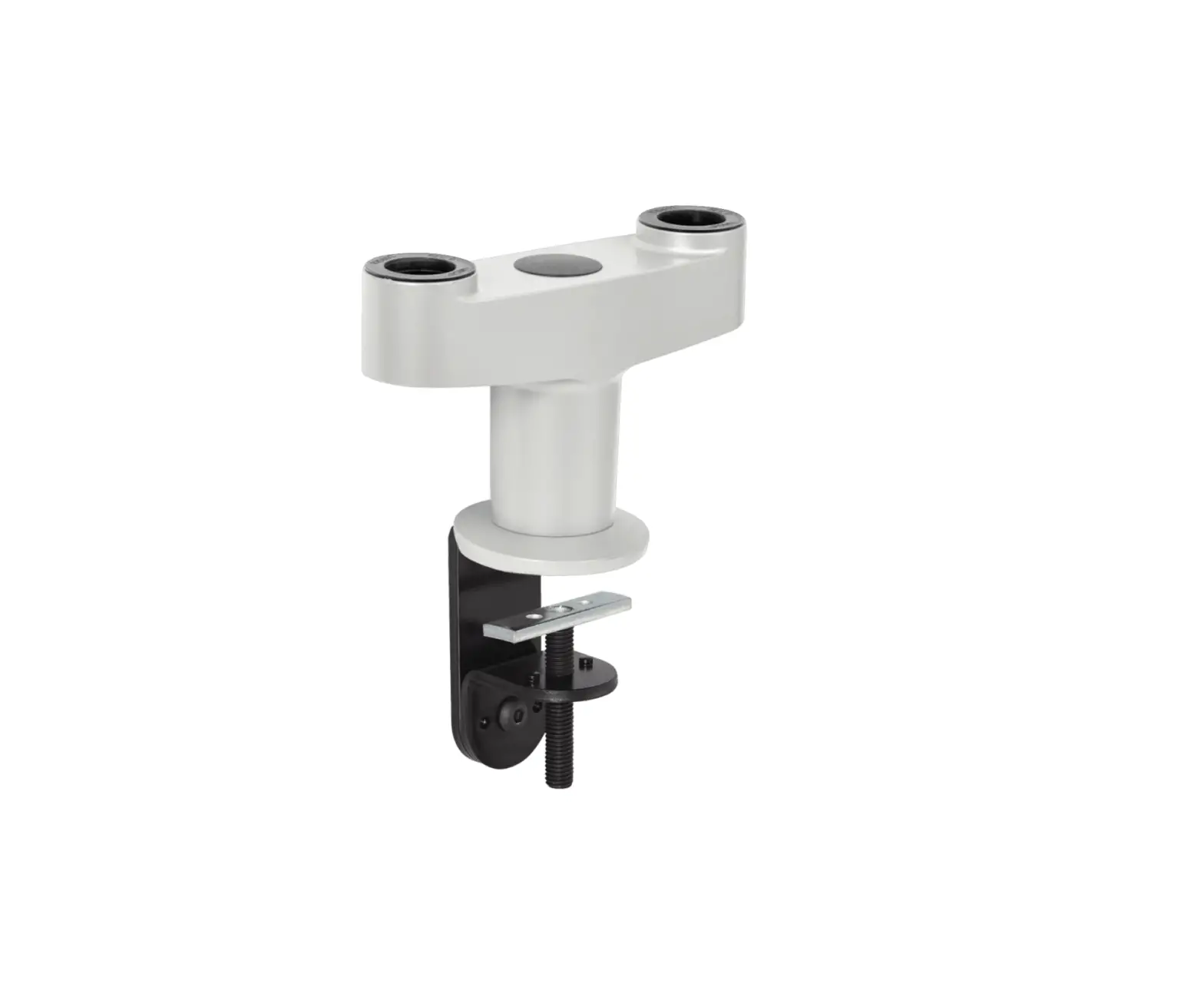
shown in the photos. - If mounting to a flat surface, use the removable wedge insert
inside the jaws of the clamp.
- Place the Easy Flex Dual Ultimate Switch on flat surfaces as
- Removing a Switch:
- If only one switch is needed, loosen the set knob on the
clamp. - Depress the spring-loaded pin and lift up on the Flex arm to
remove the switch from the clamp.
- If only one switch is needed, loosen the set knob on the
- Activating the Switch:
- Press and hold the Ultimate switch to turn on your
toy/device. - The toy/device will remain activated as long as you hold the
Ultimate switch in the actuated position. - Releasing pressure on the Ultimate switch will turn off the
toy/device.
- Press and hold the Ultimate switch to turn on your
Troubleshooting
- Problem: The toy/device is not activating.
- Action: Make sure the connection to the toy/device is plugged
in securely with no gaps. - Action: Use a MONO adapter, if applicable.
- Action: Try using your toy/device with a different switch to
rule out the toy/device as the source of the problem. - Action: Check and replace the batteries in the toy/device if
necessary.
- Action: Make sure the connection to the toy/device is plugged
Care Instructions
- Wipe clean the Ultimate Switch with any household multi-purpose
cleaner and disinfectant. - Recommended cleaner: Simple Green (non-toxic biodegradable
all-purpose cleaner). - Do not submerge the unit as it will damage the electrical
components. - Avoid using abrasive cleaners that may scratch the surface of
the unit.
Easy Flex Dual Ultimate Switch #8209
50 Broadway Hawthorne, NY 10532 Tel. 914-478-0960 / Fax 914-478-7030 www.enablingdevices.com
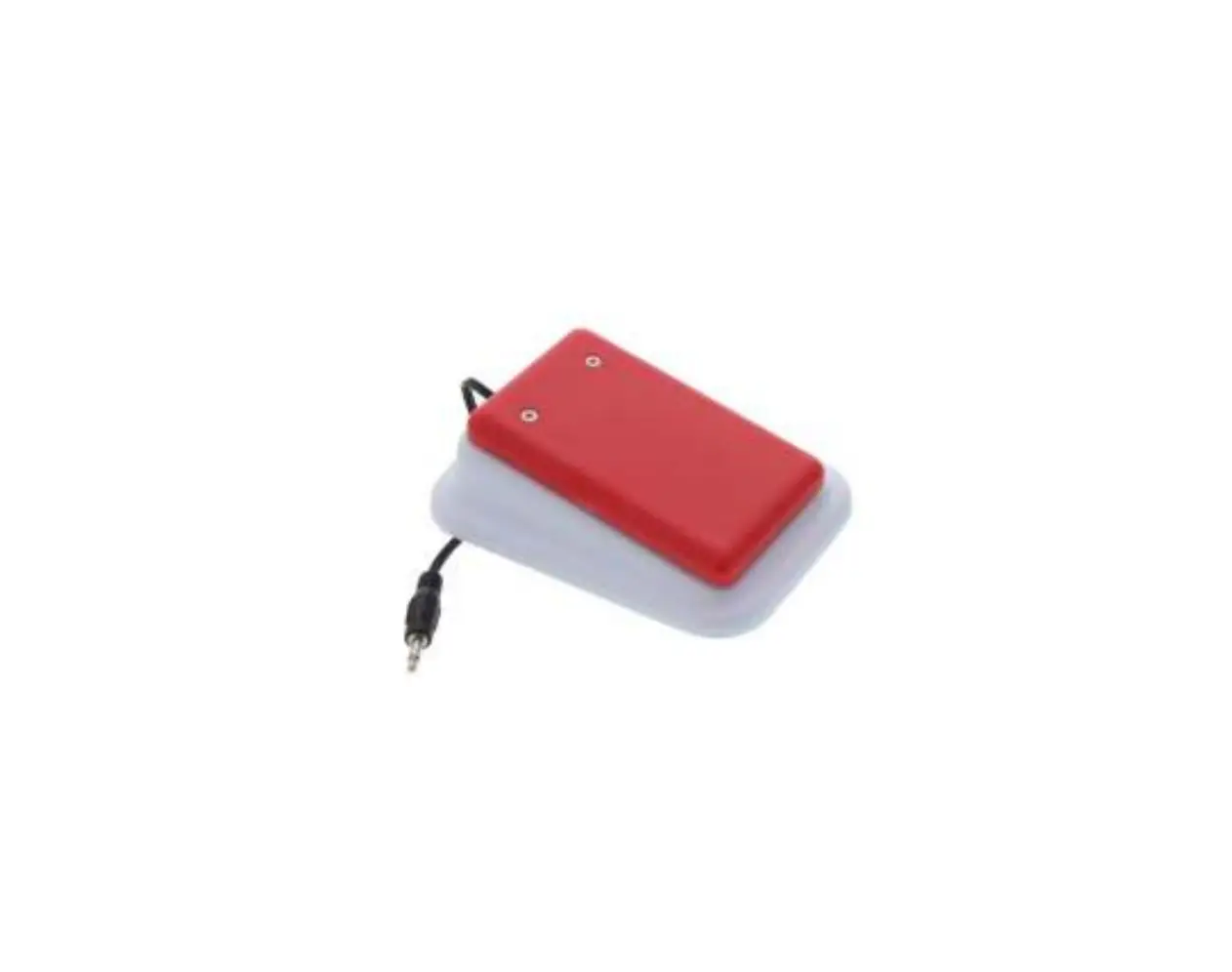
Easy Flex Dual Ultimate Switch Two Ultimate switches, one mount! Easily activate two devices access has never been more convenient. The flexible tubing can be positioned to meet the needs of most users, while the Super Clamp mounts securely to any wheelchair, table or bedrail. Arm sizes: 25″L x ¾”D. Weight: 2½ lbs. OPERATION: 1. The Easy Flex Dual Ultimate Switch can be mounted to most tubular and flat
surfaces as shown in the photos below. When mounting to a flat surface use the removable wedge insert inside the jaws of the clamp.
Page No.1
2. You can also remove one of the Easy Flex Dual Ultimate Switches from the clamp if only one switch is needed. To do this loosen the set knob on the clamp, then depress the spring loaded pin and lift up on the Flex arm to remove the switch from the clamp. See photos below.
Page No.2
3. Once you have setup your Easy Flex Dual Ultimate Switch in the position you want you can then connect one or both switches to the device or devices. Plug the Ultimate Switch into your switch adapted toy/device. Make sure that the connection is plugged in all the way. There should be NO gaps. If you use an adapter for devices with ¼ inch jacks, make sure that it is a MONO adapter like our #1160, not stereo.
4. Actuate the Ultimate switch in order to turn on your toy/device. Your toy/device will only remain activated while you hold the Ultimate switches in the actuated position. Once you release pressure on the Ultimate switches, the toy/device will turn off.
Troubleshooting:
Problem #1: The toy/device is not activating.
Action #1: Make sure that the connection to the toy/device is plugged in all the way. There should be NO gaps. Make sure that you are using a MONO adapter, if applicable.
Action #2: Try using your toy/device with a different switch in order to rule out the toy/device as the source of the problem. You may need to change the batteries in the toy/device.
Care of Unit:
The Ultimate Switch can be wiped clean with any household multi-purpose cleaner and disinfectant. We recommend Simple Green, which is a non-toxic biodegradable allpurpose cleaner.
Do not submerge the unit, as it will damage the electrical components.
Do not use abrasive cleaners, as they will scratch the surface of the unit.
! “#
$ % & ‘&
( $)
&#
Page No.3
Rev 4/20/18
 Products For People With Special Needs | Enabling Devices