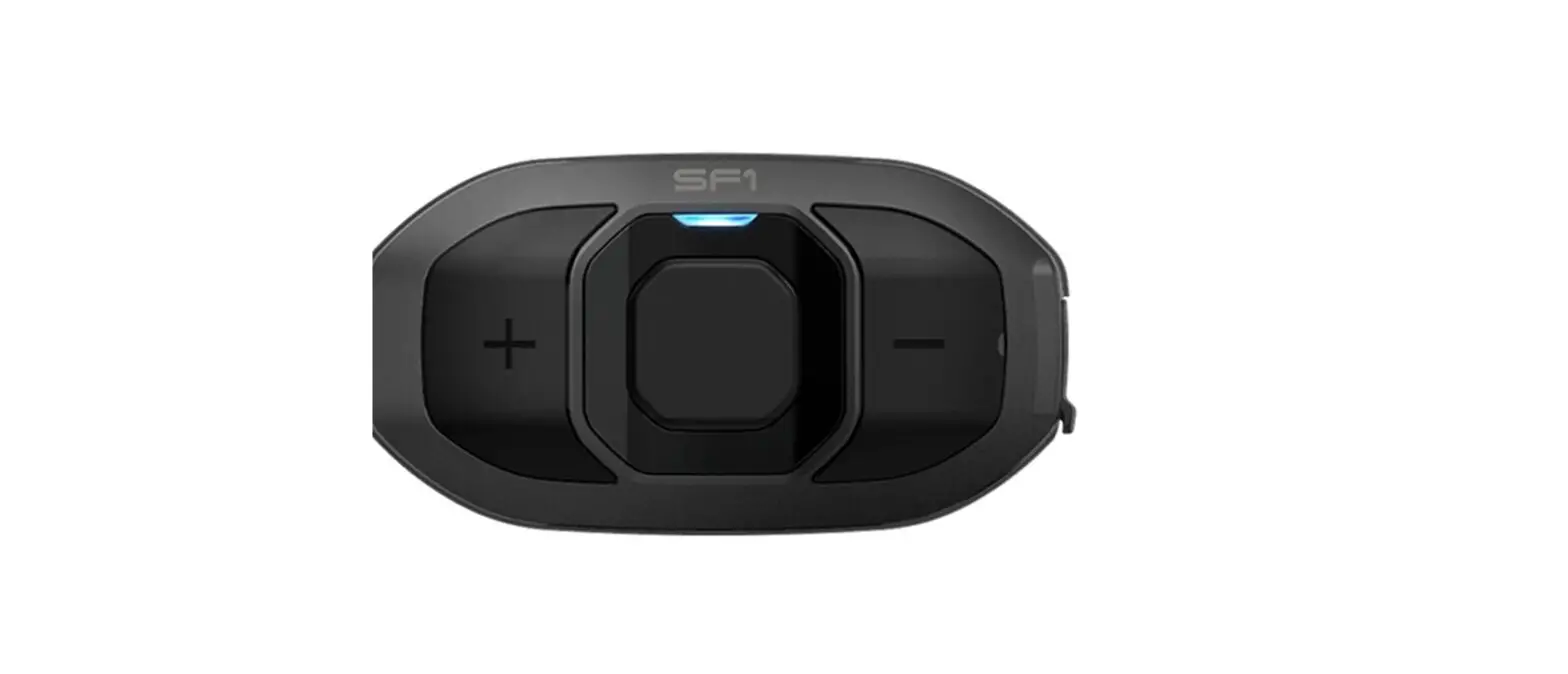
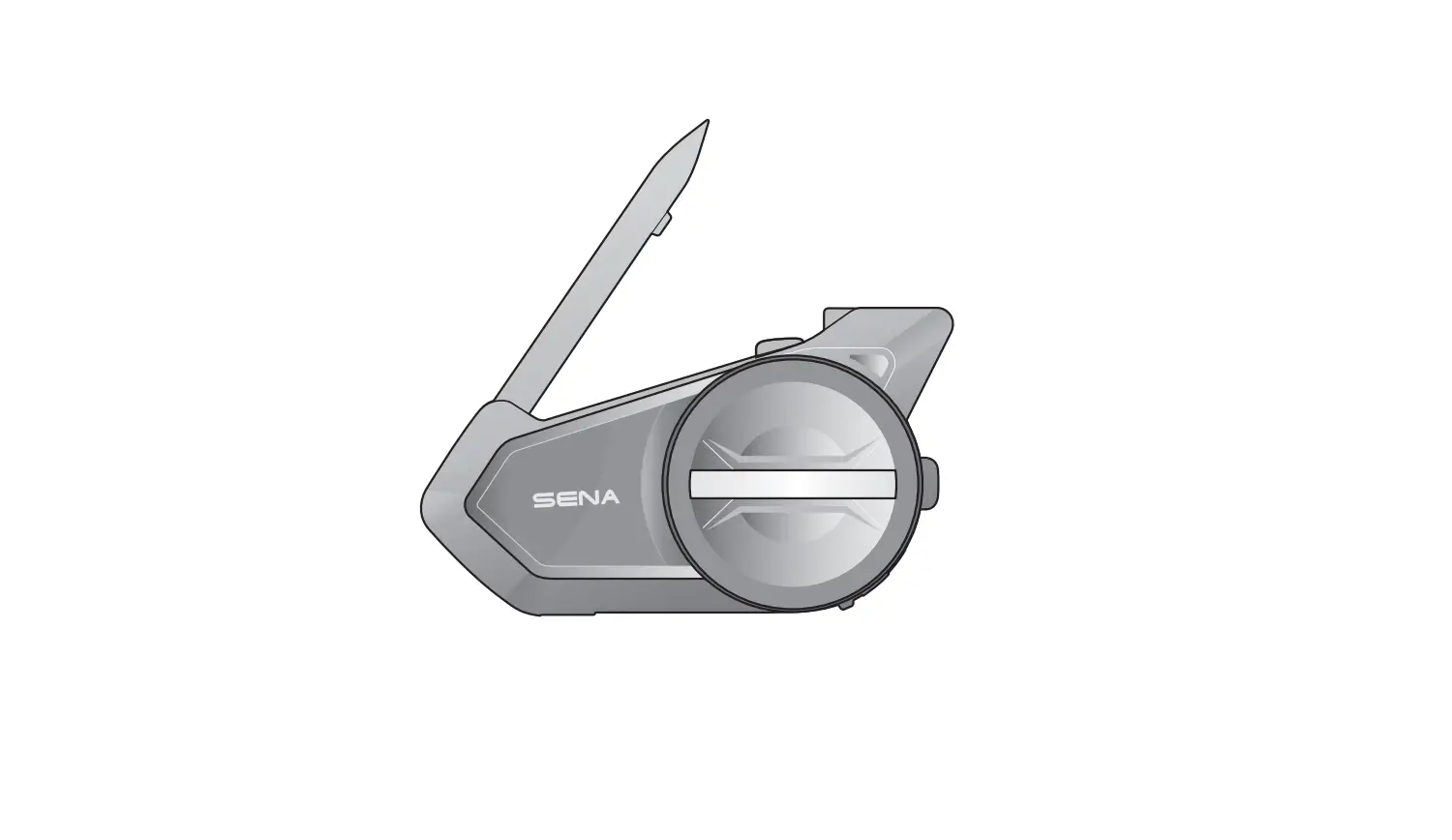
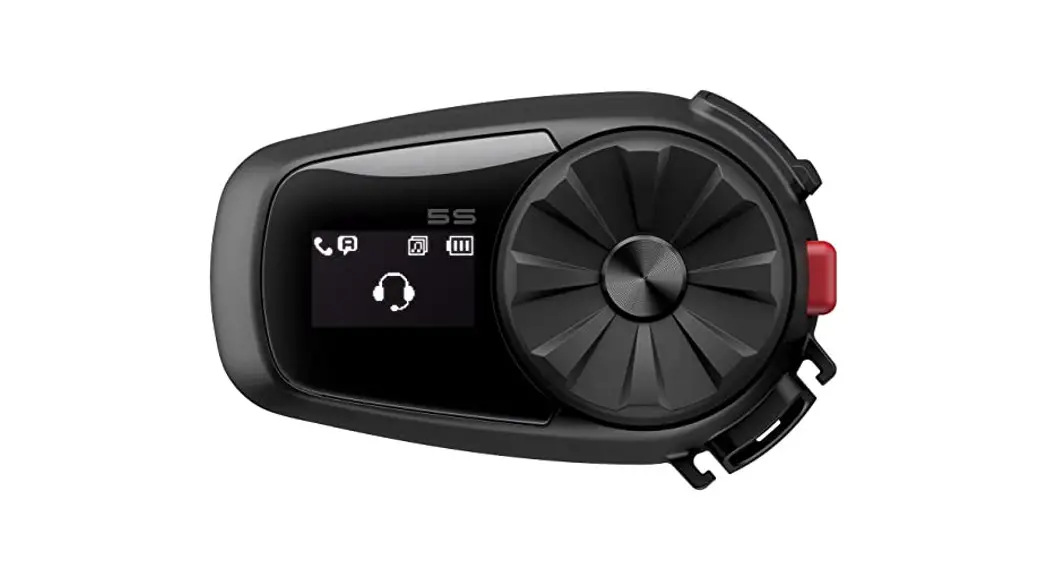
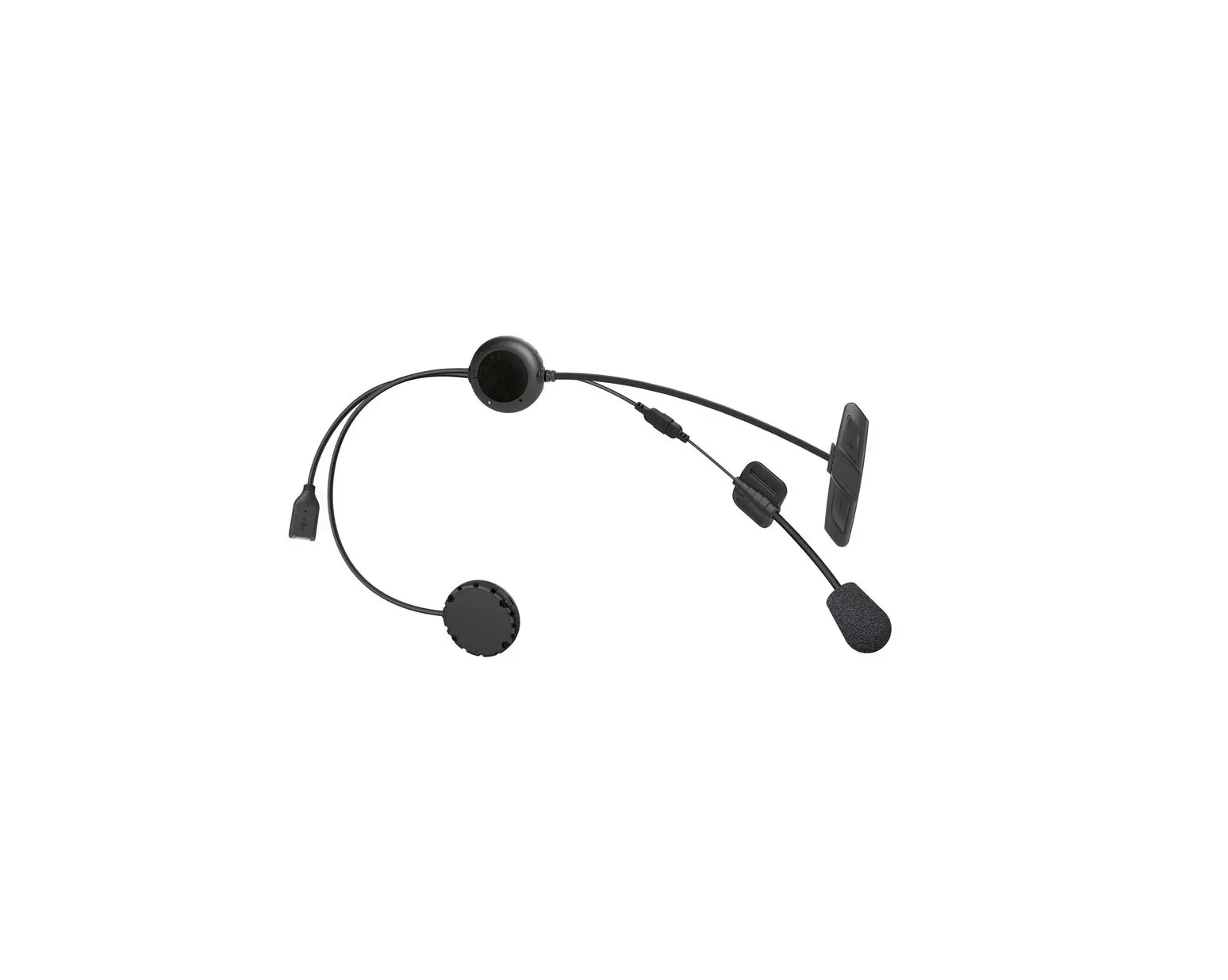
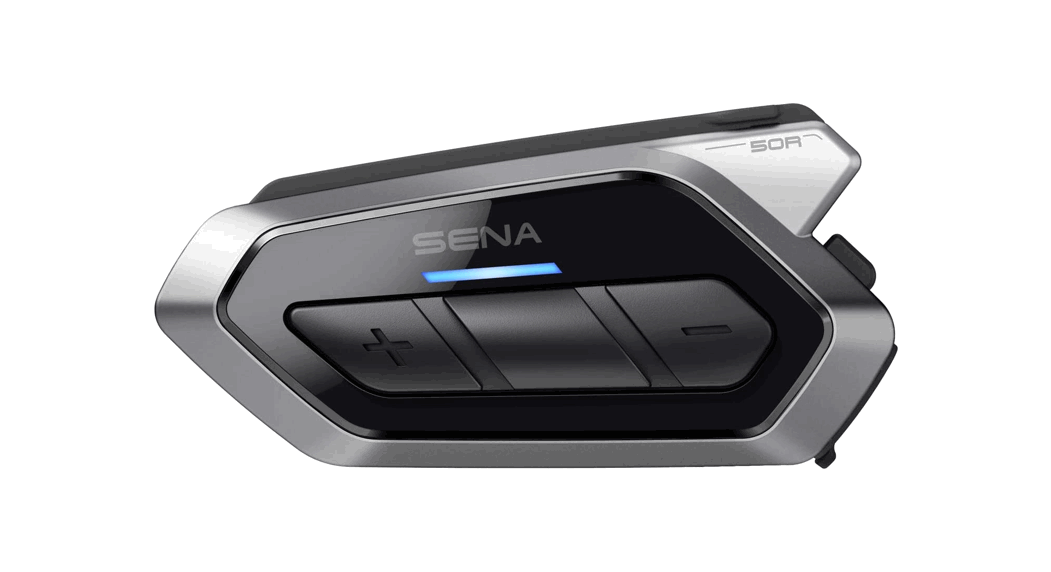
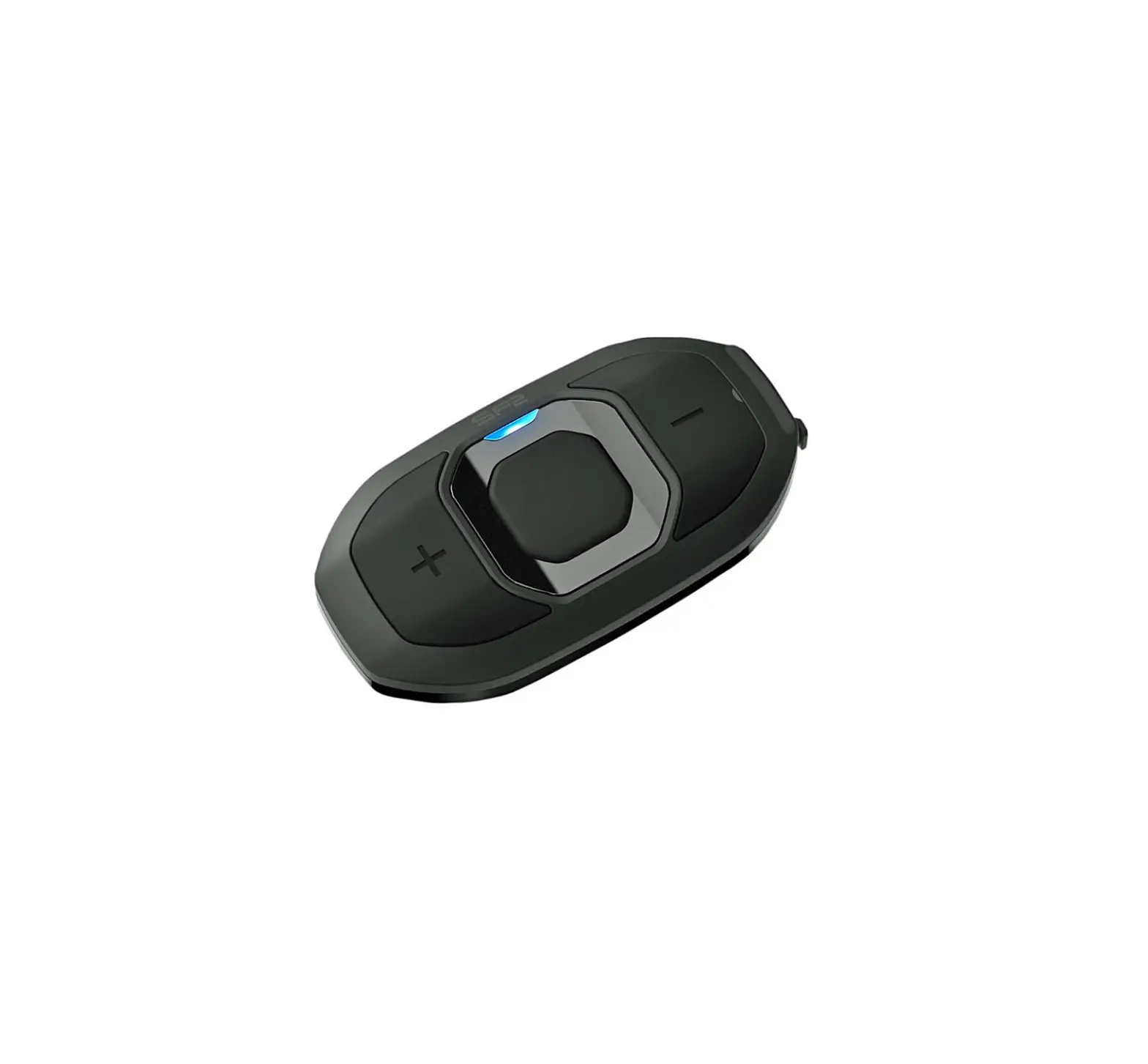
SF1 Rider to Passenger Communication System
Sena SF1 Product Information
The Sena SF1 is a motorcycle communication device designed to
provide wireless connectivity and hands-free communication while
riding.
Features:
- Bluetooth connectivity for phone and music pairing
- Intercom pairing for communication with other riders
- Volume adjustment for personalized audio levels
- Microphone mute function
- Voice dial and speed dial for easy phone call management
- FM radio with preset selection and station scanning (available
only in SF4) - Factory reset and fault reset options for troubleshooting
| Function | Button Command |
|---|---|
| Power on | Press the Center Button and the (+) Button for 1 second |
| Power off | Tap the Center Button and the (+) Button |
| Volume adjustment | Tap the (+) Button or the (-) Button |
| Microphone mute | Press the Center Button and the (-) Button for 1 second |
| Answer mobile phone call | Tap the Center Button |
| End mobile phone call | Press the Center Button for 2 seconds |
| Voice dial | Press the Center Button for 3 seconds |
| Speed dial | Press the (+) Button for 3 seconds |
| Reject incoming call | Press the Center Button for 5 seconds |
| Intercom pairing | Tap the Center Button of any one of the two headsets |
| Start/End each intercom | Tap the Center Button |
| Intercom End all intercoms** | Press the Center Button for 3 seconds |
| Start Group Intercom** | Tap the (+) Button and the (-) Button at the same time |
| End Group Intercom** | Press the Center Button for 3 seconds |
| Play/Pause Bluetooth music | Press the Center Button for 1 second |
| Track forward/back | Double tap the (+) Button or the (-) Button |
| FM radio on/off | Press the (+) Button for 1 second |
| Select preset | Press the (+) Button for 1 second |
| Seek stations | Tap the Center Button |
| FM Radio** | Press the (+) Button for 1 second |
| Scan up FM band | Press the (-) Button for 1 second |
| Stop scanning | Press the Center Button for 1 second |
| Save preset while scanning | Tap the center Button |
*Available only in SF4
Charging and Updating Firmware:
- Connect the Sena SF1 to your PC or Apple computer using the
provided USB cable. - Download and install the Sena Device Manager from
sena.com. - Use the Sena Device Manager to upgrade the firmware and
configure the SF1 settings. - Refer to the SF1 Quick Start Guide available in the Sena
Motorcycles App for detailed instructions on charging and
usage.
Troubleshooting:
If you encounter any issues with the Sena SF1, you can perform a
factory reset or fault reset:
- Factory Reset: Use the Factory Reset option in the
configuration menu to restore the SF1 to its default settings. The
headset will automatically turn off after restoring the
settings. - Fault Reset: If the SF1 is not working properly, gently push
the pin-hole reset button on the back of the main unit to reset
it.
For further assistance and customer support, visit sena.com.
Sena SF1 Quick Start Guide
ENGLISH
(+) Button Center Button () Button
Charging LED
1
3.0.1
Installation
1
2
2 1
3
4
12
5
6
1 2
2
Sena Motorcycles App
· Download – Android: Google Play Store > Sena Motorcycles – iOS: App Store > Sena Motorcycles
Sena Device Manager
The Sena Device Manager allows you to upgrade the firmware and configure its settings directly from your PC or Apple computer. Download the Sena Device Manager from sena.com.
Charging
· Red: Charging · Blue: Fully charged
NOTICE · This Quick Start Guide (Version 3.0.0 or higher) explains how to
operate the SF1 with firmware version 3.0 or higher. · For operating the SF1 with a firmware version lower than 3.0, refer to
the SF1 Quick Start Guide that is available when you connect the SF1 to the Motorcycles App.
3
Button Operation
Tap Tapping 1″ Press for 1 sec
Tap Double Tapping 5″ 10″ Press and Hold
Power On/Off
+
1″
Press
Battery Check
Power On
Volume Adjustment
or
Tap
LED
4
Phone, Music Pairing
10″
Tap
Press
LED
Select Sena SF1 l
l Bluetooth
ll
Device A Sena SF1 v.2.0 Device B ……
Enter 0 0 0 0 PIN
· The headset will enter the Phone Pairing mode automatically when you initially turn on the headset.
· For more information on phone pairing, refer to the User’s Guide.
Music Operation
1″ Press
1″ Press
1″ Press
5
Mobile Phone Call Making and Answering
Tap Answer
2″
End
Press
Voice Dial
3″ Press
Speed Dial
3″ Press
Reject
2″ Press
6
Intercom Pairing
Headset A 5″
Press LED
Pairing
Tap
Intercom Start/End
Tap
1st Friend
Tap Triple Tap 3rd Friend
7
Headset B 5″
Press LED
Tap Double Tap 2nd Friend
Setting Configuration Menu
10″ Press
Troubleshooting Factory Reset
If you want to restore the Sena SF1 to factory default settings, use the Factory Reset in the configuration menu. The headset automatically restores the default settings and turns off.
Fault Reset
If the Sena SF1 is not working properly for any reason, reset by gently pushing the pin-hole reset button on the back of the main unit.
SENA Technologies, Inc.
Customer Support: sena.com
SF Series Quick Reference
Type
Operation Power on
Basic Power off Function
Volume adjustment
Microphone Mute
Mobile Phone
Answer mobile phone call End mobile phone call Voice dial Speed dial Reject incoming call
Intercom pairing
Start/End each intercom Intercom End all intercoms**
Start Group Intercom**
Music
End Group Intercom** Play/Pause Bluetooth music
Track forward/back
FM radio on/off Select preset
Seek stations FM Radio**
Scan up FM band Stop scanning Save preset while scanning
** Available only in SF4
Button Command
Press the Center Button and the (+) Button for 1 second
Tap the Center Button and the (+) Button
Tap the (+) Button or the (-) Button
Press the Center Button and the (-) Button for 1 second
LED Solid blue
Solid red –
Tap the Center Button
–
Press the Center Button for 2 seconds
–
Press the Center Button for 3 seconds
–
Press the (+) Button for 3 seconds
–
Press the Center Button for 2 seconds
–
Press the Center Button for 5 seconds Red flashing
Tap the Center Button of any one of the two headsets
Tap the Center Button
–
Press the Center Button for 3 seconds
–
Tap the (+) Button and the (-) Button at the same time
Green flashing
Press the Center Button for 3 seconds
–
Press the Center Button for 1 second
–
Press the (+) Button or the (-) Button for 1 second
–
Press the (-) Button for 1 second
–
Press the Center Button for 1 second
–
Double tap the (+) Button or the (-) Button
–
Press the (+) Button for 1 second
–
Press the (+) Button for 1 second
–
Tap the center Button
–
www.sena.com
3.0.1_EN_March2023
 The Best Motorcycle & Action Sport Bluetooth Devices | Sena
 The Best Motorcycle & Action Sport Bluetooth Devices | Sena