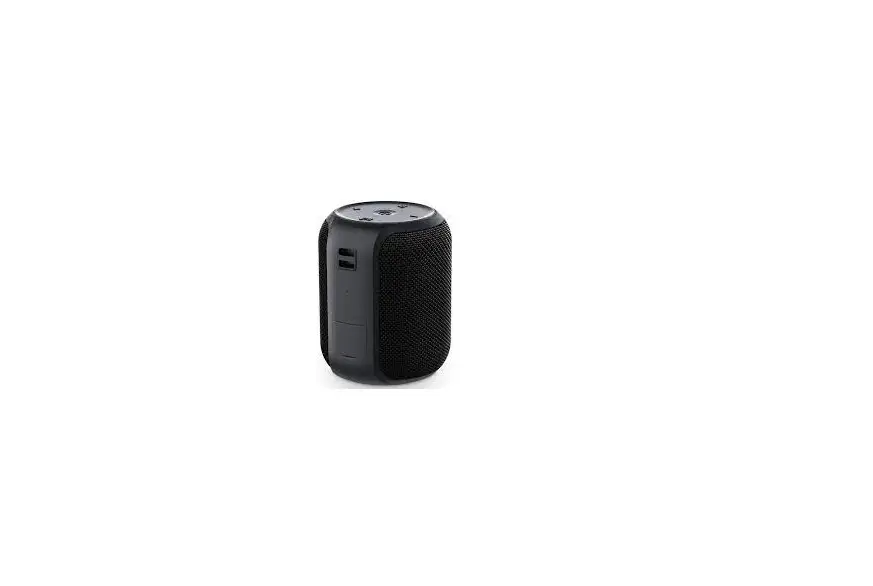
IJ305A Wireless Speaker
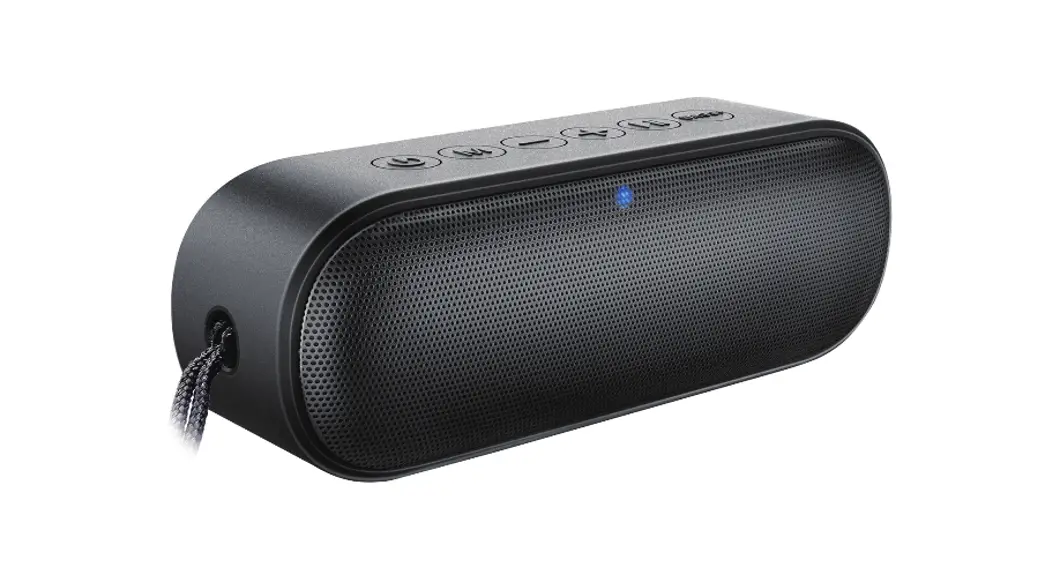
Product Information: Wireless Speaker
The Wireless Speaker is a portable device that allows you to
listen to music wirelessly and answer phone calls. The device has a
charging time of 1-2 hours and a working time of 2-3 hours. Its
wireless version is V5.3 with a working range of 10m. It has an
impedance of 4 and a maximum input power of 3W. The battery
capacity is 300mAh with a battery type of 602030 Li battery. The
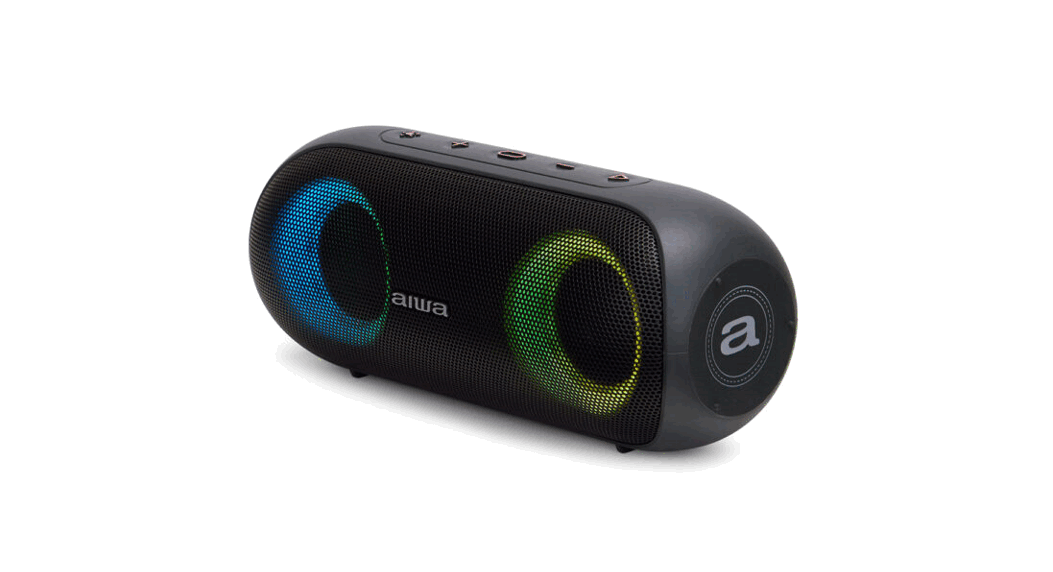
charging port type is Micro USB. The device comes with LED light
indicators that show the status of the device.
Product Usage Instructions
Charging the battery
- Remove the Micro USB Port cover and insert the power
cable. - Plug the USB into a USB power source.
- When the speaker is charging, the LED indicator will turn
red. - Once the speaker is fully charged, the red LED indicator will
turn off.
Wireless pairing
- Long Press the power button, the LED light will blink to
indicate it is in pairing mode. - Search the Wireless on your compatible device and select FunAmp
to start connecting. - Once paired, the LED indicator will remain blue and a voice
prompt will indicate a successful connection.
Note: In addition to playing music, the speaker can be used to
answer phone calls by pressing the Power Button.
Using your speaker
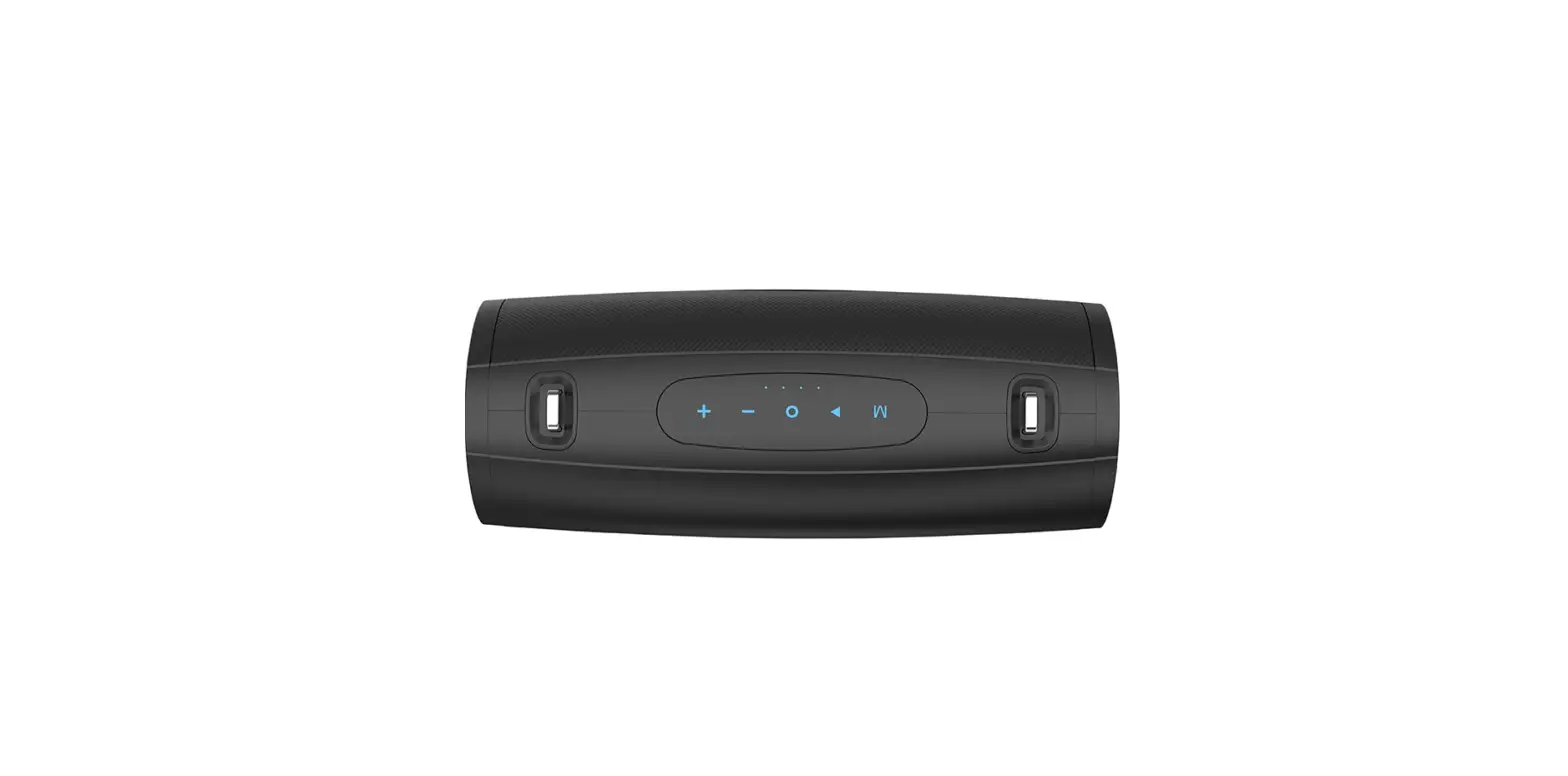
- Long press the power button: Power On /Power Off
- Single press the power button: Play/Pause Music/Answer/End
call/Capturing(Camera Mode) - Single Press the button (+): Next Song
- Press and hold the button (+) : (Speaker) Volume up
- Single Press the button (-): Previous Song
- Press and hold the button (-) : (Speaker) Volume down
LED Light Indicator
- Playing Music: Slow flashing Blue LED Light
- Charging via Micro Cable: Red LED Light
- Device Connected: Blue LED Light On
- Full Charged: No LED Light (Light Off)
Regulatory Notice
This device complies with Part 15 of the FCC Rules. Operation is
subject to the following two conditions: (1) this device may not
cause harmful interference, and (2) this device must accept any
interference received, including interference that may cause
undesired operation.
This equipment complies with FCC RF radiation exposure limits
set forth for an uncontrolled environment. This device and its
antenna must not be located or operated in conjunction with any
other antenna or transmitter. The device has been evaluated to meet
general RF exposure requirement. The device can be used in portable
exposure condition without restriction.
Wireless Speaker
Wireless Speaker
BACK BOTTOM
Series: IJ305A, IJ306A FCC ID : 2AJXA-BTSPK-3
æ Short press for the previous song;
Long press to decrease the volume ç Power Switch è Short press for the next song;
Long press to increase the volume é LED Status light ê Micro USB Charging Port ë TF Card Slot
OPERATING INSTRUCTIONS
Charging the battery 1. Remove the Micro USB Port cover and insert the power cable. 2. Plug the USB into a USB power source. 3. When the speaker is charging, the LED indicator will turn red. 4. Once the speaker is fully charged, the red LED indicator will turn off.
Wireless pairing 1. Long Press the power button, the LED light will blink to indicate it is in pairing mode. 2. Search the Wireless on your compatible device and select “FunAmp” to start connecting. 3. Once paired, the LED indicator will remain blue and a voice prompt will indicate a successful connection.
Note: In addition to playing music, the speaker can be used to answer phone calls by pressing the Power Button.
USING YOUR SPEAKER
Long press the power button: Power On /Power Off Single press the power button: Play/Pause Music/Answer/End call/
Capturing(Camera Mode) Single Press the button (+): Next Song Press and hold the button (+) : (Speaker) Volume up Single Press the button (-): Previous Song Press and hold the button (-) : (Speaker) Volume down
Charging Working Time: 2-3 Hours Charging Time: 1-2 Hours (via Micro Cable)
LED LIGHT INDICATOR
Playing Music: Slow flashing Blue LED Light Charging via Micro Cable: Red LED Light Device Connected: Blue LED Light On Full Charged: No LED Light (Light Off)
SPECIFICATIONS
Product: Wireless Speaker Wireless Version: V5.3 Working range: 10m Impedance4 Maximum input power3W
Battery capacity300mAh Play time2-3H Charging time1-2H
Battery Type: 602030 Li battery
Charging Port Type: Micro
REGULATORY NOTICE
This equipment has been tested and found to comply with the limits for a Class B digital device, pursuant to part 15 of the FCC Rules. These limits are designed to provide reasonable protec on against harmful interference in a residen al installa on. This equipment generates, uses and can radiate radio frequency energy and, if not installed and used in accordance with the instruc ons, may cause harmful interference to radio communica ons. However, there is no guarantee that interference will not occur in a par cular installa on. If this equipment does cause harmful interference to radio or television recep on, which can be determined by turning the equipment o and n, he u er is encouraged to try to correct the interference by one or more of the following measures:
· Reorient or relocate the receiving antenna. · Increase the separa on between the equipment and
receiver. · Connect the equipment into an outlet on a circuit
di erent from that to which the receiver is connected. · Consult the dealer or an experienced radio/TV technician
for help. Changes or modi ca ons not expressly approved by the party responsible for compliance could void the user’s authority to operate the equipment. This device complies with Part 15 of the FCC Rules. Opera on is subject to the following two condi ons: (1) this device may not cause harmful interference, and (2) this device must accept any interference received, including interference that may cause undesired opera on.
This equipment complies with FCC RF radia on exposure limits set forth for an uncontrolled environment. This device and its antenna must not be located or operated in conjunc on with any other antenna or transmier. The device has been evaluated to meetgeneral RF exposure requirement. The device can be used in portable exposure condition without restriction.