Internet CM Modem
Product Information: CM Modem
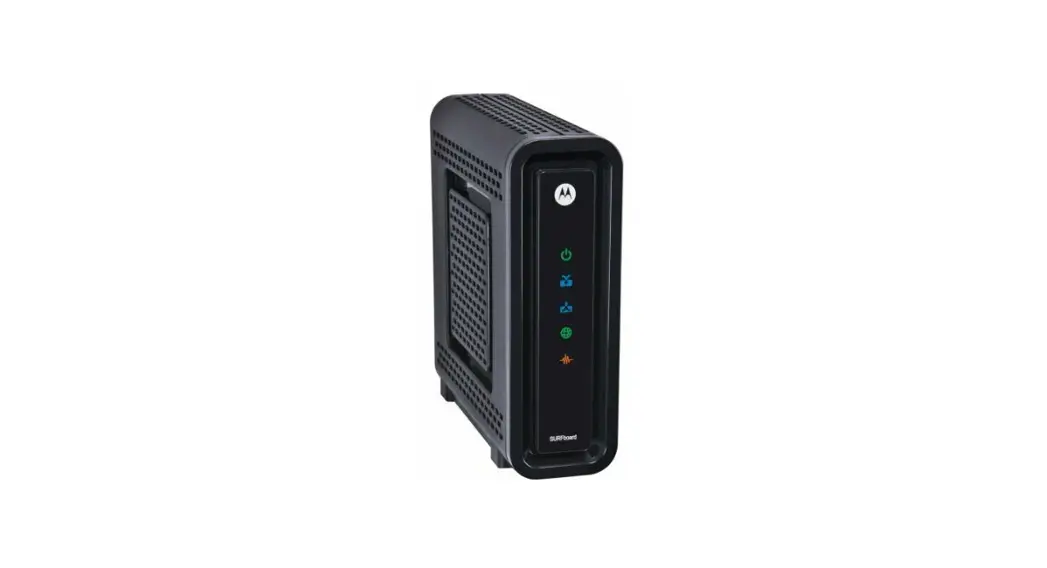
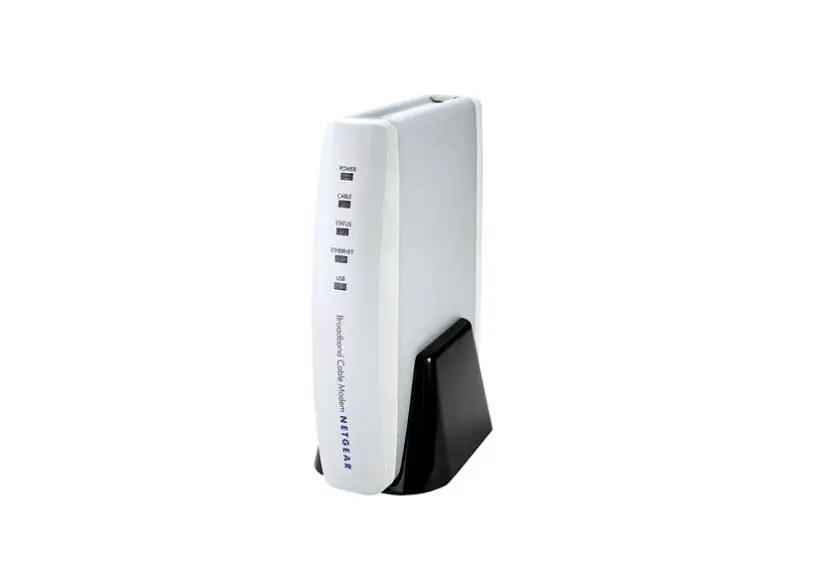
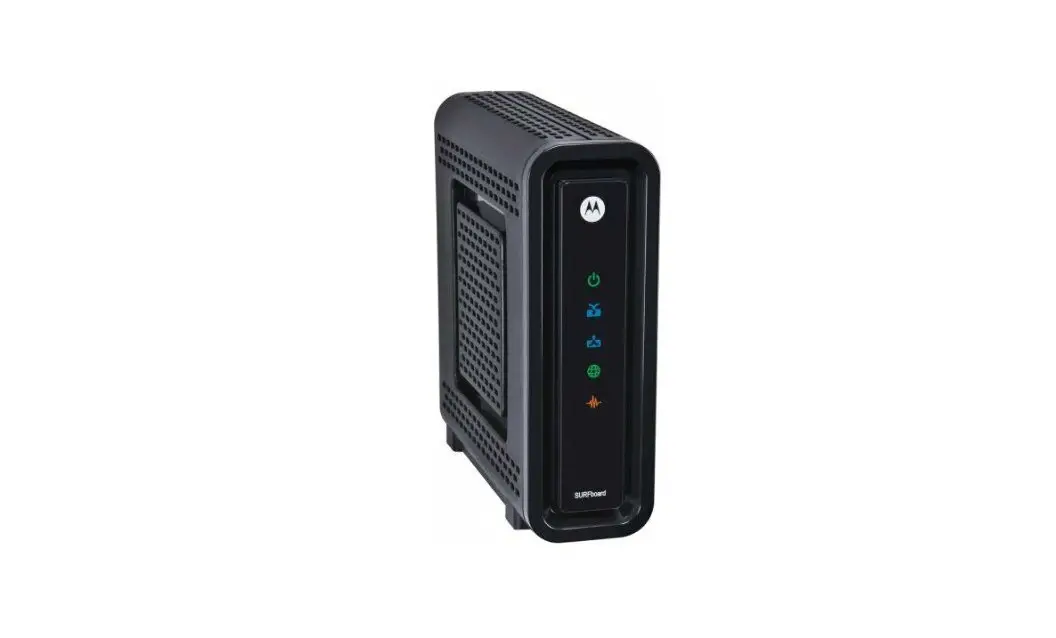
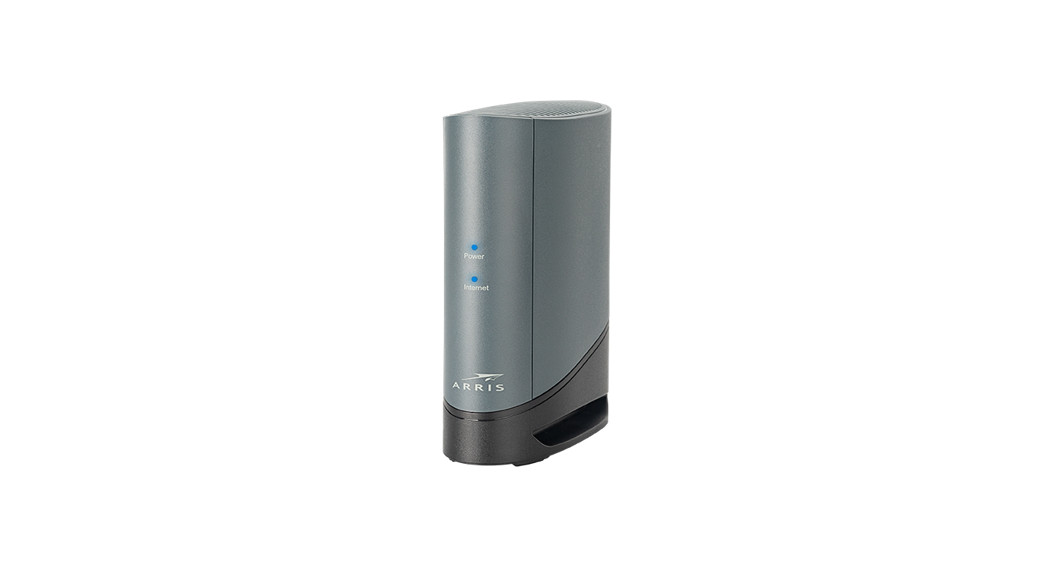
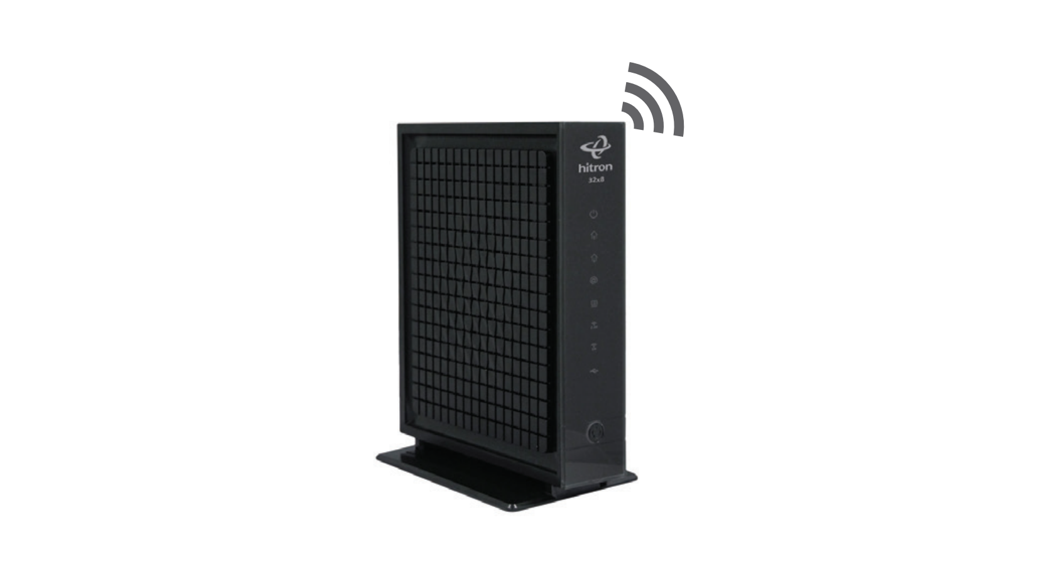
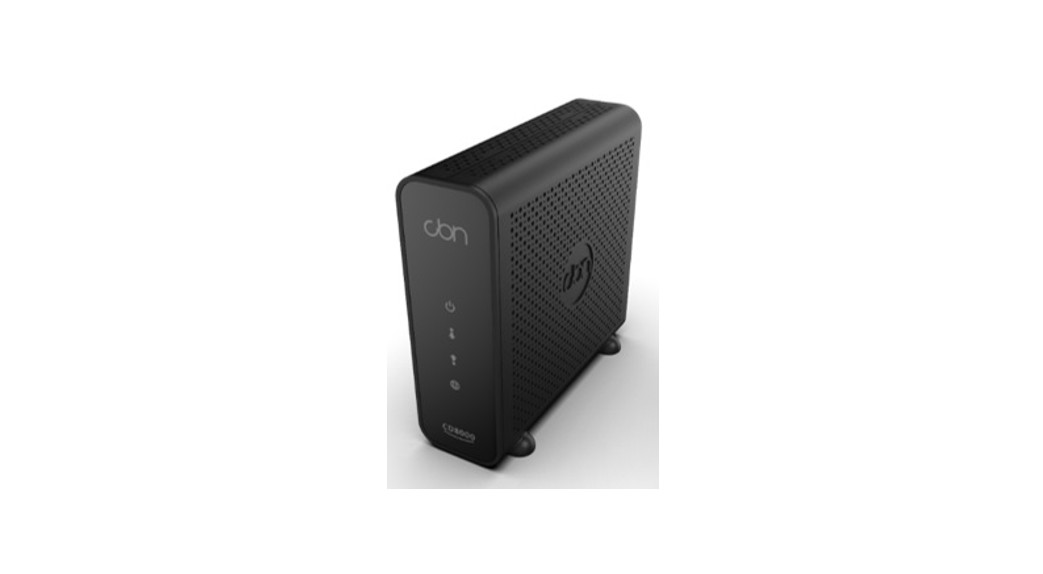
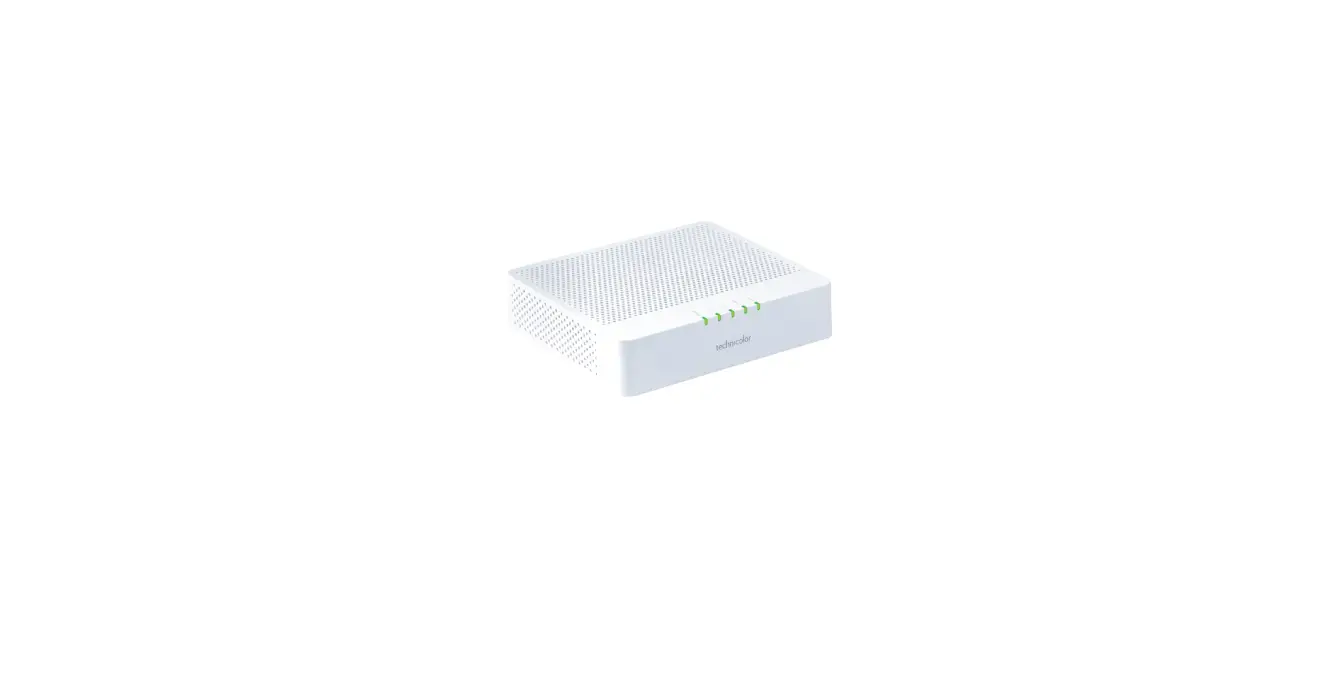
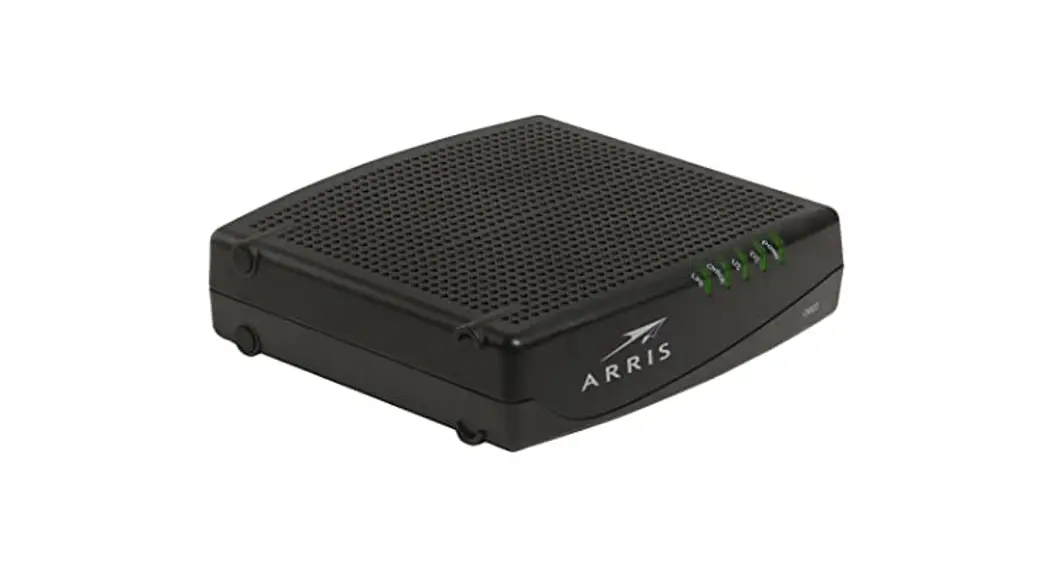
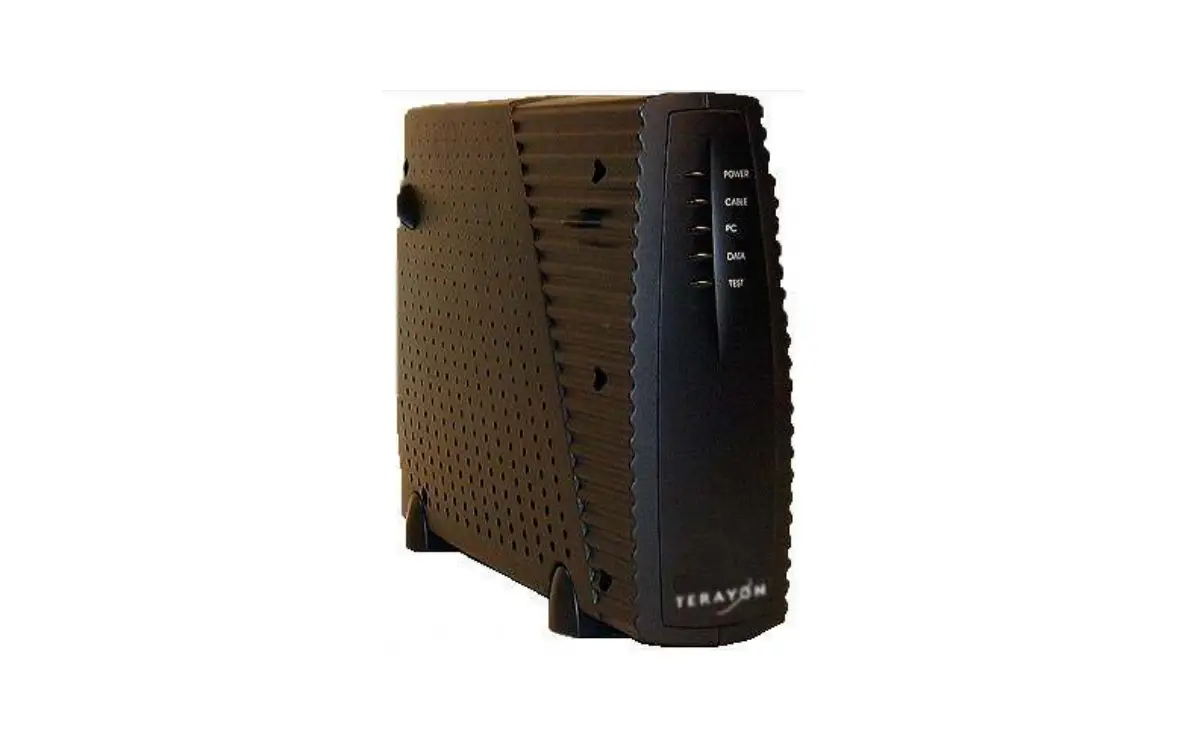
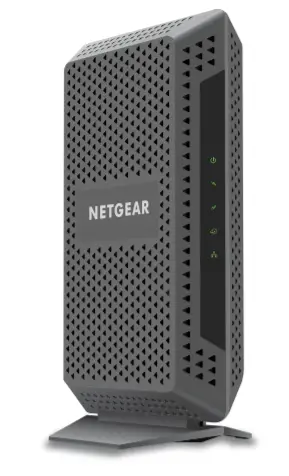
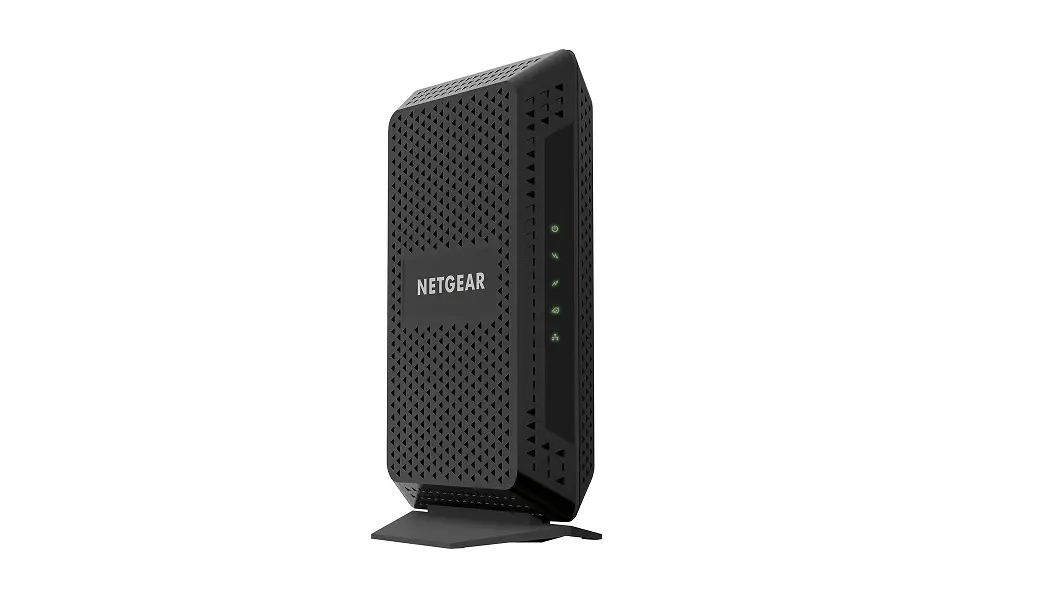
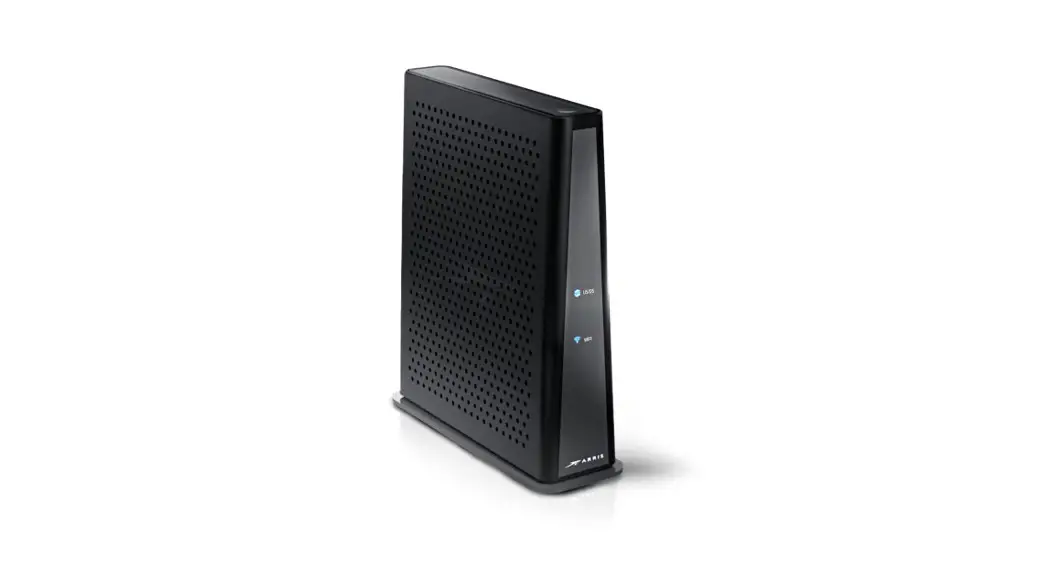
The CM Modem is a cable modem that provides internet
connectivity. It is designed to work with a coaxial cable and an
Ethernet cable. The modem attenuator pad (MAP) is also required for
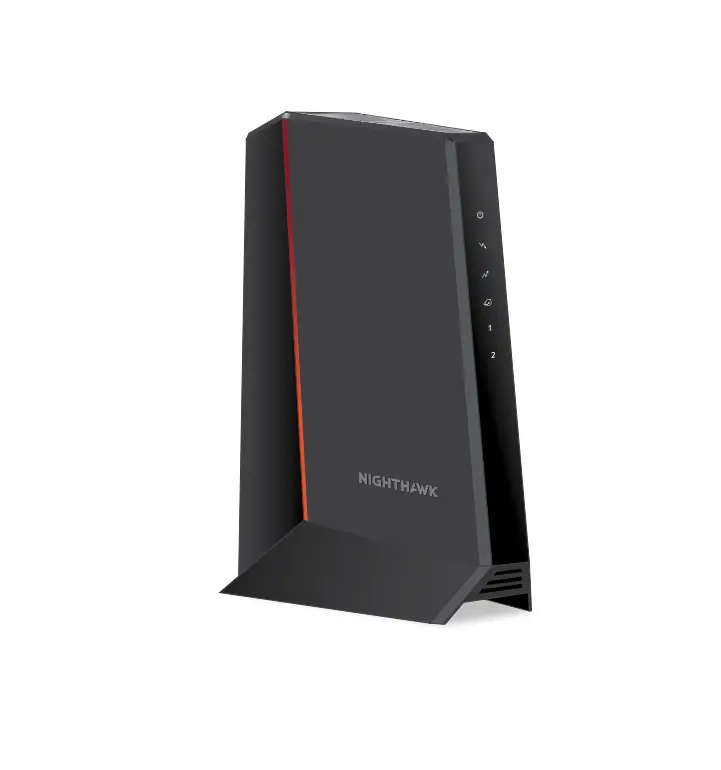
some installations. The modem has front panel lights that indicate
its status.
Product Usage Instructions
- Ensure that you have all the components required for
installation, including the cable modem, power cord, modem
attenuator pad (if applicable), Ethernet cable, and coax
cable. - Remove the new modem from the box and place it flat on a desk
or table. - Remove the clear plastic covers from the device. Make sure not
to block the vents. - Unscrew the coax cable and MAP from the old modem and screw
them both onto the coax cable port on the new modem. Connect the
MAP first and securely tighten connections. Do not
overtighten. - Use the provided power cord to connect the power socket to an
appropriate power source. Look at the lights on the front panel;
once the @ symbol light is solid (about 5 minutes), proceed with
step 5. - Unplug the Ethernet cable from the old modem and plug it into
Ethernet port 1 on the new modem. - Complete the online form at arvig.net/selfinstall to complete
the setup process, or call Arvig Technical Support at 877.290.0560
for assistance. They are also available via online chat at
arvig.net. - Verify your new internet speed by testing it at
speedtest.arvig.com.
Note: It is essential to follow the instructions carefully to
avoid any issues with the installation process. If you encounter
any problems, please contact Arvig Technical Support for
assistance.
INTERNET
CM Modem
Installation Guide
Don’t forget to contact us to complete your upgrade!
877.290.0560 arvig.net/selfinstall
Based on Arvig service area; some restrictions apply. ©Arvig 2023 Item220
Components required:
cable modem
power cord
modem attenuator pad (MAP) if applicable*
Ethernet cable
(color may vary)
coax cable
Step 1: Remove the new modem from the box and place it flat on a desk or table.
Step 2: Remove the clear plastic covers from the device–do not block vents.
Step 3: Unscrew the coax cable and MAP* from the old modem and screw them both onto the coax cable port on the new modem. Important: you must connect the MAP* first. Securely tighten connections–do not overtighten.
Step 4: Use the provided power cord to connect the power socket to an appropriate power source. Look at the lights on the front panel; once the @ symbol light is solid (about 5 minutes), proceed with step 5.
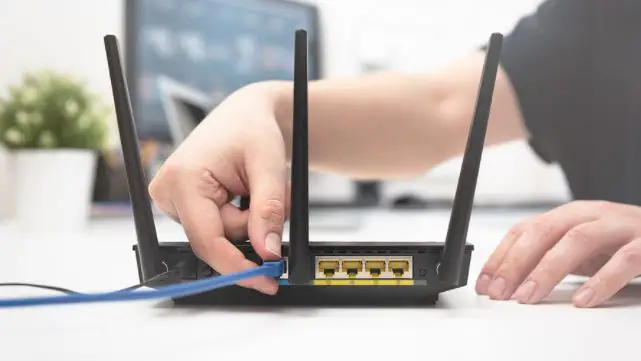
Step 5: Unplug the Ethernet cable from the old modem and plug it into Ethernet port 1 on the new modem.
Step 6: Complete our online form at arvig.net/selfinstall to complete the setup process. Or, call Arvig Technical Support at 877.290.0560 for assistance. We’re also available via online chat at arvig.net.
Verify your new internet speed by testing it at speedtest.arvig.com.
 My Arvig
 speedtest.arvig.com