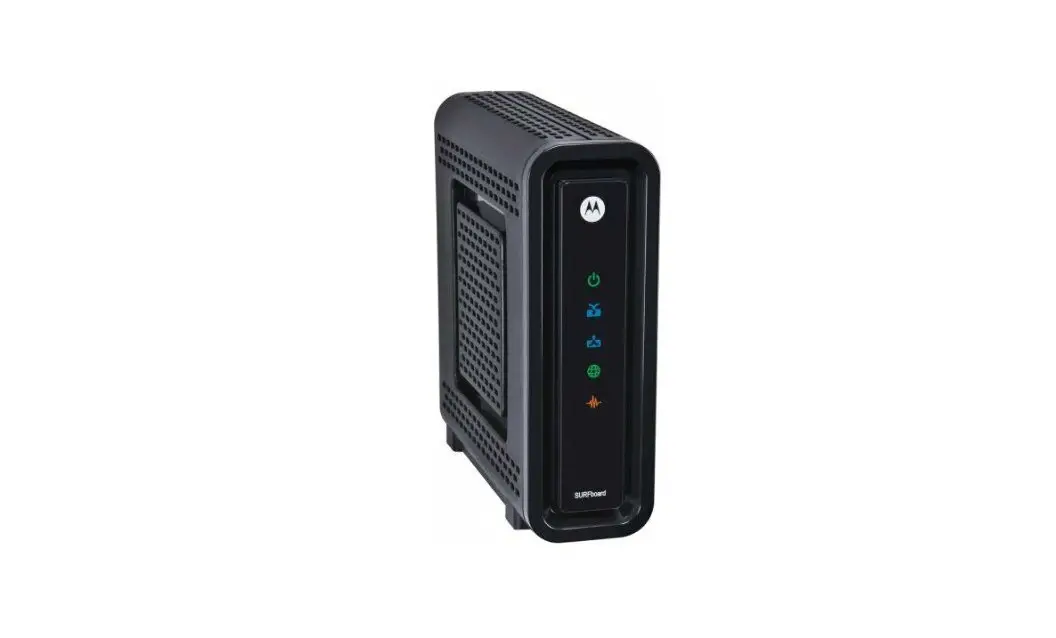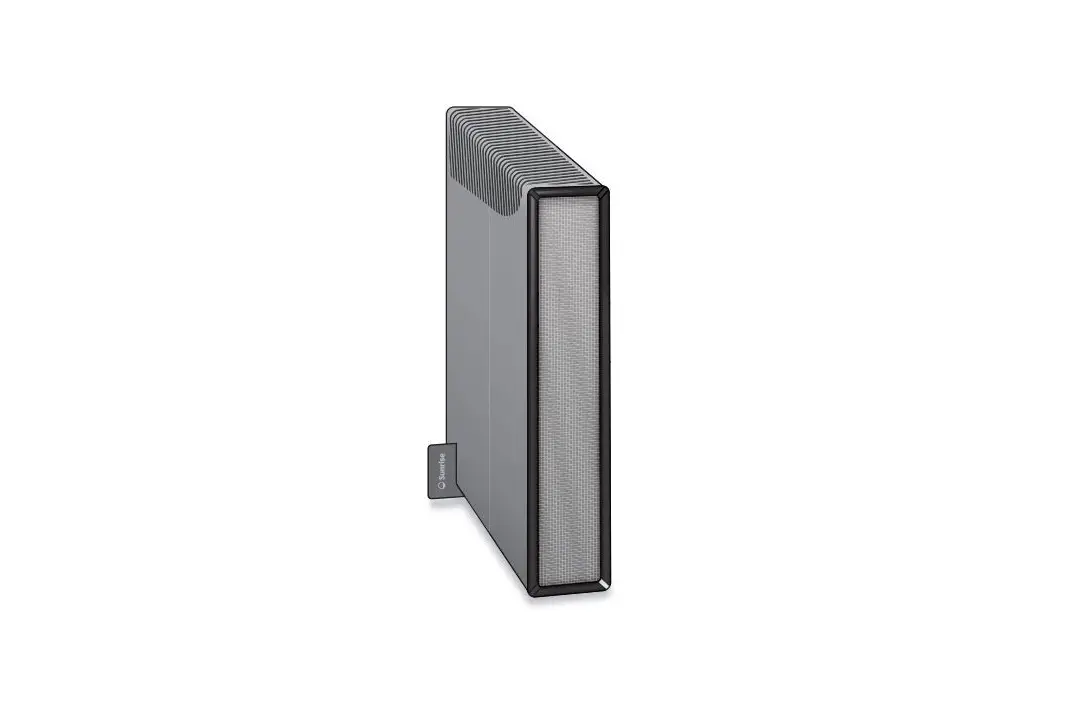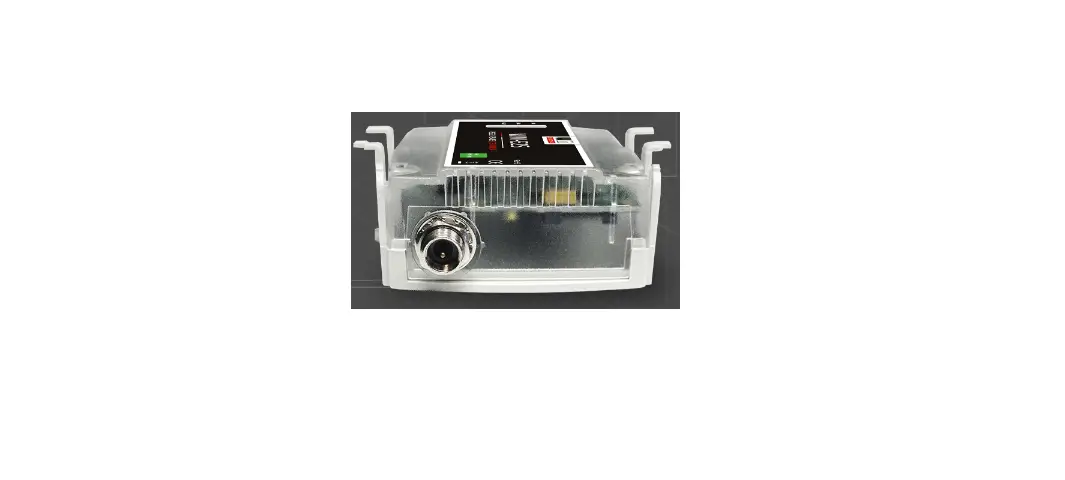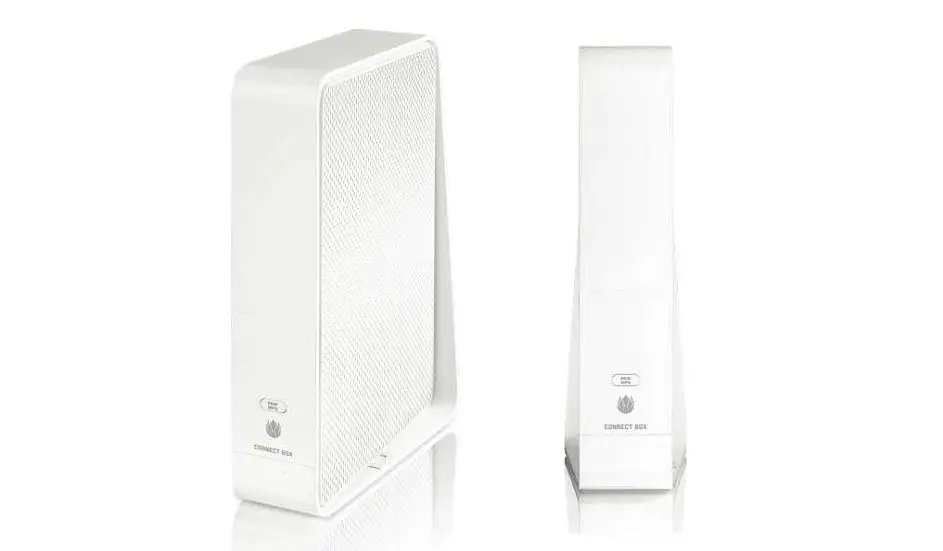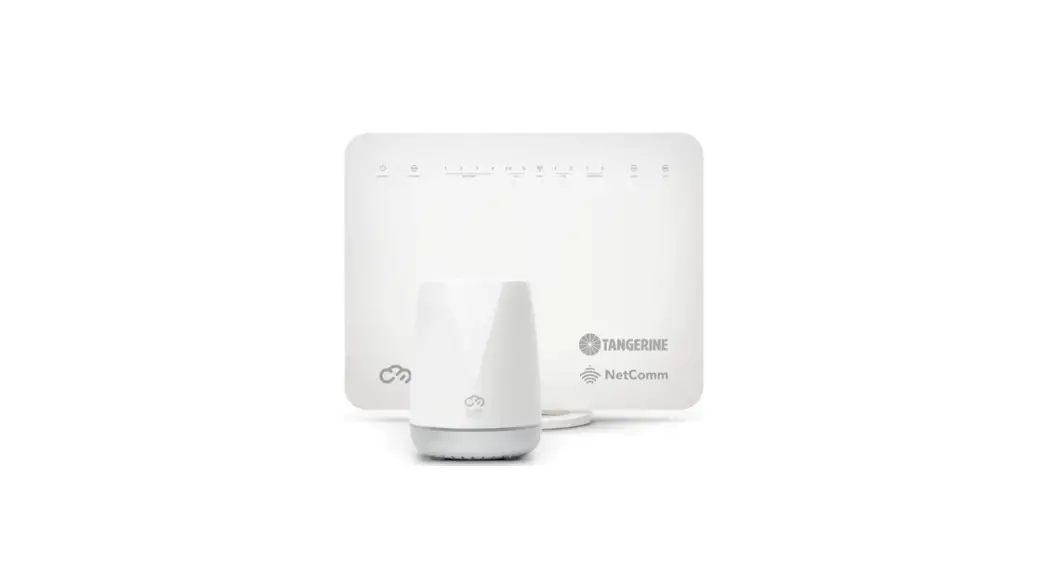

Connect Box 2 ModemSunrise
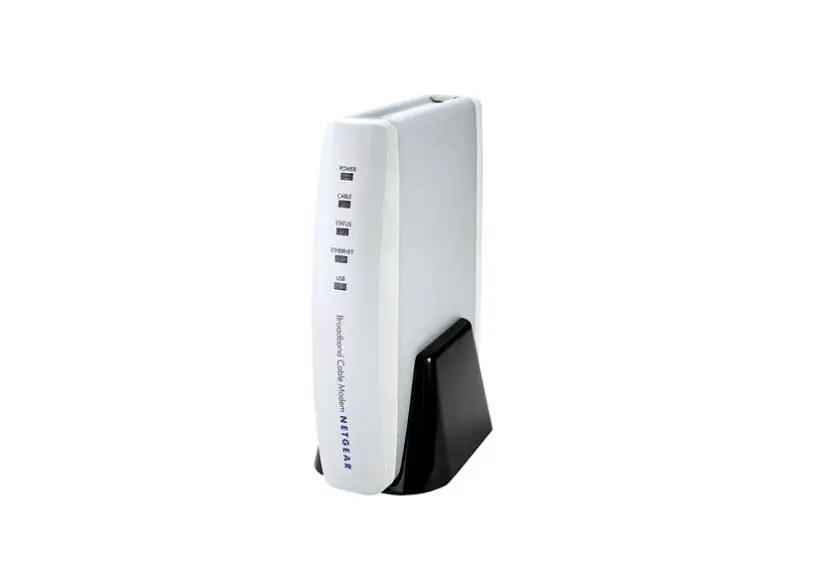
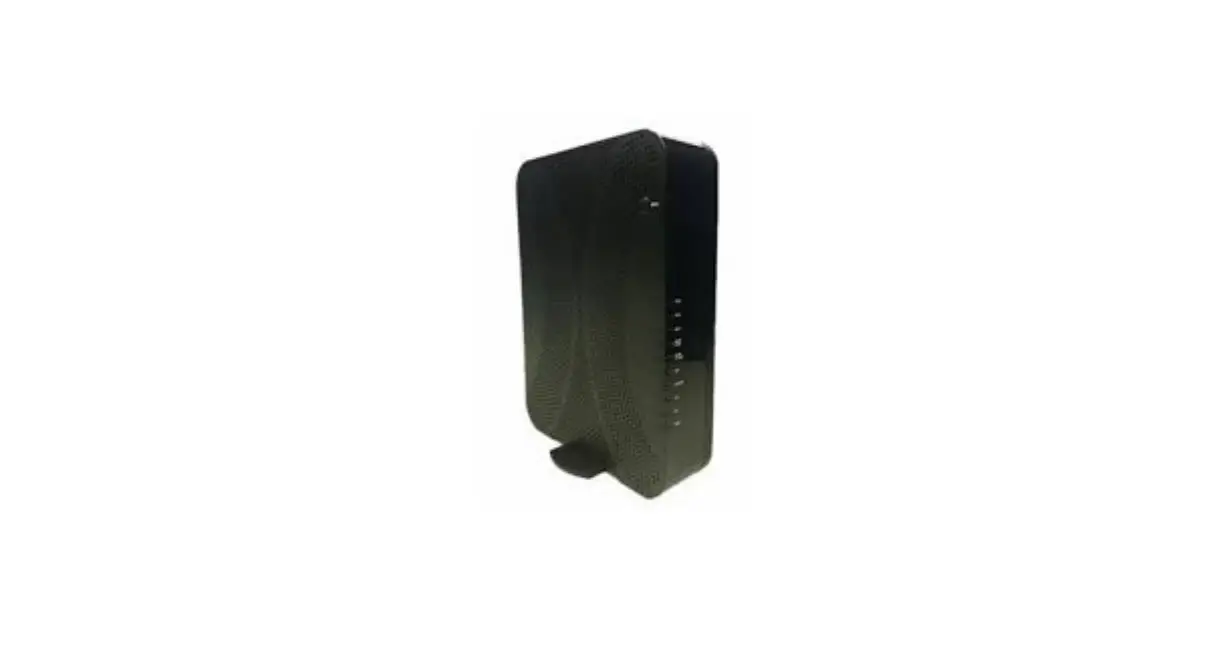
In the box
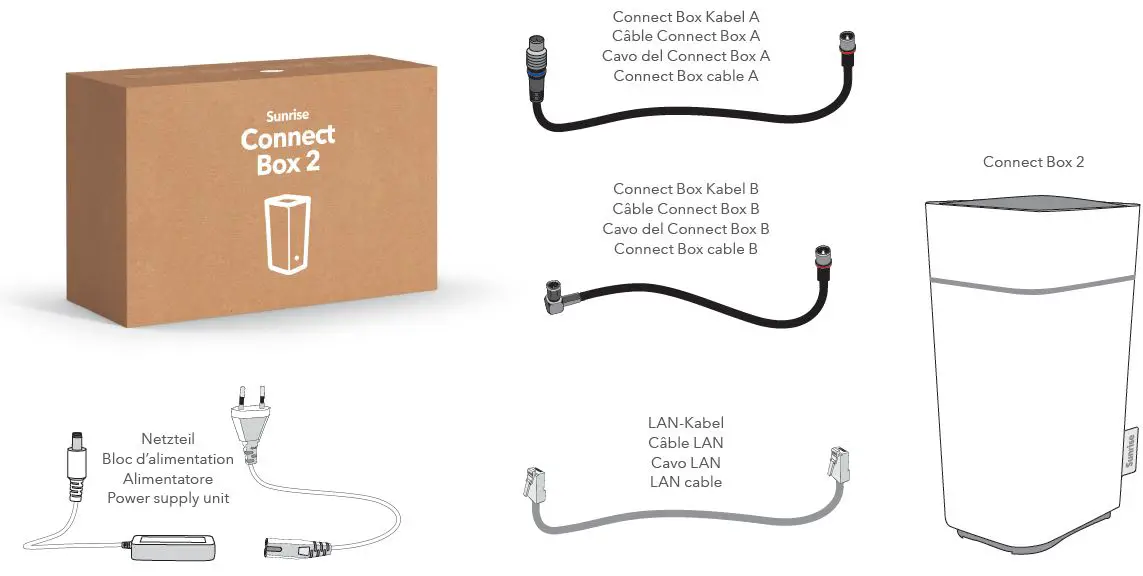
Your extraordinary internet experience is only 4 steps away. Follow the steps on the next page to set up your Connect Box 2 and get all your devices connected. More info is available at: sunrise.ch/cb2
Give your Connect Box 2 enough space
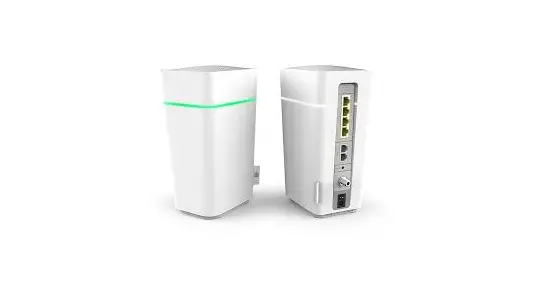
The Connect Box 2 is a free spirit and likes a lot of space. Always position it upright and make sure that the front is facing into the room because the signal comes from the front and top of the Connect Box 2. So don’t hide your Connect Box 2 in a cupboard or behind your TV.
sunrise.ch/support
Installation
STEP-1
Remove any pre-installed cables and adapters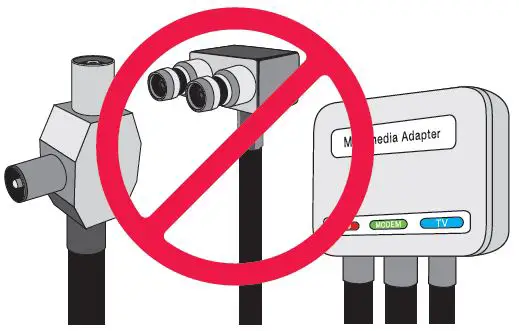
Use only the new cables included in the delivery for installation.
STEP-2
Attach Connect Box cable A / B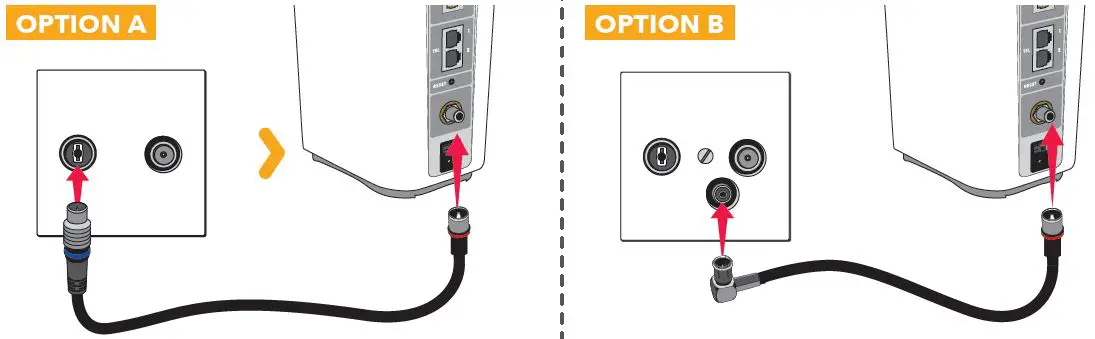
STEP-3
Plugin the power supply unit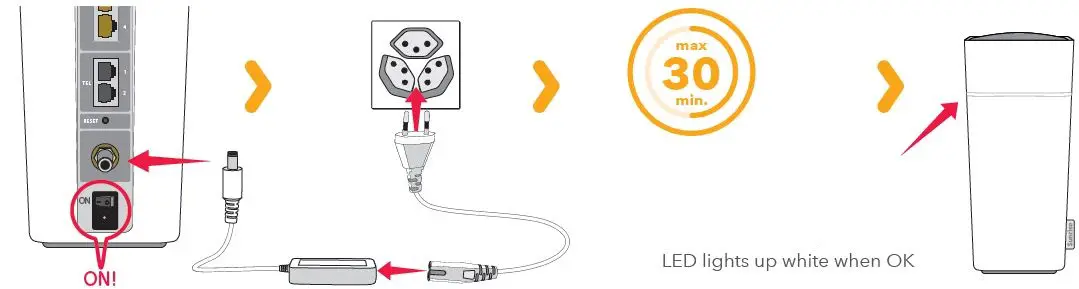
STEP-4
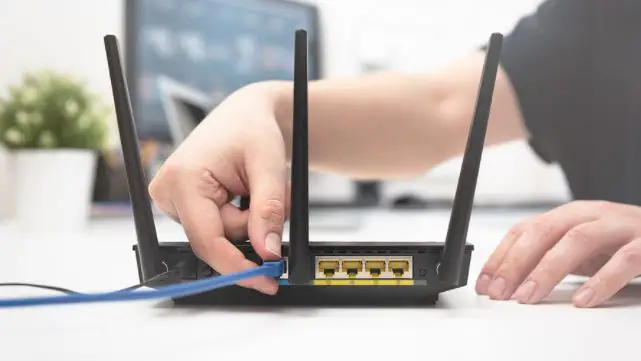
Connect to the Internet
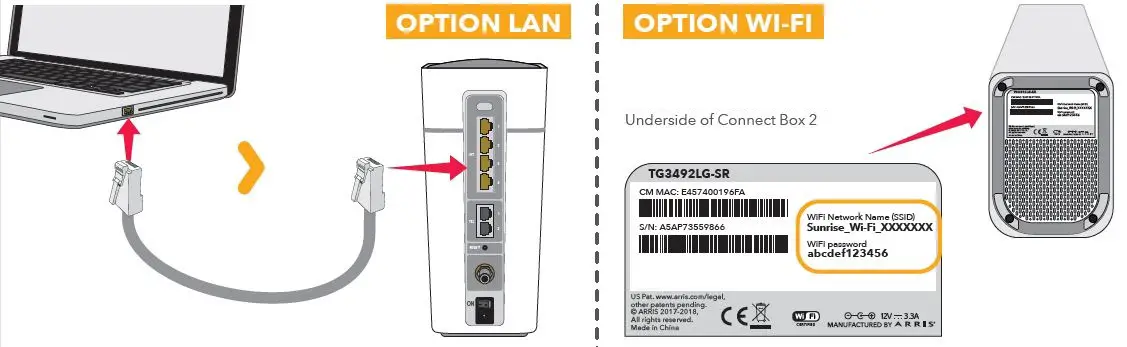
For a stable connection with out interruptions, use the LAN cable for short distances.
STEP-5
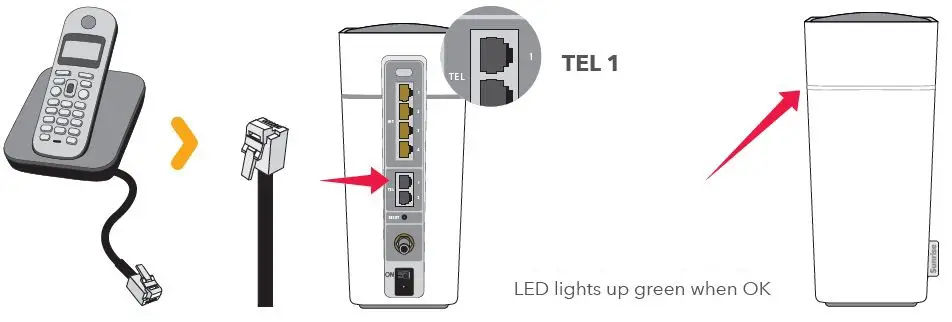
(Optional) Connect your phone right after receiving your activation confirmation (via email/SMS).