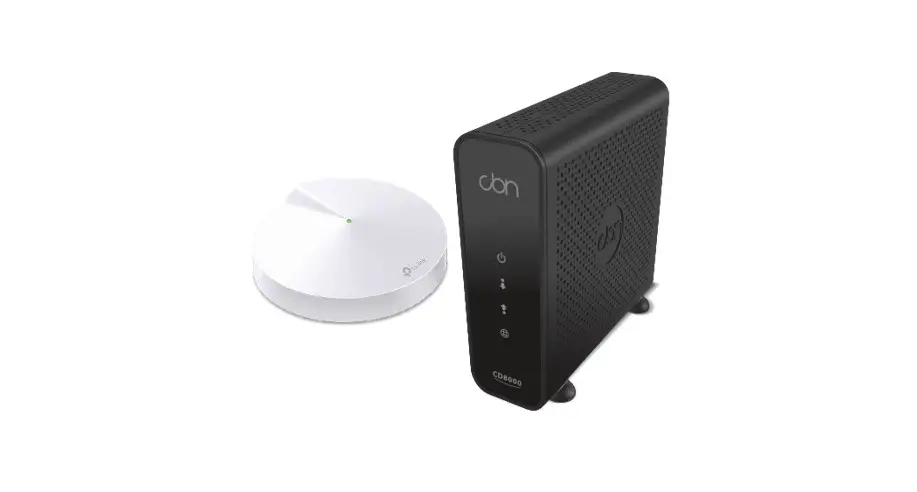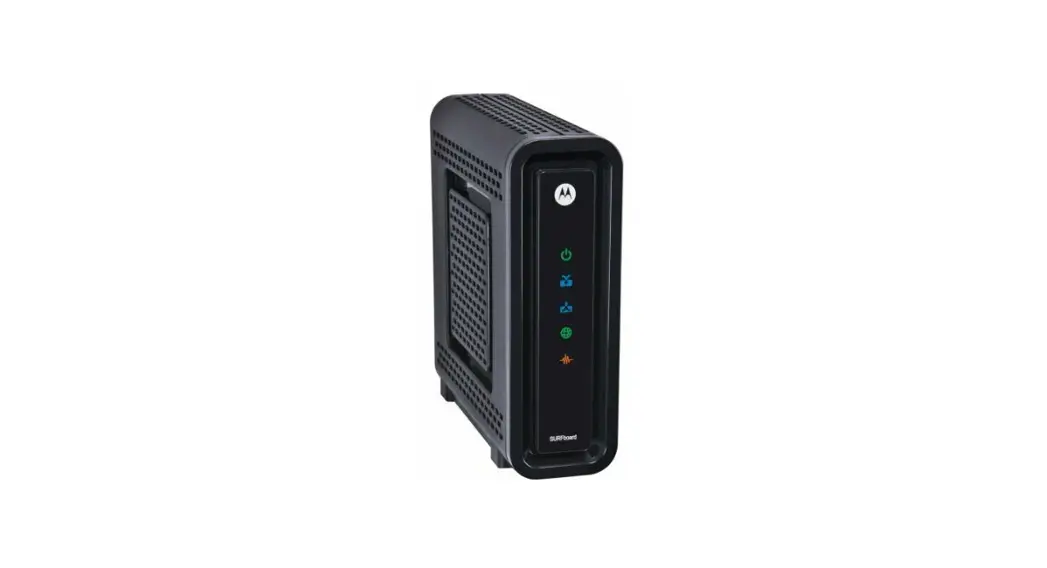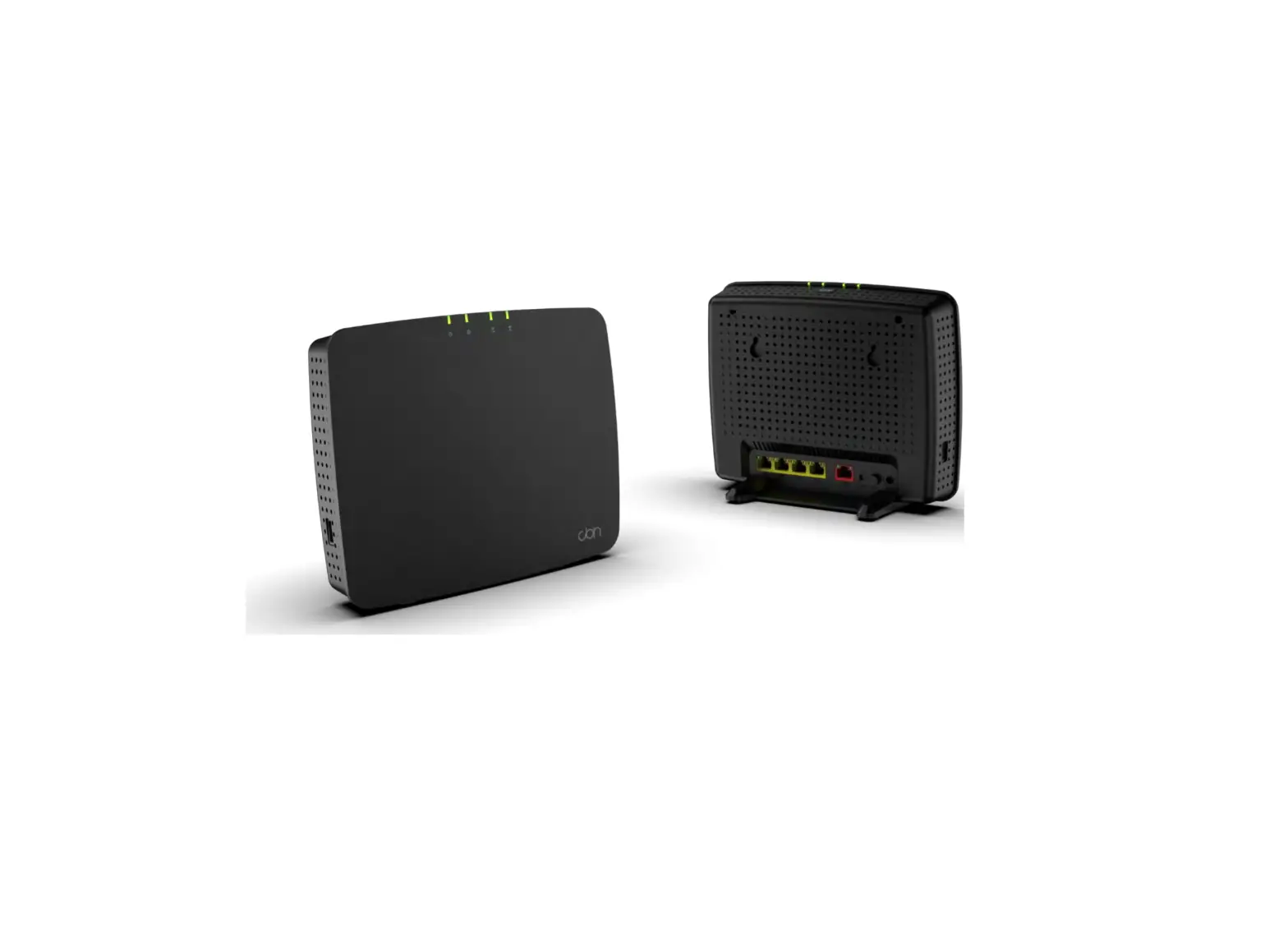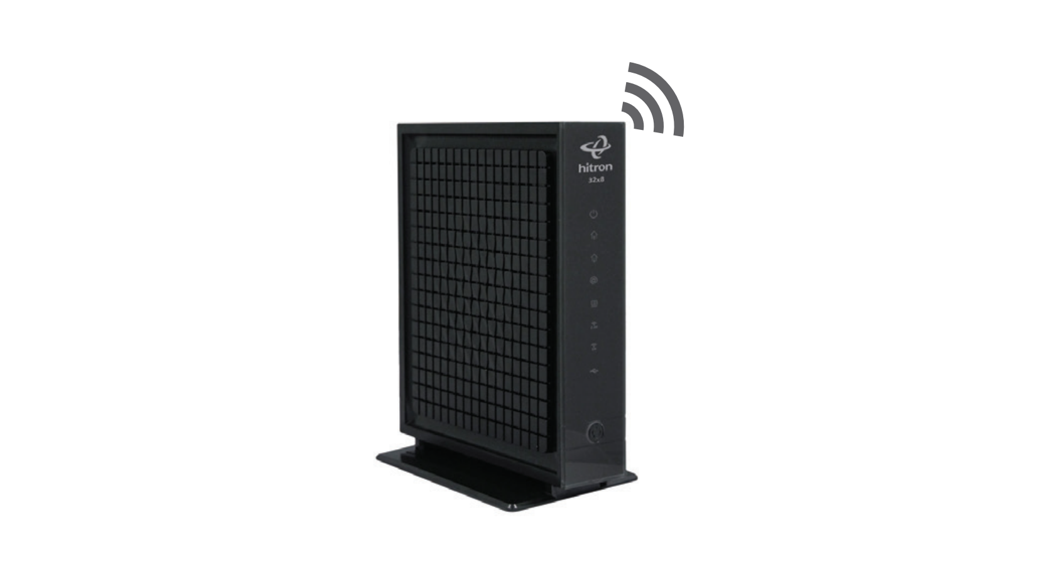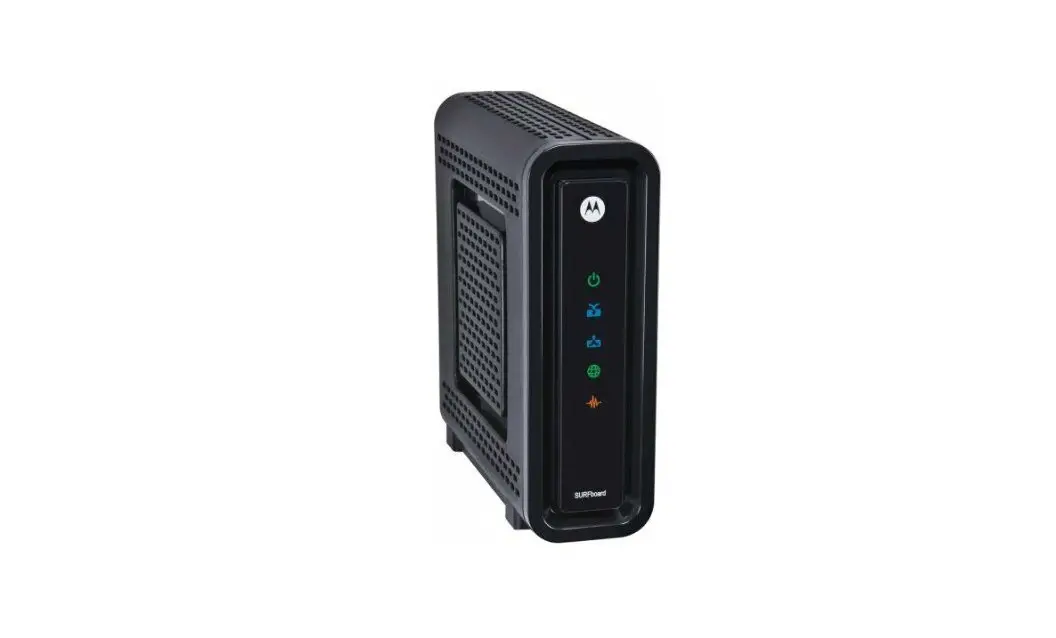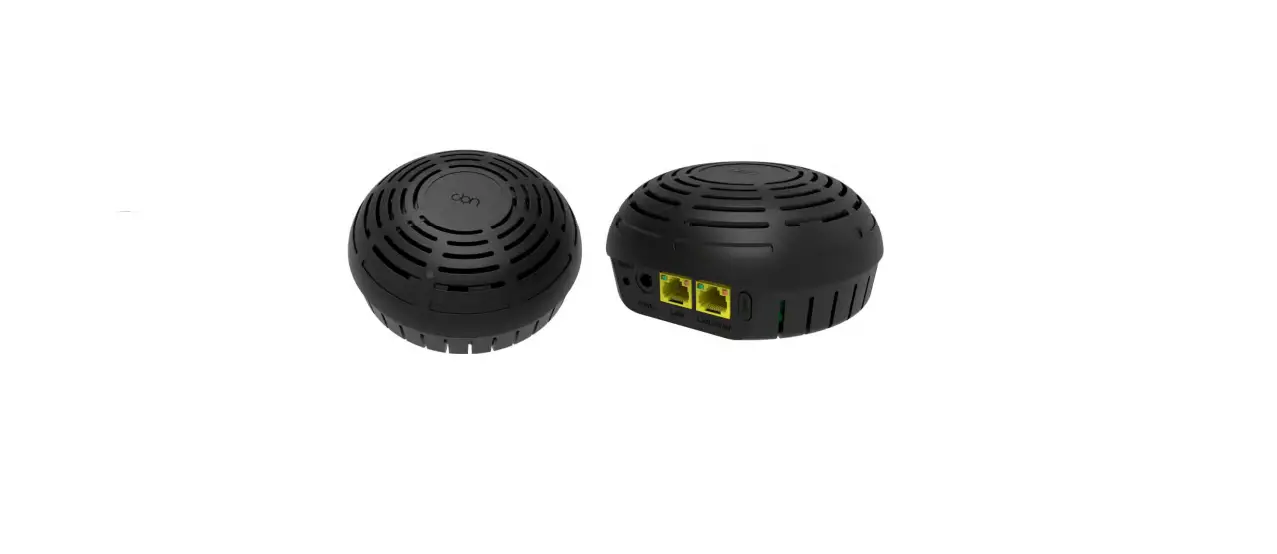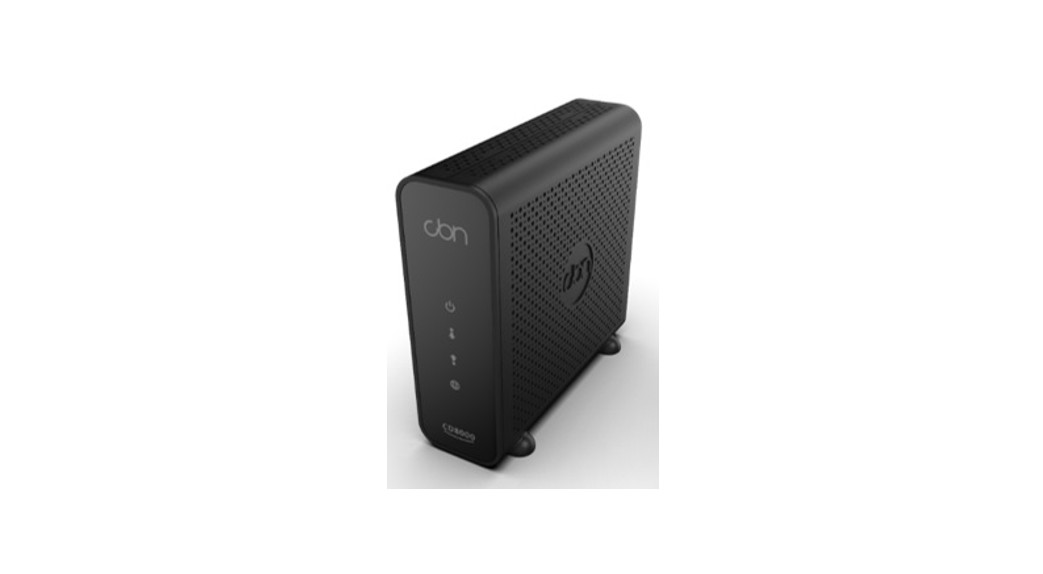

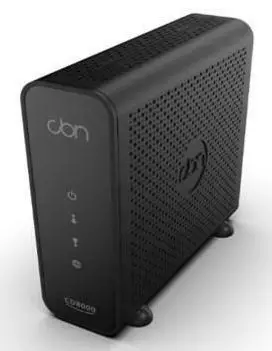
CBN8000 Internet Modem
Set Up Guide
Setting up your High Speed Internet Service
Before you begin:
Review contents of your install kit:
- A coax cable to connect to the network
- An ethernet cable to connect your device
- CBN8000 modem and power cord
> Read through instructions
You can find additional self-help resources at distributel.ca/support
Part 1: Connecting the modem
> Read through instructions You can find additional self-help resources at distributel.ca/support
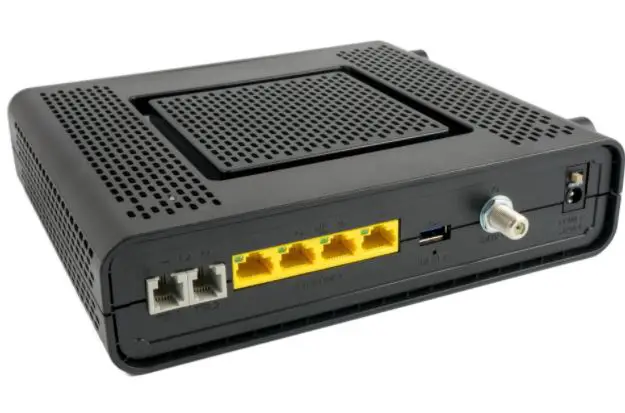
1 Connect one end of the coax cable to the `Cable’ port on your modem, then connect the other end of the cable to a nearby coax wall outlet.
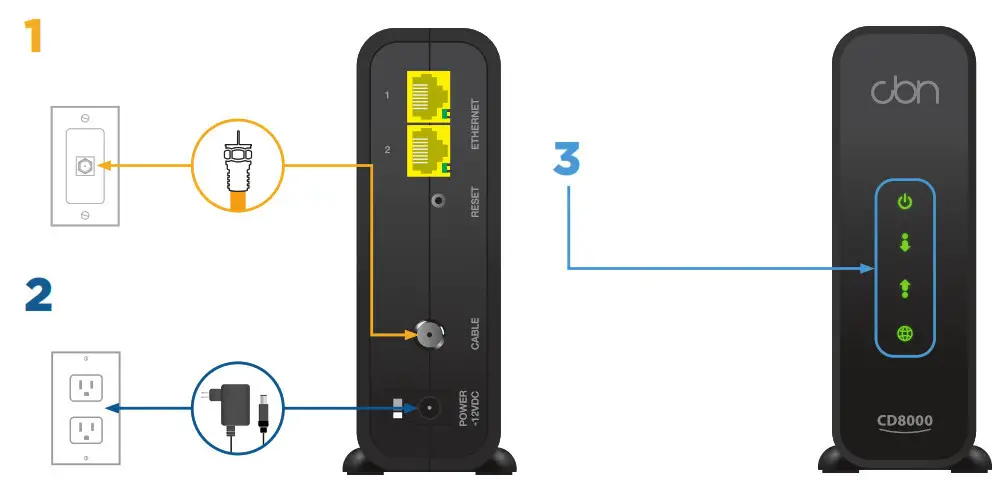
2 Attach the power cord to the `Power’ port on your modem and plug it into a nearby electrical wall outlet.
3 Turn the modem on, and wait until all lights are on (the GLOBE light may flicker).
This can take about 5 minutes.
To connect your devices see instructions on the reverse side of this guide.
Part 2: Connecting your device
Option A: Direct Connection
If you are only connecting to one device, you can connect directly to the modem.
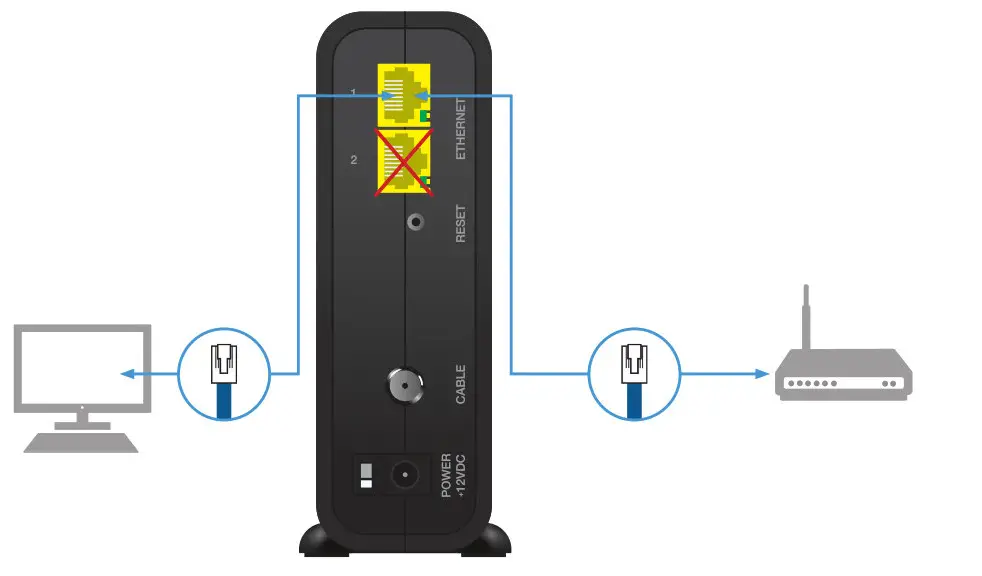
Connect one end of the ethernet cable to the yellow LAN Port `1′ on your modem, and the other end to an Ethernet LAN port on the device you want to connect.
For help setting up wireless devices refer to the instruction manual for your router
It is important (for both options) to connect to LAN port 1.
Do not use LAN Port 2.
Option B: Wireless Router
Connecting with a router allows you to connect:
- more than one device
- wireless devices
- devices without an ethernet port
Connect one end of the ethernet cable to the yellow LAN Port ‘1’ on your modem and the other end to the Internet or WAN port on your router.
You should now be ready to enjoy your Distributel High-Speed Internet!
 Internet Services Provider - Home Phone, TV | Distributel.ca
 Internet Services Provider - Home Phone, TV | Distributel.ca