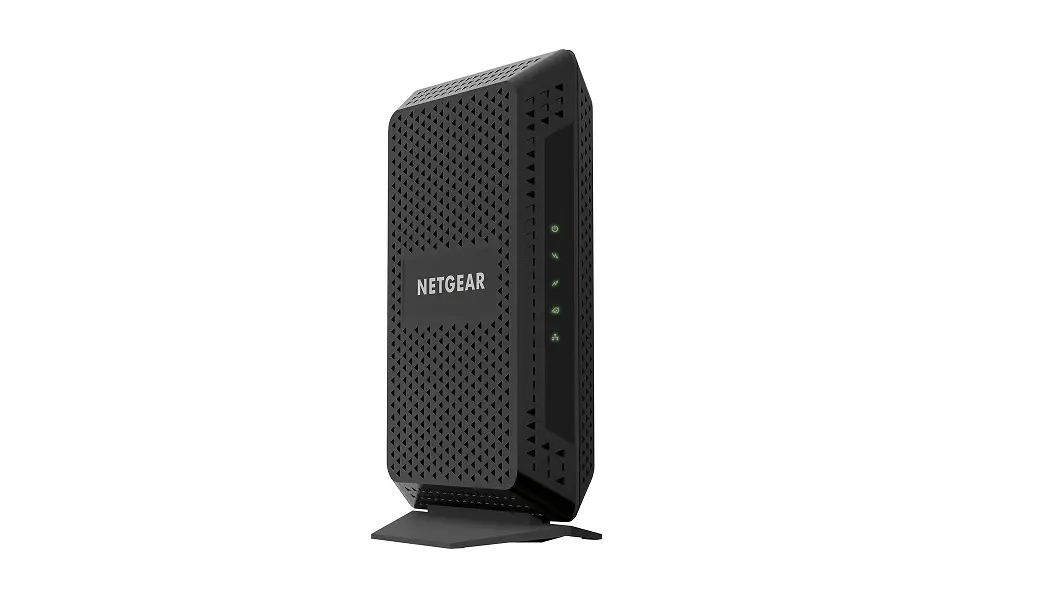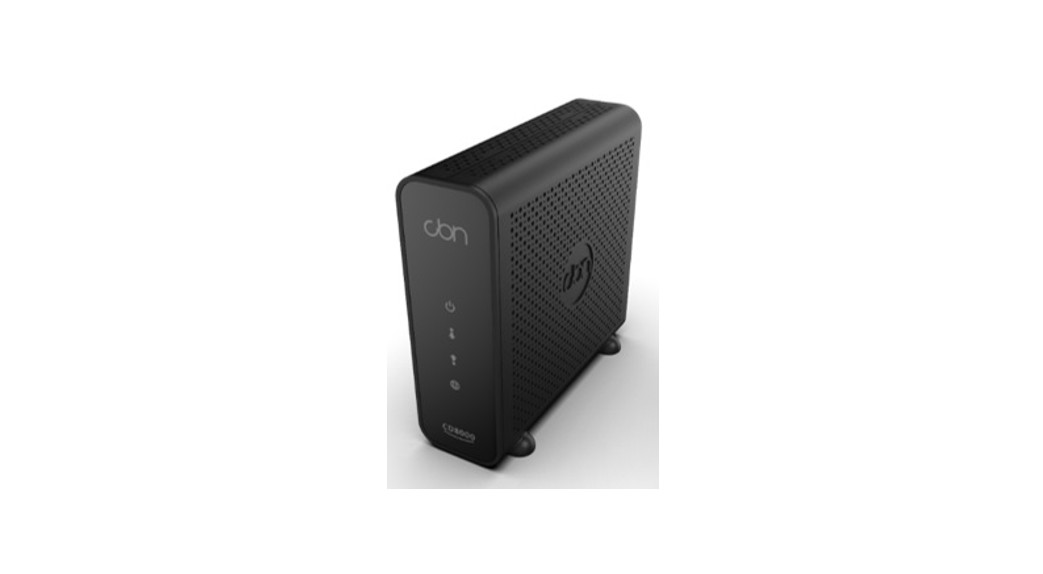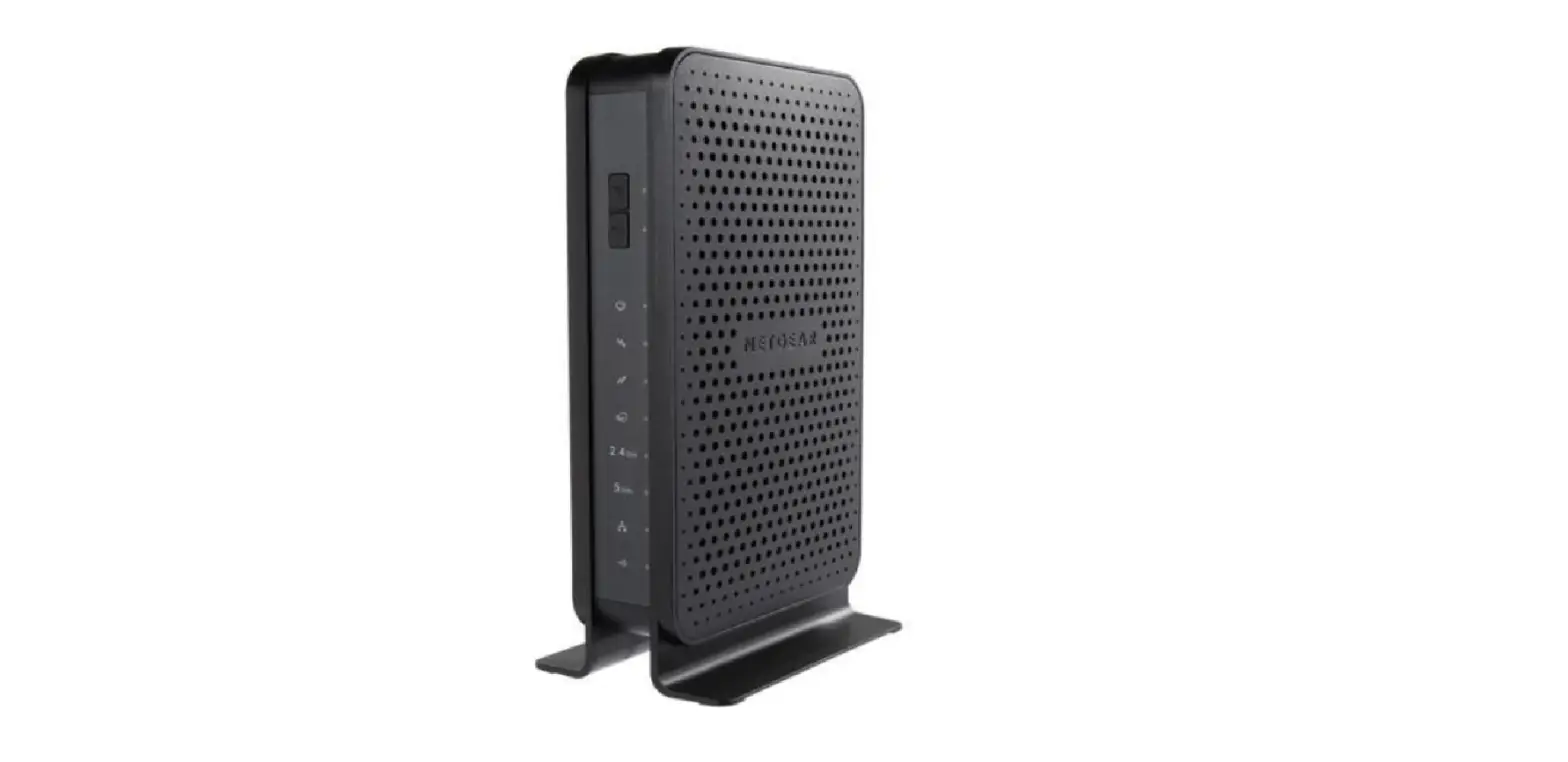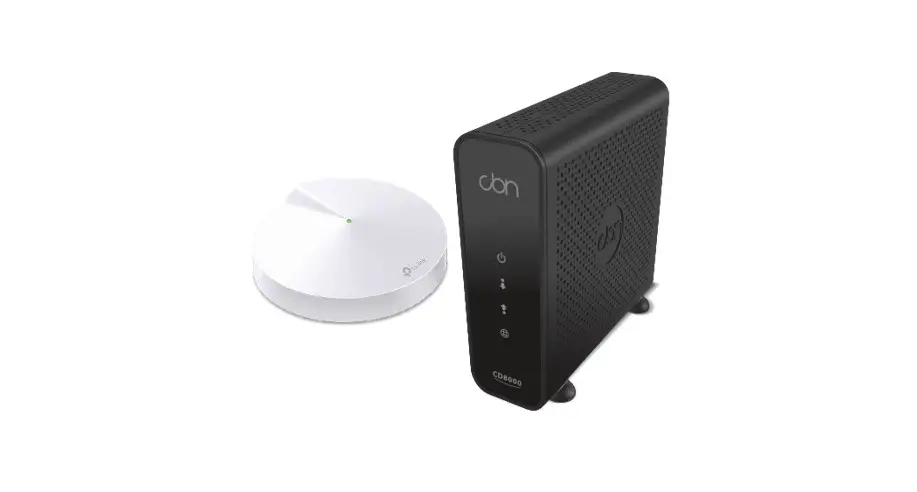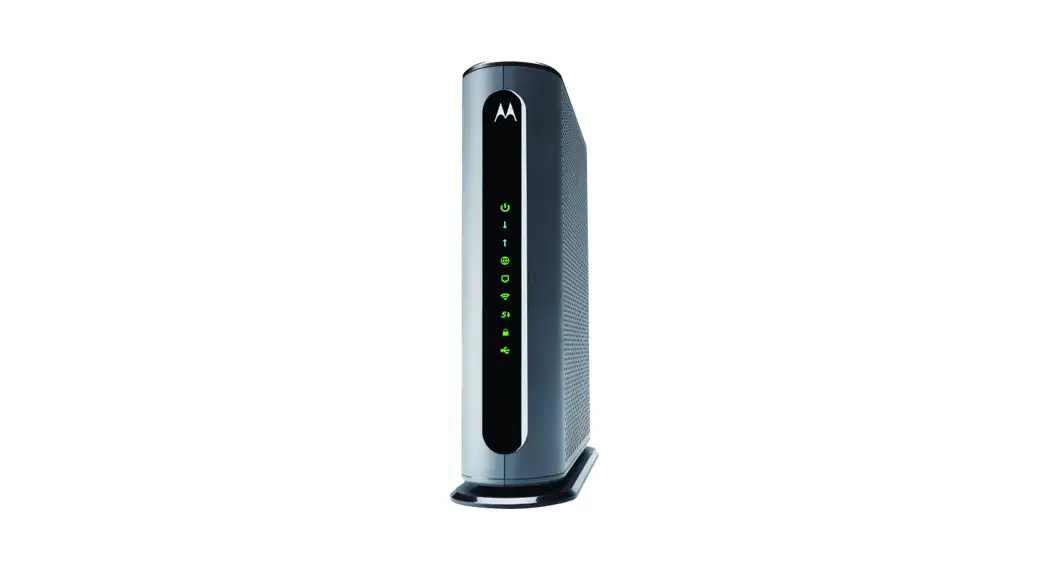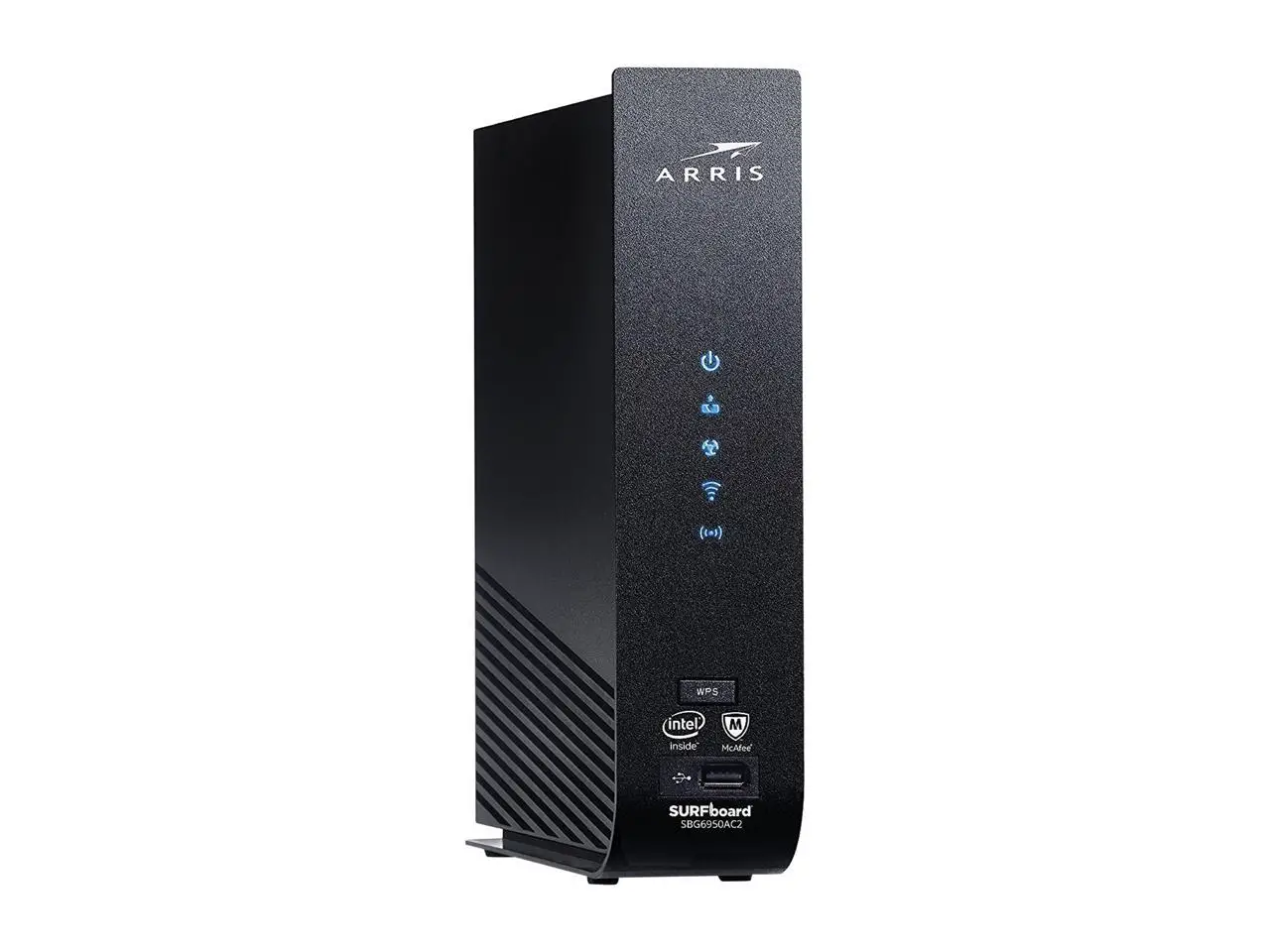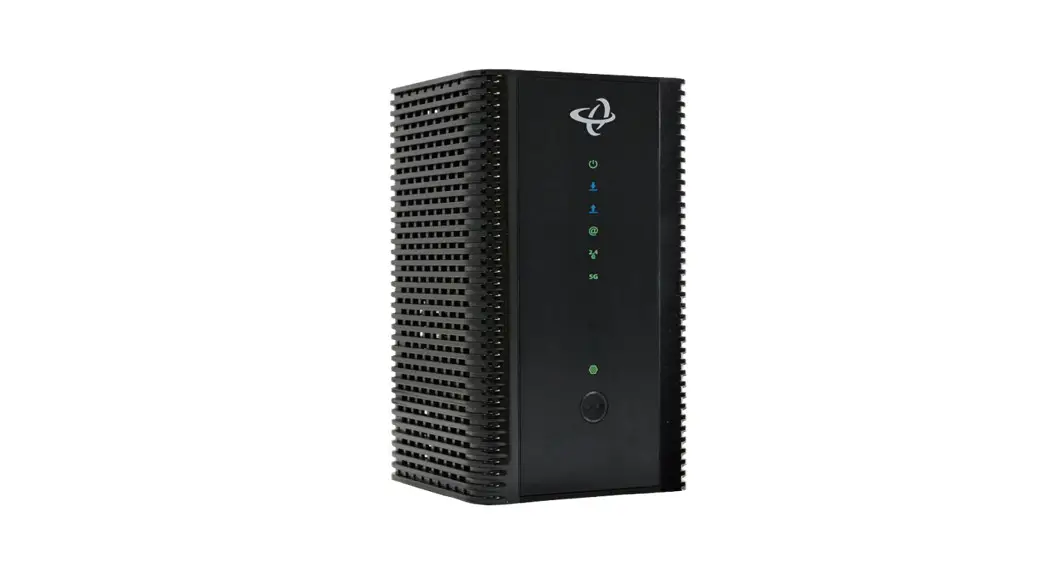

cbn CH8679 Wireless Cable Modem
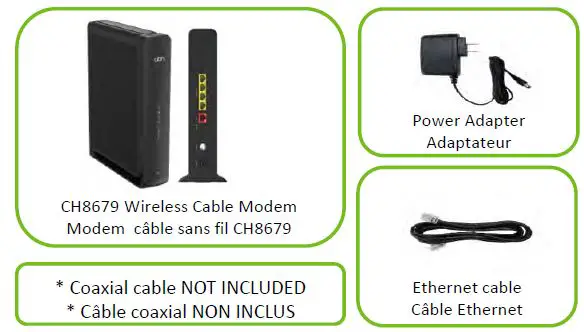
Box Contents
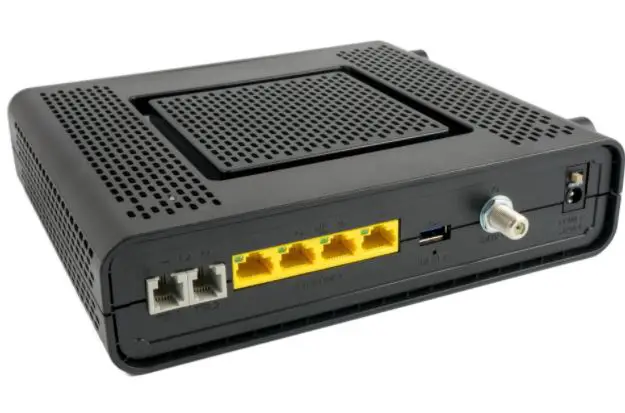
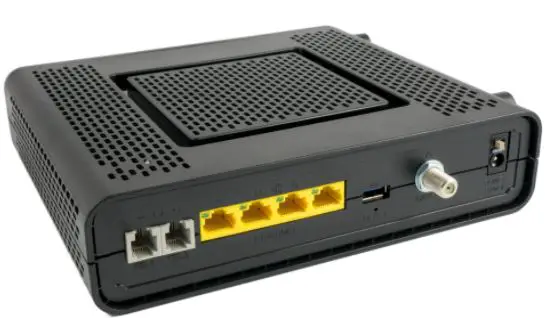
Connection Diagram
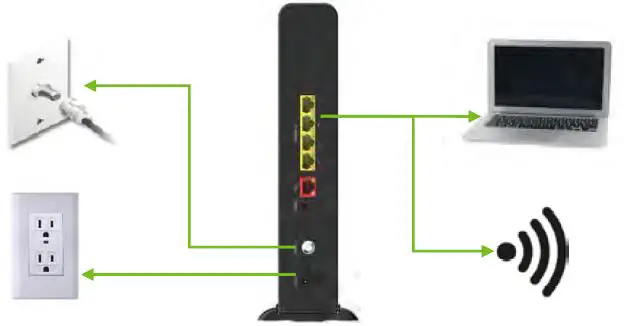
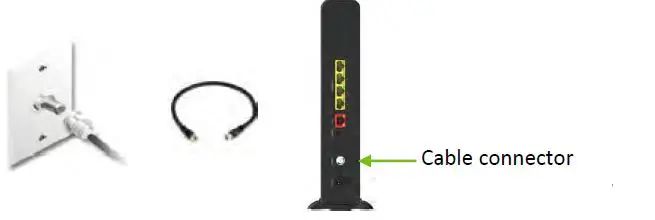
- Connect to cable outlet or splitter. Coaxial cable not included

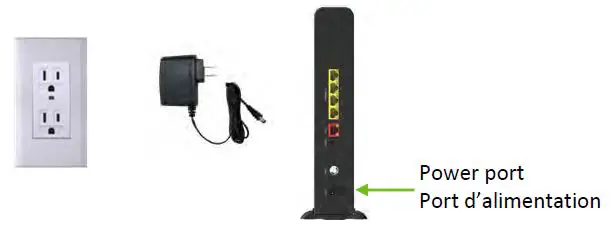
- Connect to power

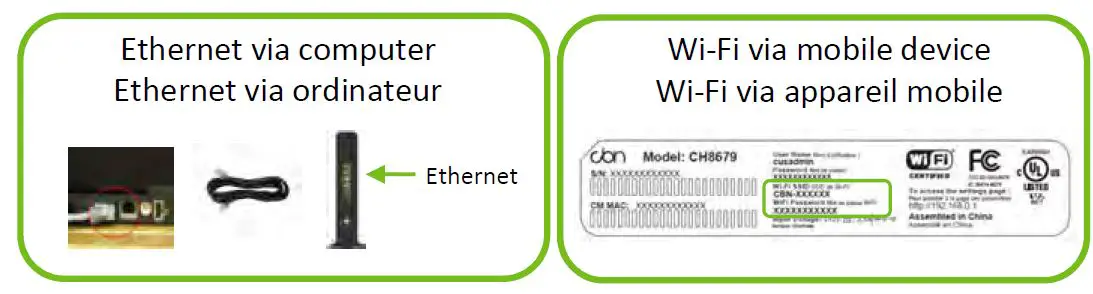
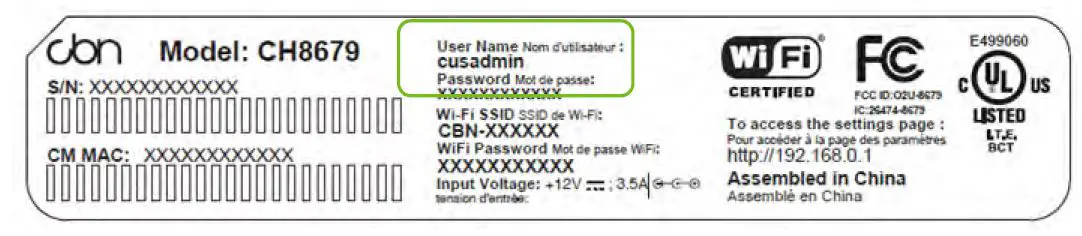
- Connect to network with default network name and password (Wi‐Fi or Ethernet)

- Configure network at http://192.168.0.1 (CH8679 Configuration Manager) e.g. change network name and router password.

- Connect remaining wireless devices using network name & password set in step 4
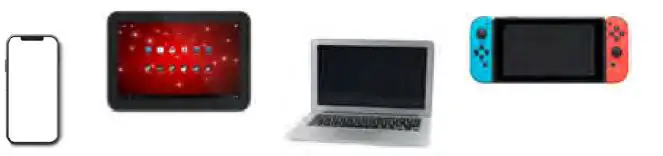
e.g. phone, table, laptop, gaming systems.
- Installation is complete!
If you have any issues, see back of this insert for trouble shooting tips or contact your Internet Service Provider (ISP).
ISP Contact Information
ISP Name/Nom:
Website/Site Web:
Phone/Téléphone:
Email/Courriel:
LED Display
| LED | Color | Status | Indication |
| Power Alimentation | Green Vert | Solid/Solide | Power on/Modem allumé |
| Blink/Clignote | Initializing/En cours d’initialisation | ||
| Off/Éteint | Power off/Modem éteint | ||
| Downstream En aval | Green Vert | Solid/Solide | Channel connected/Canal connecté |
| Blink/Clignote | Scanning for channel/Recherche de canal | ||
| Blue Bleu | Solid/Solide | Channel Bounding/Liaison de canaux | |
| Off/Éteint | No Downstream channel scanning/Pas de balayage des canaux en aval | ||
| Upstream En amont | Green Vert | Solid/Solide | Channel connected/Canal connecté |
| Blink/Clignote | Scanning for channel/Recherche de canal | ||
| Blue Bleu | Solid/Solide | Channel Bounding/Liaison de canaux | |
| Off/Éteint | No Upstream channel scanning/Pas de balayage des chaînes en amont | ||
| Online En ligne | Green Vert | Solid/Solide | Modem connected/Modem connecté |
| Blink/Clignote | Registering/En cours d’enregistrement | ||
| Off/Éteint | Unable to connect/Ne peut pas se connecter | ||
| WPS (Wi‐Fi Protected Setup)
WPS (Configuration sécurisée Wi‐Fi) | Green Vert | Solid/Solide | WPS service available/Service WPS |
| Blink/Clignote | WPS service is connecting/Service WPS en cours de connexion | ||
| Off/Éteint | WPS service disabled; neither 2.4 G or 5 G Wi‐Fi is active/Service WPS désactivé; ni le Wi‐Fi 2,4 G ou 5 G n’est actif | ||
| 2.4 GHz | Green Vert | Solid/Solide | Wi‐Fi 2.4 GHz is active but no data transmitting/Le Wi‐Fi 2.4 GHz est actif mais aucune transmission de données |
| Blink/Clignote | Wi‐Fi 2.4 GHz is active/Le Wi‐Fi 2,4 GHz est active | ||
| Off/Éteint | Wi‐Fi 2.4 GHz is disabled or inactive/Le Wi‐Fi 2,4 GHz est désactivé ou inactif | ||
| 5 GHz | Green Vert | Solid/Solide | Wi‐Fi 5 GHz is active but no data transmitting/Le Wi‐Fi 5 GHz est actif mais aucune transmission de données |
| Blink/Clignote | Wi‐Fi 5 GHz is active/Le Wi‐Fi 5 GHz est actif | ||
| Off/Éteint | Wi‐Fi 5 GHz is disabled or inactive/Le Wi‐Fi 5 GHz est désactivé ou inactif |
Installation Precautions
- Do not install during thunderstorms or lightning activity
- Install in upright position and central location in home
- Avoid physical obstructions (e.g. walls, ceilings, floors) for optimal line of sight
- Avoid reflective surfaces (e.g. windows) and electrical home appliances (e.g. microwave) to avoid interference
- Do not block ventilation holes to avoid overheating
- Provide at least 30 mm of space around side covers
- Ensure cable connector is on the left if wall mounted
- Unplug power from wall before disconnecting from the modem to avoid potential shock
- Do not open the unit; contact your Internet Service Provider for service
- Use No. 26 AWG or larger telecommunication Line Cord to reduce fire risk.
Cable distribution system must be grounded in accordance with ANSI/NFPA 70, the National Electrical Code (NEC) – Section 820.93 “Grounding of Outer Conductive Shield of a Coaxial Cable”.
Federal Communication Commission Interference Statement
This equipment has been tested and found to comply with the limits for a Class B digital device, pursuant to Part 15 of the FCC Rules. These limits are designed to provide reasonable protection against harmful interference in a residential installation. This equipment generates, uses and can radiate radio frequency energy and, if not installed and used in accordance with the instructions, may cause harmful interference to radio communications. However, there is no guarantee that interference will not occur in a particular installation. If this equipment does cause harmful interference to radio or television reception, which can be determined by turning the equipment off and on, the user is encouraged to try to correct the interference by one of the following measures:
- Reorient or relocate the receiving antenna.
- Increase the separation between the equipment and receiver.
- Connect the equipment into an outlet on a circuit different from that to which the receiver is connected.
- Consult the dealer or an experienced radio/TV technician for help.
FCC Caution: Any changes or modifications not expressly approved by the party responsible for compliance could void the user’s authority to operate this equipment.
- This device complies with Part 15 of the FCC Rules. Operation is subject to the following two conditions: (1) This device may not cause harmful interference, and (2) this device must accept any interference received, including interference that may cause undesired operation.
- For product available in the USA/Canada market, only channel 1~11 can be operated. Selection of other channels is not possible.
- This device is restricted for indoor use.
- Professional installation is required.
IMPORTANT NOTE:
FCC Radiation Exposure Statement: This equipment complies with FCC radiation exposure limits set forth for an uncontrolled environment. This equipment should be installed and operated with minimum distance 23cm between the radiator & your body.
This device contains licence‐exempt transmitter(s)/receiver(s) that comply with Innovation, Science and Economic Development Canada’s licence‐exempt RSS(s).
Operation is subject to the following two conditions:
- This device may not cause interference.
- This device must accept any interference, including interference that may cause undesired operation of the device.
.
The device for operation in the band 5150–5250 MHz is only for indoor use to reduce the potential for harmful interference to co‐channel mobile satellite systems.
For indoor use only.
Pour une utilisation en intérieur uniquement.
IMPORTANT NOTE:
IC Radiation Exposure Statement: This equipment complies with IC RSS‐102 radiation exposure limits set forth for an uncontrolled environment. This equipment should be installed and operated with minimum distance 21cm between the radiator & your body.