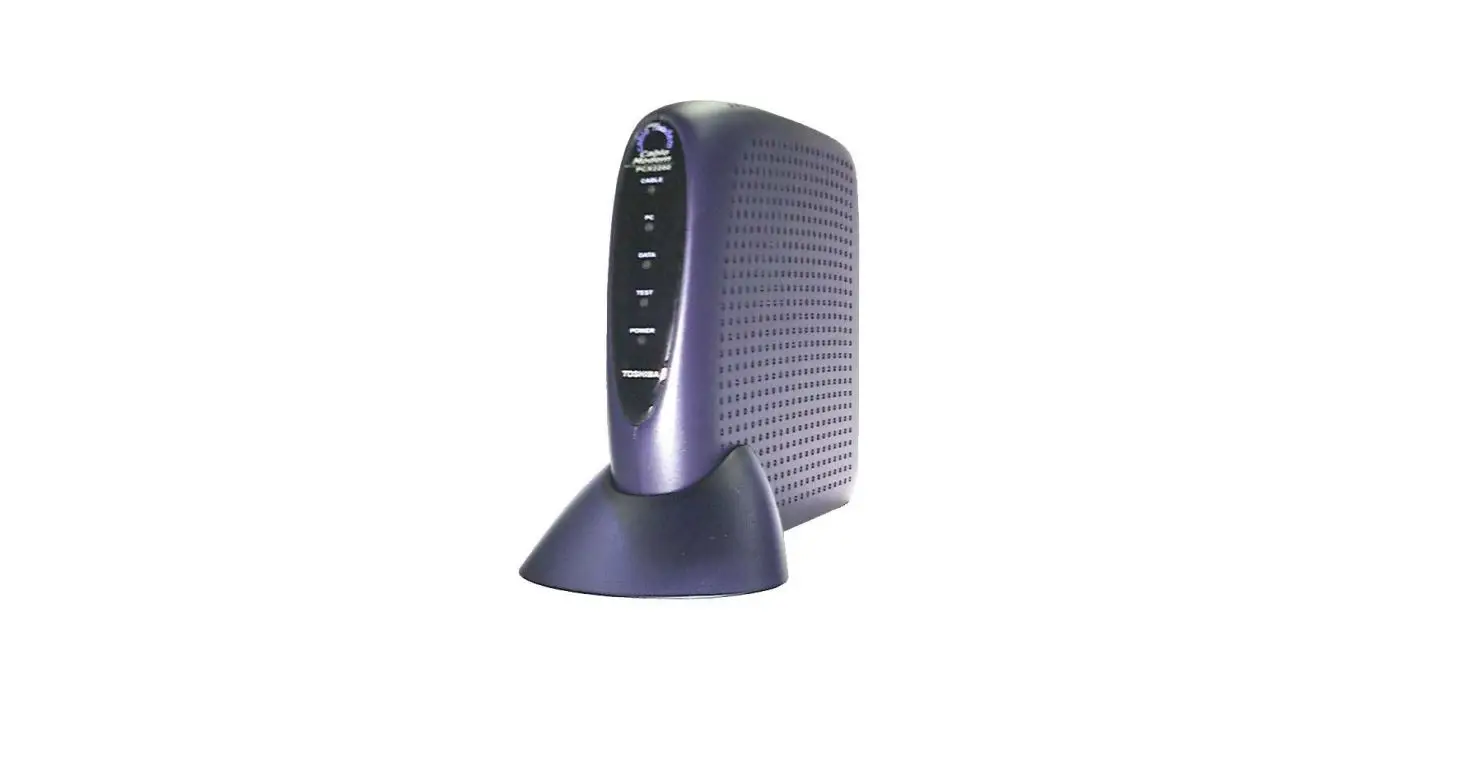
Joohong SL2810 DOCSIS 2.0 Cable Modem
Modem InformationCable Modem DOCSIS 2.0 with speeds of up to 25 Mbps on a wired connection Not compatible with future speed increases Cox recommends a DOCSIS 3.1 modem or gateway What does this mean?DOCSIS 2.0 has a maximum speed of 25 Mbps on the Cox network. | Highest Service LevelStarter |
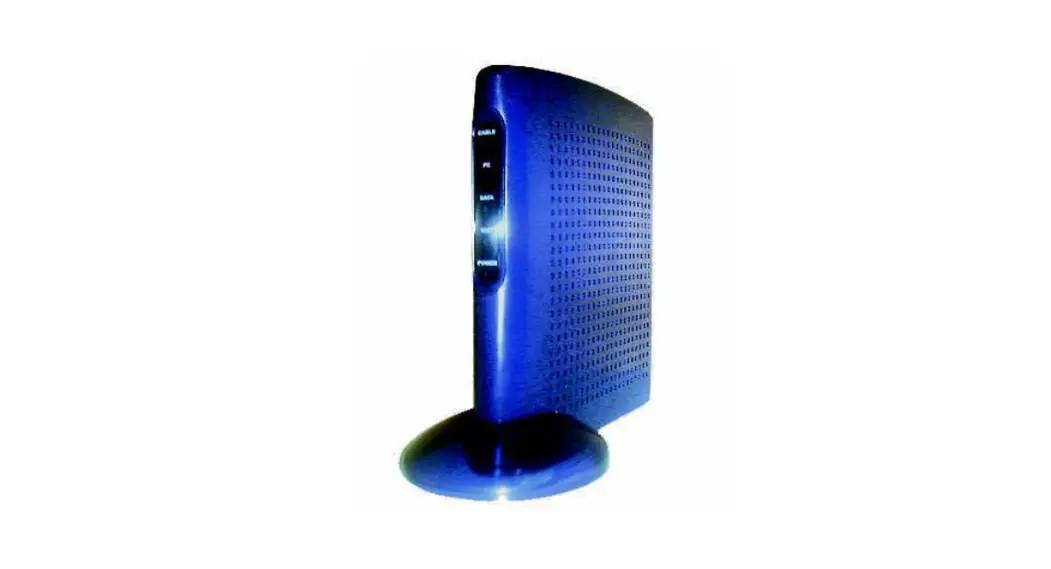
Front View
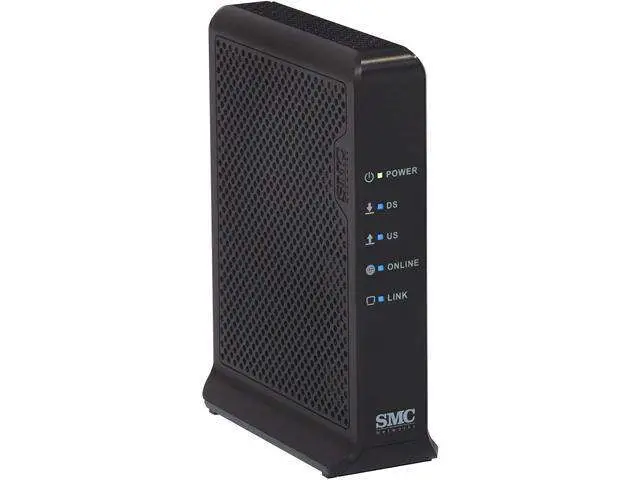
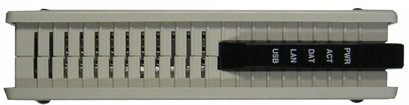
| The Joohong SL2810 is a DOCSIS 2.0 cable modem. After the cable modem successfully registers on the network, the PWR, ACT, and USB or LAN indicators illuminate continuously to indicate that the cable modem is online and fully operational. | |
Back View
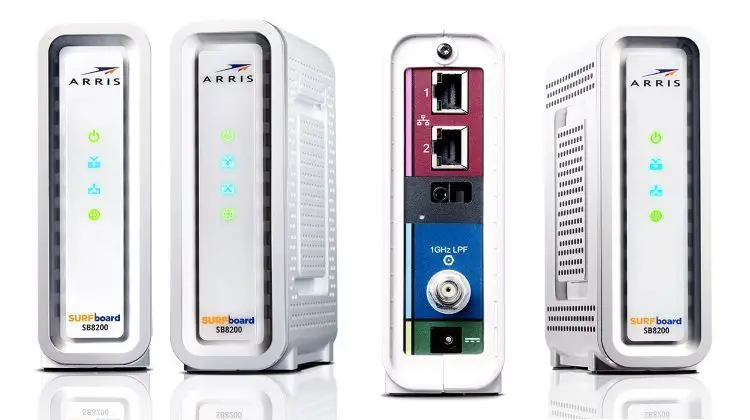
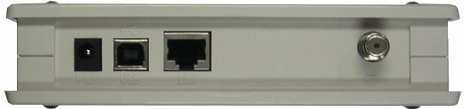
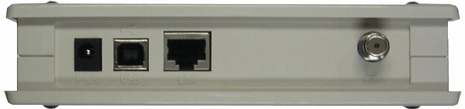
| The Joohong SL2810 has the following ports available on the back of the modem.
| |
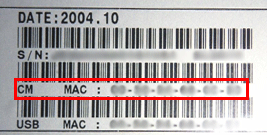
MAC Address
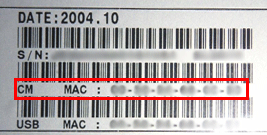
| MAC addresses are written as 12 digits containing both letters and numbers (0-9, A-F). A MAC address is unique. The first six characters of the MAC address are unique to the manufacturer of the device. |
Troubleshooting
The modem lights indicate the current status of your cable modem. To troubleshoot any connection problems, use the table below.
| Modem Light | Status | Problem |
|---|---|---|
| PWR | Solid Green | None |
| Off | No power – Verify power supply connections and electrical outlet. Also make sure the outlet is not connected to a switch. | |
| ACT | Slow Flashing | Searching for cable connection – Verify all cable connections and try resetting the modem. |
| Fast Flashing Modem | Searching for cable connection – If this is a new modem or a replacement modem, you must contact Cox with your MAC address. If there are several MAC addresses on the modem, please use the “CM” MAC address. | |
| Off | No connection cable – Verify all cable connections and try resetting the modem. | |
| DAT | Flashing Green | None – transferring data |
| LAN | Solid Green | None – computer detected through an Ethernet connection |
| Off | No Ethernet found – Verify Ethernet cable connections, the TCP/IP settings and the NIC. You might need to reinstall the NIC drivers. | |
| USB | Solid Green | None – computer detected through USB connection |
| Off | No USB found – Verify USB cable connections, the TCP/IP settings and the USB cable. You might need to reinstall the USB drivers. |