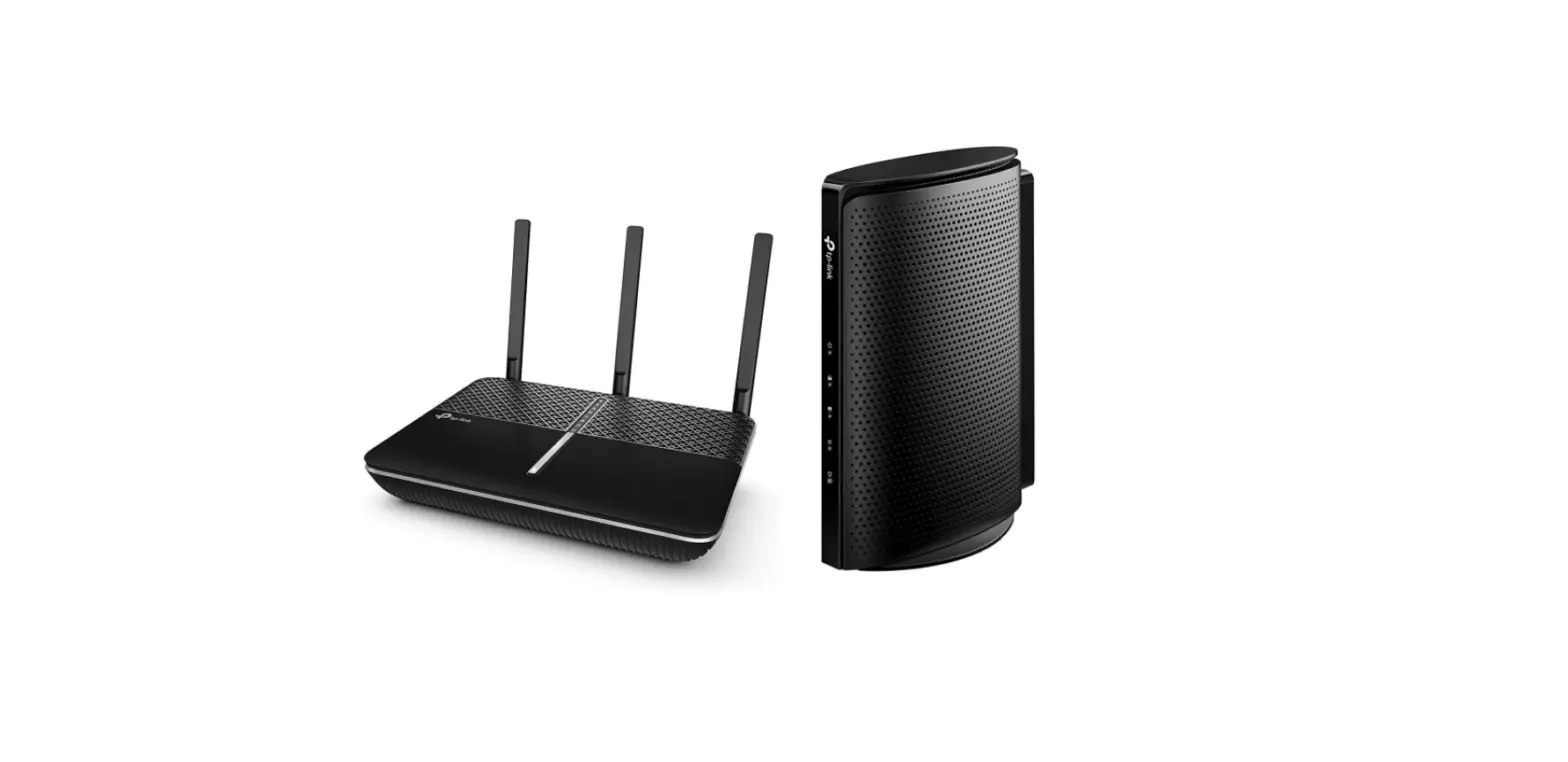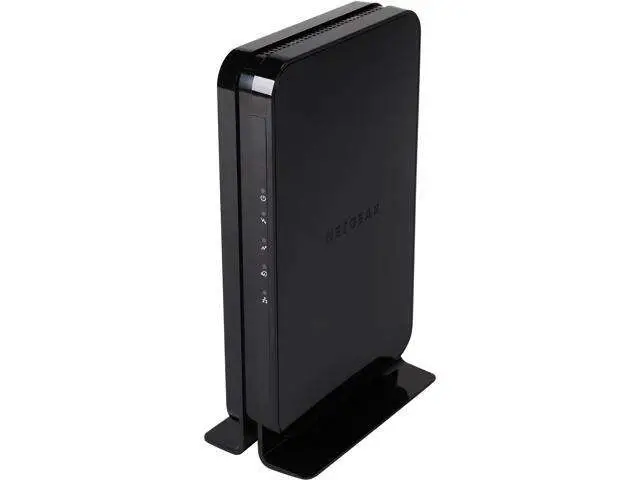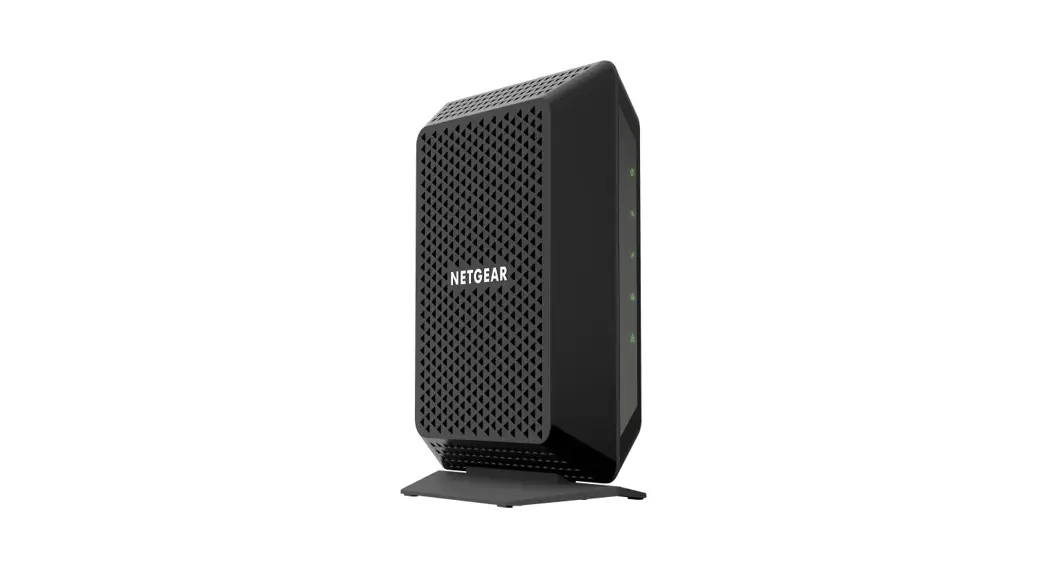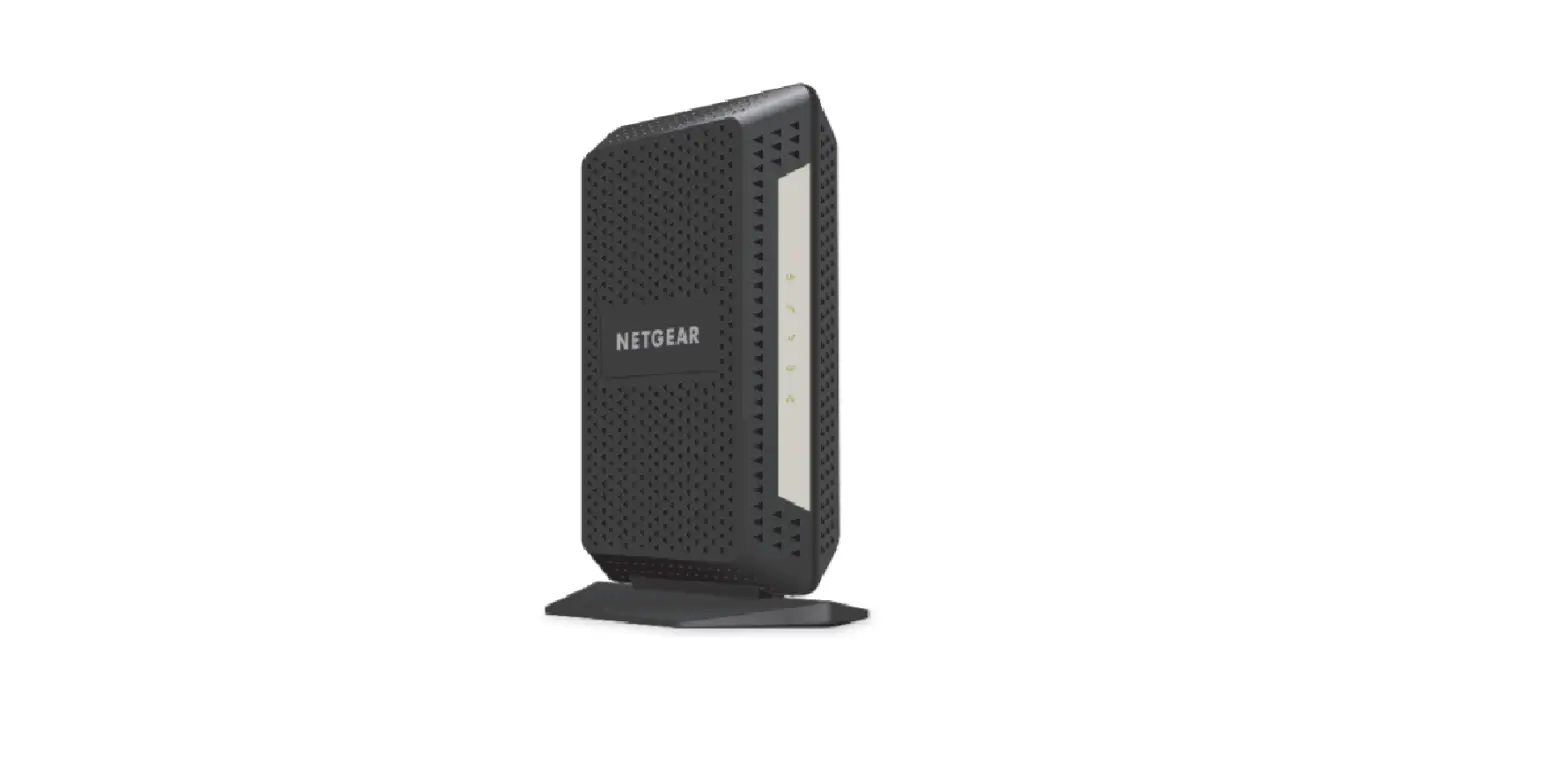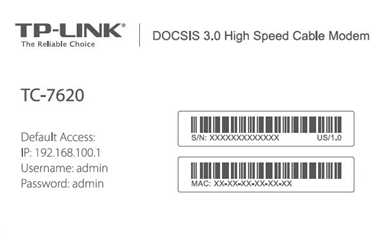
TP-LINK TC-7620 High-Speed Cable Modem
Modem InformationDOCSIS 3.0 Cable Modem 16×4 channel bonding To achieve Gigablast or Ultimate Classic speeds, a DOCSIS 3.1 modem is required | Highest Service LevelPreferred 150 |
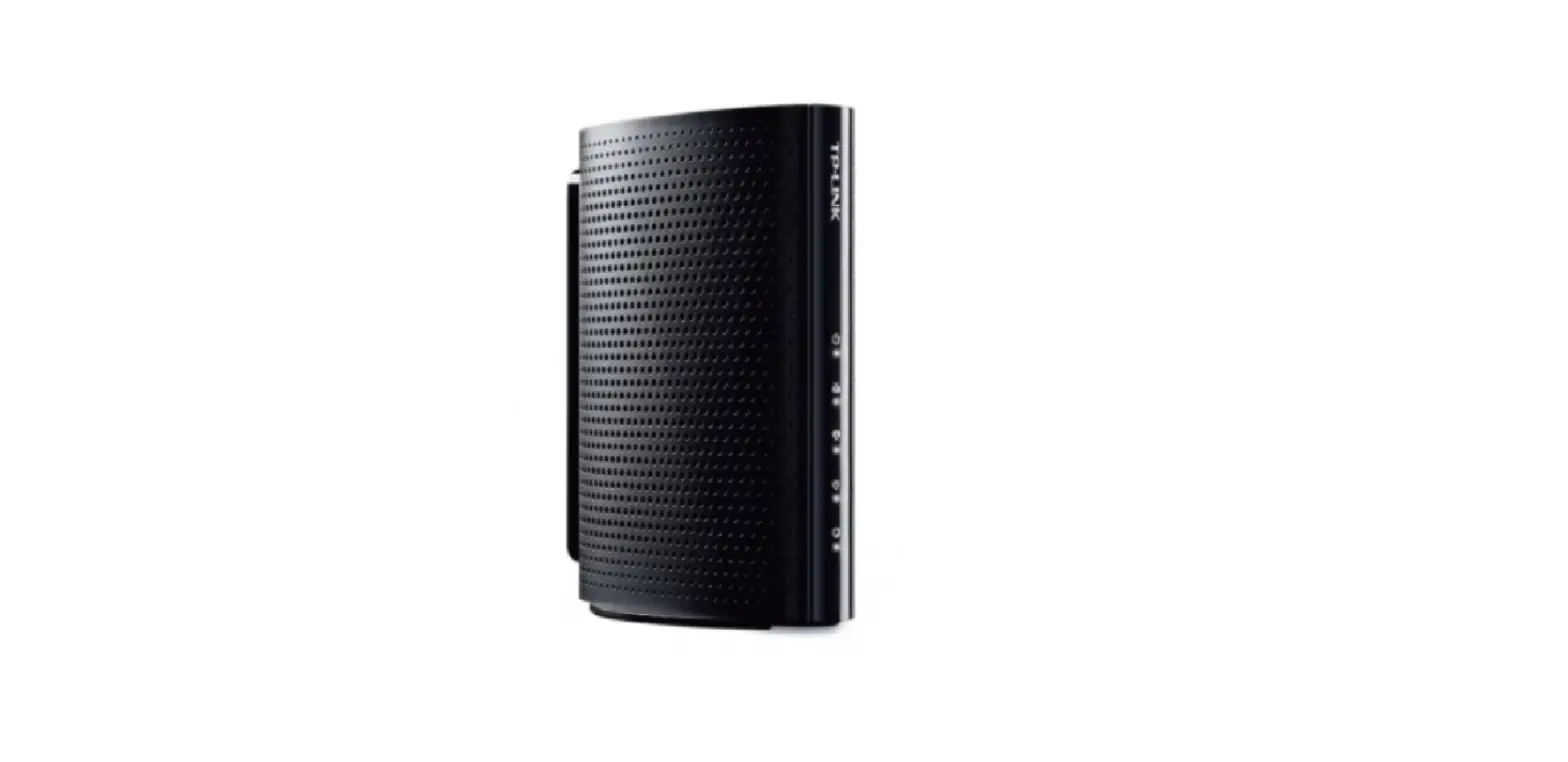
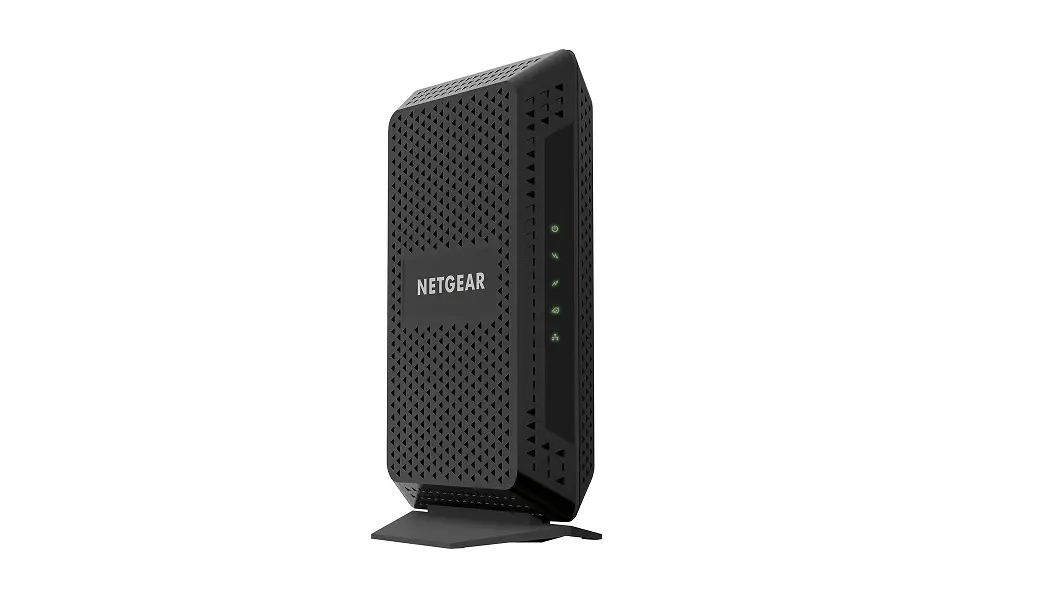
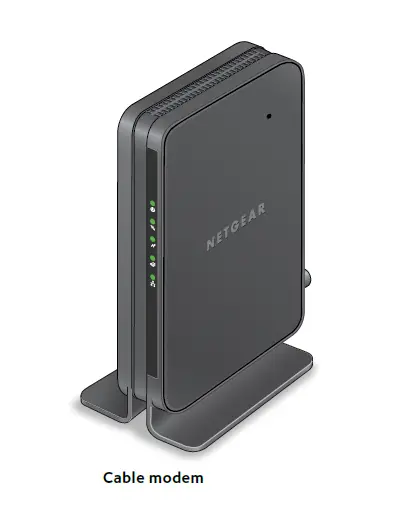
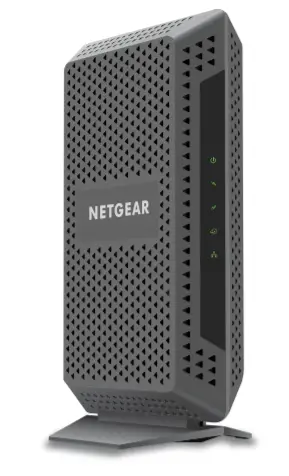
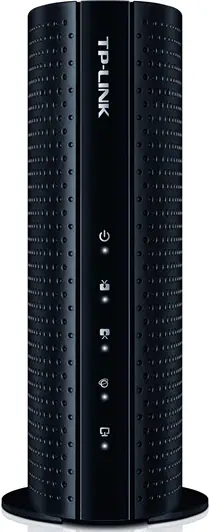
Front View
| After the cable modem is successfully registered on the network, the Power, Downstream, Upstream, and Internet indicators illuminate continuously to indicate that the cable modem is online and fully operational. | |
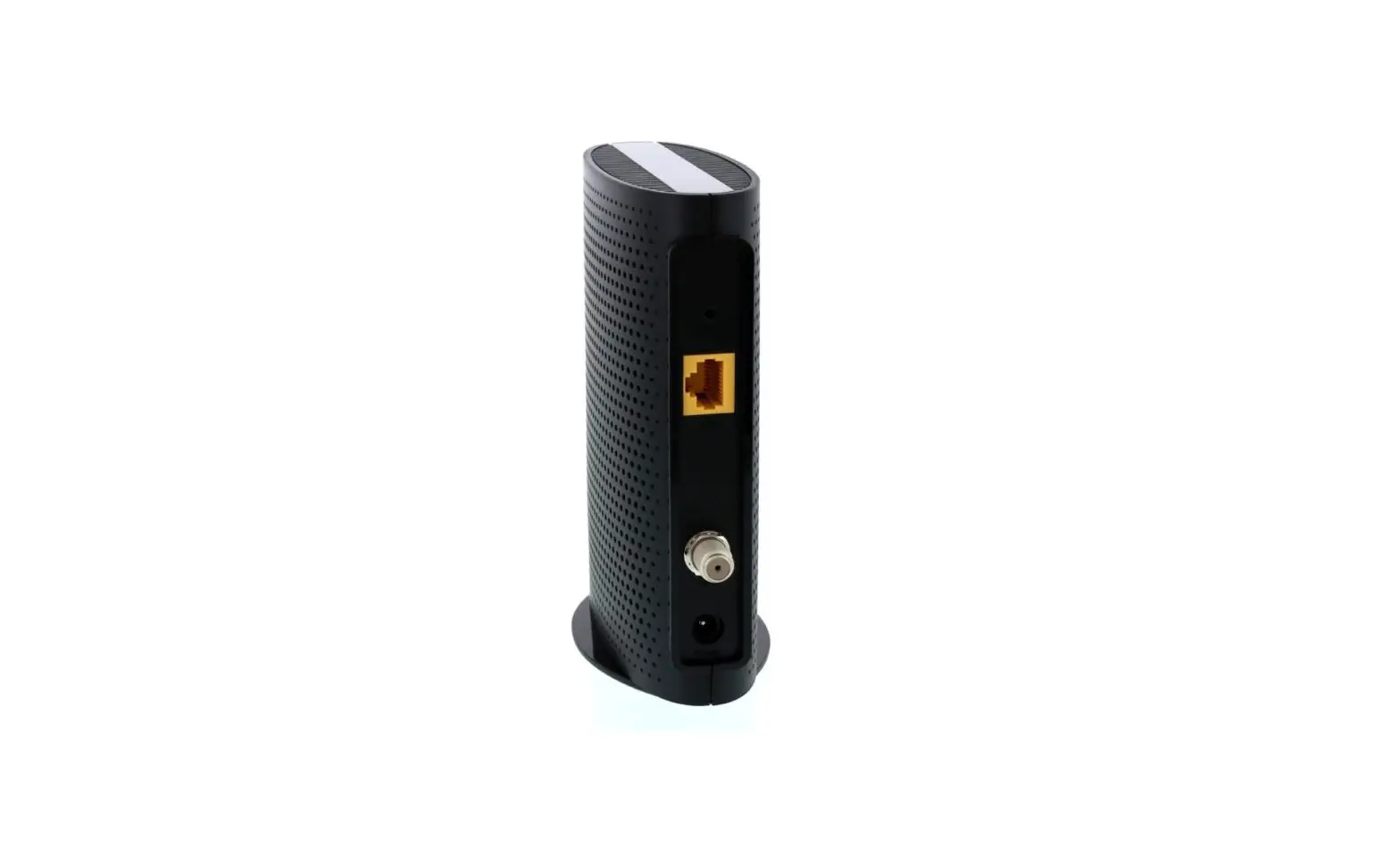
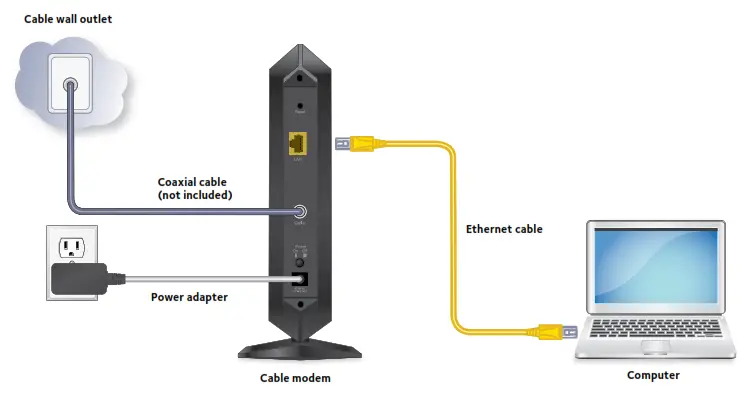
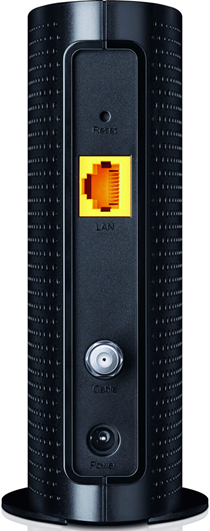
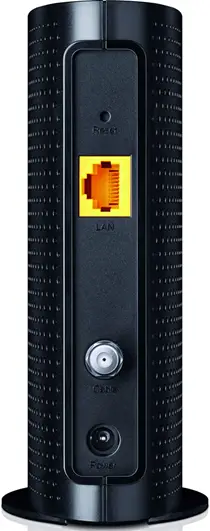
Back View
| The TP-LINK TC-7620 has the following ports or buttons available on the back of the modem.
| |
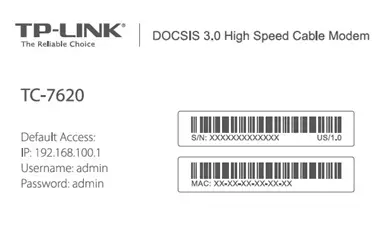
MAC Address
| MAC addresses are written as 12 digits containing both letters and numbers (0-9, A-F).A MAC address is unique. The first six characters of the MAC address are unique to the manufacturer of the device. |
Troubleshooting
The modem lights indicate the current status of your modem. To troubleshoot any connection problems, use the table below.
| Modem Light | Status | Problem |
|---|---|---|
| Power
| On | None. The modem is powered on. |
| Off | No power. Verify power supply connections and electrical outlet. Ensure the outlet is not connected to a switch. | |
| Downstream
| Green | None. Multiple downstream channels are in use. |
| White | None. One downstream channel is in use. | |
| Flashing | None. Scanning for downstream channels. Verify all cable connections and try resetting the modem. | |
| Off | Cable modem offline. Verify all cable connections and try resetting the modem. | |
| Upstream
| Green | None. Multiple upstream channels are in use. |
| White | None. One downstream channel is in use. | |
| Flashing | None. Scanning for an upstream channel. Verify all cable connections and try resetting the modem. | |
| Off | No upstream channel are in use. Verify all cable connections and try resetting the modem. | |
| Internet
| On | None. The modem is online. |
| Flashing | None. Scanning for configuration parameters. | |
| Off | The modem is offline. Verify all cable connections and try resetting the modem. | |
| LAN
| On | None. A device is connected to the LAN port. |
| Flashing | None. A device is connected and the port is sending or receiving data. | |
| Off | No devices are detected on the LAN port. Verify all cable connections and try resetting the modem. |


Manufacturer Resources
For more detailed technical information on the TC-7620, use the resources below from TP-LINK.