
Escali P115W Primo Lightweight Scale
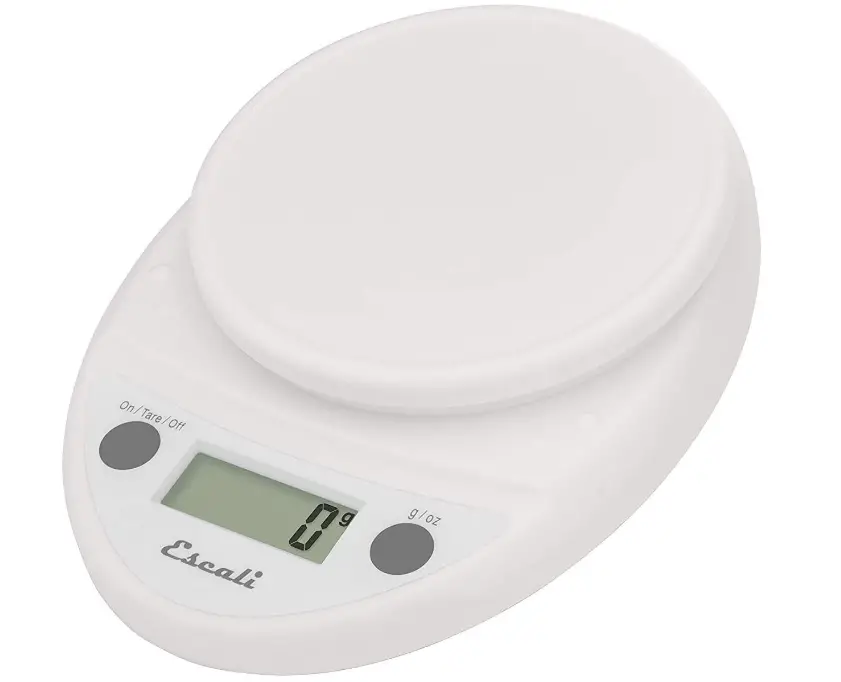
Specifications
- SPECIAL FEATURE: Programmable
- WEIGHT LIMIT: 11 Pounds
- PRODUCT DIMENSIONS: 5″L x 6″W x 1.5″H
- MATERIAL: Plastic
- ITEM WEIGHT: 5 Ounces
- BATTERIES: 2 AA batteries
- BRAND: Escali
Introduction
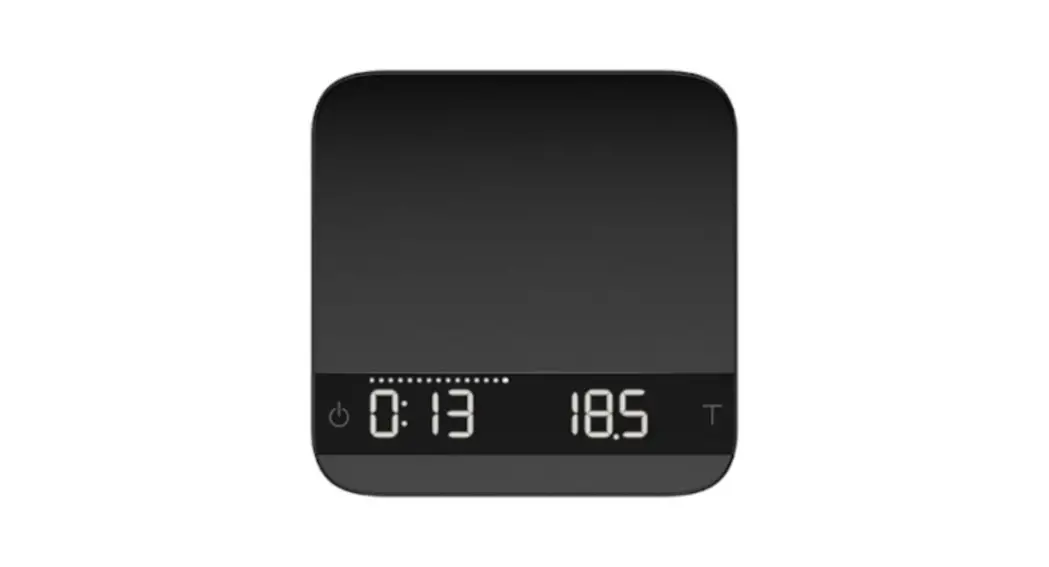
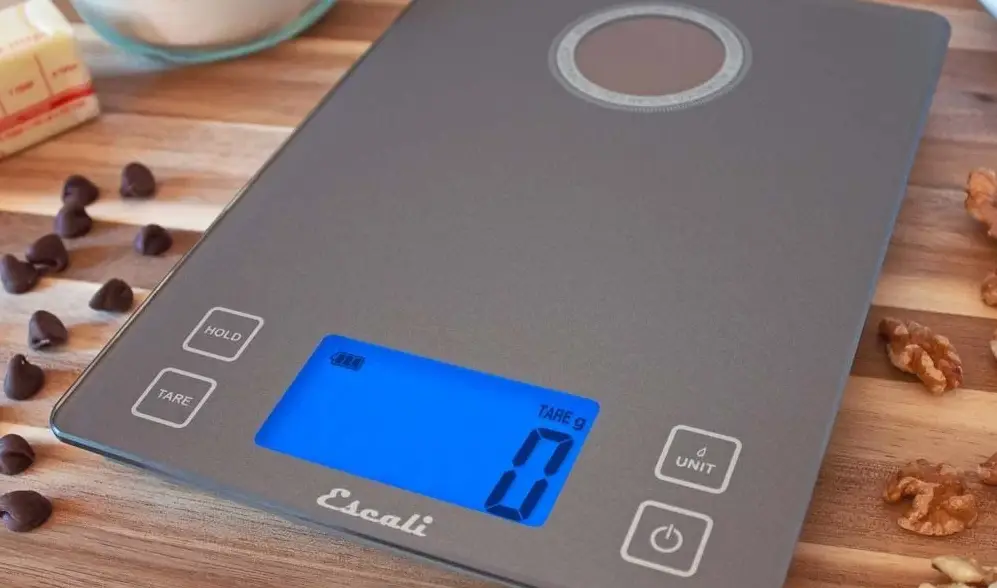
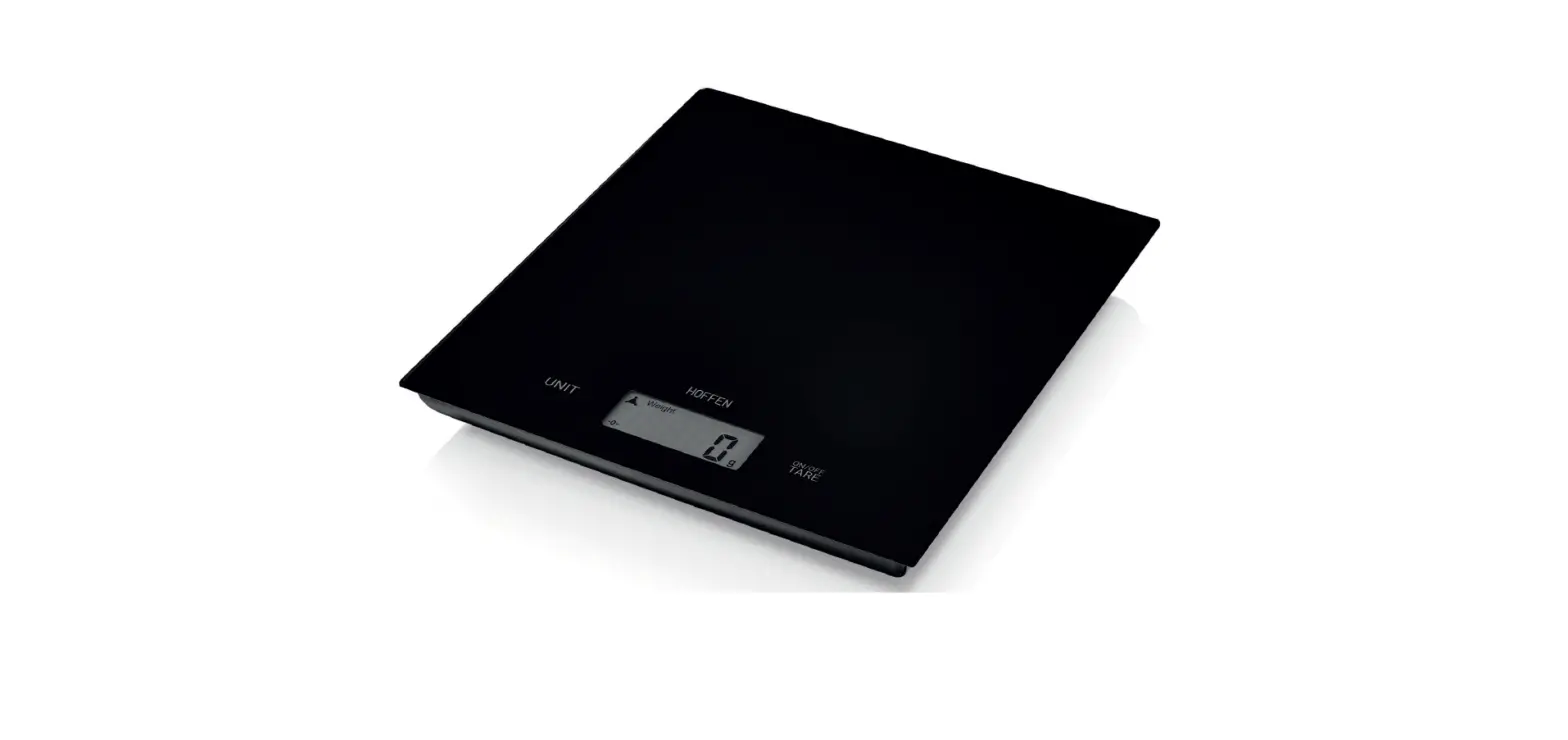
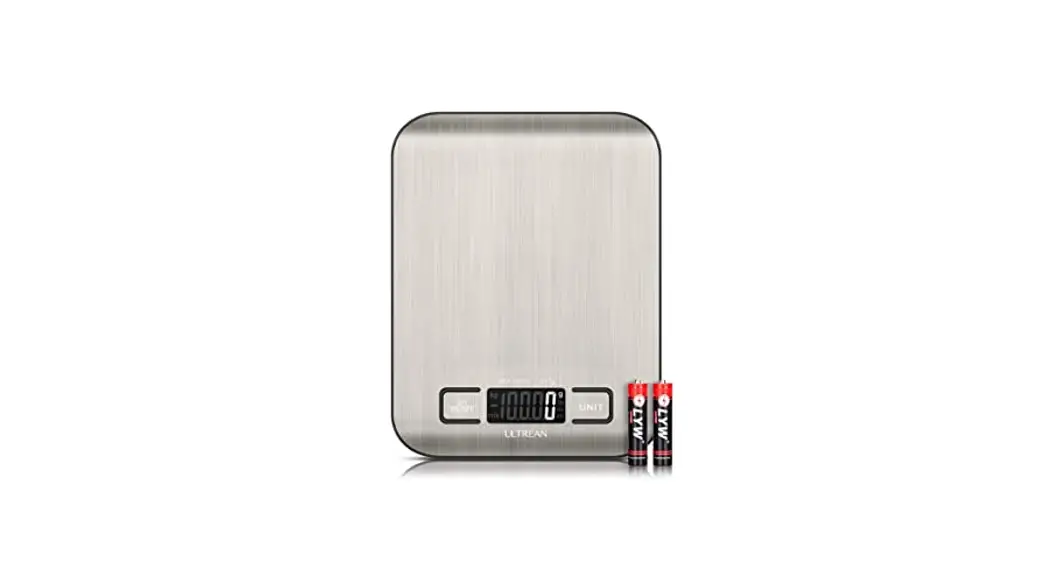
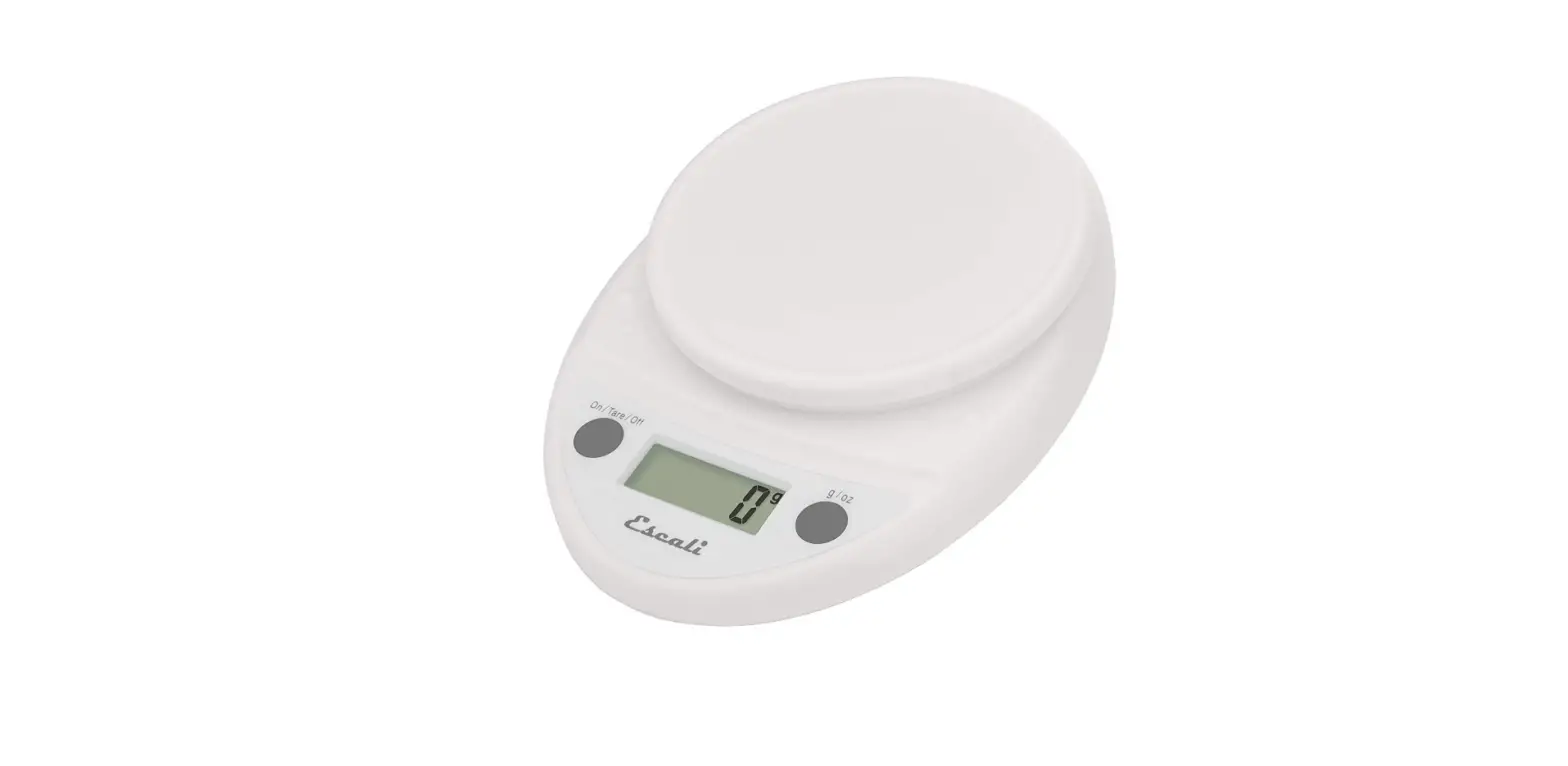
The multipurpose Escali Primo Digital Kitchen Scale has a simple two-button operation. The scale is incredibly durable and easy to clean thanks to its rounded design and sealed control panel. Use this scale to weigh food portions for dieting and weight loss, as well as for measuring ingredients for cooking, postage for mailing, and nutrition and calorie counting. To perfectly match your decor, this electronic scale is offered in a variety of colours. Which one do you prefer?
Thank you for purchasing an Escali Digital Scale.
Please read the following operation information to ensure the proper function of your new scale.
How to weigh
- Press the “On/Tare/Off” key. All display segments will appear for approximately 2 seconds before resetting to zero.
- Press the “g/oz” key to select the units (gr. lb+oz or oz).
- Place item slowly on the platform.
- Press and hold the “On/Tare/Off” key to turn the scale off
How to use the “Tare” feature
This feature allows you to obtain the exact weight of an item in a container, by subtracting the weight of the container.
- Place the container, without the item, slowly on the platform.
- Press the “On/Tare/Off” key. The weight of the container will be removed and the display will reset to zero.
- Slowly add the item to the container. The display will show the weight of the item only.
- You may continue to determine the weight of each additional item as they are added by repeating steps 2 & 3.
How to clear the “Tare” feature
- Remove all items from the platform.
- Press the “On/Tare/Off” key.
Do not place overweight items on the scale
Weighing items over the maximum weight capacity will cause an overload “EEEE” error to display. Immediately remove overweight items to avoid causing damage to your scale.
Battery Replacement
Replace the batteries when the low battery symbol appears on the display.
Additional Information
- Make sure your scale is at room temperature, and on a stable horizontal surface free of vibration.
- This scale is not waterproof. Do not expose to moisture.
- As this scale is a precision instrument, it must be handled with extreme care. Avoid rough treatment, shaking and vibration.
- Do not disassemble this scale or the warranty will be void.
- The display value may be affected by electromagnetic disturbances such as operating near a radio. If this occurs, move the device that is causing the disturbance and turn the scale off and restart.
Frequently Asked Questions
Does this scale make any noises when it is powered on or working? As soon as I use my current scale, my dog, who despises beeps, bolts from the room.
It doesn’t beep, so no. It is also remarkably accurate. In contrast to my two other scales (the Taylor and Kamenstein), it consistently displayed the amount of nickels, which weigh 5 grammes each.
How long does it take the scale to automatically turn off?
To save energy and prolong battery life, the Primo scale will turn off after four minutes of inactivity.
Does this scale have a 0.01 gramme resolution?
No. The primo weighs in 1 gramme portions.
The escali p115c primo digital scale is powered by what kind of battery?
Two AA batteries, which are supplied with the scale, are used by the Escali Primo.
Which battery size?
Two “AA” batteries are required for the Primo Digital Kitchen scale.
Does this product include two AA batteries?
Yes, the batteries for this scale are included.
Did your scale come with a stainless steel platform that could be removed? Which shade did you buy?
There is no detachable stainless steel platform with the Primo scale. Nevertheless, you can buy each one separately.
When the scale automatically shuts off, does it save the most recent weight measured?
When the scale turns off, it resets and loses the most recent measurement.
After you removed the item, does the display still function?
After you remove the object, no, it cannot support the weight. Liters and milliliters are volumetric measurement units that are not based on this scale.
Does it have the plug for the electric connection?
Because it runs on batteries, there is no electrical plug. In our kitchen at home, two AA batteries last for well over a year.
Therefore, when you place the container on the scale and press tare, the weight of the container is subtracted. then fill bowl with food to obtain accurate weight?
Yes, that is exactly how the tare feature functions. Additionally, the scale will automatically tare the weight of the container if you place it on it before turning it on.
Is there a protective cover that you can peel off the display and controls panel?
The Primo scales do not, but they are contained inside the retail box in a plastic bag for protection.
Can anyone suggest the best kind of bowl to use with this scale when baking bread?
However, stainless steel is good and lightweight and can be used with any bowl. A heavy glass bowl is acceptable as well. Just be cautious when using any container because it could cause the accuracy of the scale to be ruined.