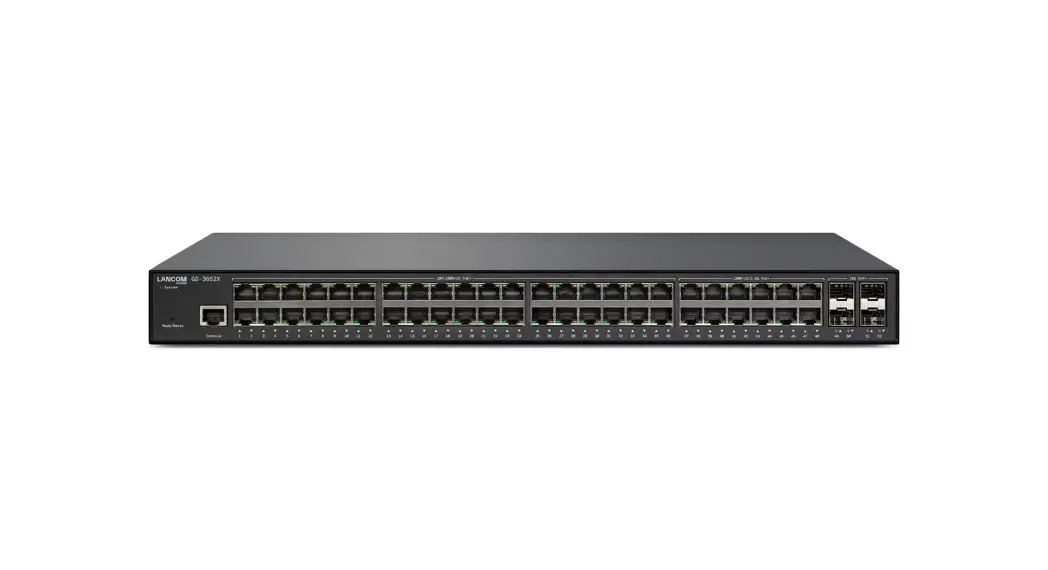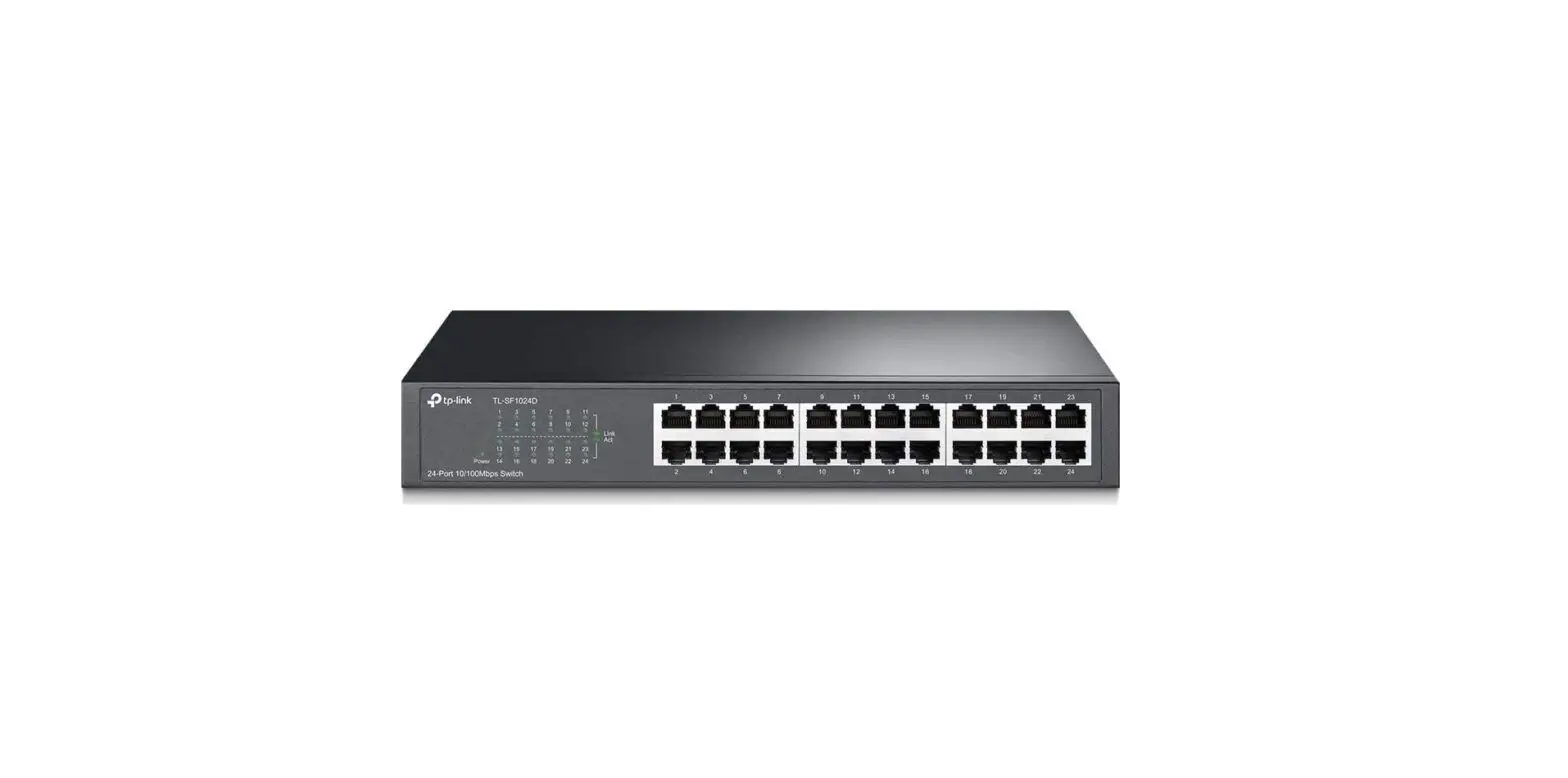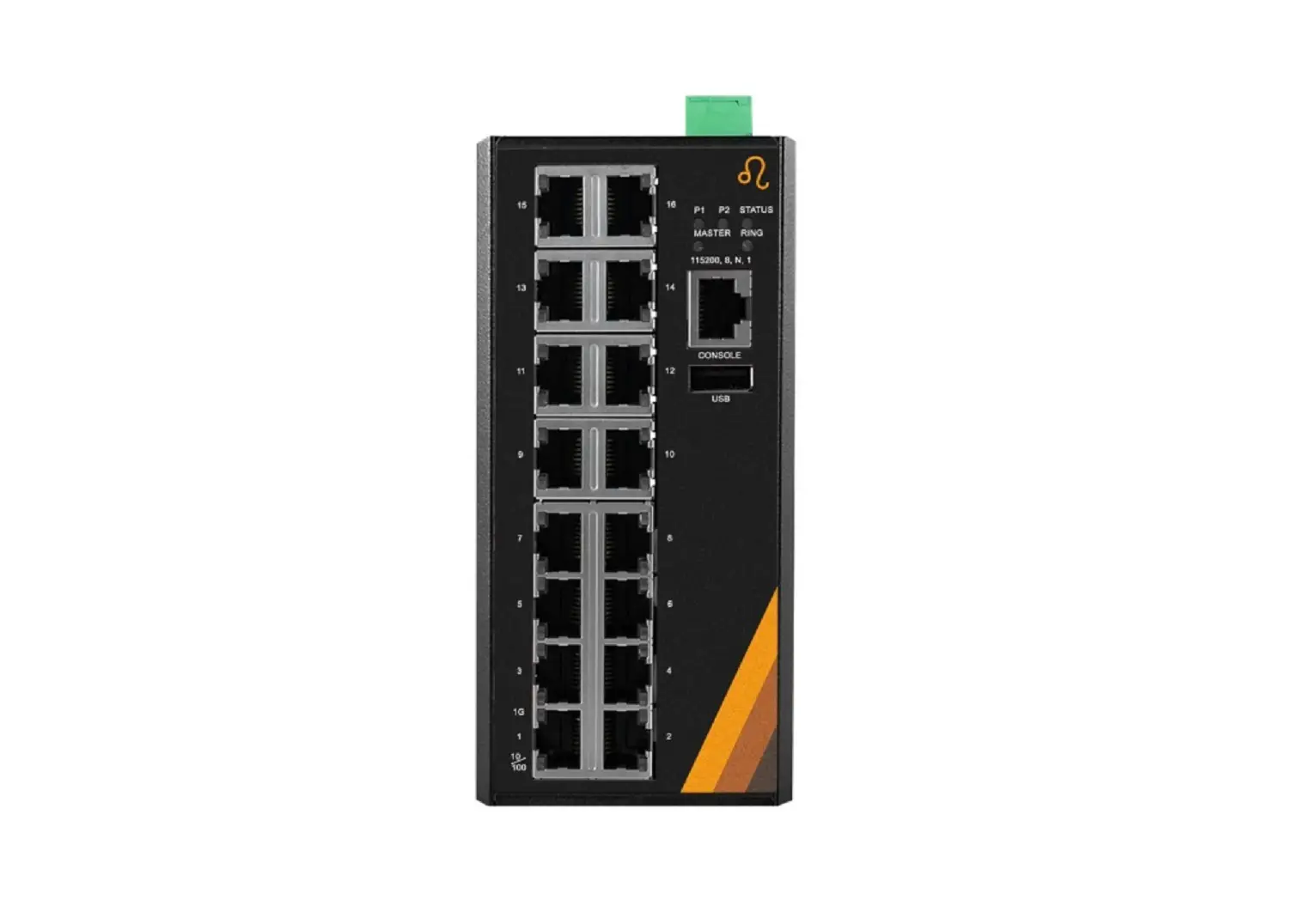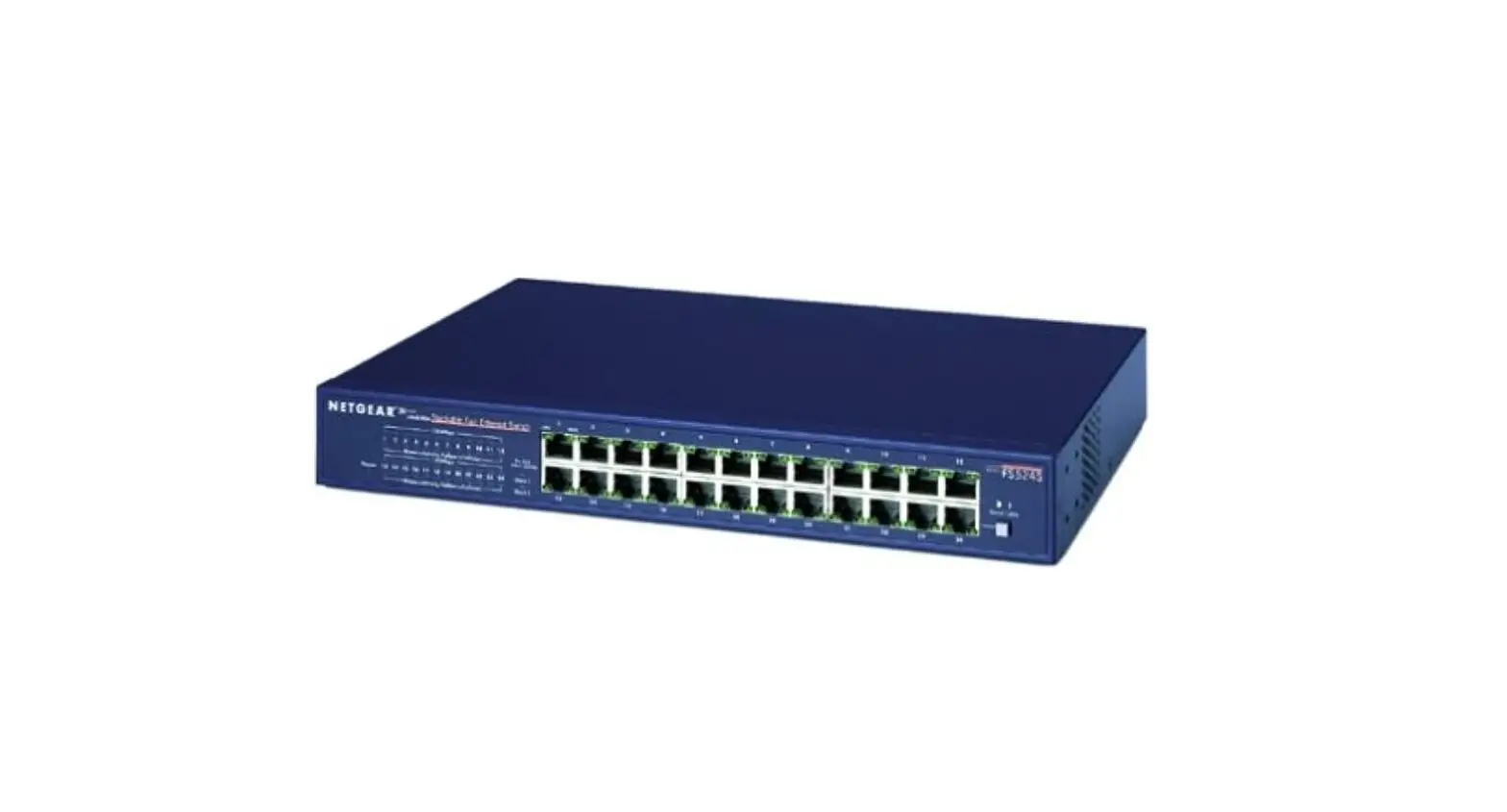
Pytes E-Box-48100R 24-Port Gigabit Ethernet Switch Rackmount User Manual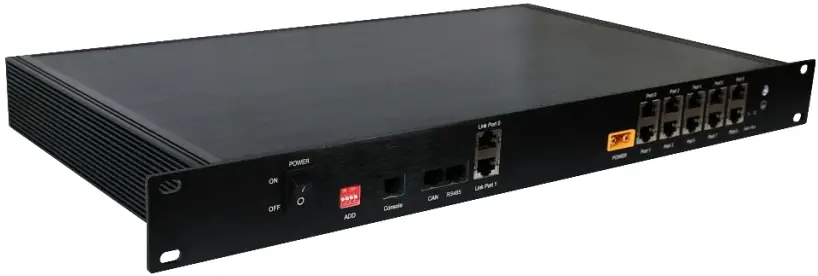
Product introduction
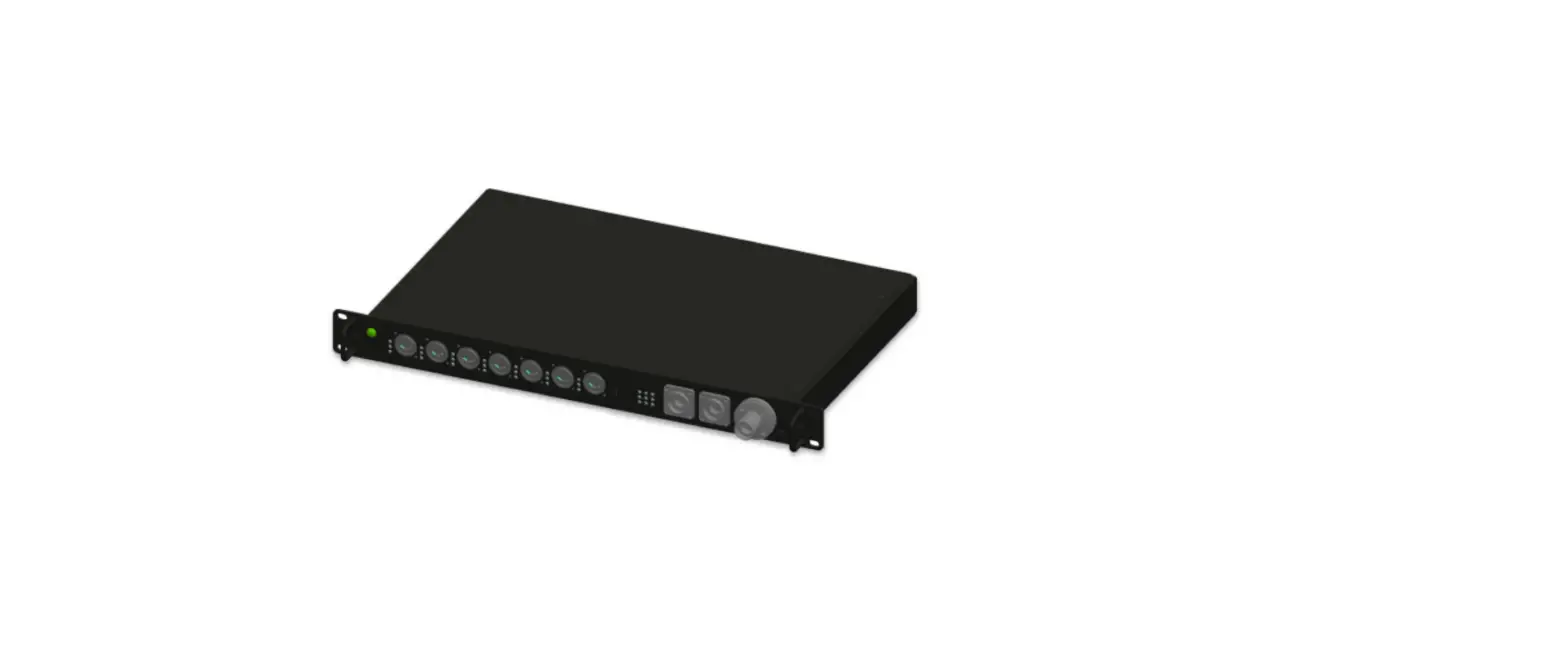
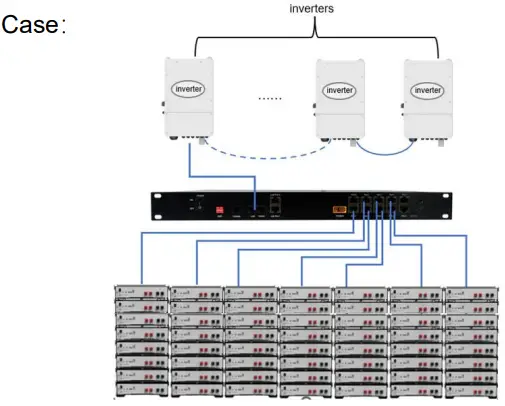
The function of PYTES 1u HUB is to realize the parallel communication between multiple clusters of batteries and inverters. It supports the connection of up to 7 clusters of batteries (each cluster supports up to 8 batteries).
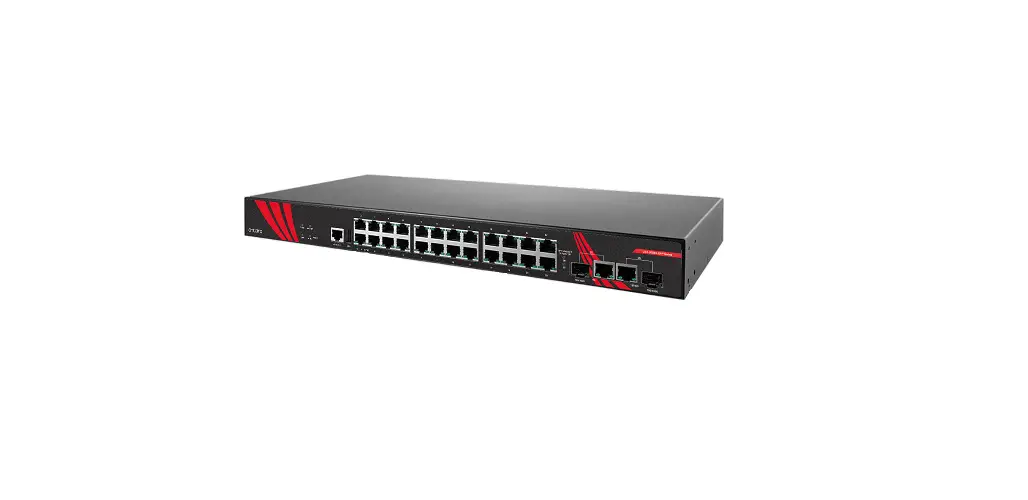
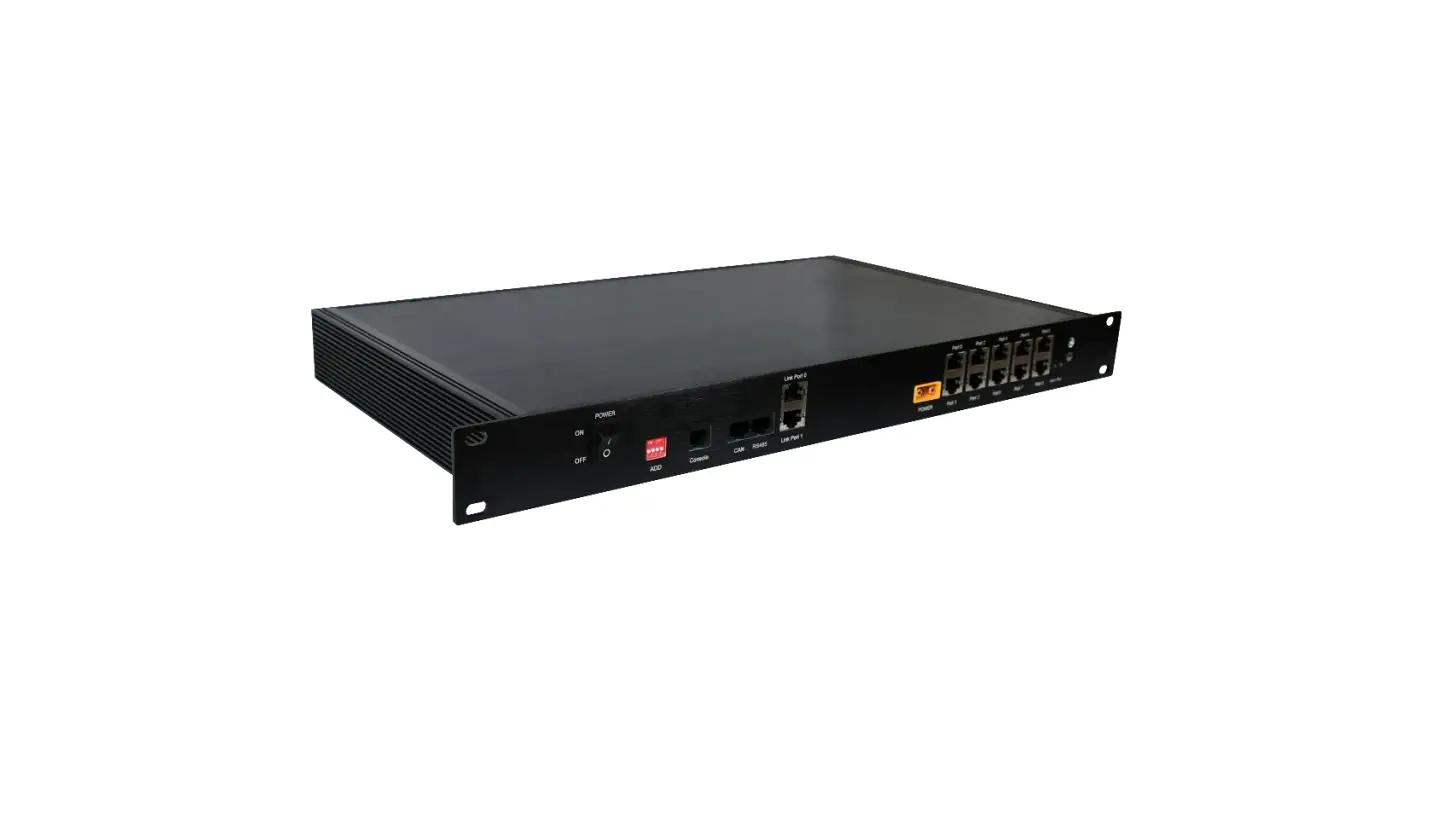
The front panel of the HUB is shown in Figure 1.

Figure 1 Front panel of the HUB
Table 1 components
| No. | Name | Label | Functions description |
| 1 | Ground |  | Grounding |
| 2 | Power button | POWER | Power button. When switched to “ON”, the system is on; when switched to “OFF”, the system is off. |
| 3 | DIP switch | ADD | Select the match manufacturer, see the battery match list |
| 4 | Power indicator/ Running indicator | Green light: the light flash when powered on Red light: the light flash when it is running. |
Installation
Notice
This product can only be used for communication of PYTES brand batteries, not for batteries of other brands. Before installation, determine whether the accessories in the packing box are complete. See attached table 2 for the list of accessories. Make sure that the inverter, battery and HUB switches are turned off.
Rack installation
Place the HUB on the rack guide rail and push the hub box as far as it will go. Take out 4 lug screws from the accessories package and fix the HUB on the rack through the lug. As shown in Figure 2.
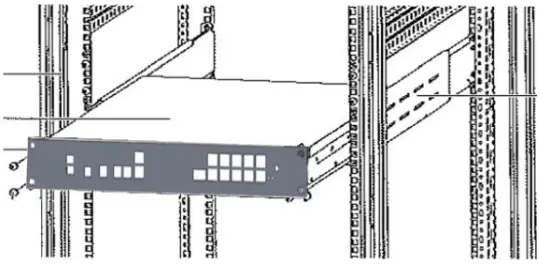
Figure 2 rack installation
Cable connection
After rack installation, connect the cables in the following order:
- Connect interface 1 and link port 1 with the network cable in the accessory;
- Connect the battery pack communication line to the interface;
- Adjust DIP switch according to inverter model (refer to Appendix B);
- According to the inverter model, connect the inverter communication line to the can or RS485 interface;
- Connect the power cord to DC input, and the other end needs to be connected to power. It can be connected to the 48V transformer to connect the mains power, or through the battery outlet interface to connect the power line.
Notice:
- The master battery’s DIP code of each cluster of batteries needs to be set referring to Appendix B.
- Customers need to order additional communication lines between
Batteries and HUB. If customer want to make this type of line by themselves, please note that the PYTES battery wiring is 3 and 4(g and B), and the HUB wiring is 4 and 5(B and b). See Figure 3.
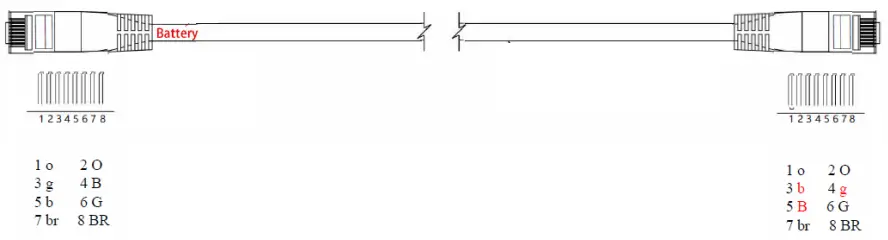
Figure 3 communication cable wiring
Work
After rack installation and cables connection, turn on the HUB, batteries and inverters switches. The red light on the hub panel is on, indicating that the hub power connection is normal; The green light is on, indicating that the hub function is running normally.
Table 2 Accessories list
| No. | item | quantity | unit |
| 1 | Hub | 1 | PCS |
| 2 | screws | 4 | PCS |
| 3 | screw nuts | 4 | PCS |
| 4 | power cable | 1 | PCS |
| 5 | Network cable | 1 | PCS |
Warranty Card
| name | |
| Installation time | |
| Installation address | |
| Battery type | |
| Inverter type | |
Vision:v1.1
Date:2022.07.20
All rights reserved.
Shanghai PYTES Energy CO., Ltd.
Address: No. 3492 Guangming Jinqian Road, Qingcun Town, Fengxian
District, Shanghai
Phone number:+86 02157474366
Postal Code:201406
Website:www.pytesgroup.com
Email: [email protected]