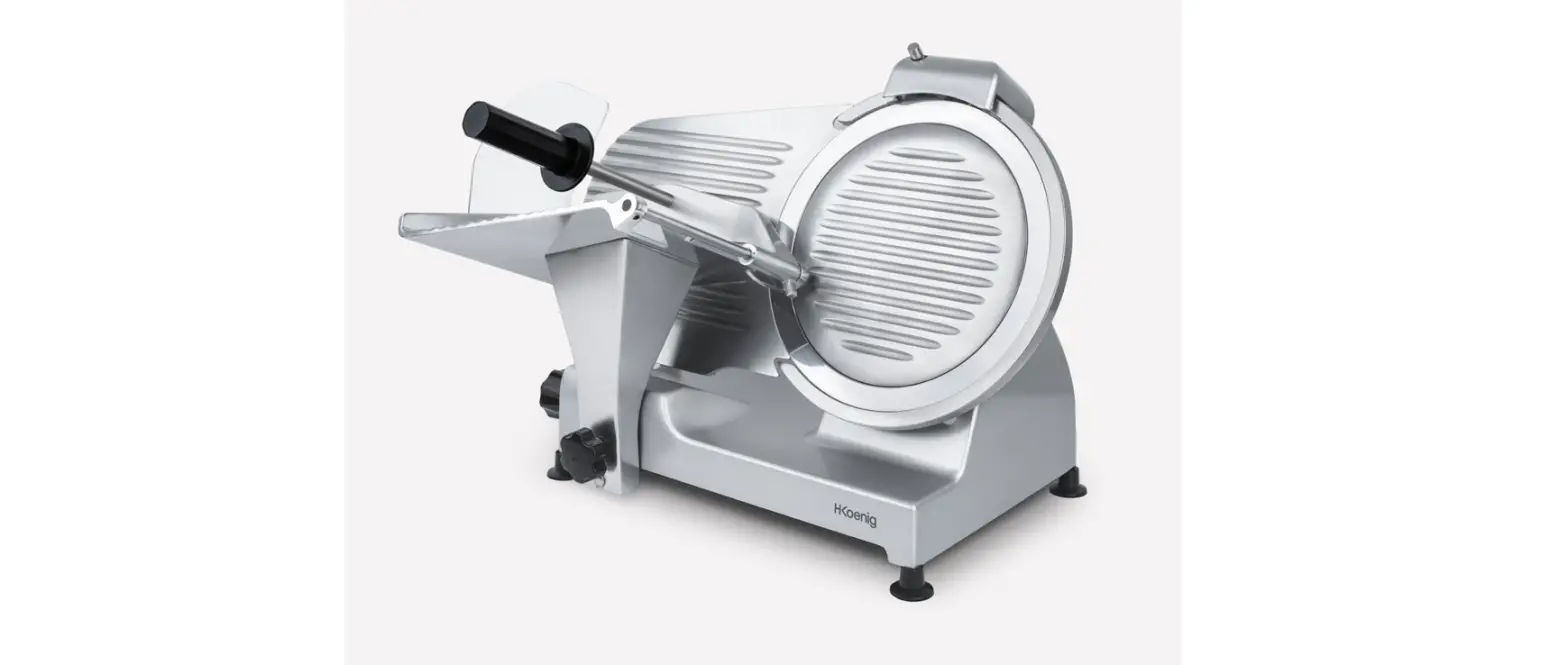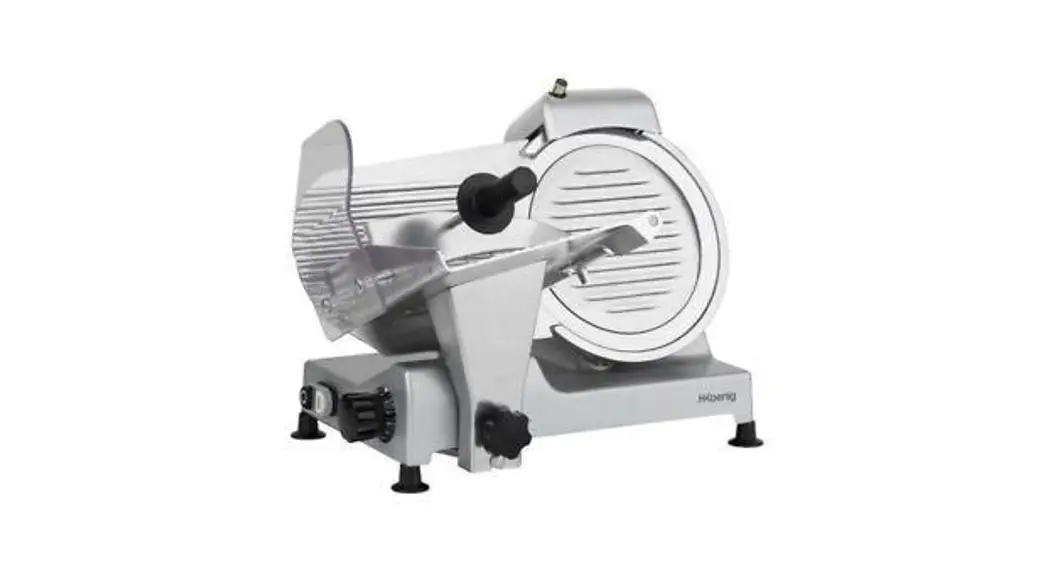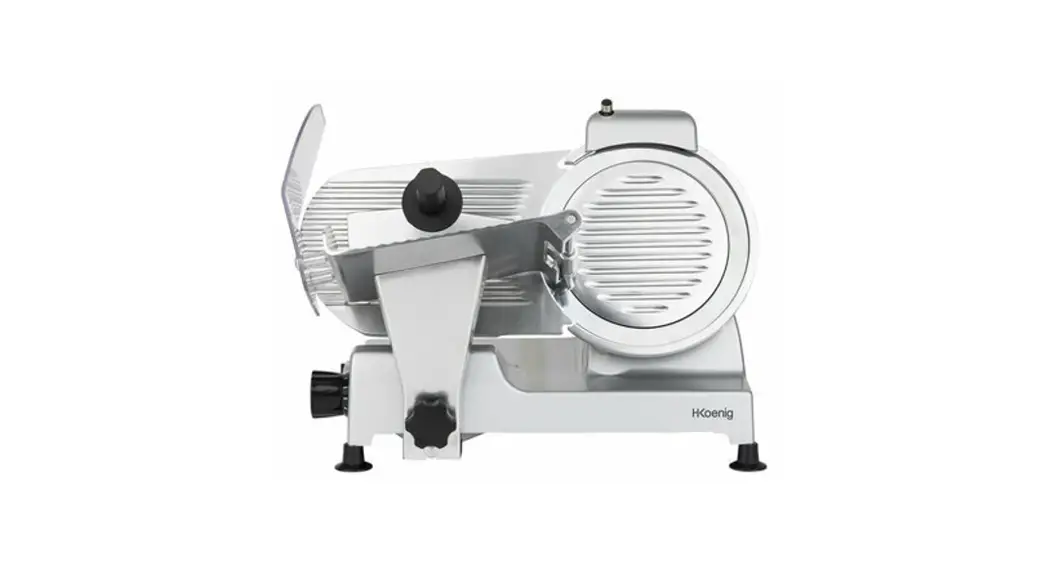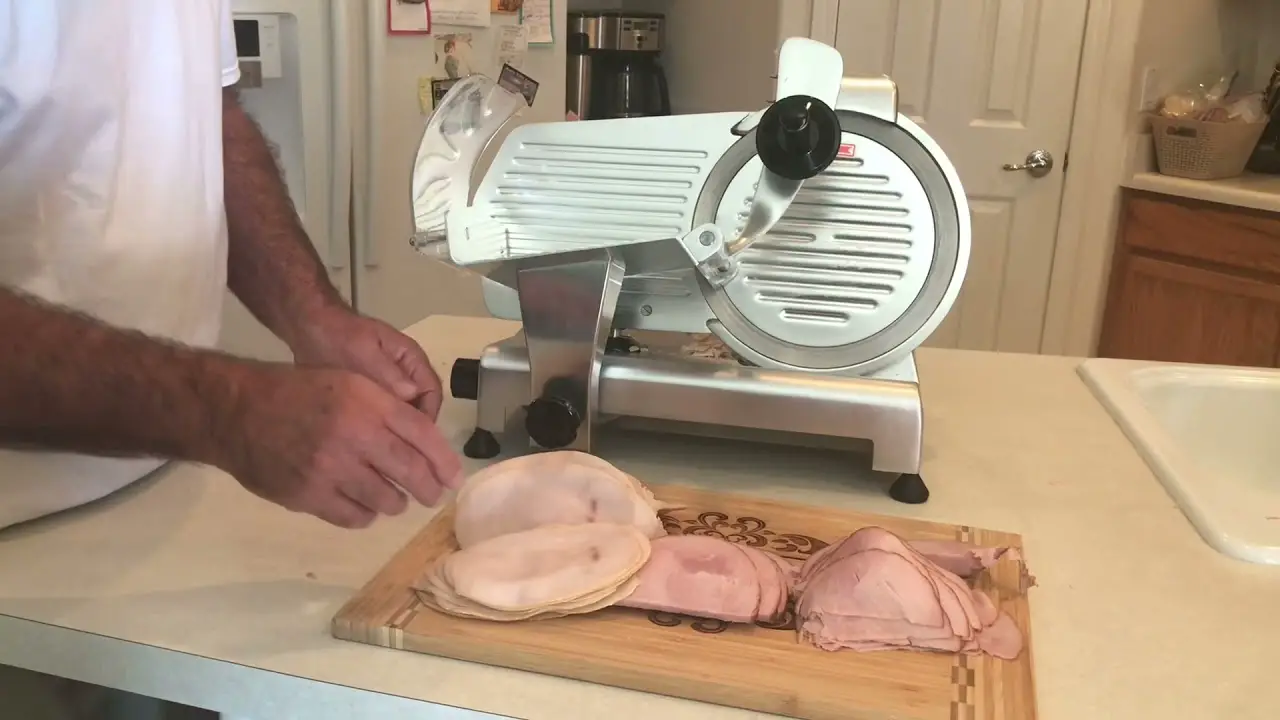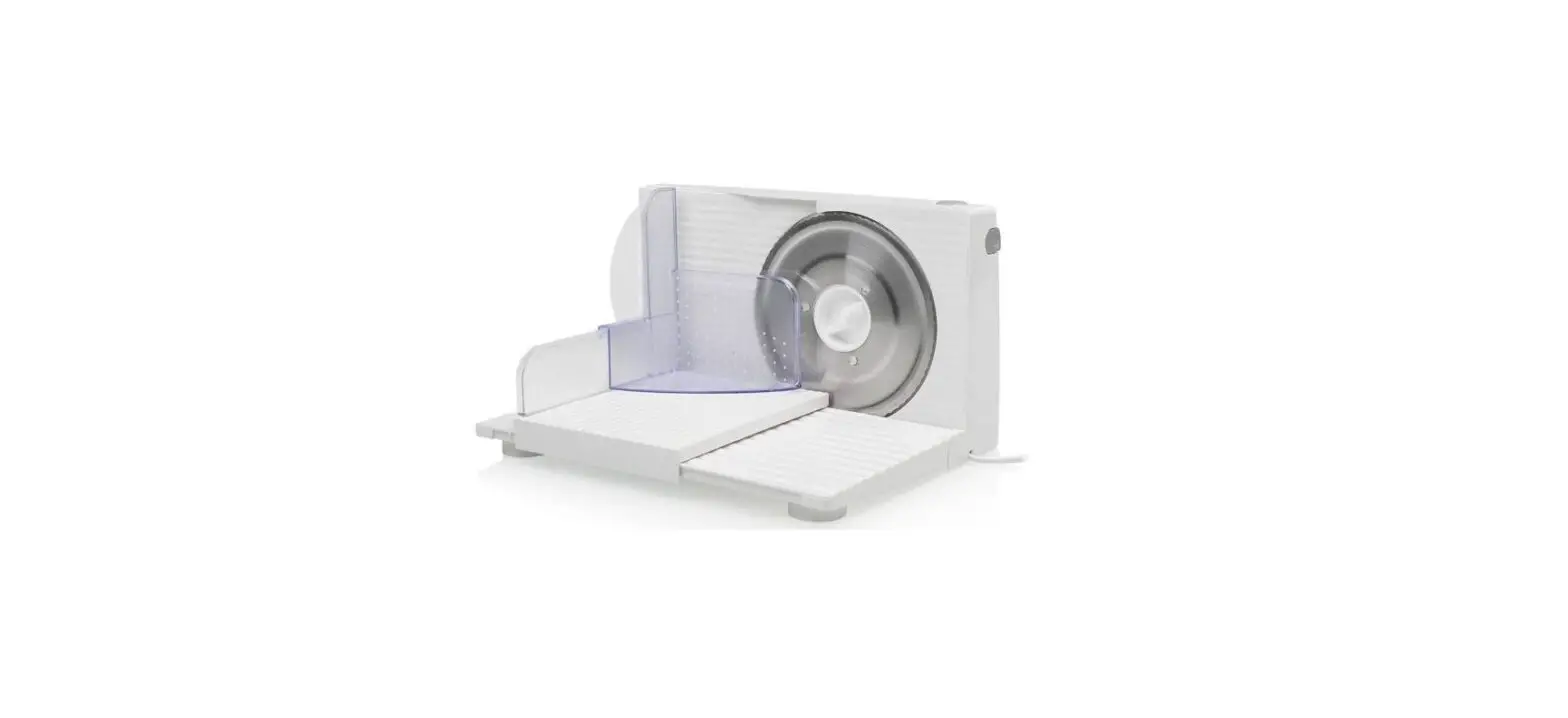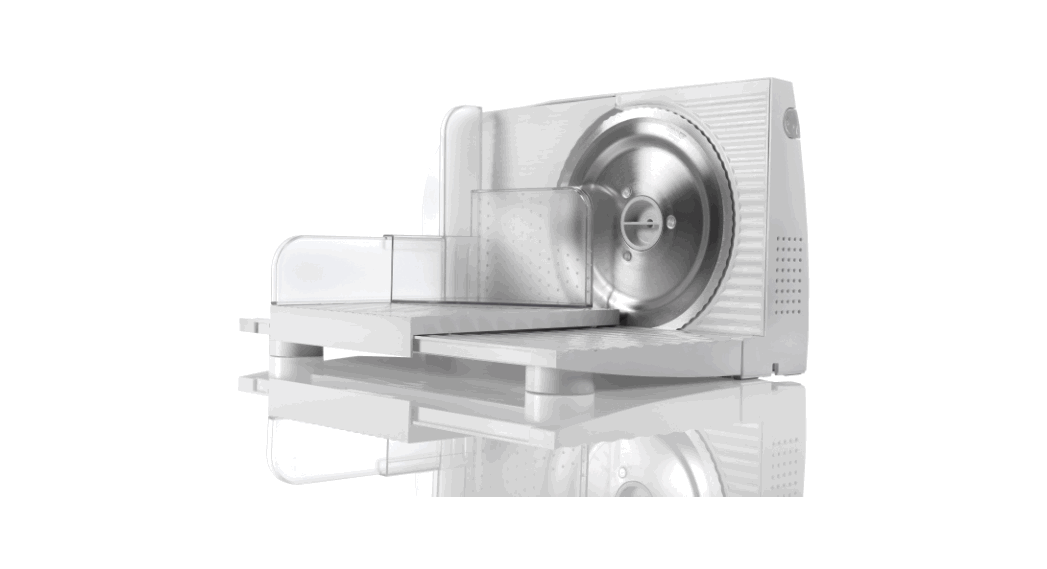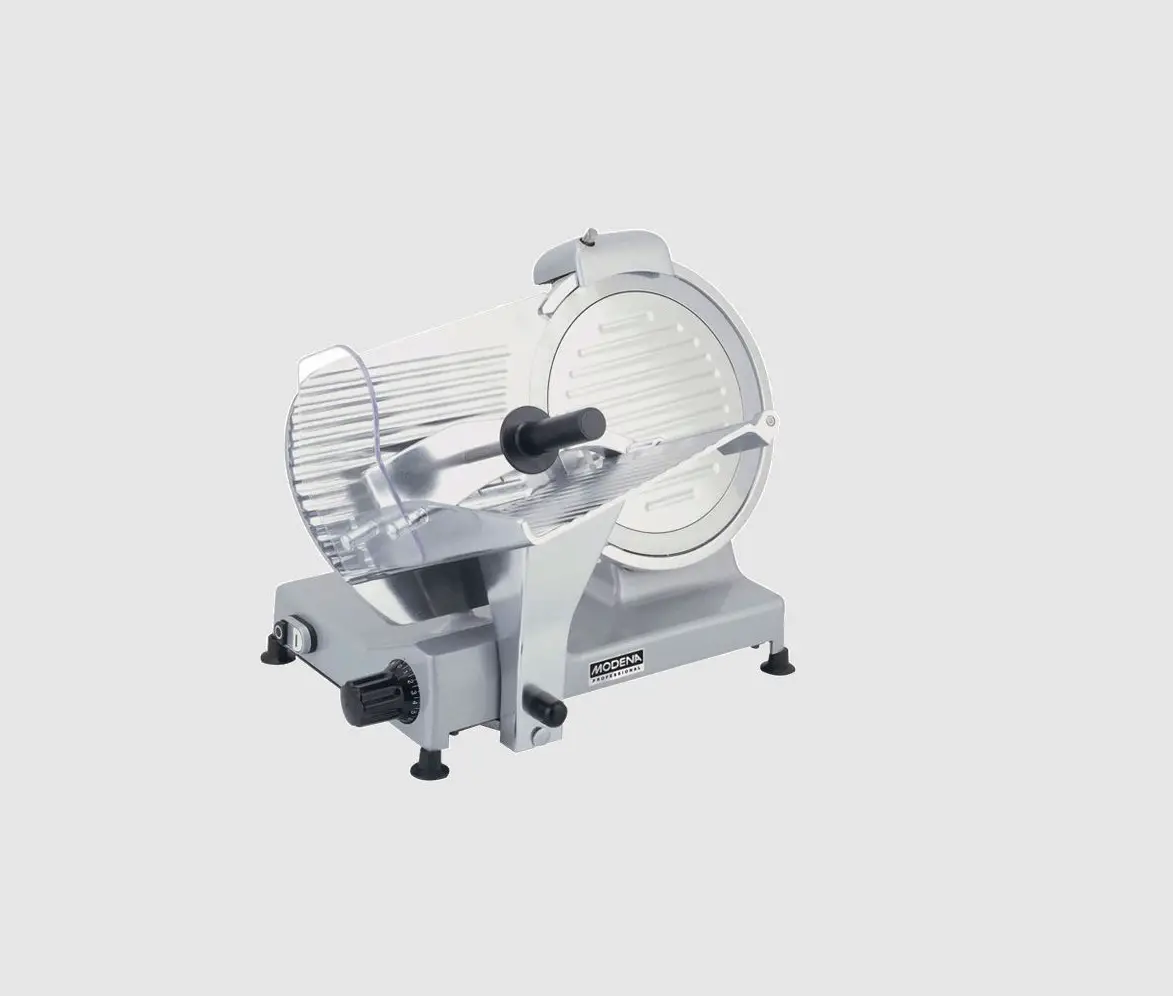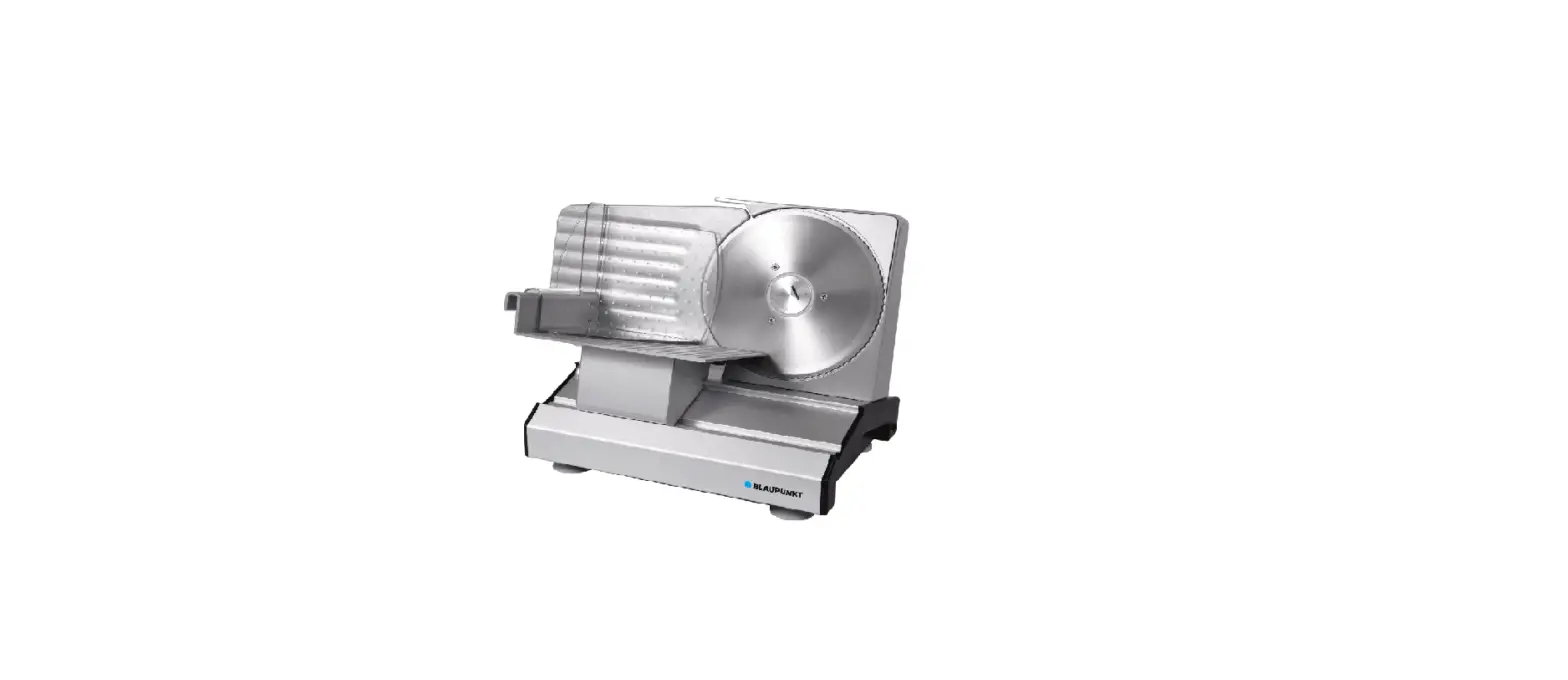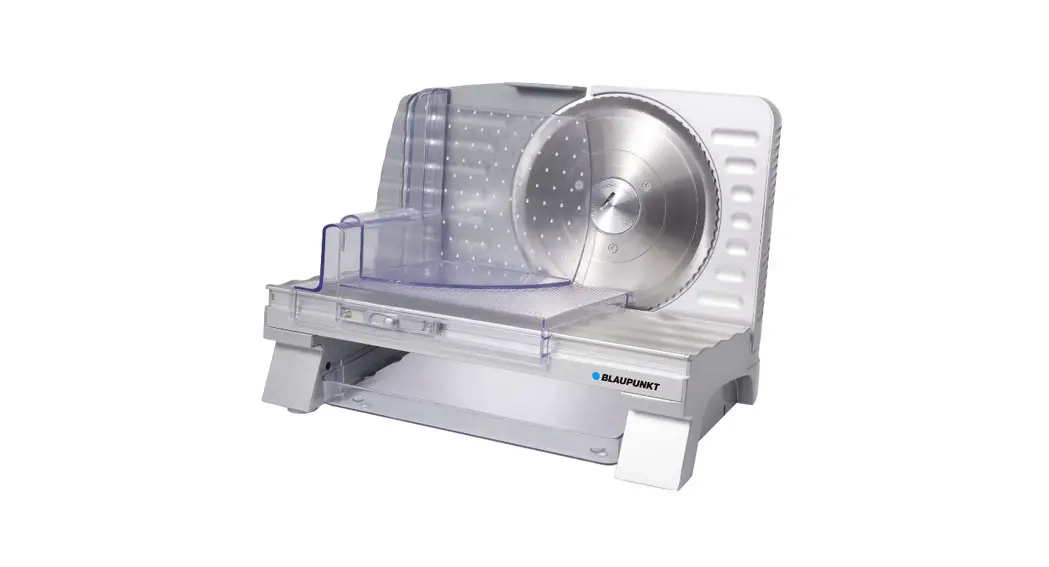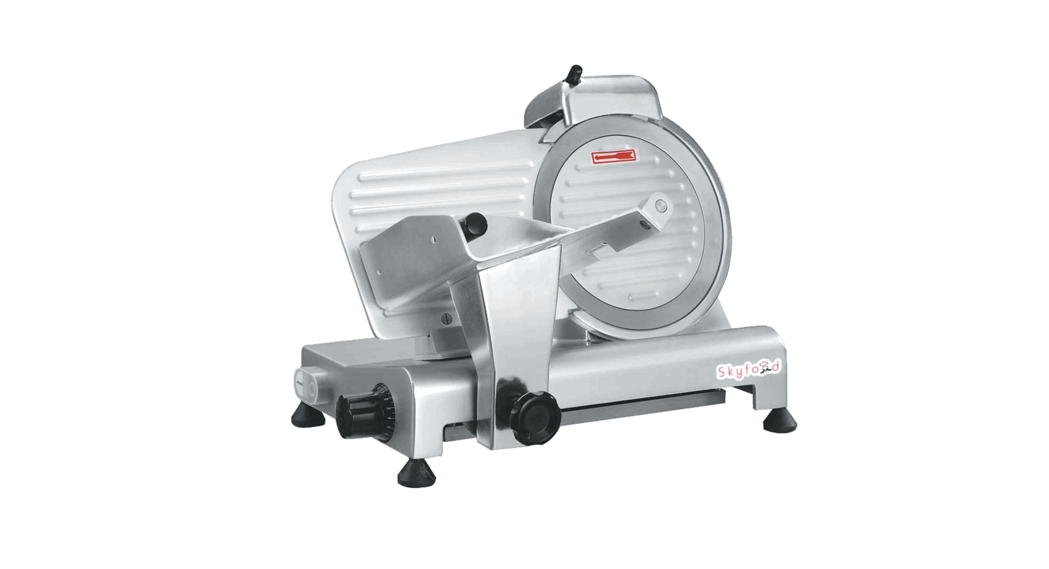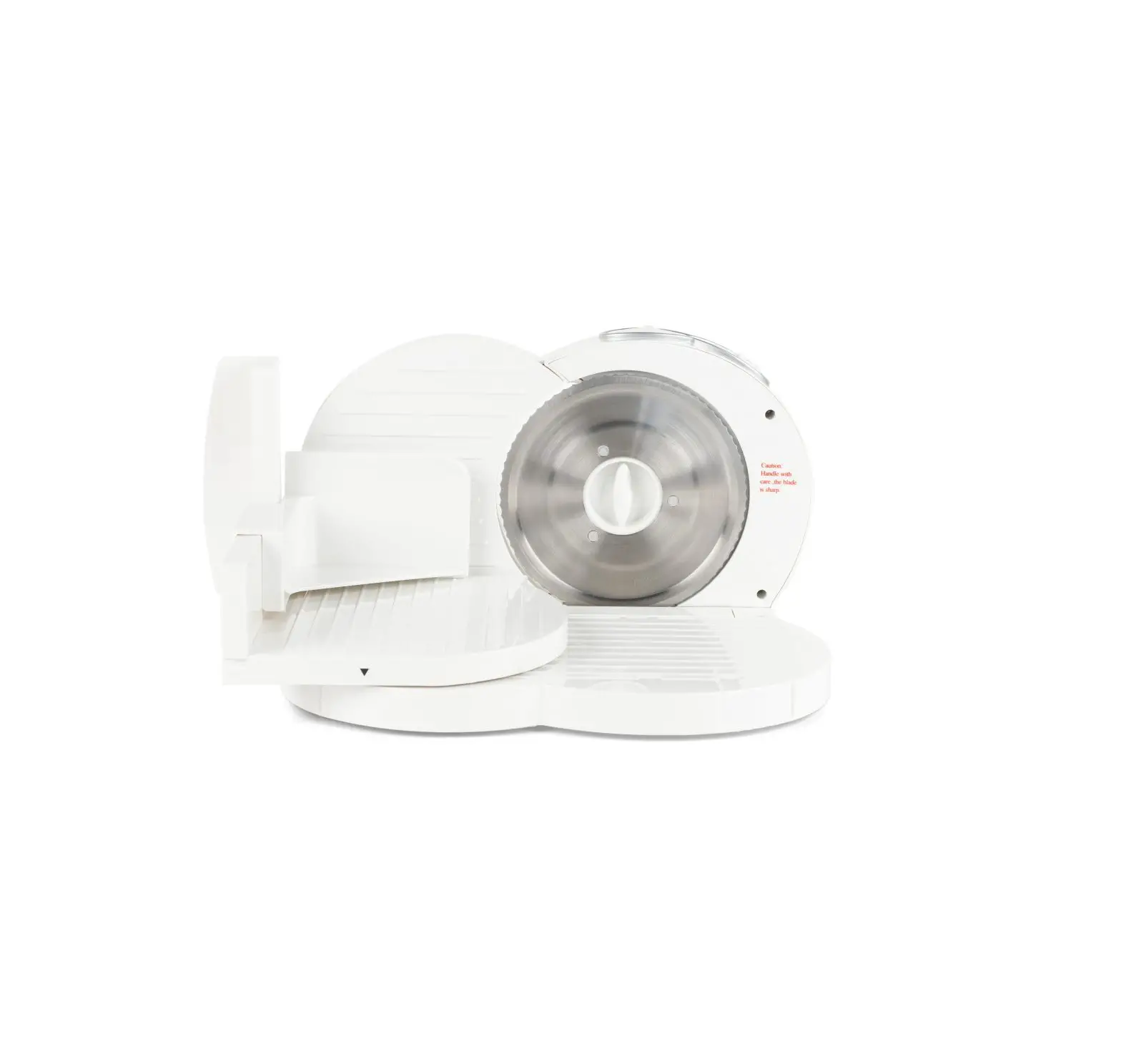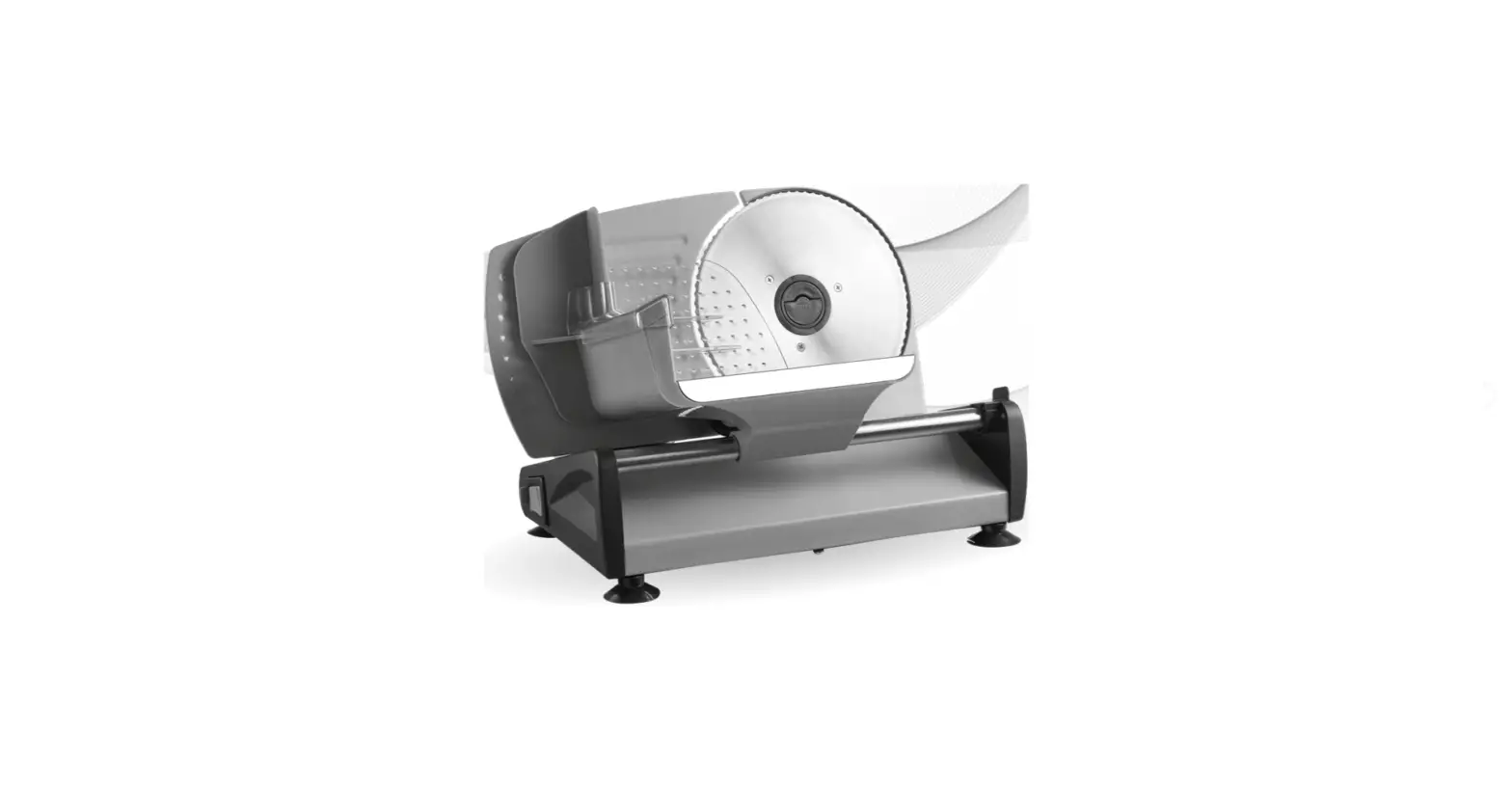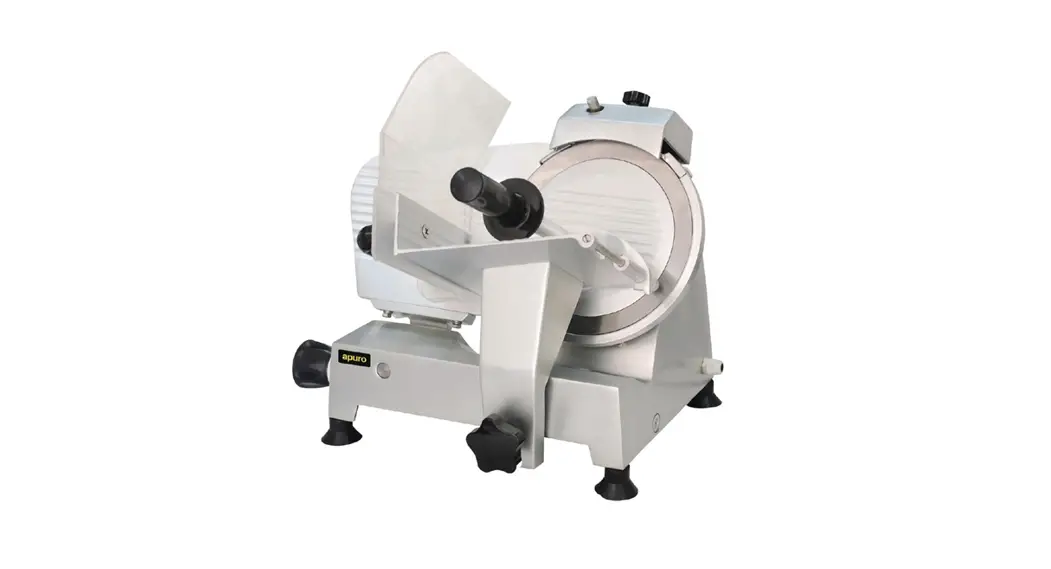

Meat Slicer
Instruction manual
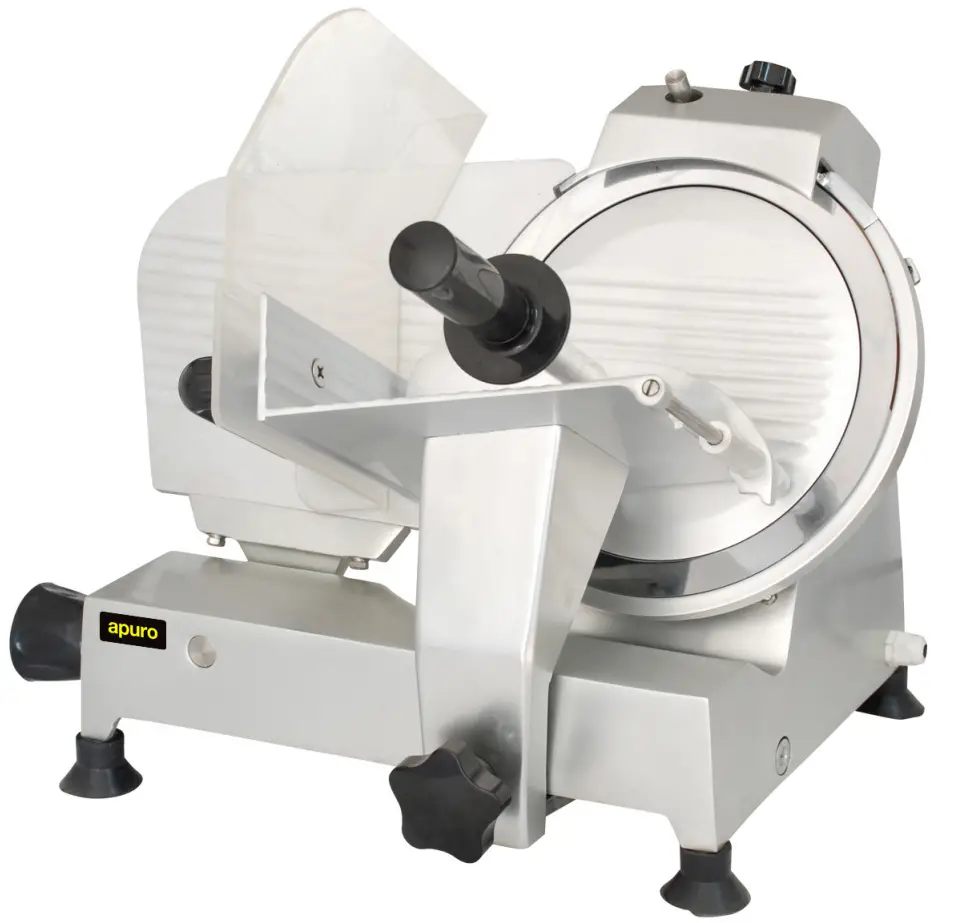
Model:
CD277-A/CD278-A/CD279-A
Safety Tips
 | THE MEAT SLICER IS A DANGEROUS APPLIANCE AND MUST ONLY BE USED BY TRAINED PERSONNEL IN ACCORDANCE WITH THESE INSTRUCTIONS | |
- Position on a flat, stable surface.
- A service agent/qualified technician should carry out installation and any repairs if required. Do not remove any components on this product.
• Consult Local and National Standards to comply with the following:
• Health and Safety at Work Legislation
• Fire Precautions
• Wiring Regulations
• Building Regulations - Always stand BEHIND the safety guard when operating the appliance.
- DO NOT place hands near the blade when in use. This can result in severe injury.
- DO NOT touch the blade edge.
- DO NOT remove food from the appliance until the blade has come to a complete stop.
- DO NOT immerse the appliance in water.
- DO NOT attempt to cut bones or items that have been frozen below -6°C. This can damage the blade.
- Always switch off and disconnect the power supply to the appliance when not in use.
- NEVER leave the appliance unattended when in use.
- Keep all packaging away from children. Dispose of the packaging in accordance to the regulations of local authorities.
- If the power cord is damaged, it must be replaced by an Apuro agent or a recommended qualified technician in order to avoid a hazard.
- This appliance must only be used in accordance with these instructions and by persons competent to do so.
- This appliance is not suitable for use by children.
- Apuro recommends that this appliance should be periodically tested (at least annually) by a Competent Person. Testing should include, but not be limited to: Visual Inspection, Polarity Test, Earth Continuity, Insulation Continuity, and Functional Testing.
Product Description
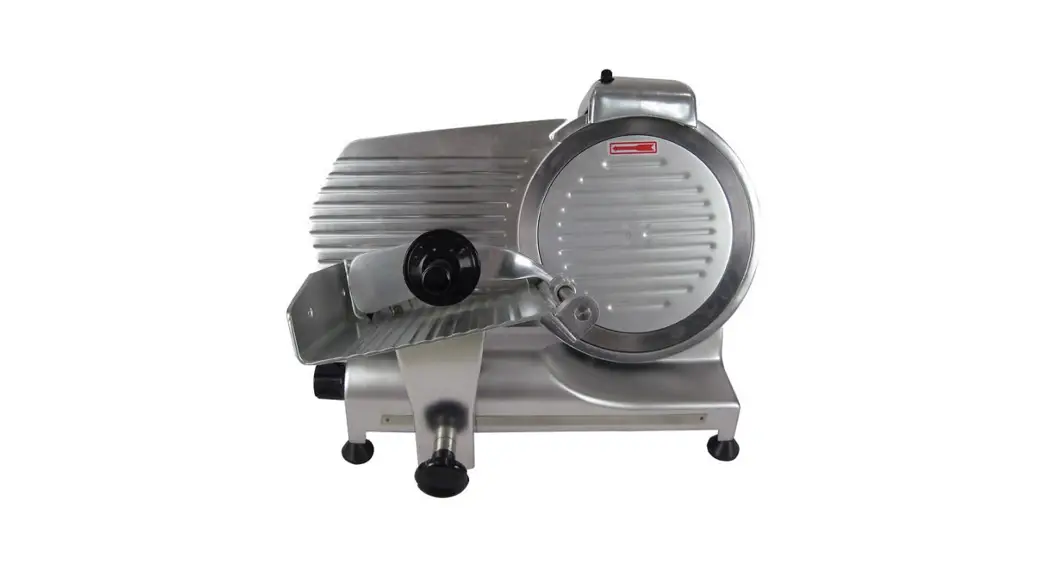
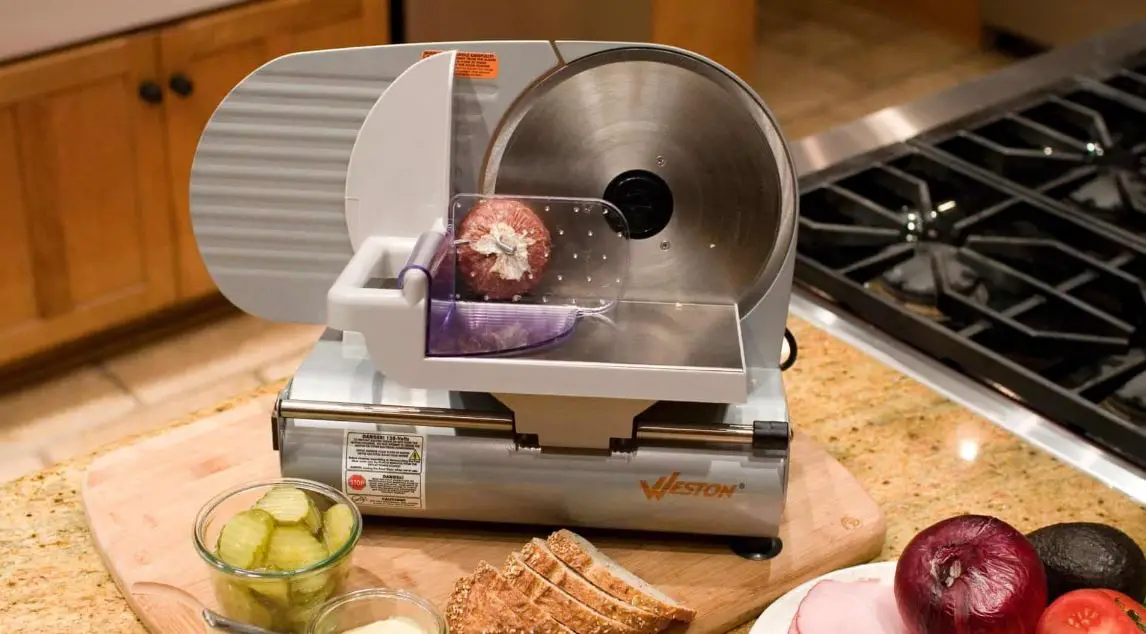
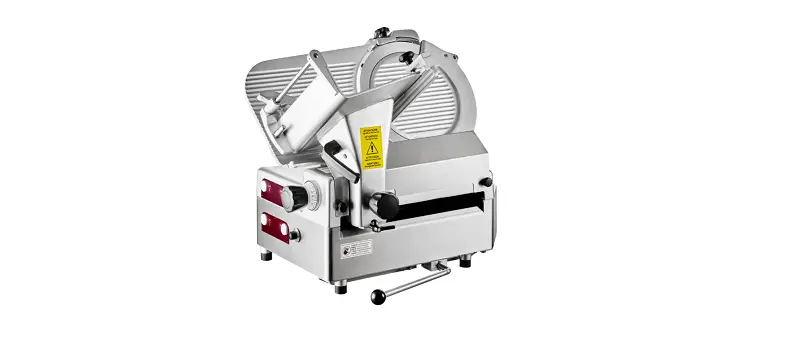
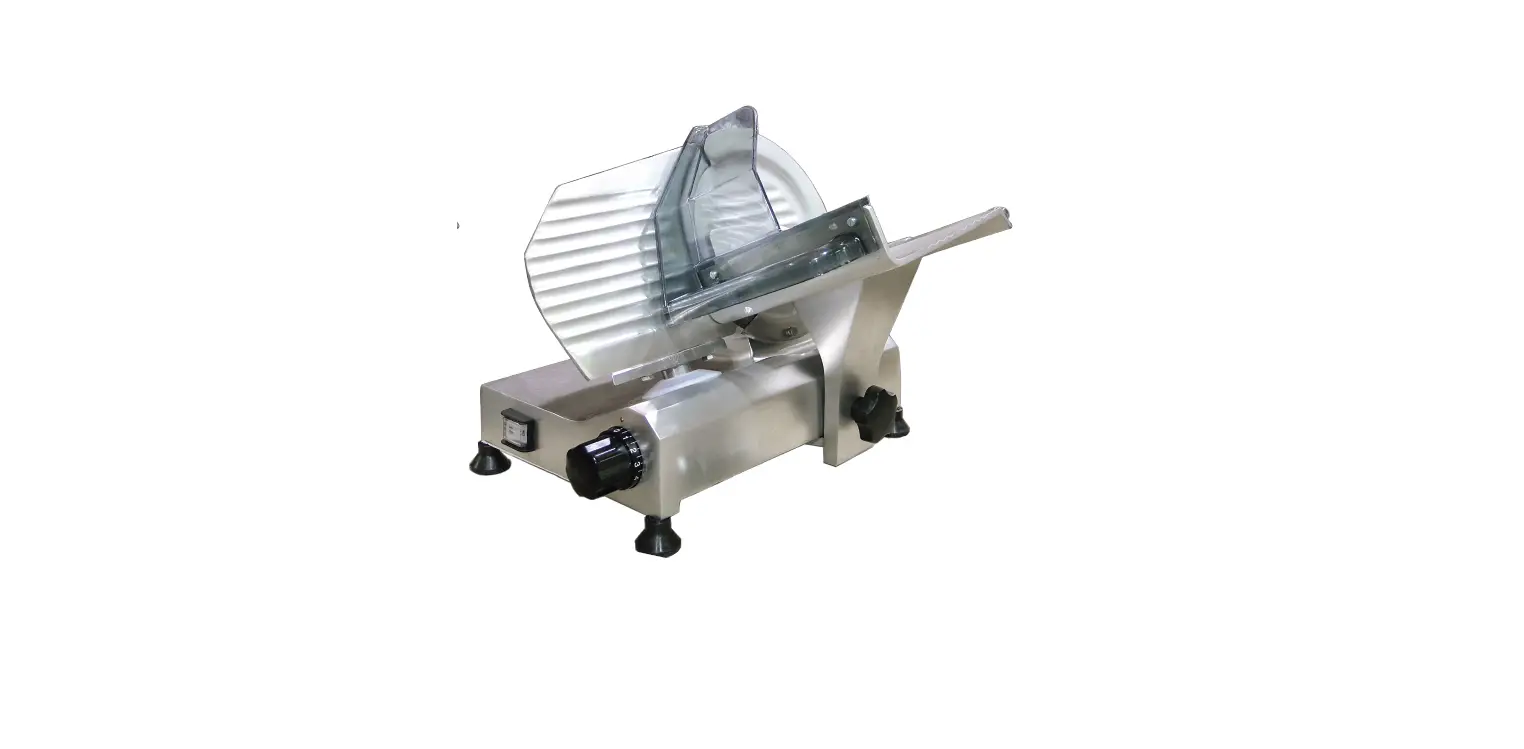
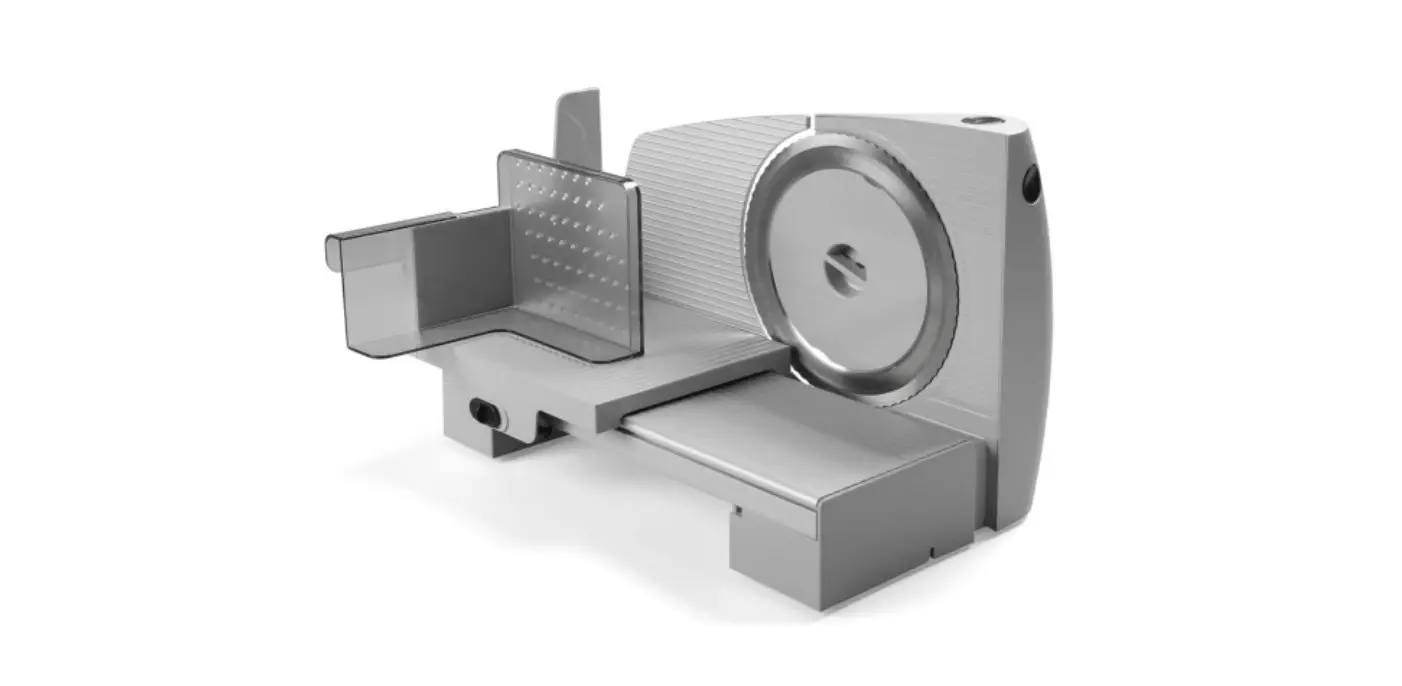
CD277-A – 220mm Blade
CD278-A – 250mm blade
CD279-A – 300mm blade
Introduction
Please take a few moments to carefully read through this manual. Correct maintenance and operation of this machine will provide the best possible performance from your Apuro product.
Pack Contents
The following is included:
| • Apuro meat slicer | • Safety guard assembly kit | • Instruction manual |
| • Blade removal tool | • Allen Key | • Grip handle |
Apuro prides itself on quality and service, ensuring that at the time of packaging the contents are supplied fully functional and free of damage.
Should you find any damage as a result of transit, please contact your Apuro dealer immediately.
Assembly
The plastic safety guard has been removed from the appliance to prevent damage during transit.
WARNING: The safety guard MUST be fitted before using this appliance.
Apuro accepts no responsibility for any injury caused by the operation of this appliance without the guard installed or correctly fitted.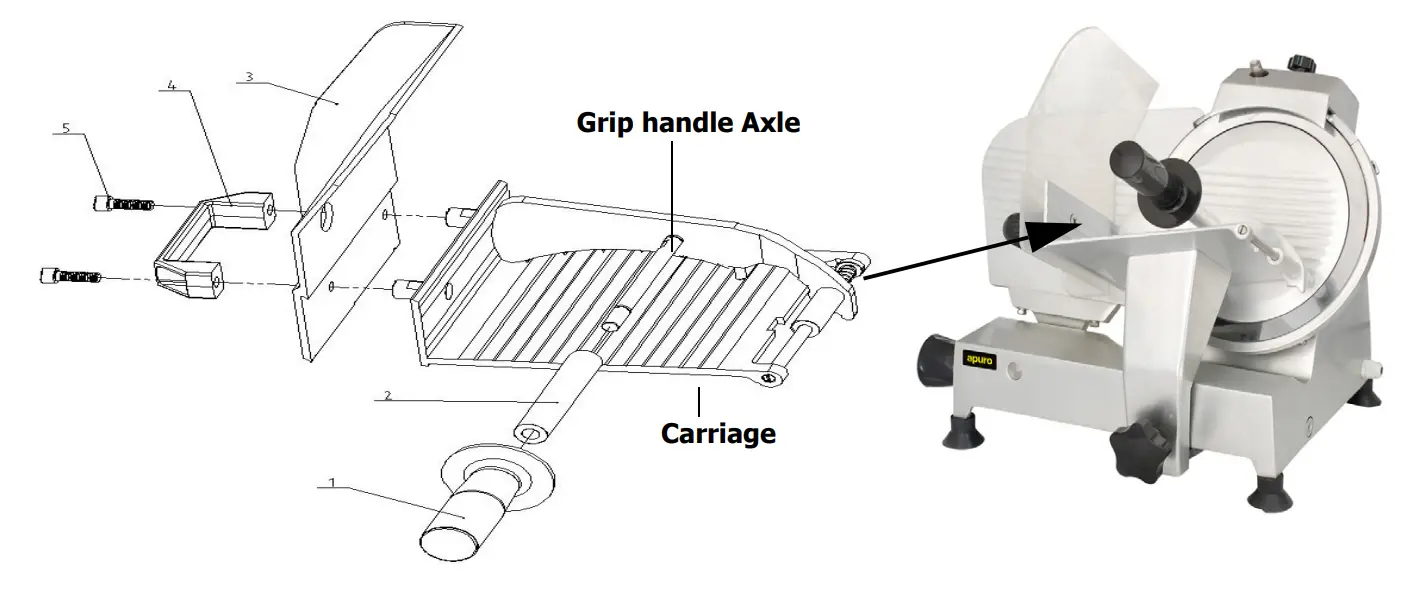
- Fit grip handle support tube (2) over grip handle axle. Fit grip handle (1) to support tube.
- Fit Blade guard (3) and Carriage handle (4) to the carriage using screws(5) and Allen key supplied.
Operation.
- Connect the appliance to the power supply.
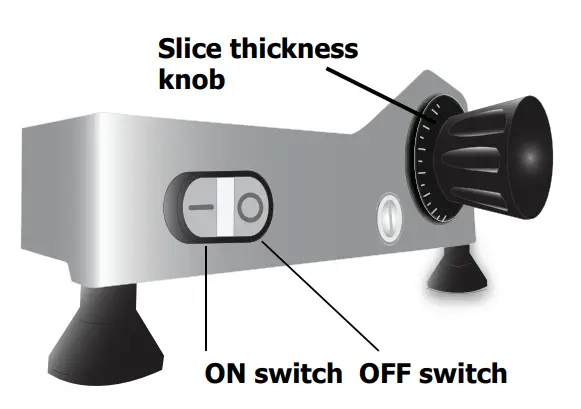
- Set the thickness to the desired level by turning the Thickness knob anti-clockwise.
- Turn the Plate fixing bolt clockwise so the fixing head touches the plate.

 Note: It is important to set the Plate fixing bolt as failure to do so can result in inaccurate thicknesses when slicing.
 - Place the meat in the cradle and secure in place with the Grip handle.
- Switch On the power [I].WARNING: NEVER use your hands to secure the meat when slicing.
- Holding the carriage and grip handles, push the carriage backward and forwards across the blade.WARNING: The blade starts immediately.
- After slicing the desired amount press the Off [O] button to turn Off the appliance.WARNING: The blade continues to turn for a few seconds after switching off.
- Remove the sliced food from the catchment area.Note: Always disconnect the meat slicer from the mains powers supply when not in use.WARNING: This unit is not suitable for slicing water-rich products such as Tomatoes and Cucumbers, meat with bones or frozen food
Telephone Helpline: 1300 225 960
Cleaning, Care & Maintenance
- Always turn off and disconnect the appliance from the power supply before cleaning.
- Always use extreme care when handling the blade.
- Use soapy water and a damp cloth to clean the appliance.
- Clean the appliance regularly.
Cleaning the Blade and Cover
- Disconnect the appliance from the power supply.
- Push the carriage away from the blade.
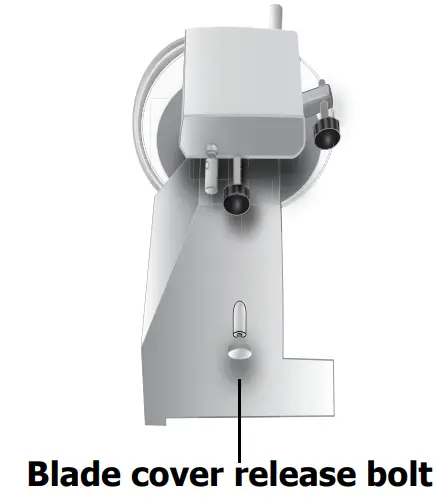
- Unscrew the blade cover release bolt.Note: The appliance will not work with the blade cover release bolt unscrewed.
- Carefully lift off the blade cover

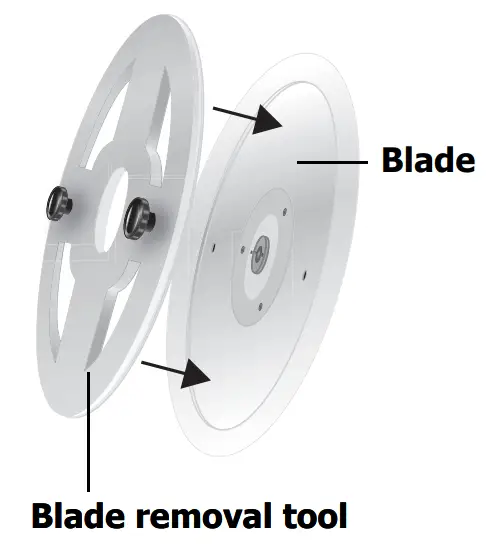
- Attach the blade removal tool by placing it over the blade and screwing the two bolts into the corresponding holes in the blade.
- Unscrew the 3 screws holding the blade, leaving it sat on the slicer.
- Lift the blade off the slicer using the knobs of the blade removal tool as handles.
- Wash the blade by wiping from the center towards the edge. Keep the removal tool in place when cleaning.
 If necessary, wipe clean the face of the blade once it has been reattached.
 - Dry thoroughly.
- Replace the blade and cover, ensuring the blade securing bolt is securely tightened.
 If necessary, wipe clean the face of the blade once it has been reattached.
Note: Apuro recommends the use of cut-resistant or wire mesh gloves when cleaning the blade.
Sharpening the Blade
Note: Always clean the edge of the blade before sharpening.
Always wear protective eye wear when sharpening the blade.
If the meat slicer begins to produce uneven or broken slices, it may be blunt and require sharpening.
To sharpen the blade:
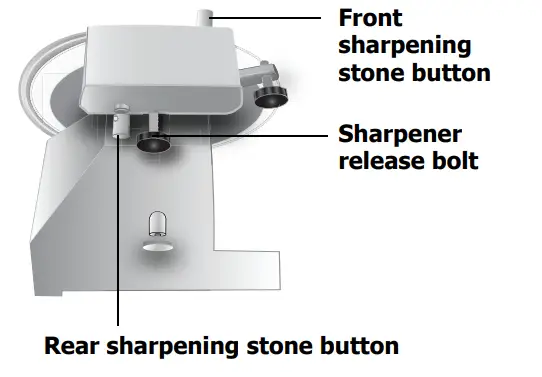
- Unscrew the Sharpener release bolt and lift off the blade sharpener.
- Rotate the sharpener 180° and insert it back into the appliance.
- Tighten the Sharpener release bolt to secure the sharpener.
- Start the appliance.

- Press and hold down the rear sharpening stone button to sharpen the blade. Do not exceed one minute of constant sharpening.
- Release the rear stone and press down the front sharpening stone button for a few seconds to smooth the edge of the blade.

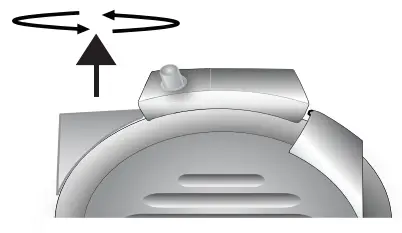
- Turn off the appliance and return the sharpener to its original position, ensuring it is securely tightened.
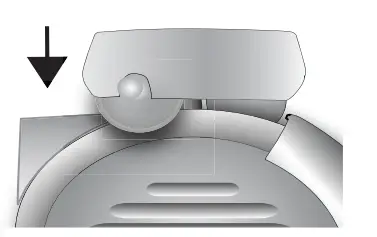
Lubricating the Pusher Axle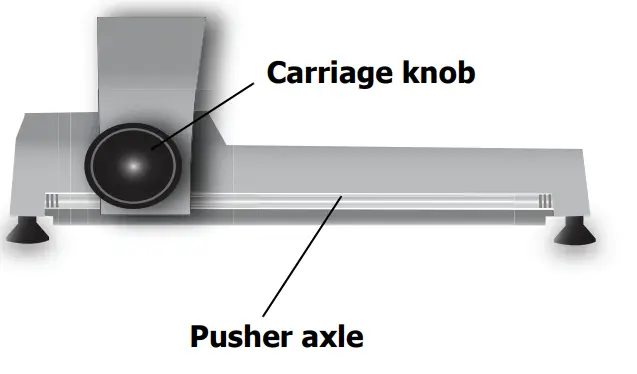
- Push the carriage to one side and clean the axle with dry a cloth.
- Lubricate the axle surface with grease suitable for use in food preparation areas.
- Push the carriage backward and forwards several times to distribute the grease evenly.
Note: Ensure you use a grease that is suitable for use in a food preparation area.
Troubleshooting
| Fault | Probable Cause | Action |
| The unit is not working | The unit is not switched on | Check the unit is plugged in correctly and switched on |
| Plug and lead are damaged | Call Apuro agent or qualified technician | |
| Power supply | Check power supply | |
| Internal wiring fault | Call Apuro agent or qualified technician | |
| Blade cover securing screw is not properly inserted | Remove plate securing screw and screw back in | |
| The cradle hits the blade guard | The carriage has been improperly fitted | Unscrew the carriage knob, check the carriage is properly in place then replace the carriage knob |
| The blade is not cutting properly/accurately | Blade is blunt | Sharpen the blade |
| The plate securing screw is not touching the plate | Tighten the securing screw |
Technical Specifications
| Model | Voltage | Power | Current | Slicing Thickness | Blade Diameter | Max. Slicing Width | Dimensions Wrexham | Weight |
| CD277-A | 230V 50Hz | 120W | 0.9A | 0-12.5 mm | 220mm | 120 X 150mm | 445 x 457 x 445 | 17kg |
| CD278-A | 230V 50Hz | 120W | 0.9A | 0-12.5 mm | 250mm | 120 X 155mm | 452 x 485 x 437 | 17.5kg |
| CD279-A | 230V 50Hz | 180W | 1.2A | 0-12.5 mm | 300mm | 120 X 170mm | 500 x 585 x 450 | 26kg |
Electrical Wiring
The plug is to be connected to a suitable mains socket. This appliance is wired as follows:
- Live wire (colored brown) to the terminal marked L
- Neutral wire (colored blue) to the terminal marked N
- Earth wire (colored green/yellow) to terminal marked E
This appliance must be earthed, using a dedicated earthing circuit.
If in doubt consult a qualified electrician.
Electrical isolation points must be kept clear of any obstructions. In the event of any emergency disconnection, being required they must be readily accessible.
Compliance
The product must not be disposed of as household waste. To help prevent possible harm to human health and/or the environment, the product must be disposed of in an approved and environmentally safe recycling process. For further information on how to dispose of this product correctly, contact the product supplier, or the local authority responsible for waste disposal in your area.
Apuro parts have undergone strict product testing in order to comply with regulatory standards and specifications set by international, independent, and federal authorities.
Apuro products have been approved to carry the following symbol:

All rights reserved. No part of these instructions may be produced or transmitted in any form or by any means, electronic, mechanical, photocopying, recording or otherwise, without the prior written permission of Apuro.
Every effort is made to ensure all details are correct at the time of going to press, however, Apuro reserve the right to change specifications without notice.
DECLARATION OF CONFORMITY
Equipment Type | Model | |
| 220mm Meat Slicer 250mm Meat Slicer 300mm Meat Slicer | CD277-A CD278-A CD279-A | |
| Application of Territory Legislation & Council Directives(s) | Electrical safety EN 60335-1:2012 +A11:2014 EN 60335-2-64:2000 +A1:2002 EN 62233:2008 Electro-Magnetic Compatibility | |
| Producer Name | Apuro | |
I, the undersigned, hereby declare that the equipment specified above conforms to the above Territory Legislation, Directive(s) and Standard(s).
| Date | 1st December 2020 | |
| Signature |  |  |
| Full Name | Ashley Hooper | Josie Holt |
| Position | Technical & Quality Manager | Commercial Manager/ Responsible Supplier
|
| Producer Address | Fourth Way, Avonmouth, Bristol, BS11 8TB United Kingdom | 15 Bagdally Road, Campbelltown NSW 2560 |
CD277-A_CD278-A_CD279-A_A5_v5_20201203