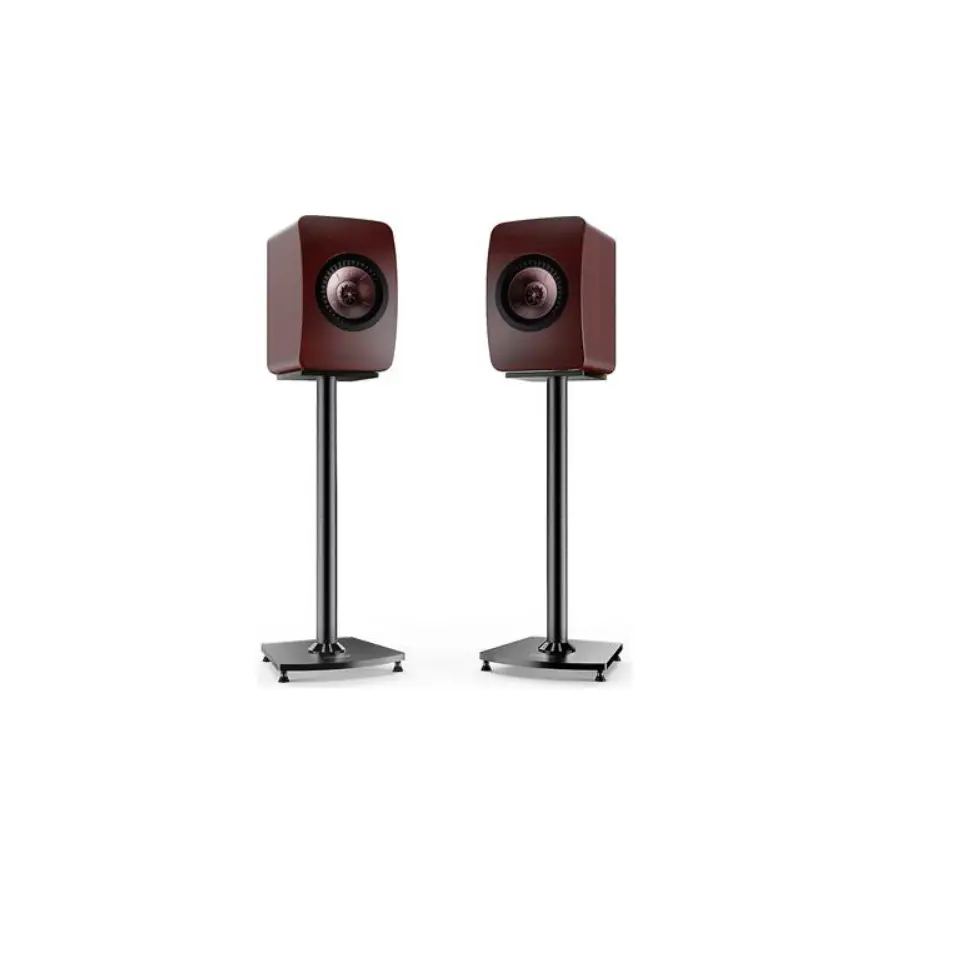
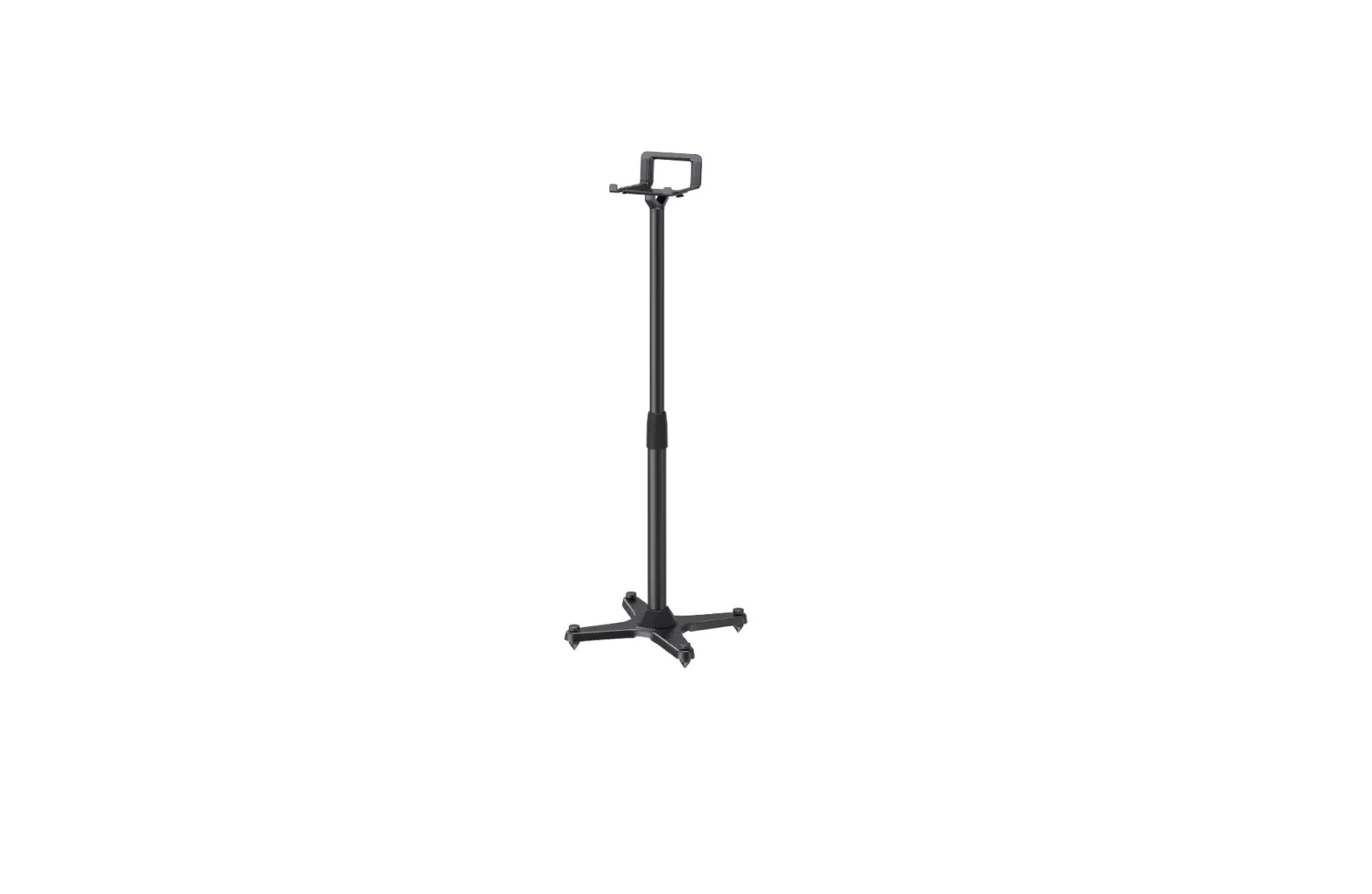
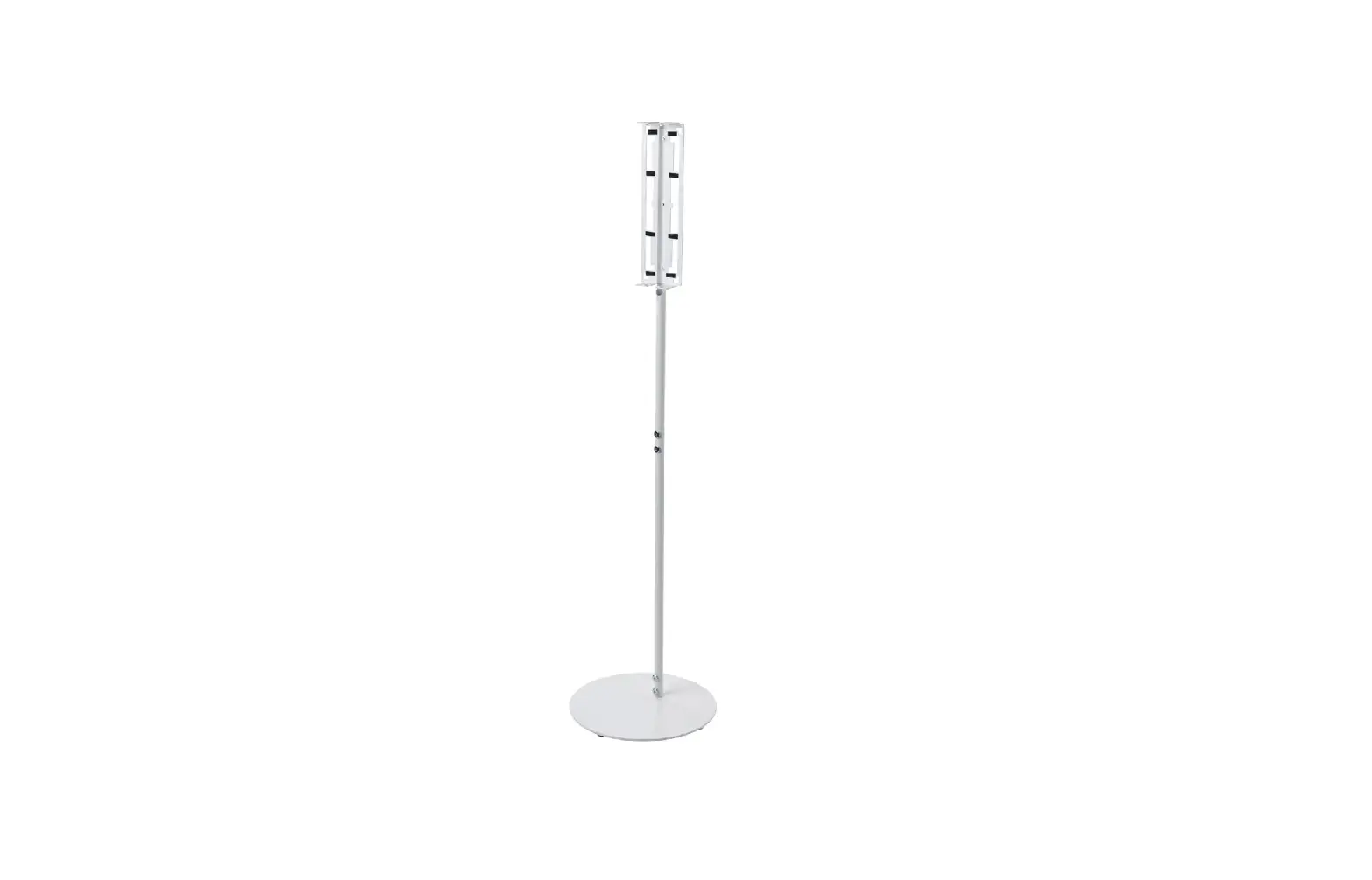
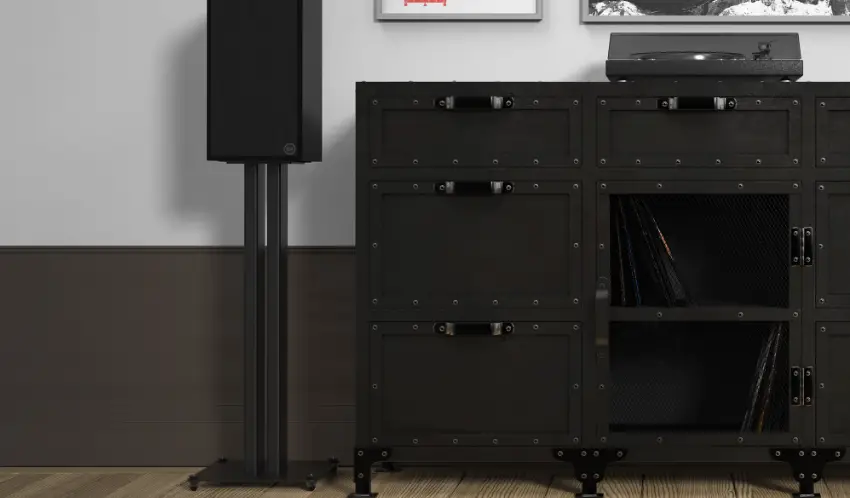
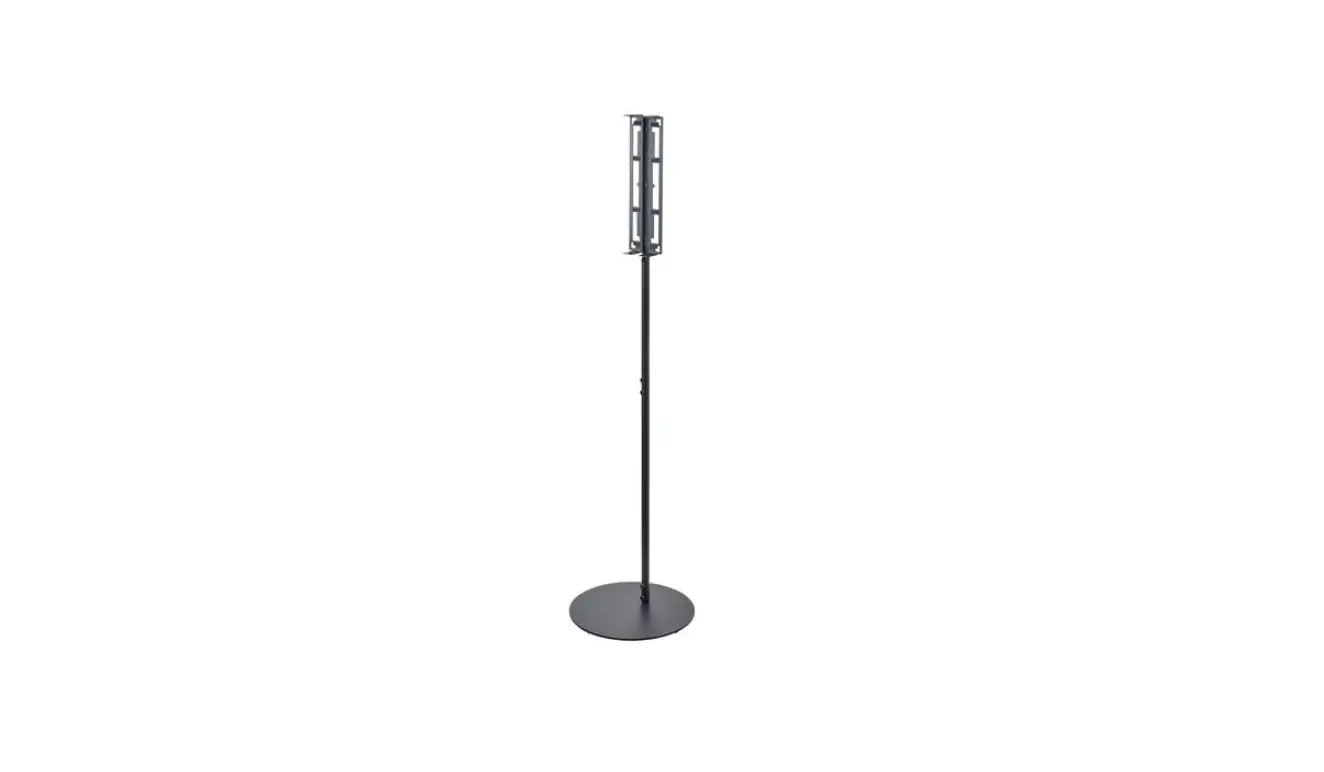
ERSSM2-01B Bookshelf Speaker Stand
Bookshelf Speaker Stand Instruction Manual
Model: ERSSM2-01 B
Thank You for Choosing this ErgoAV Product! At ErgoAV, we want
to add value to your AV experience by providing the highest quality
products and services in the industry. If you have any concerns or
comments, please contact us.
ErgoAV Customer Care phone(877)419-7832 email:
[email protected] website: www.ergoav.com address: 9501 Louisiana
Ave N, #200, Brooklyn Park, MN 55445
Important Safety Instructions
- Weight Restrictions MAX 11 lbs 5 kg
- If your speaker weighs more, this stand is NOT compatible.
- WARNING: DO NOT exceed the maximum weight
indicated. This speaker stand is intended for use only within the
maximum weights indicated. Use with products heavier than the
maximum weights indicated may result in failure of the stand and
its accessories, causing possible damage and or injury.
Tools Needed (Not Included)
- Phillips Screwdriver
Supplied Parts and Hardware
- Base [01] X 2
- Lower Pillar [02] X 2
- Upper Pillar [03] X 2
- Decorative Cover [04] X 2
- Spikes [A] X 8
- Speaker Bracket [05] X 2
- Narrow Plate [06] X 2
- 90 Degree Plate [07] X 2
- Cover [B] X 8
- Inner Hexagon Bolt M6 x 25mm [C] X 2
- M4 Allen Key [D] X 1
- Plastic Washer [E] X 2
- Plastic Nut [F] X 2
- Bolt 1/4 x 13.5mm [G] X 2
- Bolt M5x8mm [H] X 2
- Bolt M5 x 12mm [I] X 4
- Bolt 1/4-20 x 18mm [J] X 4
- Bolt M4 x 12mm [K] X 4
- Washer M6 [L] X 4
- Bolt M6 x 12mm [M] X 2
- Bolt #6-32 X 1 1/4 [N] X 2
- Washer #6 [O] X 2
- Nut #6-32 [P] X 2
Product Usage Instructions
Step 1: Assemble Spikes to Base
Mounting the Spikes [A] and Covers [B] on the Base [01].
Note: Covers [B] can be used as an alternative
if Spikes [A] will damage floors.
Step 2: Install Lower Pillar to Base
Lock [C], [E], [04], [02] on the Base [01] with the Allen Key
[D].

Step 3: Assemble Upper Pillar to Lower Pillar

Step 4: Attach Speaker Bracket to Upper Pillar
Insert bolt [I] through Narrow Plate [06], 90 Degree Plate [07],
and Upper Pillar [03]. Secure with washer [L] and nut [F]. Repeat
for the other side.

Step 5: Attach Speaker to Speaker Bracket
Attach your speaker to the Speaker Bracket [05] using the
appropriate hardware (not included).
Step 6: Adjust Level of Base (Optional)
To level and stabilize the base, you can remove the Cover [B]
(if needed) and rotate the Spike [A]. Repeat on each corner as
necessary.
Bookshelf Speaker Stand Instruction Manual
(A)
English pages 02-09
French pages 10-1 7
Spanish pages 18-25
Model: ERSSM2-01 B
Thank You for Choosing this ErgoAV Product! At ErgoAV, we want to add value to your AV experience by providing the highest quality products and services in the industry. If you have any concerns or comments, please contact us.
ErgoAV Customer Care phone(877)419-7832 email: [email protected] website: www.ergoav.com address: 9501 Louisiana Ave N, #200, Brooklyn Park, MN 55445
Important Safety Instructions
· Check package contents against Supplied Parts and Hardware List to assure that all components were received undamaged. Do not use damaged or defective parts. If you require replacement parts, contact customer service at [email protected].
· Not all parts and hardware included will be used. · Carefully read all instructions before attempting installation. If you do not understand
the instructions or have any concerns or questions, please contact customer service at [email protected]. · This product may contain moving parts. Use with caution. · Do not use this product for any purpose that is not explicitly specified in this manual. Do not exceed weight capacity. We cannot be liable for damage or injury caused by improper mounting, incorrect assembly or inappropriate use.
– Weight Restrictions MAX 11 lbs 5 kg
If your speaker weighs more,
this stand is NOT compatible.
WARNING
DO NOT exceed the maximum weight indicated. This speaker stand is intended for use only within the maximum weights indicated. Use with products heavier than the maximum weights indicated may result in failure of the stand and its accessories, causing possible damage and or injury.
Tools Needed (Not Included)
Phillips Screwdriver
Supplied Parts and Hardware
AwARNING: This product contains small items that could be a choking hazard if swallowed. Before starting assembly, verify all parts are included and undamaged. Do not use damaged or defective parts. If you need replacement parts, please contact Technical Support at (877) 419-7832 or Customer Service at [email protected]. · NOTE: Not all hardware included in this package will be used.
02
Supplied Parts and Hardware
I
CJ ~
Base [01] X 2
Lower Pillar [02] X 2
Upper Pillar [03] X 2
d)
Decorative Cover [04] X 2
$
Spikes [A] X 8
” ~
~
Speaker Bracket
[05] X 20
Narrow Plate [06] X 2
l
90 Degree Plate [07] X 2
a
Cover [B] X 8
‘Inner Hexagon Bolt M6 x 25mm [C] X 2
r
M4 Allen Key [D] X 1
®
Plastic Washer [E] X 2
~
Plastic Nut [F] X 2
I
Bolt 1/4″ x 13.5mm
[G] X 2
i
Bolt M5x8mm
[H] X 2
i
Bolt M5 x 12mm
[I] X 4
i
Bolt 1/4″-20 x 18mm
[J] X 4
T
Bolt M4 x 12mm
[K] X 4
@
Washer M6
[L] X 4
i
Bolt M6 x 12mm
[M] X 2
i
Bolt #6-32 X 1 1/4″
[N] X 2
@
Washer #6
[O] X 2
Nut #6-32 [P] X 2
03
Step 1 Assemble Spikes to Base
Mounting the Spikes [A] and Covers [B] on the Base [01 ].
,——————————————————————————-,
: NOTE: Covers [BJ can be used as an alternative if Spikes [A] will damage floors. :
‘——————————————————————————-‘
r—–,
! [01 ]*1 !
L r———.-J- – – – ,
! [A]*4 [8]*4 !
L———.J
Step 2 Install Lower Pillar to Base Lock [C], [E], [04], [02] on the Base [01] with the Allen Key [D].
~
04
!Lr-[0–1—]-*-1—-r[—0—2—]*—1——-[—0–4–]–*—1.–J,,! LII C-*-1—D-*-1–E-*-1.JII
Step 3 Assemble Upper Pillar to Lower Pillar
I
m– ,I
I
I
I
19/32″ – 13 25/32″ (15-350mm)
Step 4 Attach Speaker Bracket to Upper Pillar
r—–,
! ! L _ [0_3_]*_1_ .J
r—–,
! [05]*1 !
L r ———-.J,
I H*1 I
I
I
L—–.J
05
Step 5
06
Step 6
Speaker
(Not Included)
,= I
I I I I I I I I I I I I I I
07
m–
~–‘~ — …
Note: The washers [L] are only suitable for bolts [K] and [I] (If Needed)
m-1
I
,,’
I ~—
I I
‘
‘ ‘ ‘ .__ —–
1. Insert bolt [G]/[N] through 90 degree plate [07]. 2. Thread plastic nut [F]/[P] to bolt [G]/[N]. 3. Insert bolt [G]/[N] into keyhole and fasten the plastic nut [F]/[P]. 4. Use the washer [L]/[0] to adjust the length of the bolt [F]/[P] if necessary.
08
m–
Note: The washers [L] are only suitable for bolts [K] and [I]
Step 6 (Optional) Adjust Level of Base To level and stabilize the base, you can remove the Cover [B] (if needed)
and rotate the Spike [A]. Repeat on each corner as necessary.
09
At ErgoAV, we strive to provide the highest value products. We want to support your purchase. If you have questions, concerns, or feedback please let us know!
ErgoAV Customer Care Phone(877)419-7832 [email protected]
A/V Furniture
0
0
I 0
0 0
I
0 ‘ 0
tf
~
Do
i ~
I.0
0 0
I
0
0
d
0
0 0
0
~ !
~
~
0
0
TV mounts
Tabletop TV Stands
XXX-XXXXX-XX Rev00
9501 Louisiana Ave N, #200, Brooklyn Park, MN 55445 www.ergoav.com
ERSSM2-01B
Speaker Accessories
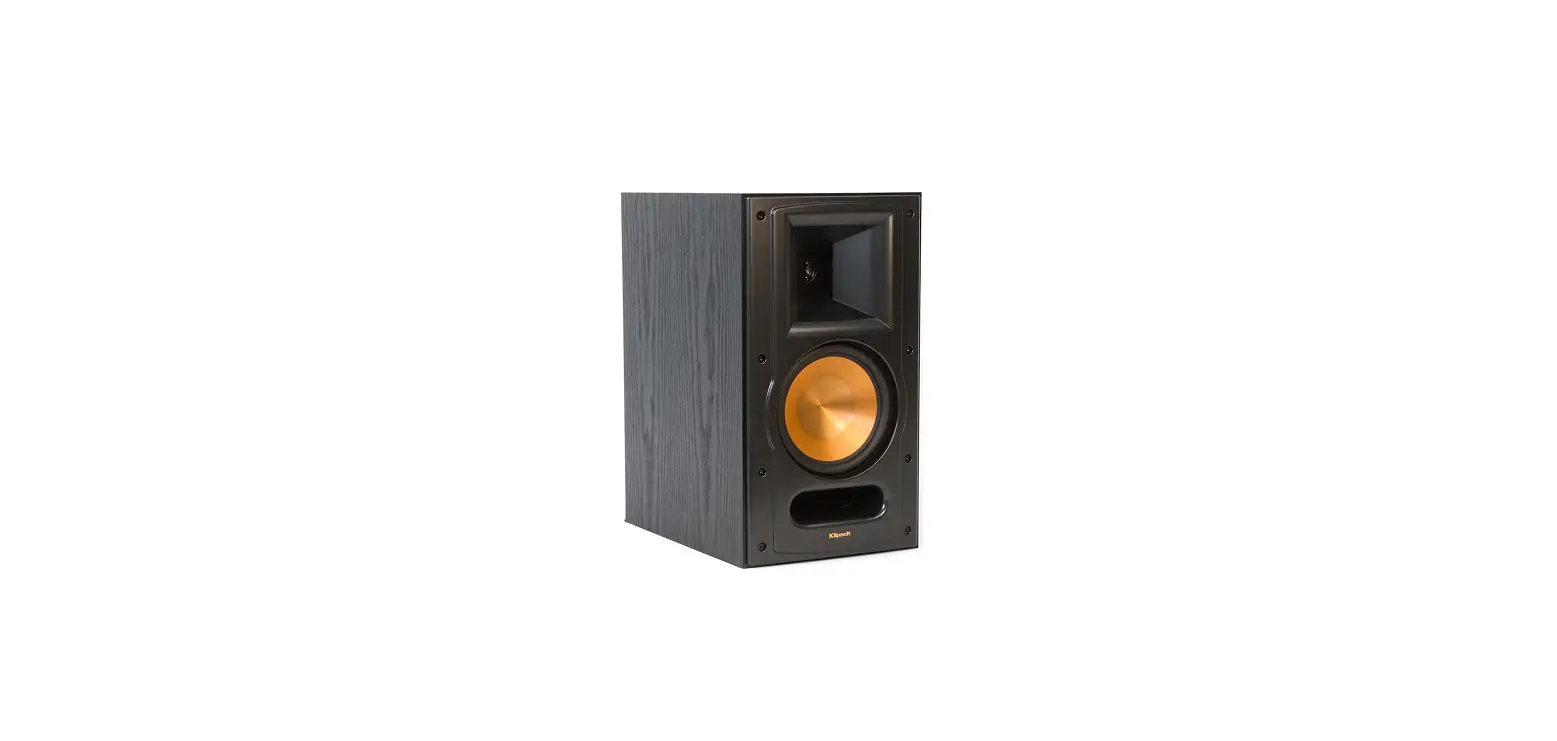
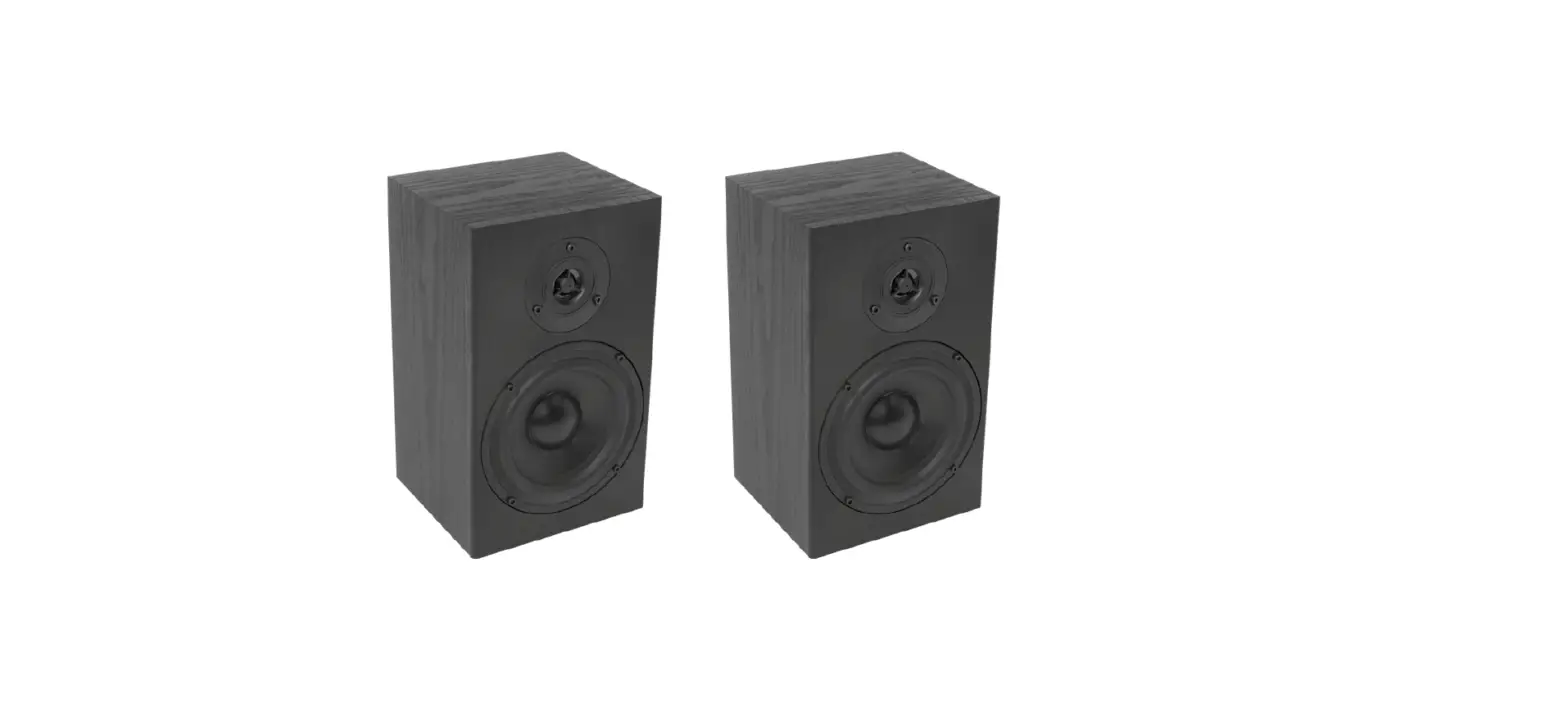
The ERSSM2-01B features an adjustable clamping top plate to securely hold small to medium bookshelf
speakers. The included speaker bracket fits most satellite and small bookshelf speakers. Adjustable pillar raises or lowers the speaker stand to your ear level to opmize the listening experience. The adjustable feet or spikes level stand on uneven floors and improve acouscs. Built in cable management allows cables to run through the pillar to create a clean and finished look. Steel pillar and glass base provide a strong and stylish foundaon for your speaker.
Features
· Adjustable clamping top plate and included speaker bracket designed to fit most satellite and small bookshelf speakers.
· Height adjustable – raise or lower the speaker stand to your ear level to opmize the listening experience.
· Adjustable feet or spikes level stand on uneven floors and improve acouscs.
· Cable management – cables run through pillar to create a clean look.
· Solid Foundaon – Steel pillar and glass base provide a strong and stylish foundaon for your speaker.
Compatible with most Bookshelf Speakers
Compatible with most Satellite Speakers
Max
11 lbs. / 5 kg
1-877-419-7832 [email protected] ergoav.com
Model Number ERSSM2-01B
Product Specifications
DIMENSIONS (W x H x D) 12.5″ × 43.4″ × 12.6″
318.35mm × 1102.5mm × 320mm
PRODUCT WEIGHT 15 lbs. 6.8 KG
LOAD CAPACITY 11 lbs. 5 KG
WARRANTY: 5-Year
FINISH
AVAILABLE COLORS
Powder Coang
Black
Package Specifications
PACKAGE SIZE (W x H x D) 20.6″ × 6.4″ × 14.6″
517mm × 163mm × 372mm
PACKAGE WEIGHT PACKAGE UPC CODE PACKAGE CONTENTS UNITS IN PACKAGE
17.9 lbs. 8.11 KG
810082200386
Product, Manual, Parts
1 Unit
Master Carton Specifications
PACKAGE SIZE (W x H x D) 20.9″ × 13.4″ × 15.4″
530mm × 340mm × 390mm
PACKAGE WEIGHT 37.7 lbs. 17.09 KG
UNITS IN CARTON 2 Unit
Product Dimensions
152mm ~ 255mm [5.99”] ~ [10.04”]
720mm [28.34”] 1067.5mm [42.03”] 320mm [12.6”] 136mm [5.35”]
35mm [1.38”]
FRONT VIEW
Wire Hole: 30 x 14mm [1.18” x 2.55”] Adjustable Height: 3mm[0.11”]
BACK VIEW
687mm [27.05”]
318.35mm [12.5”]
TOP VIEW
20mm [0.79”]
26mm [1.02”] 255mm [10.04”]
SIDE VIEW
FRONT VIEW
35mm [1.38”]
720mm [28.34”] 1067.5mm [42.03”] 320mm [12.6”]
ERSSM2-01B
Speaker Stand The informaon and designs contained in this document are confidenal and the proprietary property of BESTERGO, Inc neither the design nor any informaon contained in this drawing may be reproduced, used, or disclosed to others without the express wrien permission of BESTERGO, Inc.
SIDE VIEW
20mm [0.79”]
687mm [27.05”]
26mm [1.02”]
Adjustable Height: 3mm[0.11”]
Wire Hole: 30 x 14mm [1.18” x 2.55”]
255mm [10.04”]
3-D View
TOP VIEW
152mm ~ 255mm [5.99”] ~ [10.04”]
136mm [5.35”] 318.35mm [12.53”]
 ErgoAV
 ErgoAV