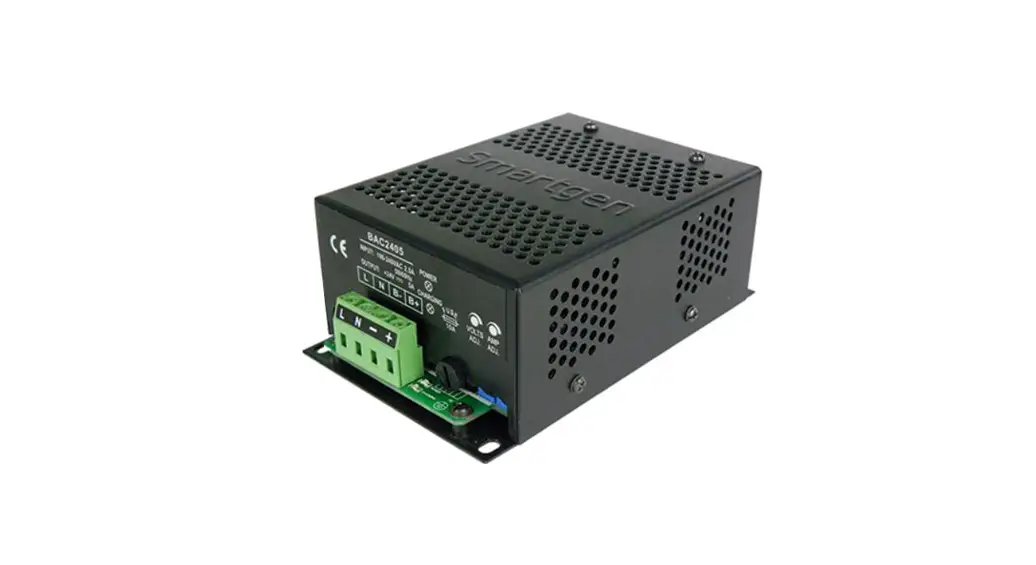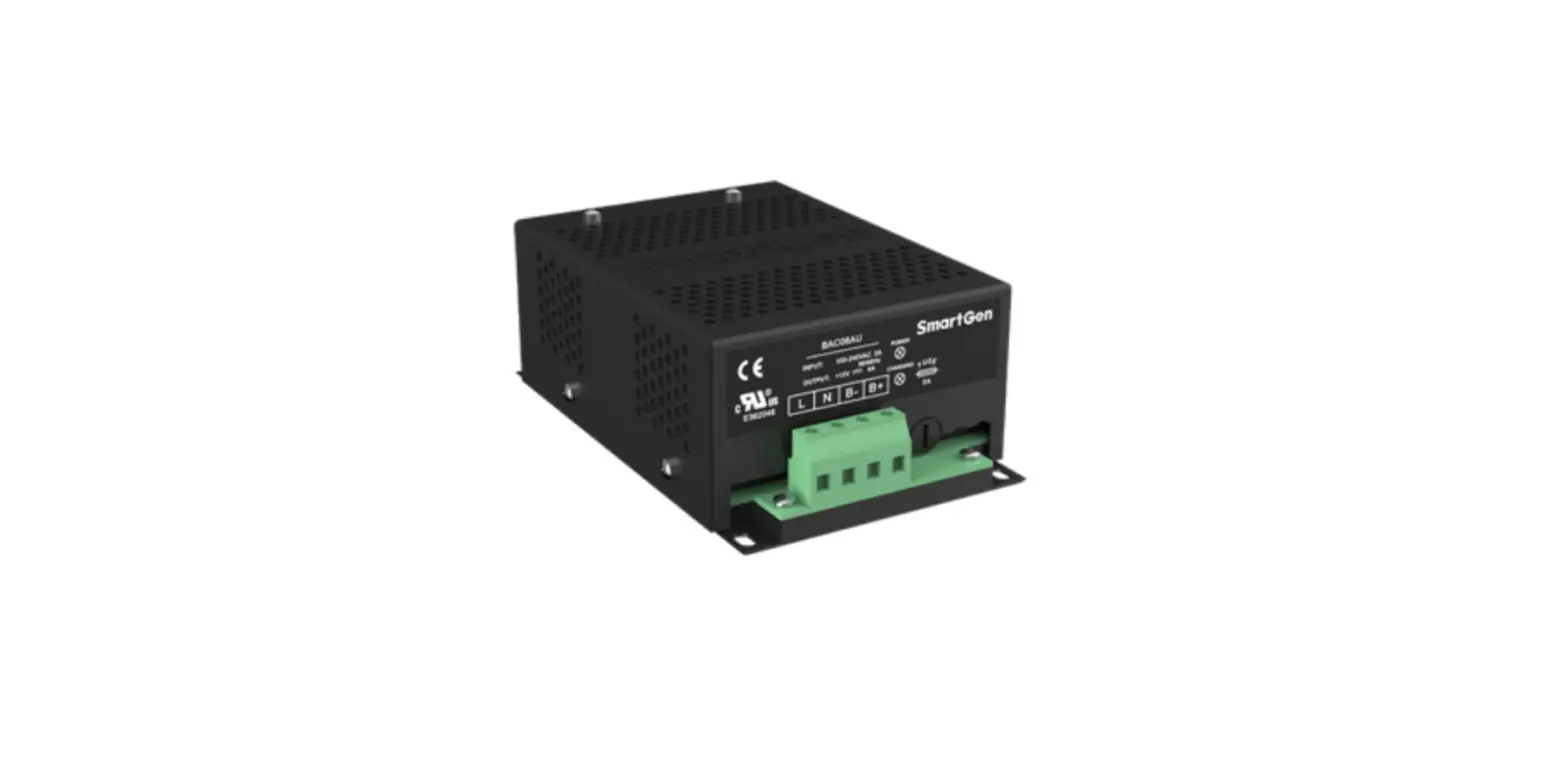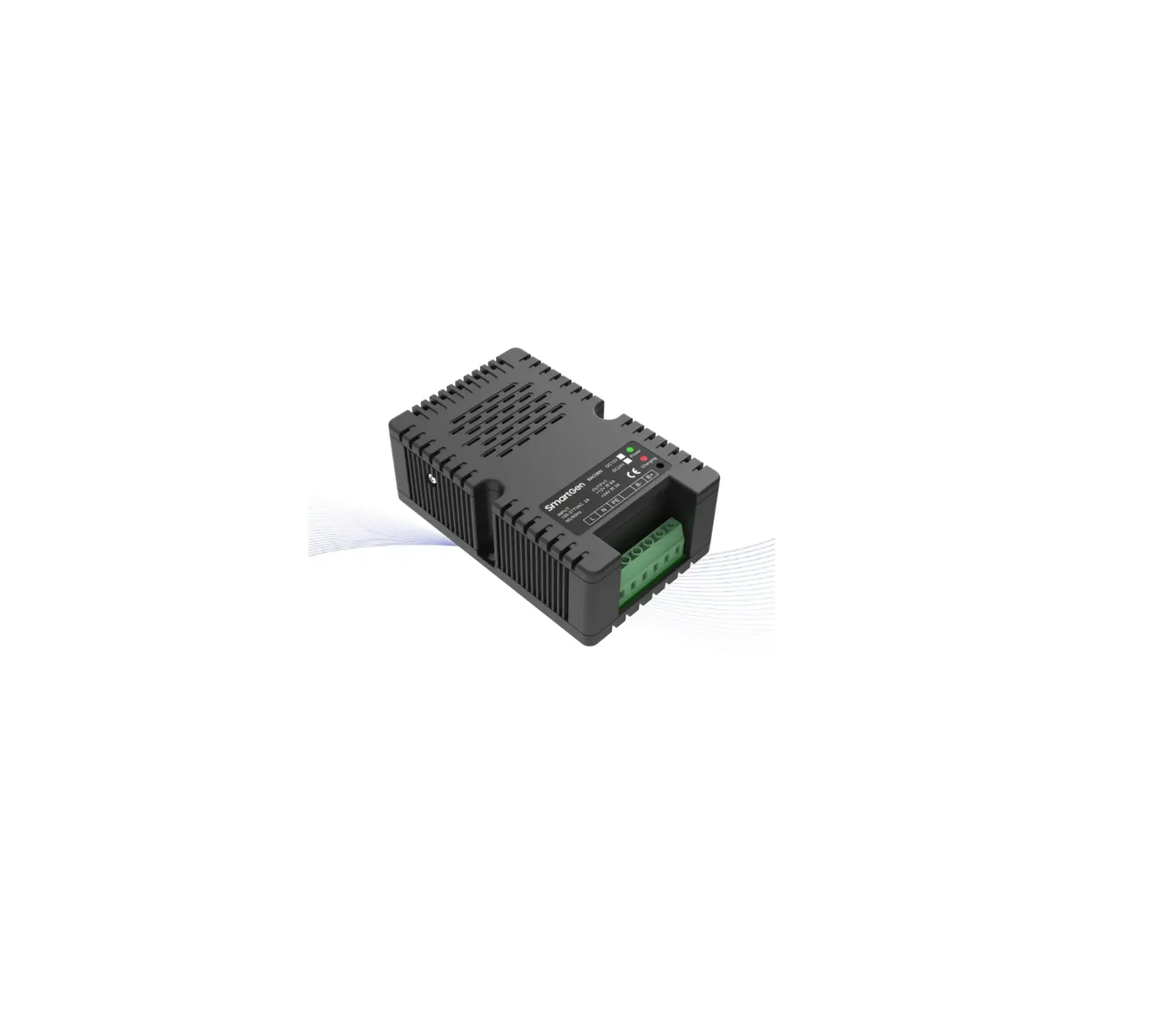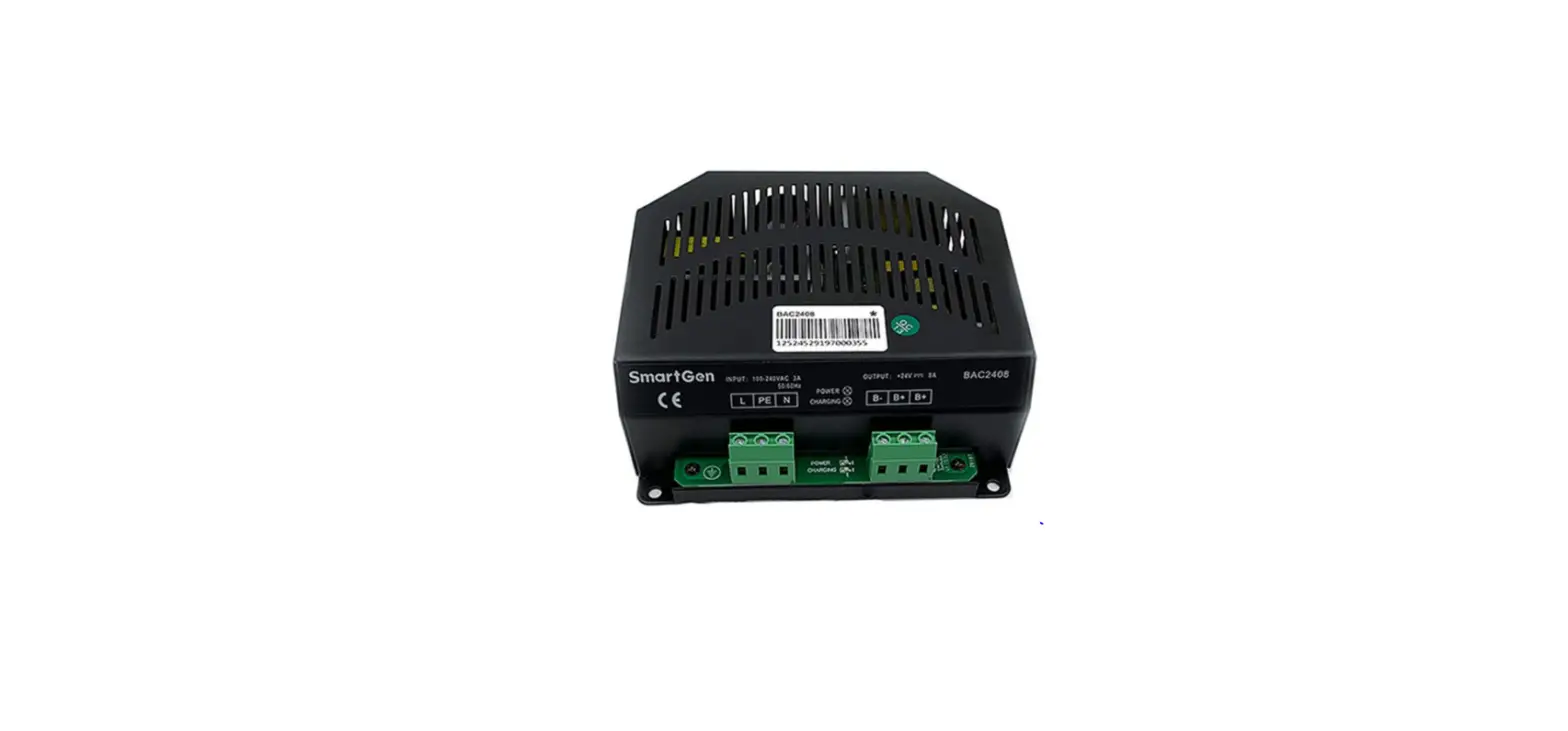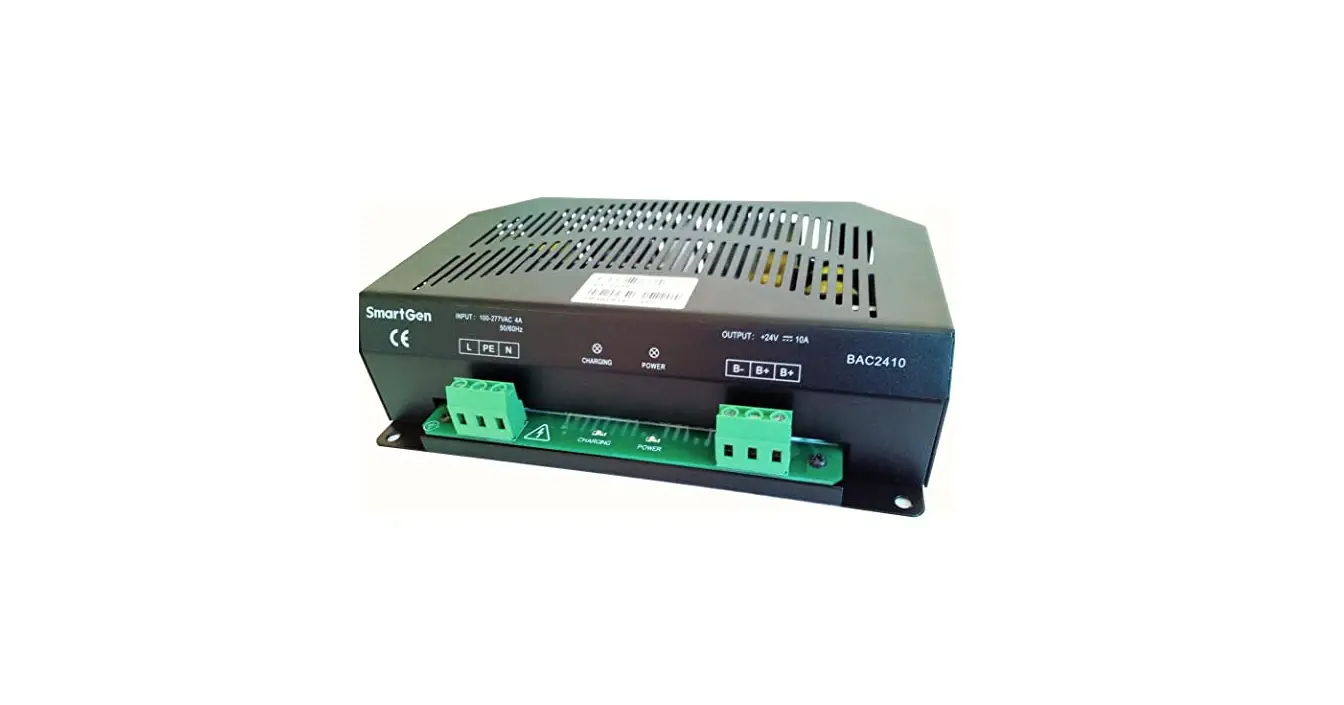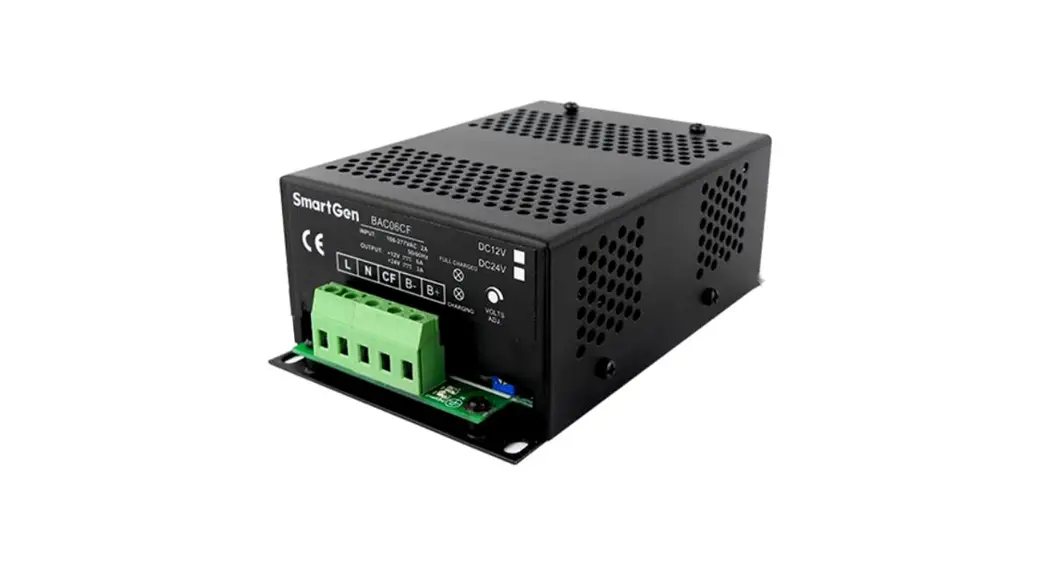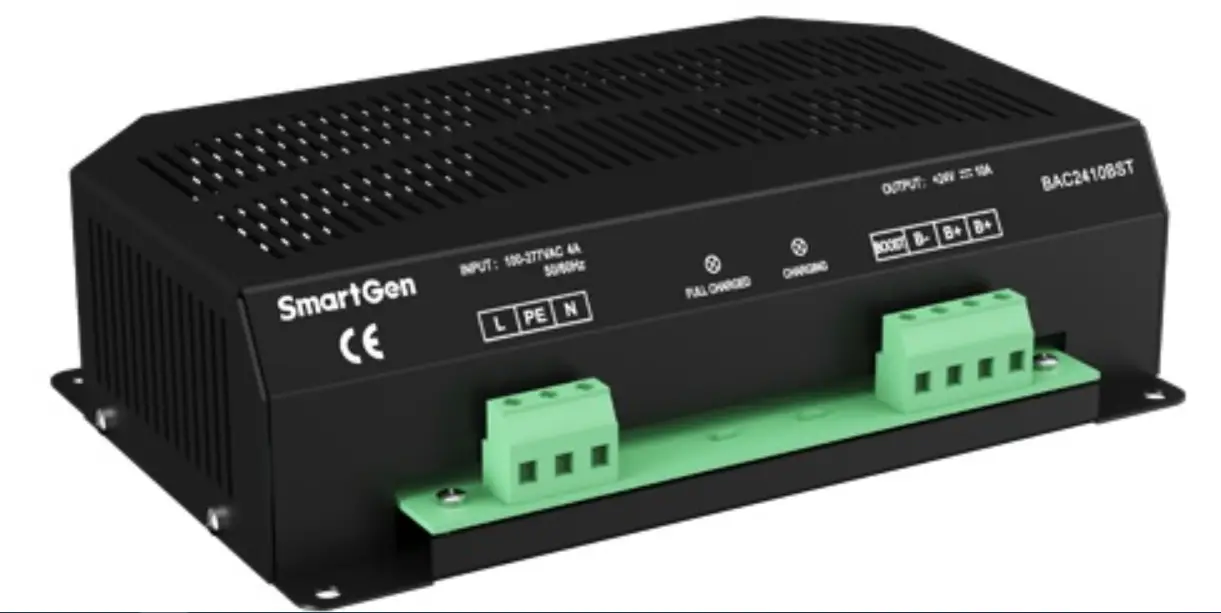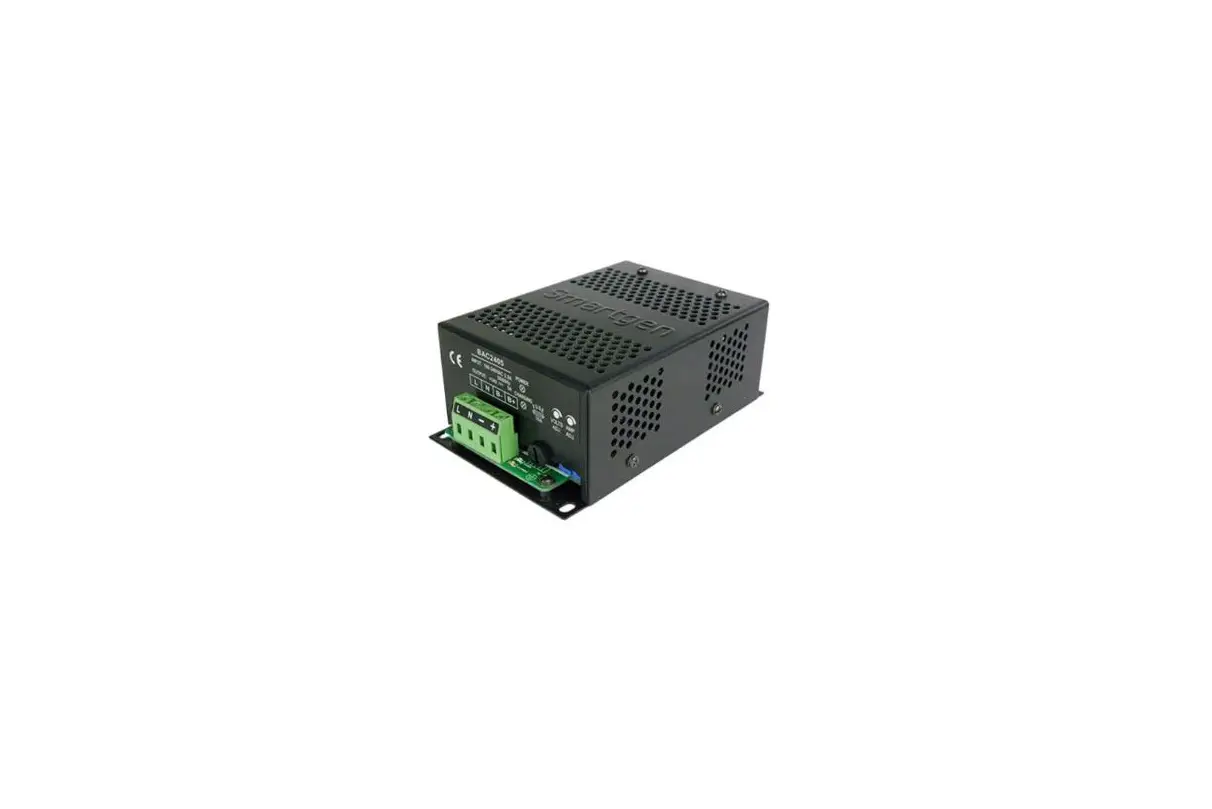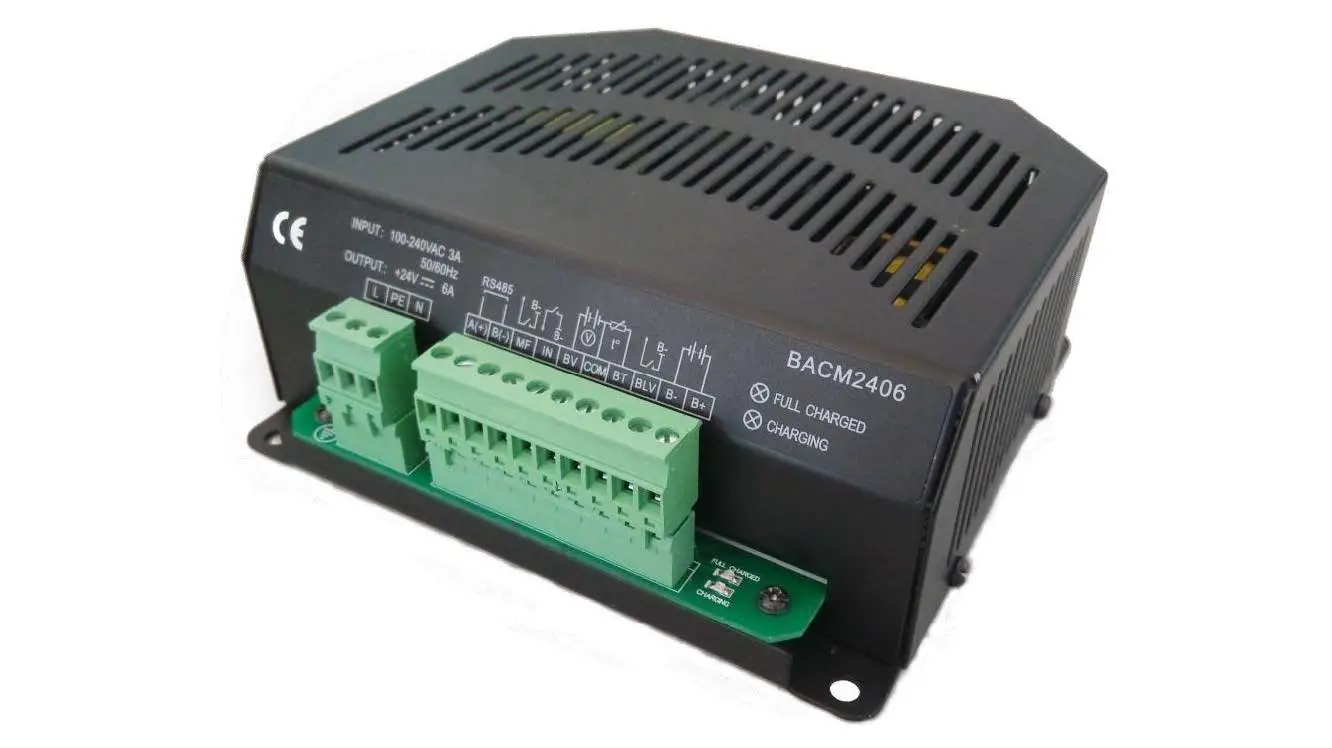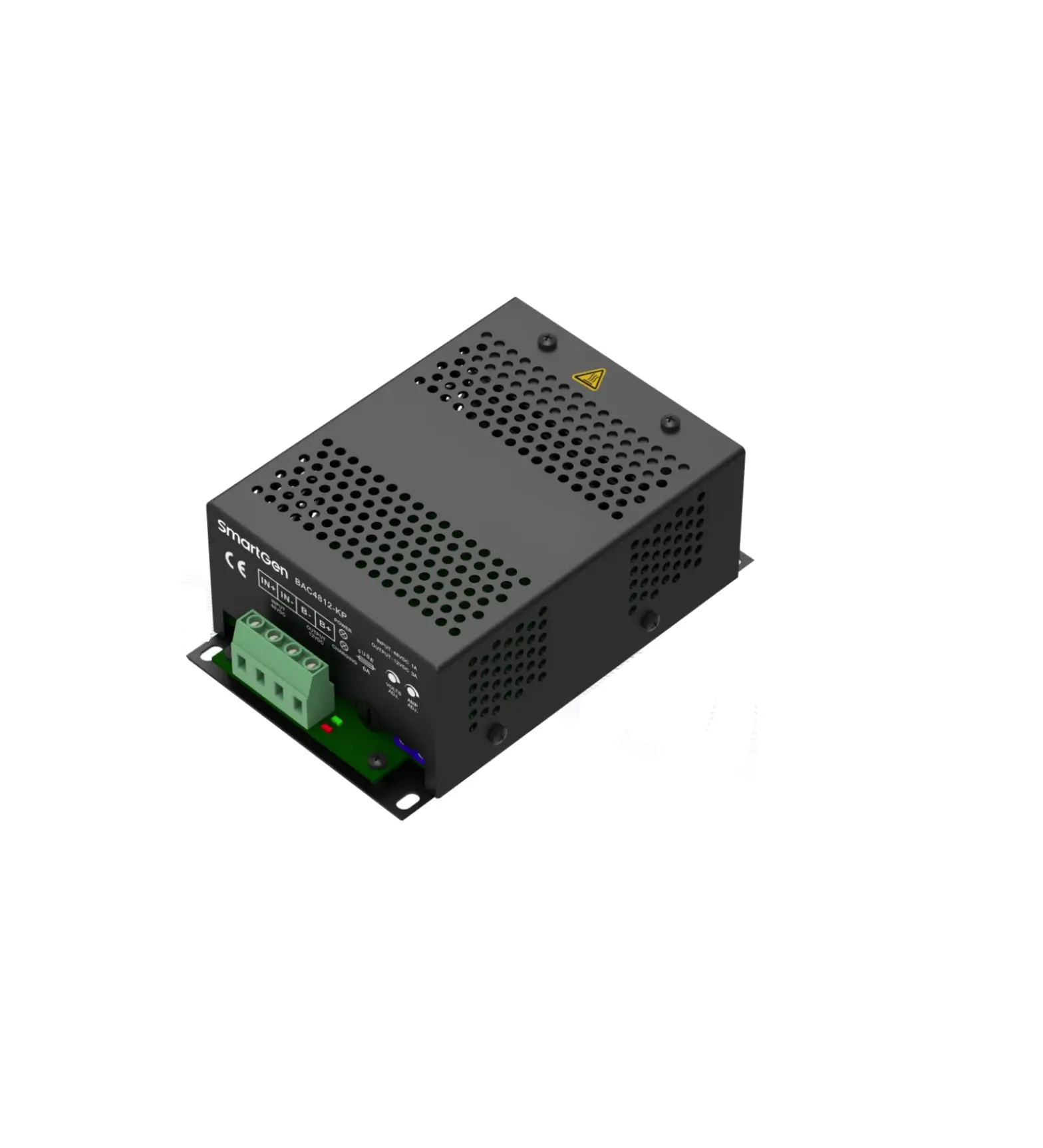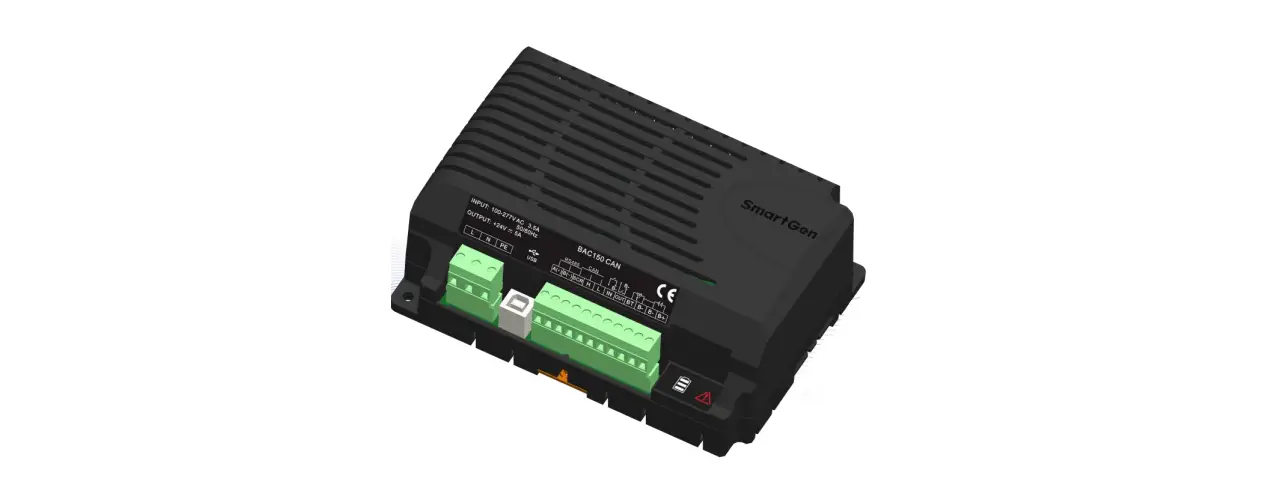

SmartGen BAC150CAN Battery Charger
SmartGen — make your generator smart
SmartGen Technology Co., Ltd.
No.28 Jinsuo Road, Zhengzhou, Henan Province, China Tel: +86-371-67988888/67981888/67992951 +86-371-67981000(overseas)
Fax: +86-371-67992952
Email: [email protected]
Web: www.smartgen.com.cn
All rights reserved. No part of this publication may be reproduced in any material form (including photocopying or storing in any medium by electronic means or other) without the written permission of the copyright holder.
Applications for the copyright holder’s written permission to reproduce any part of this publication should be addressed to Smartgen Technology at the address above.
Any reference to trademarked product names used within this publication is owned by their respective companies.
SmartGen Technology reserves the right to change the contents of this document without prior notice.
Table 1 Software Version
| Date | Version | Note |
| 2019-03-05 | 1.0 | Original Release |
| 2022-7-04 | 1.1 | Update the format of the manual; Update the logo of SmartGen. |
OVERVIEW
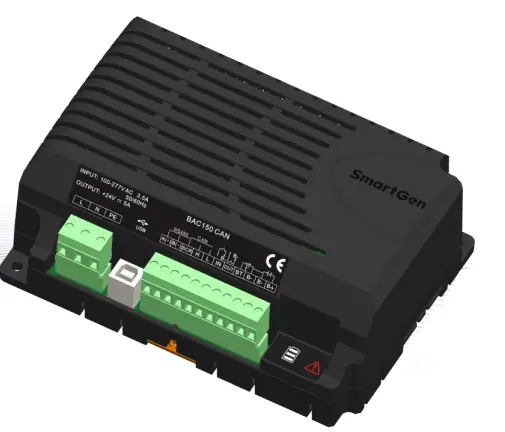
BAC150CAN is a kind of battery charger with intelligent multi-functions, which is specially designed for genset lead-acid battery to meet the charging characteristics. It is suitable for 12V/24V battery with maximum 5A output current.
PERFORMANCE AND CHARACTERISTICS
BAC150CAN has the following characteristics:
- Switch power supply structure, wide high voltage input, small size, light weight, high efficiency;
- It can work automatically by the method of two-stage or 3-stage as required. The two methods both are designed according to battery charging characteristics, and can prevent lead-acid battery overcharging, which extremely improves the battery life span;
- Built-in PFC is designed, so when the output terminal is connected reversely, it shall be AC power supply, which can effectively protect the charger. When the reverse connection is removed, it shall recover the output automatically;
- Multi-function output port is designed, and it can be configured on PC. Low output level is active.
- Multi-function input port is designed, and it can be configured on PC. Low input level is active.
- Temperature sensor port is designed, which can monitor the battery temperature of current time; and it also has temperature compensation function, which can effectively prevent over high battery temperature;
- Standard RS485 serial communication interface, CAN communication interface, and USB communication interface are designed;
- LED display: Charging status indicator, and alarm indicator.
CHARGING PRINCIPLE
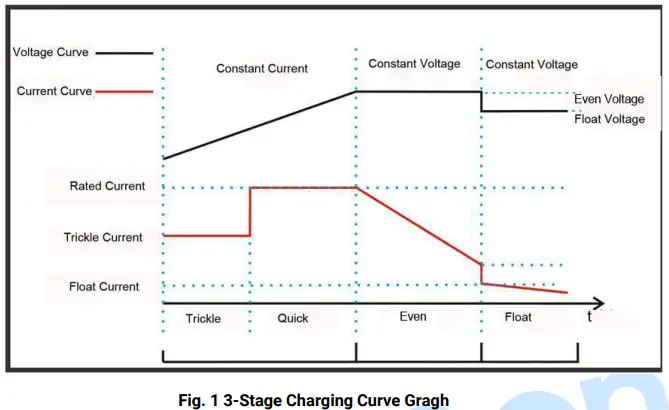
Three-stage charging method is applied for the charger to work according to the battery charging characteristics.
- The first stage is ‘Constant Current’ mode. When the terminal voltage is comparatively low, the charging current is small, which effectively prevents the battery from damaging because of high temperature, calling ‘low voltage trickle charging’. When the terminal voltage gets high, the charging current changes to rated current, which makes the battery electricity increasing rapidly. This process is ‘quick charging’.
- The second stage is ‘Even Charging’ mode. After constant current mode, the voltage gets up to the even voltage value, and at this time the charger keeps constant voltage output. The charging current slows down, and the terminal voltage also slowly keeps at the value of even voltage.
- The third stage is ‘Float Charging’ mode. After the above two stages, the charging is basically completed and output voltage of the charger switches to float voltage automatically. Charging current also drops to float current. All white LED indicators are illuminated always. Afterwards the charging current only offsets the battery self-discharge and longtime charging is unharmful for the battery.

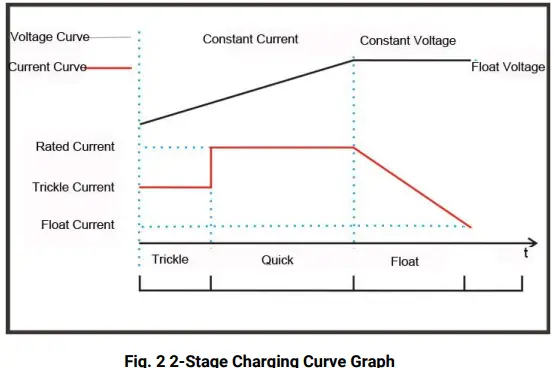
Two-stage charging method is applied for the charger to work according to the battery charging characteristics.
- The first stage is ‘Constant Current’ mode. When the terminal voltage is comparatively low, the charging current is small, which effectively prevents the battery from damaging because of high temperature. This process is called ‘low voltage trickle charging’. When the terminal voltage gets high, the charging current changes to rated current, which makes the battery electricity increasing rapidly. This process is ‘quick charging’.
- The second stage is ‘Float Charging’ mode. As the electricity gets higher and higher, the charging current is getting smaller. When the current is below 0.5A, the battery is fully charged. Then the charging current offsets the battery self-discharge and longtime charging is unharmful for the battery.
PARAMETERS SPECIFICATION
Table 2 Product Parameters
| Type | Item | Parameters | |
| 12V | 24V | ||
|
Input Characteristics | Nominal AC Voltage | AC (100~277)V | |
| Max. AC Voltage | AC (90~305)V | ||
| Max. Current | 1.8A | 3.5A | |
| No-load Power Consumption | <3W | ||
| AC Frequency | 50Hz/60Hz | ||
| Efficiency | 85% | ||
|
Output Characteristics | No-load Output Voltage | 13.5V, Error ±0.2V | 27.0V, Error ±0.2V |
| Rated Charging Current | 5A, Error ±0.2A | ||
| Max. Power | 80W | 135W | |
| Min. Voltage | 3.5V | 7V | |
|
Insulating Property | Insulation Resistance | Between input and output, input and PE, output and PE all are: RL≥500 MΩ | |
| Insulation Voltage | Between input and output, input and PE both are: AC3kV 50Hz 1min; leakage current: IL ≦3.5mA Between output and PE is: AC500V 50Hz 1min; leakage current: IL ≦3.5mA | ||
|
Working Condition | Working Temperature | (-30~+55)°C | |
| Storage Temperature | (-40~+85)°C | ||
| Working Humidity | 20%RH~93%RH(No condensation) | ||
| Storage Humidity | 10%RH~95%RH(No condensation) | ||
| Shape Structure | Weight | 0.58kg | |
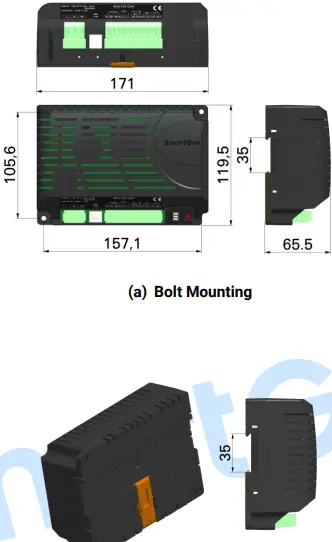
| Dimension | 171mm×119.5mm×65.5mm (length*width*height) | ||
PARAMETERS CONFIGURATION
Table 3 Parameter Configuration
| Items | Default | Adjustable Range | Description | ||
| 12V | 24V | 12V | 24V | ||
| Battery Selection | 2 | (0~2) | 0: 12V 1: 24V 2: Self-adjusted | ||
| Charging Method | 3 | (2~3) | 2: Two-stage; 3: Three-stage | ||
| Max. Rated Current | 5.0A | / | Maximum charging current | ||
| Rated Current | 100% | (0~100)% | Maximum rated charging current percentage | ||
| Even Charging Voltage | 14.1V | 28.2V | (10~16)V | (20~30)V | The charging voltage of “Constant Voltage” |
| Even Charging Enable | 1 | (0~1) | 0: Disable; 1: Enable | ||
| Even Charging Time Setting | 1.0h | (0.1~100)h | The charging time of Constant Voltage | ||
| Even Charging Completion Current | 1 | (0~1) | 0: Disable; 1: Enable | ||
| Completion Current Setting | 0.50A | (0.20~3.00)A | The transition current from Even Charging to Float Chargeing | ||
| Float Charge Voltage | 13.5V | 27.0V | (10~16)V | (20~30)V | The voltage of “Float Charge” |
| AUTO BOOST Voltage | 12V | 24V | (10~16)V | (20~30)V | When the charger is in Float Mode, it enters Quick Charge if the battery voltage has fallen below this value. |
| AUTO BOOST Voltage Delay | 20s | (0~3600)s | When the battery voltage is below this value for the delay time, it gets into BOOST status. | ||
| Trickle Charge | 0 | (0~1) | 0: Disable; 1: Enable | ||
| Trickle Charge Voltage | 11.0V | 22.0V | (10~16)V | (20~30)V | The voltage of Trickle Charge |
| Trickle Charge Current | 50% | (0~100)% | Maximum rated charging current percentage | ||
| Battery Under Voltage Warn | 1 | (0~1) | 0: Disable; 1: Enable | ||
| Under Voltage Set Value | 11.5V | 23.0V | (8~15)V | (16~30)V | Under voltage alarm will be initiated if the battery voltage has fallen below the set value. |
| Under Voltage Delay | 120s | (0~3600)s | Under voltage alarm will be initiated if the battery voltage has fallen below the set value and the delay timer has expired. | ||
| Items | Default | Adjustable Range | Description | ||
| 12V | 24V | 12V | 24V | ||
| Under Voltage Return Value | 12.5V | 25.0V | (8~15)V | (16~30)V | The transition voltage from ‘under voltage’ to ‘normal voltage’ |
| Under Voltage Return Delay | 10s | (0~3600)s | Under voltage alarm will be removed if the battery voltage has exceeded the return value and the delay time has expired. | ||
| Battery Over Voltage Warn | 1 | (0~1) | 0: Disable; 1: Enable | ||
| Over Voltage Set Value | 16V | 32V | (8~16)V | (16~32)V | Over voltage alarm will be initiated if the battery voltage is above the set value. |
| Over Voltage Delay | 2s | (0~3600)s | Over voltage alarm will be initiated if the battery voltage is above the set value and the delay time has expired. | ||
| Over Voltage Return Value | 15.8V | 31.6V | (8~16)V | (16~32)V | The transition voltage from ‘over voltage’ to ‘normal voltage’ |
| Over Voltage Return Delay | 10s | (0~3600)s | Over voltage alarm will be removed if the battery voltage is below the return value and the delay time has expired. | ||
| Temperature Sensor | 1 | (0~1) | 0: Disable; 1: Enable | ||
| Temperature Compensation | 1 | (0~1) | 0: Disable; 1: Enable | ||
| Temperature Compensation Set Value | 0.018V/ ℃ | 0.036V/ ℃ | (0.010~0. 030)V/℃ | (0.020~0. 060)V/℃ | The Compensation of every 1℃ change on 20℃ basis. |
| High Temp. Warn | 1 | (0~1) | 0: Disable; 1: Enable | ||
| High Temp. Set Value | 55℃ | (0~80)℃ | High Temp. alarm will be initiated if the battery temperature has exceeded the set value. | ||
|
High Temp. Delay |
0.5s |
(0~60.0)s | High Temp. alarm will be initiated if the battery temperature has exceeded the set value and the delay time has expired. | ||
| High Temp. Return Value | 50℃ | (0~80)℃ | The transition temperature from High Temp. to Normal Temp. | ||
| High Temp. Return Delay |
1.0s |
(0.0~60.0)s | High Temp. alarm will be removed if the battery temperature has fallen below the return value and the delay time has expired. | ||
| Items | Default | Adjustable Range | Description | ||
| 12V | 24V | 12V | 24V | ||
|
Auxiliary Input Port |
3 |
(0~5) | 0: Not Used; 1: Shutdown; The battery charger enters Standby Status if the input is active. 2: Reserved; 3: Manual BOOST: The battery charger enters BOOST if the input is active. 4: Return to Float Mode: The charger enters Float Mode if the input is active. 5: Rated Voltage Output: Charger shall output rated voltage if the input is active. | ||
| Auxiliary Input Port Delay | 2.0s | (1.0~60.0)s | The corresponding action will be active if the input is active and the delay time has expired. | ||
|
Auxiliary Output Port Setting | Charging Failure Waring Mains Failure Warning |
Multiple choices are available. | Not Used; Output over voltage warning; Output under voltage warning; External temp. sensor short-circuit warning; Charging failure warning’; Mains failure warning; | ||
| Auxiliary Output Port Delay | 2.0s | (1.0~60.0)s | Output port is active after the delay time. | ||
| Communication Address | 10 | 1~254 | RS485 communication address | ||
| RS485 Baud Rate | 0 | (0~2) | 1: stop bit; 0: 9600bps; 1: 19200bps; 2: 38400bps; | ||
| CAN Baud Rate | 1 | (0~2) | 0:125kbps; 1: 250kbps; 2: 500kbps; | ||
|
Battery Type |
0 |
(0~4) | 0: Lead-acid; 1: Li Battery; 2: Calcium-Calcium; 3: Power; 4: Users-defined; | ||
OPERATION

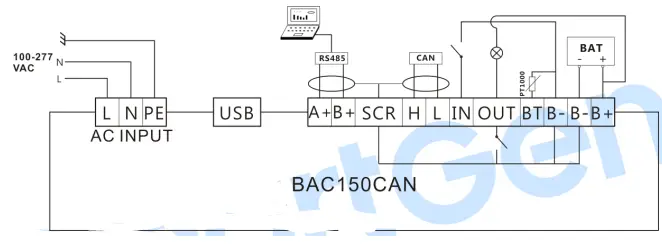
| Terminal | Function | Description | |
| AC Input Port | L | AC Terminals | Connect terminals L and N to AC (100~240)V; bigger than BVR 1.5mm2 multi-strand copper line is recommended. |
| N | |||
| PE | GND Terminal | Connect to the ground. | |
| USB Port | USB | USB communication port | Related parameters can be set on PC via USB. |
| RS485 Port | A(+) | RS485 communication port | Standard RS485 serial communication port. |
| B(-) | |||
| SCR | Shielding GND Terminal | Connect to B- inside the charger. | |
| CAN Port | H | CAN High | CAN communication port. |
| L | CAN Low | ||
| Auxiliary Input/Outpu t Port | IN | Auxiliary Input Port | Active when connect to B- output. |
| OUT | Auxiliary Output Port | Output B- voltage when active. | |
| Temp. Sensor Port | BT | Battery Temp. Sensor Port | Connect to PT1000 sensor externally. |
| DC Output Port | B- | Battery Output Negative | Connect to battery negative; bigger than BVR 2.5mm2 multi-strand copper line is recommended. |
| B- | |||
| B+ | Battery Output Positive | Connect to battery positive; bigger than BVR 2.5mm2 multi-strand copper line is recommended. | |
| Charging Indicator | White | Charging status indication | When the current is less than 10%, they shall be illuminated all according to charging voltage and current indication charging status. |
| Alarm Indicator |
Red |
Alarm status Indication | Over voltage, under voltage, charging failure, temp. sensor short-circuit, mains failure, temp. high alarm, BOOST status warning, battery reverse connection alarm can be configured; indicator status can be flash, or light. Flash status default is charging failure, mains failure, battery reverse connection alarm; light status default is over voltage, under voltage, temp. sensor short-circuit, and temp. high warning. |
| Terminal | Function | Description | |
| All indication are extinguished when there are not alarms. | |||
NOTES
- Because there are diode and current-limiting circuit inside the charger, it can be used together with charging generator, and it is needless to disconnect the charger when cranking.
- When this is applied on the genset, as charging current is very large, it shall produce voltage drop in the charging wire. So this is recommended that charging wire shall be separately connected to battery terminal, aiming to avoid disturbance on sampling precision.
CONNECTION
CASE DIMENSIONS
 众智科技
众智科技 众智科技
众智科技