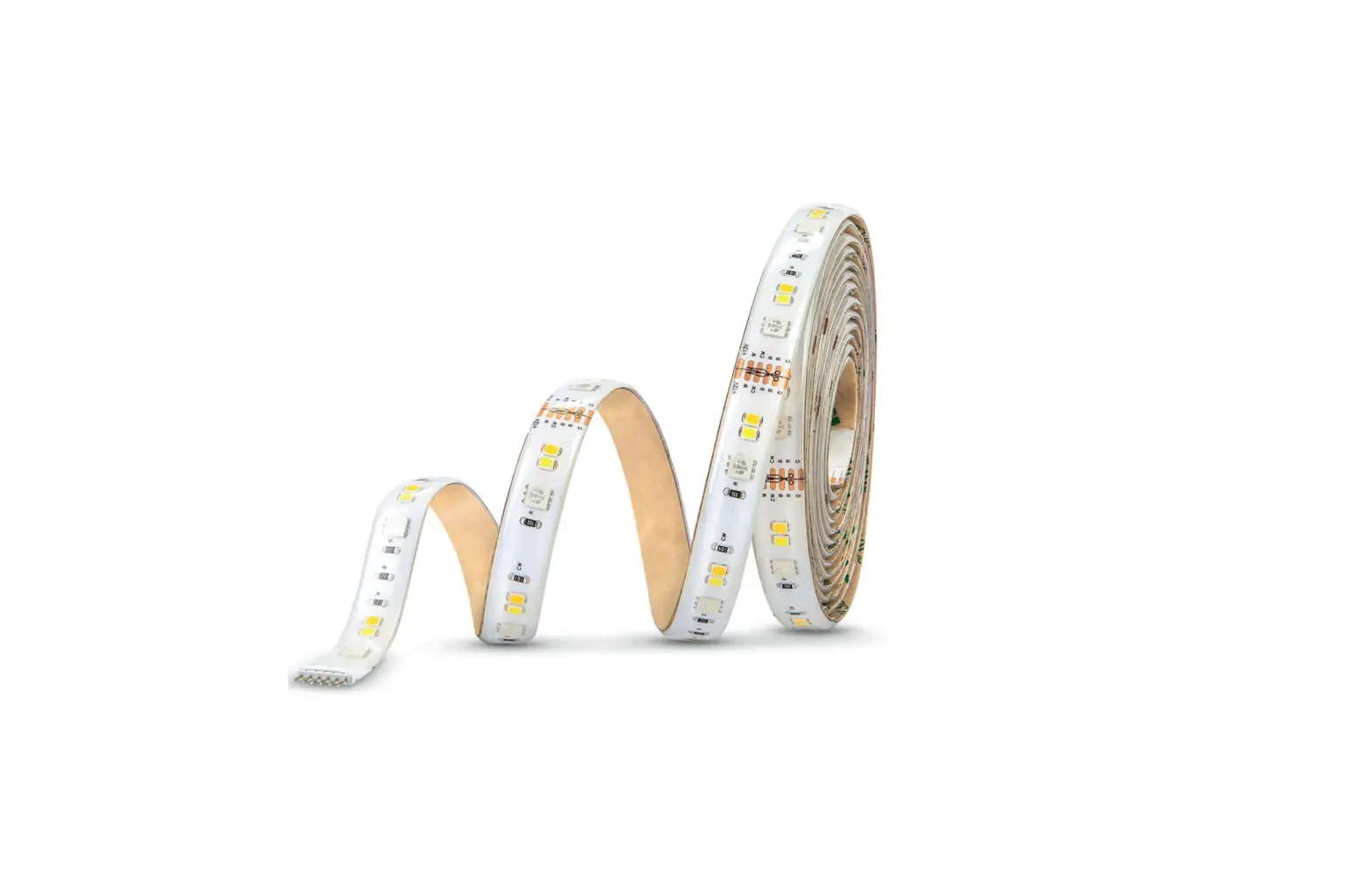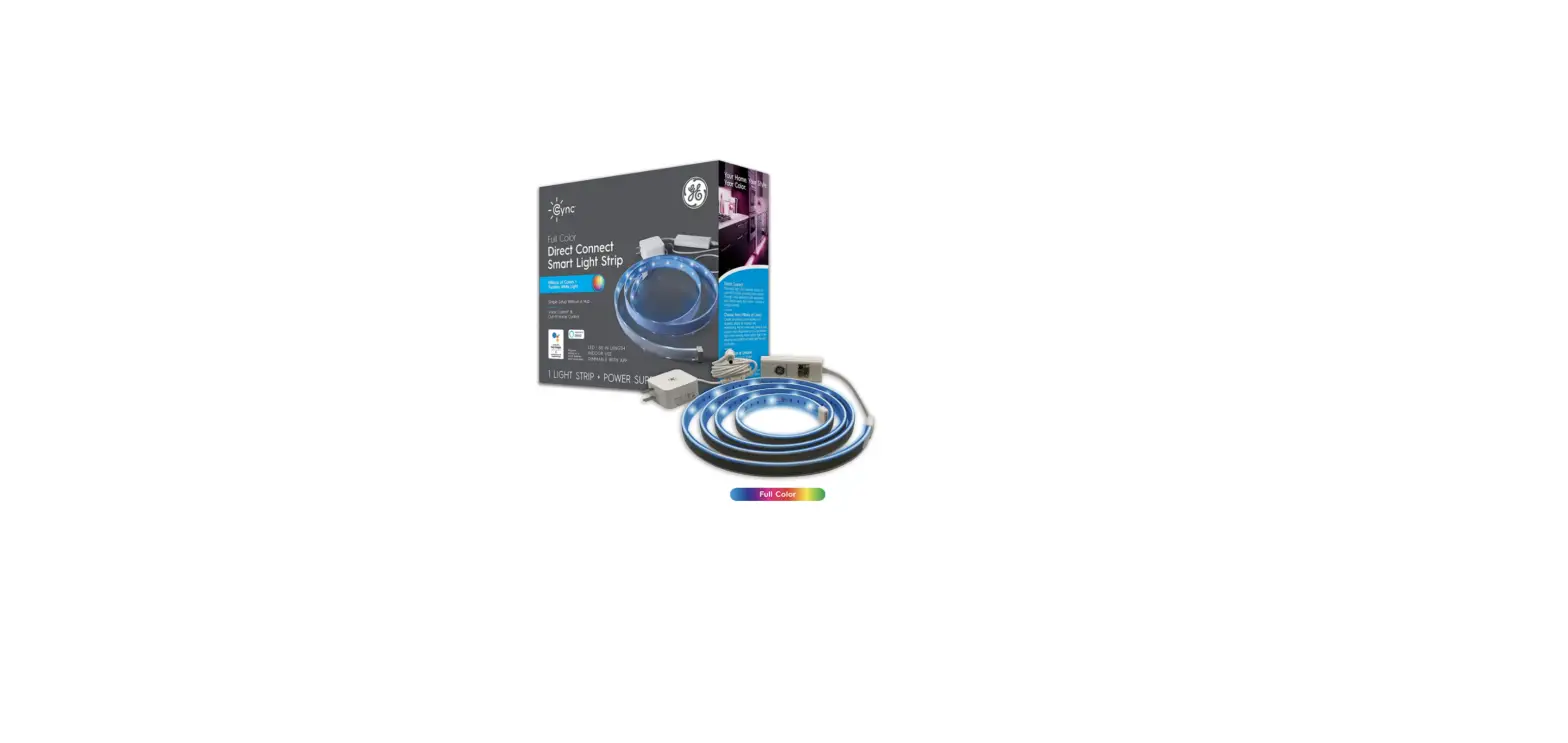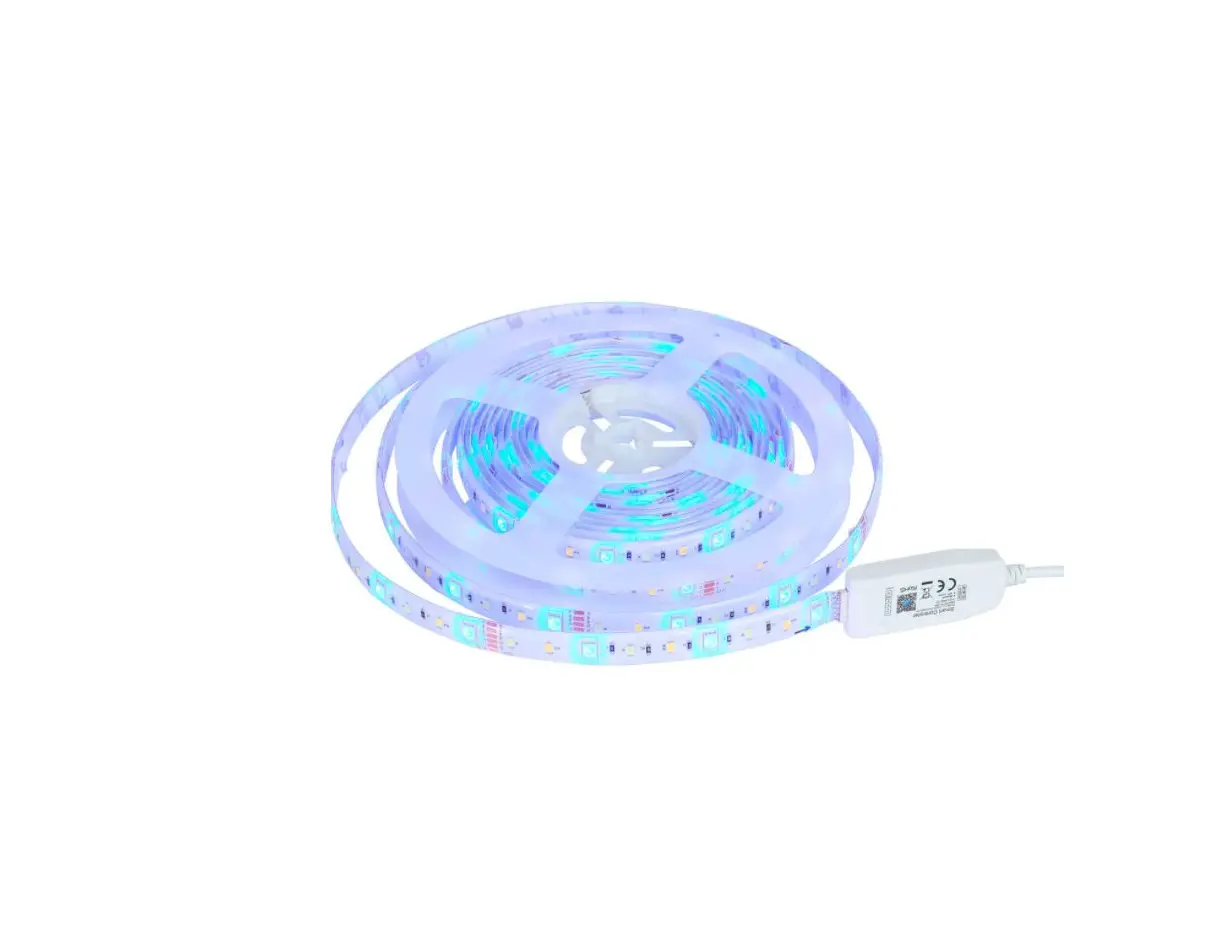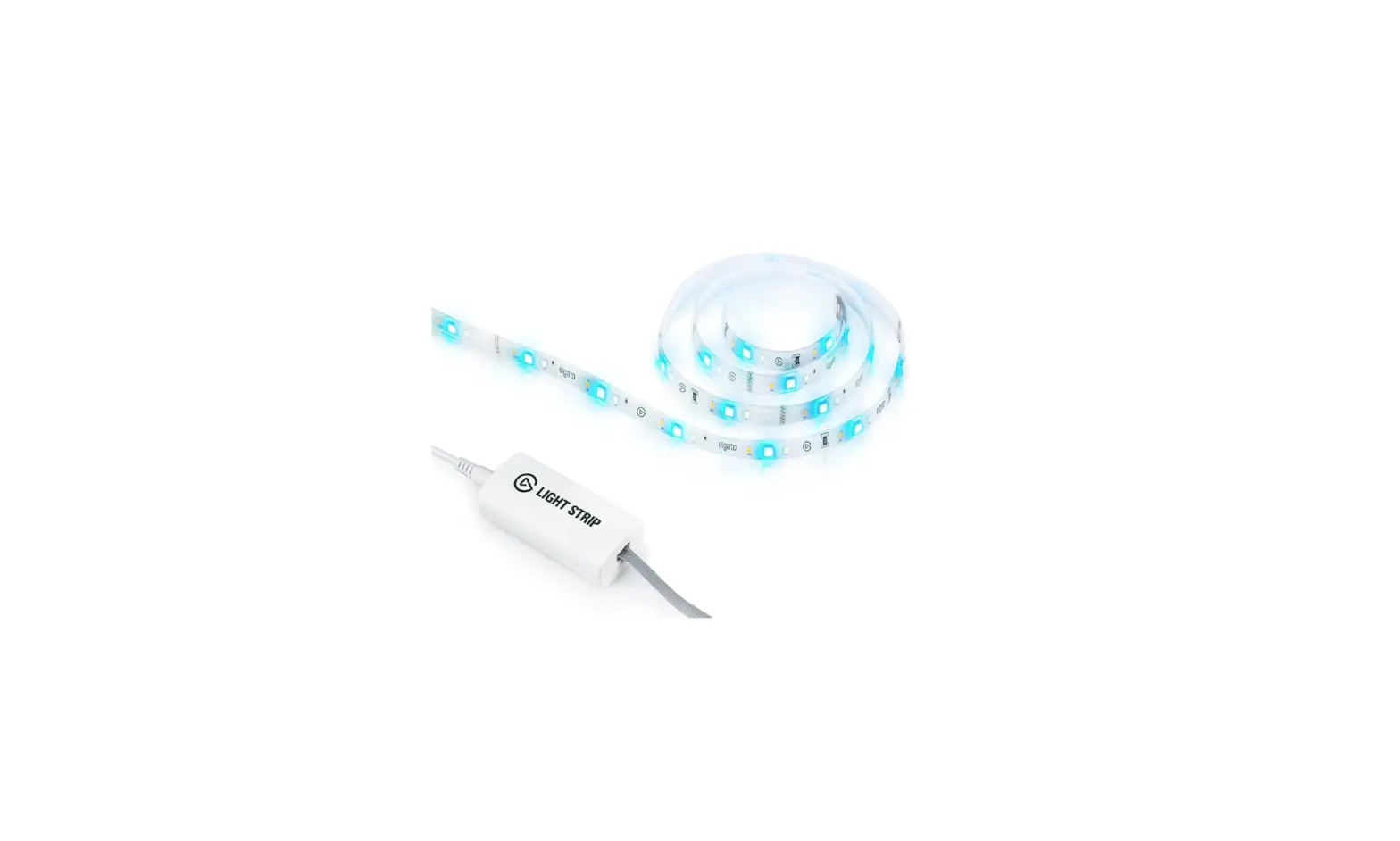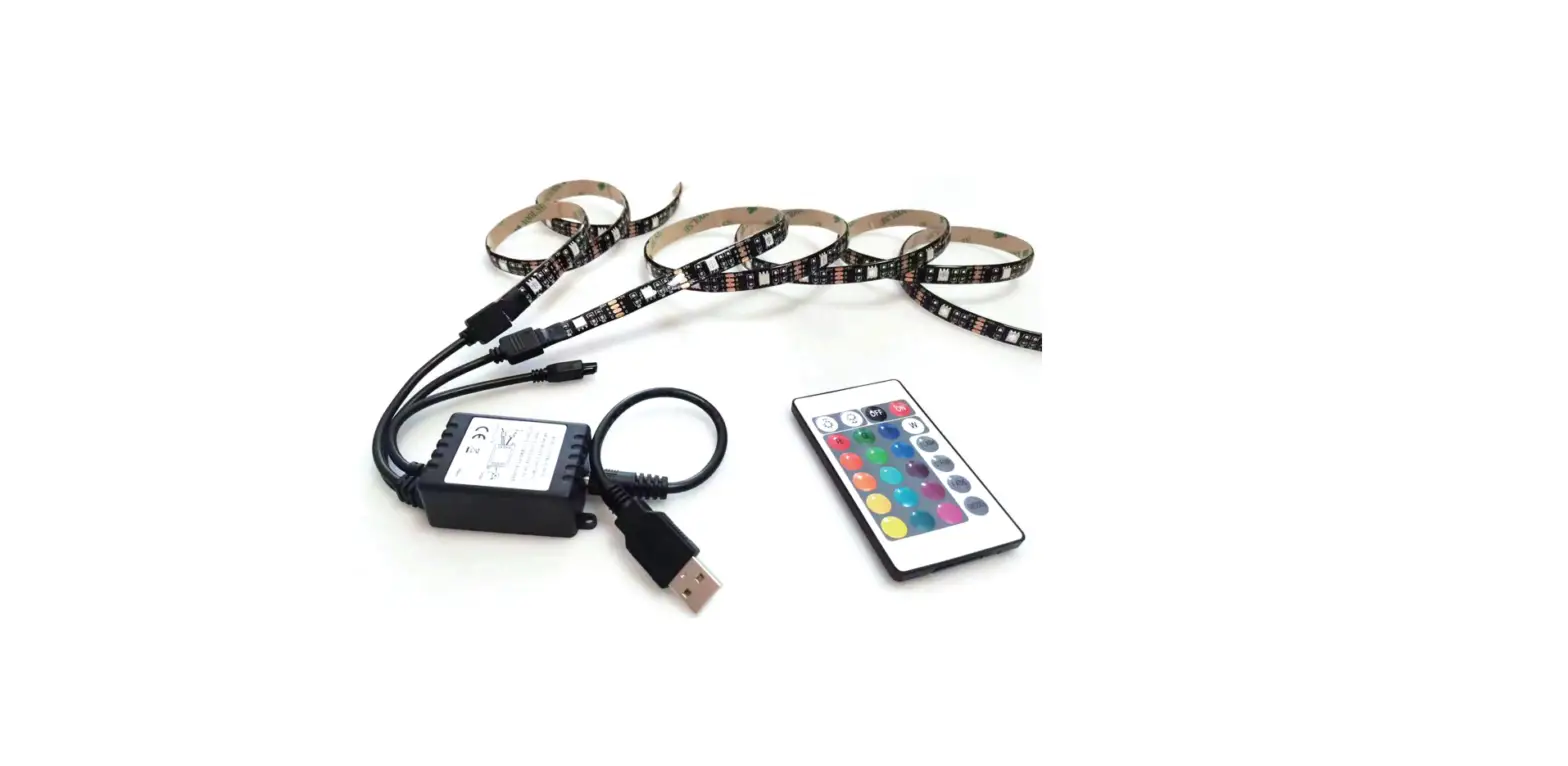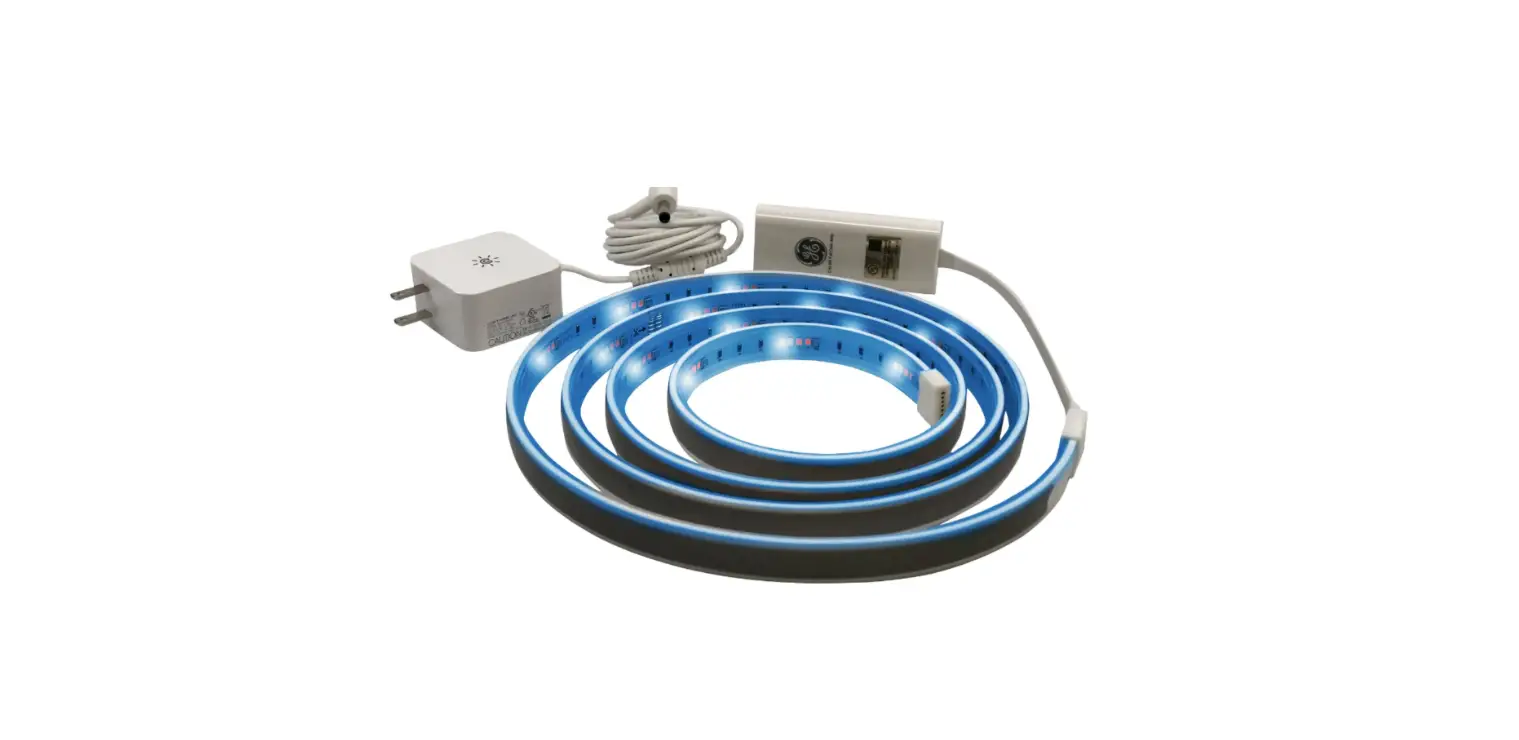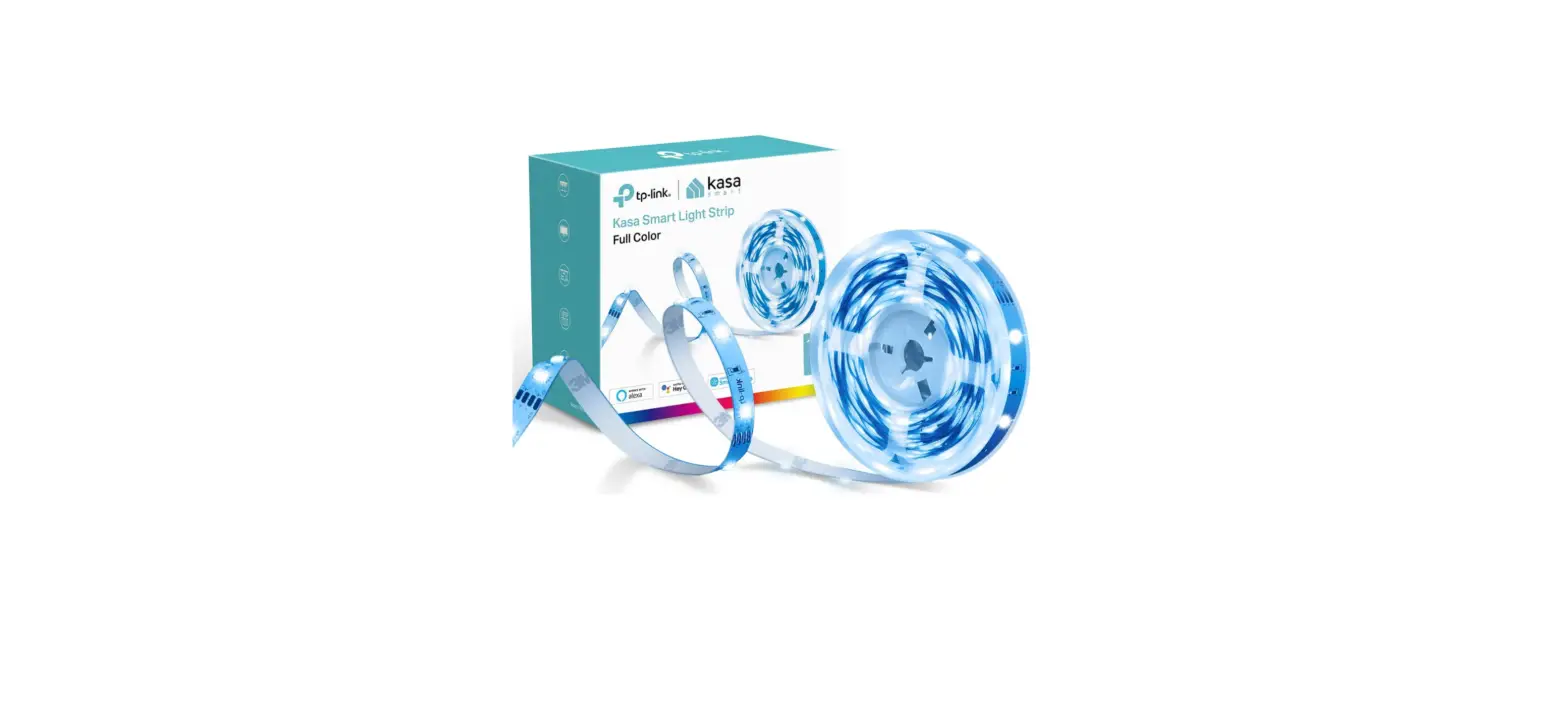

LLOYDS LC-1344 Smart LED strip
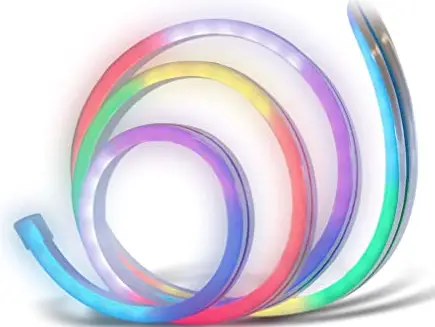
Model: LC-1344
Take control from one single app and transform your spaces into safe, efficient, comfortable and fun places.
PLEASE READ THE INSTALLATION GUIDE BEFORE OPERATING THE PRODUCT
“Operation is subject to two conditions: (1) this device may not cause harmful interference, and (2) this device must accept any interference, including interference caused by the undesired operation.” This appliance is not for persons (including children) whose physical, sensory, or mental capacities are different, reduced, lack experience or knowledge unless such persons are under supervision. Supervise children to ensure that this device is not used as a toy.
Characteristics
- Device remotely controllable from anywhere through the app
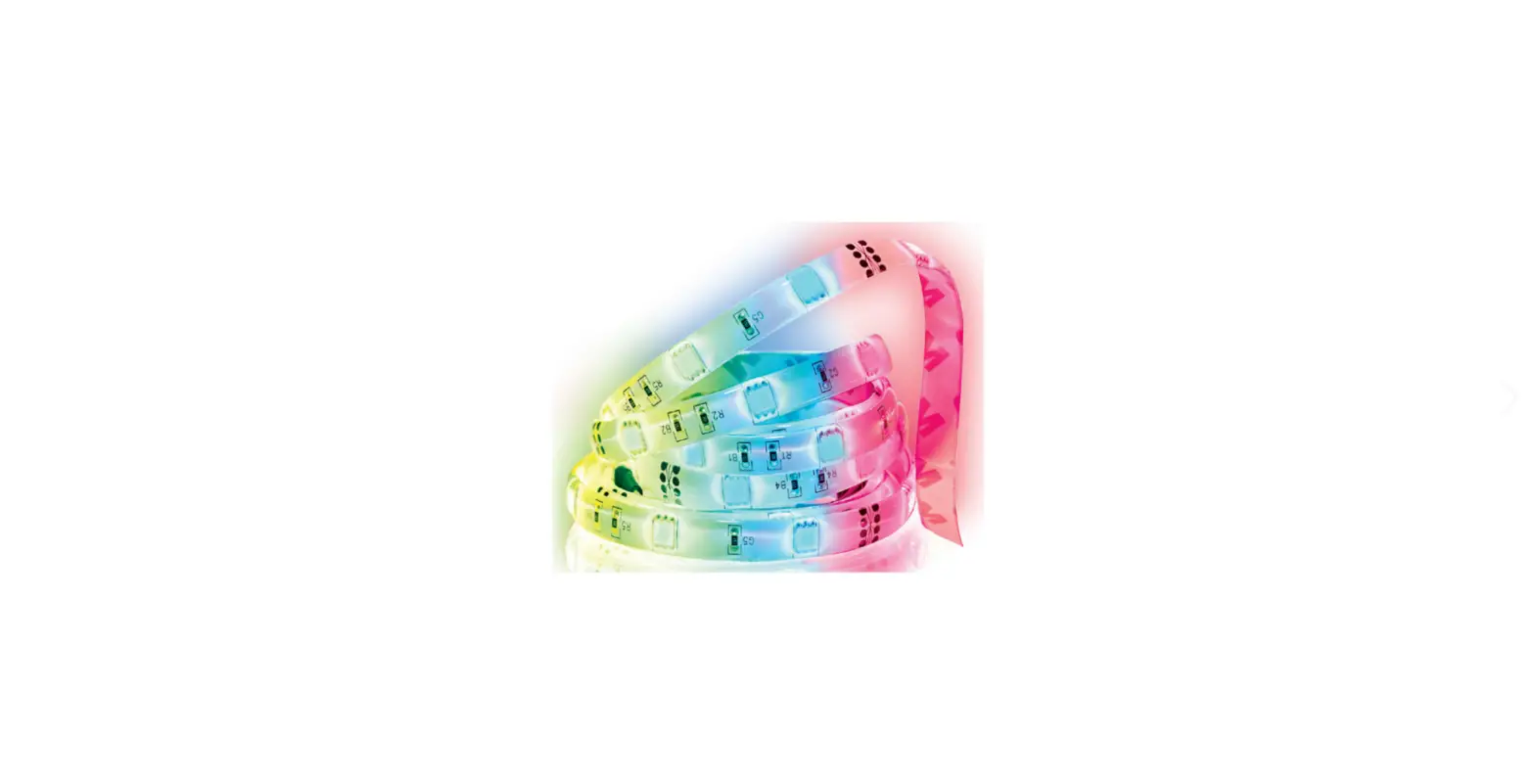
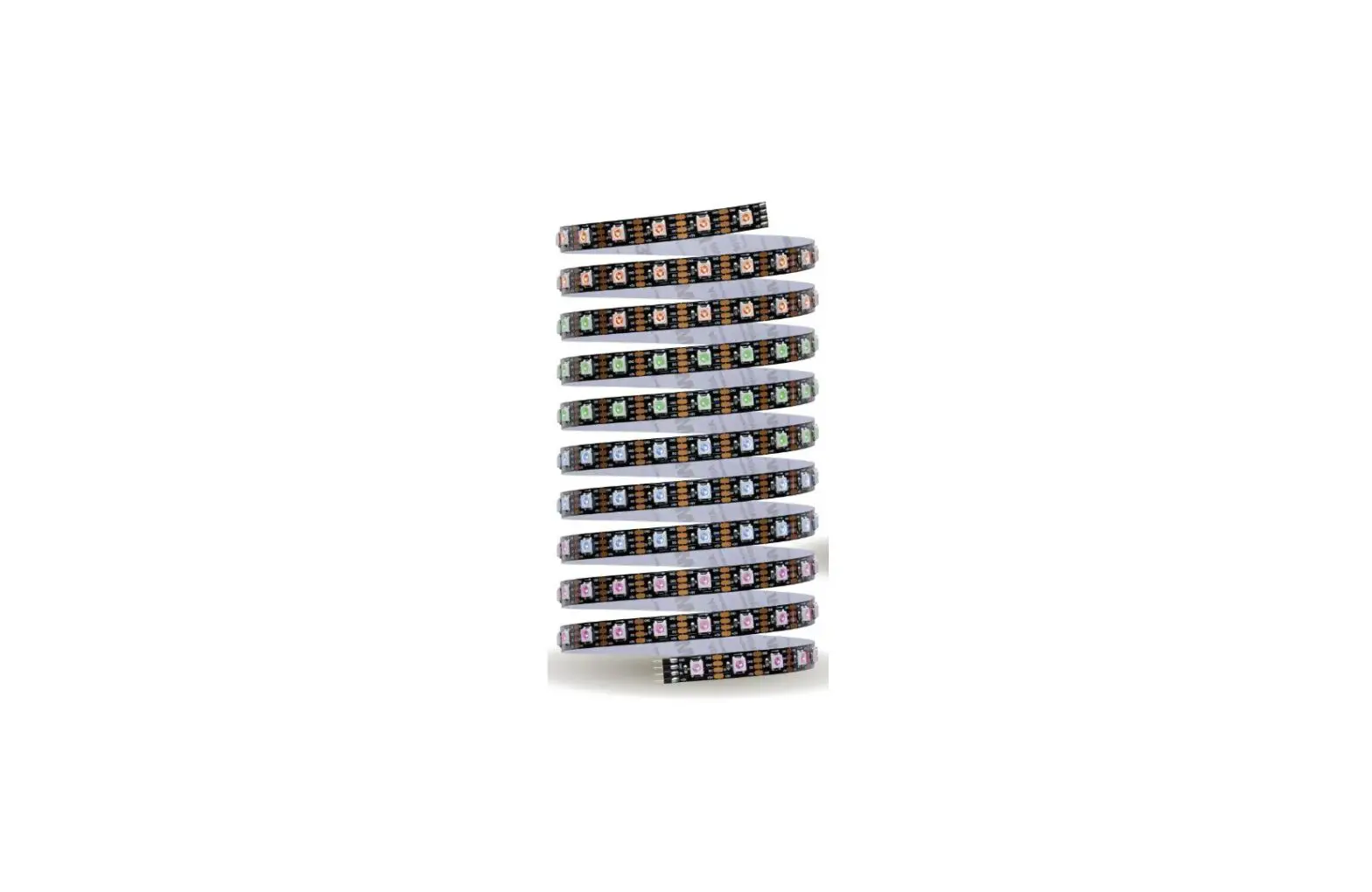
- Wide range of RGBIC colors (Built-in independent chip)
- Turn the device on and off from the app or by voice commands
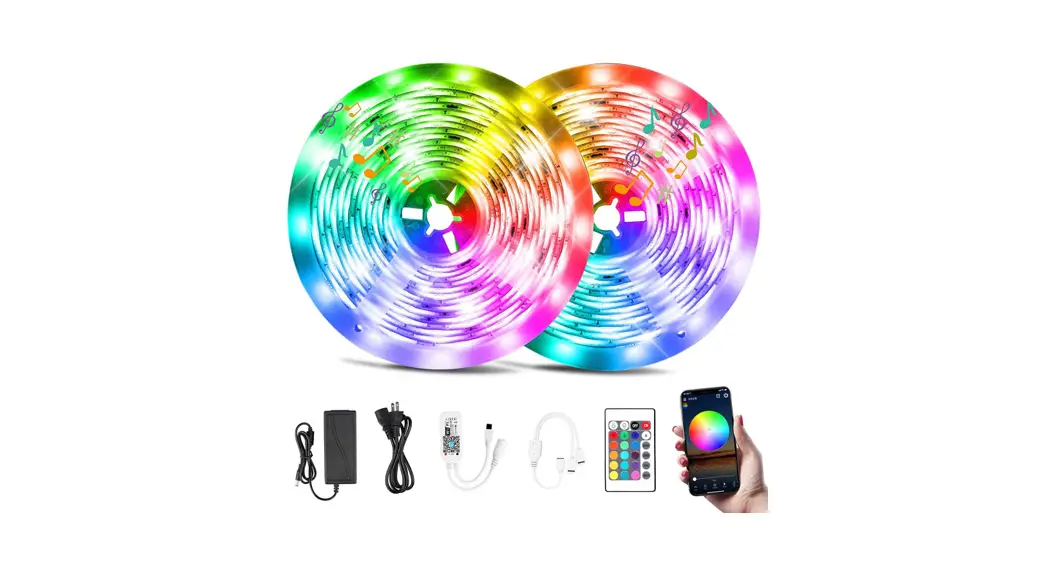
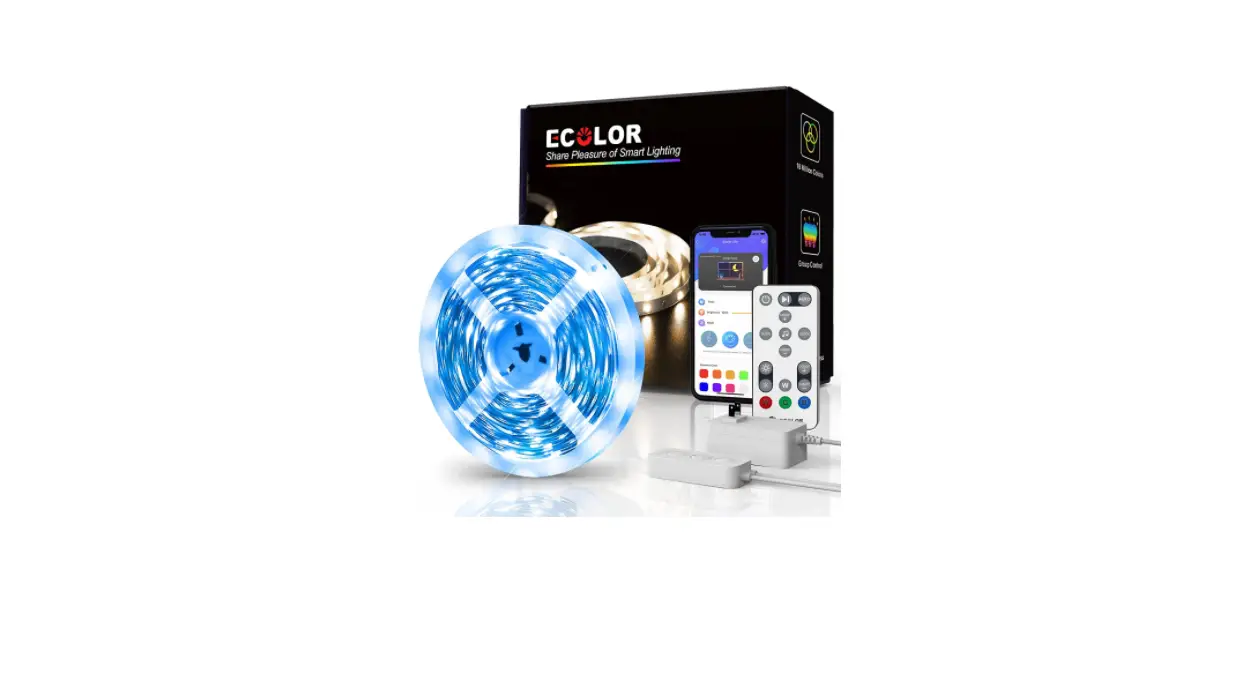
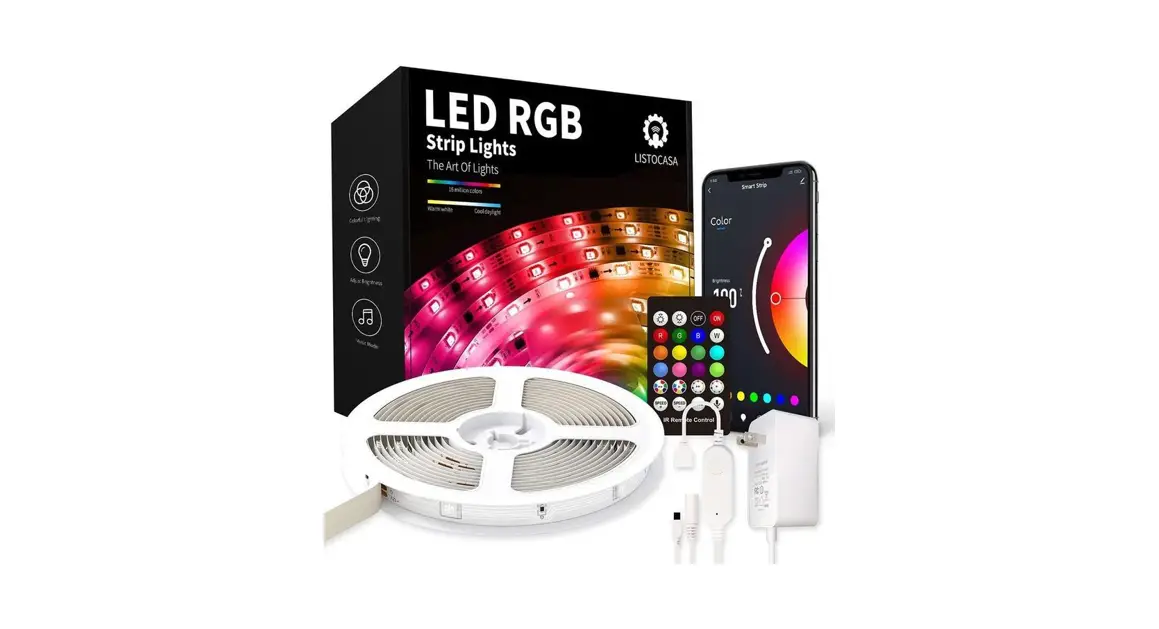
- IR remote control included
- No Hub required
- Multi-user
- Lighting: 80 lm
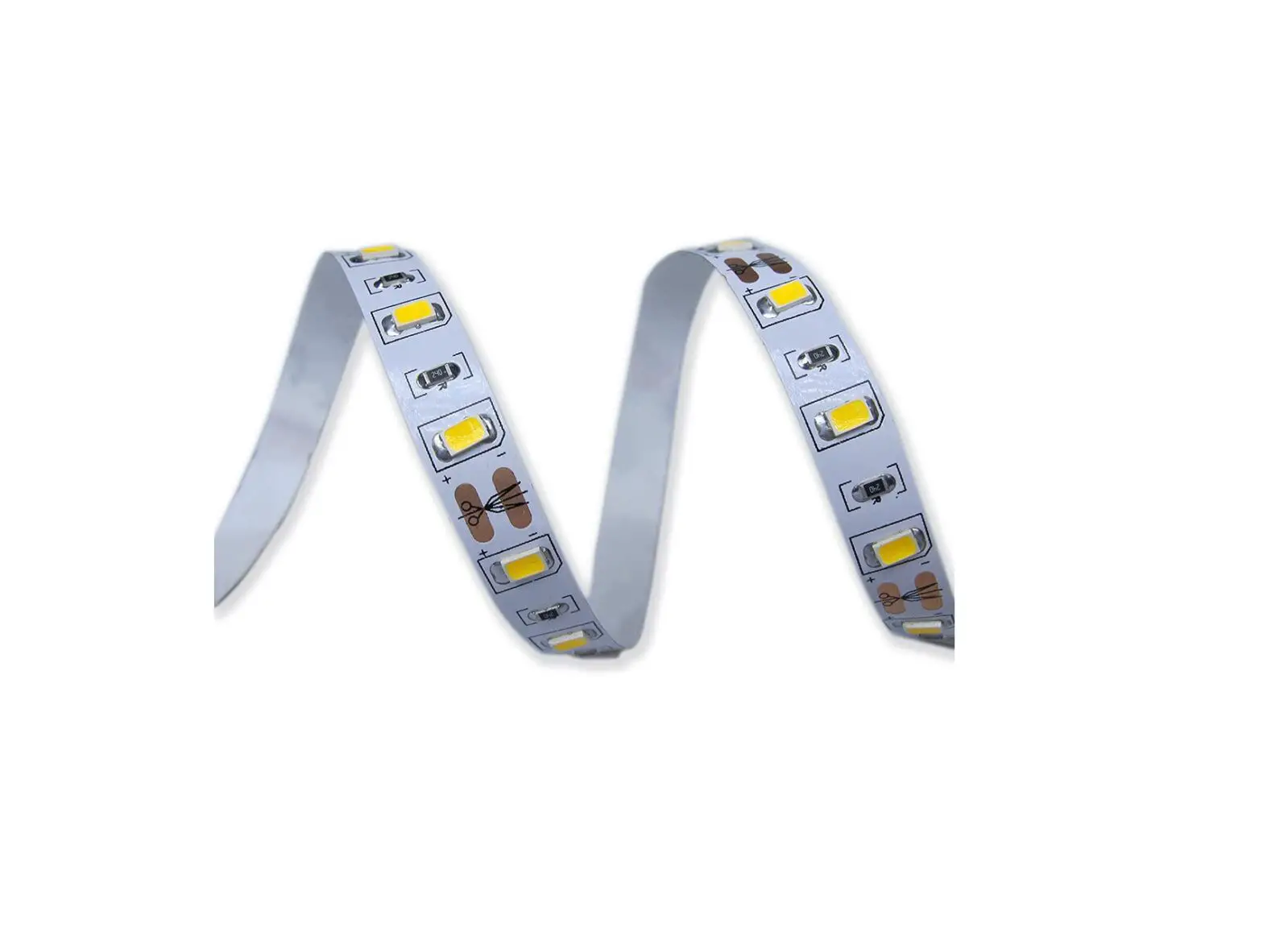
- 60 LEDS (SMD5050 RGB), 6 LEDS (IC)
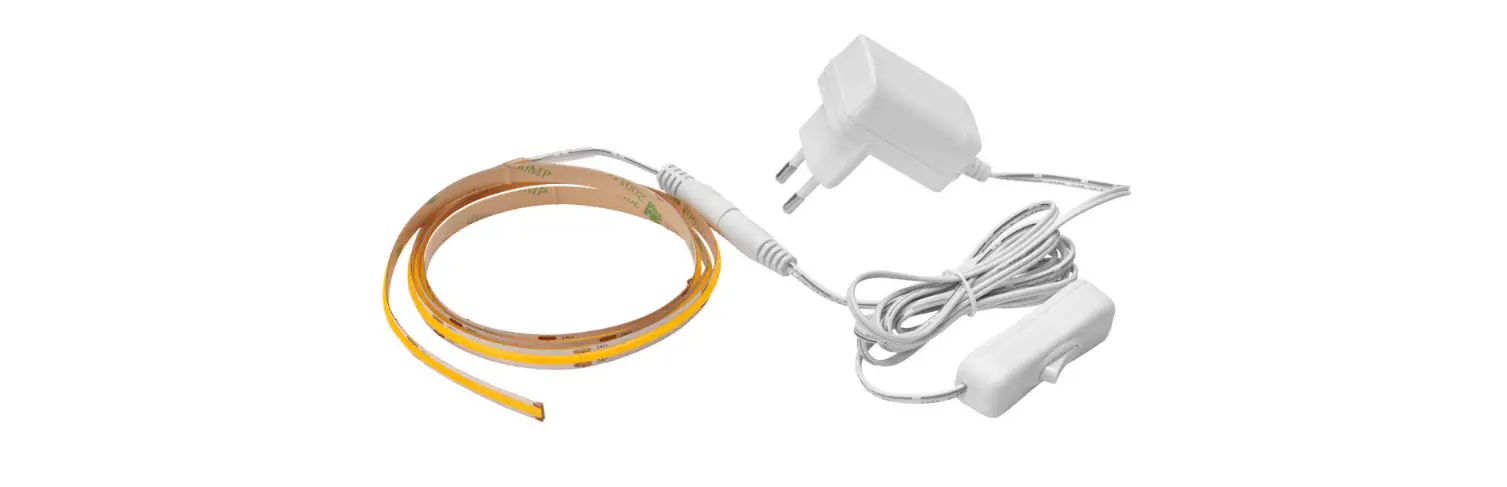
- Size: .3 in x .7 in x 16.4 ft
- Flexible PVC (Silicone) LED Strip
- Lifespan: 20,000 hours
- For indoor and outdoor use IP67 (adapter and built-in controller are not waterproof)
- Operating temperature: -4 °F ~ 104 °F
- Dual module with Wi Fi and Bluetooth connectivity
- Light color syncing to the beat of the music from the app or through the device’s built-in microphone
- Energy-saving: create different on/off schedules for optimal lighting control
- From the app, turn on/off, adjust brightness, schedule times, and color even when away from home
- Compatible with Amazon Alexa and Google virtual assistants
- Compatible with Siri Shortcuts through routines created from the app
- Allows you to create routines that trigger actions in other Lloyd’s Smart products
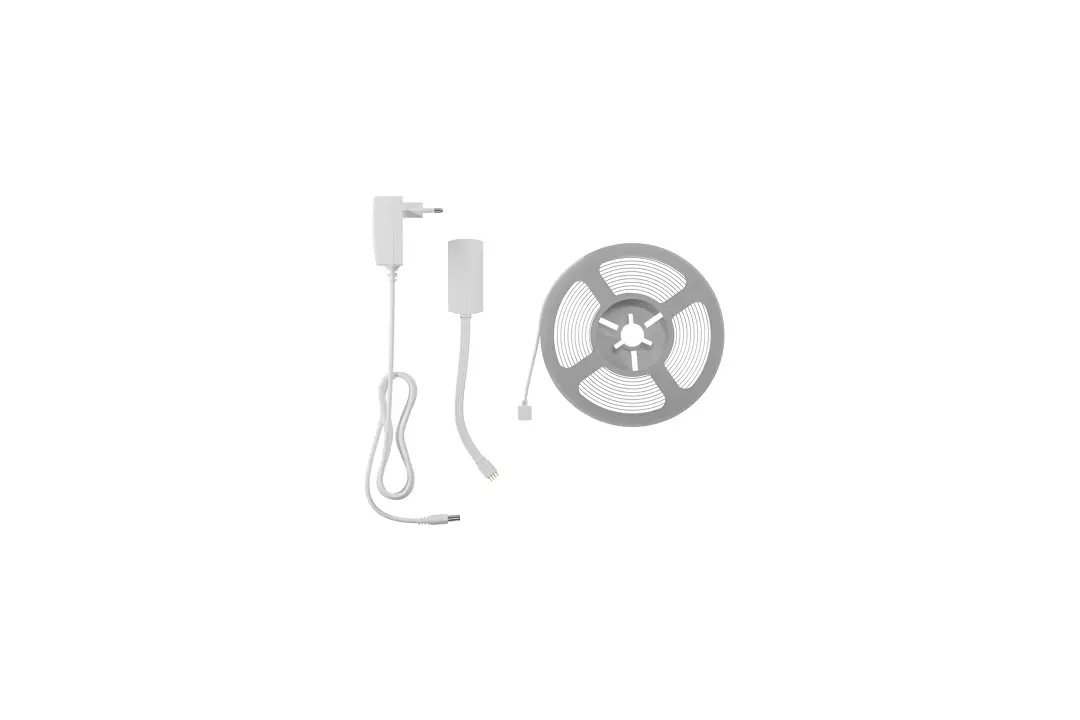
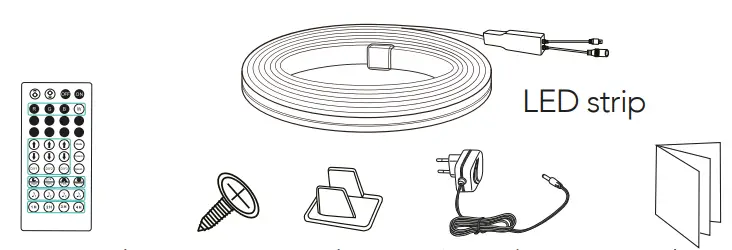
Contents
Before getting started
Make sure your smartphone has iOS 10.0 or higher or Android™ 4.4 or higher. Check your network and make sure you are connected to a 2.4 GHz Wi Fi channel. Download the Lloyds Smart app from the App Store or on Google Play or scan the following QR code with your smartphone.
Registration and access
Launch the Lloyds Smart app. To register, click on “Sign Up” (1), to continue, click “Agree,” choose your country and enter an email address, then click “Get Verification Code” (2).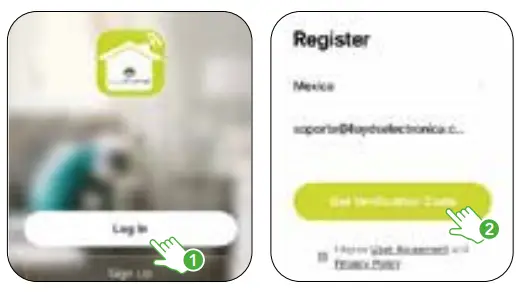
Enter the code sent to your email (check inbox or spam) (3), set a password, and click “Done” (4). Or log in directly if you already have an account.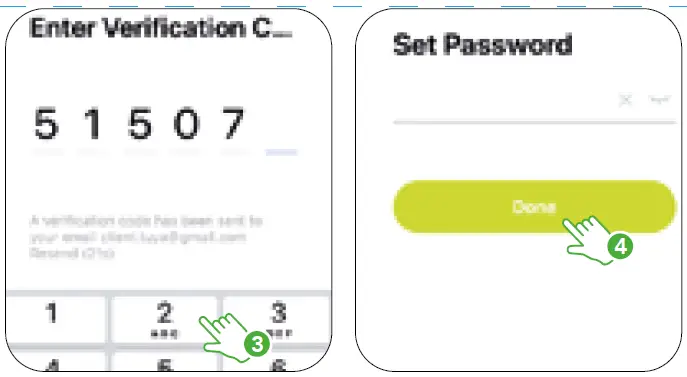
Add device
Start the Lloyds Smart app on your smartphone, select “+” (upper right corner) (1), choose the type of device that you want to add. In this case, go to “Lighting” (2), then click on “Smart Neon LED strip” (3). Enter your Wi Fi network information and password, then click “Next” (4).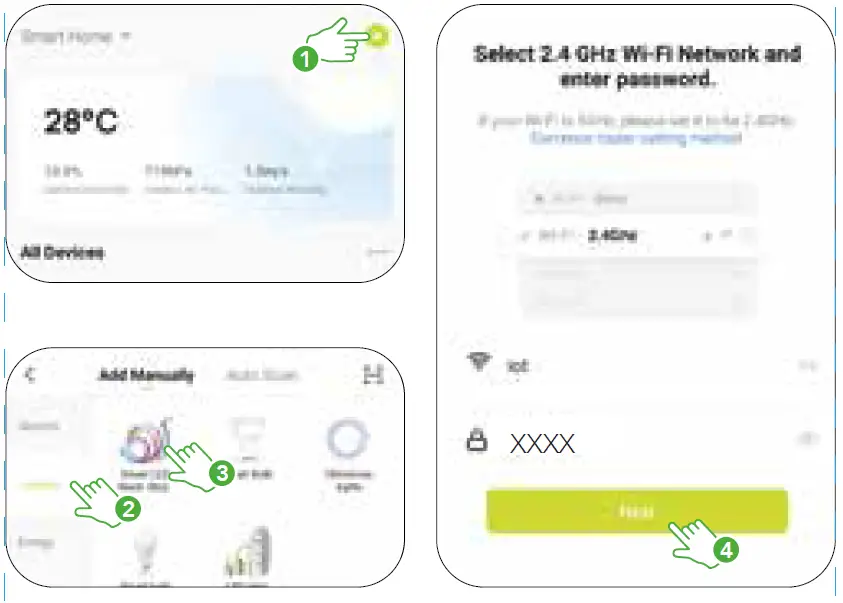
Connect the device to the power supply, disconnect it and connect it again; repeat this procedure three times. Confirm from the app that the lights are flashing rapidly (5), then click “Next” (6).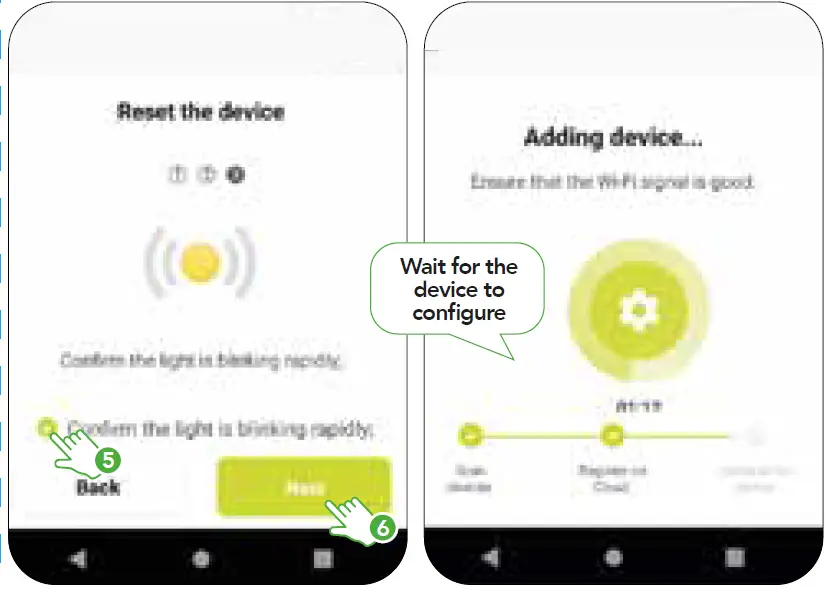
Once the device is configured, you can change the name (7). Finally, click on “Done” (8).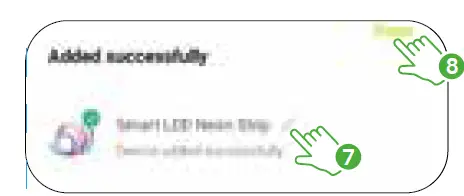
NOTE:
Make sure the Wi Fi password you enter is correct and that the device is close to the modem during the process.
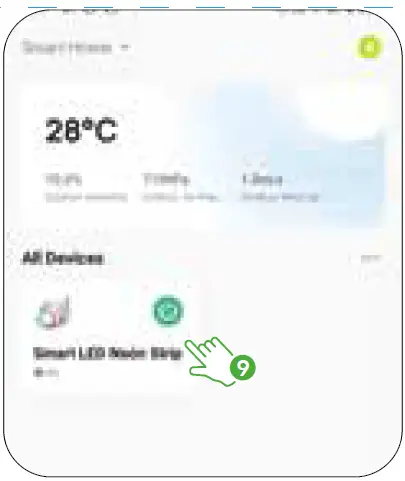
- After completing the setup, find and select the device in the list (9) to control it through the app from wherever you are. Only internet connection is required.

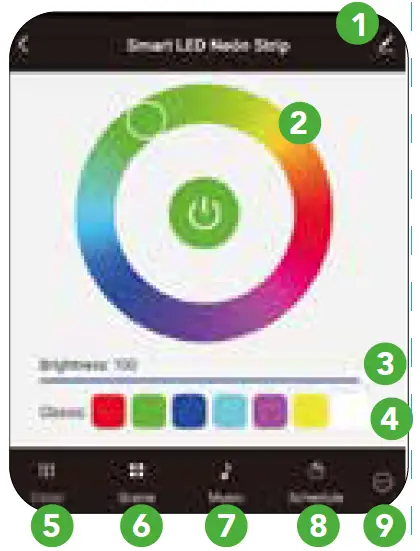
Device control
- More functions
- Choose from a wide range of colors
- Raise or lower the brightness
- Preset colors
- RGB interface
- Customize and select scenes
- Sync the colors of the light with the rhythm of the music
- On/Off scheduling
- Choose the order in which the colors of custom scenes appear and set the LED strip to turn on either partially or whole

Scene mode
- Custom scenes
- On/Off
- Choose from a wide range of colors
- Click the “+” button to save a custom scene or press on the set color to change it
- Default scenes
- Adjust flash firing speed
- Raise or lower the brightness
In “More functions” (interface upper right corner), you will be able to rename the device, share control of it with family and acquaintances, access information, create groups, update the firmware or delete the device.
NOTE:
The name that you assign to the device will be the one that you use with your Alexa or Google Assistant-enabled device for voice control.
Remote control
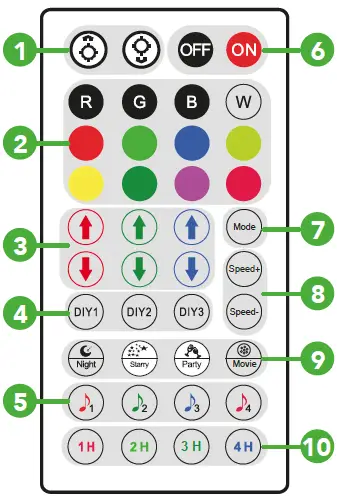
- Raise or lower the brightness of default colors
- Default colors
- Increase/Decrease color brightness (applies for DIY1, DIY2, and DIY3 colors)
- Color selection: DIY1 (red), DIY2 (green), and DIY3 (blue)
- Modes for light color syncing to the beat of the music
- On/Off
- Custom scene selection
- Adjust flash firing speed
- Preset scenes
- On/Off timer settings
How to configure Siri Shortcuts
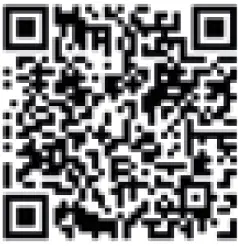
Lloyd’s Smart products are compatible with Siri Shortcuts through routines created from the app. For configuration details, scan the following QRcode with your smartphone: Make sure your smartphone has iOS 12 or higher.
Google Assistant and Amazon Alexa
How to connect to Google Assistant:
- Download and launch the Google Home app, previously configured with your Gmail account and your Google Assistant-enabled device.
- Click on the “+” icon, choose “Set up Device,” then in the “Works with Google” section, click on the search bar and type in Lloyds Smart. When you get the icon, click on it. Enter your Lloyds Smart account and click on “Link now”. Then press on “Authorize” and wait a few seconds.
- Once you have linked Lloyds Smart, the devices added to your account will be displayed, click on “X” (top left corner) and return to the main screen. Now you can control your Lloyd’s Smart devices using just your voice with Google.
NOTE:
You can rename the devices from the Lloyds Smart app to control them with voice commands. Every time you rename the devices, say: “Hey Google, sync devices” or update from the Google Home app.
Try saying “Hey Google” followed by one of the following commands:
- “Hey Google, turn on living room strip.”
- “Hey Google, turn off living room strip.”
- “Hey Google, set living room strip to orange.”
- “Hey Google, set living room strip to 100%.” “Hey Google, set living room strip to 20%.”
“Google, Android, Google Play and Google Home are trademarks of Google LLC.”
How to connect to Amazon Alexa:
- Download and access the “Amazon Alexa” app, previously configured with your email account and your virtual assistant.
- Click on the option “Skills & games”, then in the search bar type Lloyds Smart. When you get the icon, click on it. Then press the “Activate to use” button.
- Enter your Lloyds Smart account, click on “Link Now” and finally “Authorize”. You will get the message “Linked successfully”, click on “Close” and wait a few seconds.
- Click “Detect devices” to find the smart devices. Now you can ask your assistant to control them by voice commands.
NOTE:
You can rename the devices from the Lloyds Smart app to control them with voice commands. Every time you rename the devices, say: “Alexa, sync devices” or update from the Amazon Alexa app.
Voice command examples:
- “Alexa, turn on living room strip.”
- “Alexa, turn off living room strip.”
- “Alexa, set living room strip to orange.”
- “Alexa, set living room strip to 100%.”
- “Alexa, set living room strip to 20%.”
Maintenance
- Do not expose it to direct sunlight.
- Do not immerse in water or any other liquid.
- For cleaning use a damp or dry cloth without abrasive liquids.
Cautions
To reduce the risk of fire and electric shock:
- Disconnect the decorative product from the power supply before performing any maintenance or cleaning activities.
- Do not install or place near gas or electric heaters, fireplaces, candles or other similar sources of heat.
- Unplug the product when leaving the house, when retiring to sleep, or if left unattended.
- Do not hang decorations or other objects on the cord, cable or light strip.
- Do not cover the decorative product with cloth, paper or any material that is not part of the product when in use.
- Do not install the strip in a manner that may cut or damage the wire insulation.
Electrical specifications
- LED Strip: 24 V
 1 A
1 A - Includes connector
- Includes AC/DC Adapter:
- Input: 100 – 240 V 50/60 Hz 0,5 A
- Output: 24 V 1 A
- IR remote control: 3 V (1 Battery CR2025 de 3 V included)
 1 A
1 A