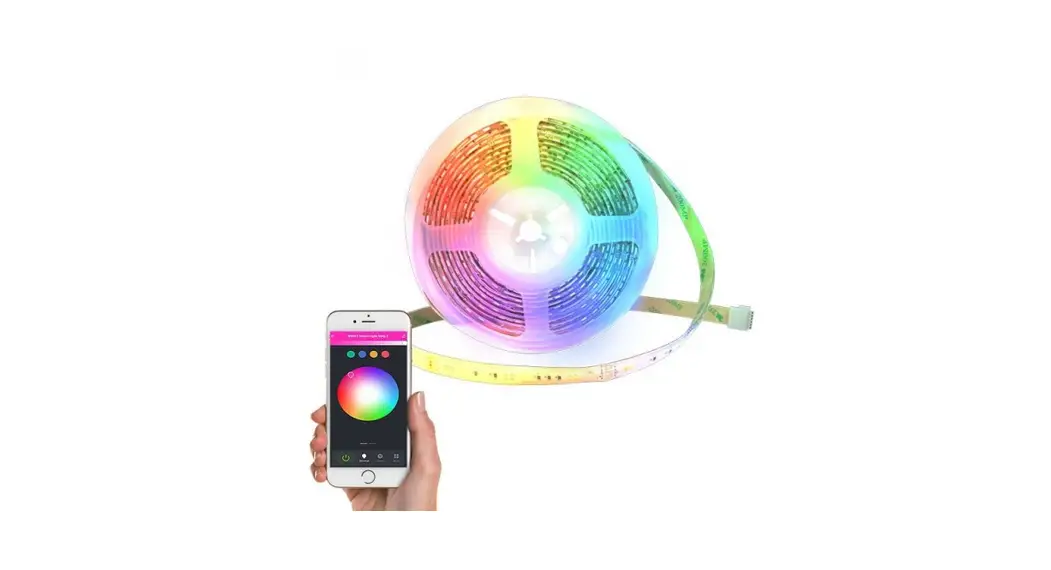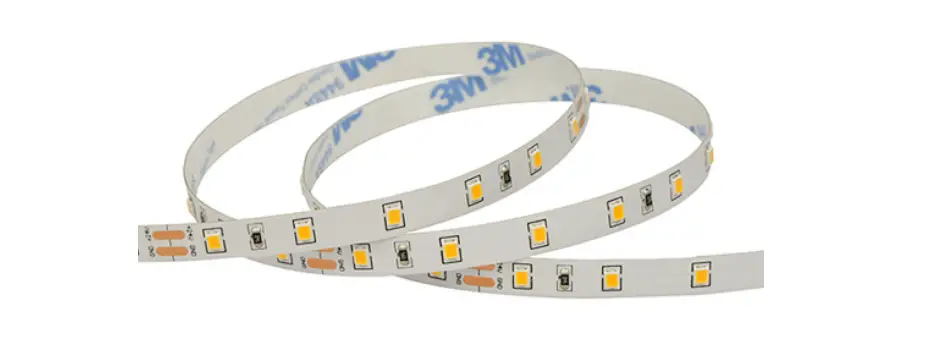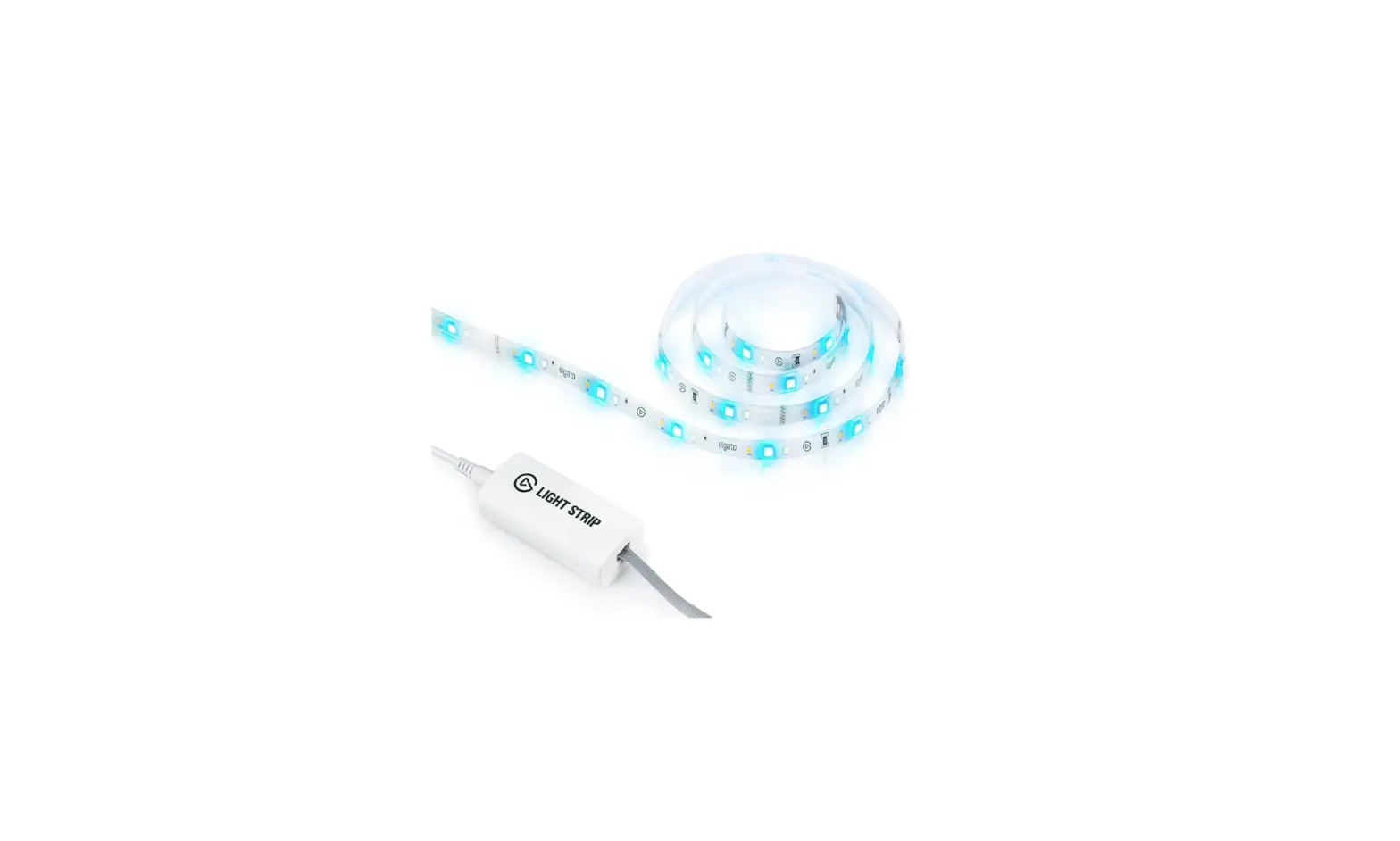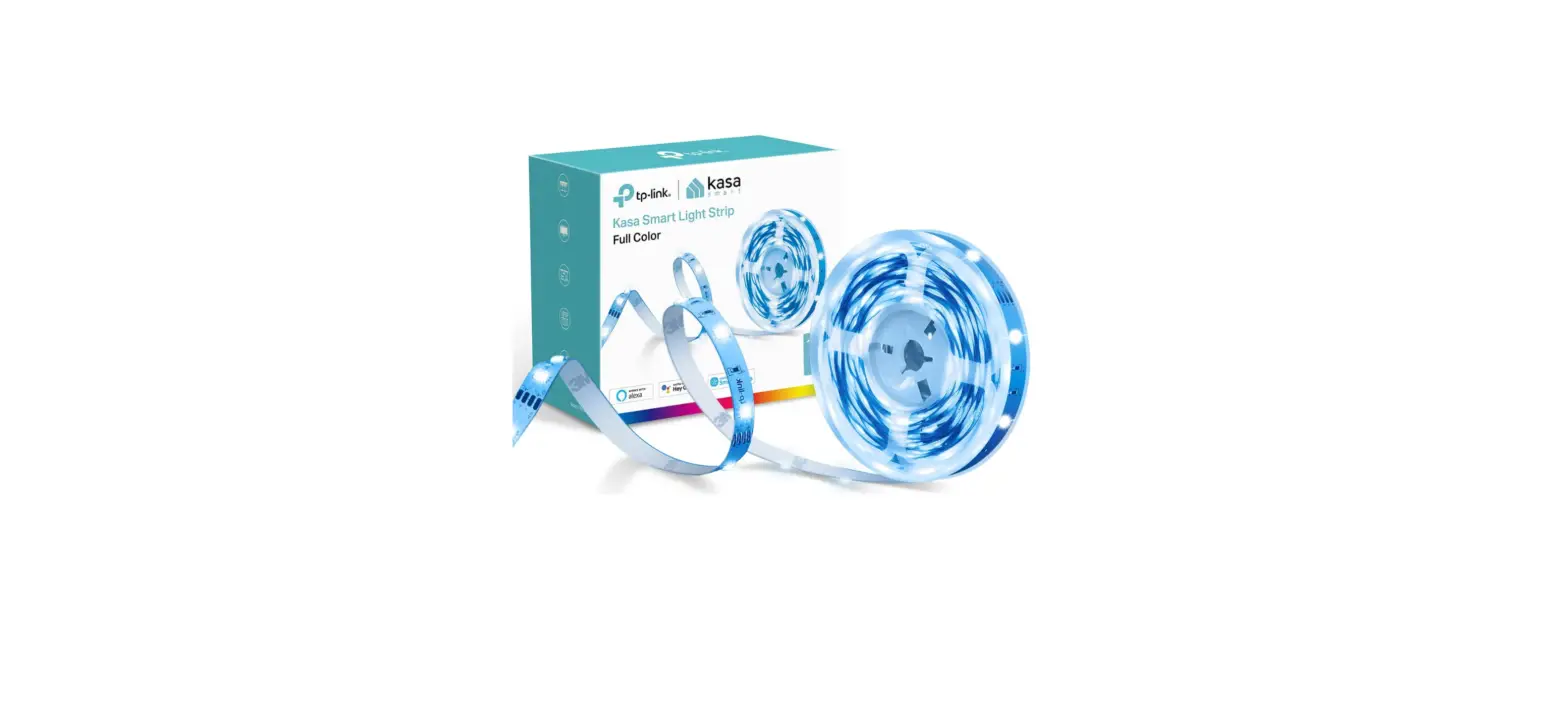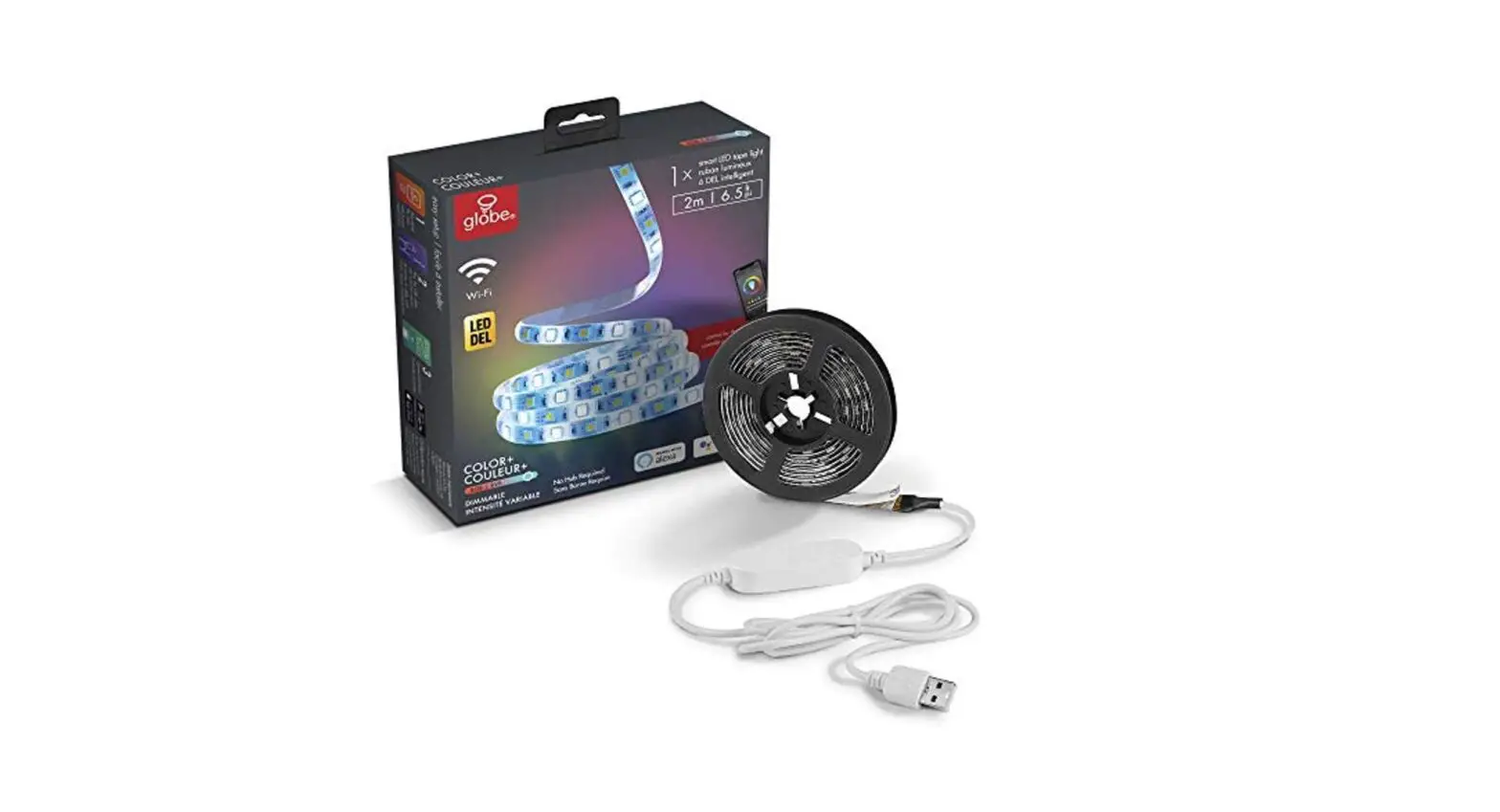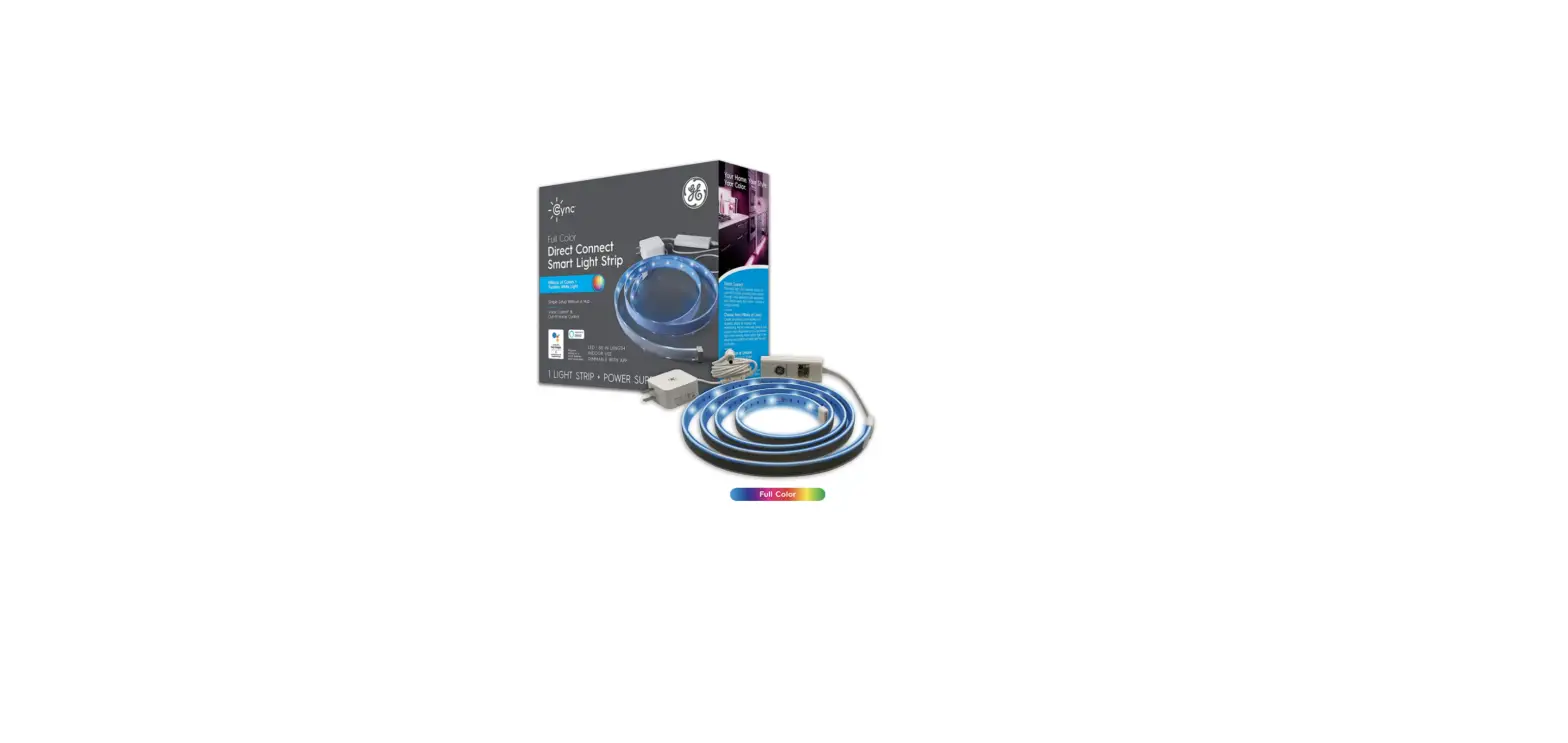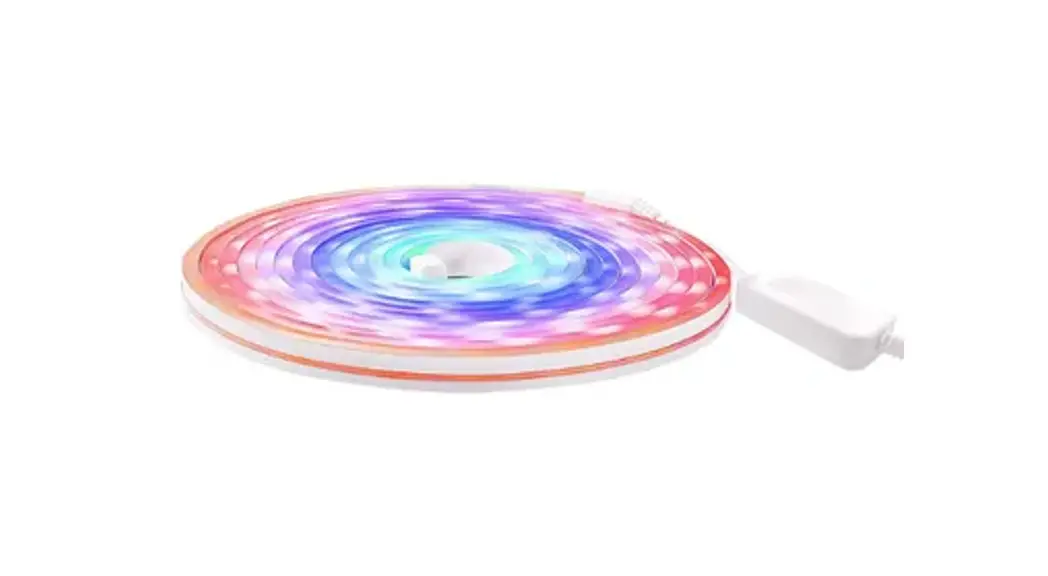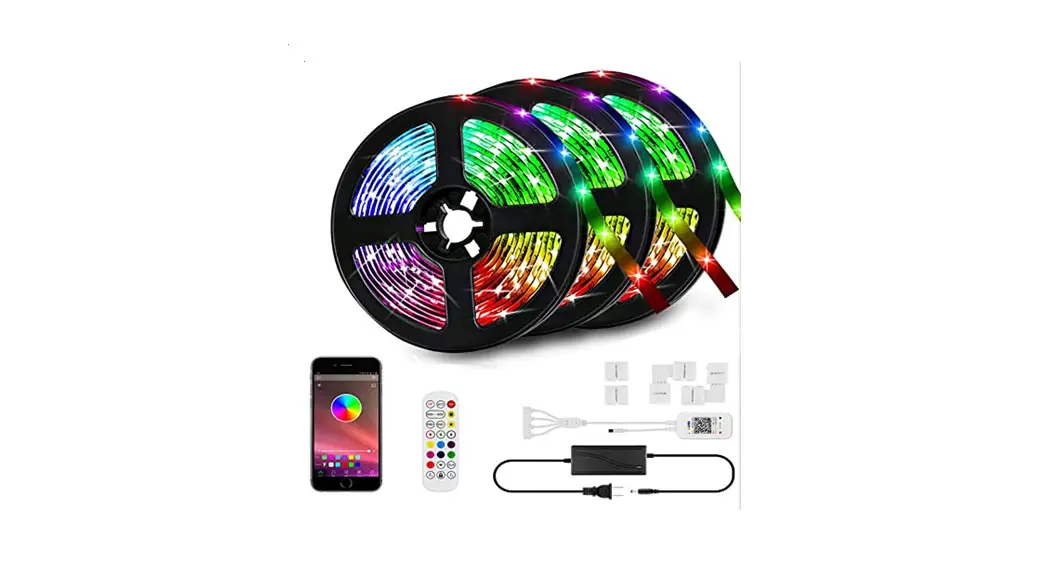

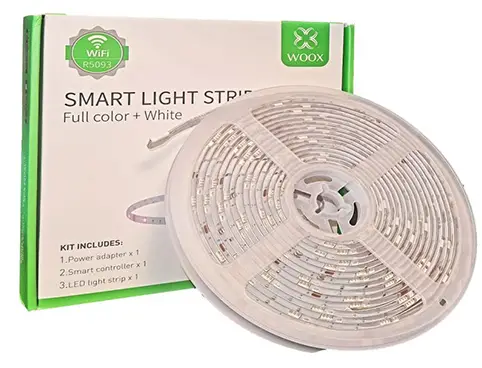
WOOX R5093 Smart Light Strip Kit
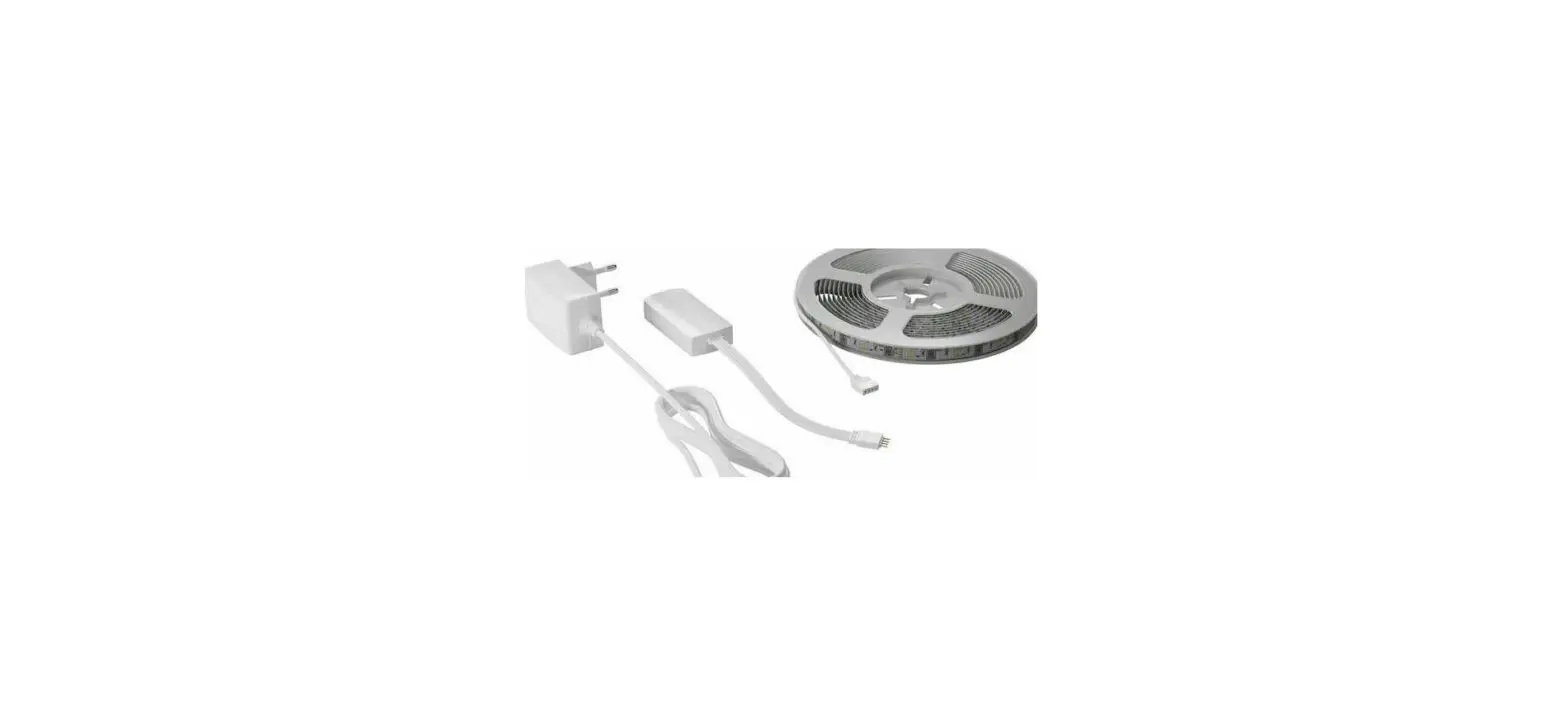
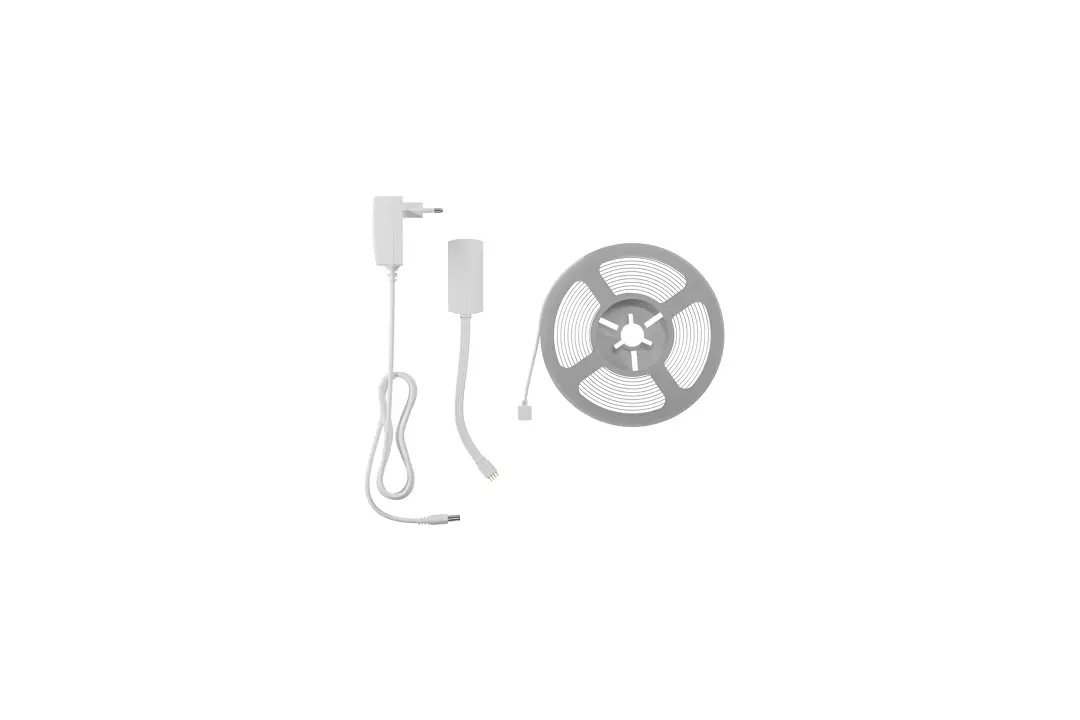
Wiring diagram
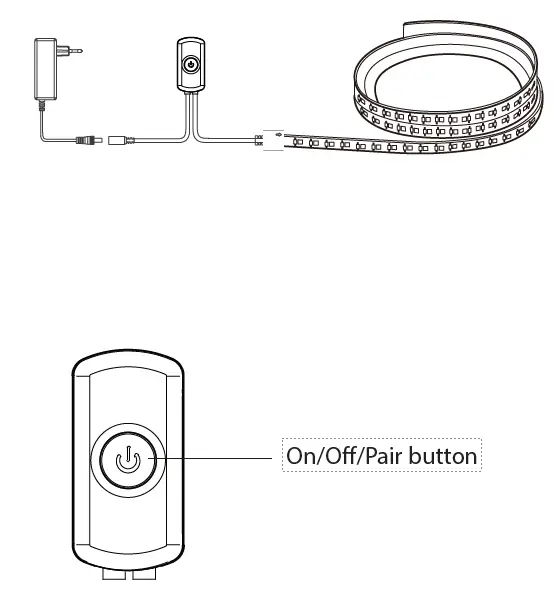
Press and hold the pair button for 5 seconds to enter pair mode.
Specification
- Rated voltage: DC 12V (power adapter is included) Rated current: 2A Max.
- Rated power: 24W Max.
- Color: RGB + Warm white
- Dimmable: dimmable via WOOX Home app
- Wi-Fi: IEEE 802.11 b/g/n 2.4GHz
- Working temperature: -10℃ -45℃
- Working humidity: ≤85%RH
- Dimension: W10*L5000mm for light strip
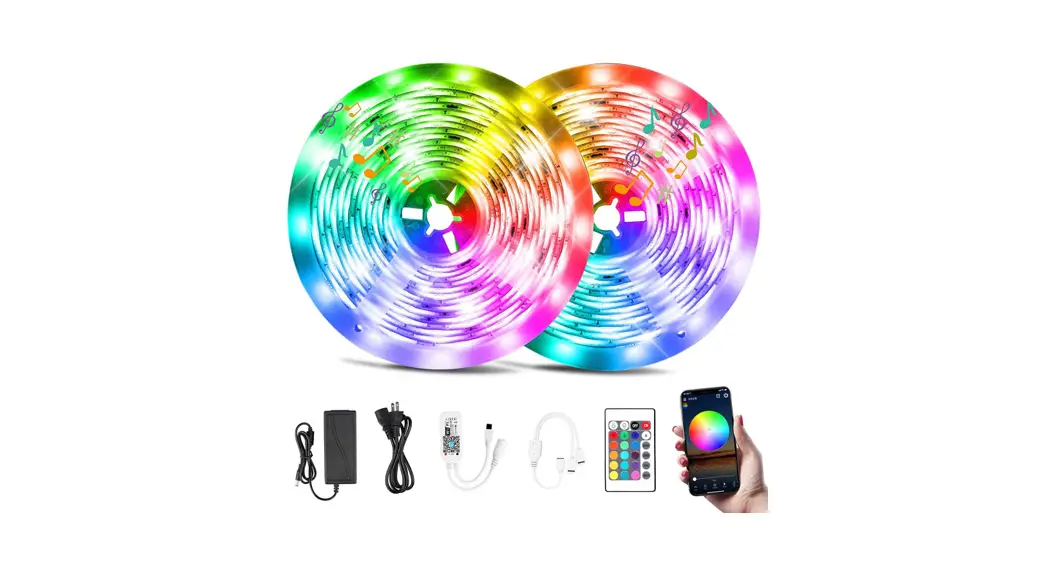
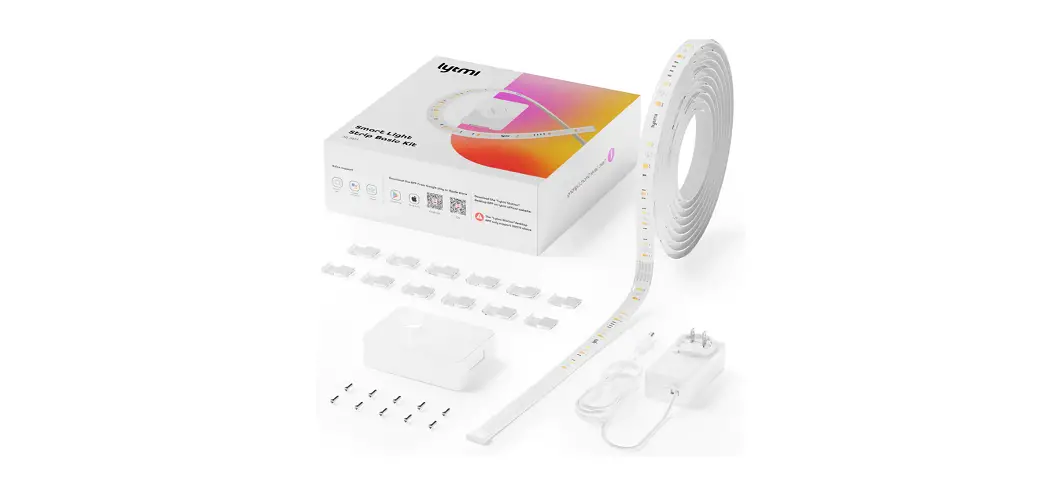
Kit includes
- Power adapter x 1
- Smart contoller x 1
- LED light strip x 1
Requirement to use
- Woox home app
- WLAN-enabled router: 2.4GHz (Separate Band)
Use
- Download and install the app “WOOX Home” from Apple App Store or Google Play Store on your mobile device.
- Launch the app “WOOX Home”.
- Create a new account or log in to your existing account.
- Tap “+” to add the device.
- Select the applicable product type from the list of products.
- Ensure the LED light strip is quick flashing (flashing 2 times per second). If the LED light strip isn’t flashing: press and hold the pair button for 5 seconds until the LED light strip starts to flash.
- Confirm the Wi-Fi network and password.
Note: only 2.4GHz WiFi is supported. - The app will now search for the device and register is to your account.
- Enter the device name.
Note: The device name will also be used by Amazon Alexa and Google Home.
Support
If you need further help or have comments or suggestions please visit www.wooxhome.com
 Connecting your home to a smarter future; WOOX Home