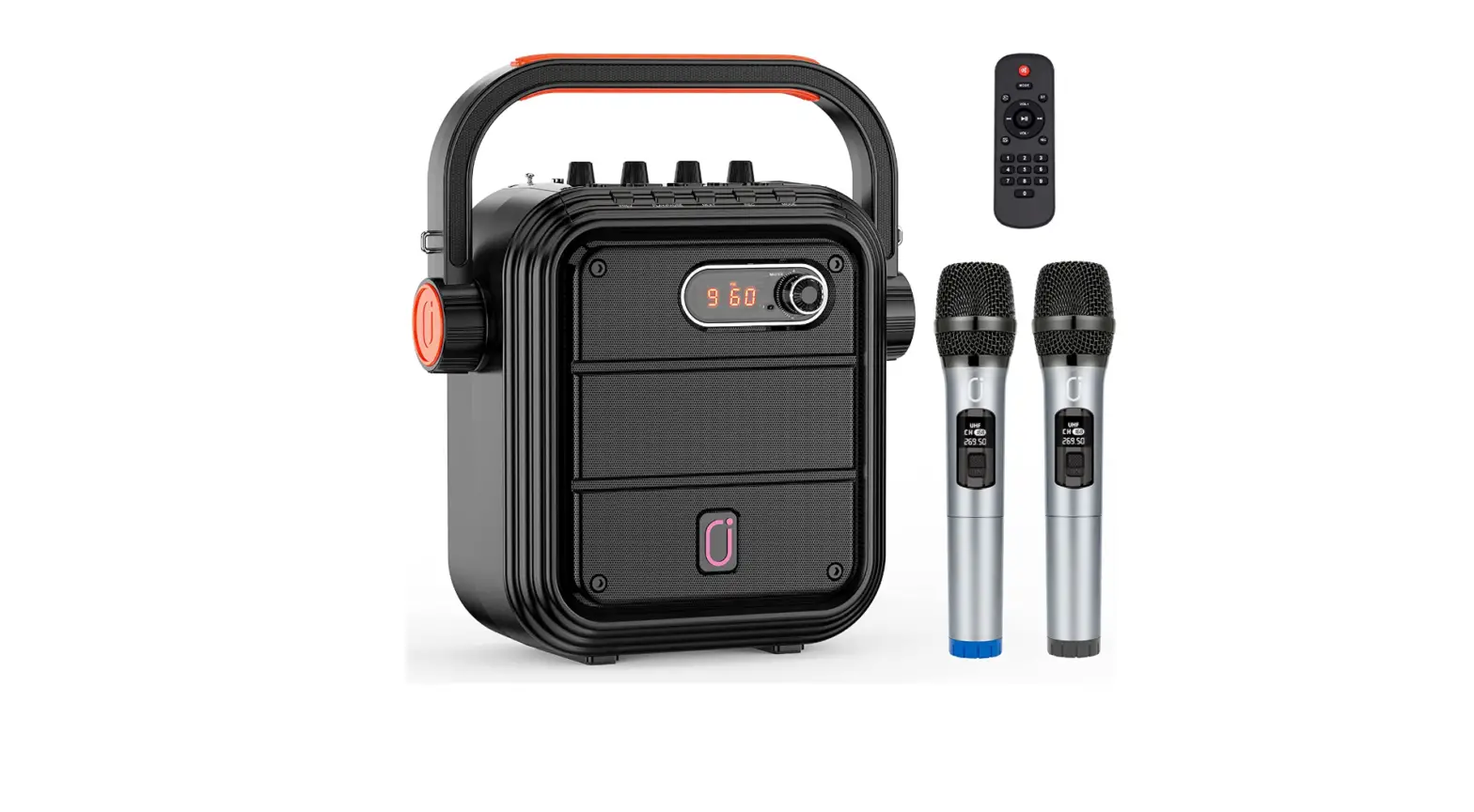

JYX 2 UHF Karaoke Machine for Adults
Introduction
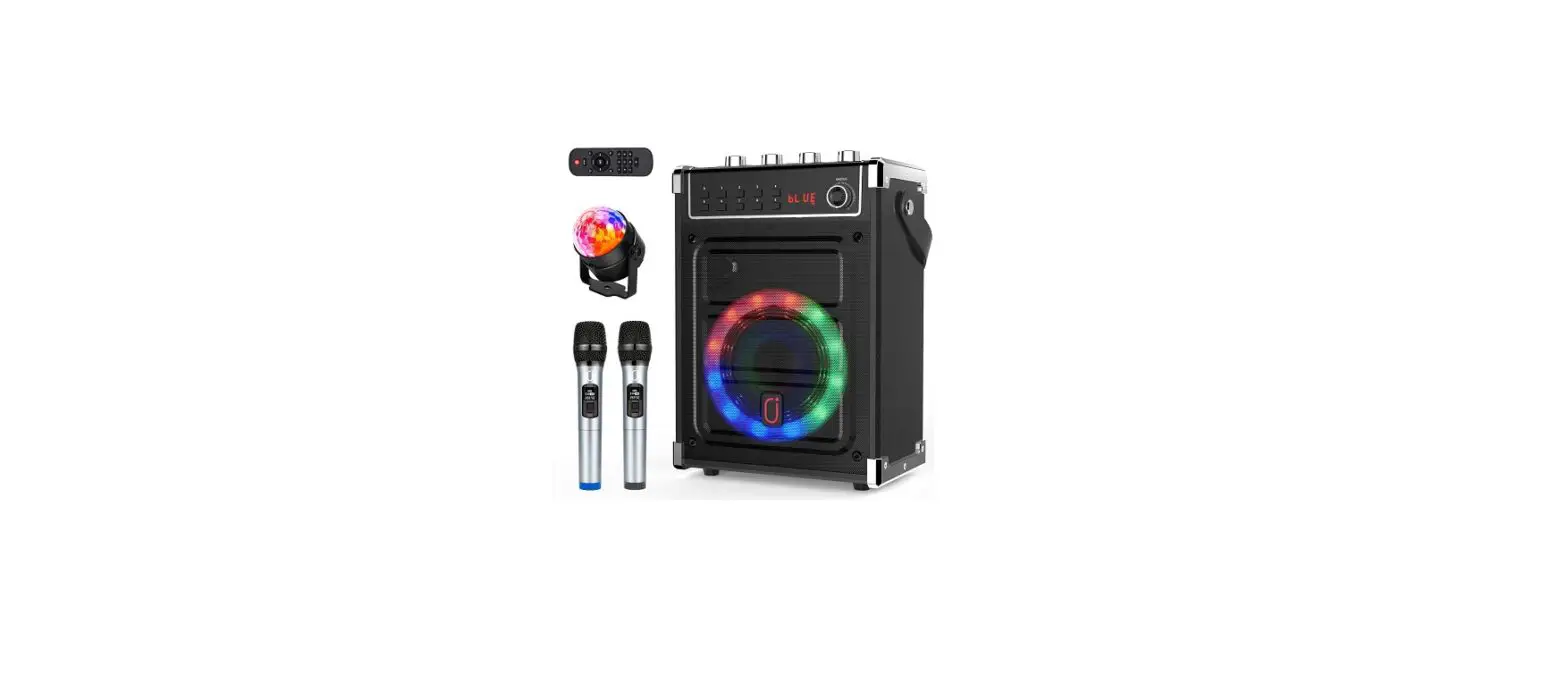
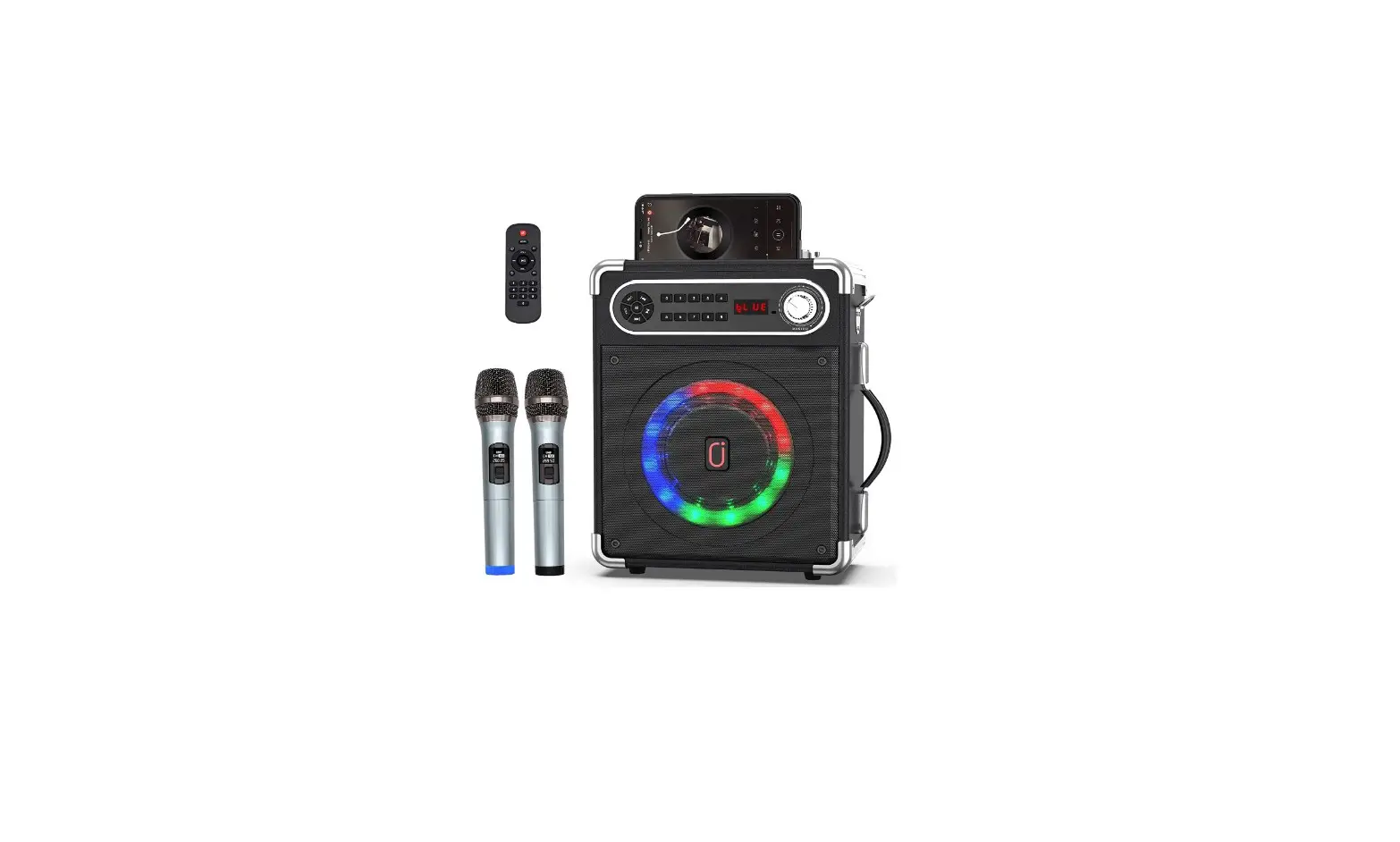
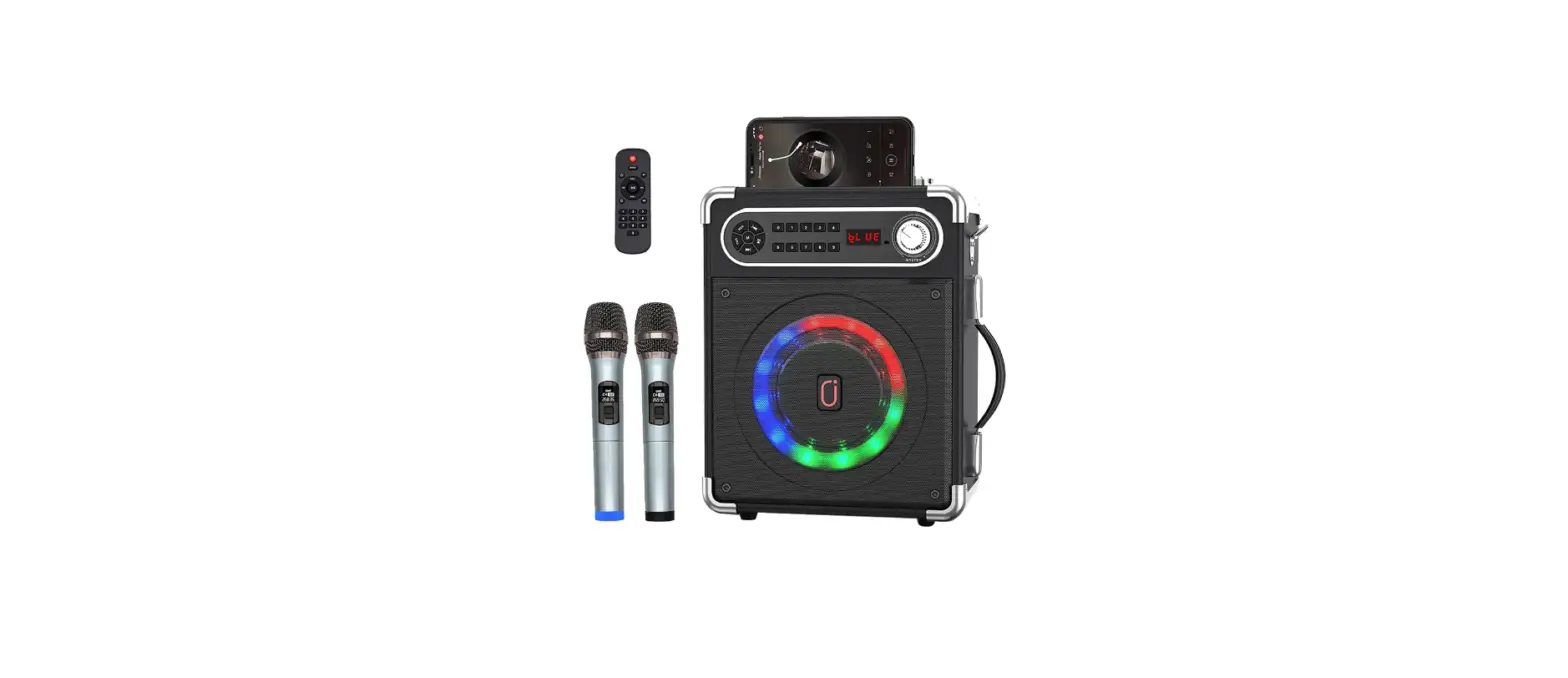
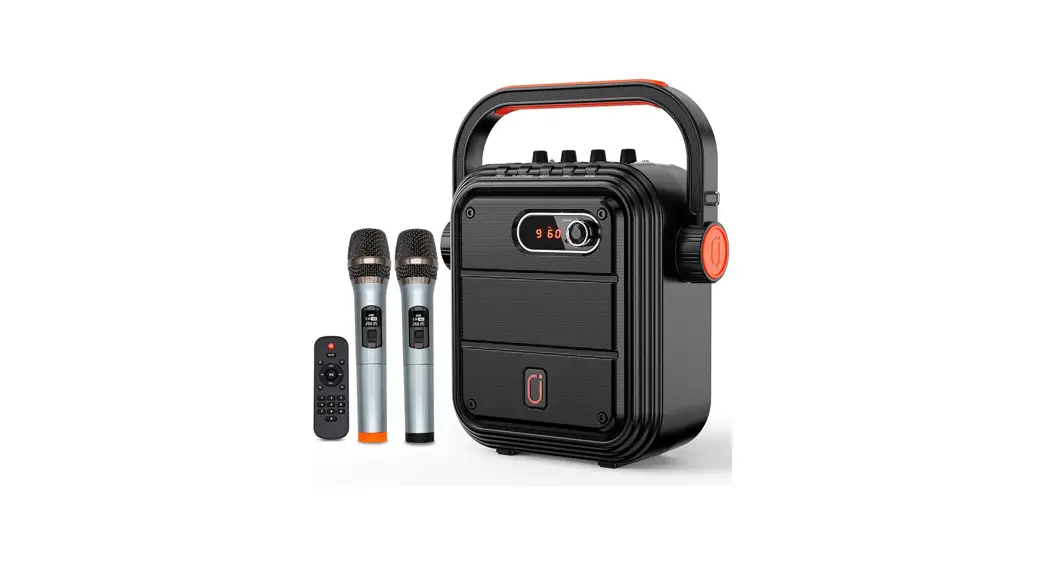
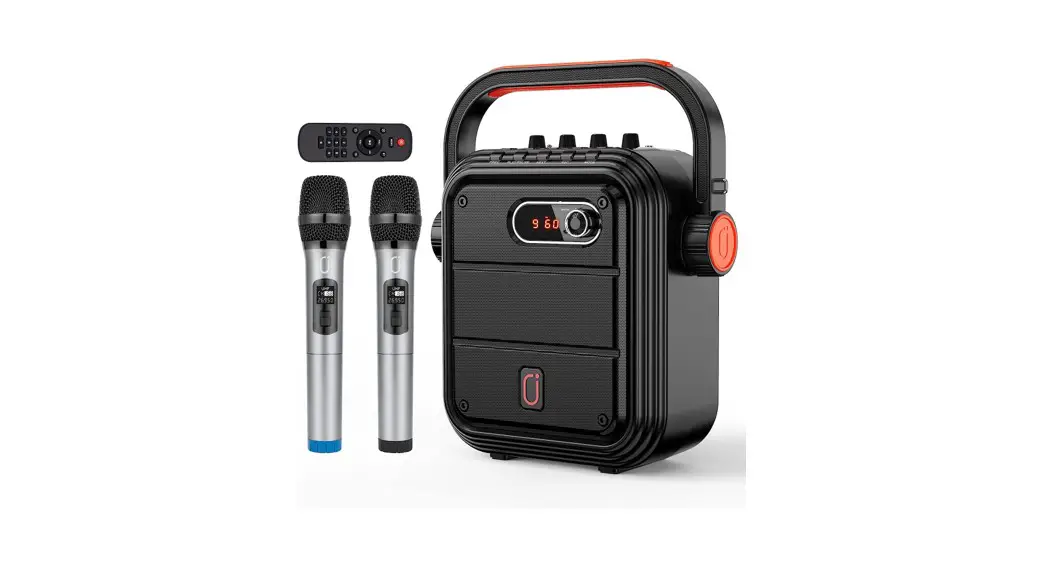
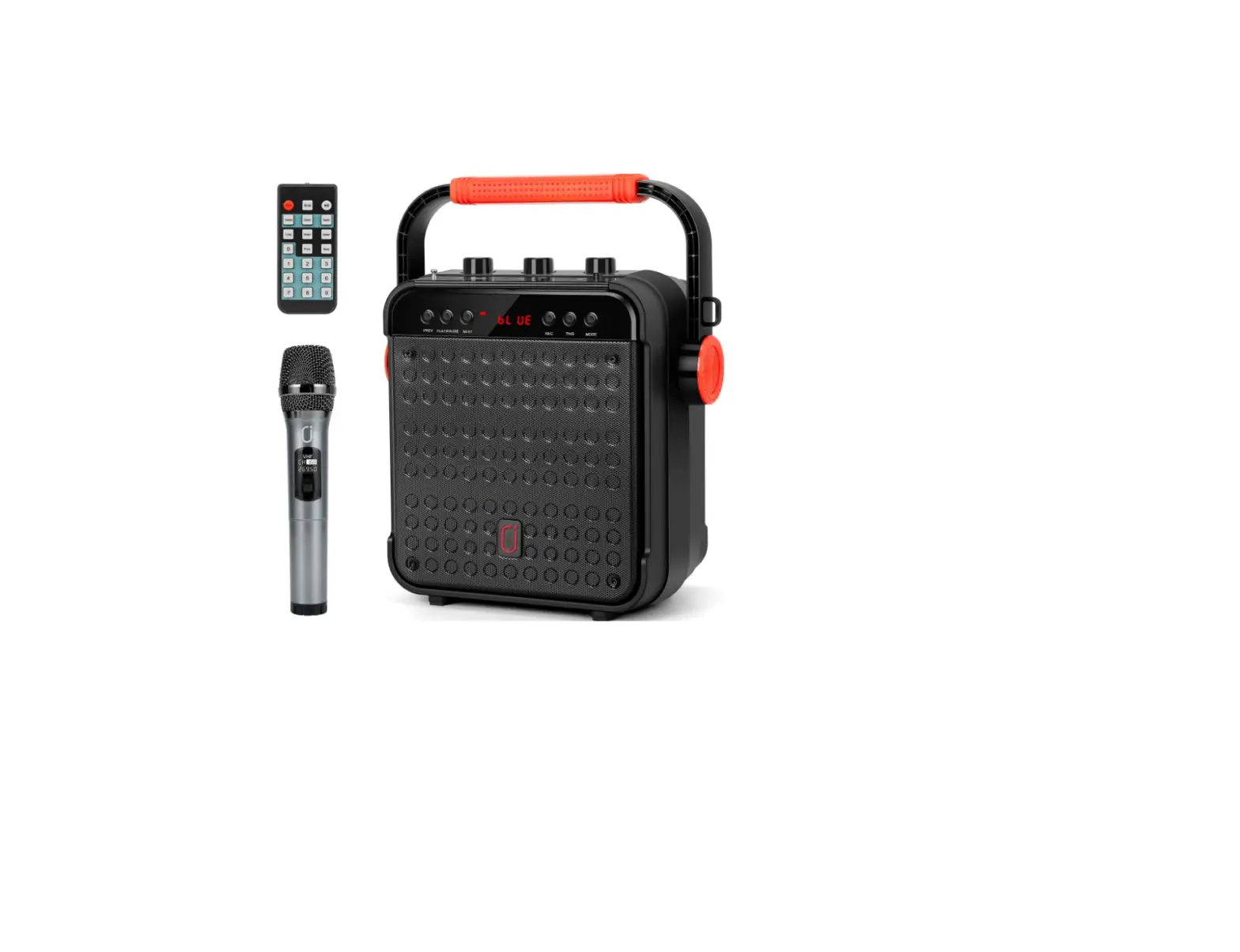
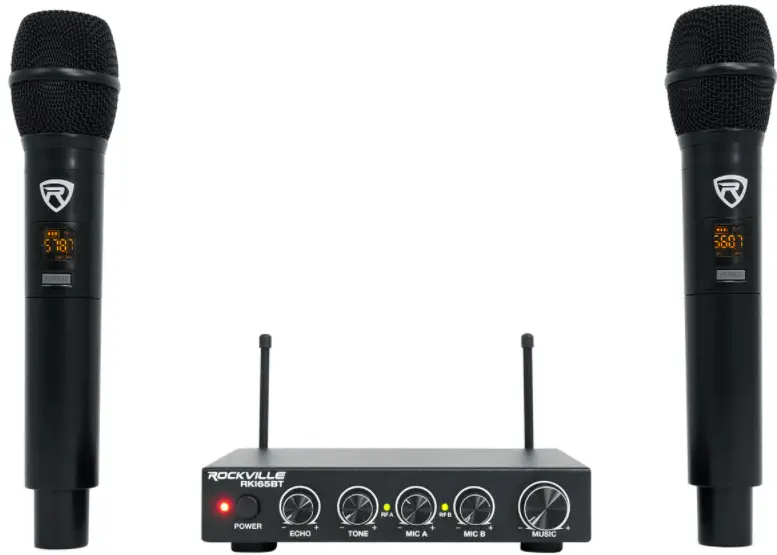
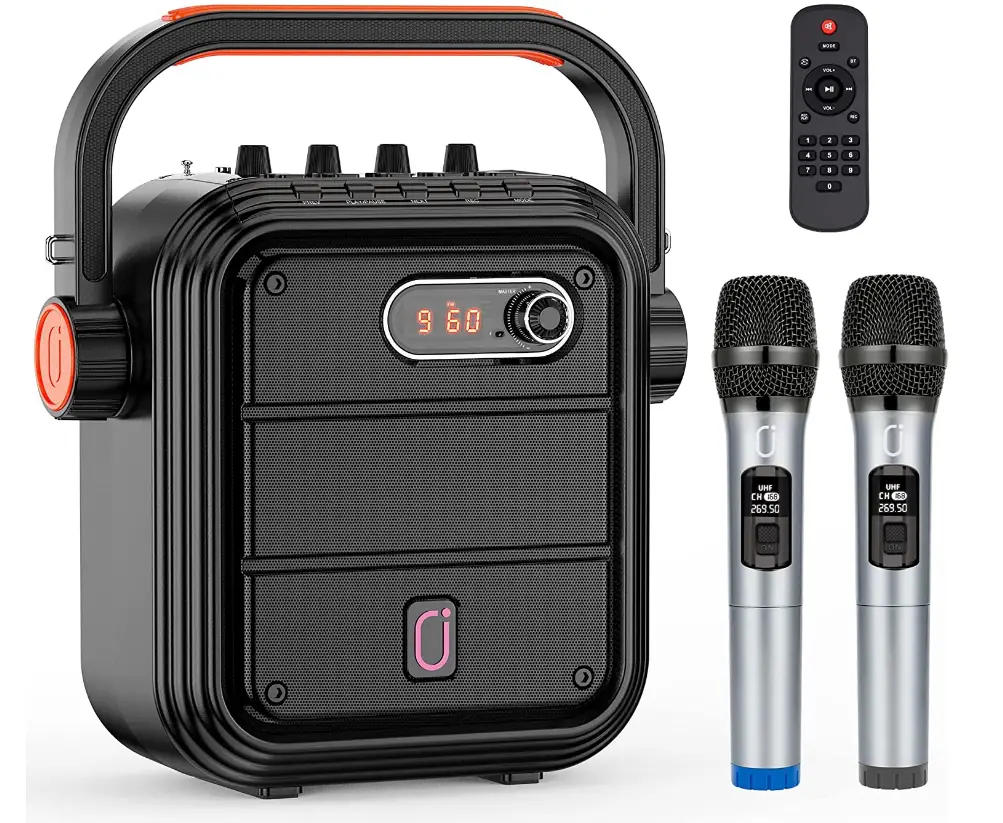
Two wireless UHF microphones are included, allowing you to enjoy group singing with loved ones. A high capacity lithium rechargeable battery with a capacity of 5200mAh ensures an unbroken 12 hours of partying. It is convenient to carry and appropriate for outdoor activities thanks to the swivel handle and shoulder strap design. Two UHF portable wireless microphones are included with this Bluetooth PA speaker system to eliminate tangled cords and noise interference. The microphones include UHF technology, which operates at a 100-foot range for convenience, ease of use, and steady signal reception.
Guide to control and setting
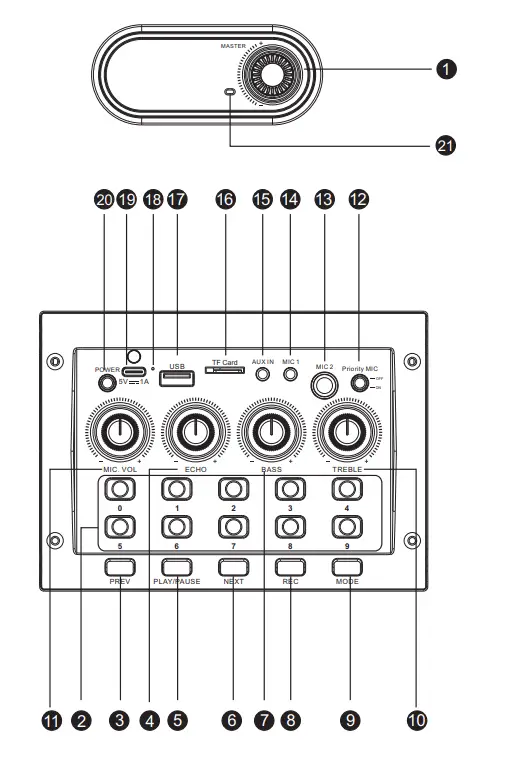
Operation Guide
- Master: Main volume control knob
- Number Key: Press to switch to the program with the corresponding serial number
- Previous: Short press to switch to the last program; long press to fast backward.
- Reverb: Adjust reverb.
- Play/Pause: Short press to play/pause; In radio mode,long press for automatic radio station search; In bluetooth mode,long press for TWS(only valid for the same model)
- Next: Short press to switch to the next program; long press to fast forward.
- Bass: Adjust bass sound.
- REC: Long press to record audio,during this process, short press to stop recording.When there is a recording file in the storage device,short press is to play the recording file.(The recording function is only available when a storage device is pluged in)
- Mode: short press to switch between bluetooth,flash card,TF card and FM radio.When bluetooth has already connected,long press to disconnect.
- Treble: Adjust treble sound
- MIC VOL: Adjust microphone volume
- MIC Priority:When use microphone while playing audio, press this button to reduce the sound of the background audio
- Dynamic Microphone jack(6.35mm)
- Condenser Microphone jack(3.55mm)
- AUX IN Jack
- TF Card Port
- USB Port
- Charging Indicator Light
- 5V Charging Port
- Power
- Sound Receiver Hole
Bluetooth Connection
- Turn on bluetooth on your mobile device.
- Press the “Mode” key and switch the speaker to BT mode.
- Select “JYX-65BT” from available devices.(If JYX-65BT is unavailable,please switch back to Bluetooth mode and try again )
AUX- IN
Transmit audio without Bluetooth by plug 3.5mm audio cable into AUX IN jack,the speaker will play the audio from input device automatically.
USB and TF
Input When insert USB or TF card into speaker, the speaker will play the audio from USB/TF card automatically.
FM Radio
- Pull out the antenna on the top of speaker.
- Press “Mode” key to switch to radio station.
- Long press “Play/Pause” key to search and save more available stations automatically.
- The station searching completed when it no longer switch automatically.
- Press “Next” or “Previous” to select your own station.
REC
- Plug in a TF card or flash card
- Long press “REC” to start recording,short press to end recording.
- Short press “REC” again to play the recording audio.
TWS Function
To use this feature,two JYX-65BT systems are required.
- Turn on the two JYX-65BT and turn them both into Bluetooth mode.Two machines will flash “BLUE” on screen.
- Long press the “PLAY/PAUSE” button of either of the two machines(Only need to press one button),the other machine will make a prompt tone and stop flashing. TWS function will be activated by then
- Connect your device with the speaker and play music.
- Long press “PLAY/PAUSE” button again to inactivate TWS function. If you’re still wondering about these steps, please contact customer service team for a video tutorial:[email protected]
Remote control
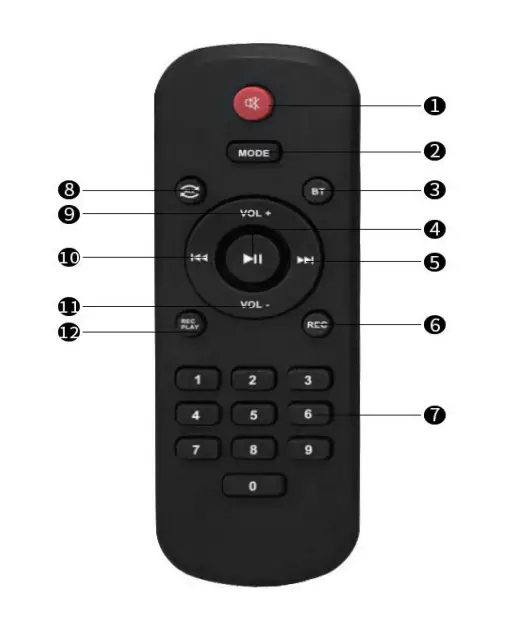
Directions of Remote Control
- Silent: press to Silent ON,press again to Silent OFF.
- Mode:Press to switch the system between USB,TF card,Radio station,AUX IN and Bluetooth modes.
- BT:Press to switch to Bluetooth mode in any working state.
- Play/Pause:When in USB/TF card mode,short press to play/pause the program,long press to repeat.When FM works,short press to silent ON,long press is for searching radio stations.
- REC
- Digital keys:Press to play the program with the corresponding serial number.
- Repeat:Press for single loop and list loop.
- Vol+
- Vol
- REC Play:Press to play the recording file.
Wireless microphone
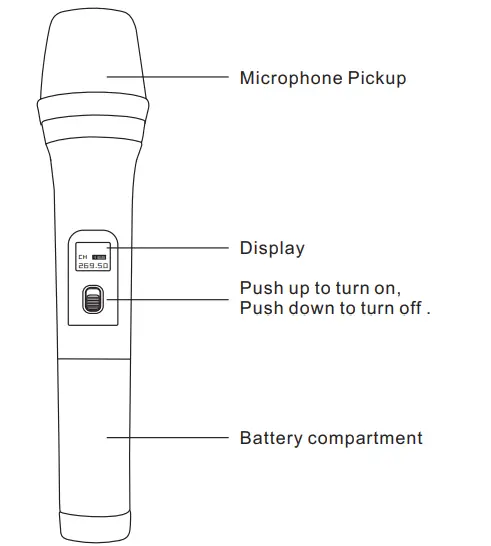
Instructions for Microphone Operation
(Notes: The microphone included in the package will be automatically connected to the speaker system when it’s turned on without additional operation)
Product Parameters
- Model: JYX-65BT
- Speaker size: 6.5 inch bass + 2 inch treble
- RMS: 15W
- Input voltage: 5V
Package includes
- Speaker system………………………………………………………….. 1PC Wireless
- ……………………………………………………2PC Charging
- ……………………………………………………………1PC User
- ……………………………………………………………….1PC Remote
- ……………………………………………………………1PC 3.55mm audio
- ……………………………………………………..1PC Adjustable shoulder
- ………………………………………………1PC
Contact Information SHENZHEN CITY JIAYUXIANG ACOUSTICS ELECTRONIC CO.,LTD. JIA YU XIANG(HK)INTERNATIONAL ELECTRONICS CO.,LIMITED
Factor address
NO.7th Building, Houhaixufa Industrial Zone, Loucun,Gongming town,Guangming District,Shenzhen,China
TEL
+(86)-0755-23410725 FAX:+(86)-0755-27508507
Website:www.szjyx.com.cn
E-mail
[email protected]
Frequently Asked Questions
I think so cause it has Bluetooth.
Yes you can, the volume can be adjusted on the speaker.
I am not sure if you can get two more wireless mics, but I went with the “often bought with your purchase” or whatever it s at the bottom where they try to sell you on more things to buy. smiles.
I sent it back, but I don’t think so.
I returned this item, but I think it will play while charging.
No charger per se. You just plug it in to an electrical outlet to charge the battery. I think there is an audio cable. I say “think” because I returned the item. The volume was not loud enough for my purposes.
No the mics are not rechargeable, you need two AA batteries. The microphones connect nicely with Bluetooth the sound is great.
I’m sorry. I don’t know. I returned this item because the sound wasn’t loud enough for my purposes.