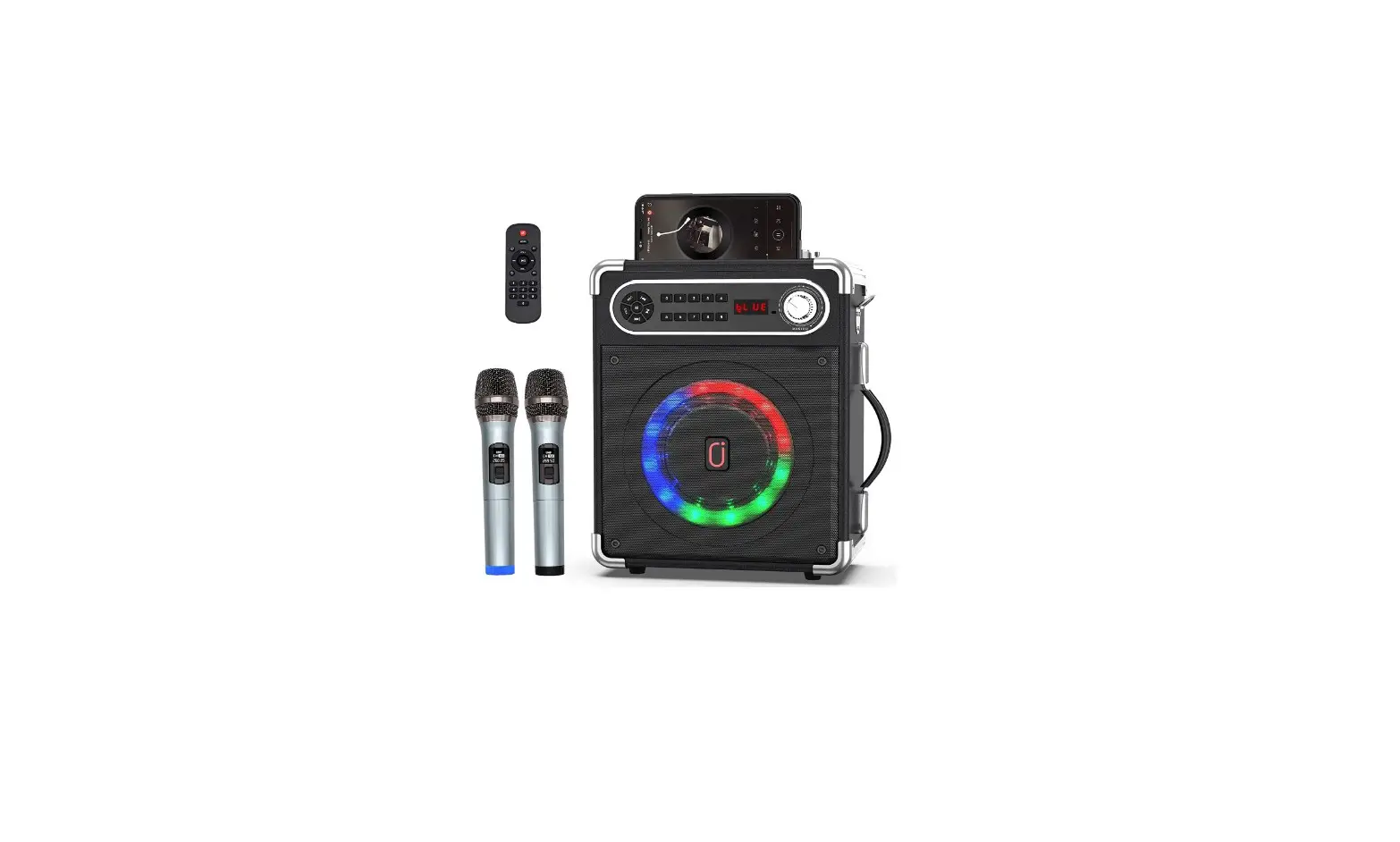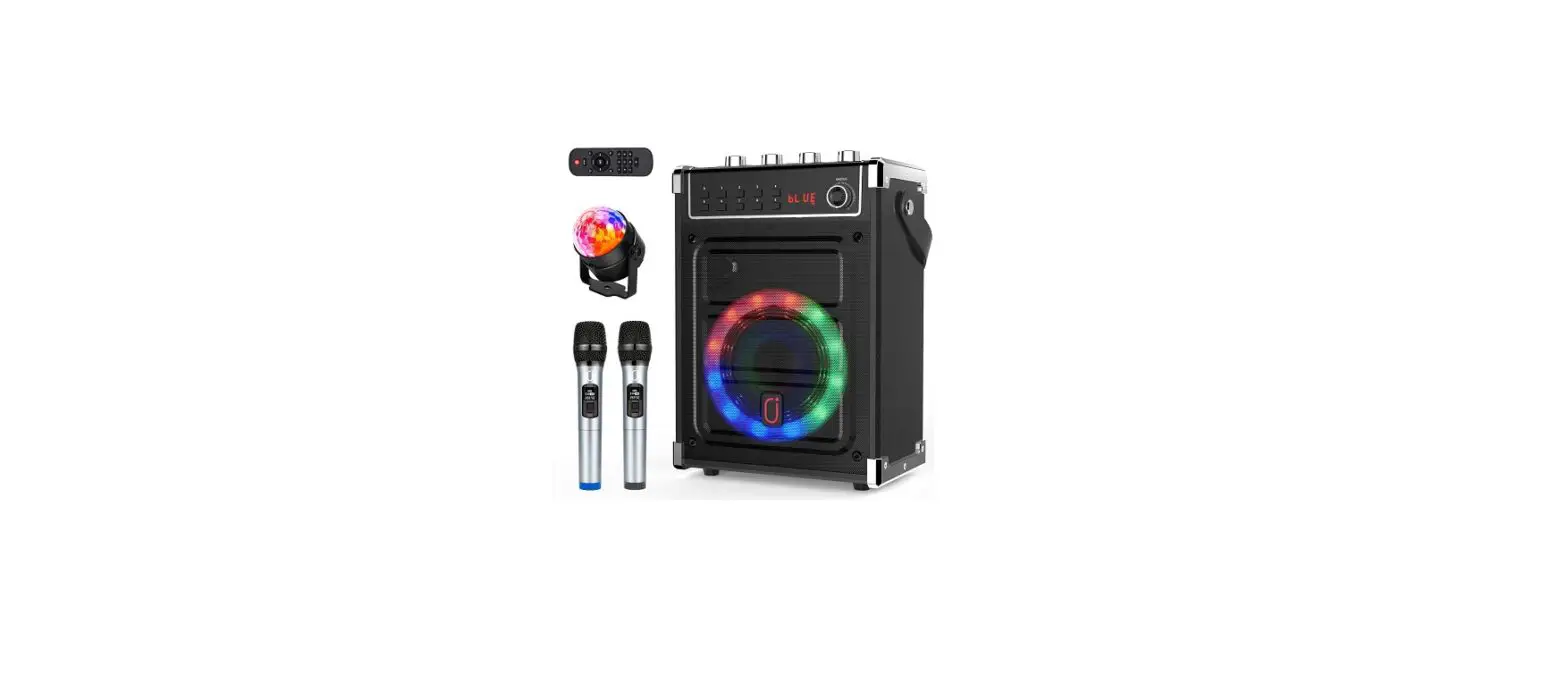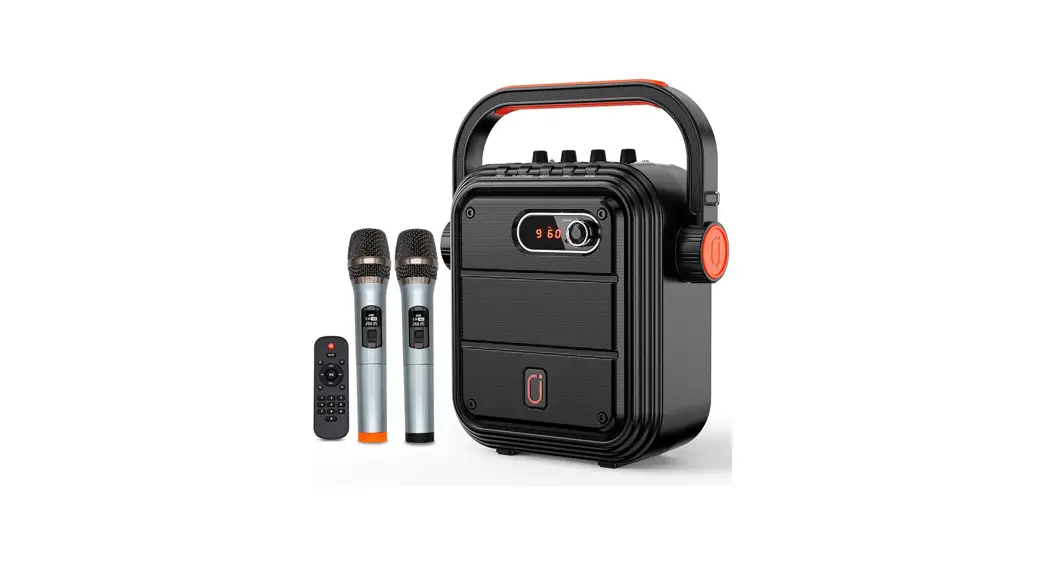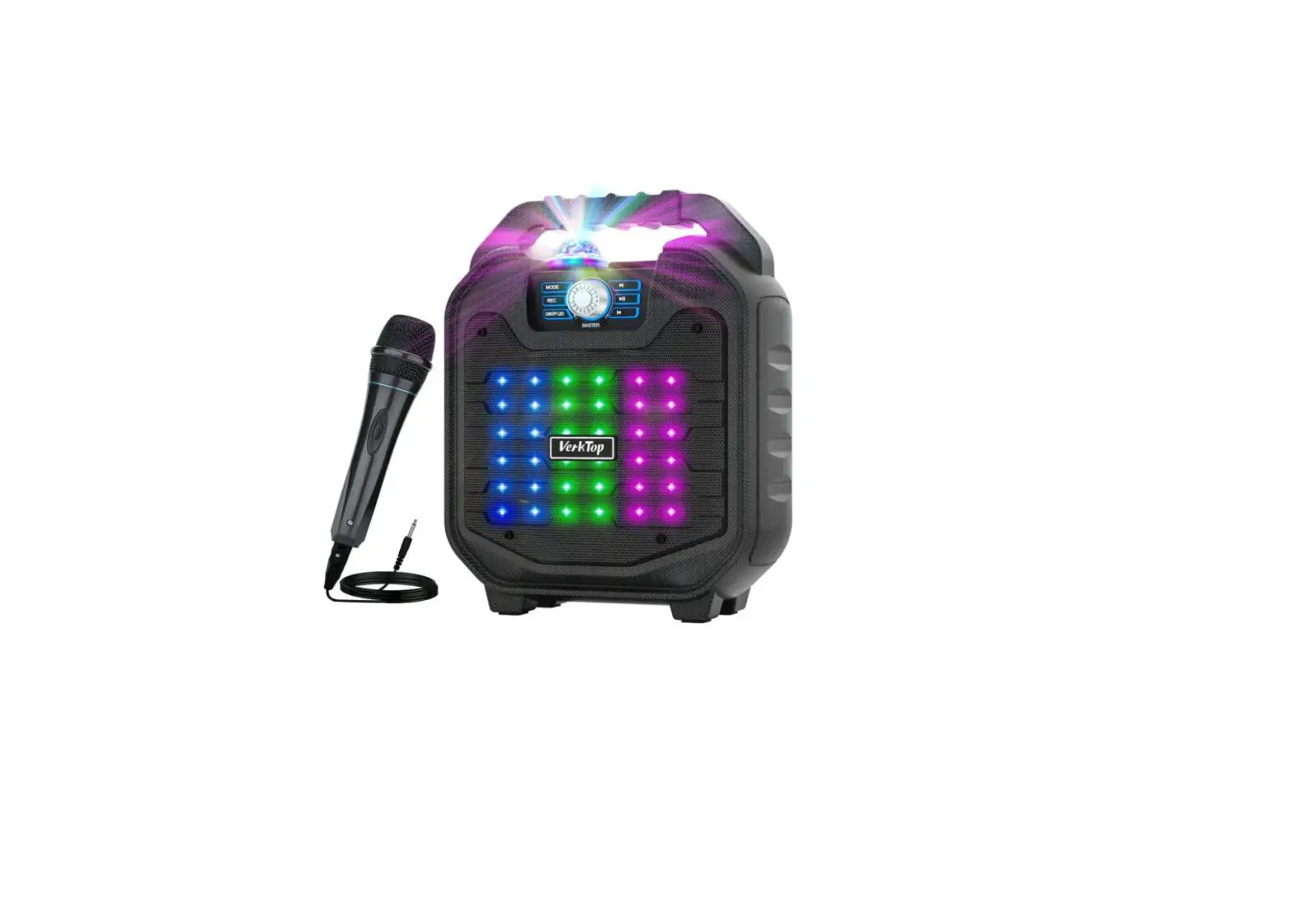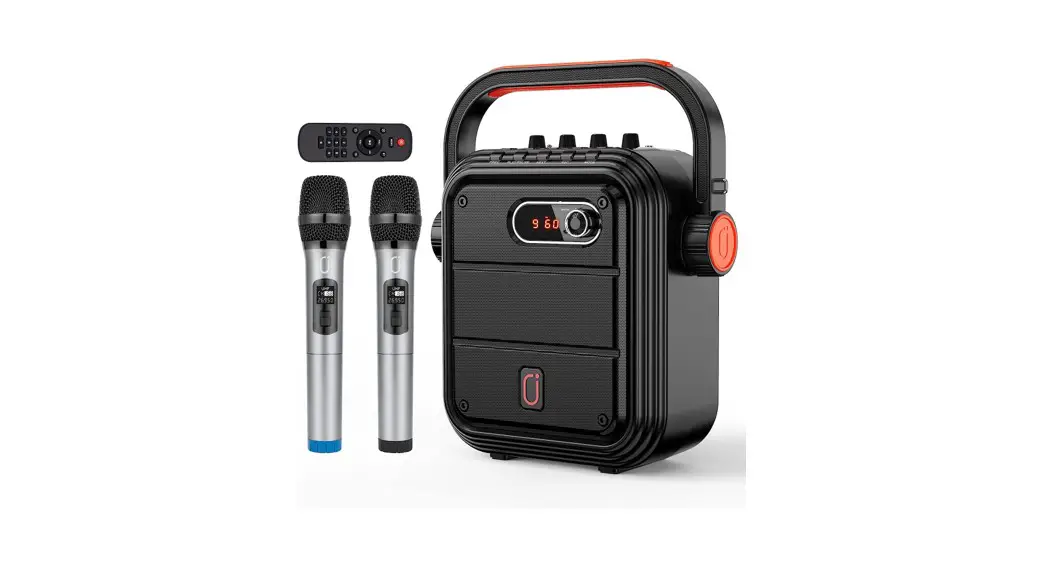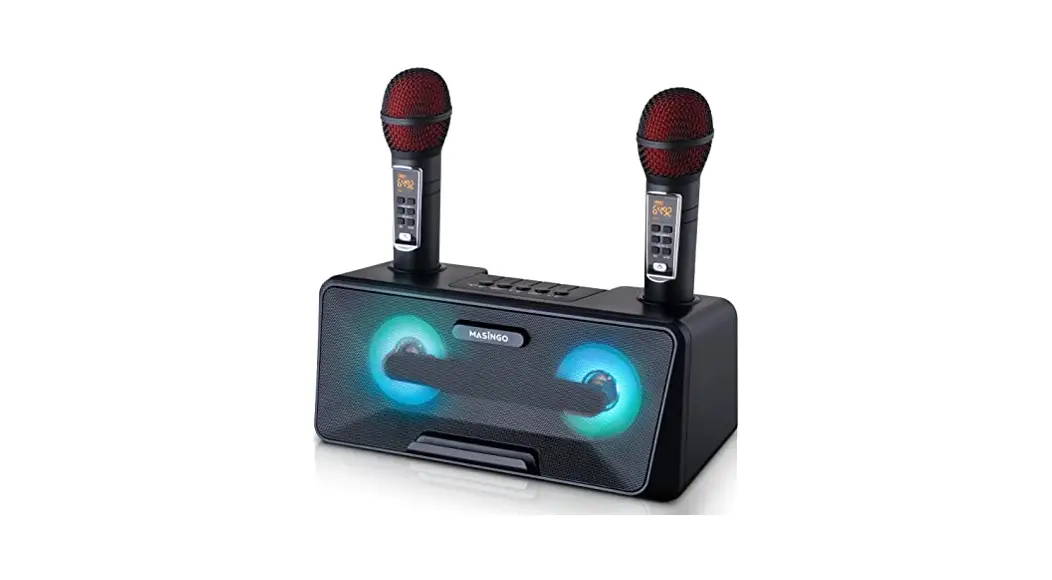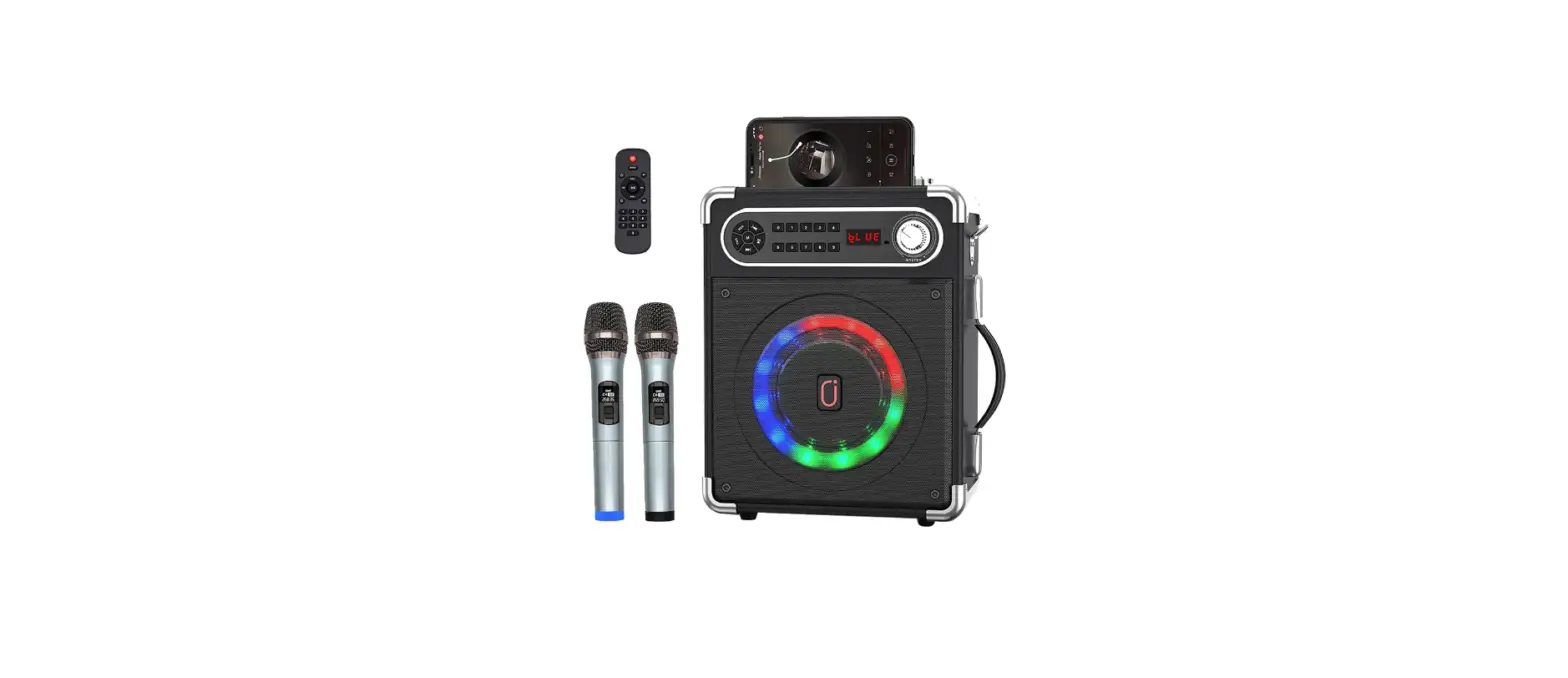

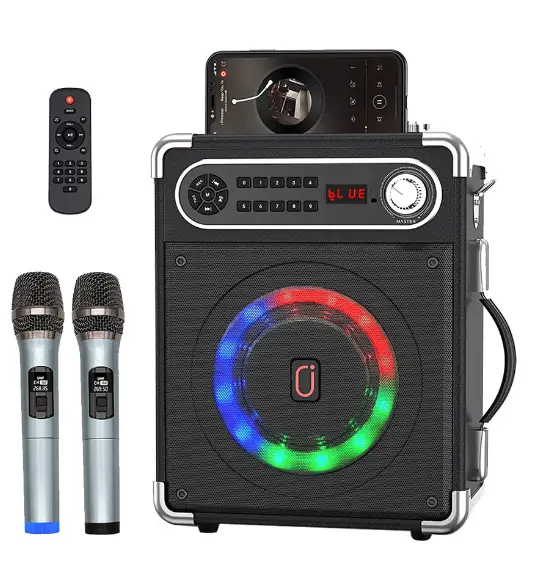
JYX-S55 Portable Karaoke Machine
Instructions
Thanks for your purchase.Please read the directions carefully before using and follow the correct instructions
Operation Guide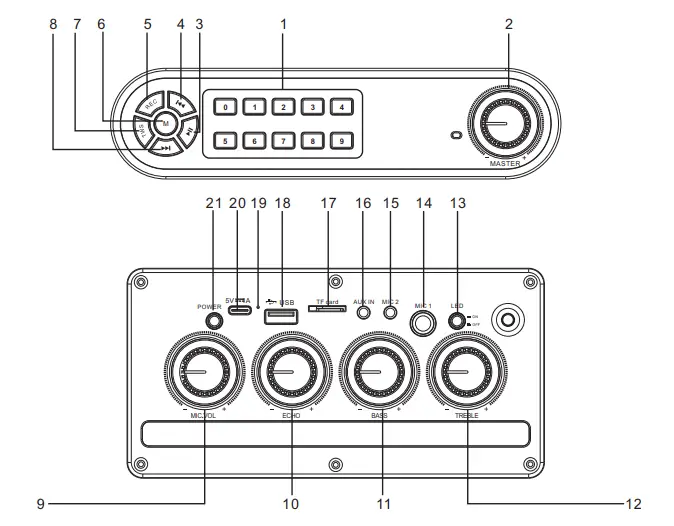
Operation Guide-Remote control 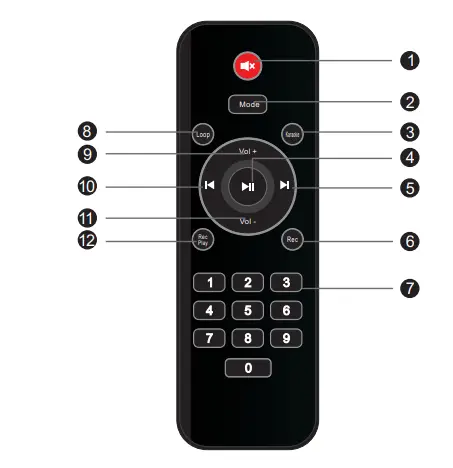
Operation Guide-Speaker Operation Guide-Remote control
- Number Key: Press to choose the song(Only work for USB/TF/FM mode)
- Master: Main volume control knob
- Play/Pause: Short press to play/pause; In radio mode,long press for automatic radio station search; In bluetooth mode,long press for TWS(only valid for the same model)
- Previous: Short press to switch to the last program; long press to fast backward.
- REC: Long press to record audio,during this process, short press to stop recording.When there is a recording file in the storage device,short press is to play the recording file.(The recording function is only available when a storage device is pluged in)
- Mode: short press to switch between bluetooth,flash card,TF card and FM radio.When bluetooth has already connected,long press to eliminate the original voice.
- TWS: Short press for TWS connection,long press for disconnection(Under Bluetooth mode)
- Next: Short press to switch to the next program; long press to fast forward.
- MIC VOL: Adjust microphone volume
- Reverb: Adjust reverb.
- Bass: Adjust bass sound.
- Treble: Adjust treble sound
- LED: Press to turn on/off the LED light.
- Dynamic Microphone jack(6.35mm)
- Condenser Microphone jack(3.55mm)
- AUX IN Jack
- TF Card Port
- USB Port
- Sound Receiving Hole
- 5V Charging Port
- Power ON/OFF
Operation Guide-Remote control
- Silent
- Mode:Press to switch the system between USB,TF card,FM Radio,AUX IN and Bluetooth mode.
- Karaoke:Press to eliminate the original voice.Press again to restore the original voice.
- Play/Pause: Short press to play/pause(USB/TF card mode); Short press to silent ON,long press is for searching radio stations(FM radio mode).
- Next: Short press to switch to the next program; long press to fast forward.
- REC:short press for recording;Short press to stop and play the recording during the record process.(The USB flash dish or TF card needed during recording)
- Number Key: Press to choose the song(Only work for USB/TF/FM mode)
- Loop:Press to switch between single cycle and all cycle
- Vol+
- PREV.
- Vol12.REC Play:Press to play recording file
USB and TF Input:
When insert USB or TF card into speaker,the speaker will play the audio from USB/TF card automatically.
REC:
1.Plug in a TF card or flash card. 2.Long press “REC to start recording,short press to end recording. 3.Short press “REC to play the recording audio.
TWS Function:
Two speakers of the same model are required for TWS mode. Turn on the two karaoke machines and the(Blue) will start flashing. Press the TWS button on one of the machines, then a sound would be heard to indicate the successful connection. (the Blue on the screen of this one will stop flashing while the other one will continues to flash). Then connect the flashing speaker to aBluetooth device and the music should be played normally.
The way to reduce the noise of the microphone:
Turn off the “ECHO”, “BASS” and “TREBLE” button, then turn on the microphone, Keep a distance of 2 meters from the speaker. Do not let the microphone face the speaker.
FAQS
It plugs into 110v with a USB type charger similar to an android phone charger. You can charge it up for about 3 hours of play time without it being plugged in. You may be able to buy an adapter that converts to European type plug. Mine did not come with an actual wall plug (block) just a cord so I use my cell phone charger.
A charger comes with it..you just need a charge plug
Later this month, there will be a new feature on Apple Music for Karaoke which sounds awesome. Can’t wait to check it out. You can Google it!
on 638.80 and ch 168. What can be done to fix it?
Please contact us via amazon to ask to replacement, if confirm the mic can’t connect and can’t work.
We provied replacement, pls contact us asap
Yes, you can. The machine statics alot but you have to push it far away from you.
The machine plays music in mp3 format. You can record music in mp3 format onto USB flash memory stick or MicroSD card also called TF card and play it with the machine. It’s just like a music player. And you DON’T have to sing with the included wireless microphones.
It alters the voice sound.
Look at the manual comes with the machine. If your model is JYX-55S, find the number 20 in its chart showing “5V charging Port”. Or find 21 in its chart showing “Type C Charging Port 5V 2A” for model JYX-69BT.
the recording function needs via the mic and insert the TF card/Micro card which under 32G into the speaker.
Then you can start to record.
No it doesn’t come with a support DVD. We’ve been very happy with ours. Im sure there may be online assistance if you search.
It says 30 feet but I have not tried itnryat far yet. I did try it once when I was about 20 feet away and it worked.