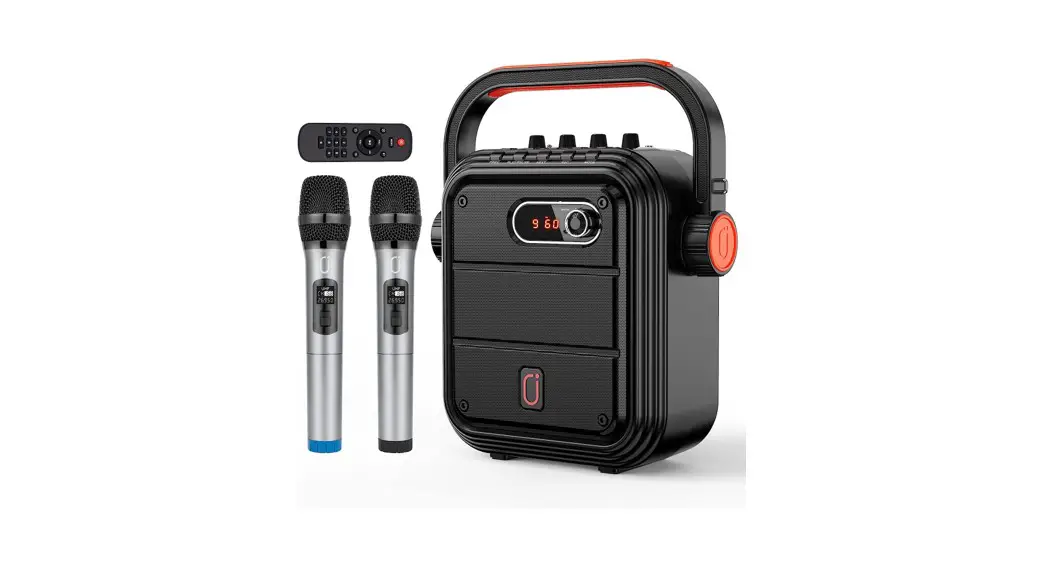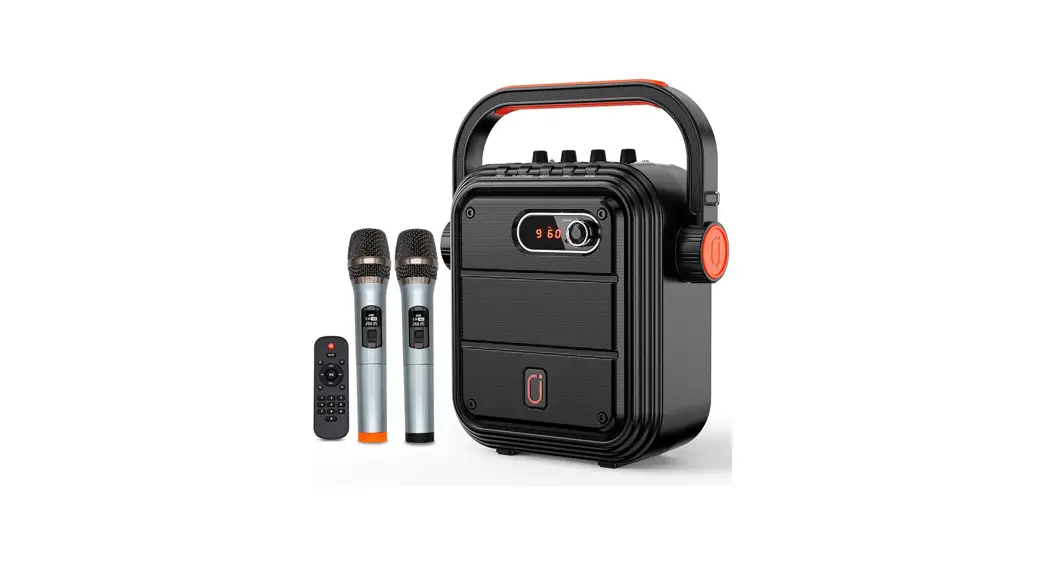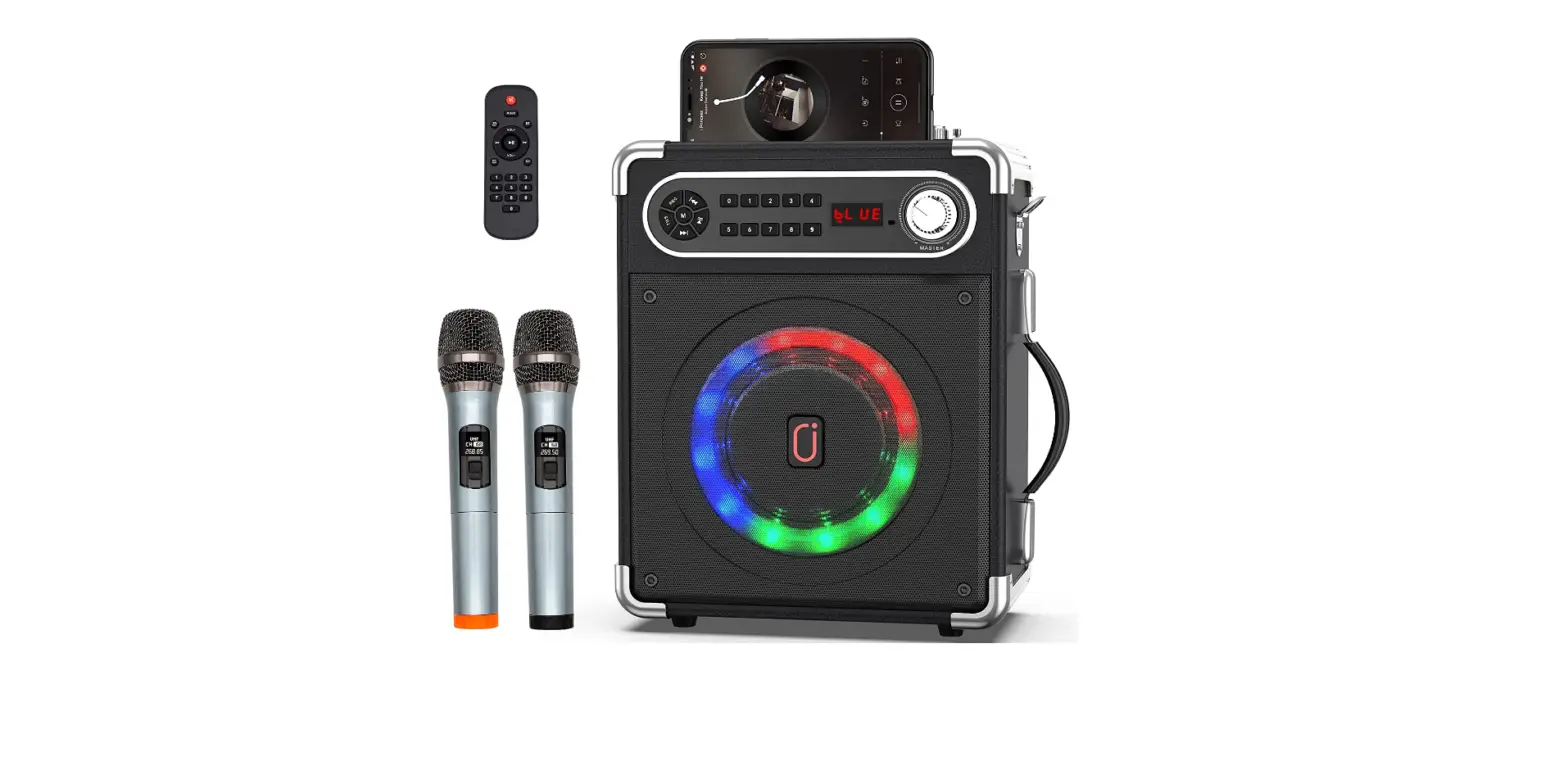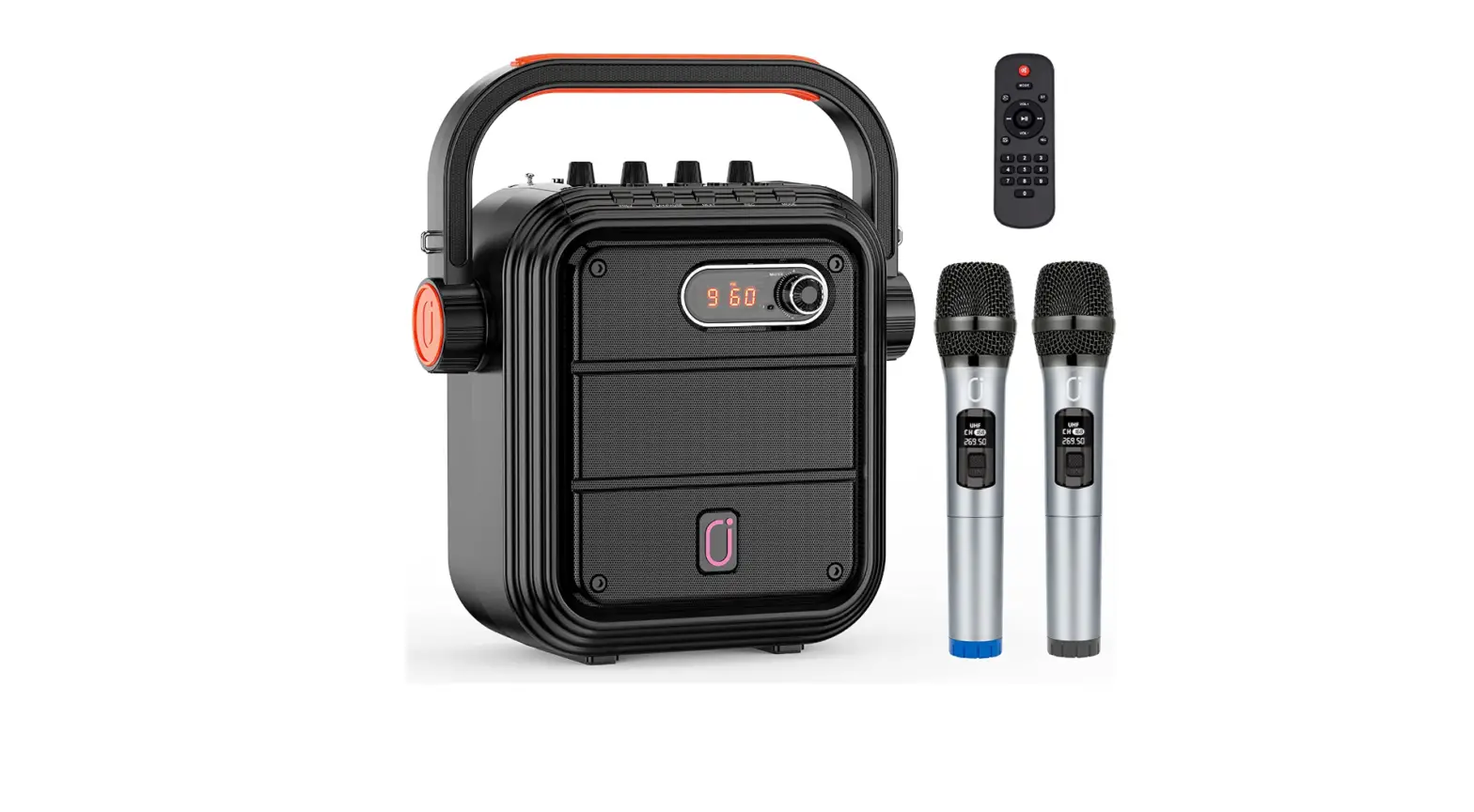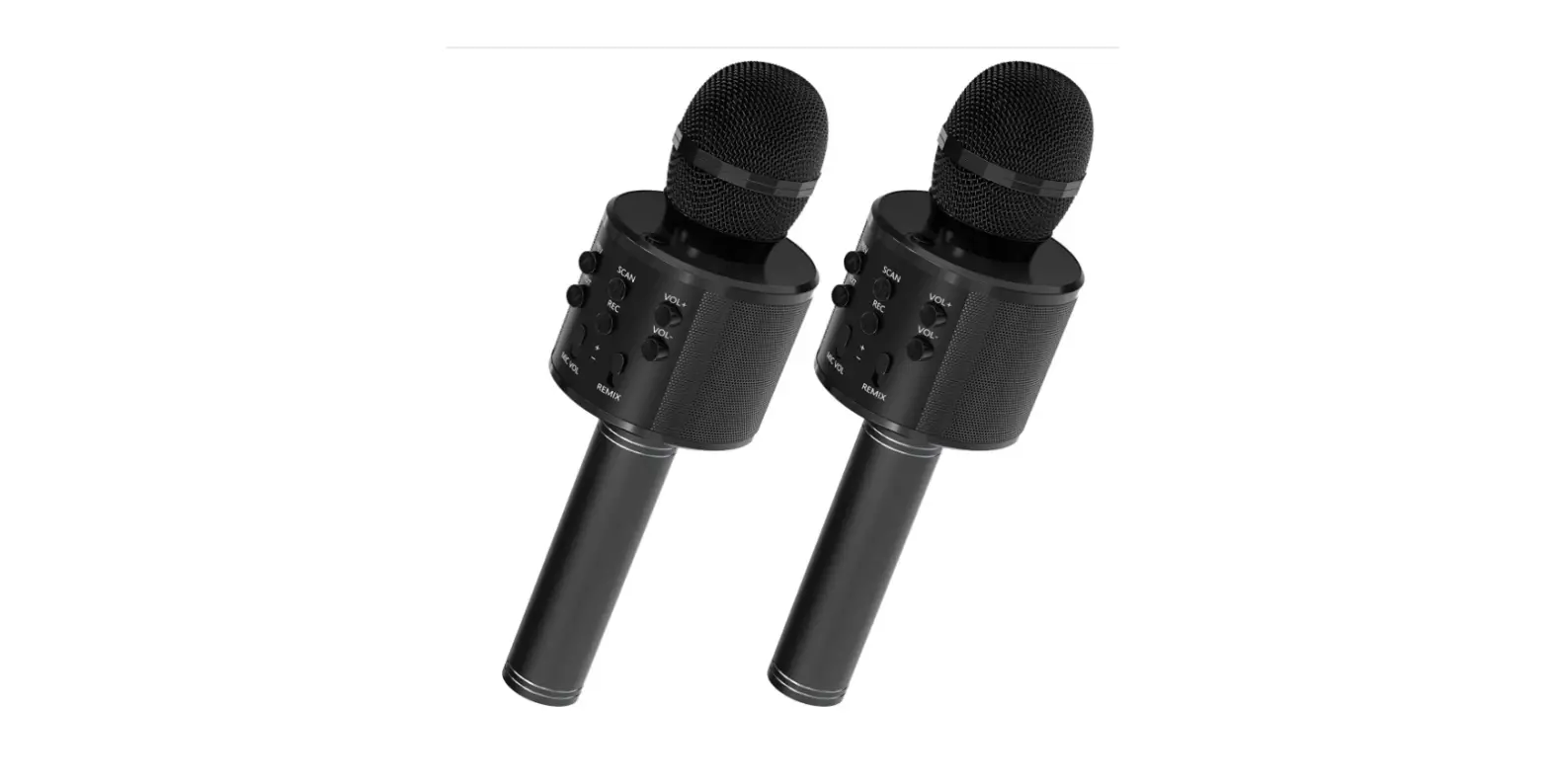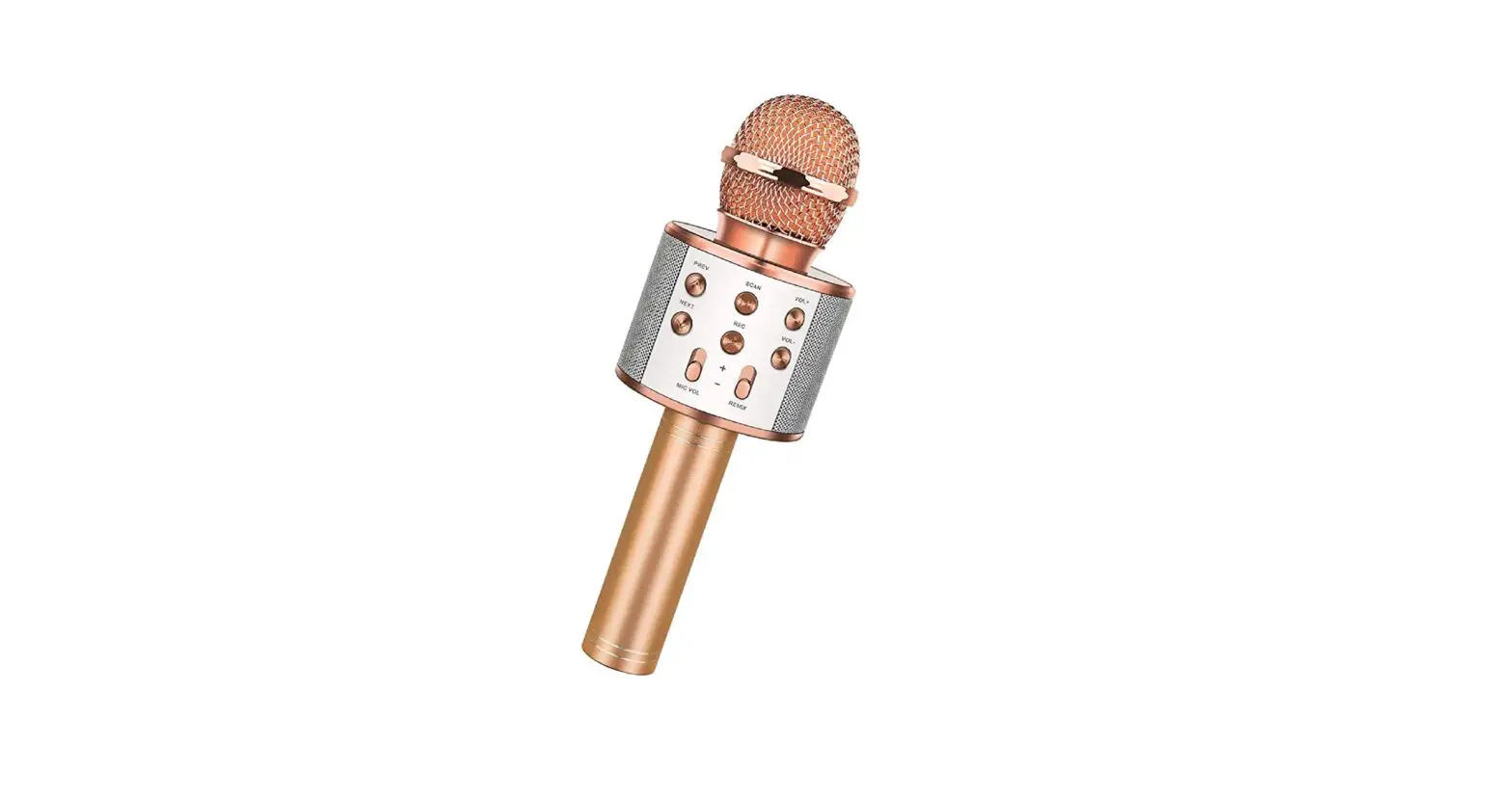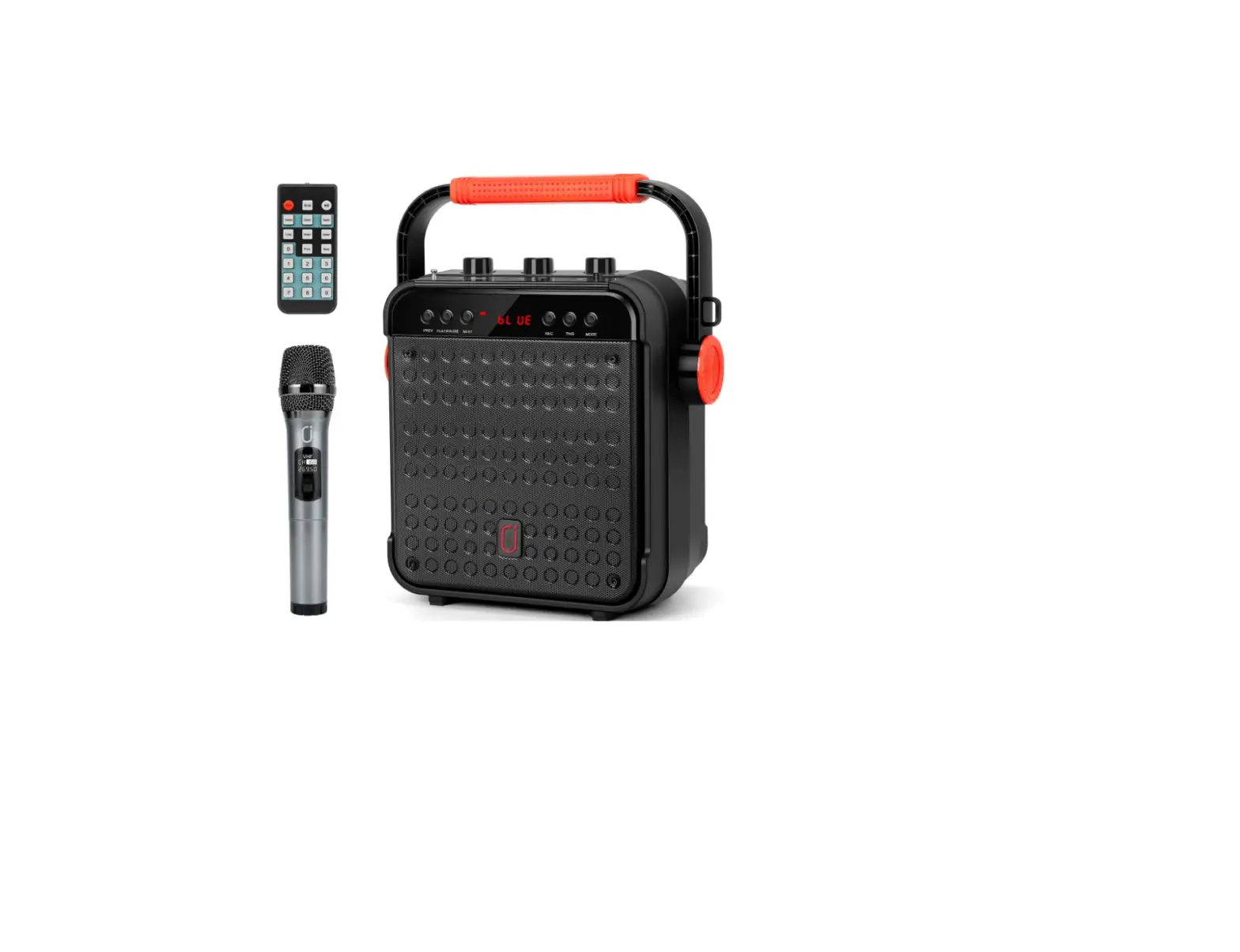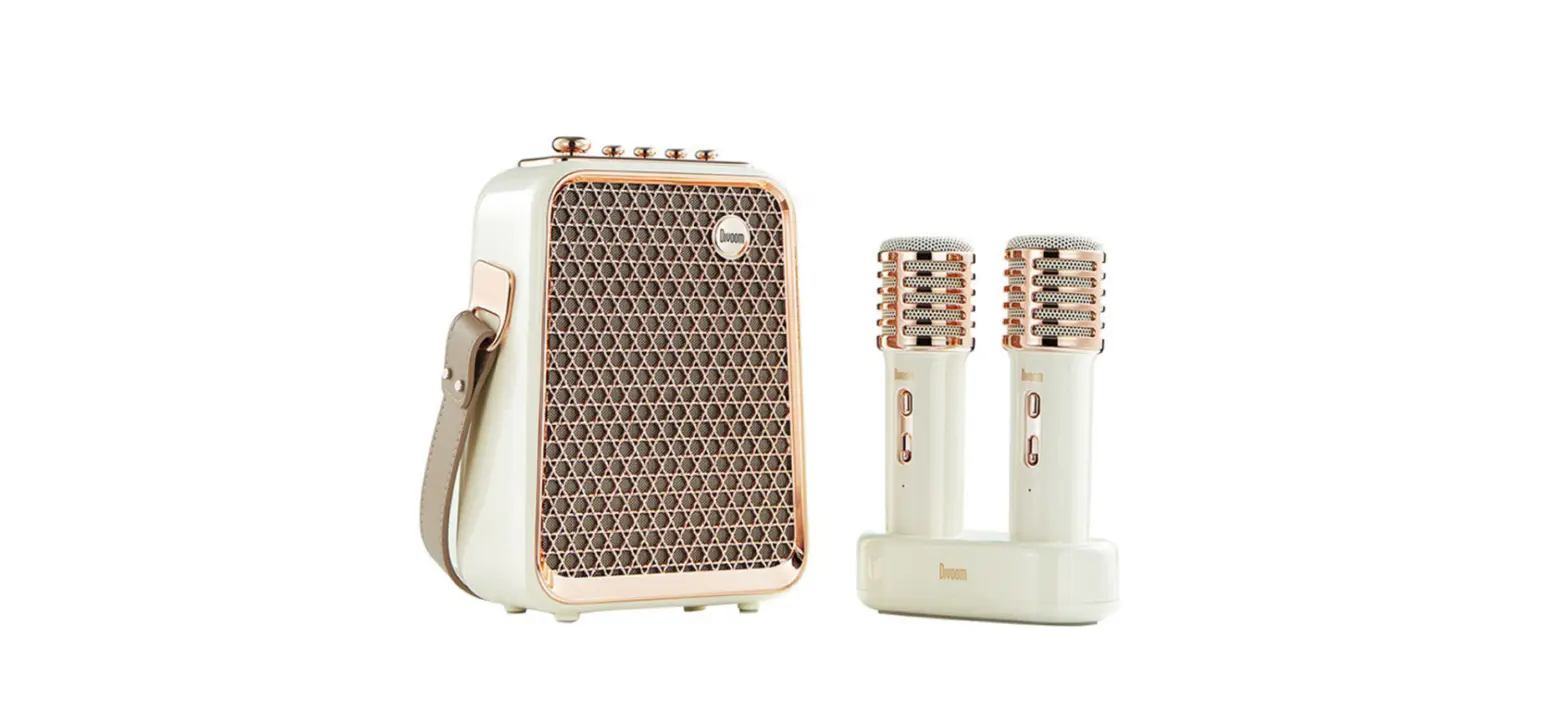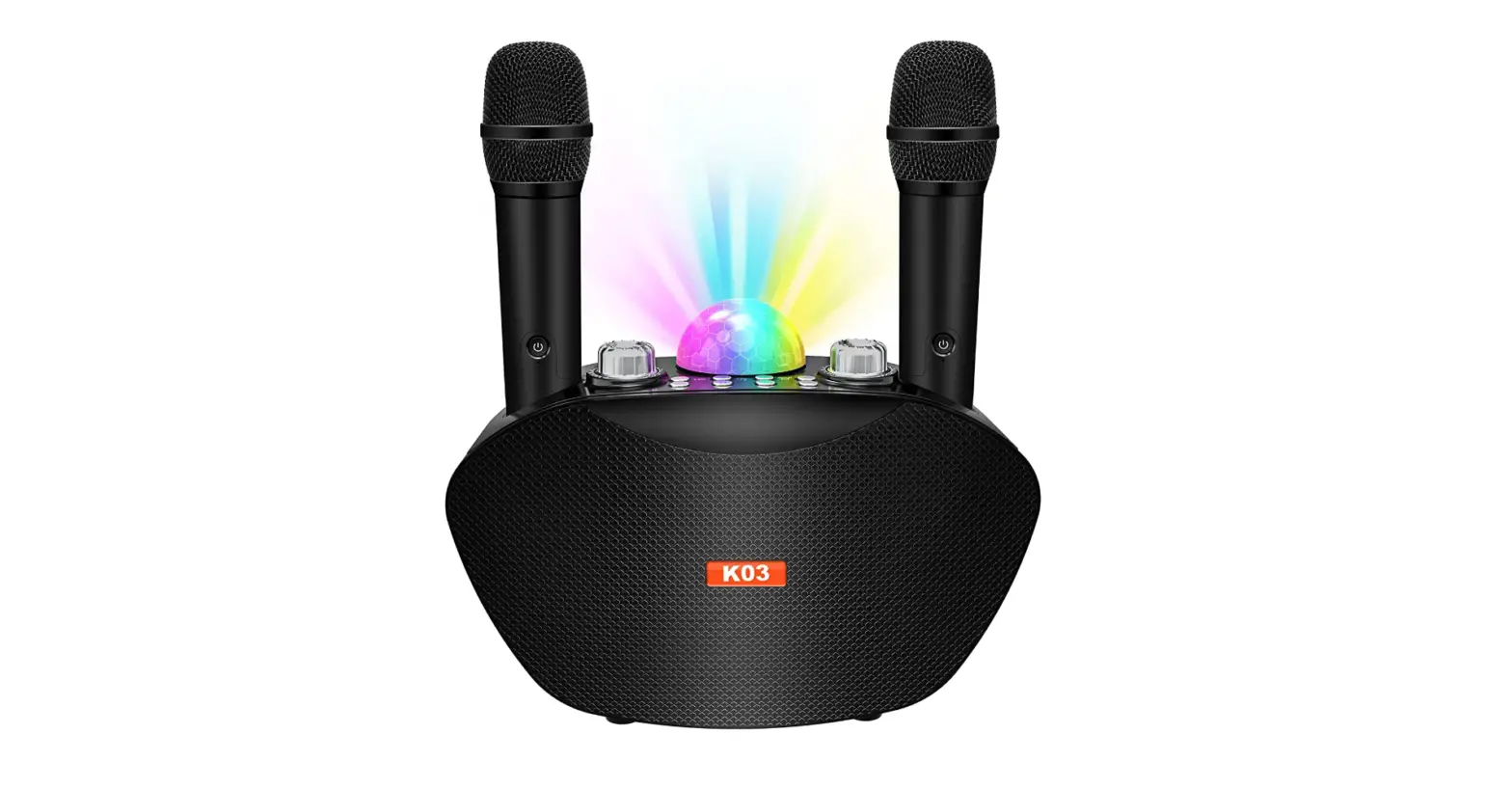

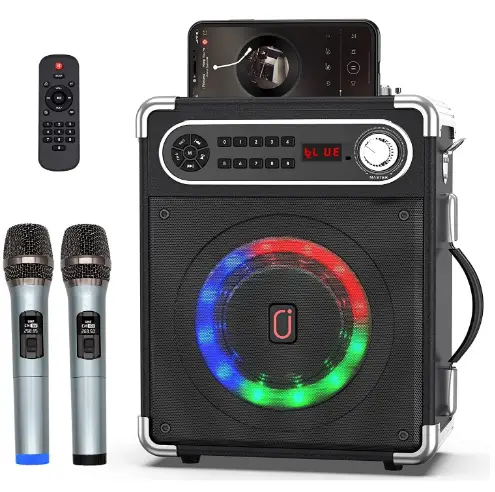
JYX UHF-2 Karaoke Machine Two Wireless Microphones Portable Bluetooth Speaker
 `
`
Specifications
- DIMENSIONS: 15.94 x 11.57 x 7.05 inches
- WEIGHT:51 pounds
- MICROPHONE: 2
- BATTERY: 5200mAh
- OUTPUT POWER: 15W
- SUBWOOFER & TWEETER:25inch+2inch
Introduction
The JYX karaoke machine portable Bluetooth comes with a speaker that has a high-performance audio driver and a cutting-edge digital signal processor, which improves the clarity, bass, volume, and noise cancellation of the music. It has a built-in 5.25″ subwoofer and a 2″ tweeter that can enhance your voice and play music or the radio without distorting the sound, even at greater intensity levels. You can enjoy bass and treble which are loud, clear, and powerful. The most recent Bluetooth 5.0 chip is pre-installed to enable instant pairing, a more steady transmission, and a greater range for wireless streaming. Additionally, a Micro TF card, Flash USB, and AUX-in connectivity are supported by this large speaker. It is compatible with Android mobile phones, TVs, tablets, and computers. On the control panel, there is a 6.35 microphone input that also accommodates guitars. You can set your phone down in the karaoke machine’s special groove.
The JYX party speaker shell is constructed from beautiful, long-lasting solid wood or leather. It has a shoulder strap and 2.96 KGS in weight. Lightweight, portable, and small which makes it simple to transport to the beach, the outdoors, etc. A full charge will provide 6 to 8 hours of nonstop music playtime because to the high-performance battery (a built-in 3.7V/5200mAh rechargeable large-capacity lithium-ion battery) and low power consumption. (Standby for 72 hours, usual gameplay is 10 hours)
The disco lights on this PA system are brilliant. The vibrant LED lights provide you a fun and enchanting karaoke and party atmosphere. You can have a lively and enjoyable party with this karaoke machine. You will be surrounded by two channels of superb stereo sound simply connecting two identical stereo systems. The best senses of presence, power, and volume are available for music enjoyment.
Dear users
Thanks for your purchase. Please read the directions carefully before using them and follow the correct instructions.
Matters needing attention
To ensure safety, please read carefully and follow the following safety instructions
- The equipment is up to The China Compulsory Certification.
- The equipment should be used in a dry environment.
- Do not place a fire source near the equipment.
- Do not use it near a water source to avoid corrosion of products and accessories.
- Do not open or disassemble or repair the battery module by yourself. There will be a risk of explosion if the battery is not replaced properly. Do not put the battery into the water, fire, or any overheated environment.
- When taking an airplane, please follow the relevant regulations and regulations of the airline company to turn off this product before the airplane takes off to avoid any hidden danger.
- The charging cable cannot be squeezed, pulled, bent, knotted, or suspended from heavy objects in order to avoid damage to its insulation layer of it and causing electric shock.
Directions For Use
Take the machine out of the package and install the shoulder strap on both sides of the machine. Tie the machine around your waist or over your shoulder through a strap, then adjust the strap to a suitable position, you can carry your machine out easily.
Bluetooth Connection
- Turn on Bluetooth on your mobile device.
- Press the “Mode” key and switch the speaker to BT mode.
- Select “JYX-S55” from available devices. (If JYX-S55 is unavailable, please switch back to Bluetooth mode and try again)
AUX- IN
Plug the 3.5mm audio cable into the AUX IN jack, the speaker will play the audio from the input device automatically.
USB and TF Input
When inserting a USB or TF card into the speaker, the speaker will play the audio from the USB/TF card automatically.
FM Radio
- Pull out the antenna on the top of the speaker.
- Press the “Mode” key to switch to the radio station.
- Long press the “Play/Pause” key to search and save more available stations automatically.
- The station searching is completed when it no longer switches automatically.
- Press “Next” or “Previous” to select your own station.
Directions For Use
REC
- Plug in a TF card or flash card
- Long press “REC” to start recording, short press to end recording.
- Short press “REC” to play the recording audio.
TWS Function
To use this feature, two JYX-S55 systems are required. By connecting two stereo systems, you can enjoy the True Wireless Stereo via Bluetooth. Turn on the two JYX-S55 and turn them both into Bluetooth mode. Two machines will flash “BLUE” on the screen. Then short press the “TWS” button of either of the two machines (Only need to press one button),the TWS function will be activated by then(Screens both stop flashing). Long press the TWS button to inactivate the TWS function.
If the text description is difficult to understand, please contact the customer service team to send a video tutorial: [email protected]
Operation Guide
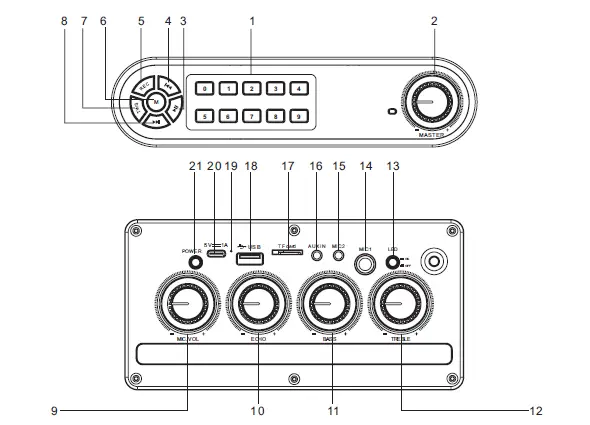
- Number Key: Press to choose the song(Only work for USB/TF/FM mode)
- Master: Main volume control knob
- Play/Pause: Short press to play/pause; In radio mode, long press for automatic radio station search; In Bluetooth mode, long press for TWS(only valid for the same model)
- Previous: Short press to switch to the last program; long press to fast backward.
- REC: Long press to record audio, during this process, short press to stop recording. When there is a recording file in the storage device, a short press is to play the recording file.(The recording function is only available when a storage device is plugged in)
- Mode: short press to switch between Bluetooth, flash card, TF card, and FM radio.When Bluetooth has already connected, long press to eliminate the original voice.
- TWS: Short press for TWS connection, long press for disconnection(Under Bluetooth mode)
- Next: Short press to switch to the next program; long press to fast forward.
- MIC VOL: Adjust the microphone volume
- Reverb: Adjust reverb.
- Bass: Adjust bass sound.
- Treble: Adjust treble sound
- LED: Press to turn on/off the LED light.
- Dynamic Microphone jack(6.35mm)
- Condenser Microphone jack(3.55mm)
- AUX IN Jack
- TF Card Port
- USB Port
- Sound Receiving Hole
- 5V Charging Port
- Power
Remote controller
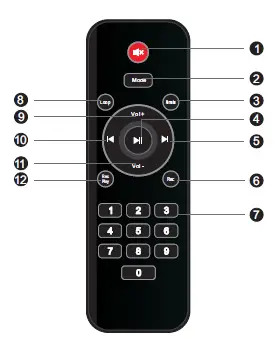
- Silent
- Mode: Press to switch the system between USB, TF card, FM Radio, AUX IN, and Bluetooth mode.
- Karaoke: Press to eliminate the original voice.Press again to restore the original voice.
- Play/Pause: Short press to play/pause(USB/TF card mode); Short press to silent ON,long press is for searching radio stations(FM radio mode).
- Next: Short press to switch to the next program; long press to fast forward.
- REC: short press for recording; Short press to stop and play the recording during the recording process.(The USB flash dish or TF card is needed during recording)
- Number Key: Press to choose the song(Only work for USB/TF/FM mode)
- Loop: Press to switch between single cycle and all cycle
- Vol+
- Vol-
- REC Play: Press to play the recording file.
FREQUENTLY ASKED QUESTIONS
Charging the built-in battery; Check if the adapter is connected securely.
Check if the system is powered on. Adjust the volume.
Move your device closer to the system. Check to see if the Bluetooth is engaged.
Make sure the two systems are within one meter of each other.
The two JYX-66BT should be turned on and placed in Bluetooth mode. “BLUE” will flash on the screen from two devices. The other machine will produce a prompt tone and stop flashing if you repeatedly push the “PLAY/PAUSE” button on any of the two devices (you only need to hit one button). The TWS function will then be turned on.
Connect a TF or flash card.Press “REC” long to begin recording and “REC” short to stop. To play the audio from the recording, quickly press “REC” again.
The microphone has a reach of about 30 feet.
Yes, you can.
The mic is required for the recording feature and put the speaker with the TF card or Micro card that is under 32G.
The microphones have 4 AAA batteries.
Yes, it works with any device having Bluetooth.
No, it doesn’t.
You can charge it using the Type C cable that comes with it.
Yes, you can.