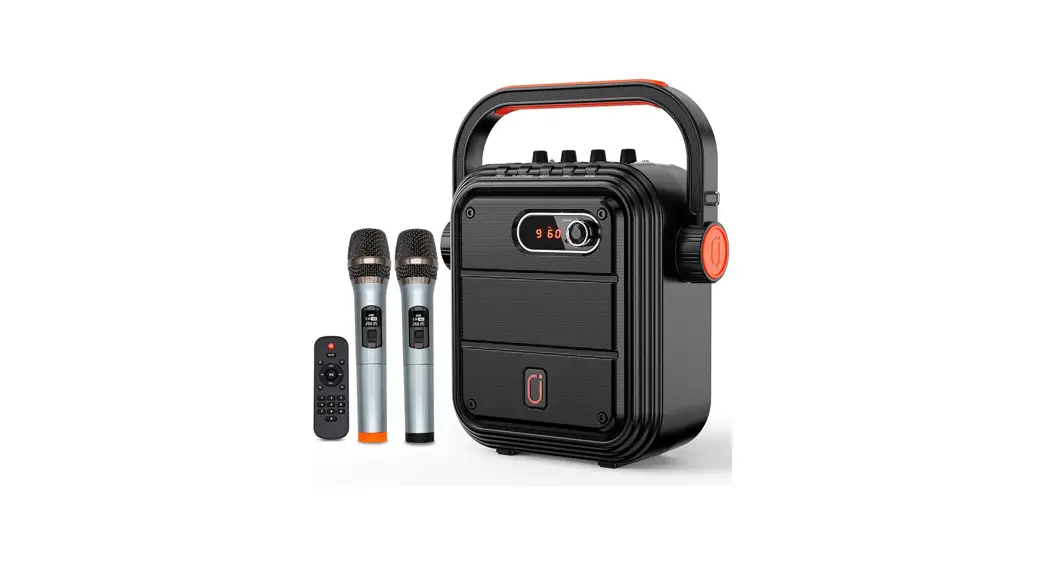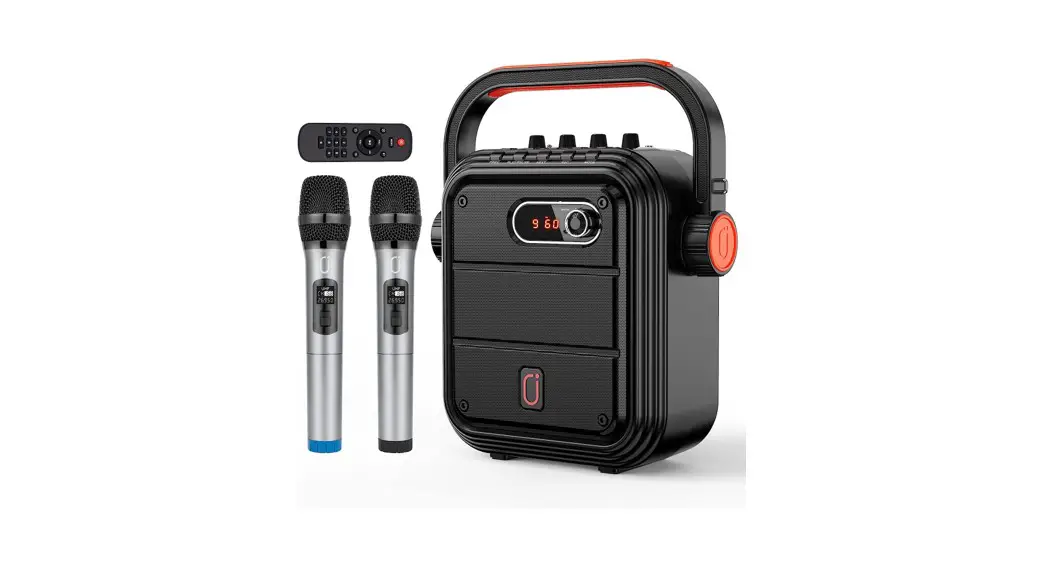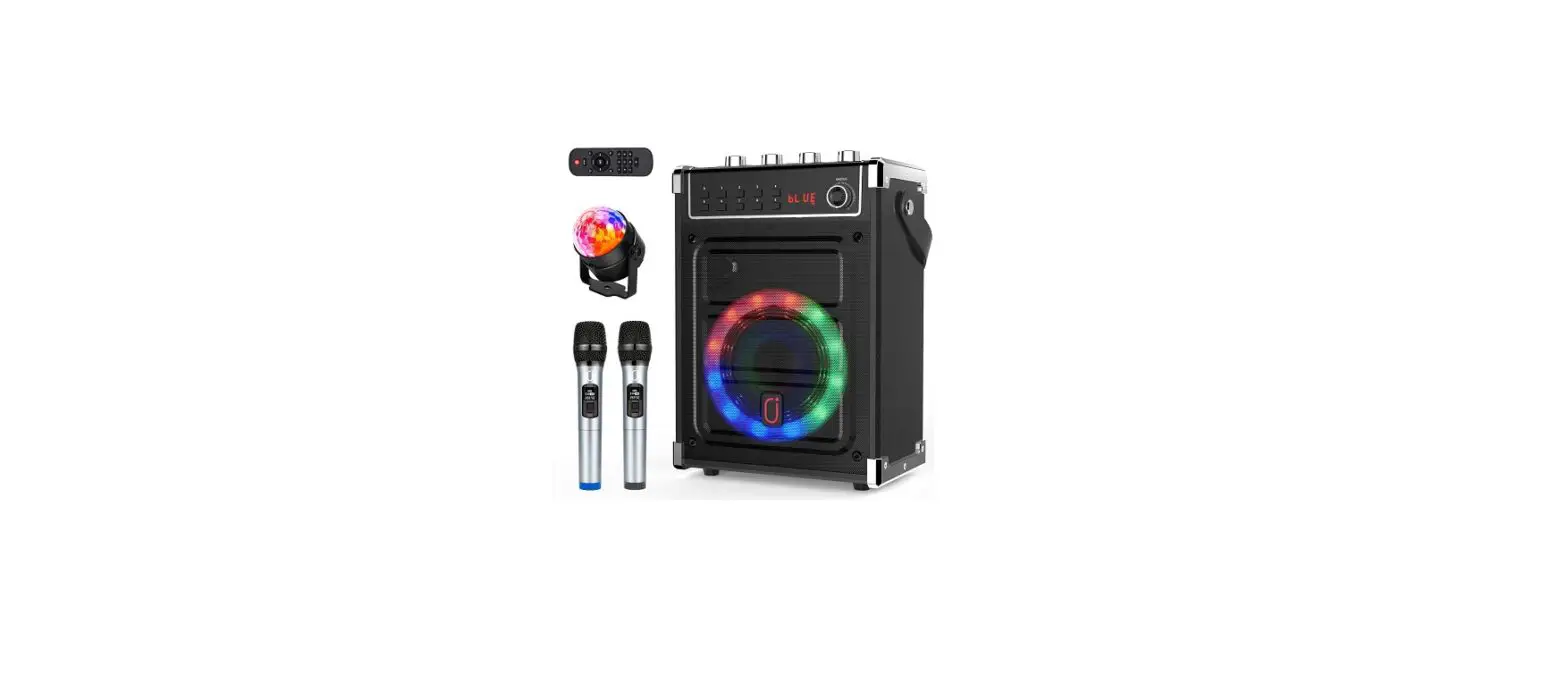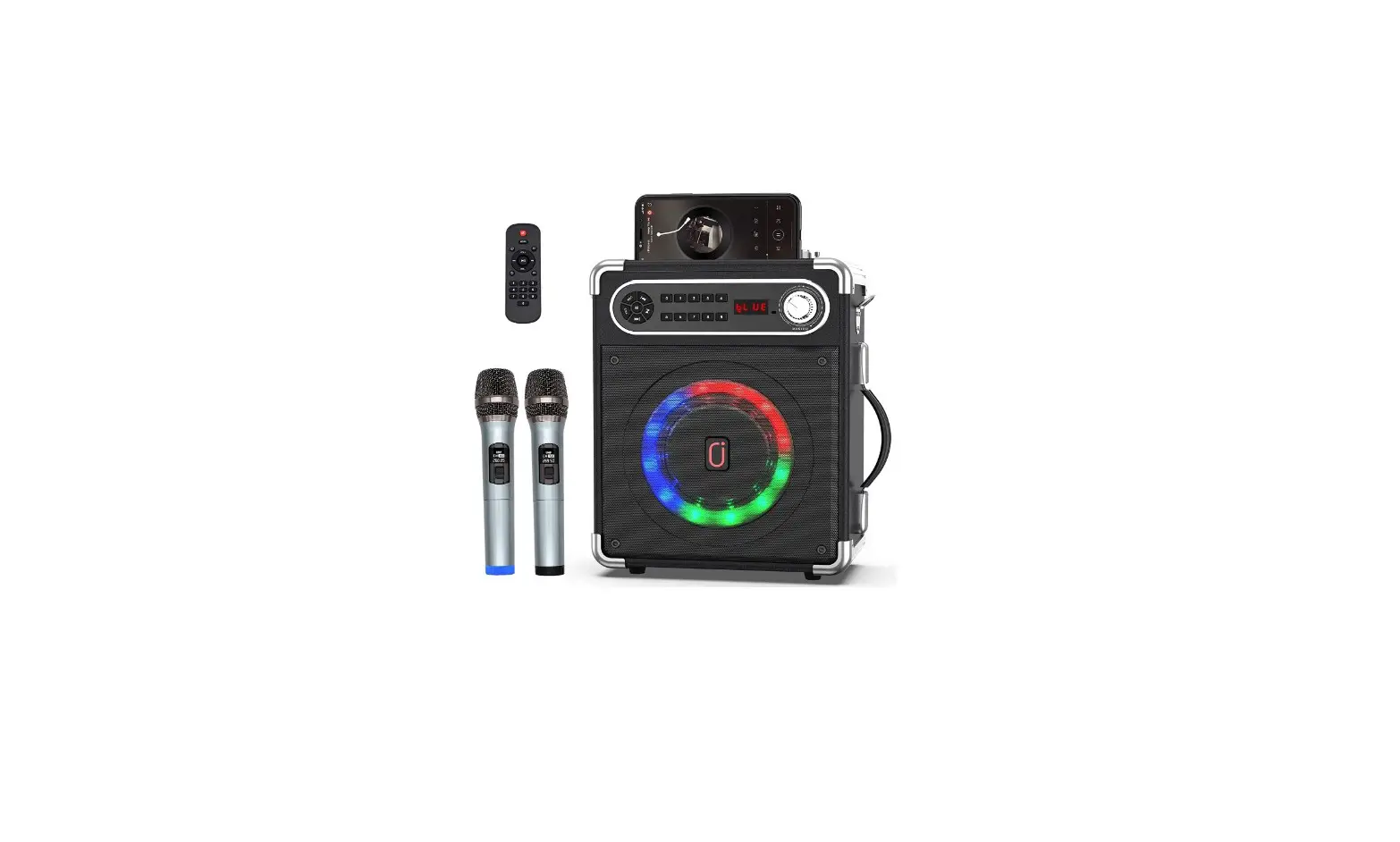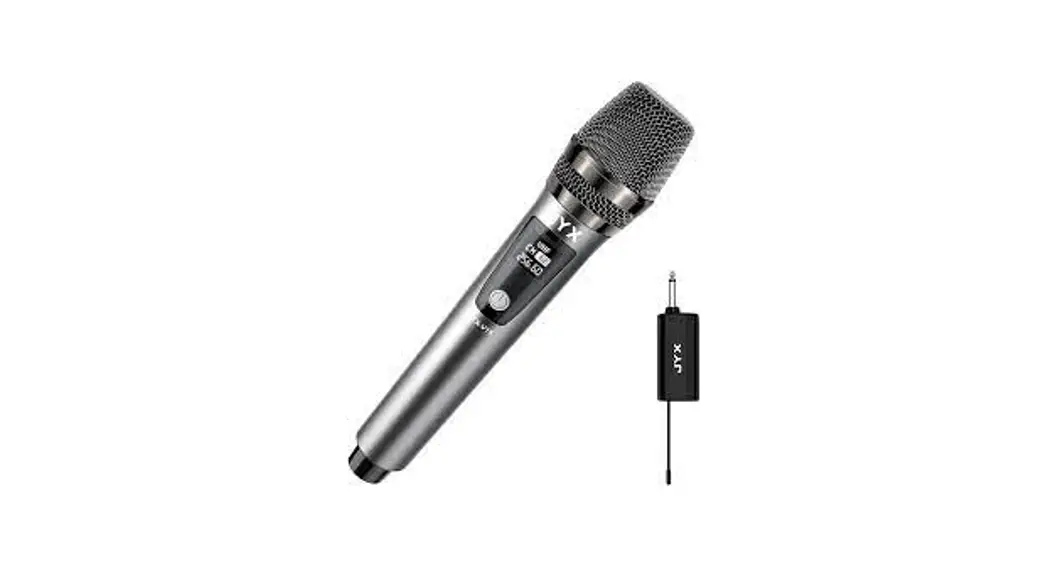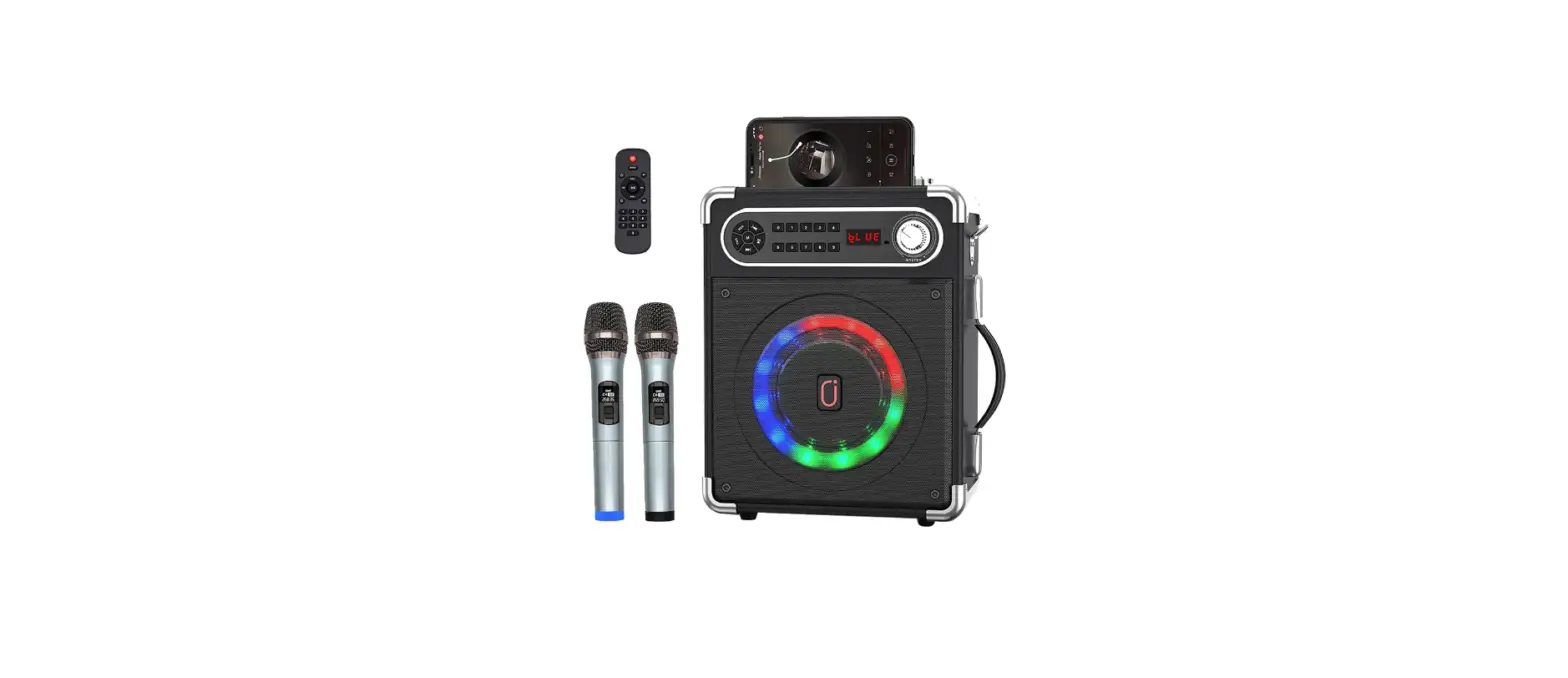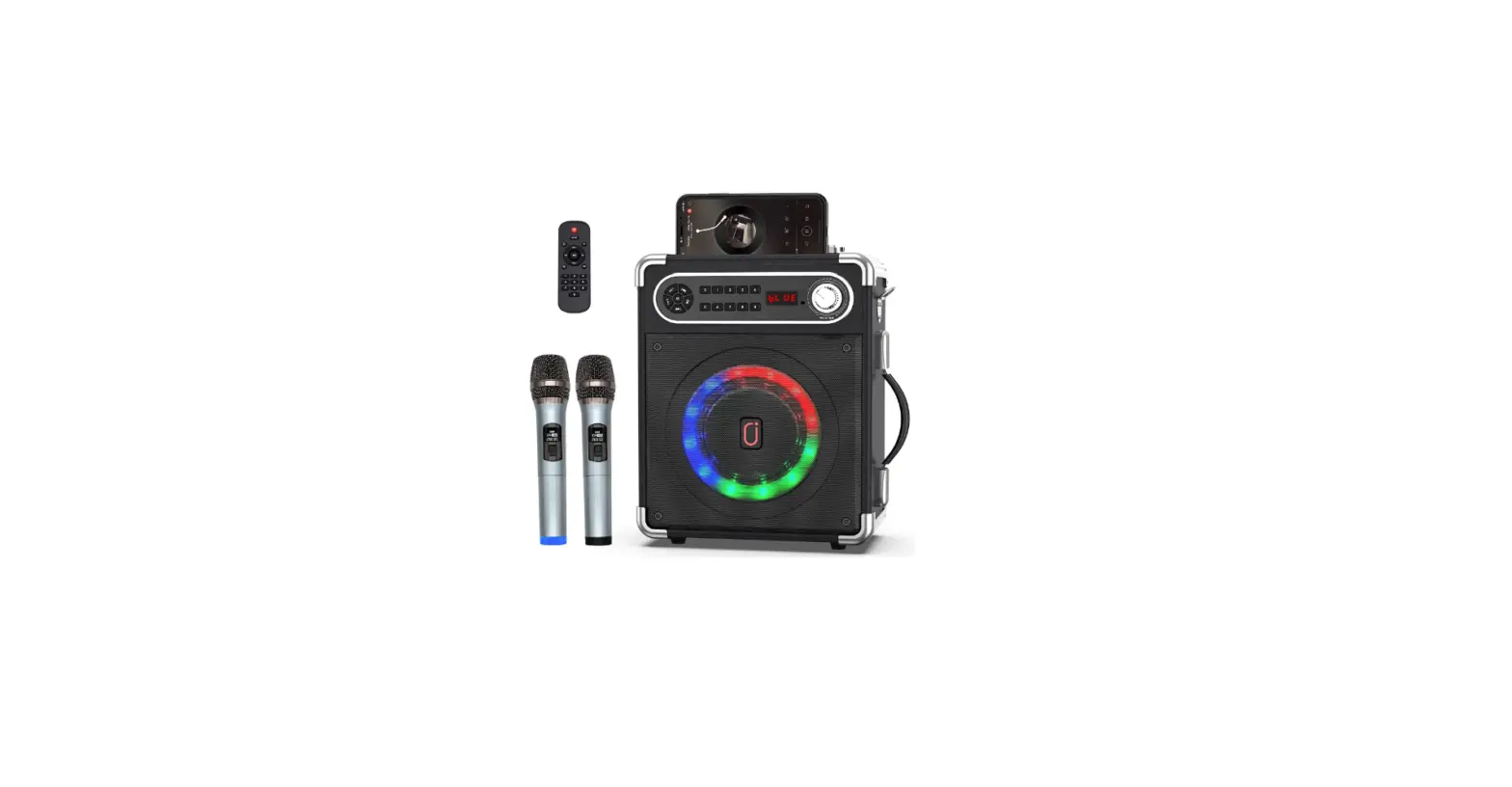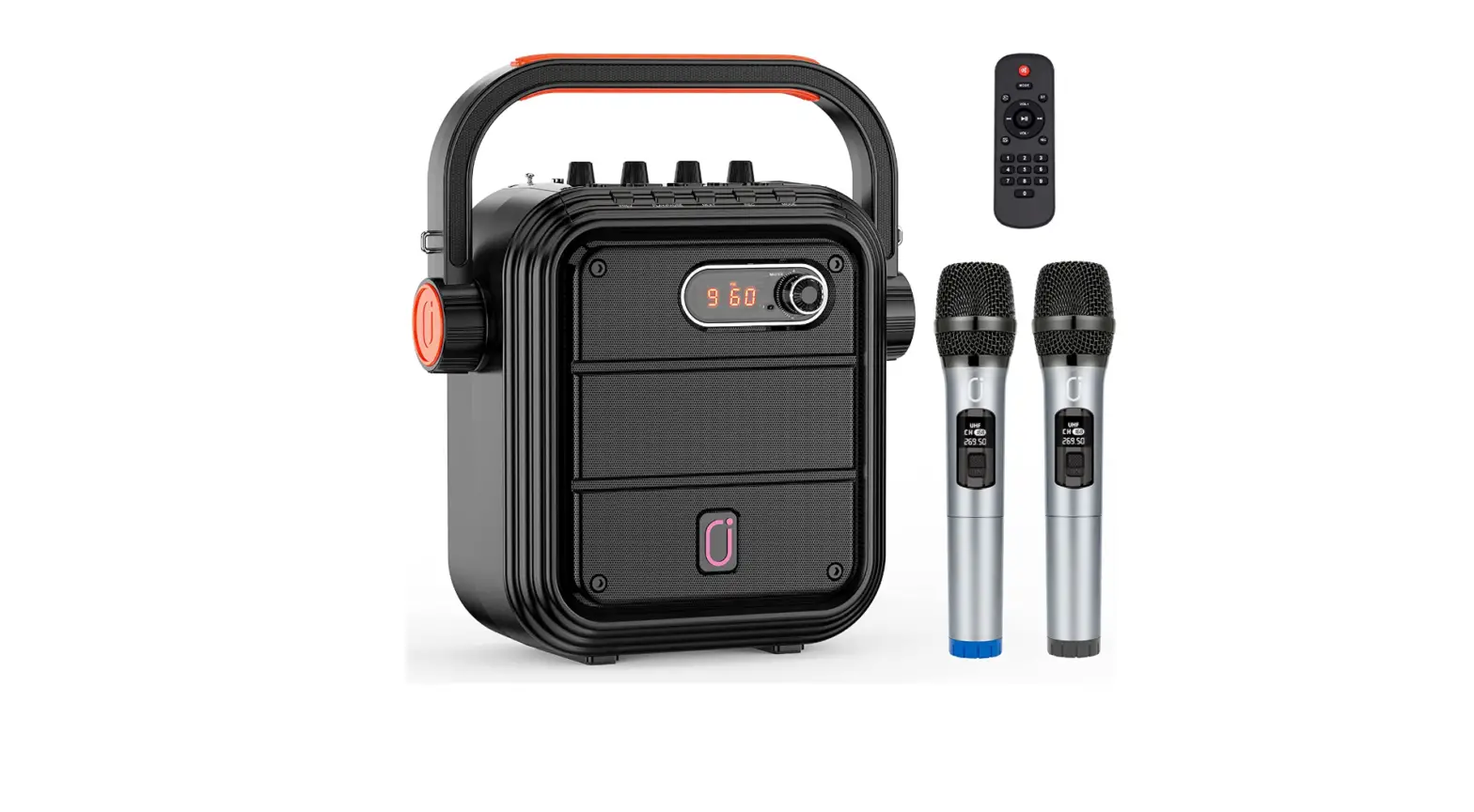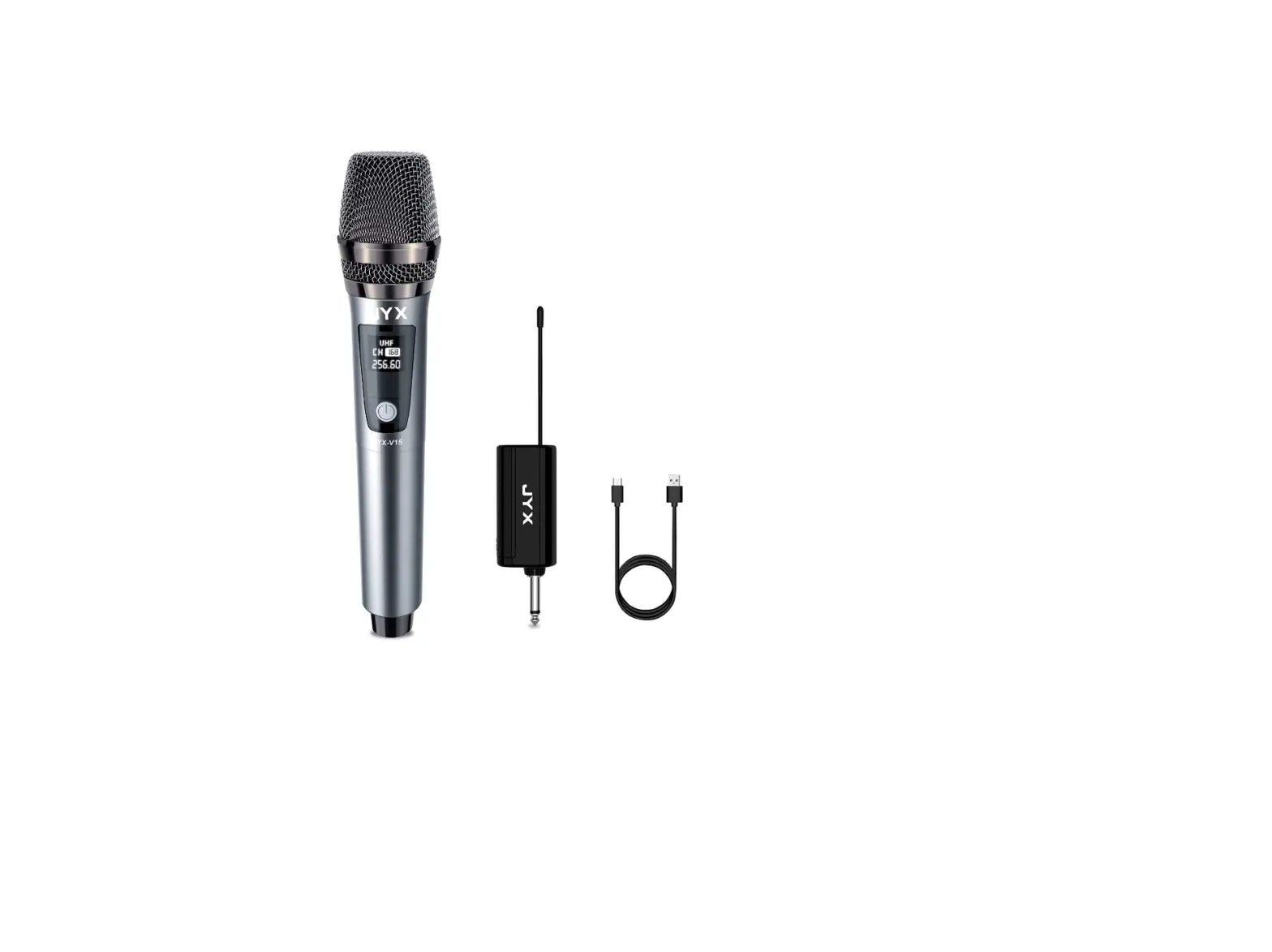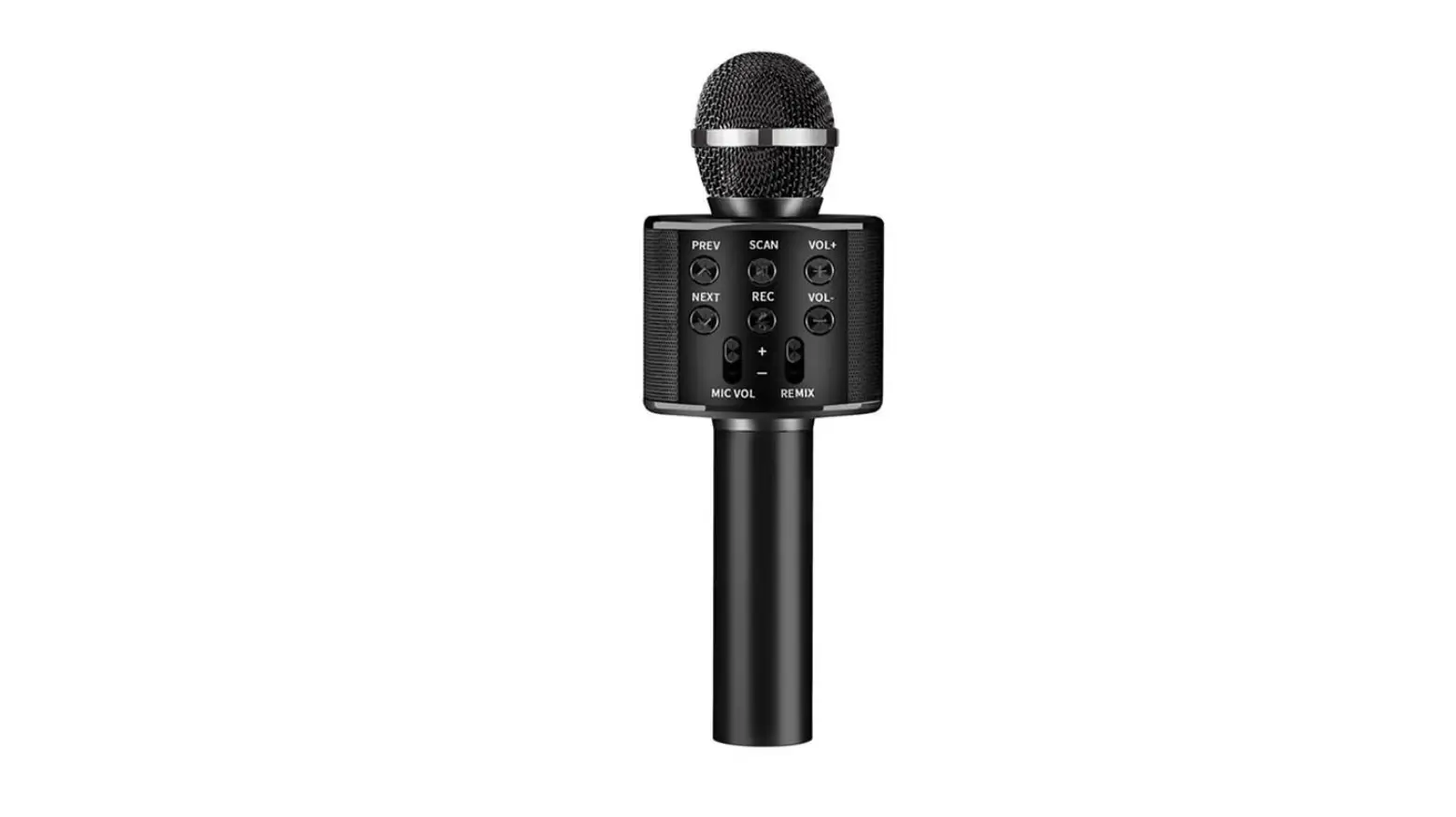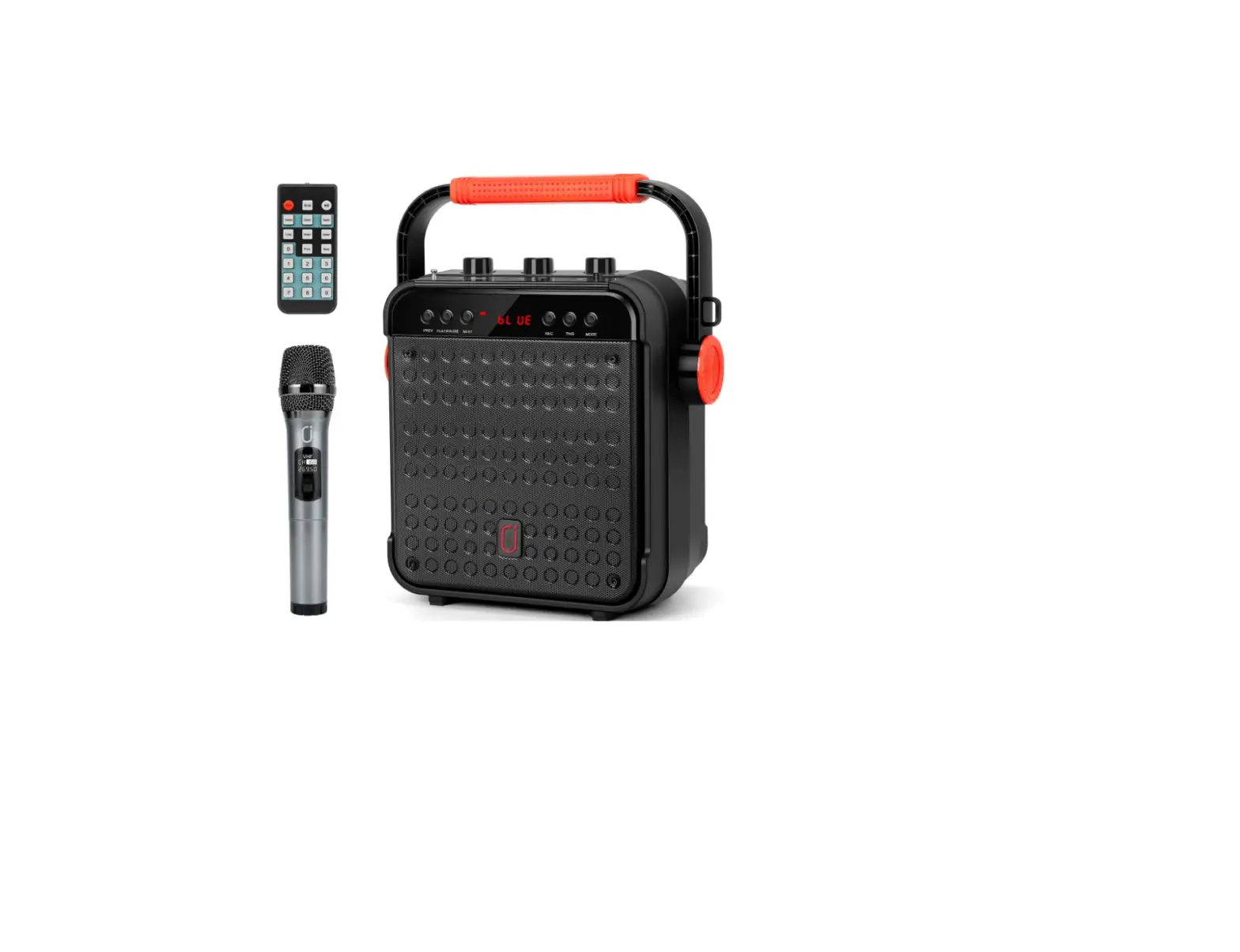

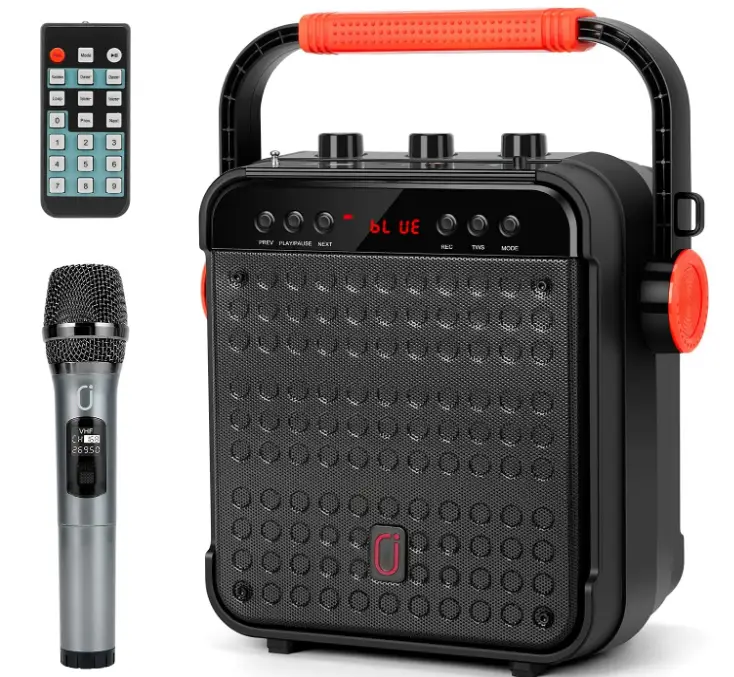
JYX D10 Portable Karaoke Machine with Wireless Microphone
INTRODUCTION
It is convenient to carry and appropriate for meetings and weddings because it comes with a wireless microphone and a shoulder strap. Create a fantastic karaoke effect with independent echo control. You can attach more microphones and sing karaoke with your family and friends using the two additional microphone connections. High-performance optimized sound and full-range stereo sound reproduction can be provided via built-in stereo sound and a bass reflex port. Its greater volume makes it the ideal speaker for both indoor and outdoor activities, helping you to create the ideal environment. Built-in 4400mAh high capacity lithium, which ensures non-stop music playing up to 6.5 hours playtime on maximum volume, is a powerful rechargeable battery that can provide you with a long duration of music playing at its loudest volume.
Two are preferable to one. When you connect two JYX-D10 Karaoke machines, the stereo sound will be synchronized and surround you on two channels, giving you the ease of speaking at a distance while still receiving a strong signal. When switched on, the microphone and speaker will immediately connect. TWS, FM radio, audio recording, echo, and remote control are supported. You can connect it via USB, TF card, or 3.5mm auxiliary input in addition to Bluetooth. Utilize all of your external devices, including your smartphone, tablet, iPad, PC, DVD, and CD.
DIRECTIONS FOR USE
Take the machine out of the package and install the shoulder strap on both side of the machine. Tie the machine around your waist or over your shoulder through a strap, then adjust the strap to a suitable position, you can carry your machine out easily.
BLUETOOTH CONNECTION
- Turn on bluetooth on your mobile device.
- Press “Mode” key and switch the speaker to BT mode.
- Select “JYX-D10” from available devices.(If JYX-D10 is unavailable, please switch back to Bluetooth mode and try again )
AUX- IN
Plug the 3.5mm audio cable into the AUX IN jack, the speaker will play the audio from input device automatically.
USB AND TF INPUT
When insert USB or TF card into speaker, the speaker will play the audio from USB/TF card automatically.
FM RADIO
- Pull out the antenna on the top of the speaker.
- Press the “Mode” key to switch to radio station.
- Long press “Play/Pause” key to search and save more available stations automatically.
- The station searching completed when it no longer switch automatically.
- Press “Next” or “Previous” to select your own station.
REC
- Plug in a TF card or flash card
- Long press “REC” to start recording, short press to end recording.
- Short press “REC” to play the recording audio.
TWS FUNCTION
To use this feature, two JYX-D10 systems are required. By connecting two stereo systems, you can enjoy True Wireless Stereo via Bluetooth. Turn on the two JYX-D10 and turn them both into Bluetooth mode. Two machines will flash “BLUE” on screen. Then short press the “TWS” button of either of the two machines(Only need to press one button),the TWS function will be activated by then(Screens both stop flashing). Long press the TWS button to inactivate TWS function.
If the text description is difficult to understand, please contact customer service team to send a video tutorial: [email protected]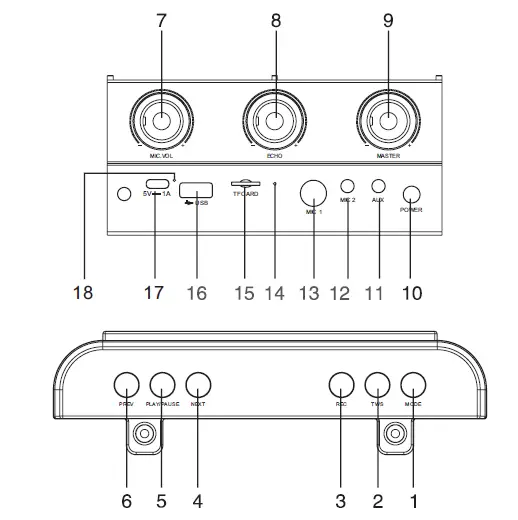
- Mode: short press to switch between Bluetooth, flash card, TF card and FM radio. When bluetooth has already connected, long press to eliminate the original voice.
- TWS: Short press for TWS connection, long press for disconnection(Under Bluetooth mode)
- REC: Long press to record audio, during this process, short press to stop recording. When there is a recording file in the storage device, short press is to play the recording file.(The recording function is only available when a storage device is plugged in)
- Next: Short press to switch to the next program; long press to fast forward.
- Play/Pause: Short press to play/pause; In radio mode, long press for automatic radio station search; In bluetooth mode, long press for TWS(only valid for the same model)
- Previous: Short press to switch to the last program; long press to fast backward.
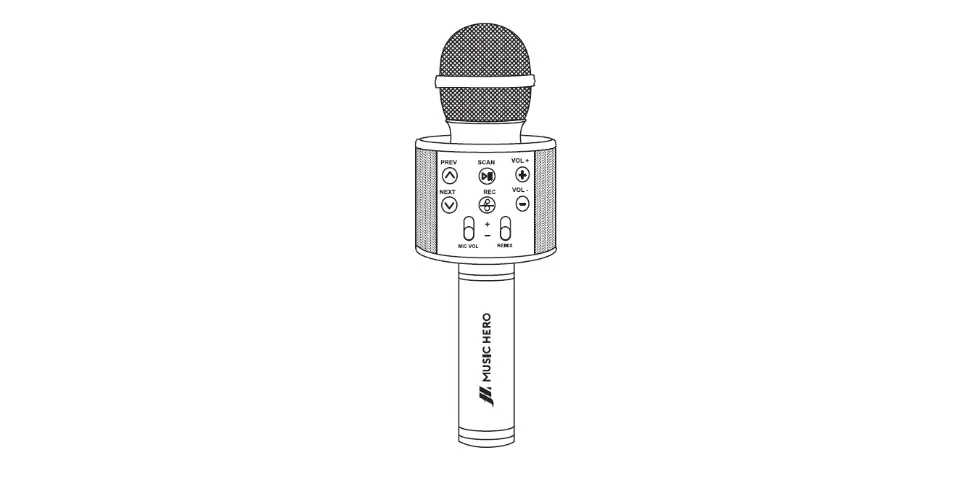
- MIC VOL: Adjust microphone volume
- Reverb: Adjust reverb.
- Master: Main volume control knob 10.Power
- AUX IN Jack
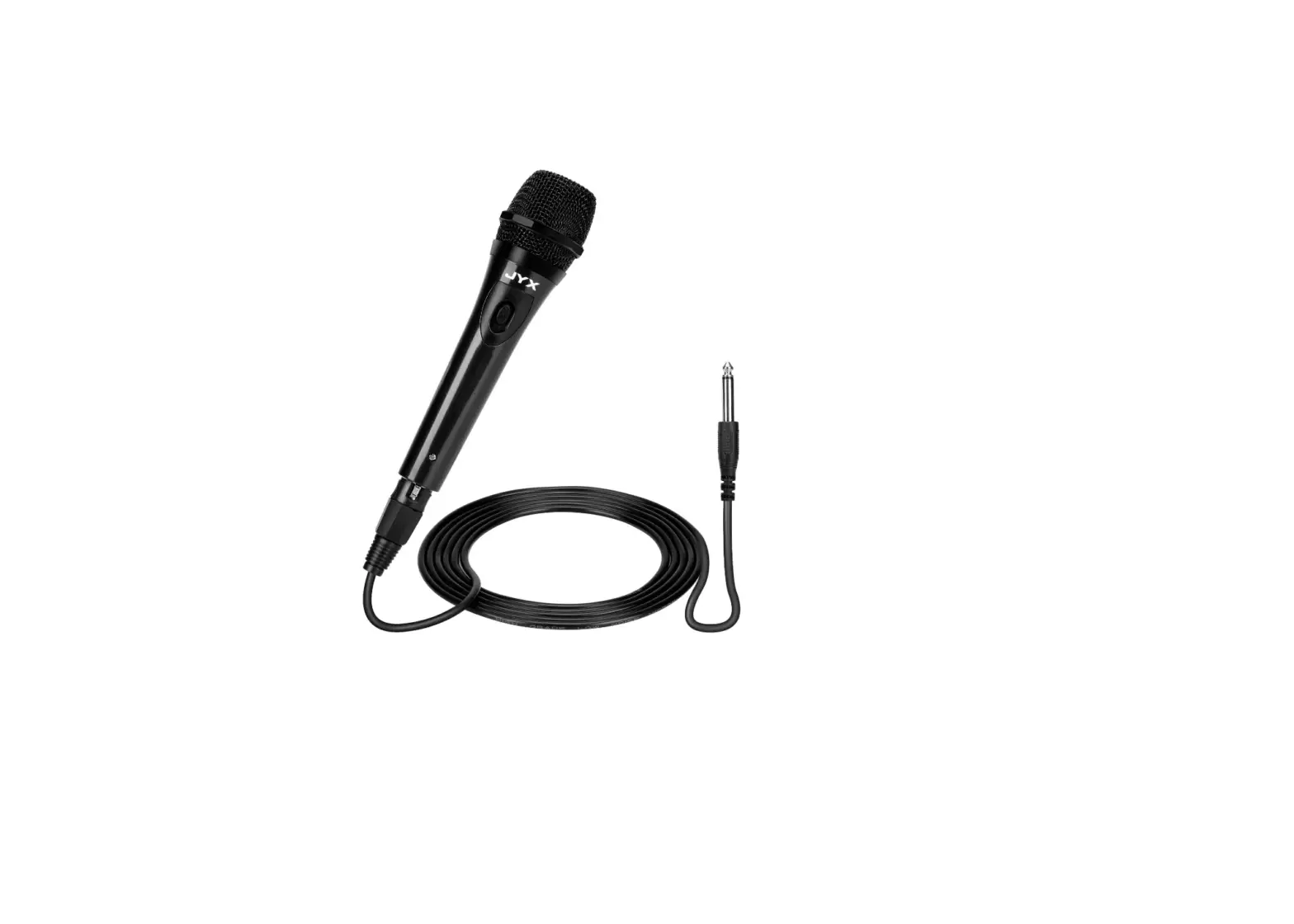
- Condenser Microphone jack(3.55mm)
- Dynamic Microphone jack(6.35mm)
- Sound Receiver Hole
- TF Card Port
- USB Port
- 5V Charging Port
- Charging Indicator Light
REMOTE CONTROLLER
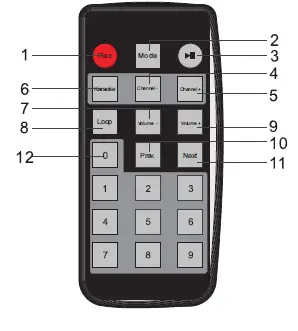
- REC: short press for recording; Short press to stop and play the recording during the record process.(The USB flash dish or TF card needed during recording)
- Mode: Press to switch the system between USB,TF card, FM Radio, AUX IN and Bluetooth mode.
- Play/Pause: Short press to play/pause(USB/TF card mode); Short press to silent ON, long press is for searching radio stations(FM radio mode).
- Station-:Switch to previous station under FM mode
- Station+:Switch to next station under FM mode
- Karaoke: Press to eliminate the original voice; Press again to recover the original voice
- Vol-
- Loop: Press to switch between single cycle and all cycle
- Vol+
- Digital keys: Press to play the program with the corresponding serial number. For example, You want to play Second song, Press 2 button until 0002 show on the speaker screen, it will play second song after 3 seconds.
SPECIFICATION
- MODEL NO: JYX-D10
- BLUETOOTH: 5.0
- OUTPUT POWER: 10W
- INPUT VOLTAGE: 5V=1A
- SPEAKER: 6.5 inch
- PACKING LIST:
- SPEAKER: 1PC
- MICROPHONE: 1PC
- STRAP: 1PC
- USB CABLE: 1PC
- CONTROLLER: 1PC
- MANUAL: 1PC
- AUX CABLE: 1PC
FAQs
The system cannot start up.
Charging the built-in battery; Check if the adapter is connected securely.
The system provides no sound.
Check if the system is power on. Adjust the volume.
The Bluetooth connection is not available.
Move your device closer to the system. Check to see if the Bluetooth is engaged.
Unable to connect two system with TWS feature.
Make sure the two systems are within one meter of each other.
Please feel free to contact JYX customer service team if you have any question of the speaker. After-sales service email address: [email protected]. We will reply you within 24 hours. Your satisfaction is our ultimate pursuit!
from which country this product made of?
I am not sure of that do know it works well above expectations. I got it for my wedding that was outside. It was loud and clear and has a great battery life. The mic is awesome as well. The voice is crisp and clear It well worth every penny and some. Would be excellent for karaoke.
How many watts does the speaker have? What is the power of the speaker?
l don’t know how many Watt speaker. I can say that the karaoke with mixing music for the party should be O.K but l recorded with my cell was not have enough voice. I didn’t test its recording. I didn’t satisfy the vocal is too lower than music. I tried reducing the music but the microphone voice is lower than music by blurring / not clear. So that l returned it.
Why doesn’t my JYX d10 turn on/charge? i plugged it in with the USB a/USB c cable provided, but nothing happened. indicator light doesn’t even go on!!
The machine needs to be charged mine delivered dead. Then pair it up with your bluetooth on your phone or what you are using. Follow the JYX to pair.. it should work.. I don’t care for the mic.
Is this 7W or 15 W output speaker?
The description says 15W but that is unlikely based on the sound output. JYX has a smaller amplifier that is described as 7W but I do not think that one is available on Amazon.
I’m thinking to use this in the classroom. Could I wear a mask, have the mic on a stand and still be heard?
I believe the question or answer is the same as for every mic. The sensitivity difference between mics is that an extremely high quality mic and low/normal quality. One way that we can measure the quality difference is to measure the price that we pay for them. I did try/experience a $1000 mic and a $20. I believe the quality of the mic bundled in the speaker package is a $20 quality. And we don’t expect this mic to be able to pick up voice well if we wear mask and 1 or 2 feet away from mic.
I plugged in the charger and the pressed the power button. it does not turn on? is there something i am missing? wondering if i received a defective p
there is a great video (the girl with short hair) swipe down to see reviews – she walks you through step by step. Also as soon as you press power you will see the front mini screen light up.
Why does my microphone go in and out of connection with the speaker? Even with new batteries, your voice will still be in and out of connection?
I believe you have a defective unit.
How long does it take for the power to come on after you take it out of the box?
It should be on right away after pressing the power button.
How can I link my phone to my karaoke microphone?
Utilizing a micro-USB connection (for Android) or lights is the first approach you can take (Apple). If your microphone is USB compatible, all you have to do is plug the USB connector into the mic and the other end into the phone’s charging port.
Is karaoke compatible with Soundbar?
With soundbars of any input type, you can host a karaoke night, but you’ll have to deal with one major issue: soundbars don’t have mic-in choices. Sure, there are several audio-in possibilities, but there isn’t a separate connector for the microphone.
Where can I find songs for my karaoke system?
Using YouTube to download karaoke music is the simplest option.