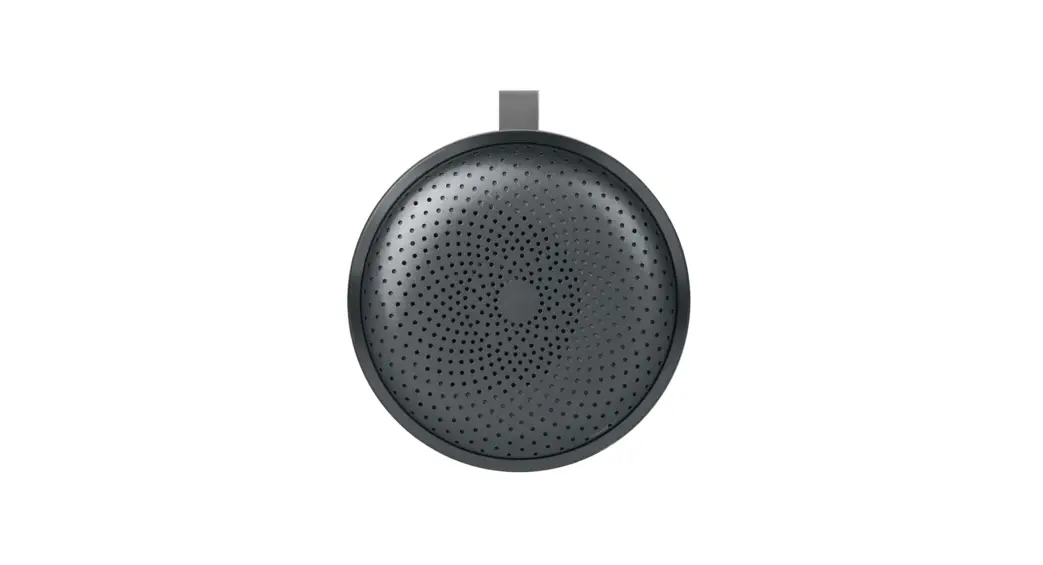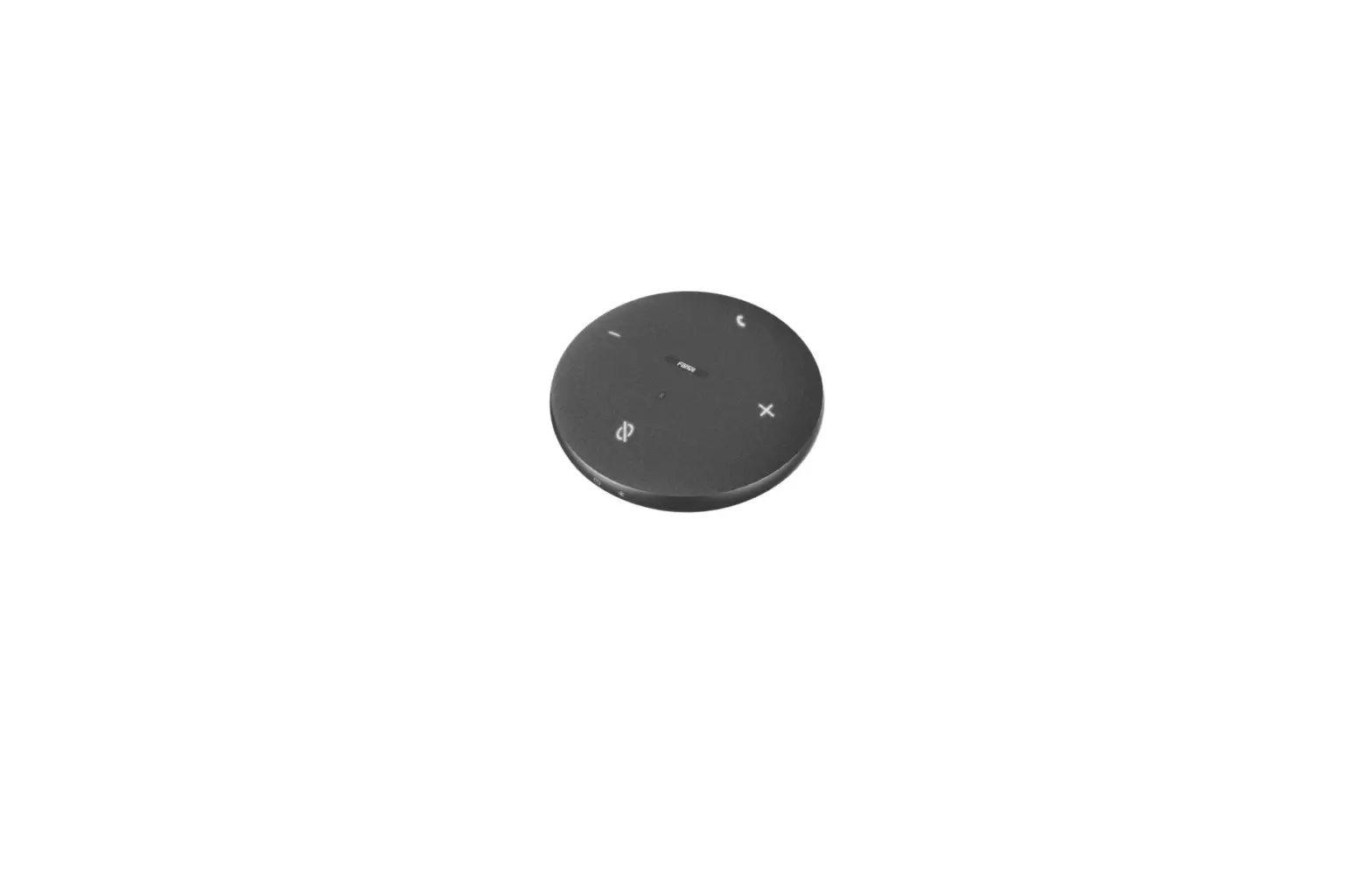

Fanvil CS30 USB Bluetooth Speakerphone
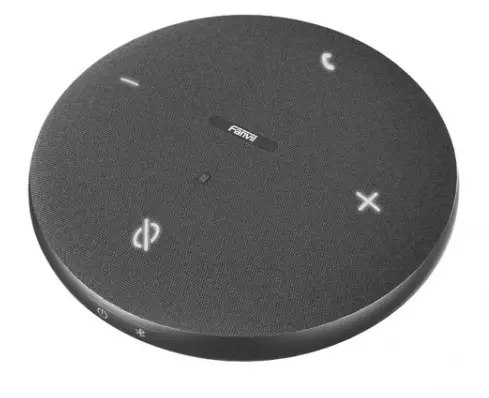
Product introduction
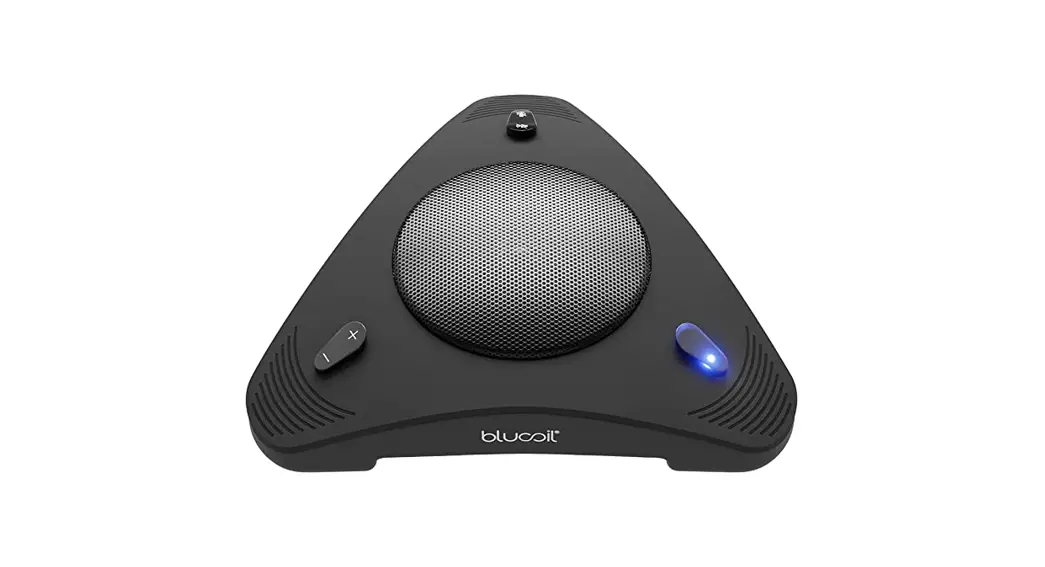
USB/Bluetooth Speakerphone is an omni-directional microphone and a bluetooth speaker.
It is used as a high-quality microphone and speaker for online meeting and compatible with apps such as Zoom\Teams. Users can enjoy clear remote conference experience anytime, anywhere.
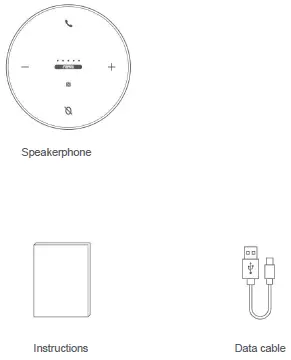
Accessories List
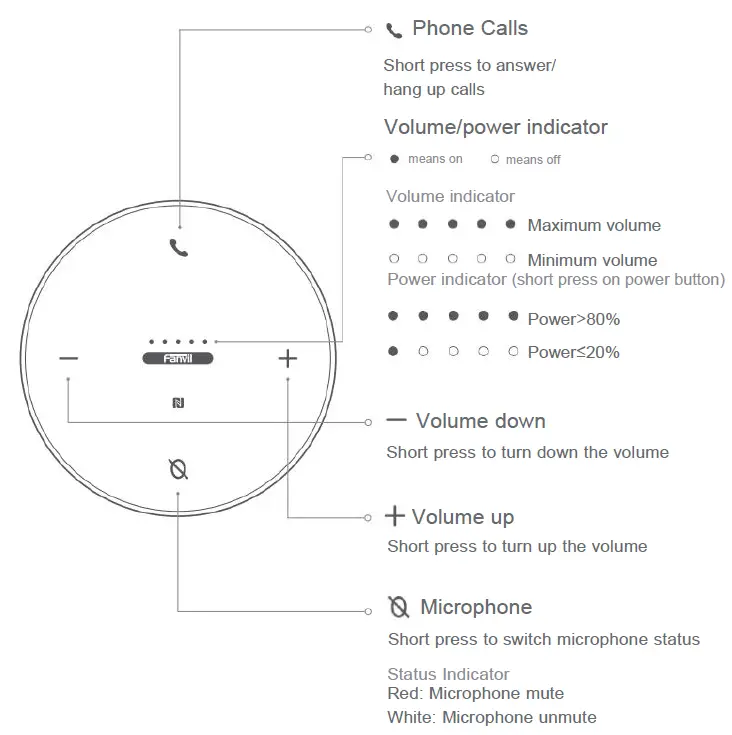
Buttons and lighting instructions
Buttons and lighting instructions
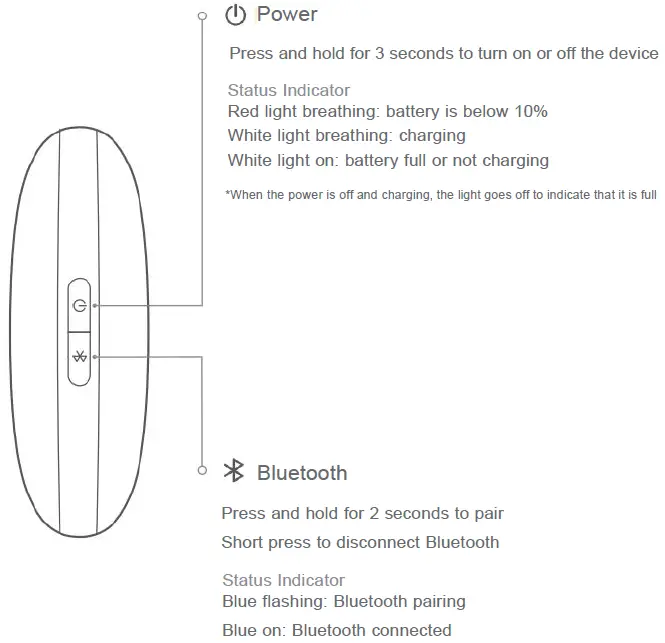
Instructions for use
Device connection
Method 1: USB connection
- Connect the device to the computer via the supplied USB cable, and when you hear a hint tone, the connection is successful.
- Choose “Fanvil CS30” as the input/output audio device in system setting or in the online meeting software.
Method 2: Bluetooth connection
- Press the Bluetooth key for 2 seconds until the Bluetooth indicator flashes. Then open the phone or PC Bluetooth setting page, search the Bluetooth device “Fanvil CS30” for pairing; Click to connect.
If you have an Android phone that supports NFC, turn on the NFC of the phone, and touch the device’s NFC area to connect to Bluetooth.
Tip: The current version does not support OTG data cable directly connected to the phone
Charging instructions
Charging
- When using the USB cable to connect to the computer, the device will enter the charging mode.
- If you use a power adapter to supply power, you should purchase a power adapter that is FCC/CE certified and meets the requirements of the standard.
Tip: Before using the device for the first time, it is recommended that charge at least 1 hour to ensure sufficient power
| Product name | AI Meeting Box |
| Product model | CS30 |
| Product dimensions | 112.5mm x 112.5mm x 35.4mm |
| Bluetooth | Bluetooth V5.1 |
| Pickup radius | 4 meters/13 ft |
| Microphone | 4 omnidirectional microphone |
| Loudspeaker | 5W |
| Battery capacity | 2000mAh |
| Charging | 5V—2A Type-C port |
Frequently Asked Questions
| Questions | Suggestions | |
|
The volume is not synchronized when the device is connected to the phone by Bluetooth | 1. Confirm whether the phone supports Bluetooth sound synchronization, some Android phones do not support volume synchronization.
2. Some phone needs to open the volume setting permission in the system settings. | |
| 1.Check whether the phone volume is turned on, | ||
| When the device is connected to the phone by Bluetooth, the ringtone of phone calls does not come out from the device | or the volume is too low. 2.Check whether the device can speak normally. 3.Choose audio input/output in the | |
| meeting software. | ||
| 1.It is recommended that when playing music, | ||
| select the speaker with the name “stereo” | ||
| No sound when device is connected to | on your PC. | |
| Windows PC by Bluetooth | 2.It is recommended to choose the speaker with the name “hand free” for the audio output speaker during | |
| the call or meeting. | ||
|
1.Check whether the input /output of the |
call | |
| No sound when the device is connected to | software are properly set to “Fanvil CS30”. | |
| FaceTime/ Zoom/Teams/Google | 2.Check whether the computer audio | driver |
| Hangouts etc. by Bluetooth | is normal, it is recommended to | restart |
| the computer and try again. | ||
|
No response when the device is connected to the computer using USB |
1.Check whether the device is connected to phone, please disconnect the connection first, and then use the cable to connect the device. 2.Check whether the USB data cable is damaged. 3.Reboot the device and try again. | |
Fanvil Technology Co., Ltd
Website: www.fanvil.com
EMail: [email protected] [email protected]
Tel: +86-755-2640-2199 Fax: +86-755-2640-2618
Add: 10/F Block A, Dualshine Global Science Innovation
Center, Honglang North 2nd Road, Bao’an District, Shenzhen,China