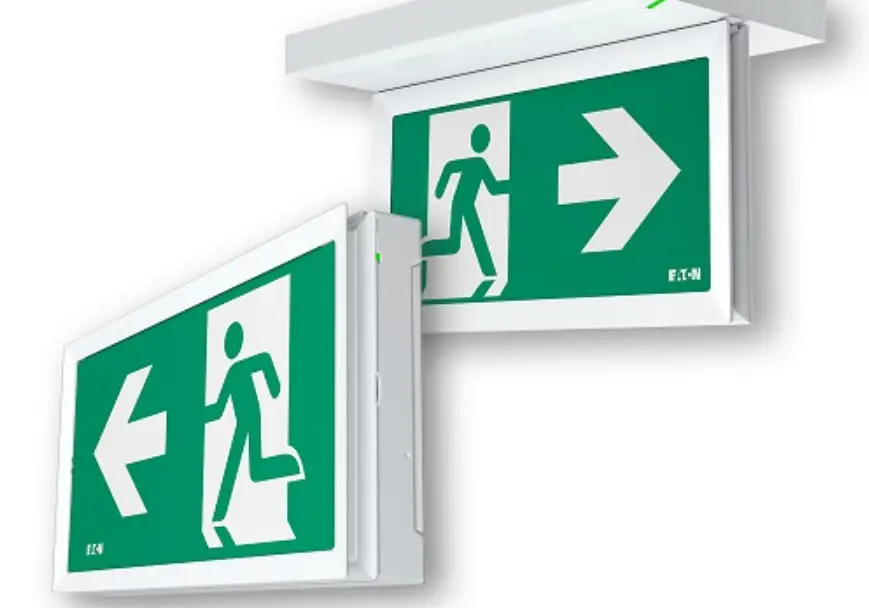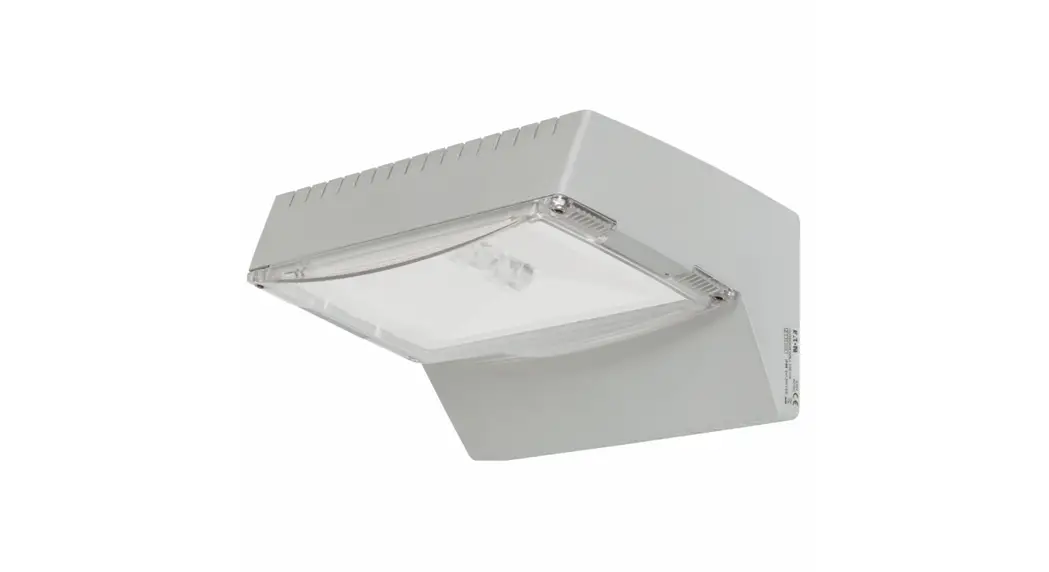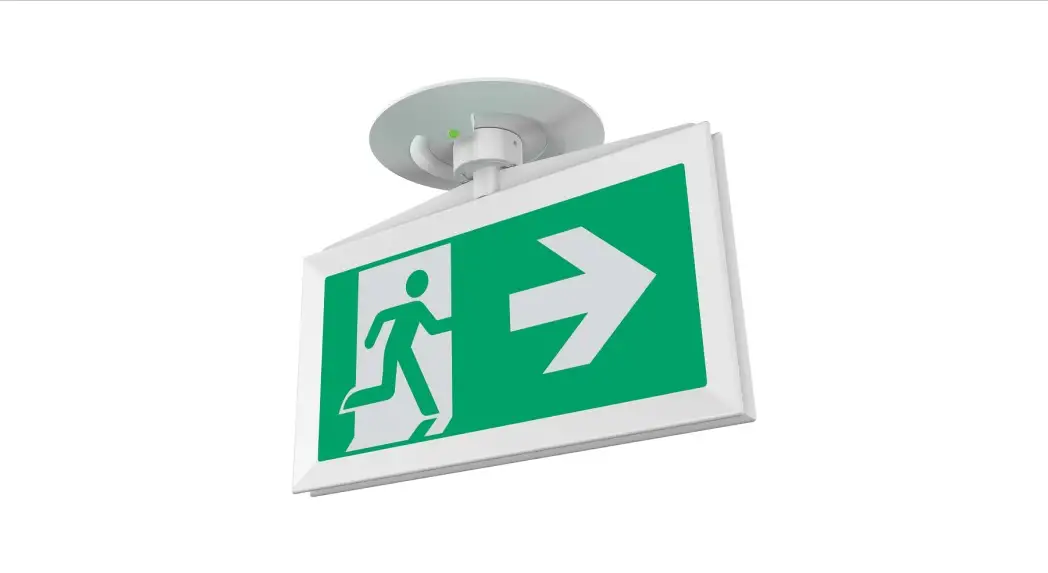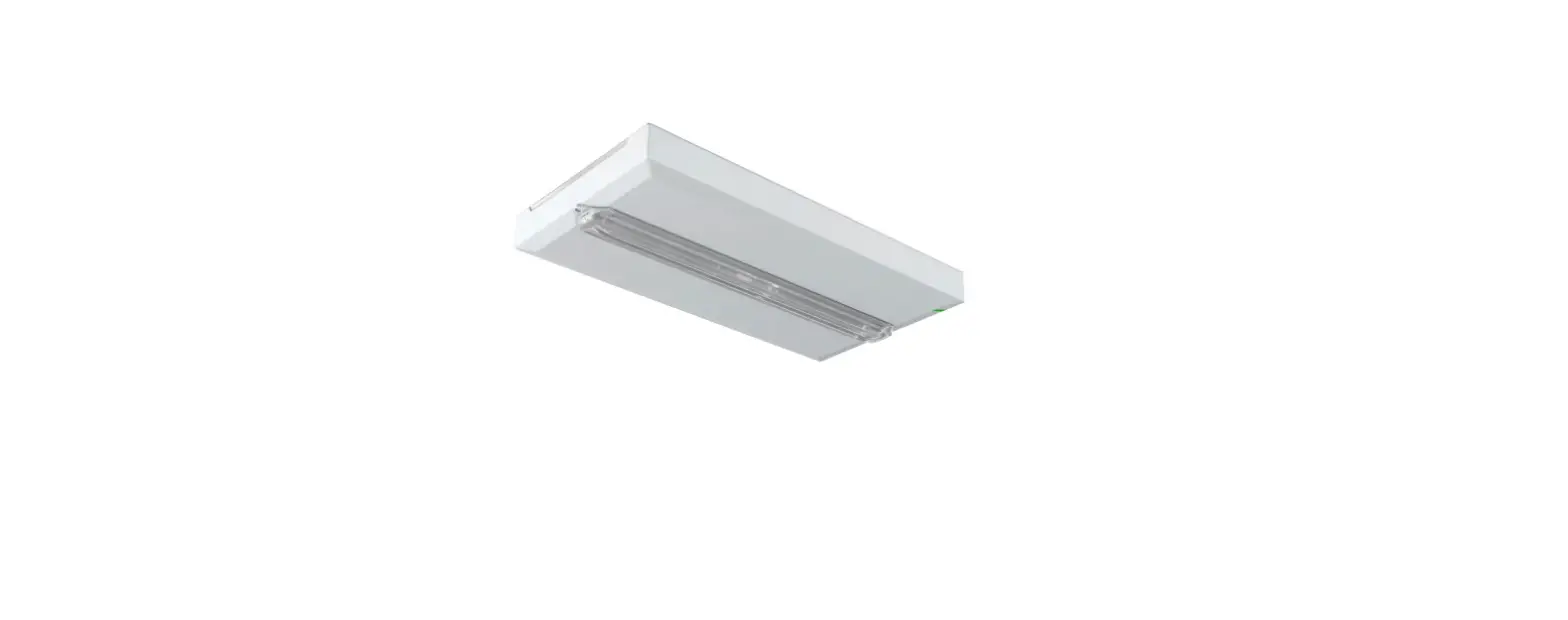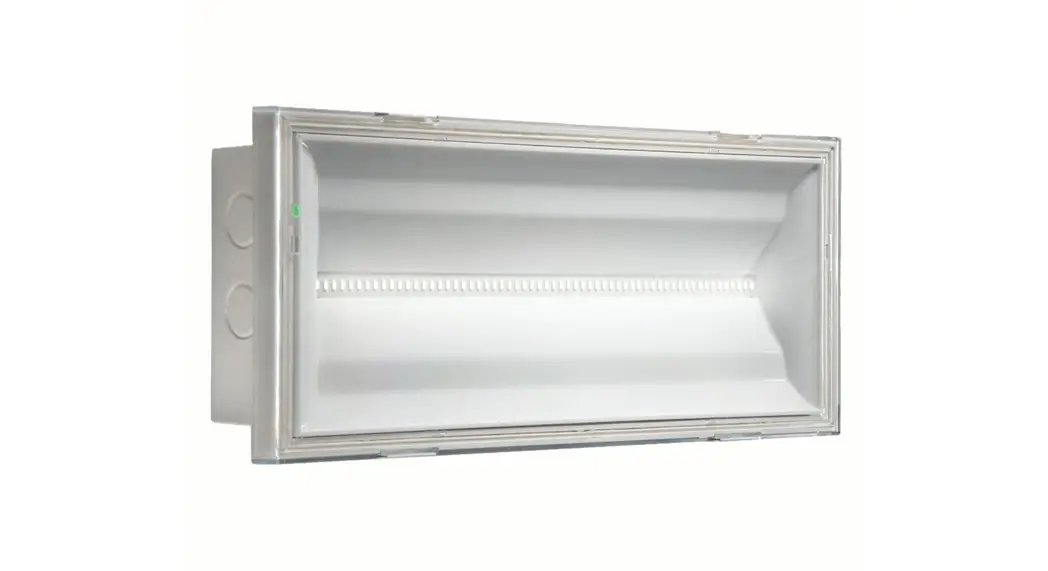

EATON FlexiTech Exit Wall 20M,30M CGLine plus
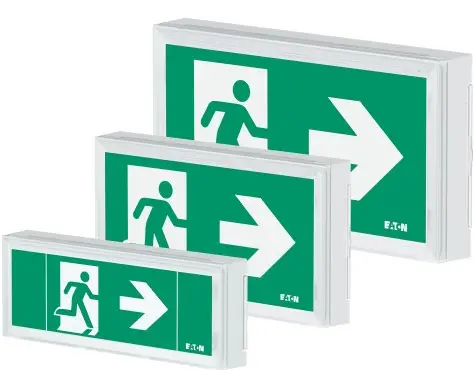
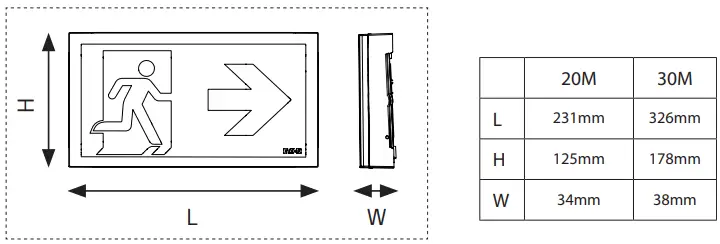
DIMENSION
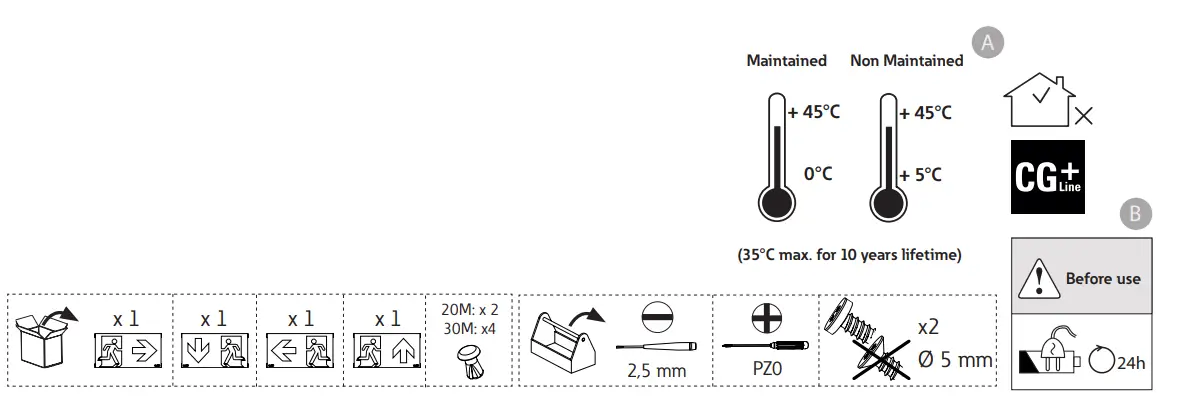
WHAT IN THE BOX
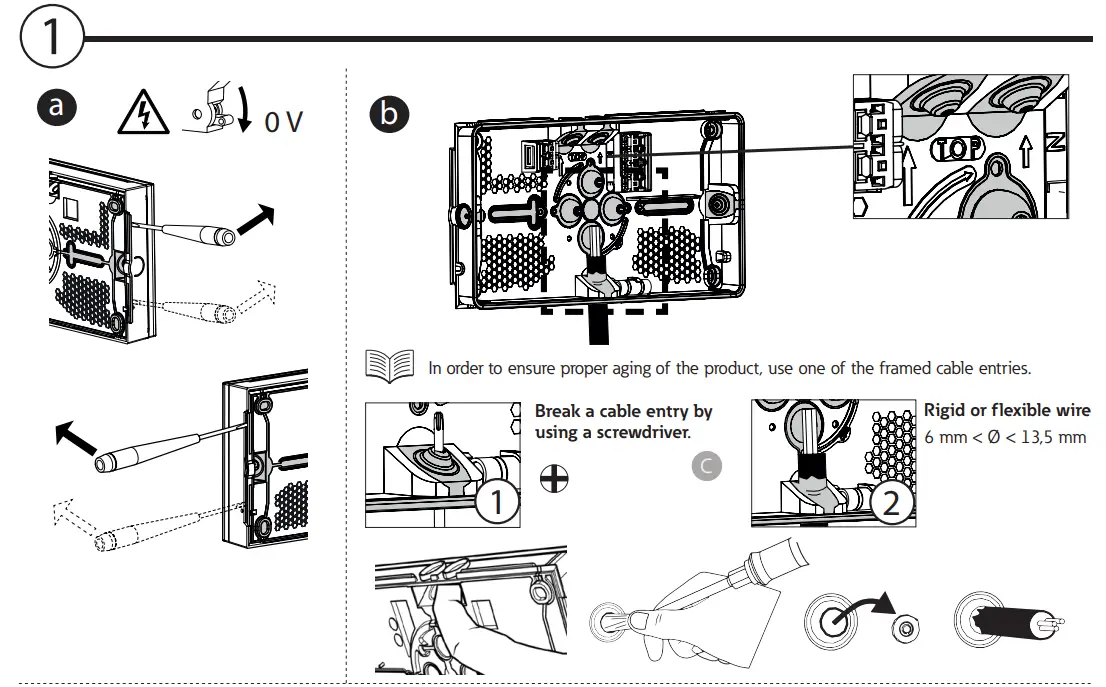
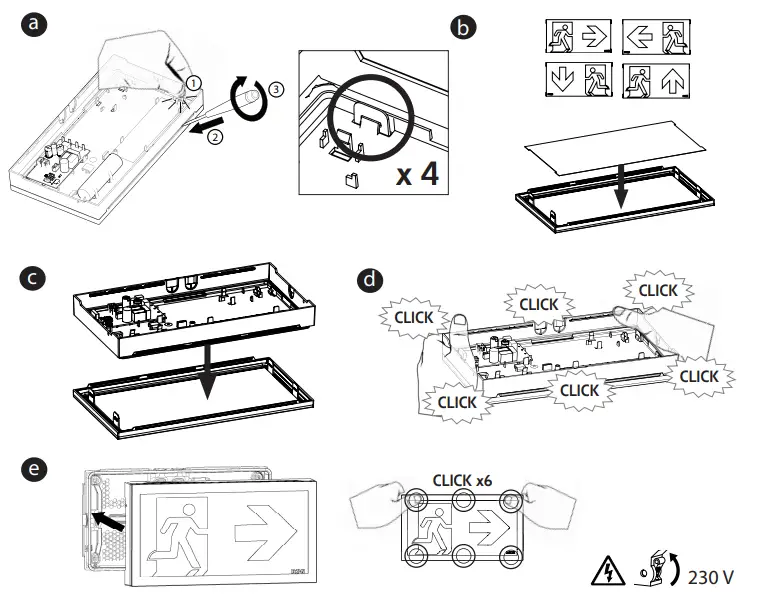
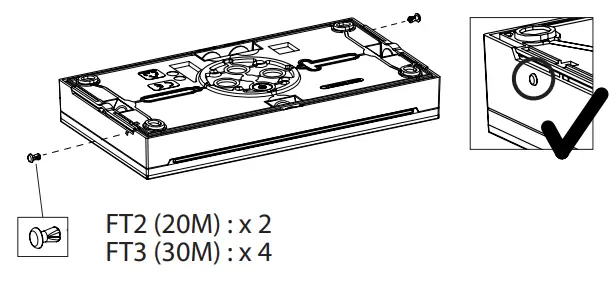
INSTALLATION
- Drill in the honeycomb zones (IP43) or in the 4 flexible material parts (IP66).
- For honeycombs, be careful to battery location.
- For corner fixing, use 4 screws.


- Disconnect the battery, wait for 10 seconds, and reconnect it if you decide to change configuration (b-c).


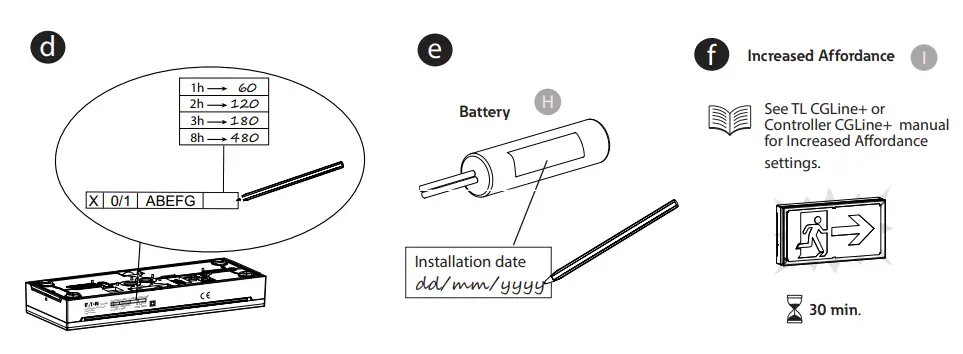
AUTOTEST
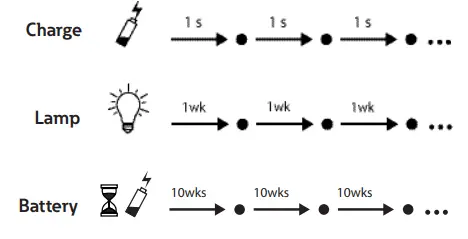
LED DESCRIPTION
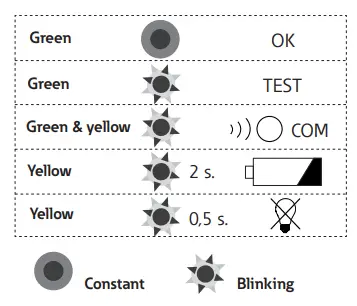
- Disconnect the battery, wait for 10 seconds, and reconnect it if you decide to change Even/Odd configuration.
- See Controller CGLine+ user manual for duration test configuration
PICTOGRAM CONFIGURATION
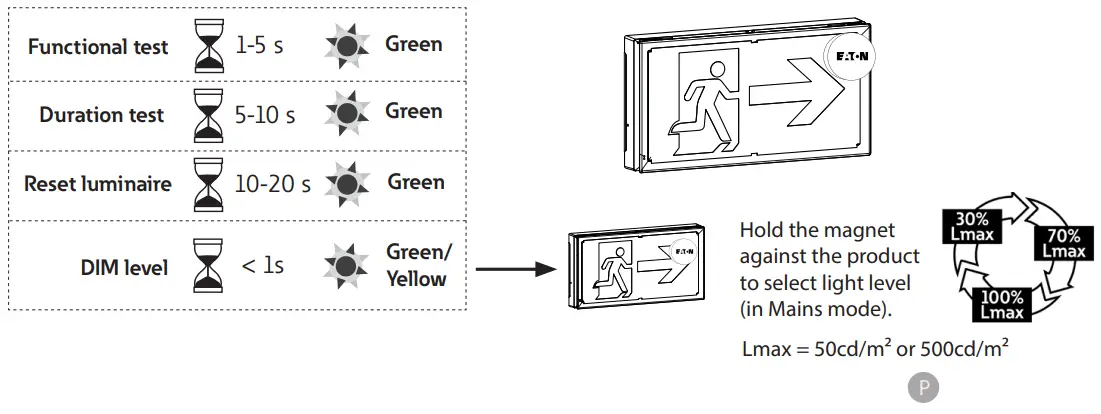
MAGNET TEST
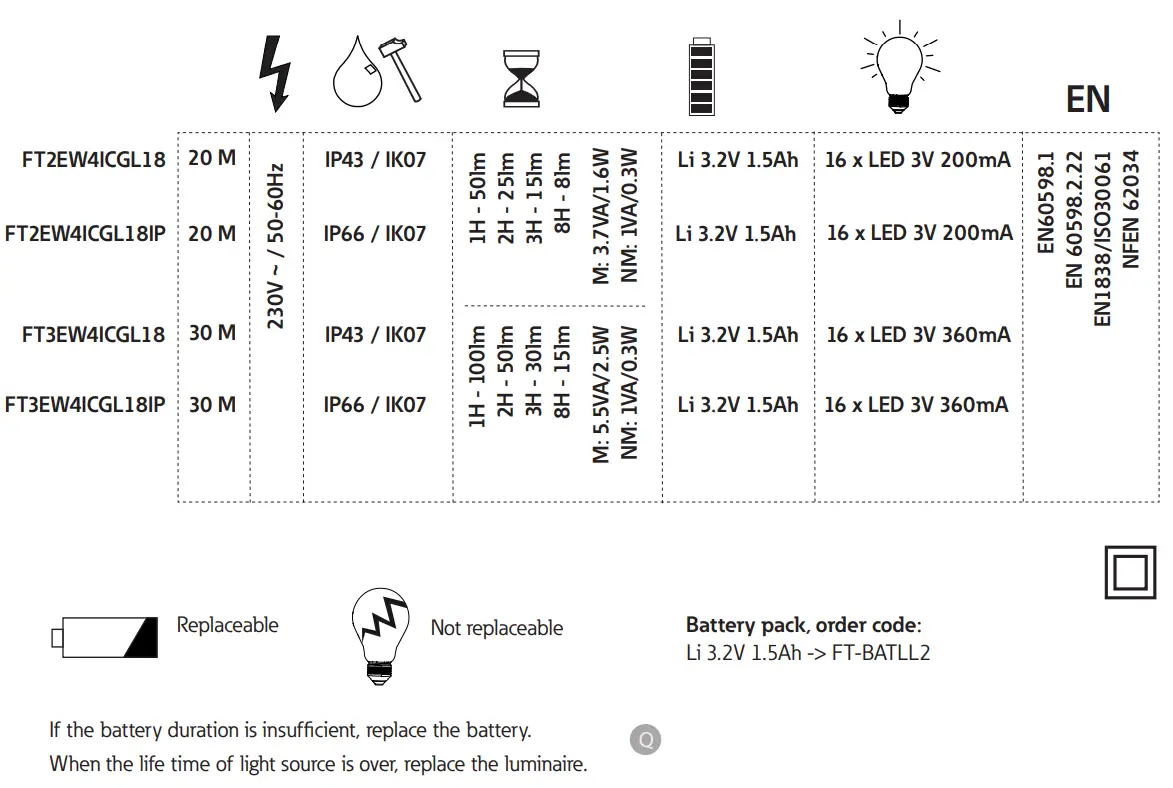
MODEL
ZNO2054100 A- 04/2021 Eaton is a registered trademark. All trademarks are property of their respective owners.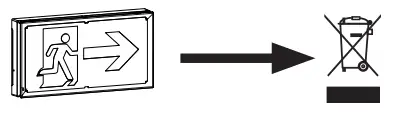
Explanation Of Alphabets
- A Maintained Non maintained
- B Before use
- C Break a cable entry by using a screwdriver. Rigid or flexible wire
- D Drill in the honeycomb zones or in the flexible material.For corner fixing, use 4 screws.
- E Use screwdriver to place and remove wire. No screwdriver required for connection
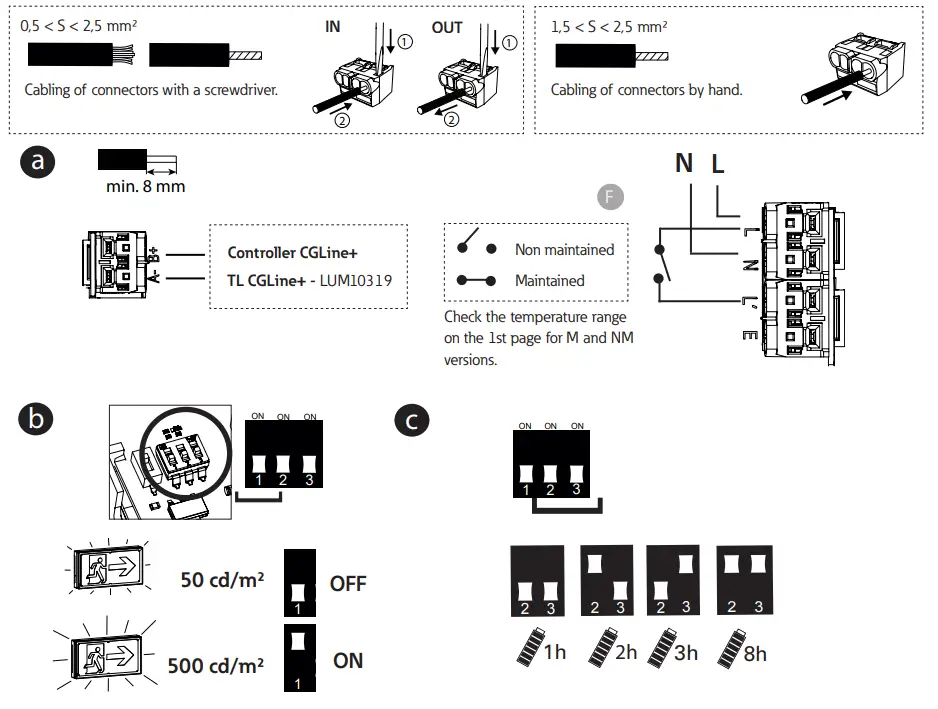
- F Non maintained Maintained Check the temperature range on the 1st page for M and NM versions.
- G Disconnect the battery, wait for 10 seconds, and reconnect it if you decide to change configuration (b-c).
- H Battery Installation date
- I Increased Affordance See TL CGLine+ manual for Increased Affordance settings.
- Even/ Odd
- Duration Test Day D
- Duration Test Day postponed by 7 days
- Autotest
- Charge / Lamp / Battery
- 1wk / 10wks
- LED Description
- Green / Yellow
- Constant / Blinking
- M Disconnect the battery, wait for 10 seconds, and reconnect it if you decide to change Even/Odd configuration. See Controller CGLine+ user manual for duration test configuration.
- N Pictogram configuration
- O Magnet Test Functional Test Duration Test Reset luminaire DIM level Green / Yellow
- P Hold the magnet against the product to select light level (in Mains mode).
- Q Replaceable Not replaceable Battery pack, Order code If the battery duration is insufficient, replace the battery. When the life time of light source is over, replace the luminaire.
 EU WEEE directive | Compliance | Eaton
 Electrical and Industrial | Power management solutions | Eaton