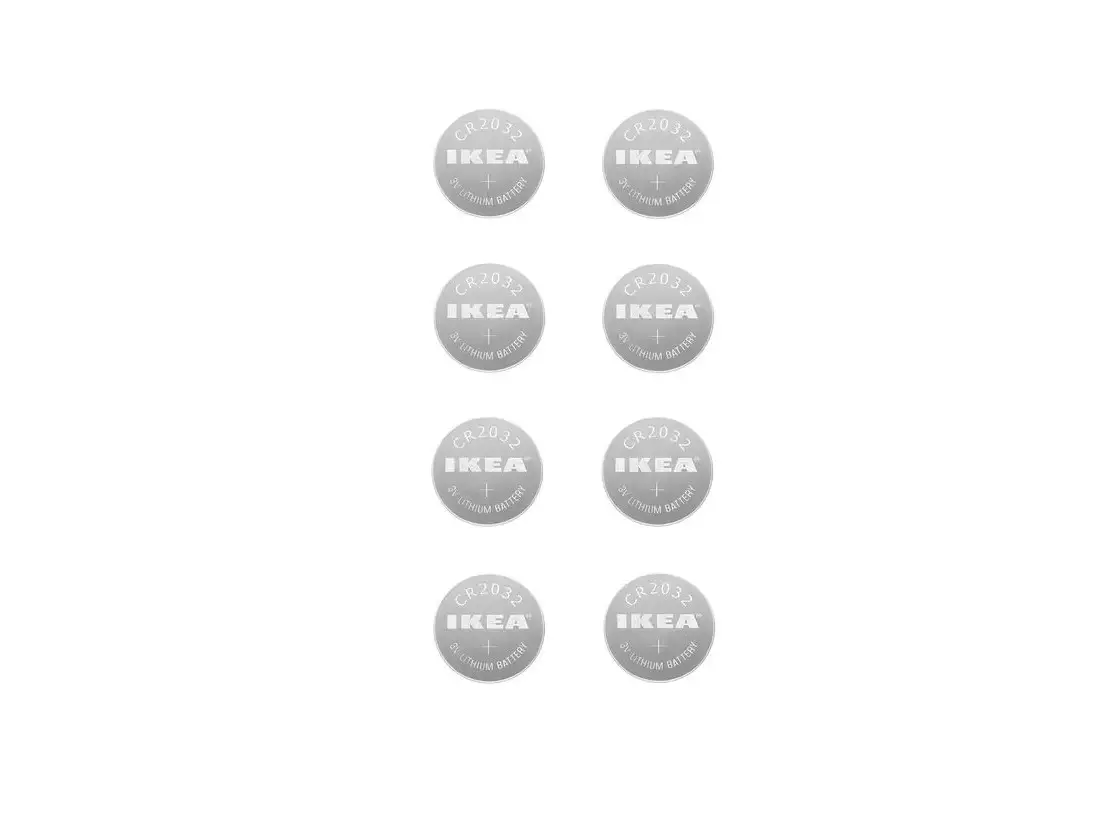
 CR1220 Lithium Battery
User Guide
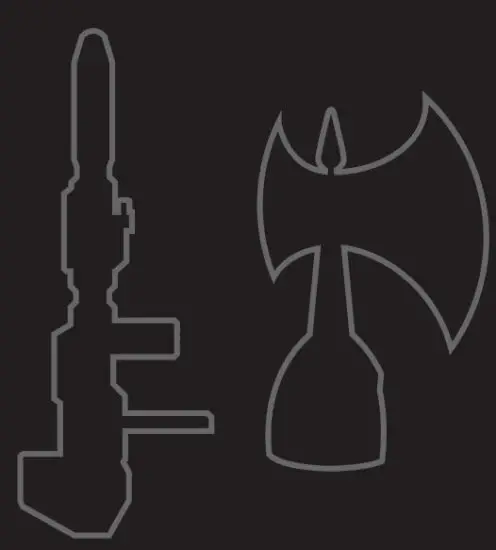
Included are Optimus Prime’s battle-ready accessories to defend against the Decepticons.
QUICK “HOW-TO-USE” GUIDE
- Blaster
 and its preset commands/actions, are to be used in Optimus Prime’s right hand
- Battle Axe
 and its preset commands/actions, are to be used in Optimus Prime’s left hand
- To turn on the Blaster’s light,
 simply click the button on its side, and click again to switch the light off
 - To change the Blaster’s battery, Twist of the screw and
 simply twist off the back of the blaster’s back portion and replace the battery inside
 and its preset commands/actions, are to be used in Optimus Prime’s right hand
 and its preset commands/actions, are to be used in Optimus Prime’s left hand
 simply click the button on its side, and click again to switch the light off
 simply twist off the back of the blaster’s back portion and replace the battery inside
 Do not look directly into the Beam.IMPORTANT: DO NOT convert Optimus Prime or command any actions that will cause a conversion from a robot to a truck while the accessories are in hand. This user error will cause potential damage to your robot and accessories.
1x Lithium Battery CR1220 3V (included)