 41711.00670, 02/2021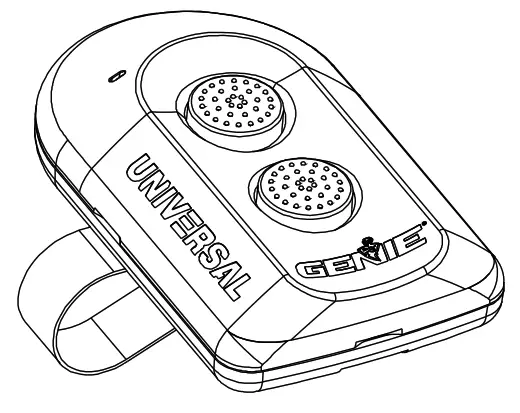
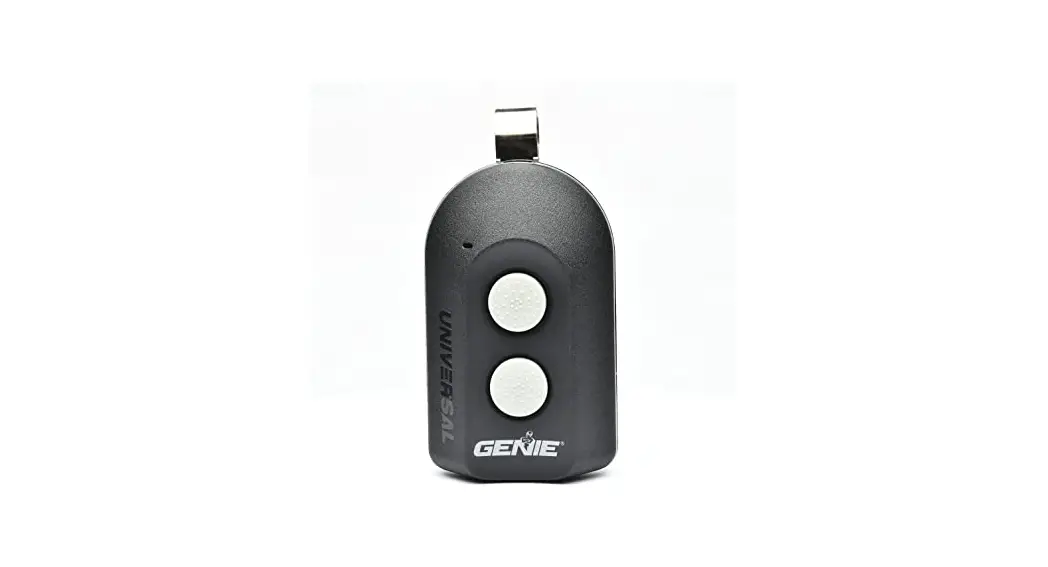
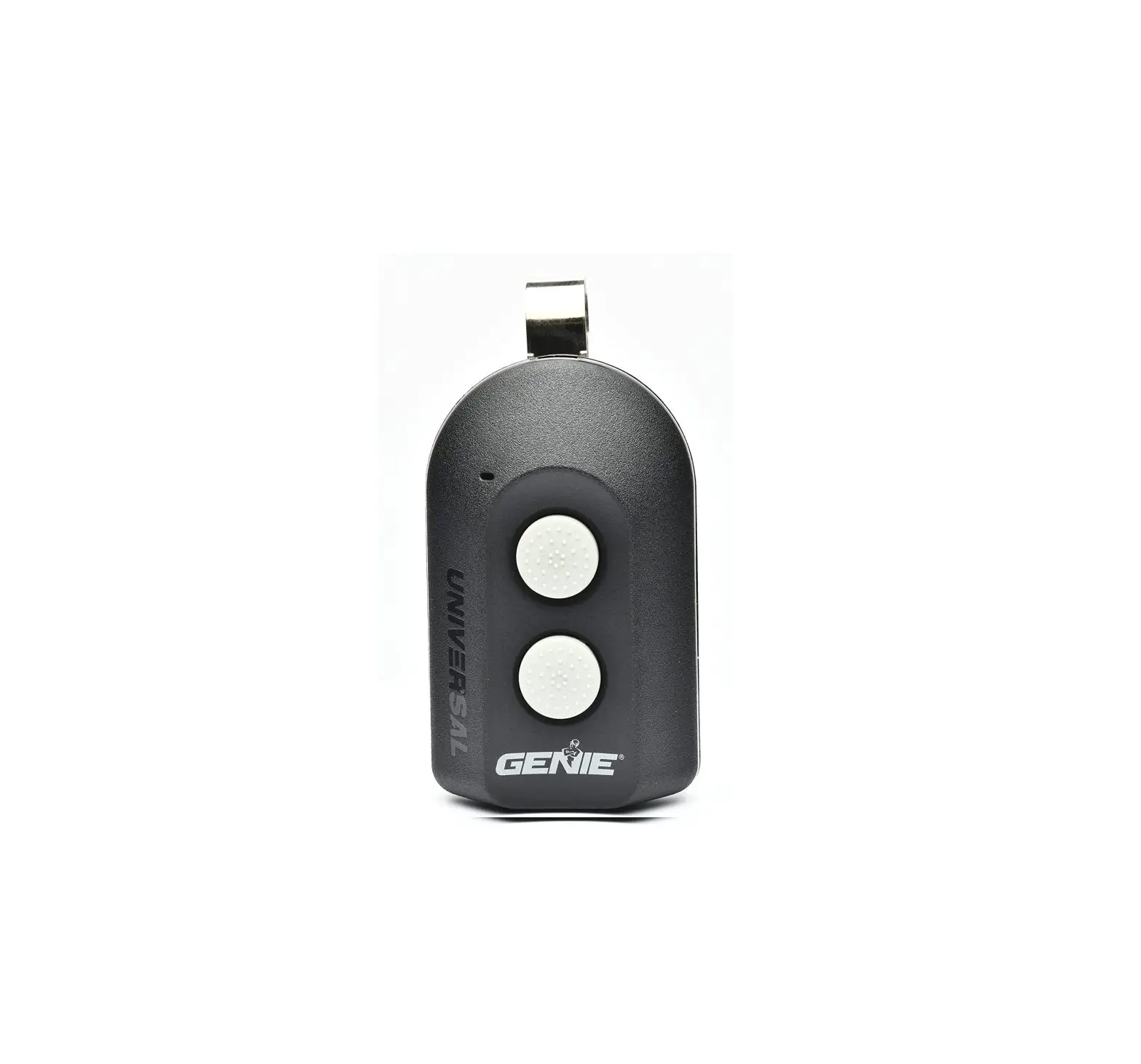
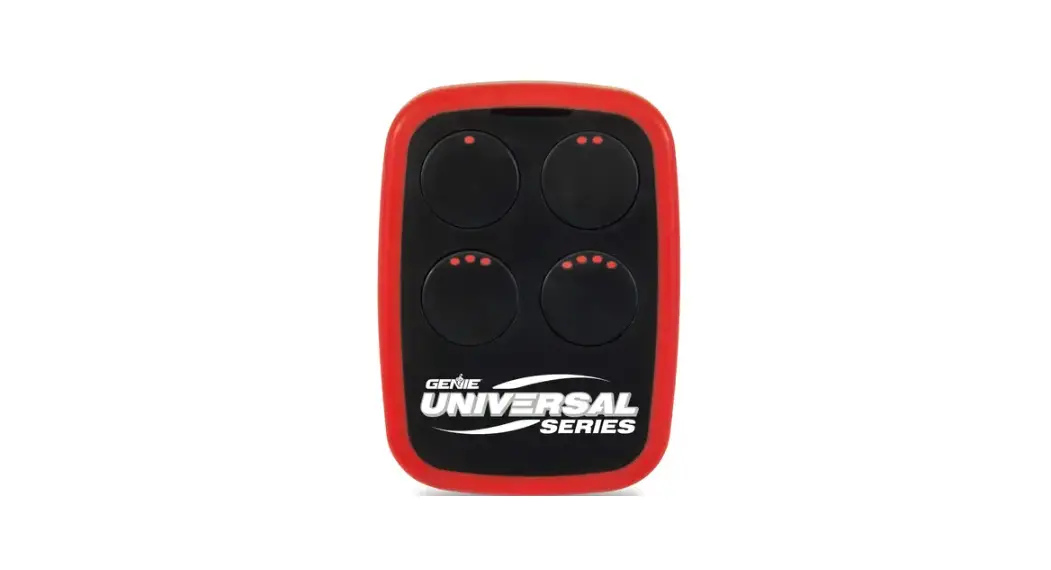
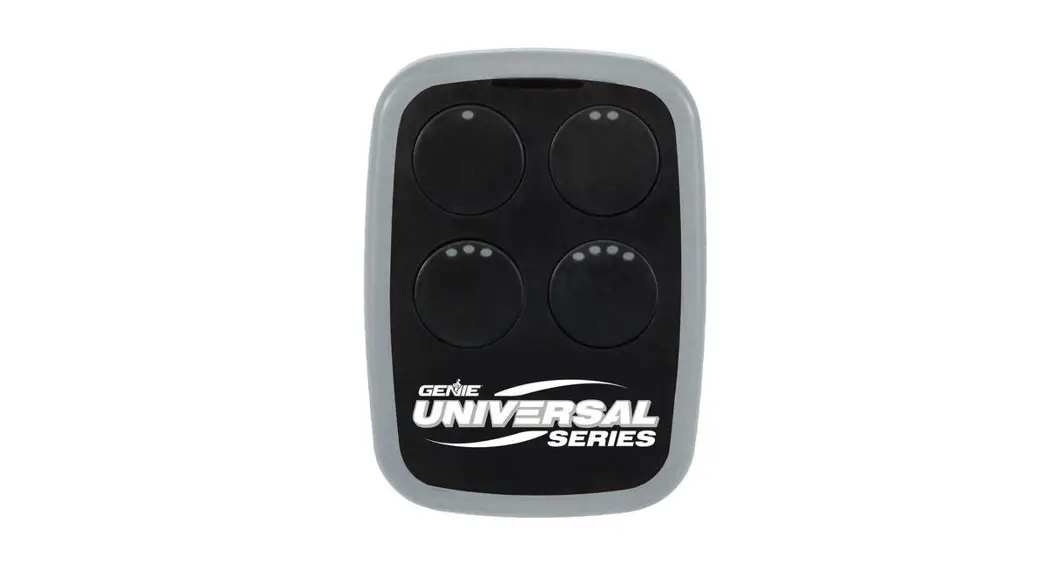
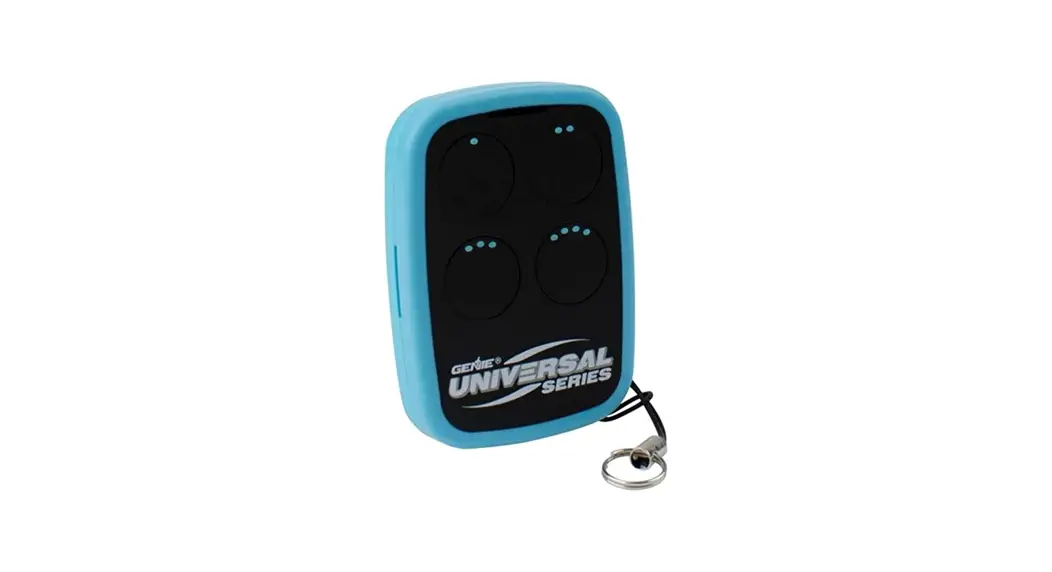
UNIVERSAL 2-BUTTON REMOTE
INSTRUCTIONS
NOT FOR USE WITH ANY GARAGE DOOR OPENER MANUFACTURED PRIOR TO 1993. SAFETY BEAMS (PHOTOCELLS) MUST BE IN PLACE AND OPERATIONAL.
 WARNING
 MOVING A DOOR CAN CAUSE SERIOUS INJURY OR DEATH.
- DO NOT install a transmitter unless the door operator’s safety device works as required by the door operator’s manual.
- Wall Console must be mounted in sight of the door, at least 5 feet above the floor, and clear of moving door parts.
- Keep people clear of opening while the door is moving.
- DO NOT allow children to play with the transmitter or door operator. If safety reverse does not work properly:
- They close the door then disconnects the opener using the manual release handle.
- DO NOT use a transmitter or door operator.
- Refer to Door and Door Opener Owner’s Manuals before attempting any repairs.
THINGS TO KNOW BEFORE STARTING:
- During programming, the garage door opener may operate. Ensure that the garage door opening is clear of personnel or any obstructions.
- Do not to press the LEARN button for longer than the noted 2-3 seconds as it could cause your existing, operational remotes and keypads to no longer work.
- All buttons are factory set to Genie Intellicode® 1.
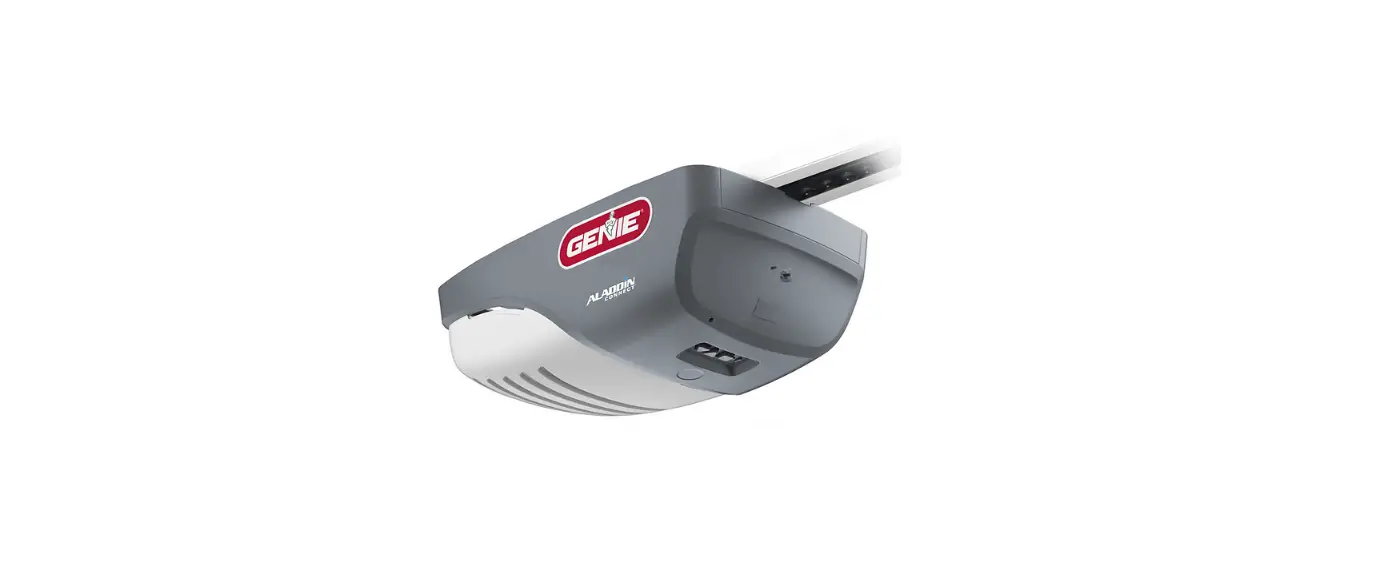
Below are the brands and specifications that this remote is compatible with. Find the ID# in Chart A below that references your specific opener specification. You will need this number during programming. Refer to STEP 1 to find the type and/or LEARN/ PROGRAM button.
Charta
| AVAILABLE PROGRAM METHOD | LEARN METHOD ID# | |
| Brand Name | Specification Notes | Number of Button Presses ODE |
| Genie | 315/390 MHz, Intellicode° I, 1995-current | 1 |
| Overhead Door | 315/390 MHz, CodeDodger° 1,1995-current | 1 |
| Chamberlain° LiftMaster CraftsMan° | Purple Learn Button, Security +°, 2006-2014, 315 MHz | 2 |
| Orange/Red Learn Button, Security -0″, 1996-2005, 390 MHz | 3 | |
| Yellow Learn Button, Security +2.0°, 2011-current, 390 MHz | 4 | |
| Green Learn Button, Billion Code°, 1993-1995, 390 MHz | 5 | |
| Genie | 315/390 MHz, Intellicode° II, 2010-2011 | 6 |
| Overhead Door | 315/390 MHz, CodeDodger° II, 2010-2011 | 6 |
| Sommer* | 310 MHz, Rolling Code | 7 |
| Linear | 318 MHz, Mega Code° | 8 |
| Wayne Dalton° | 372.5 MHz, Rolling Code, 1999-current | 9 |
| Ryobi° | 372.5 MHz, Rolling Code | 10 |
| Guardian° | 303 MHz, Fixed Learn Code | 11 |
| Xtreme° brand | 303 MHz, Fixed Learn Code | 11 |
| Marantec° | 315 MHz, Fixed Learn Code | 12 |
| FAAC° | 433.92 MHz, Rolling Code | 13 |
Genie® and Intellicode® have registered trademarks of The Genie Company. All other listed names and trademarks are the property of their respective owners.
NOTE: During programming, the garage door opener will operate. Ensure that the garage door opening is clear of personnel or any obstructions.
STEP 1 –
- Locate the brand and opener/receiver specifications for your device by consulting the label on the opener/receiver, the instruction manual, the current remote controls for the opener, or the original manufacturer of the opener/receiver.
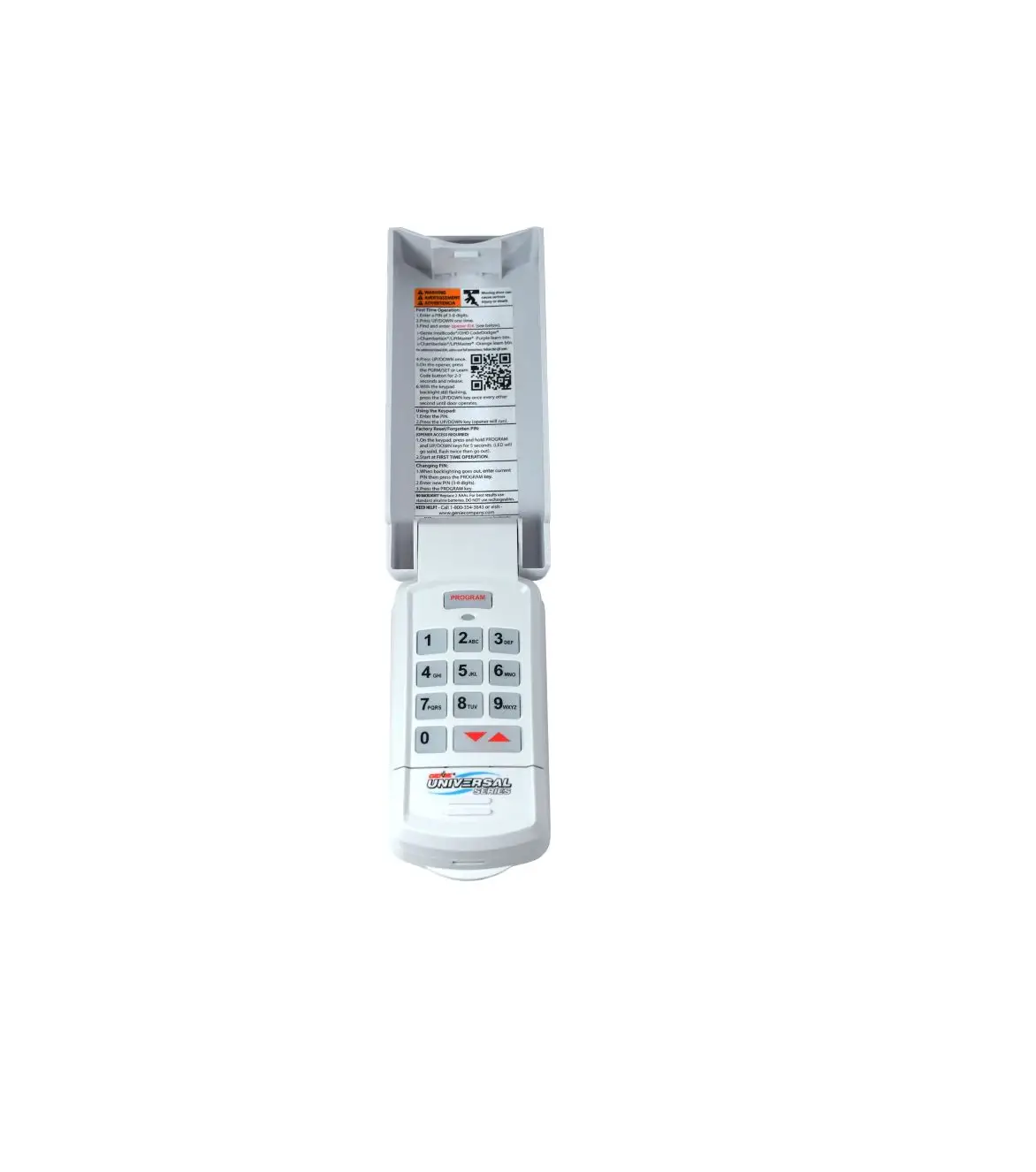
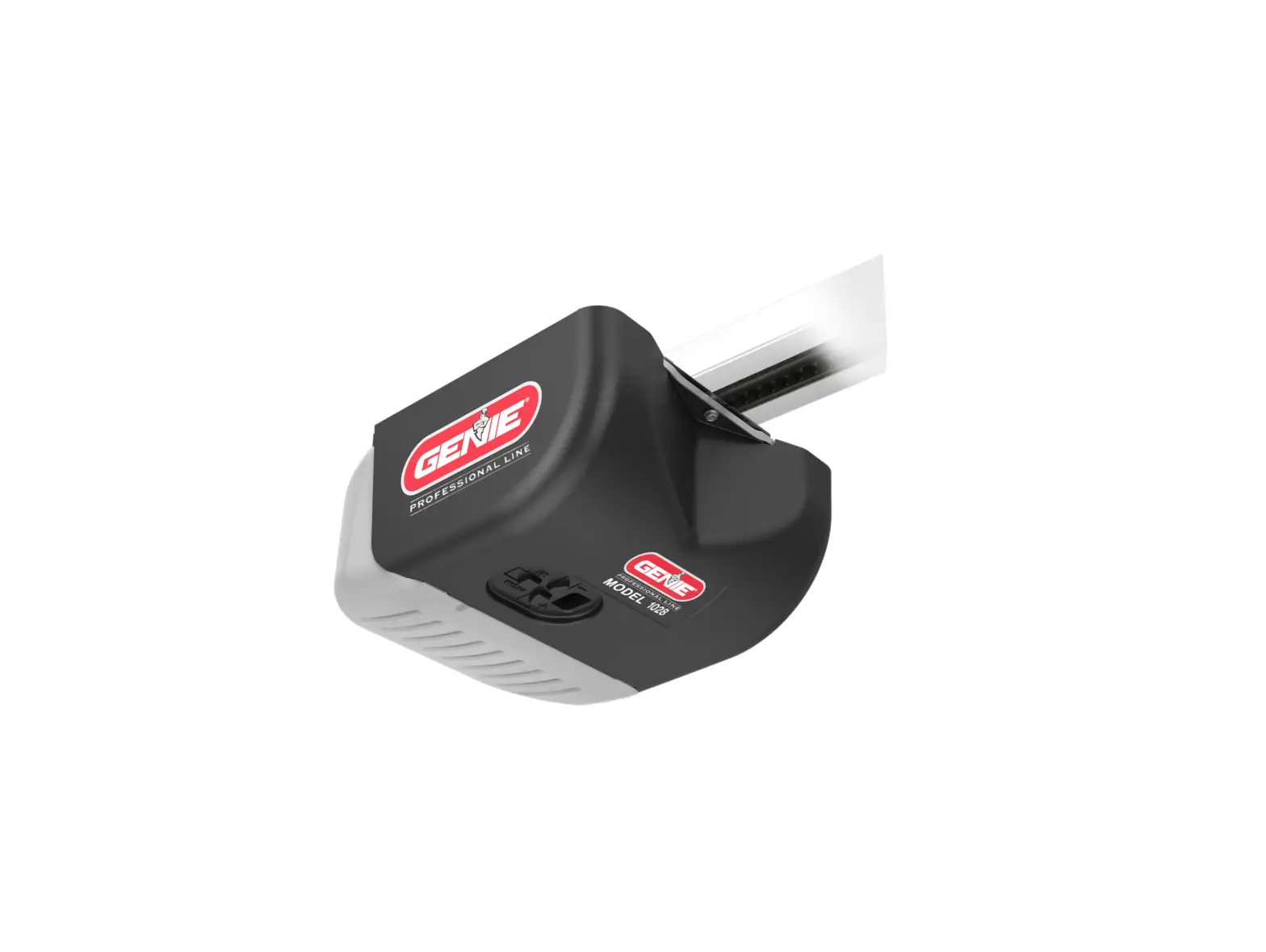
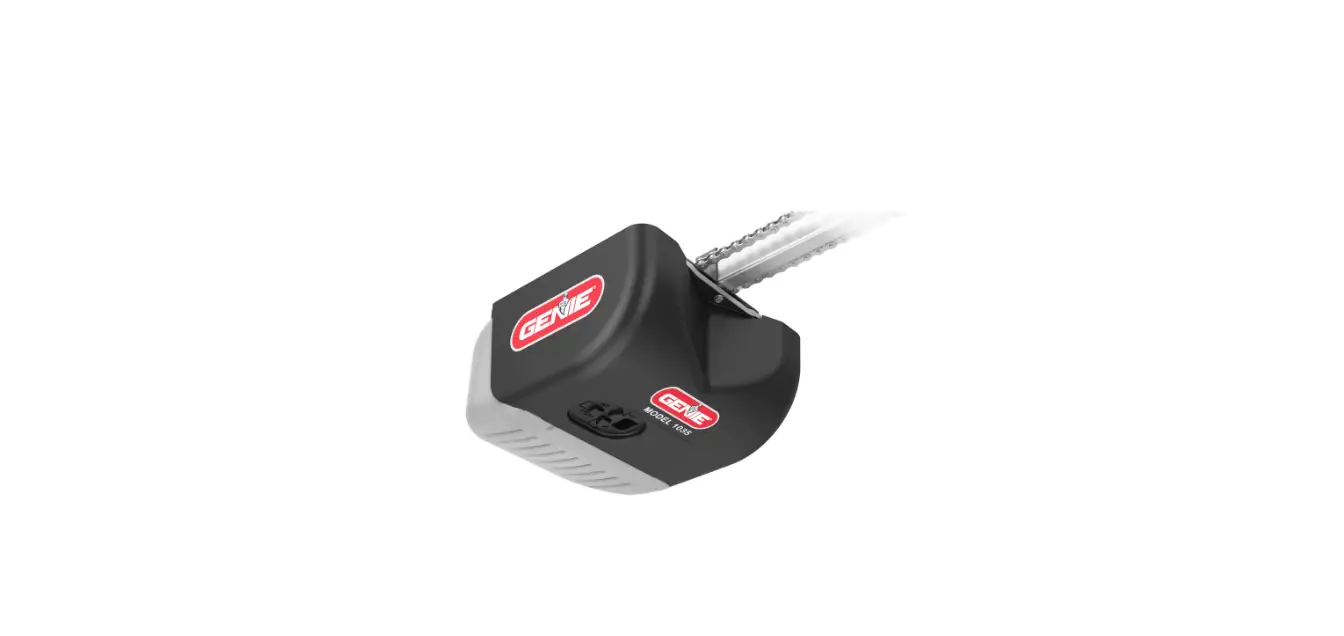
- Find the LEARN/PROG button on your device – the shape, color or name of this button could vary by brand. For garage door openers, be sure to check under the light covers. For commercial or gate openers, this button may be on the circuit board of the opener. In some cases, this button could also be on an external receiver that is mounted on or nearby the product. Consult the device’s manual if needed.
*For Marantec® openers, reference the operator manual to program remotes to the operator’s head.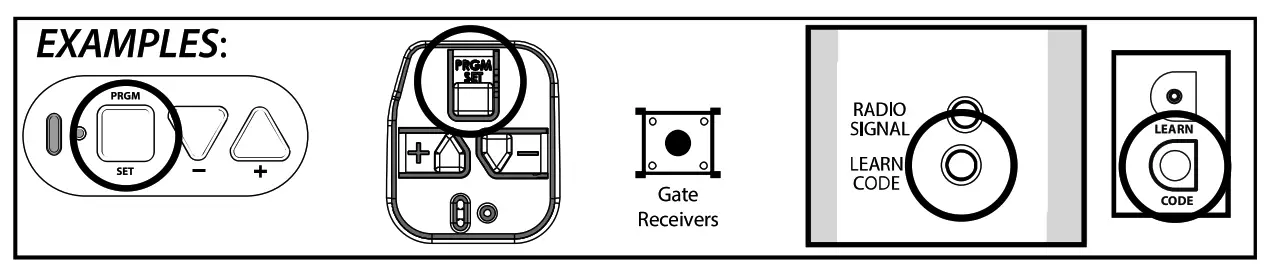
STEP 2 –
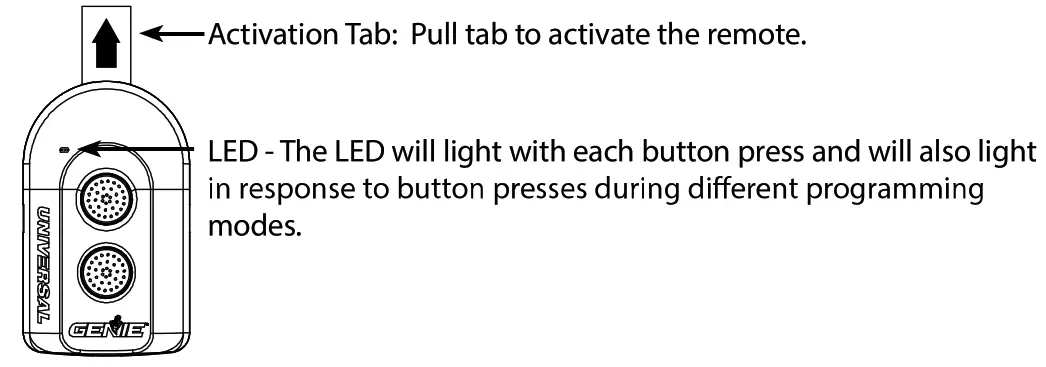
STEP 3 –
Programming Remote
IMPORTANT: For ID#4 Chamberlain®/LiftMaster®/Craftsman® Yellow Learn Button – move immediately to the proper section below. For all other ID#s, proceed to LEARN METHOD section.
LEARN METHOD
Review Chart A to find your specifications and available programming options. Each button can be programmed individually to operate up to 2 different brands of garage
door openers and gate receivers.
- Remove the activation tab from inside the battery compartment.
- Find and remember the required number of button presses (ID#) in the LEARN METHOD column next to your brands/specifications in Chart A.
REMEMBER: For ID#4 Chamberlain*/LiftMaster*/Craftsman® Yellow Learn Button ONLY – Move immediately to the instructions below. For all other ID#s, proceed to step 3. - On the remote, press and hold down BOTH buttons at the same time – as soon as the RED LED begins flashing, immediately release both buttons (@ 5 seconds).
- On the remote, press the button of your choice the required number of times from CHART A.
- When the presses are complete, simply WAIT until the GREEN LED blinks and then goes out.
- On the opener, press LEARN/PROGRAM button for 2-3 seconds and then release.
- Press and release the button you just programmed once every 2 seconds until the garage door opener operates.
- Test the button – programming is complete.
TIP: Allow the LED light on the universal transmitter to stop flashing before your next button press.
ONLY for ID#4 Chamberlain®/LiftMaster®/Craftsman® Yellow Learn:
- Remove the activation tab from inside the battery compartment.
- On the remote, press and hold down BOTH buttons at the same time – as soon as the RED LED begins flashing, immediately release both buttons (@ 5 seconds).
- On the remote, press button of your choice four times.
- When the presses are complete, simply WAIT until the GREEN LED blinks and then goes out.
- On the remote, press and hold down the button you just chose until the GREEN LED blinks and goes out again — then release (@5 seconds).
- On the opener, press LEARN/PROGRAM button for 2-3 seconds and then release.
- Press the remote button you chose ONE time. The opener will click.
- On the opener, press the LEARN/PROGRAM button again for 2-3 seconds then release.
- Press the remote button you chose ONE time again. The opener will click again.
- Press the remote button again and the opener will activate.
- Test the button – programming is complete.
TIP: Allow the LED light on the universal remote to stop flashing before your next button press.
Clearing Remote
Clearing out the remote
To clear any existing programming from the remote, perform the following:
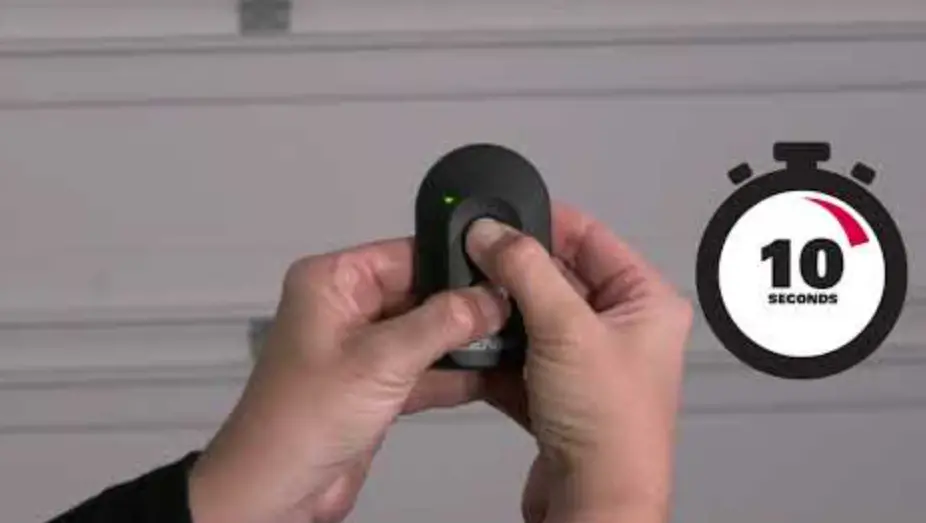
- Press and hold down BOTH buttons at the same time – continue holding down both buttons until the GREEN LED blinks and goes out (@10 seconds).
Installing Visor Clip – Changing Batteries
Visor Clip
Insert a visor clip to any of the 4 slots in the back of the case dependent on mounting preference. 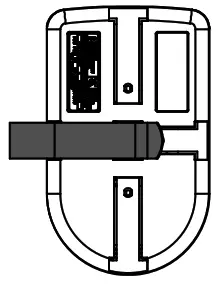 Change Battery
Remove the visor clip and screw from the back of the remote. Pry the case open with a small coin or screwdriver.
Replace the battery with a CR2032 coin cell.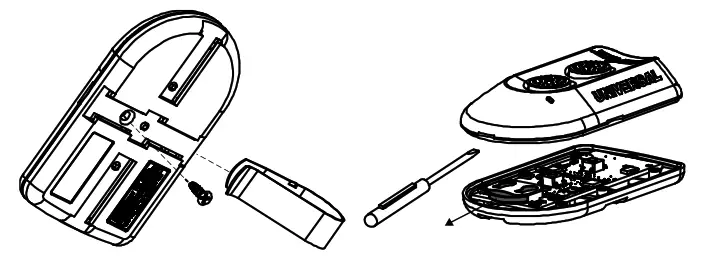
Programming Assistance:
 http://qr.w69b.com/g/kEEvcOQN2
If the opener does not activate after the steps shown, repeat steps or contact Customer Care by website chat (www.geniecompany.com) or by phone at: 1-800-354-3643 for programming assistance. You may also scan this QR code for additional information and links. For Patent Information: www.geniecompany.com/patents, ©2021, The Genie Company chs name: brain ti as fit id by the ible for Yes or m actions not expressly approve ¢ party responsible for compliance could void the User’s authority to Senate the equipment.
FCC / K Statement:
This device complies with FCC Part 15 and Industry Canada licence-exempt RSS standard(s), Operation is subject to the following conditions: (1) this device may not cause harmful interference, and (2) this device must accept any interference received, including interference that may cause undesired operation of the device.