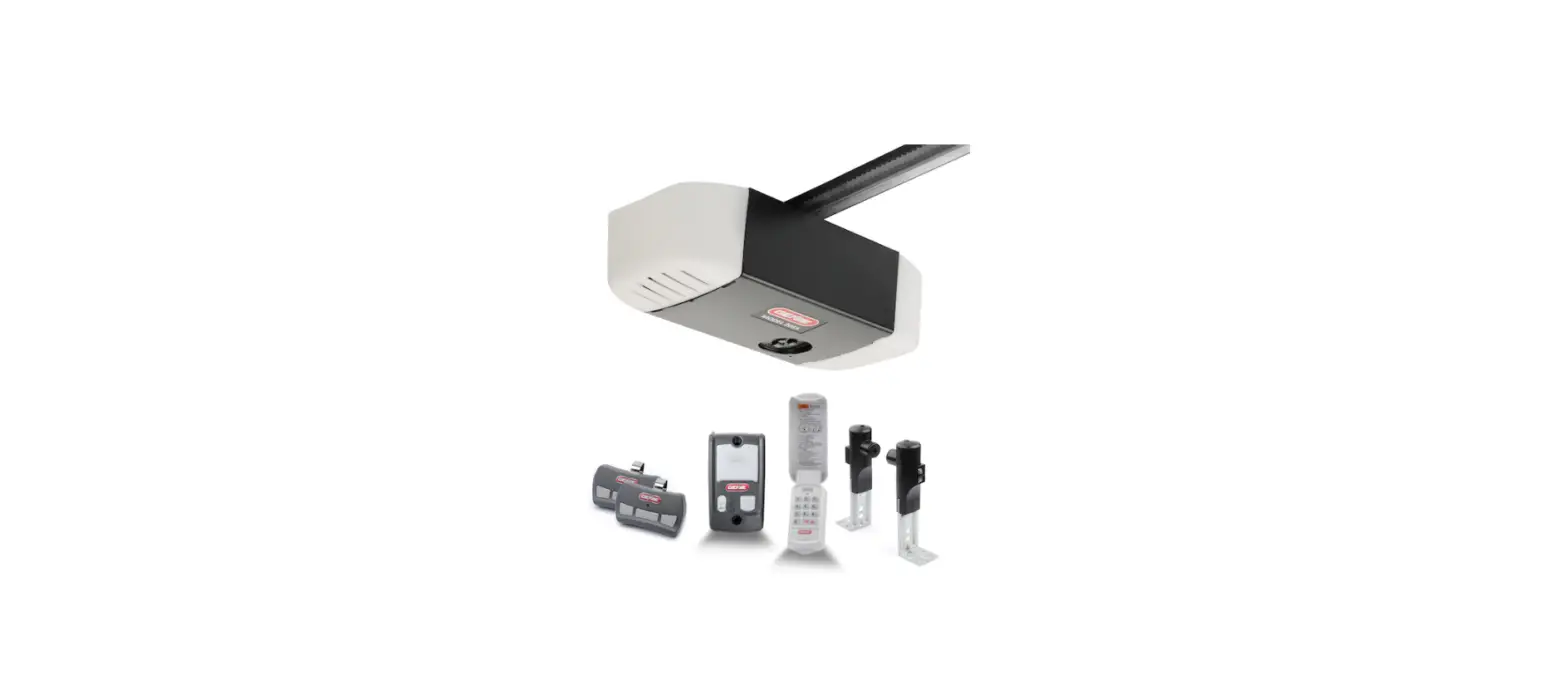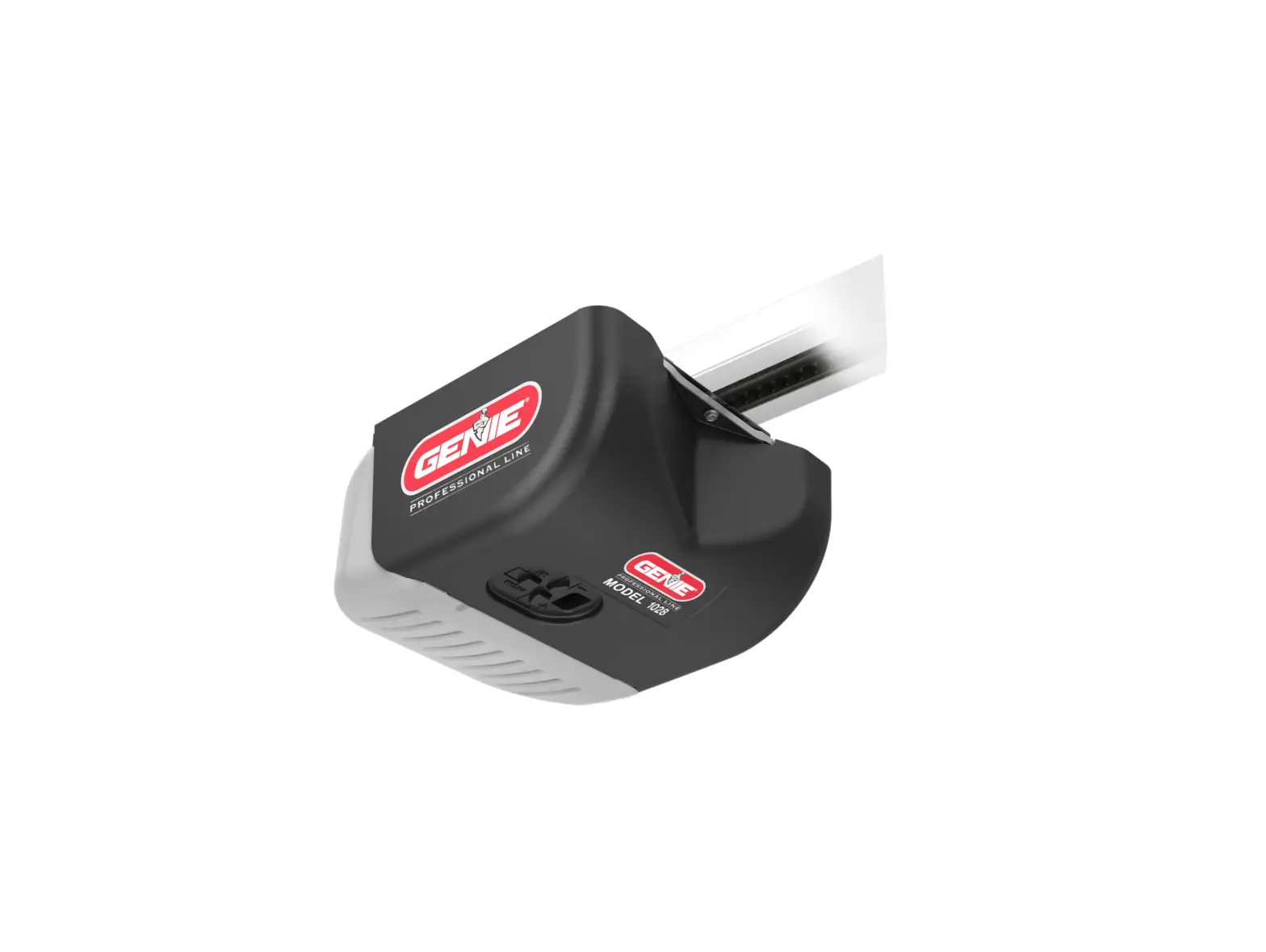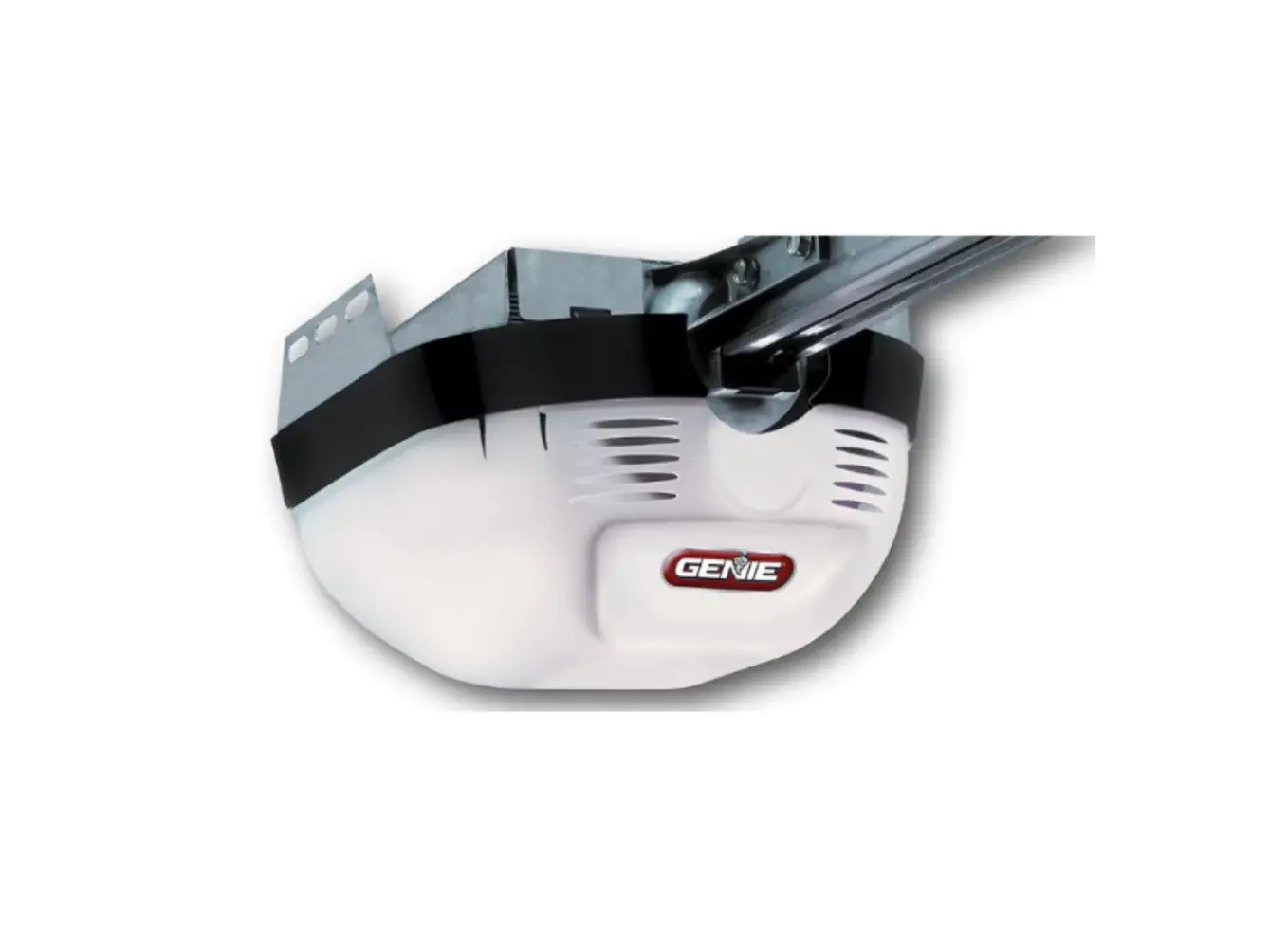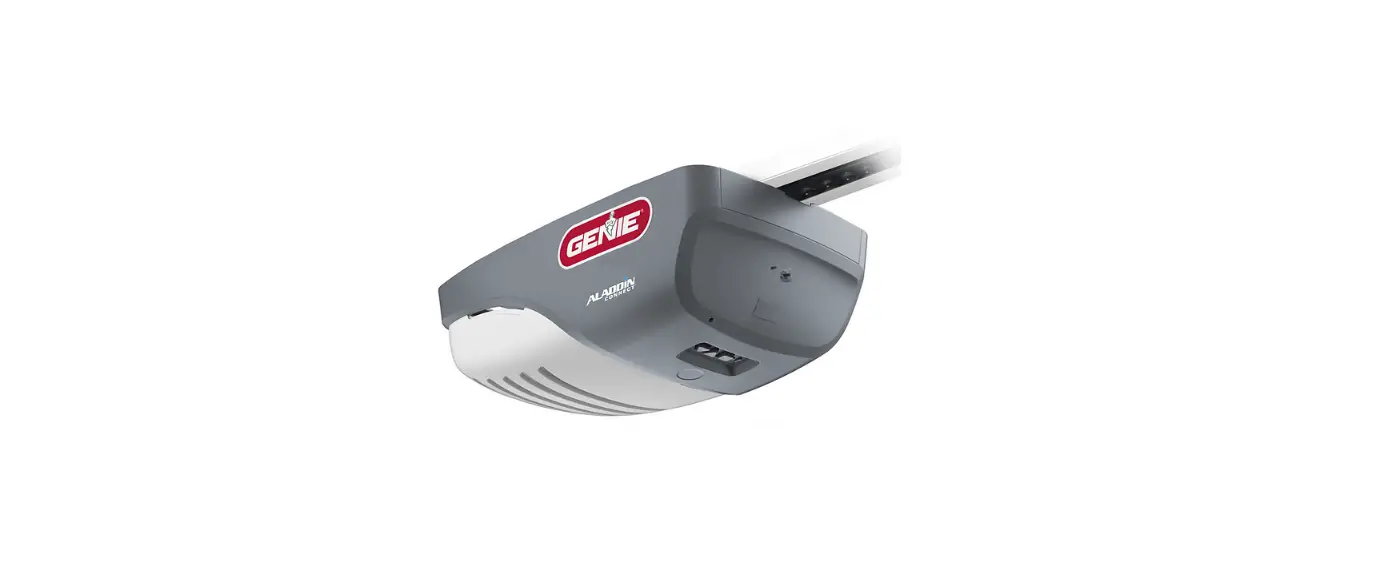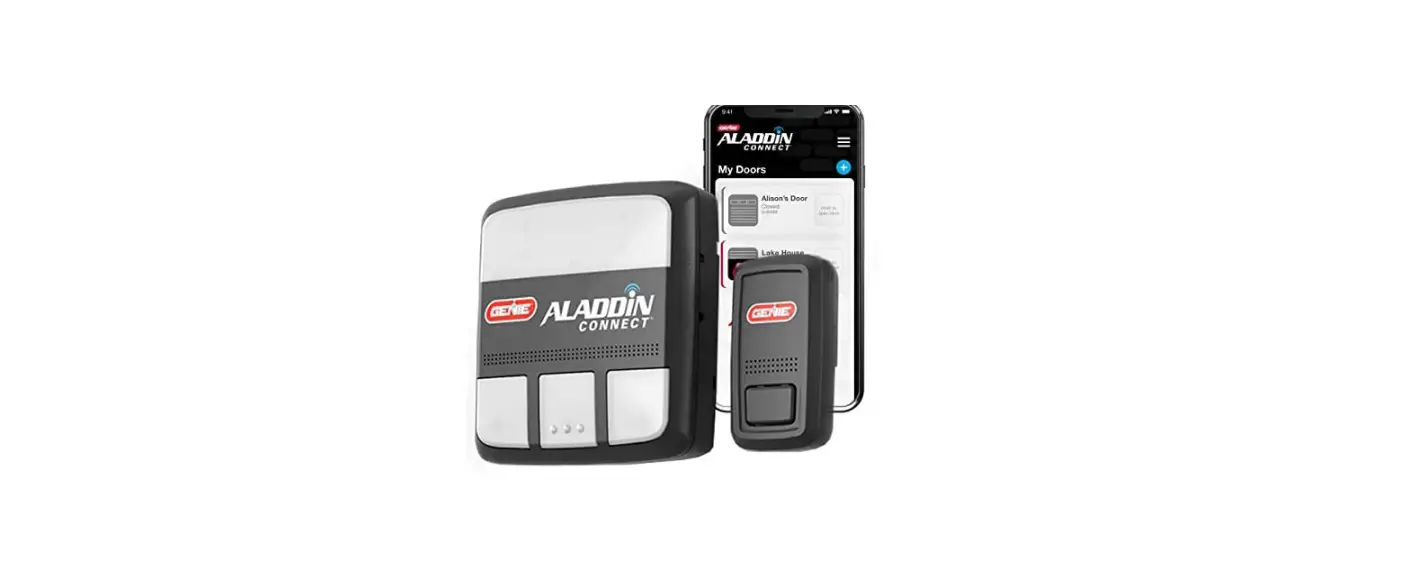

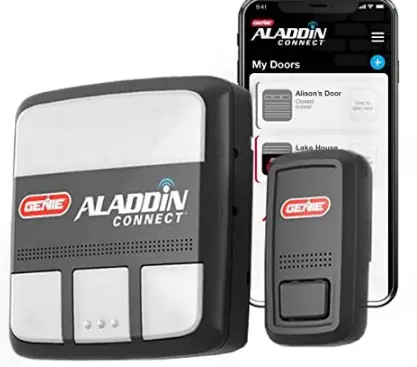
Genie ALKT1-R Smart Garage Door Opener Controller
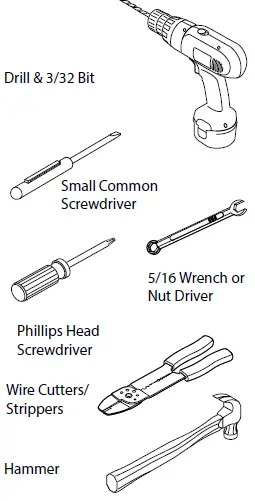
Recommended Tools
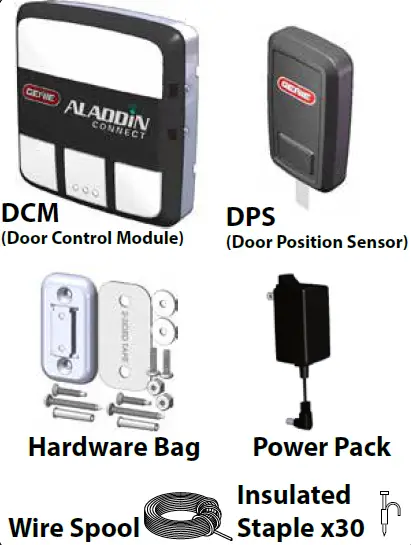
Included Components
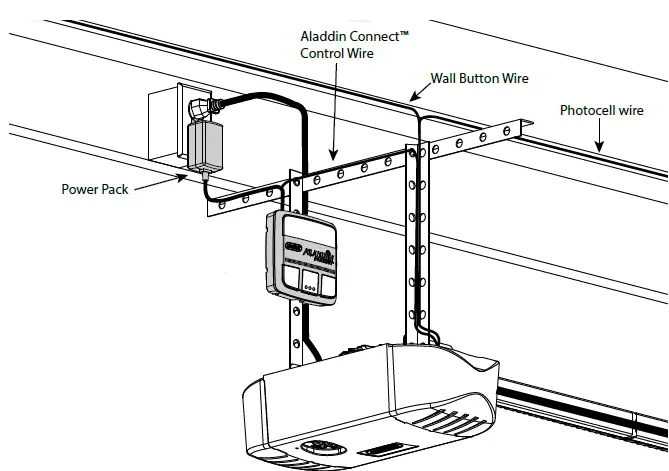
PRODUCT FEATURE
IMPORTANT SAFETY
- NEVER let children operate or play with the door controls.
- Keep remote away from children.
- Locate the wall control button: A) Within sight of door. B) At a minimum height of 5 feet, so small children cannot reach it.
- Install the entrapment WARNING label next to the wall button or console, in a prominent location.
- NO ONE SHOULD CROSS THE PATH OF THE MOVING DOOR.
- NEVER GO UNDER A STOPPED, PARTIALLY OPEN DOOR.
- The Aladdin Connect™ operating system is designed for unattended operation. The door could move unexpectedly.
- DO NOT install Aladdin Connect™ on garage door openers manufactured prior to 1993 without photocell non-contact safety sensors.
- DO NOT install on one-piece doors
INSTALLATION
STEP 1 In the Home close to Wi-Fi Router
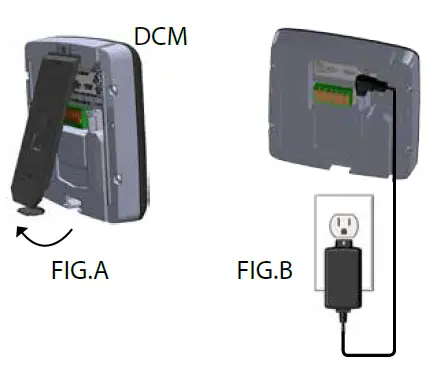
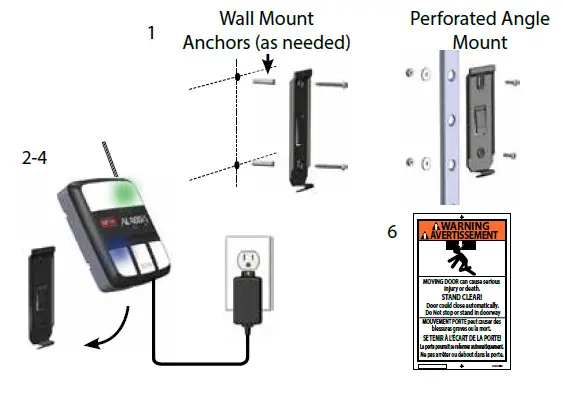
- Remove mounting bracket from back of DCM. FIG.A,
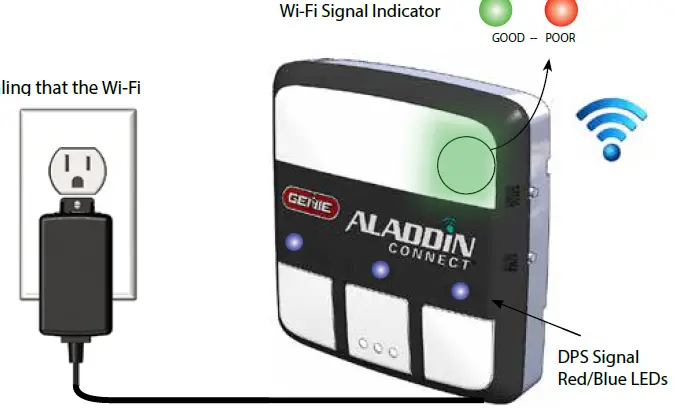
- Plug Aladdin Connect™ into wall outlet with Power Pack. FIG. B.
- Plug Power Pack into DCM controller.
STEP 2 In the Home close to Wi-Fi Router
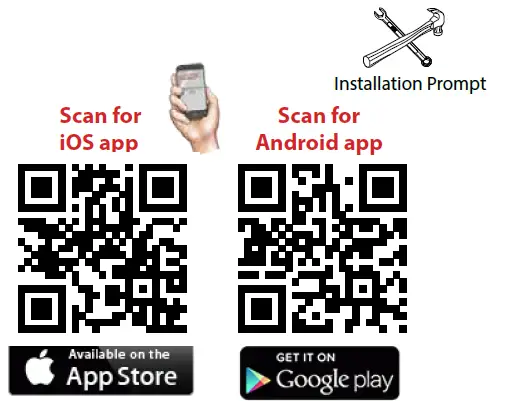
- Download the Aladdin Connect™ app.
- Scan the QR code below or visit your devices app store to start the setup of the Aladdin Connect™ device.
- Search your app store for Aladdin Connect
- Follow the on-screen menus to create an account and program system prior to wiring in the garage.
- At the installation prompt, disconnect
- Power Pack and move system to the garage

STEP 3 In the Garage
- These factors must be determined prior to mounting Aladdin Connect™ (DCM) to the wall or ceiling.
- Optimal Wi-Fi signal strength.
- If an optimal signal cannot be located within the garage, move the wireless router closer to the garage or install a Wi-Fi range extender (Available from most electronic stores)
- Desired DCM location.
- Access to 110VAC outlet within 5 feet.
- Plug Power Pack into wall outlet and DCM near the chosen mounting location.
- The WI-FI signal indicator LED should illuminate signaling that the Wi-Fi signal is still in tact.
- A GREEN LED indicates a good Wi-Fi signal.
- A RED LED, indicates a lost or faulty signal.
- Move Aladdin Connect™ to a position that better suits the Wi-Fi signal from the router. Contact Customer Service for further assistance. (1-866-599-4995)
- Once an optimal signal and location is obtained, UNPLUG Power Pack from the DCM and continue to STEP 4.

STEP 4 Wire Aladdin Connect™: (Single door install shown)
- Aladdin Connect™ will wire directly to the wall control connections at the powerhead or directly to the wall control. New Genie models shown.
- Visit www.GenieCompany.com/AladdinConnect for more information on older models and other brands of garage door openers.
- Make sure garage door opener is unplugged.
- Leave wire spool intact for this part of the install.
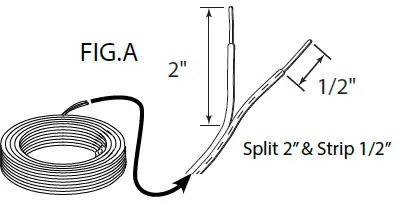
- Split provided dual strand wire approximately 2 in. then strip 1/2 in. of insulation.

- Press orange tabs down and insert both wires into connection points for DOOR 1 on the back of the DCM.

- Trim and split the other end of the dual strand wire approximately 2 in. and then strip 1/2 in. of insulation.
- Insert wire into wall control inputs either:
- (OPTION A) Directly to the garage door opener.
- (OPTION B) To the Back of the wall control
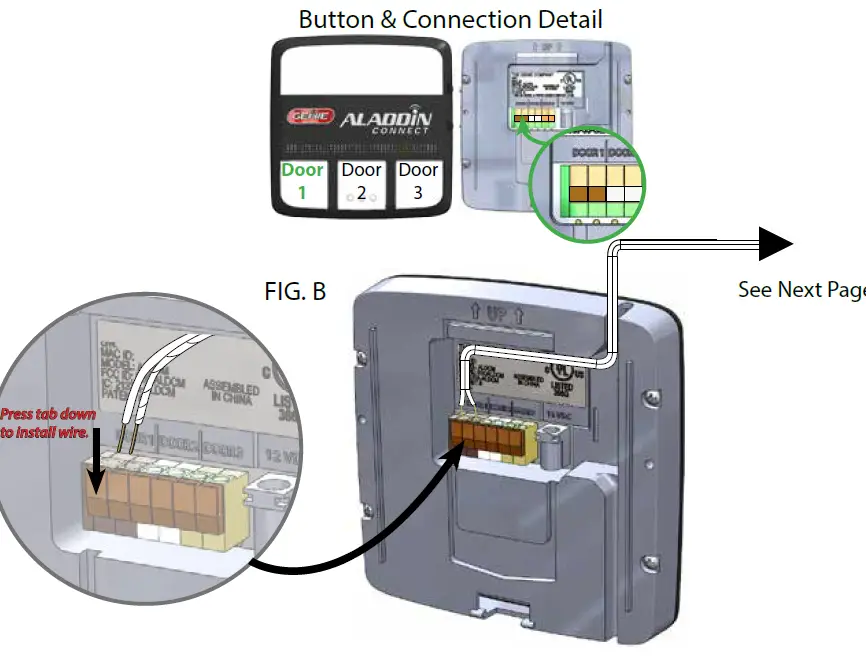
Current model Genie® Brand opener shown. *See note for other models and brands.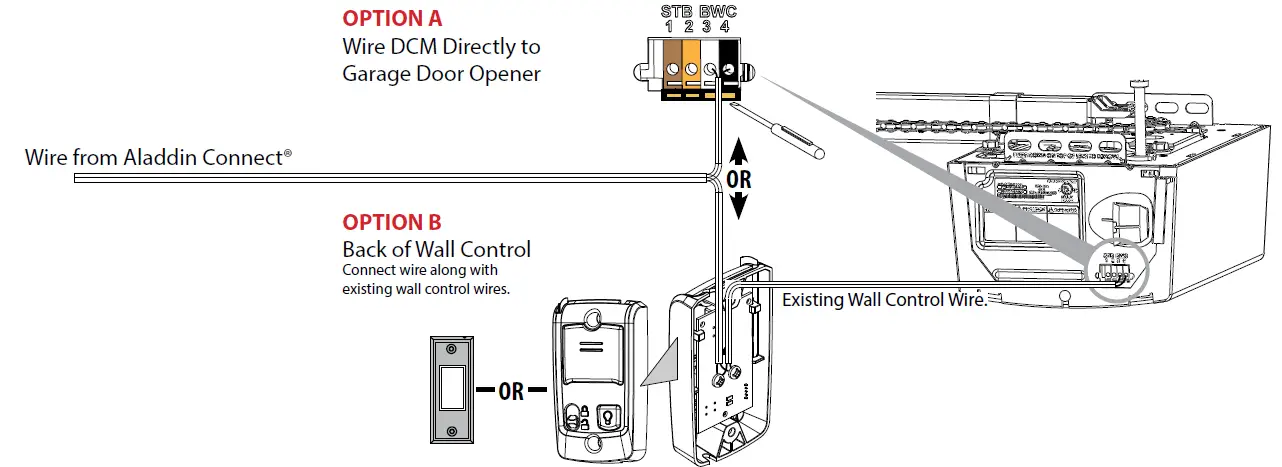
STEP 5 Mount and Power Aladdin Connect™:
- Using the DCM mounting bracket as a template at the optimal
- Wi-Fi location. Mark and drill 2-3/32” pilot holes and mount bracket to wall using supplied screws.
- If mounting to drywall, use anchors provided in kit or if mounting to perforated angle at opener location, use nuts, washers and screws provided.
- Plug Power Pack into wall outlet. An extended screw is provided to secure Power Pack to outlet if needed.
- Plug Power Pack into back of DCM as shown in STEP 1.
- Snap DCM onto mounting bracket.
- Route wires and secure with supplied staples.
- Affix the warning placard next to wall control or DCM in plain sight to signify that the door will operate remotely.

STEP 6 Mount DPS Module to Garage Door:
- DO NOT remove the battery “PULL TAB” from DPS until directed by the app.
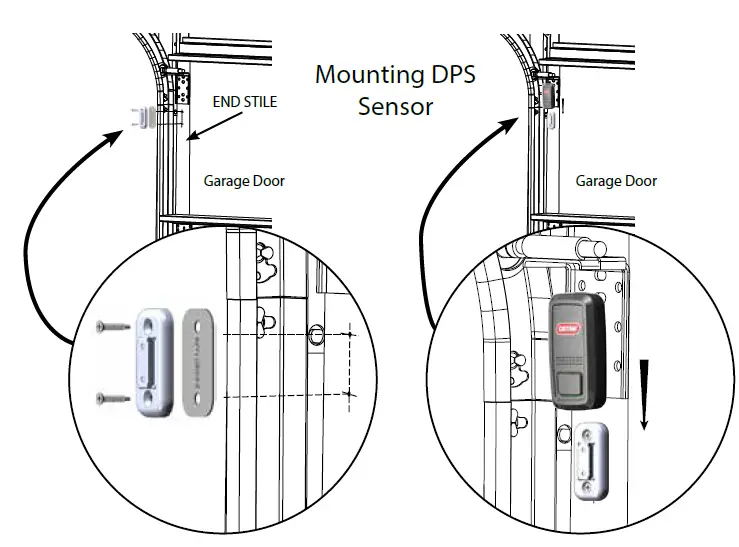
- The DPS should be mounted on the TOP door panel only. Mount to steel reinforced end stile on the far left or right under the top hinge.
- DO NOT mount to unreinforced door panel.
- Clean door where DPS will mount.
- Install double sided tape to back of mounting bracket and affix to door.
- Pre-drill 2 – 3/32 holes. DO NOT drill all the way through door.
- Use included self tapping screws to mount DPS bracket to top door panel end stile.
- Slide DPS down onto mounting bracket. DPS should snap onto bracket.

STEP 7 Complete the Programming:
- Restore power to the garage door opener.
- Follow the on screen prompts to complete the set-up and test the Aladdin Connect™ system.
Features
- If the garage door opener is operated by any means, the
- Genie Aladdin Connect™ app will send an alert to your device indicating the status of the garage door.
- A log is also created to indicate when the door was operated and by what means.
- Visit www.GenieCompany.com/AladdinConnect for more information.
FAQS
Can I operate my Genie garage door opener with my phone?
The Genie Aladdin Connect Smart Garage Door Controller allows you complete control over the status of your garage door opener – from your phone
Can I convert my Genie garage door opener to Wi-Fi?
If you are buying a new garage door opener or replacing an old one, now is the time to get a Smart Connected WiFi garage door opener
Are all Genie remotes compatible?
All Genie, Bluemax, Alliance, Lift-A-Door, Norelco, OverHead Door, Pro Max Garage Door Opener parts are interchangeble with Genie/OverHead Door Garage Door Openers.
What app works with Genie garage door opener?
Our Aladdin Connect RetroFit Kit and Wi-Fi Enabled Garage Door Openers work with the Aladdin Connect app to give you the latest technology for your home
How do I know if my Genie garage door opener is Wi-Fi compatible?
Wi-Fi connectivity comes standard with the following Genie garage door openers: Connected ProSeries Model 2128, Reliag ProSeries Model 3120, and Connected ProSeries Model 4124
How do I make my old garage door opener smarter?
On most garage door opener control boards, you’ll find a terminal for a push button or wall control panel. You can wire the control signal cable of the smart control unit to these terminals in most cases.
Can I make my current garage door opener smart?
If your garage door opener was manufactured after 1993, then most likely, yes, you will be able to make it smart
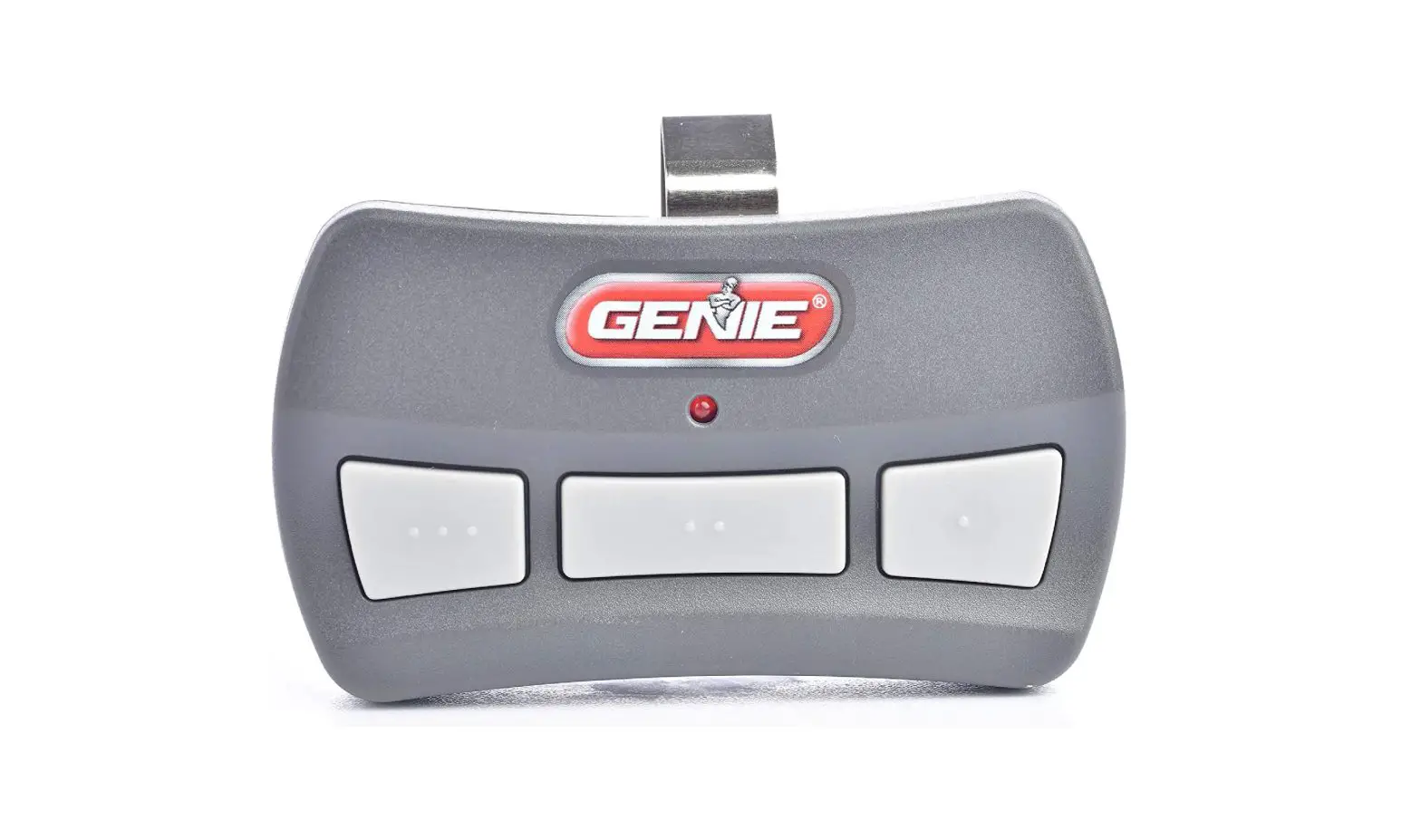
Will any remote work with Genie garage door opener?
For rolling code brands/specifications, no, the remote will not work on any other brands/specifications other than what is listed on the compatibility chart.
How do I know what series my Genie garage door opener is?
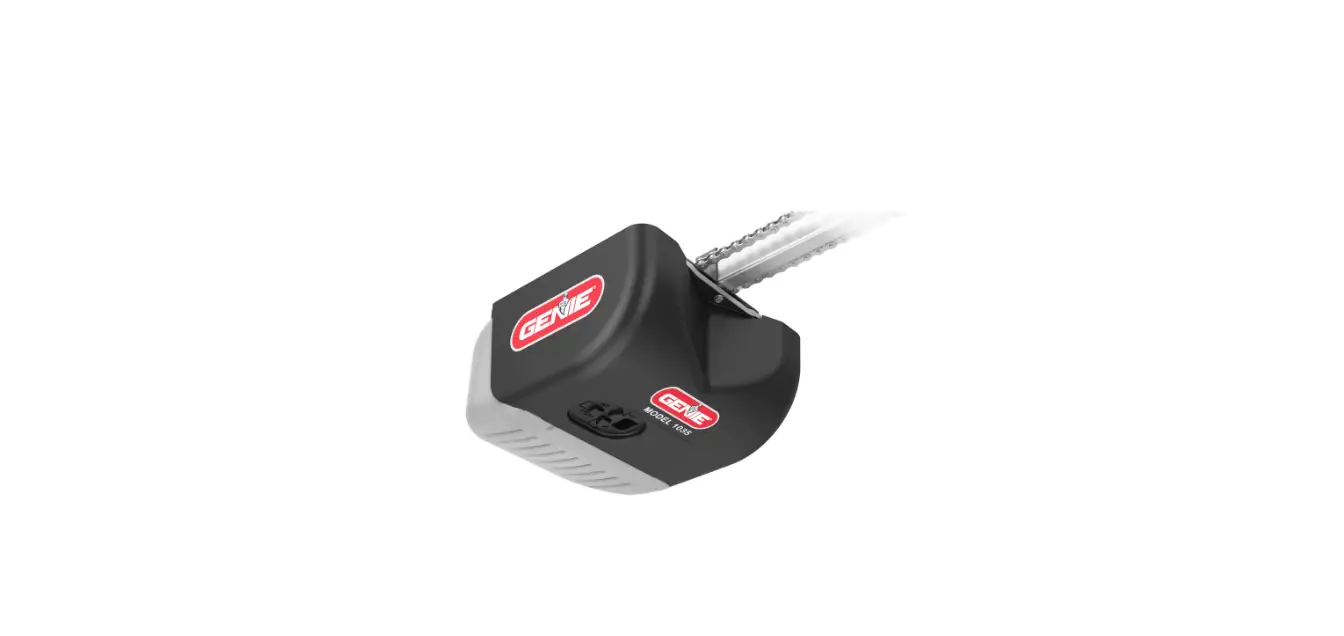
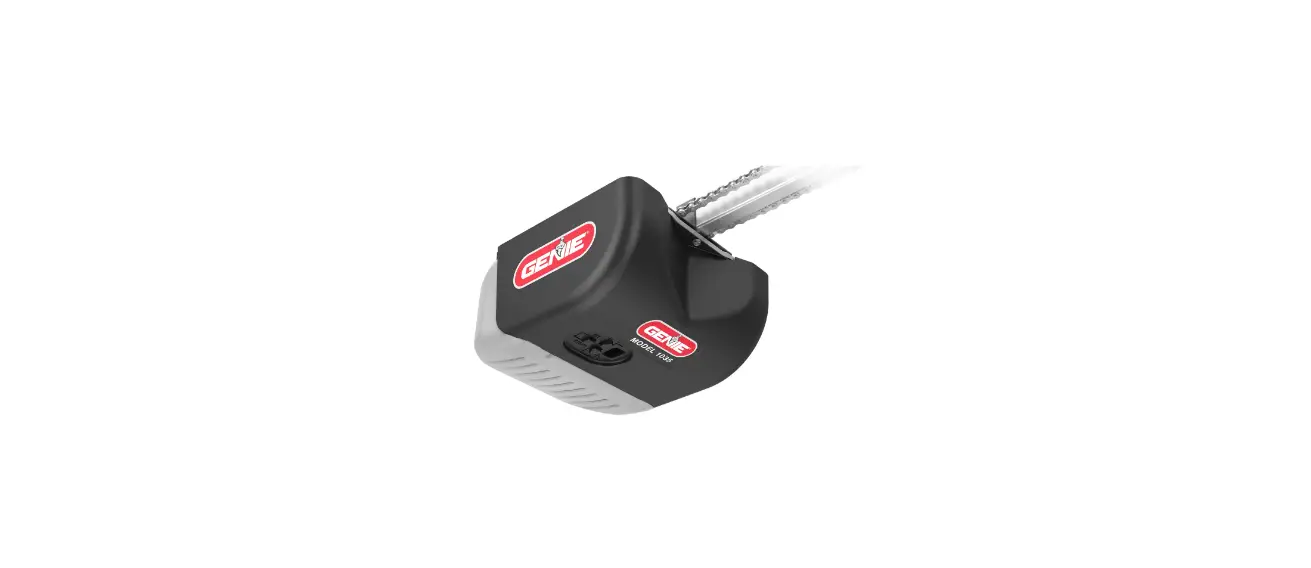
Most Genie garage door openers also have the model number under the light bulb cover on the power head or on the back panel
How do I know what garage door remote is compatible?
The best way to know which remote control matches with your garage door opener is to check the manufacturer and model information on the opener’s motor
Why won’t my remote program to my garage door opener?
If you replace the batteries and your garage door won’t respond to the remote signal, the remote and door sensor signal might be interrupted by an obstruction
Do you have to reprogram a Genie remote after changing the battery?
After replacing the batteries, you may need to reprogram your remote with your garage door opener
Can I control my garage from my phone?
There are 2 ways to work your garage door opener with your iPhone or Android device. You can buy a new opener that is compatible with Liftmaster myQ
Can I control my garage door opener with my iPhone?
Control your garage door using your smart phone. You can clone garage remotes as much as you need for free
Is there a free garage door opener app?
Craftsman Smart Garage Door App is available for Google Android and iPhone devices.