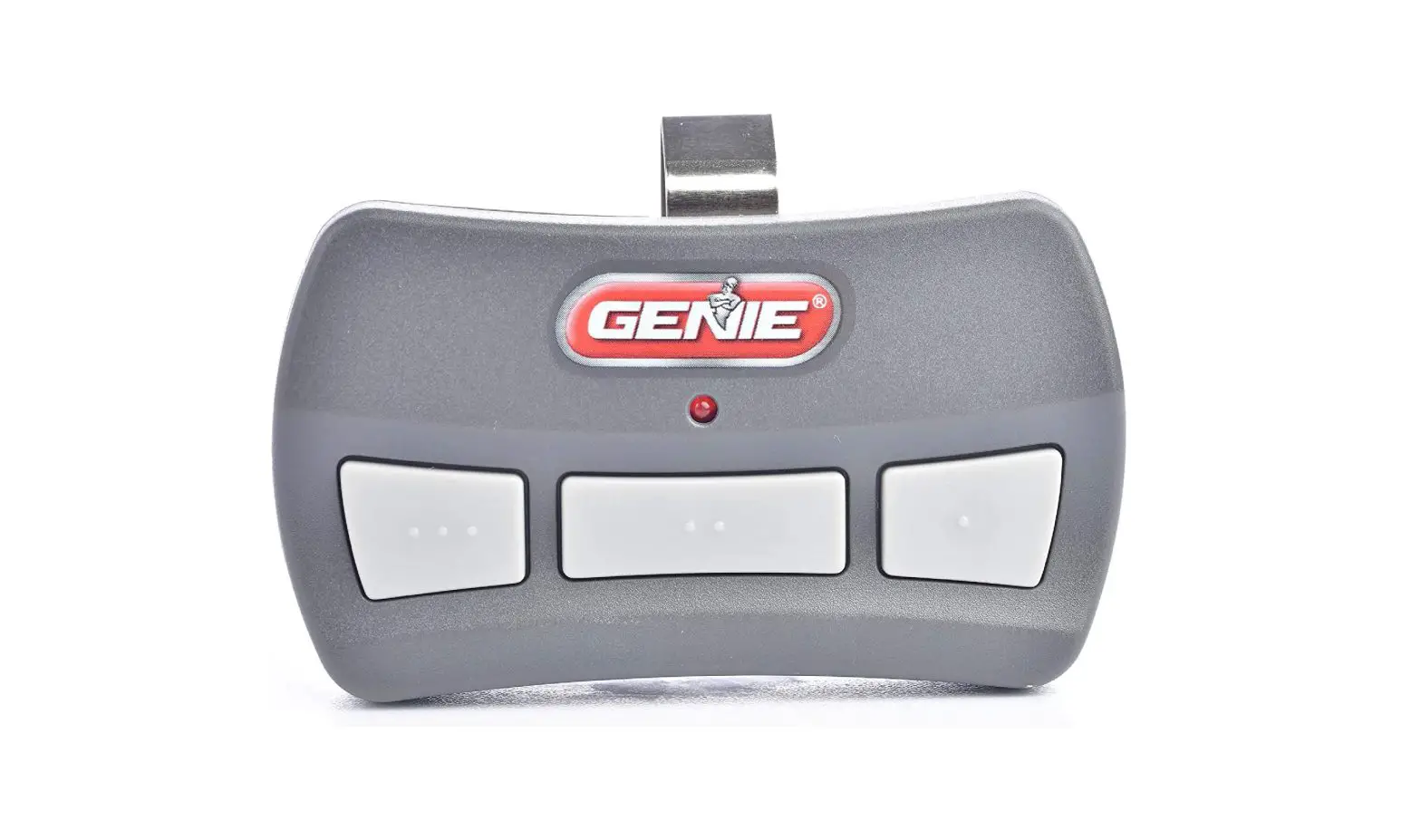
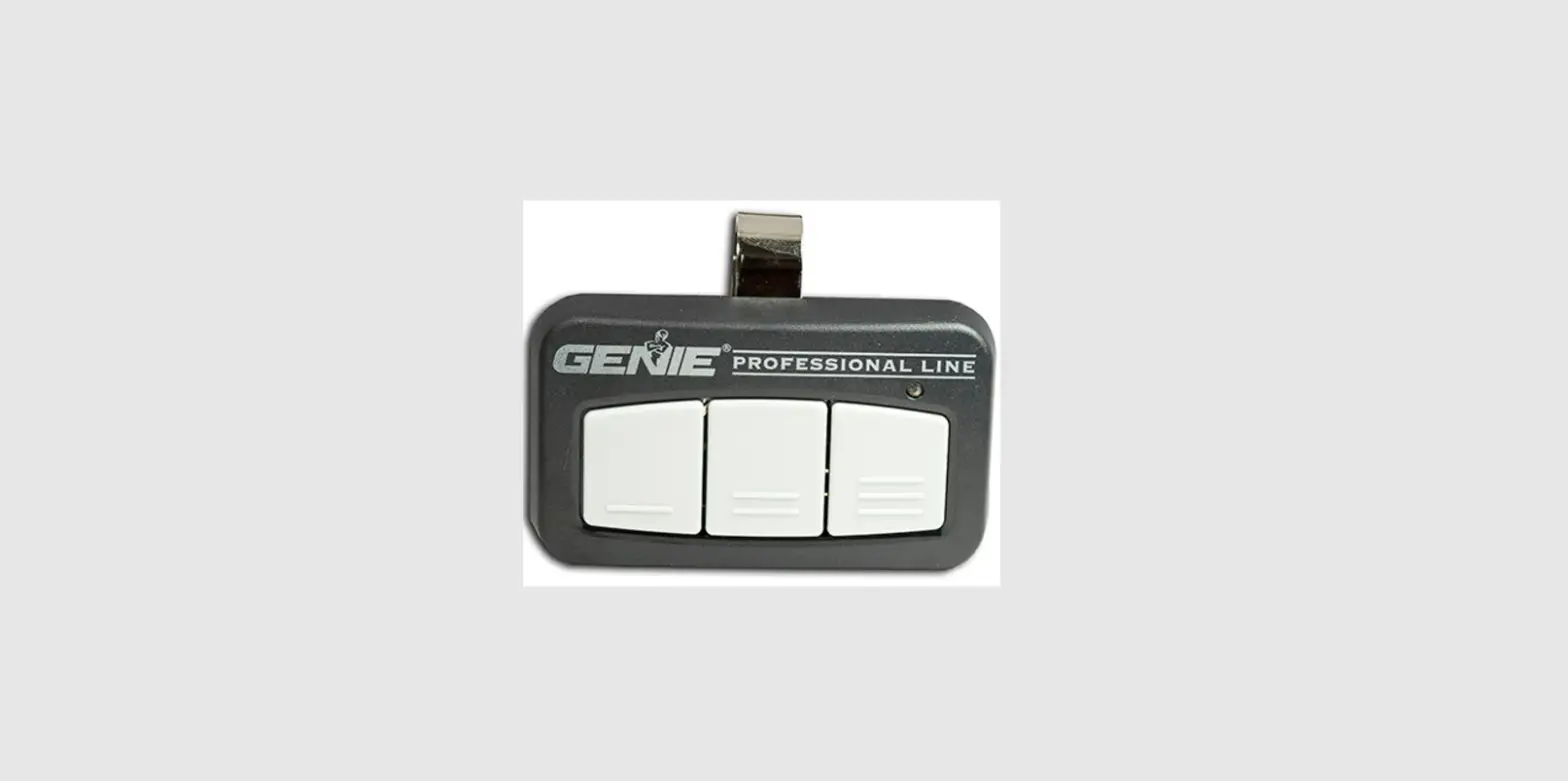
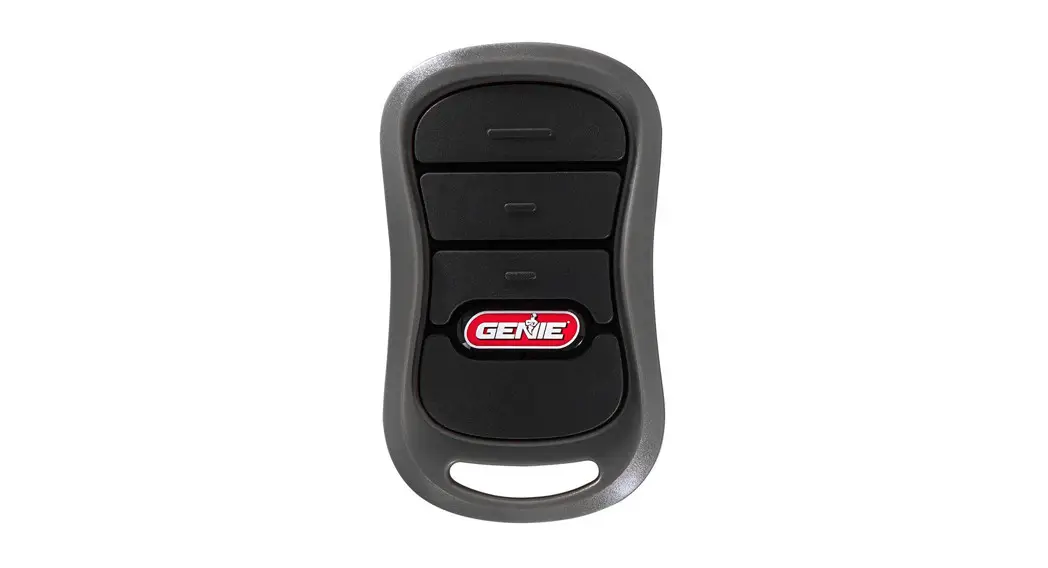
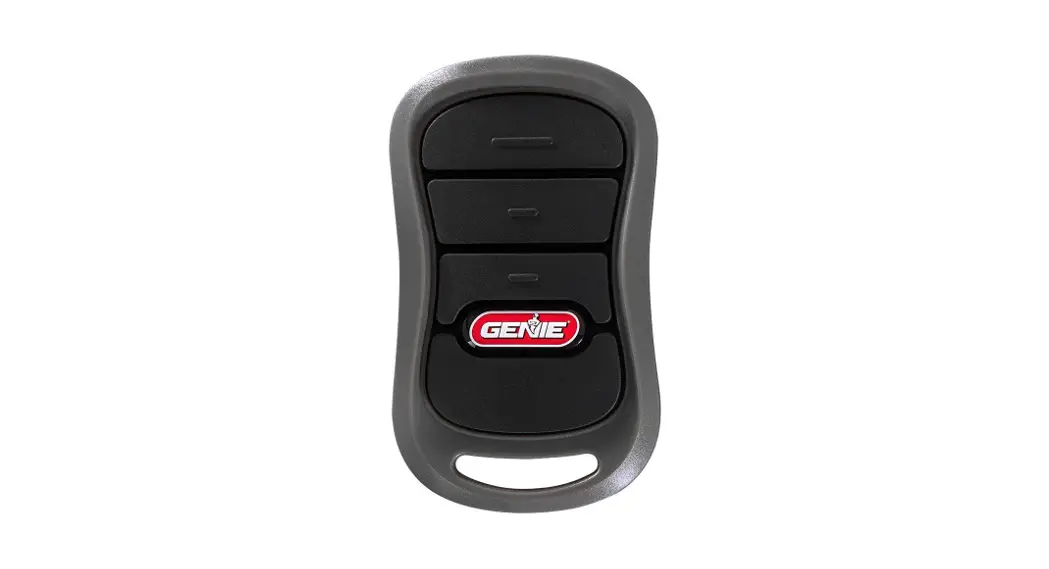
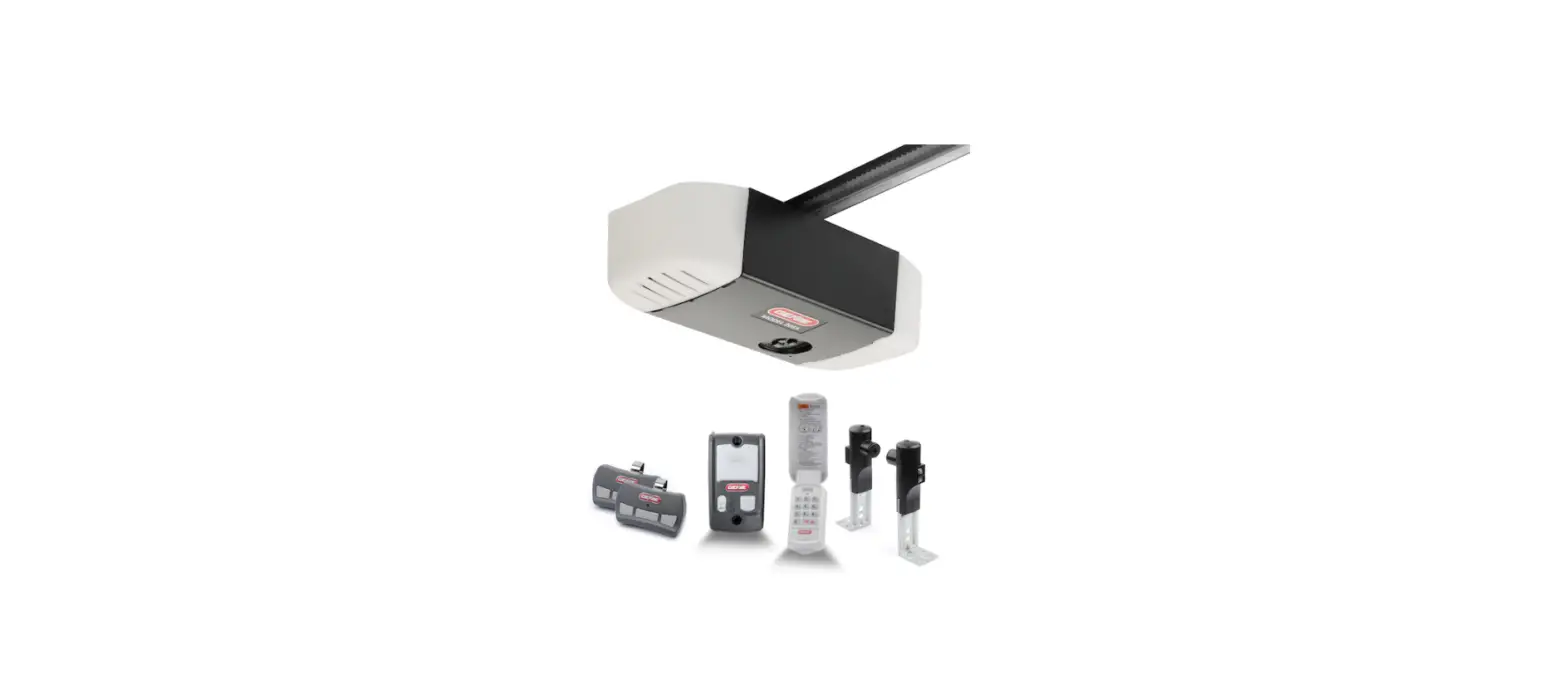
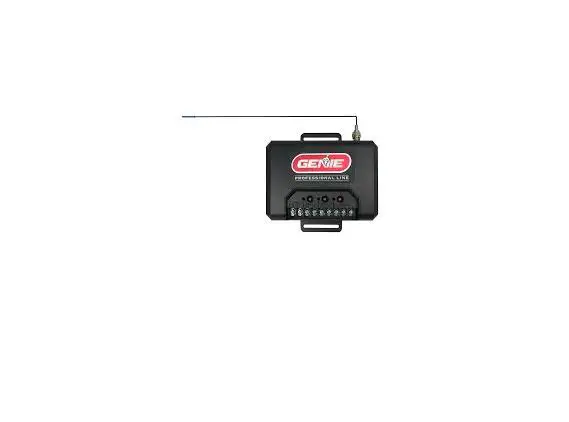
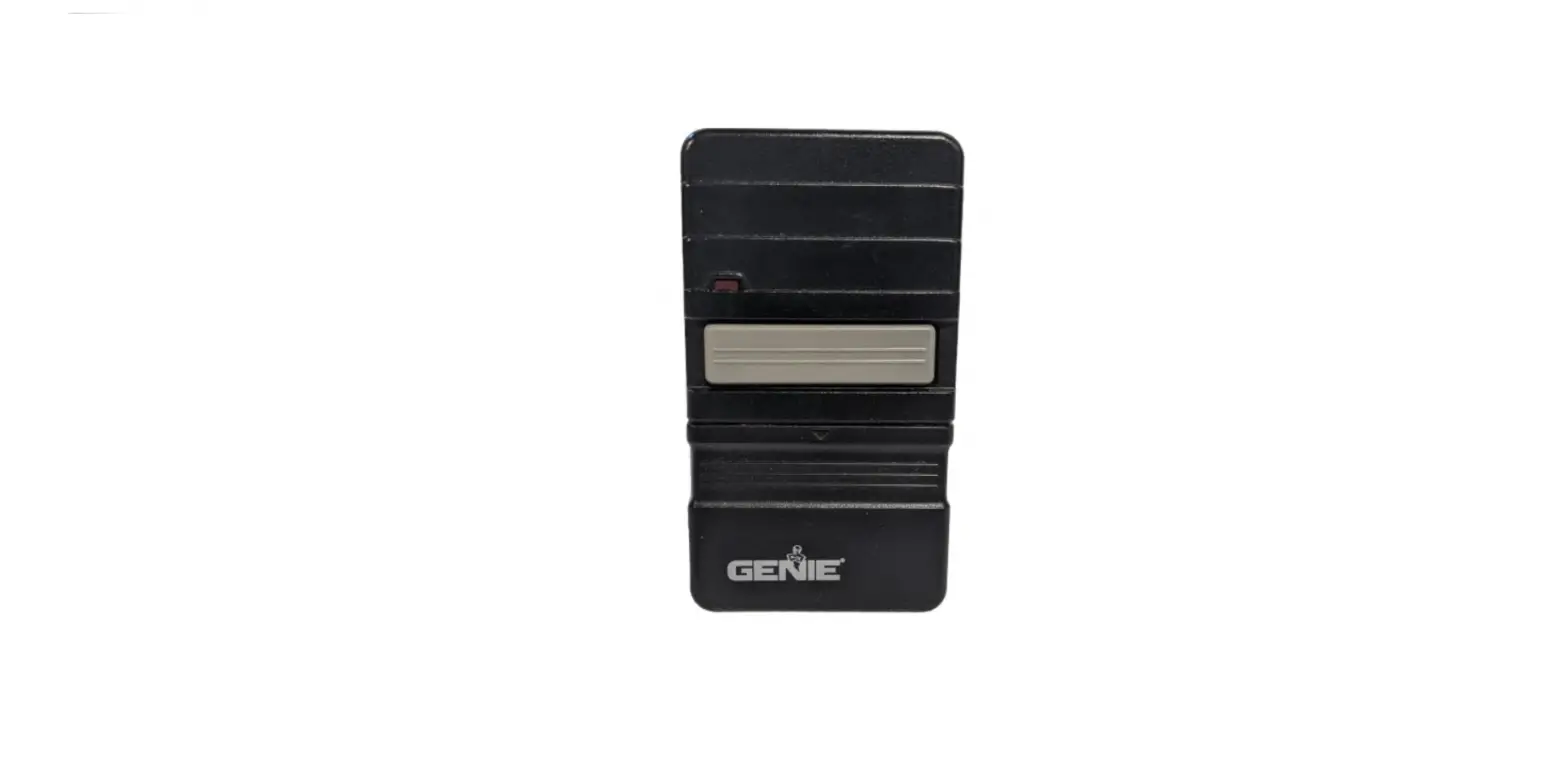
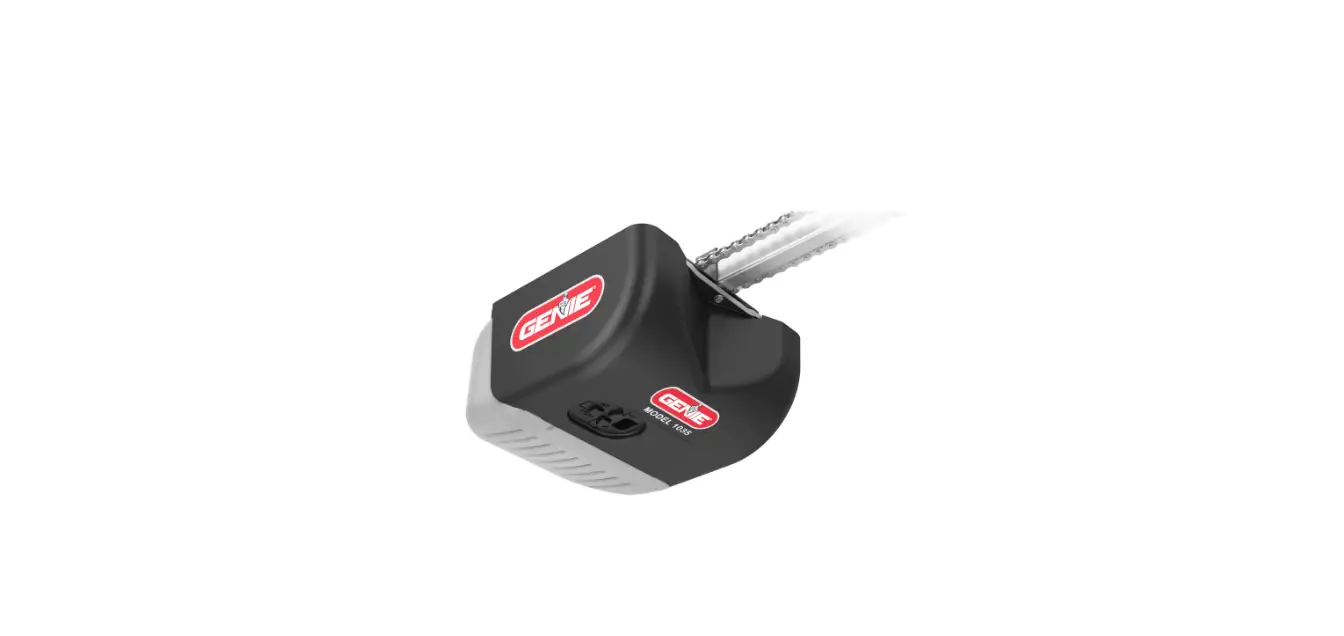
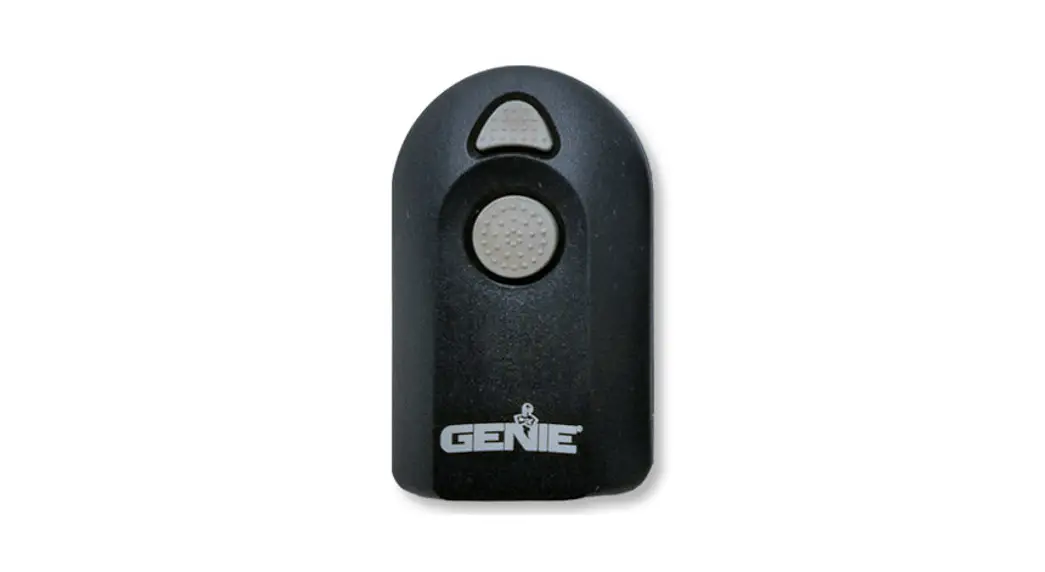
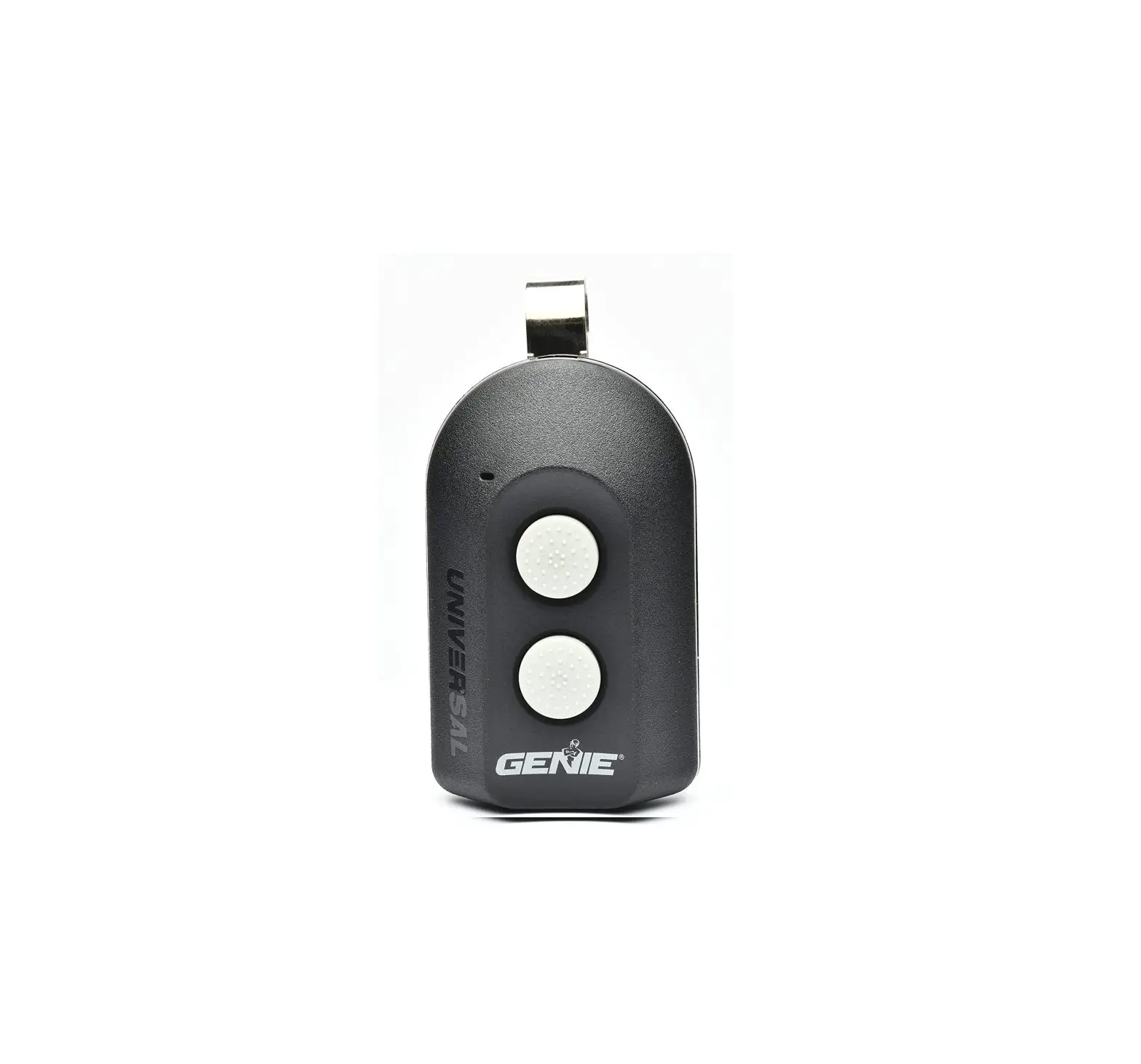
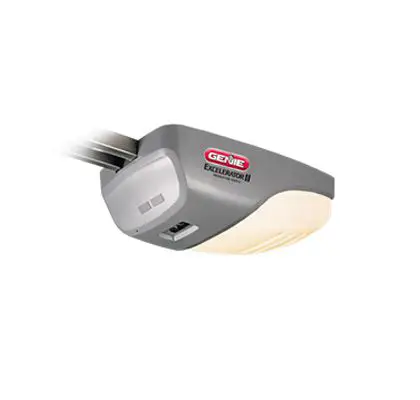
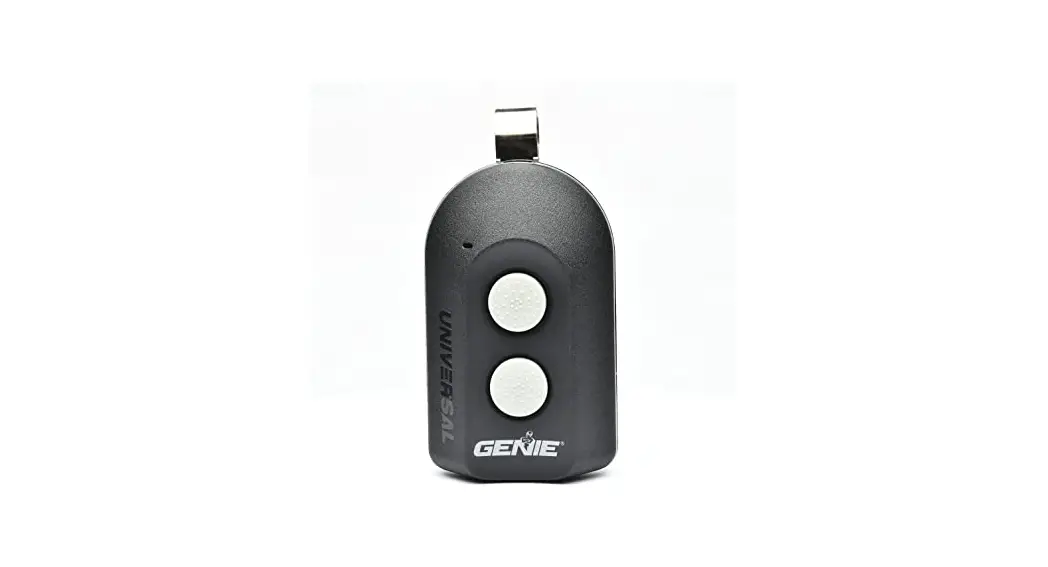
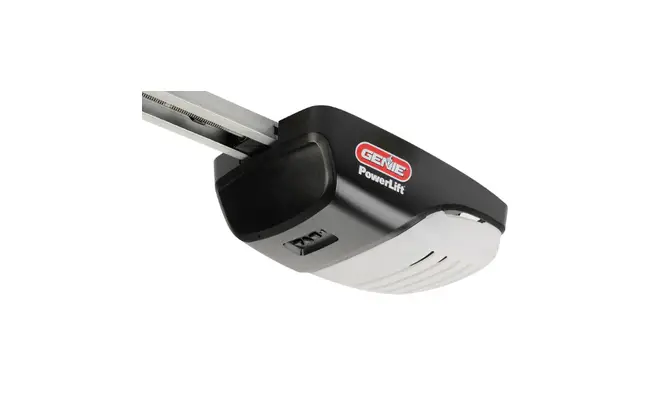
The 3 Button Remote is a device used to control the operation of
an opener. It has three buttons with specific functions that allow
you to program, operate, and erase remotes. The remote is battery
operated and uses a CR2032 coin cell battery. It is compatible with
openers manufactured after 1997. The device complies with FCC Part
15 and Industry Canada license exempt RSS standard(s).
Product Usage Instructions
Programming Instructions
WARNING: Before programming the remote, ensure
that the opener is not in use and that no one is near the door.
- Put the opener into programming mode by pressing and holding
the program button until the round LED turns blue, then
release. - The round LED will go out, and the long LED will begin flashing
purple. - Pull the protective battery tab from the remote.
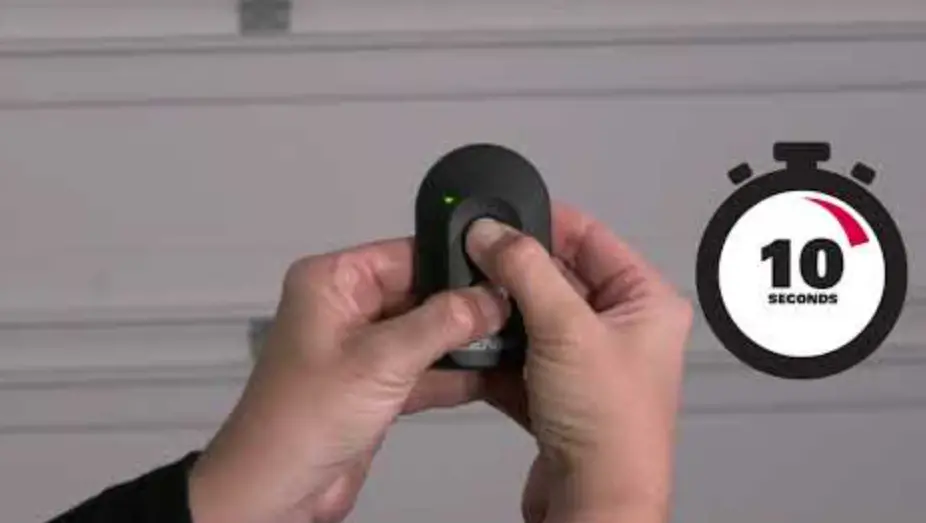
- Press and release the remote button of your choice two times.
The opener LEDs will flash and go off, indicating you have
successfully programmed your remote. - Press and release the same button a third time, and the door
will open or close.
Note: While programming remote buttons, stand at least 5 feet
away from the opener. This ensures you have proper communication
between the remote and the opener.
Lost or Stolen Remote/Erasing all Remotes
- Press and hold the program button until the round LED turns
blue, then release. - Press and hold the Up (+) Down (-) buttons at the same time
until both LEDs flash blue and go off. - Press and hold the Learn Code Button until the LED stops
blinking. - Start at step 1 to reprogram your remotes.
Note: Clearing remote control memory from the power head will
clear ALL programmed remotes and keypads. Your opener will no
longer recognize any signal from any remote device, including a
missing remote device.
Battery Replacement
- Open the remote case using a washer or coin that fits into the
slot at the top of the remote. - Replace the battery. Match battery polarity symbols inside
battery housing. - Align components and snap case closed.
Note: For openers manufactured between 1995-1979, use the two
upper buttons on the remote. Made after 1997? Use any button for
programming. For additional information or help, contact customer
service: Call 1-800-35-Genie or write: GMI Holdings INC. d/b/a The
Genie Company 1 Door Drive Mount Hope Ohio 44660.
3 Button Remote
Programming Instructions
WARNING
Moving Door can cause serious injury or death. · WallConsolemustbemountedinsight
ofdoor,atleast5feetabovefloorand clearofmovingdoorparts. · Keep people clearofopeningwhiledoorismoving. · Do NOTallowchildrentoplaywiththeRemoteor dooropener. Ifsafety reversedoesnotworkproperly: · Close door then disconnect openerusingthe manualreleasehandle. · Do NOTuseRemoteordooropener. · RefertoDoorandDoorOpenerOwner’sManuals beforeattemptinganyrepairs.
1 Putting Opener into Programming Mode
New Genie® Openers
1. Press and hold the program button until the round LED turns blue, then release.
PROGRAM
SET
+
PROGRAM
SET
+
2. The round LED will go out and the long LED will begin flashing purple.
PROGRAM
SET
+
PROGRAM
SET
+
Proceed to step 2.
-OR-
Genie® Openers and External Receivers Manufactured between 1995 to 2011
RADIO SIGNAL
LEARN CODE
or
OPEN
SET LEARN MANUAL LIMIT FORCE
SET
CODE
CLOSE
LEARN CODE
RADIO SIGNAL
LEARN CODE
RADIO SIGNAL
LEARN CODE
1. Press & Release Learn Code button once. The red LED will begin to flash. Proceed to step 2.
PULL
2 Programming a Remote to your Opener
NOTE: Once in programming mode, you will have
approximately 30 seconds to perform this step.
1. Pull protective battery tab from remote.
Note: While programing remote buttons, stand at least 5 feet away from the opener. This ensures you have proper communication between the remote and the opener.
PROGRAM
SET
+
2. Slowly press and release the remote button of your choice two times. The opener LEDs will flash and go off, indicating you have successfully programmed your remote.
PROGRAM
SET
+
3. Press and release the same button a third time and door will open or close. It is possible to press the remote button too quickly or lightly. If the LEDs do not go OFF, press the remote button several more times to achieve confirmation.
3 Lost or Stolen Remote/Erasing all Remotes
New Genie® Openers
1. Press and hold the program button until the round LED turns blue, then release.
PROGRAM
SET
+
PROGRAM
SET
+
2. Press and hold the Up(+) Down (-) buttons at the same time, until the both LEDs flash blue and go OFF.
PROGRAM
SET
+
Genie® Openers and External Receivers Manufactured between 1995 to 2011 · To erase all remote devices from all other types of Genie® openers,
Press and hold the Learn Code Button until the LED stops blinking.
Start at step 1 to reprogram your remotes.
NOTE: Clearing remote control memory from the power head will clear ALL programmed remotes and keypads. Your opener will no longer recognize any signal from any remote device, including a missing remote device.
4 Battery Replacement
Replace remote battery with CR2032 coin cell battery. 1. Open the remote case using a washer or
coin that fits into the slot at the top of the remote. 2. Replace battery. Match battery polarity symbols inside battery housing. 3. Align components and snap case closed.
NNOOTTEE::FFoor opeenneerrss mmaannuuffaactureeddbbeettwweeeenn 11999955–11999979,, uusseetthhee ttwwoo uuppppeerr bbuuttttoonnss oonn tthheerreemmootete.
Made after 1997? Use any button for programming.
For additional information or help contact customer service: Call 1-800-35-Genie or write: GMI Holdings INC. d/b/a The Genie Company 1 Door Drive
FCC and IC CERTIFIED
Mount Hope Ohio 44660
This device complies with FCC Part 15 and Industry Canada license exempt RSS standard(s). Operation is subject to the
following two conditions: (1) this device may not cause interference, and (2) this device must accept any interference,
including interference that may cause undesired operation of the device. This equipment generates, uses and can radiate
radio frequency energy and, if not installed and used in accordance with the instructions, may cause harmful interference
to radio communications. However, there is no guarantee that interference will not occur in a particular situation. If this
equipment does cause harmful interference to radio or television reception, which may be determined by turning the
equipment OFF and ON, the user is encouraged to try and correct the interference by one or more of the following
measures: (a) Re-orient or relocate the receiver antenna, (b) Increase the separation between the opener and receiver,
could void the users authority to operate the equipment. ©2014 GMI Holdings, Inc. DBA The Genie Company
38381502359 02/2014
Control Remoto de 3 Botones
Instrucciones de Programación
¡ADVERTENCIA!
La puerta en movimiento puede ocasionar lesiones graves o la muerte. · La consola de pared debe ser montada a la vista
de la puerta, por lo menos 5 pies por encima del p iso y alejada de las partes de la puerta en movimiento. · Mantenga a las personas alejadas del vano de la puerta mientras ésta se encuentra en movimiento. · NO permita que los niños jueguen con el control remoto o con el abridor de la puerta. Si la inversión de seguridad de la dirección de la puerta no funciona apropiadamente: · Cierre la puerta y después desconecte el abridor utilizando la manija de liberación manual. · NO utilice el control remoto o el abridor de la puerta, · Consulte el Manual del Propietario de la Puerta y el Manual del Propietario del Abridor de la Puerta antes de intentar cualquier reparación.
1 Ponga al abridor en el modo de programación
Nuevos Abridores Genie®
1. Oprima y sostenga el botón de programar hasta que la luz LED redonda se vuelva de color azul, después suéltelo.
2. La luz LED redonda se apagará y la luz LED larga empezará a parpadear en color púrpura.
PROGRAM
SET
+
PROGRAM
SET
+
PROGRAM
SET
+
PROGRAM
SET
+
Proceda al paso 2.
-O-
Abridores Genie® y receptores externos fabricados entre 1995 y 2011
SEÑAL DE RADIO
APRENDER EL CÓDIGO
0
OPEN
SET LEARN MANUAL LIMIT FORCE
SET
CODE
CLOSE
LEARN CODE
SEÑAL DE RADIO
APRENDER EL CÓDIGO
SEÑAL DE RADIO
APRENDER EL CÓDIGO
1. Oprima y suelte una vez el botón de aprender el código. La luz LED roja empezará a parpadear.
Proceda al paso 2.
2 Programar un control remoto para su abridor
PULL
NOTA: Una vez que esté en el modo de programación, usted tendrá 30 segundos aproximadamente para realizar este paso.
1. Jale la pestaña de protección de la batería desde el control remoto.
Nota: Mientras esté programando los botones del
control remoto, párese alejado por lo menos 5 pies del abridor. Esto asegura que usted tenga la comunicación
PROGRAM
apropiada entre el control remoto y el abridor.
SET
+
2. Lentamente oprima y suelte dos veces el botón
del control remoto de su elección. Las luces LED del abridor parpadearán y se apagarán, indicando que
PROGRAM
usted ha programado exitosamente su control remoto.
SET
+
3. Oprima y suelte el mismo botón una tercera vez
y la puerta se abrirá o cerrará. Es posible oprimir el botón del control remoto
demasiado rápido o muy suavemente. Si las luces LED no se APAGAN, oprima el
botón del control remoto varias veces hasta lograr la confirmación.
3
Control remoto perdido o robado / Borrado de la memoria de todos los controles remotos
Nuevos abridores Genie®
1. Oprima y sostenga el botón de programar hasta que la luz LED redonda se vuelva de color azul, después suéltelo.
PROGRAM
SET
+
PROGRAM
SET
+
2. Oprima y sostenga los botones con las flechas hacia arriba (+) y hacia abajo (-) al mismo tiempo, hasta que ambas luces LED parpadeen en color azul y después se APAGUEN.
PROGRAM
SET
+
Abridores Genie® y receptores externos fabricados entre 1995 y 2011 · Para borrar todos los dispositivos de control remoto de todos los otros tipos
de abridores de Genie®, oprima y sostenga al botón de aprender el código hasta que la luz LED deje de parpadear.
Empiece en el paso 1 para volver a programar sus controles remotos. NOTA: El borrado de la memoria del control remoto desde el cabezal eléctrico borrará TODOS los controles remotos y teclados programados. Su abridor ya no reconocerá ninguna señal desde cualquier dispositivo de control remoto, incluyendo un dispositivo de control remoto perdido.
4 Reemplazo de la batería
Reemplace la batería del control remoto con una batería de celda tipo moneda CR 2032. 1. Abra la cubierta del control remoto utilizando una arandela o una moneda que quepa dentro de la ranura en la parte superior del control remoto. 2. Reemplace la batería. Iguale los símbolos de polaridad de la batería dentro de la caja. 3. Alinee los componentes y enganche la cubierta para que se cierre.
NNOOTTAE::PFaorraolpoesnaebrsridores
Para infomació o ayda adicional, contacte al
fambarnicuafdaoctsuerendtrbee1t9w9e5en 1997, u1t9ili9c5e-1lo9s99d,os botones srubeumsupeteottrothionoe.srteowsnoetunhpeeprleecrmonottreol
área de servicio a los clientes: Llame al teléfono 1-800-35-Genie o escriba a: GMI Holdings INC. d/b/a The Genie Company
¿Hecho después de 1997?. 1 Door Drive
Utilice cualquier botón para la programación.
Mount Hope, Ohio 44660 +
CERTIFICADO POR FCC y IC
Este dispositivo cumple con las normas de la Parte 15 de FCC y las normas de exención de licencia de RSS de Industry
Canada. La operación está sujeta a las dos condiciones siguientes: (1) este dispositivo no podrá ocasionar interferencia,
y (2) este dispositivo tiene que aceptar cualquier interferencia, incluyendo las interferencias que podrán ocasionar la
operación indeseada del dispositivo. Este equipo genera, utiliza y puede irradiar energía de radiofrecuencia y, si no es
instalado y utilizado de acuerdo con las instrucciones, podrá ocasionar interferencias dañinas para las radiocomunica-
ciones. Sin embargo, no existe una garantía de que no ocurrirán interferencias en una situación particular. Si este equipo
ocasiona interferencias dañinas para la recepción de radio o televisión, que podrá ser determinado al APAGAR (OFF) o
ENCENDER (ON) los equipos, se alienta al usuario para tratar y corregir las interferencias por medio de una o más de
las medidas siguientes: (a) Reorientar o reubicar la antena del receptor, (b) aumentar la separación entre el abridor y el
receptor, (c) conectar el abridor en un tomacorriente en un circuito diferente al que esté conectado el receptor, y (d) con-
sultar con su distribuidor local. Cualquier modificación o cambios a este equipo que no estén aprobados expresamente
por el fabricante podrían anular la autoridad del usuario para operar el equipo.
® 2014 GMI Holdings, Inc. DBA The Genie Company
3838150235902 / 2014