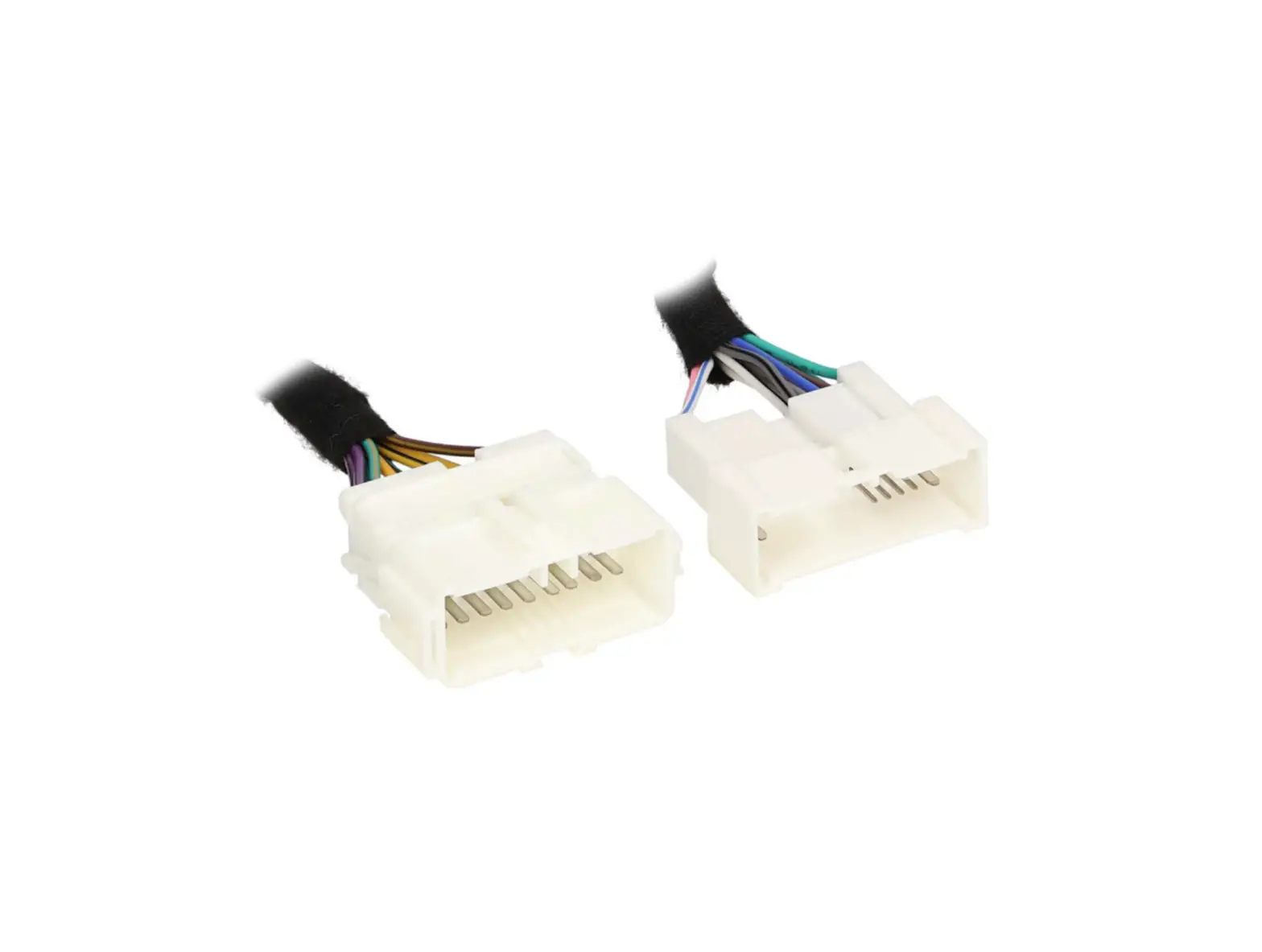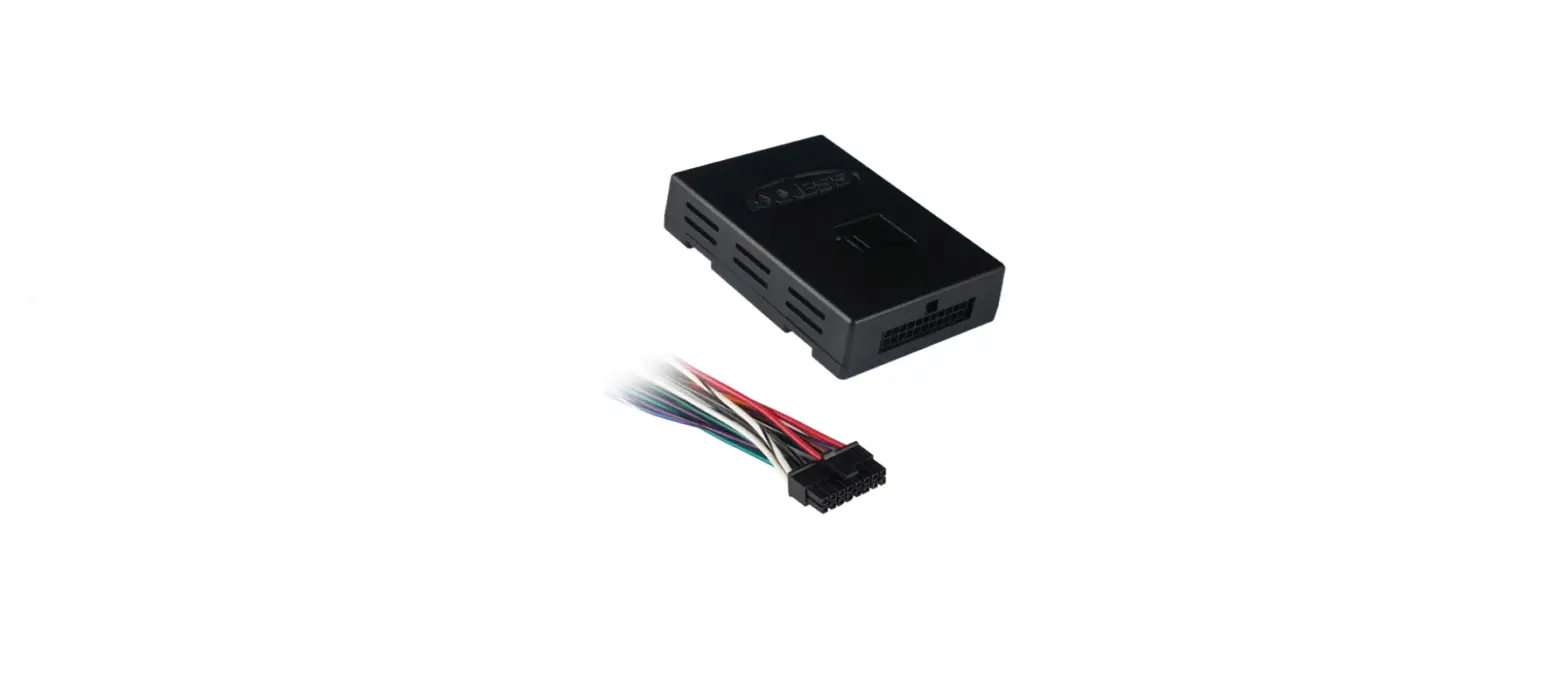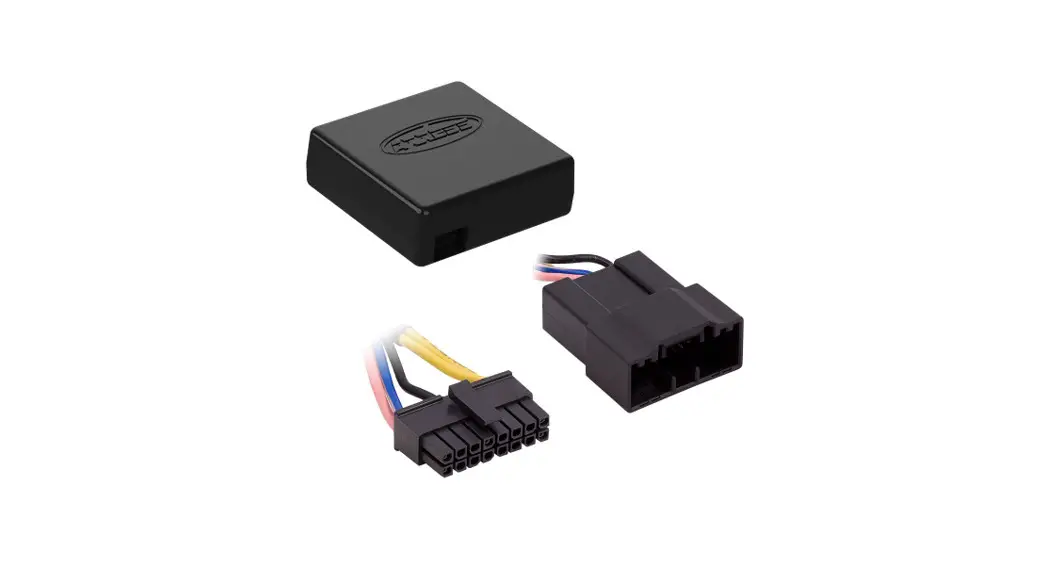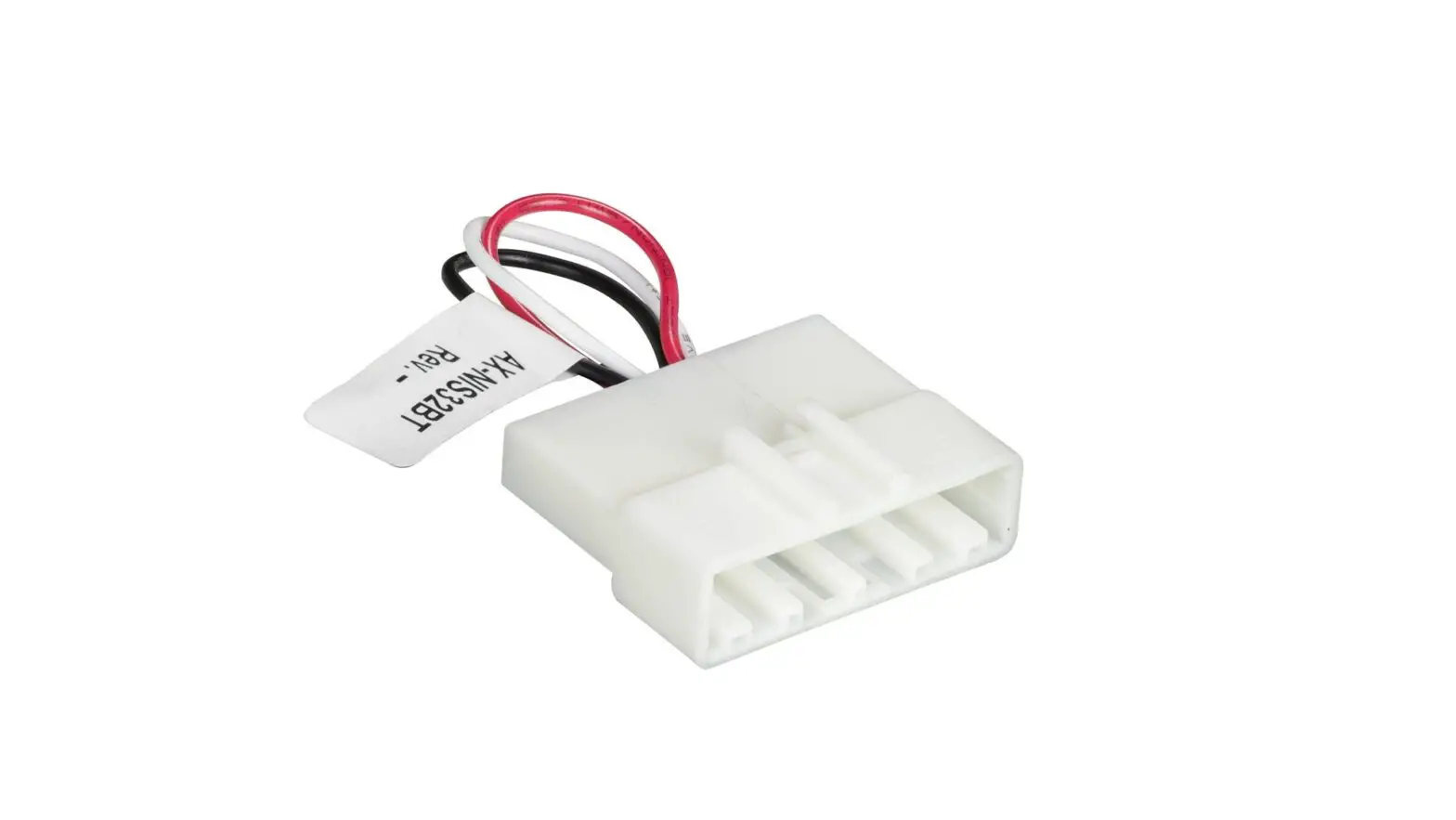
AXXESS AX-NIS32BT Bluetooth Harness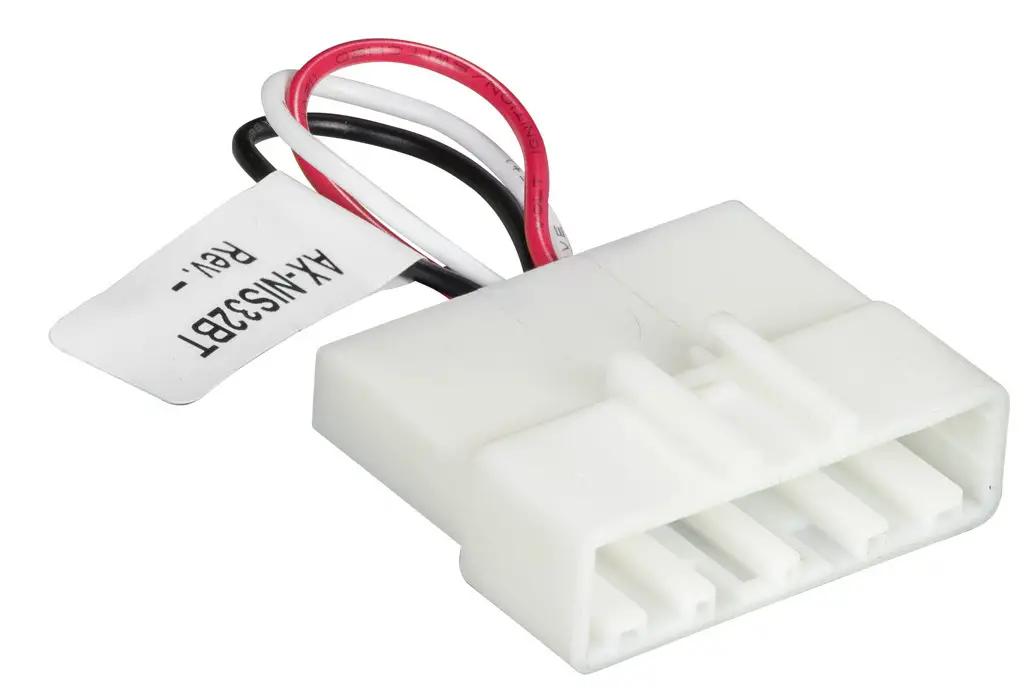
Introduction
The following Nissan Vehicles come equipped with a Bluetooth module that must be bypassed when installing an ASWC-1 (sold separately) in order to retain the
Bluetooth buttons on the steering wheel.
APPLICATIONS
| 350Z | 2007-2009 |
| 370Z (withoutnav) | 2010-2014 |
| 370Z | 2015-2016 |
| Altima | 2007-2012 |
| Cube | 2009-2014 |
| Frontier | 2008-2011 |
| Frontier (withamp) | 2013-2015 |
| Juke | 2011-2014 |
| Leaf | 2012-2015 |
| Maxima | 2006-2014 |
| NV200 | 2013-2017 |
| NV2500 | 2012-2013 |
| Rogue | 2008-2013 |
| Sentra | 2007-2015 |
| Titan | 2008-2014 |
| Versa | 2007-2016 |
| Versa Note | 2014-2015 |
| Xterra | 2007-2015 |
BLUETOOTH MODULE LOCATIONS
| 350Z2007-2009 | Topof Trunk |
| 370Z2010-2014(w/onav) | Topof Trunk |
| 370Z2015-2016 | Topof Trunk |
| Altima2007-2012 | Reardeck |
| Cube2009-2014 | Under front passenger seat |
| Frontier 2008-2011 | Under front seat |
| Frontier 2013-2015(w/amp) | Under front seat |
| Juke2011-2014 | Behind glove box |
| Leaf2012-2015 | Trunk right hand side of luggage compartment |
| Maxima2006-2014 | Under rear deck in trunk |
| NV2002013-2017 | Behind glove box |
| NV25002012-2013 | Behind glove box |
| Rogue2008-2013 | Trunk left side luggage compartment |
| Sentra2007-2015 | Behind glove box |
| Titan 2008-2014 | Under front passenger seat |
| Versa2007-2016 | Right side of trunk |
| Versa Note2014-2015 | Right side of trunk |
| Xterra2007-2015 | Under front passenger seat |
INSTALLING
- Install and program the ASWC-1, then test all buttons for proper function.
Note: Bluetooth buttons will not work until Step 2 is done.
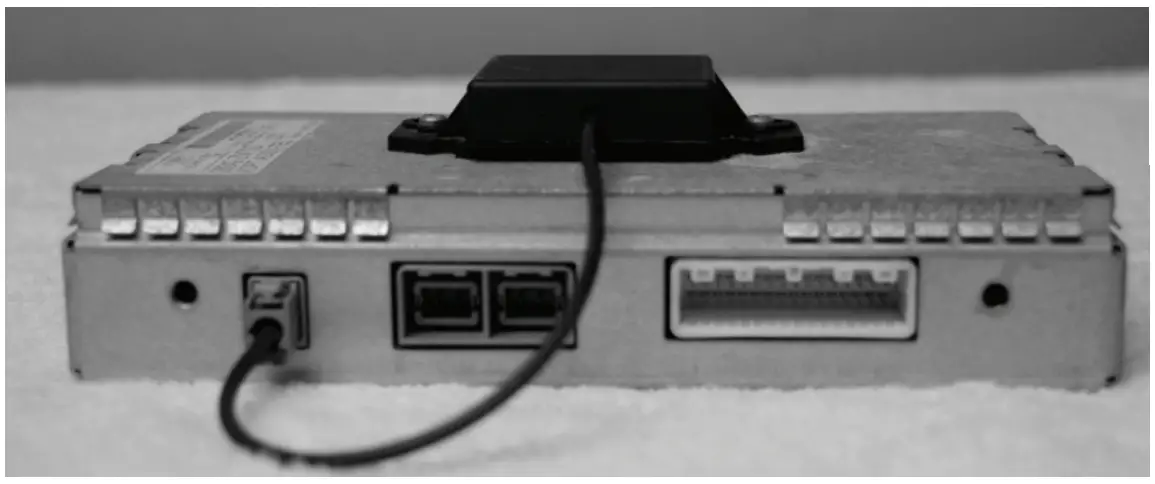
For ASWC-1vehicleinstructions,pleaserefer to the AXXESS website: https://axxessinterfaces.com/ - Locate the Bluetooth module, disconnect the 32-pin harness, and then connect the AX-NIS32BT to the harness removed.
- Test that the Bluetooth button snow function.
Note: Ensure that the phone is paired to the aftermarket radio
Scan me

 Axxess Integrate - Comprehensive Interface Products for Vehicle Upgrades