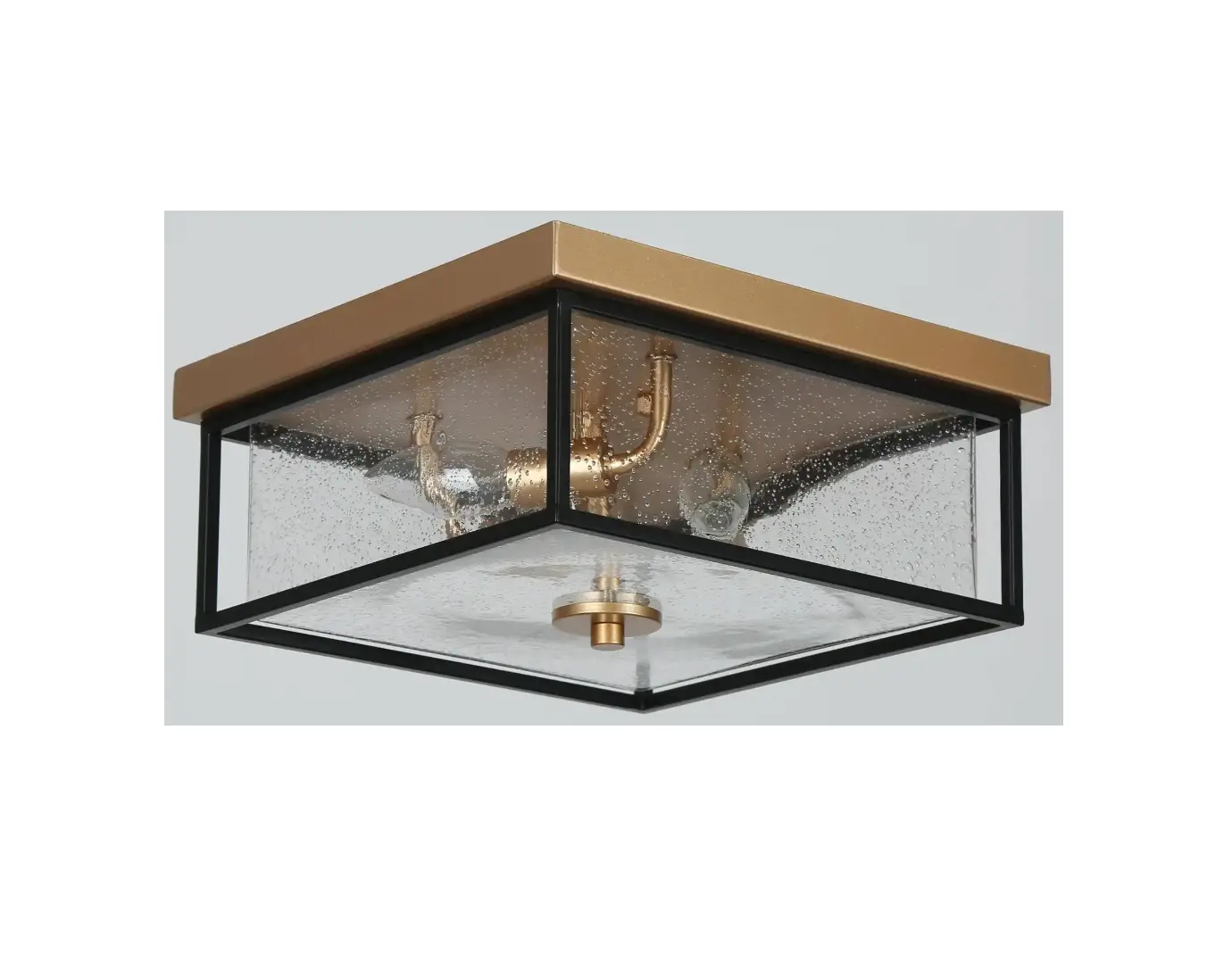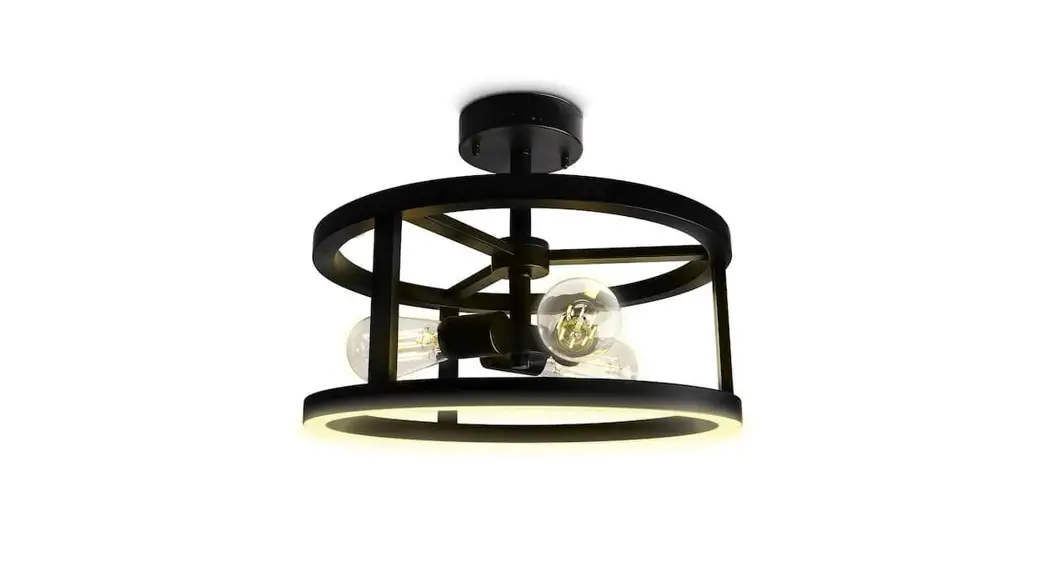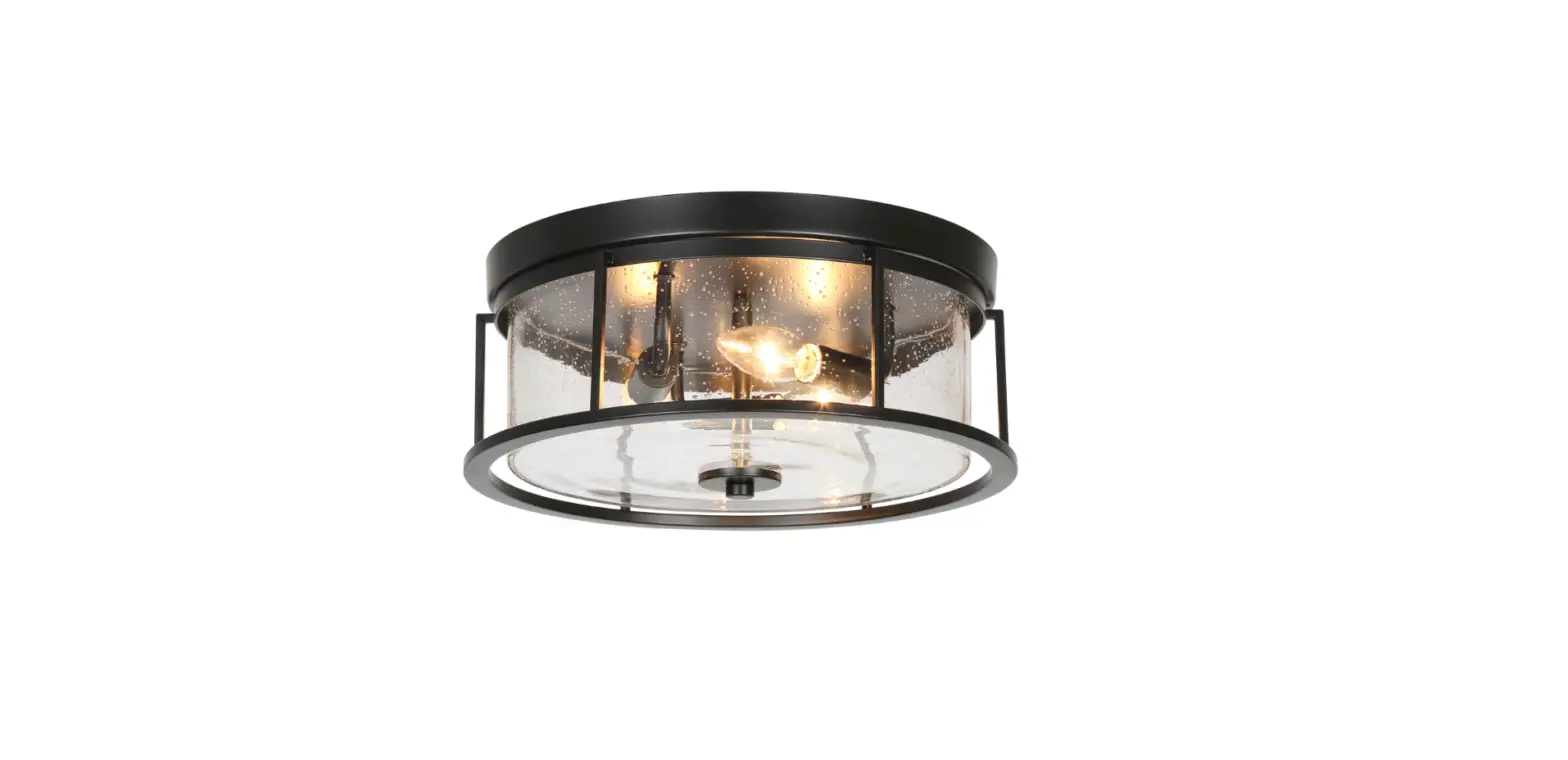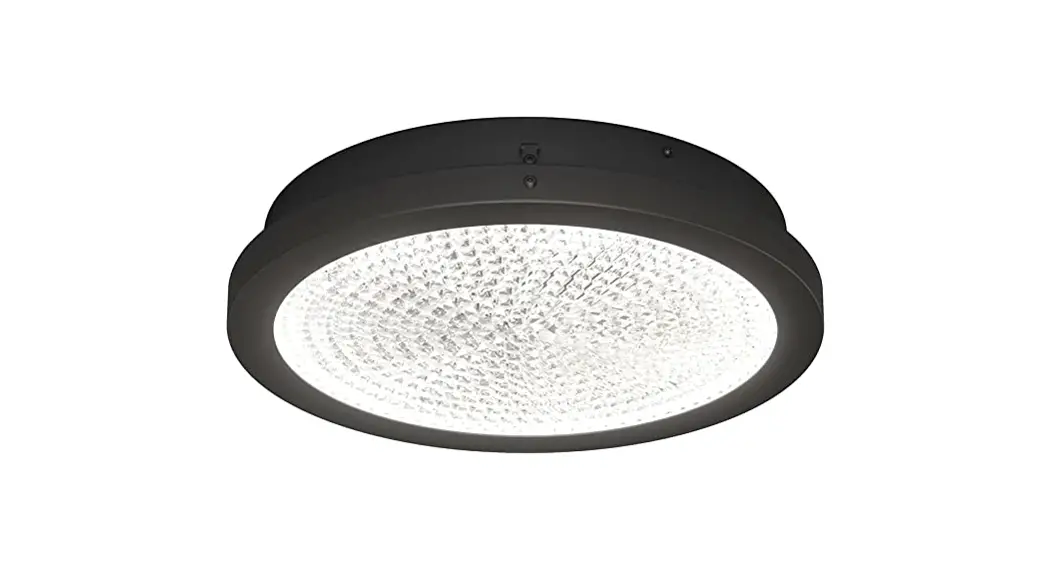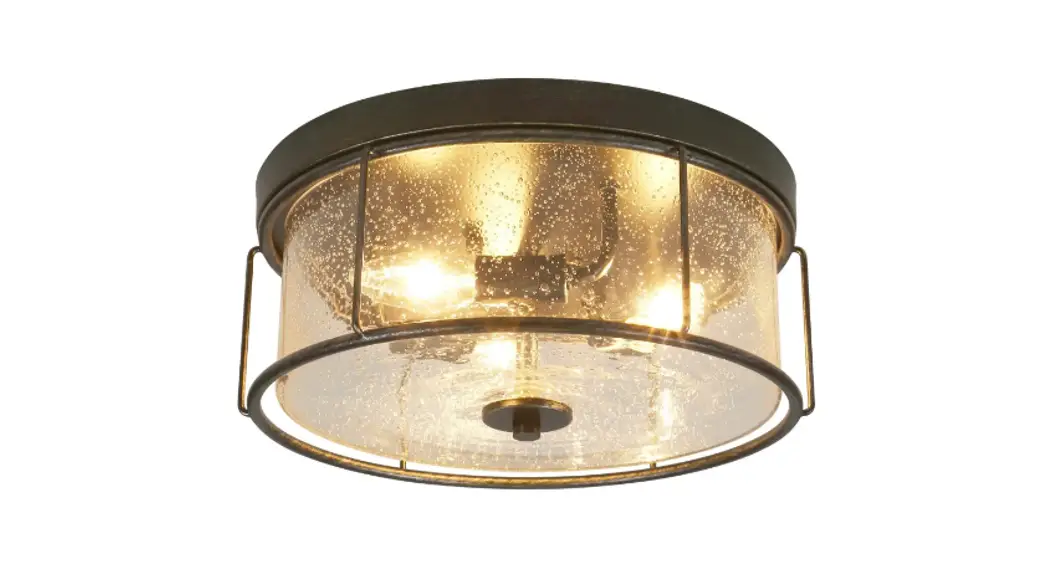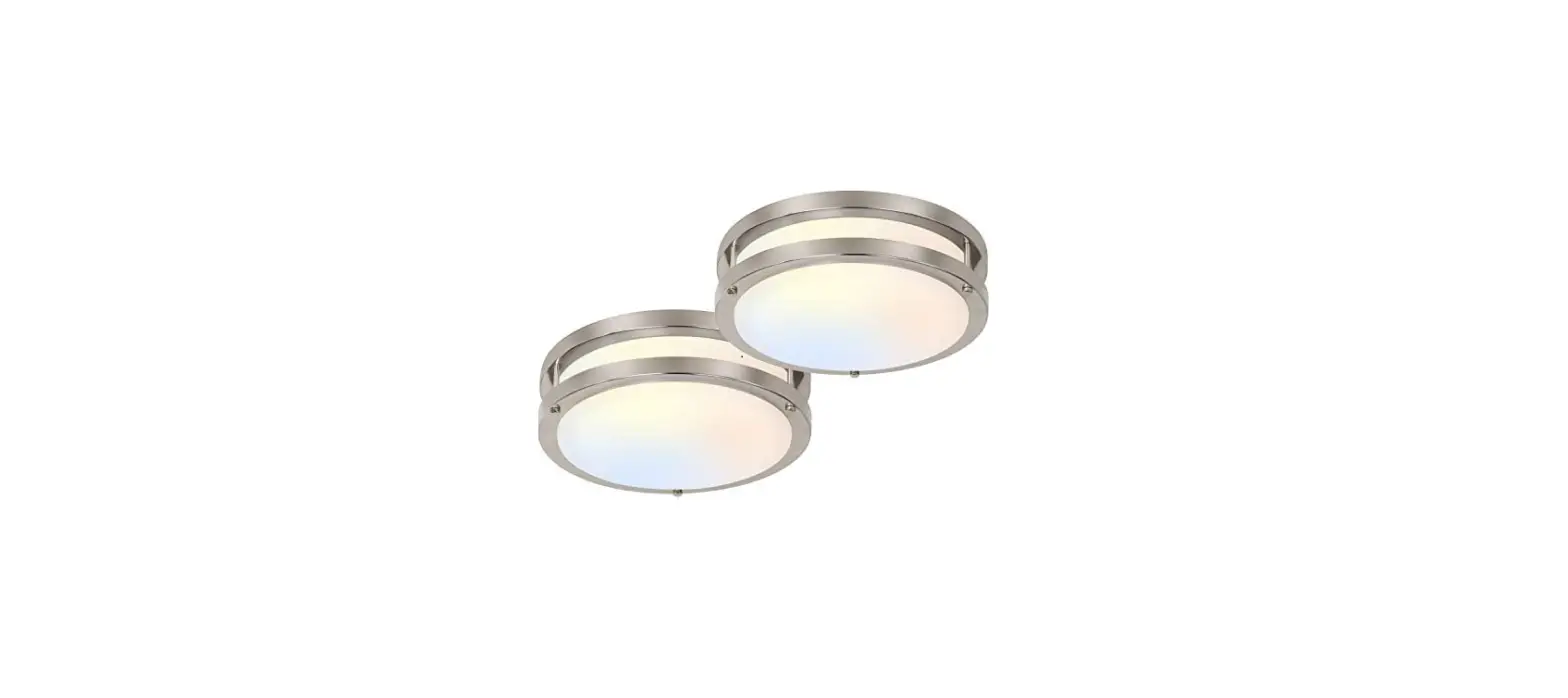

VIDALITE CE1008611 3-Light 15.748-in Black LED Flush Mount Light Instruction
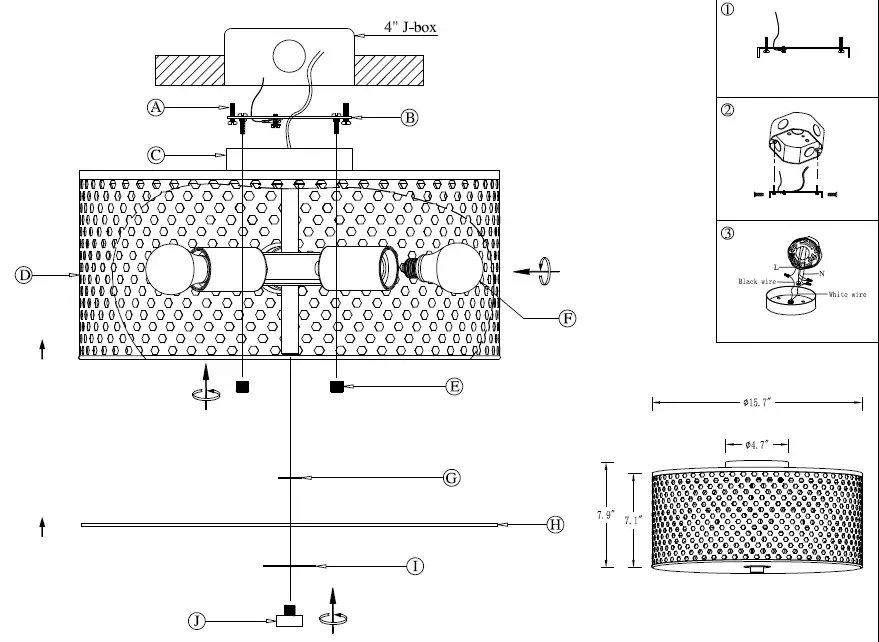
- Mounting Screw
- Mounting Bracket
- Canopy
- D Lampshade Subassembly
- Mounting Nut
- E26 Bulb
- Inner Washer
- PMMA Diffusion Plate
- Outer Washer
- Decorative Nut
Installation instruction
- Turn off the power
- Dismantle mounting bracket subassembly as picture 1,install mounting bracket(B) to J-Box with mountingB Screws(A).
- Connect the fixture to a suitable ground in accordance with local electrical codes.
- Connect the White wire to the neutral power line wire with a wire nut.
- Connect the Black wire to the hot power line wire with a wire nut.
- Neatly place all wires and wire nut connections inside the canopy(C).
- Make connecting screws of bracket subassembly insert into mounting holes of lampshade subassembly(D), then secure lampshade subassembly(D) with mounting nuts(E).
- Screw E26 bulbs(F) into the fixture.
- Place inner washer(G),PMMA diffusion plate(H) and outer washer() on their respective positions under lampshade subassembly(D) in turn, then lock them together with decorative nut(J).
- Turn on the power.