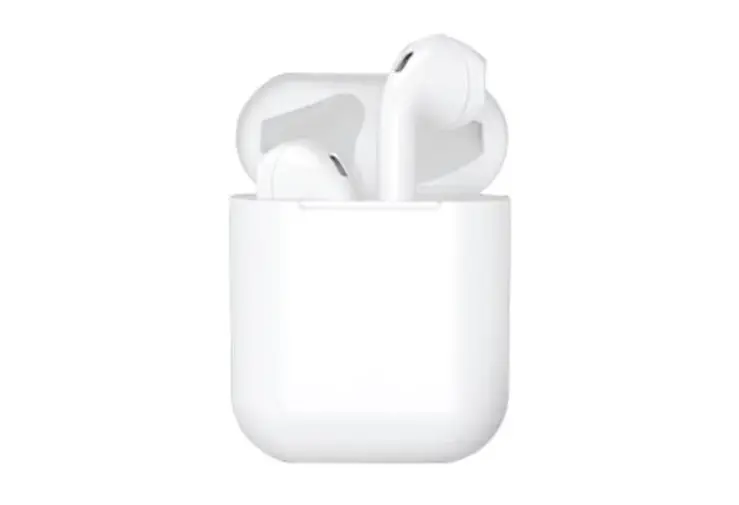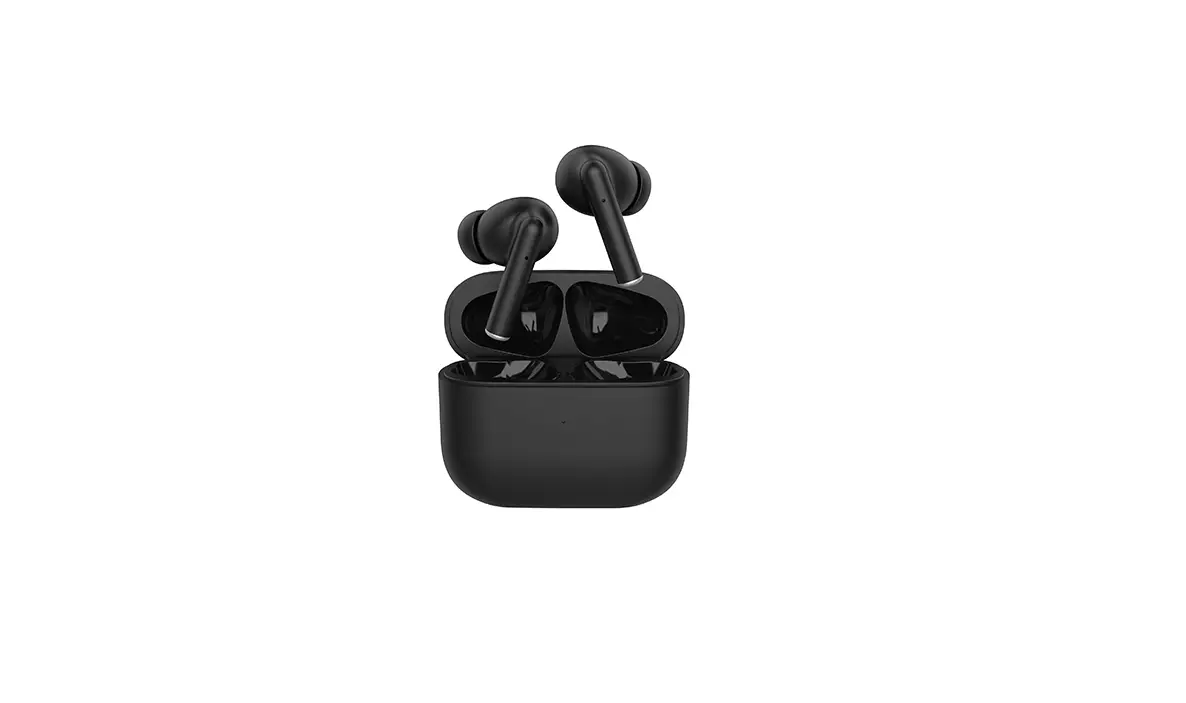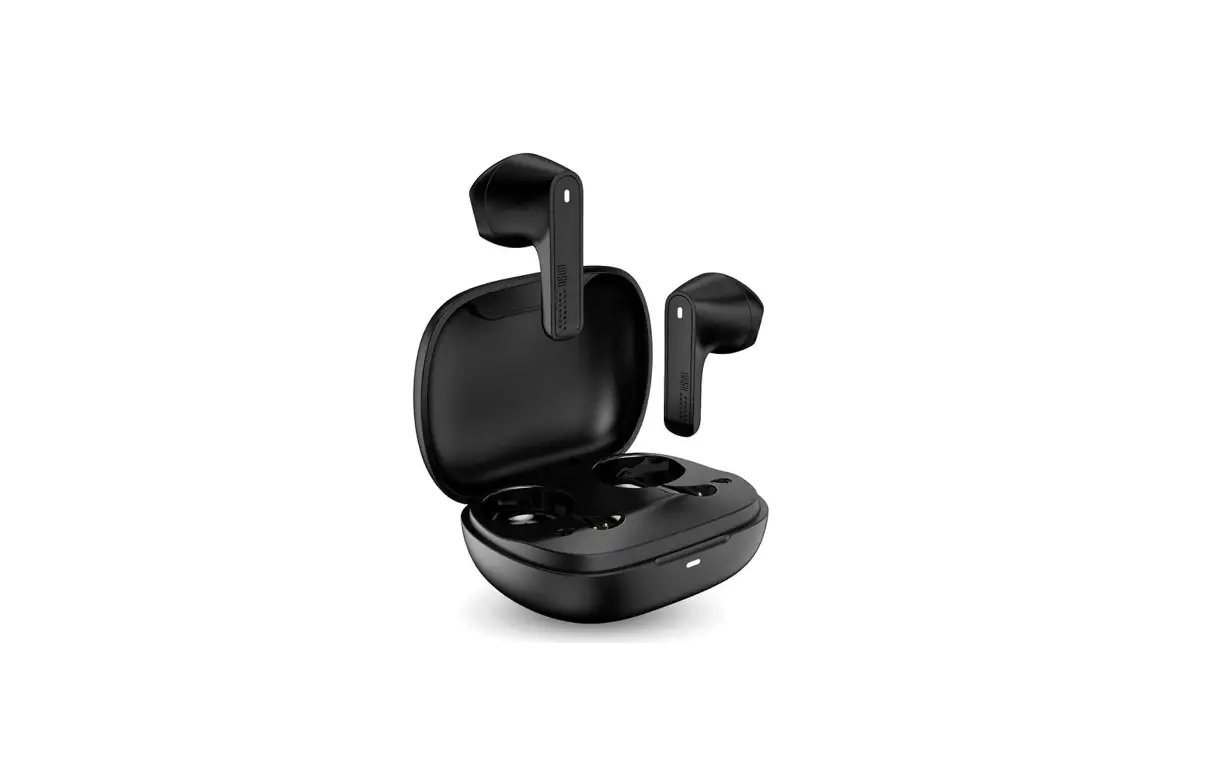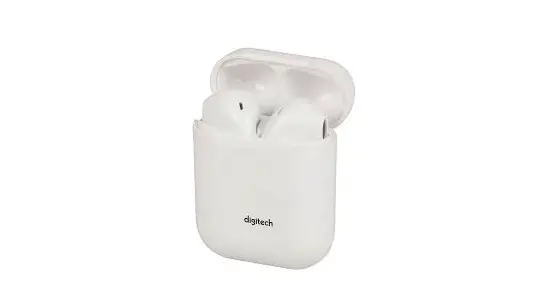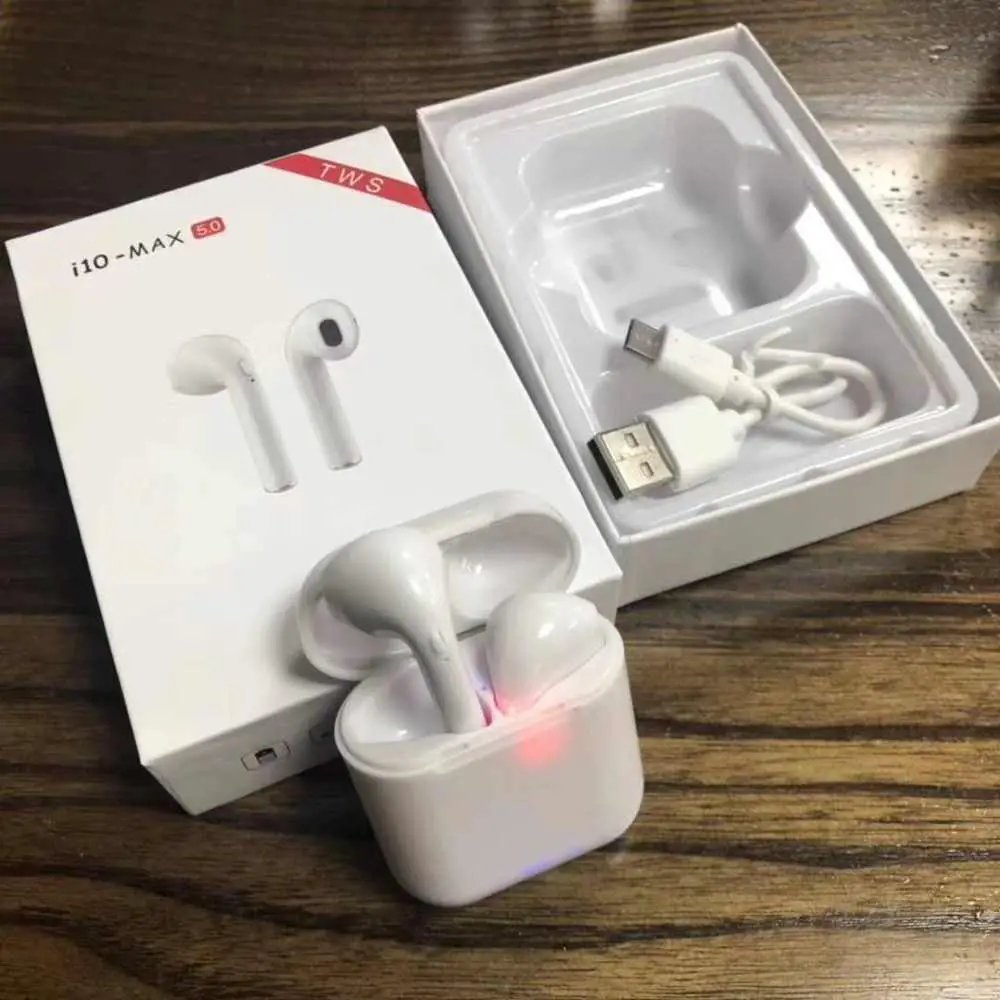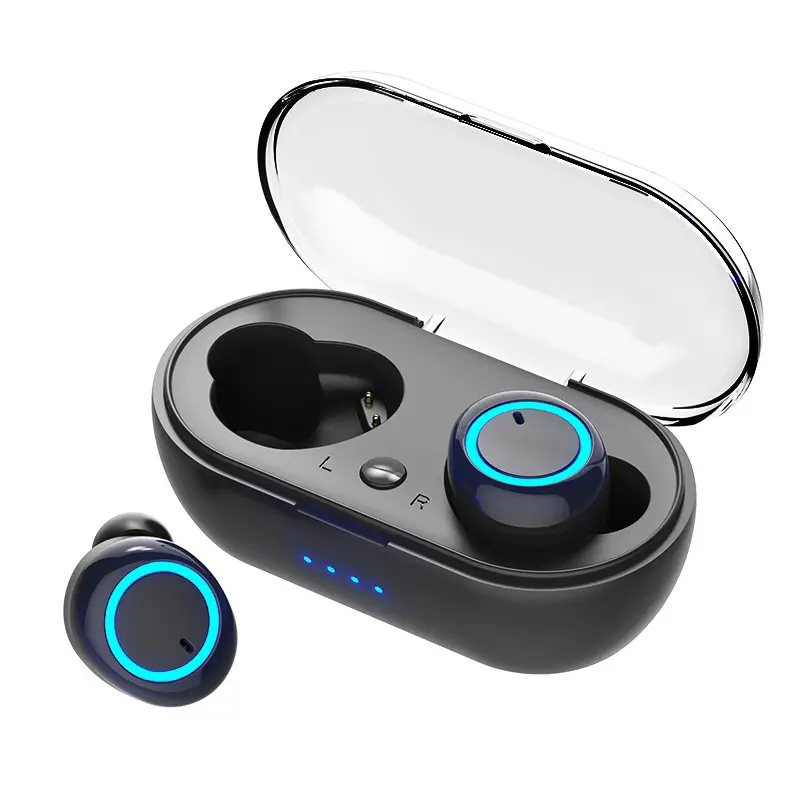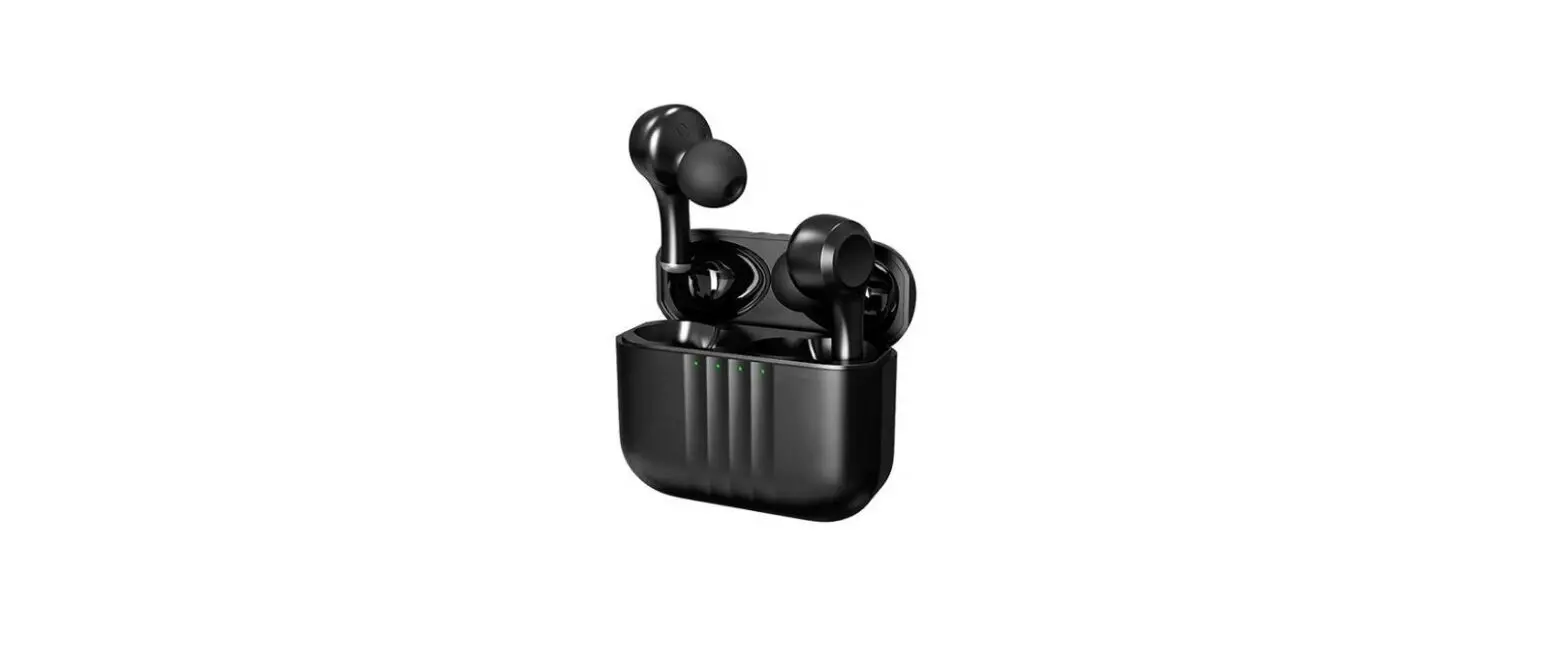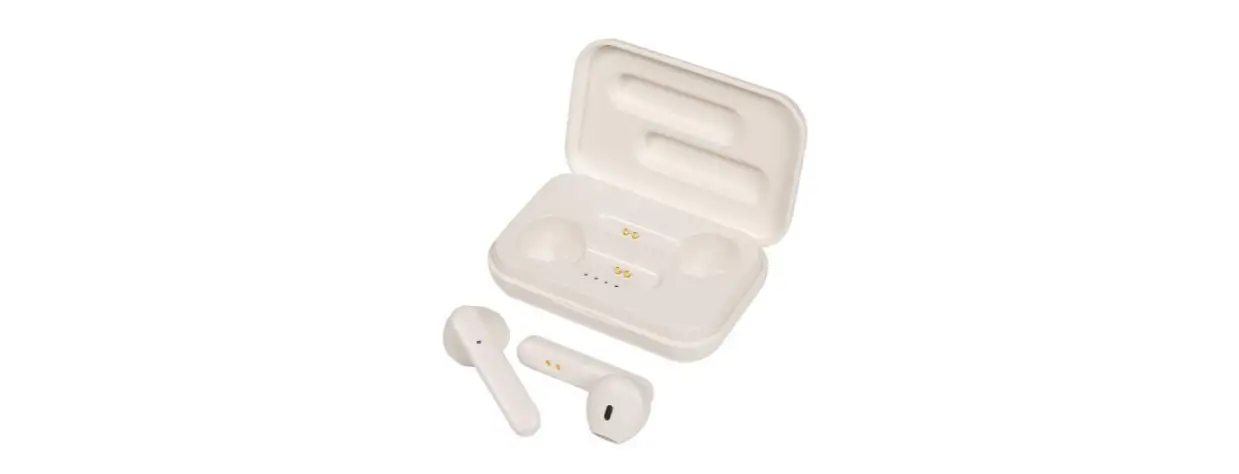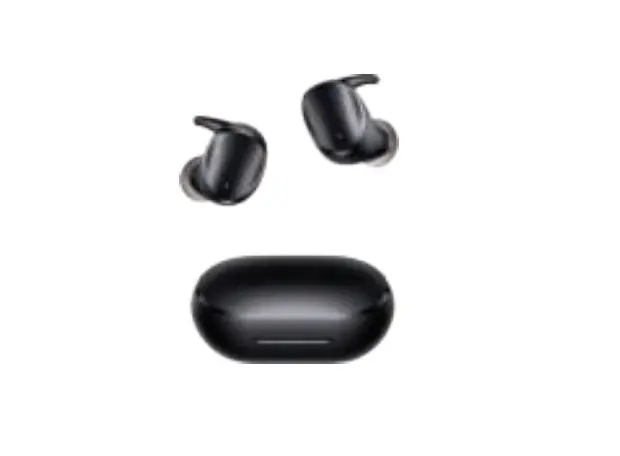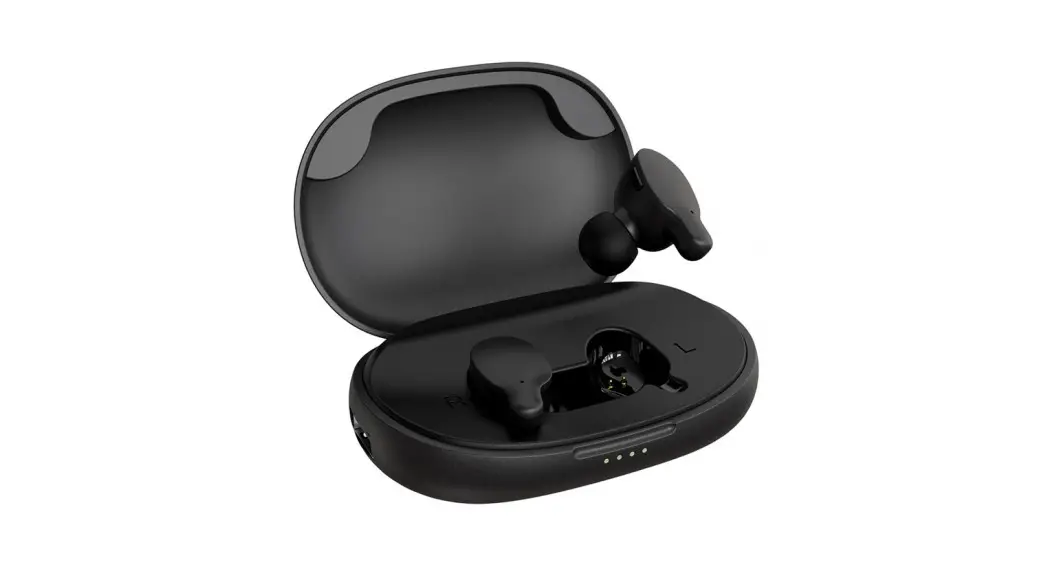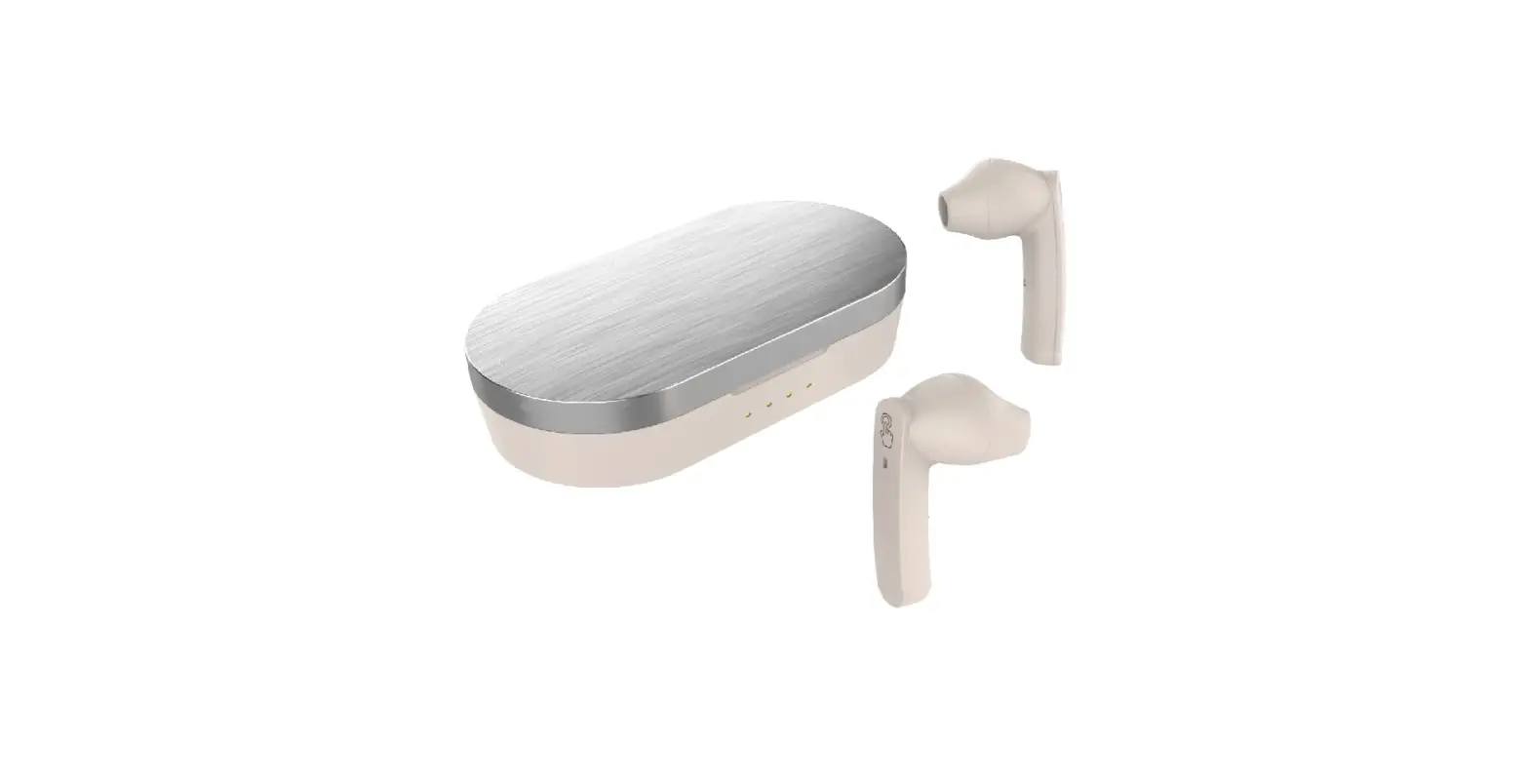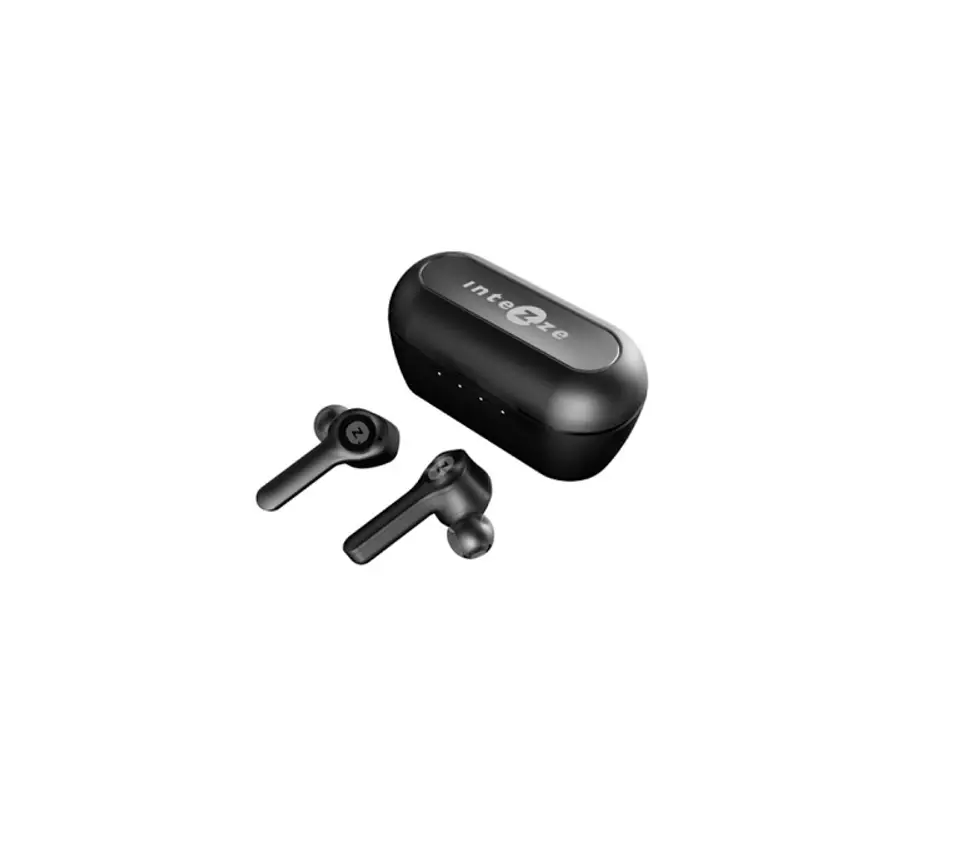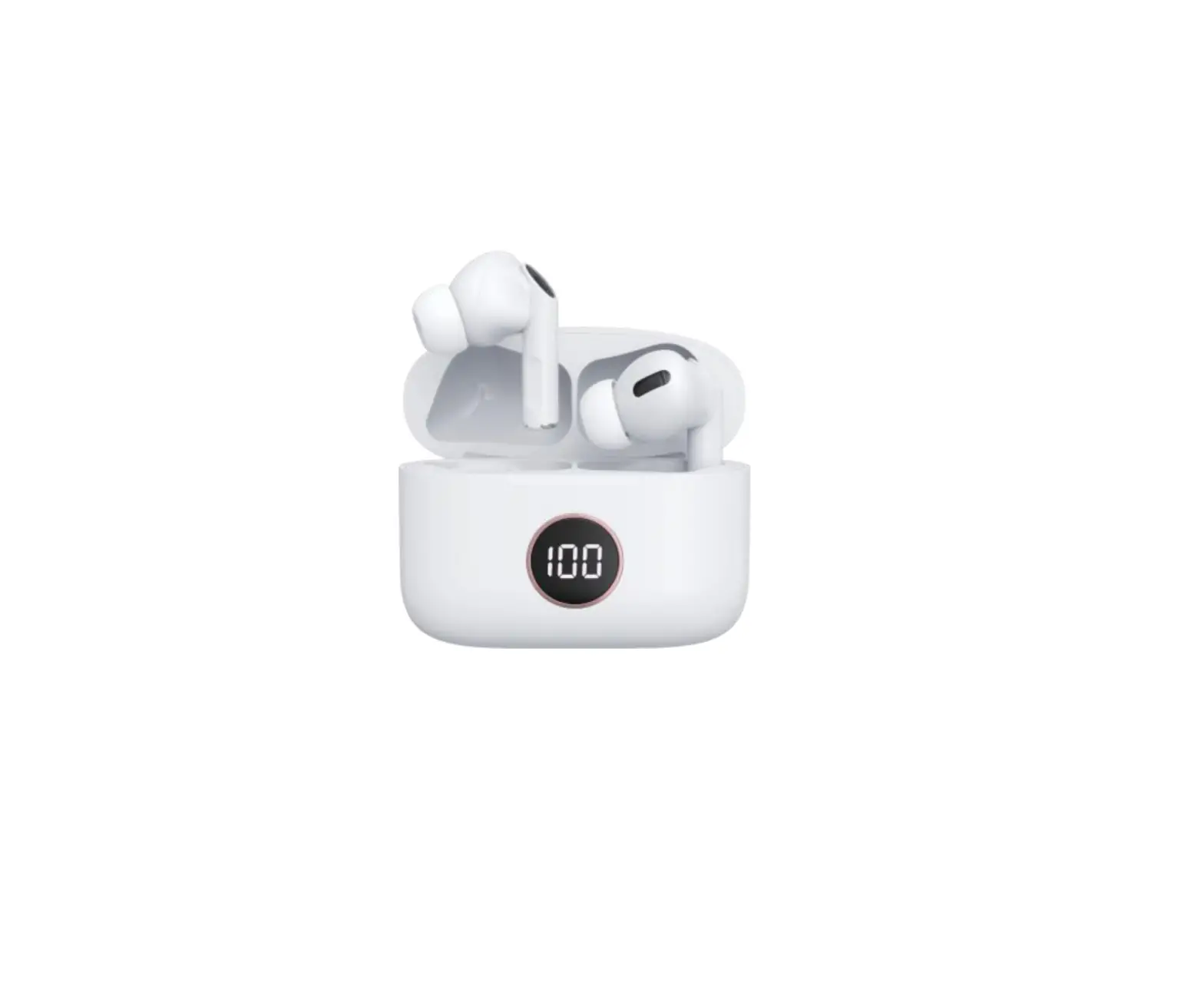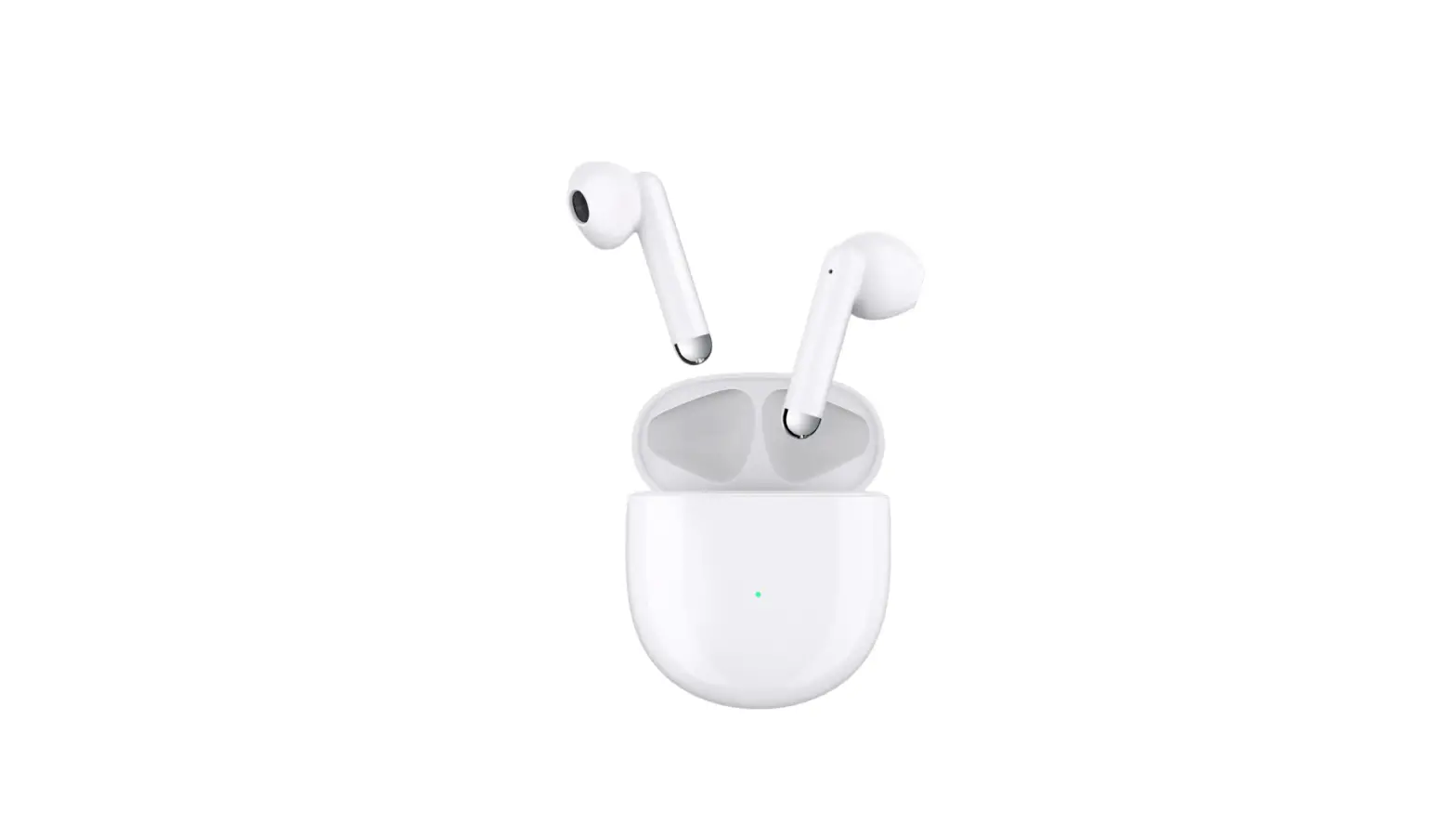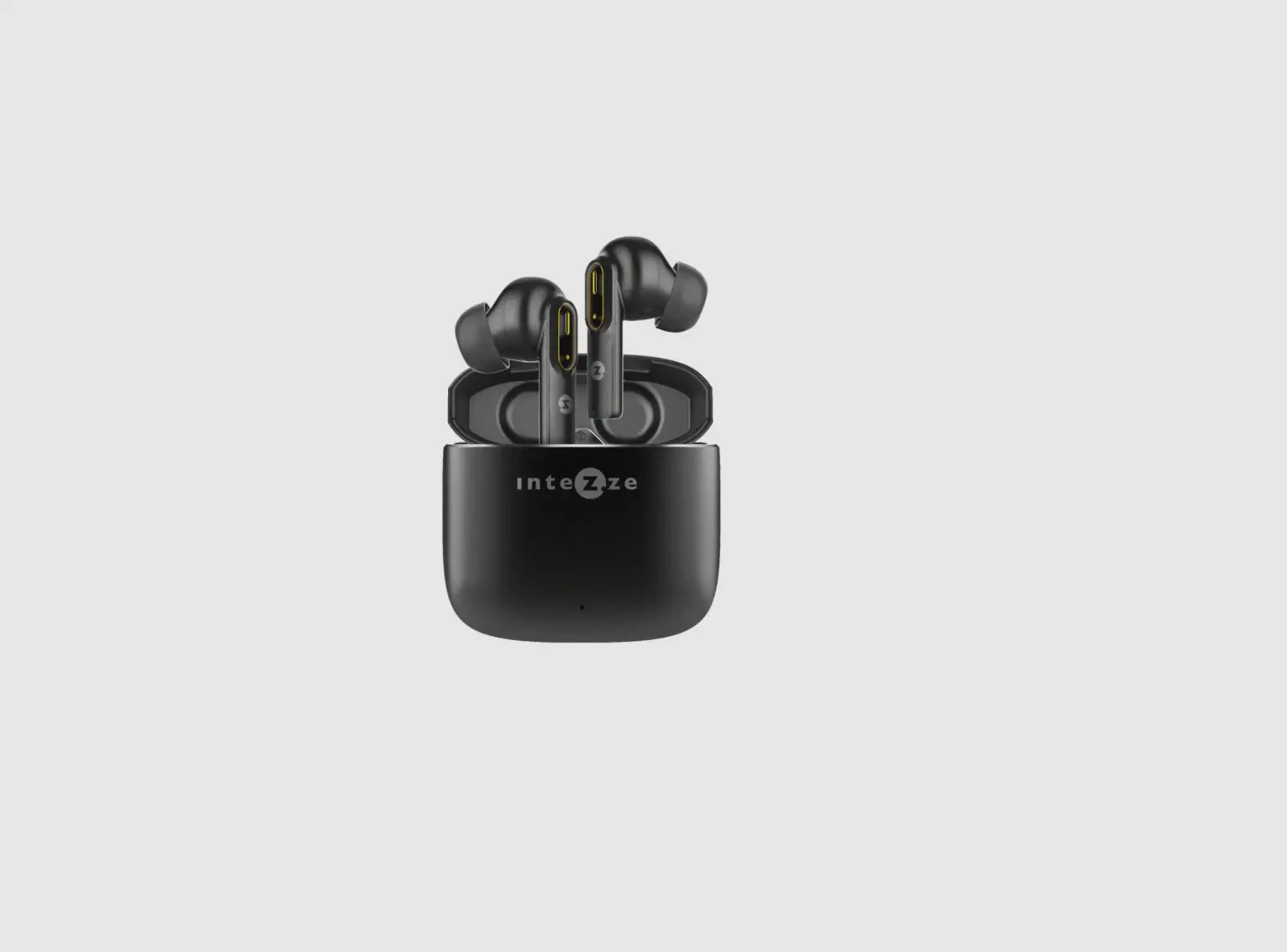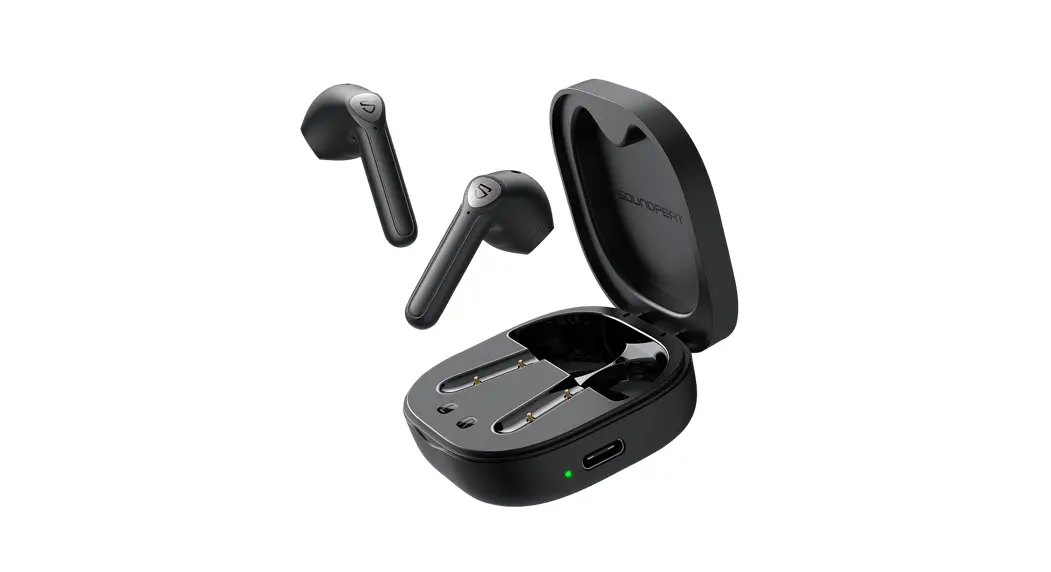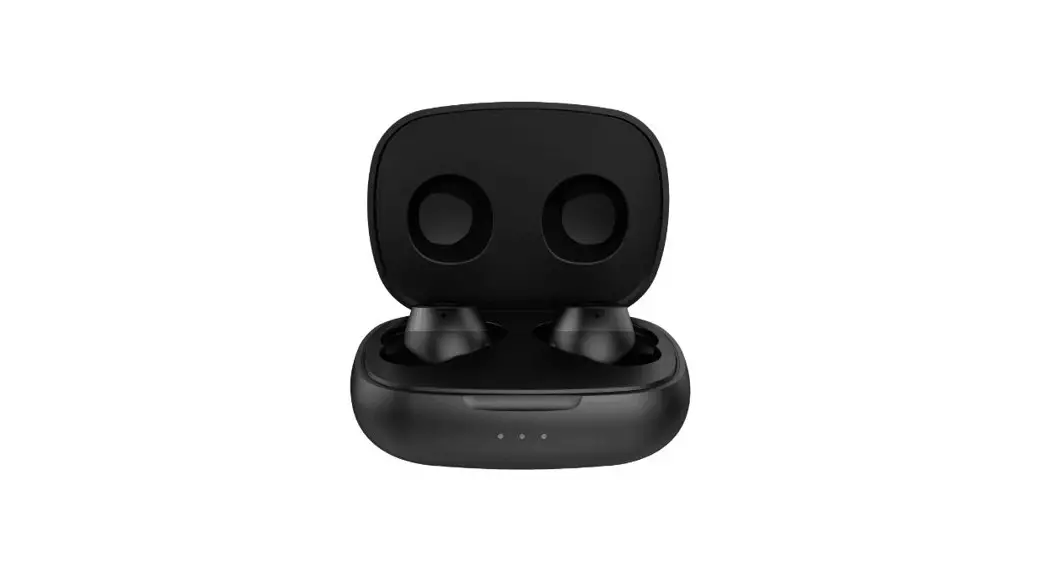
TWS20 TWS Earphone
Operation manual
Product name: TWS Earphone
FCC ID: R2M-TWS20
Manufacturer: AVLink Industrial Co., Ltd
Address: 7F., A1 Bldg., 1st Shuichanjingwan Industrial Area,
Nanchang Village, Gushu, Baoan Dist, Shenzhen, Guangdong, China
Introduction
TWS20 is a binaural wireless connection stereo Bluetooth headset. It uses the original phase technology 5.0 chip design to realize wireless transmission of high-quality stereo music between the left and right earphones and the mobile phone.
Connect to the mobile phone, instead of the traditional TWS, mobile phone music needs to be transmitted through the host and then to the slave for music and sound transmission. The left and right earphones directly connected to the mobile phone have the strongest anti-interference, the lowest delay, better sound quality, and lower
Radiation and other advantages greatly improve the convenience and safety of TWS headsets. The product design is compact and comfortable to wear. With the 400mA large-capacity charging box, it realizes an integrated charging and storage design, which greatly improves the product’s battery life.
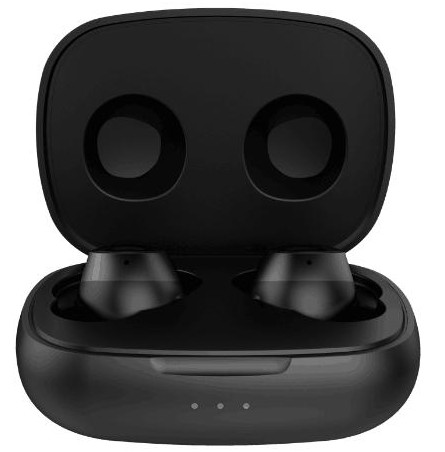
Appearance
Operation procedure
| Function | Operation | Result |
| Power On | The shutdown mode, Long press the multifunction key 2 seconds | The blue light 2 seconds, Power on reminding |
| Power Off | The standby mode, Long press the multifunction key 3 seconds | The red light 2 seconds then off Power off reminding |
| Pairing | Boot automatically back Connected, Don’t succeed, enter the auto-pairing mode | Paired Successfully Connected reminding |
| Volume Adjustment | Short Press Volume Up or Volume Down | If the user press Volume Up or Volume Down to choose the volume, when the volume is in maximum will beep reminding, minimum isn’t have any reminding |
| Play /pause | Play music | Press MFB Once |
| (Re-dialling) | Press MFB Twice | Standby |
| End call | Press MFB once | Talk |
| Receive Call | Press MFB once | Call |
| Reject Call | Long Press MFB Twice | Call |
| transferring call | None | None |
| Multipoint for HFP and A2DP | In pairing mode, connect to A phone first, and then turn A phone blue Turn off the tooth function, turn on the Bluetooth of mobile phone Band connect with BS36 Connect, and then restart the Bluetooth function of mobile phone A and connect | Paired Successfully Connected reminding |
| Initialization function | Add or subtract the key for 5 seconds at the same time in the matching state | DiDi reminding |
| Mobile TV frequency | Frequency function of Mobile phone entering TV in playing State | None |
| Item | Visual Indication | Audio Indication | |
| Charge | Charging | Lighting in Red (LED) | None |
| Fully charged | Lighting in Blue (LED) | None | |
| Battery ow (in Standby mode ) | Flash Red (LED) When battery voltage is 3.5V or above, LED blinking normally. Below 3.3V, LED shows a “Battery Low” indication. And auto power-off as below 3.0V | Battery low | |
| power On | The Blue light 2 seconds | Power on | |
| power Off | The Redlight 2 seconds and then Off | Power off | |
| Pairing | Blinking in Blue and Red alternatively (LED) (last for 4- 5 minutes) (0.8 sec. Red/ 0.8 sec. Blue) | Ready to pair | |
| Paired Successfully | The blue light flashes slowly twice every 3 seconds | Connected | |
| Disconnect | The blue light flashes twice every 2 seconds | Disconnected | |
| Incoming telegram | Blue light flashes once per second | Electronic sound prompt | |
| One the line | Blue light flashes 2 times in 2 seconds | ||
| End of the call | Blue light flashes 2 times | ||
| Reset | Red and blue lights are on at the same time for I second | DiDi reminding | |
| Auto power off | Pairing unsuccessful (about 5 minutes) auto power off | Power off reminding, Power off | |
NOTE : This equipment has been tested and found to comply with the limits for a Class B digital device, pursuant to part 15 of the FCC Rules. These limits are designed to provide reasonable protection against harmful interference in a residential installation. This equipment generates uses and can radiate radio frequency energy and, if not installed and used in accordance with the instructions, may cause harmful interference to radio communications. However, there is no guarantee that interference will not occur in a particular installation. If this equipment does cause harmful interference to radio or television reception, which can be determined by turning the equipment off and on, the user is encouraged to try to correct the interference by one or more of the following measures:
– Reorient or relocate the receiving antenna.
– Increase the separation between the equipment and receiver.
-Connect the equipment into an outlet on a circuit different from that to which the receiver is connected.
-Consult the dealer or an experienced radio/TV technician for help
Changes or modifications not expressly approved by the party responsible for compliance could void the user’s authority to operate the equipment.
This device complies with Part 15 of the FCC Rules. Operation is subject to the following two conditions:
(1) this device may not cause harmful interference, and
(2) this device must accept any interference received, including interference that may cause undesired operation.