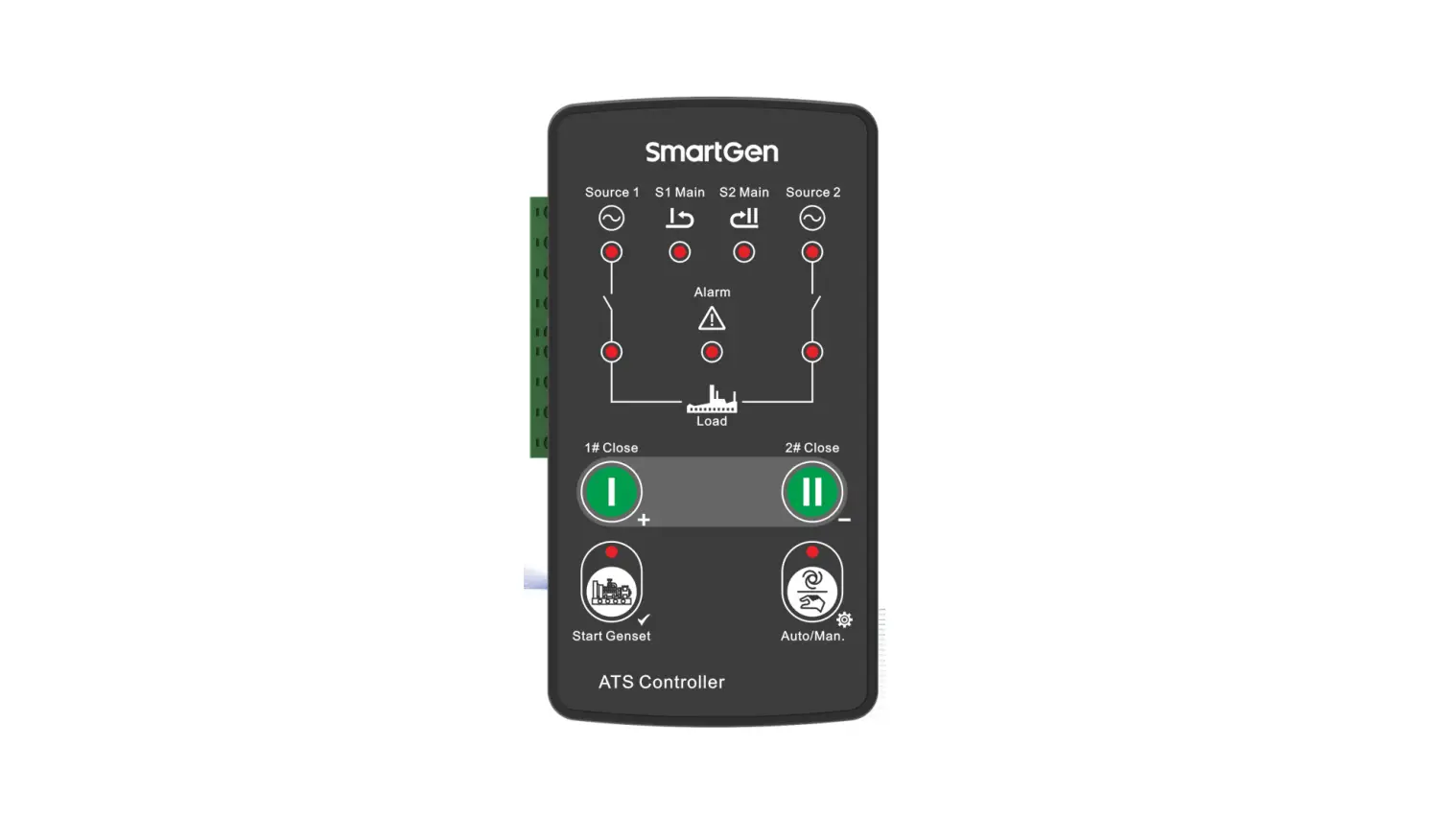
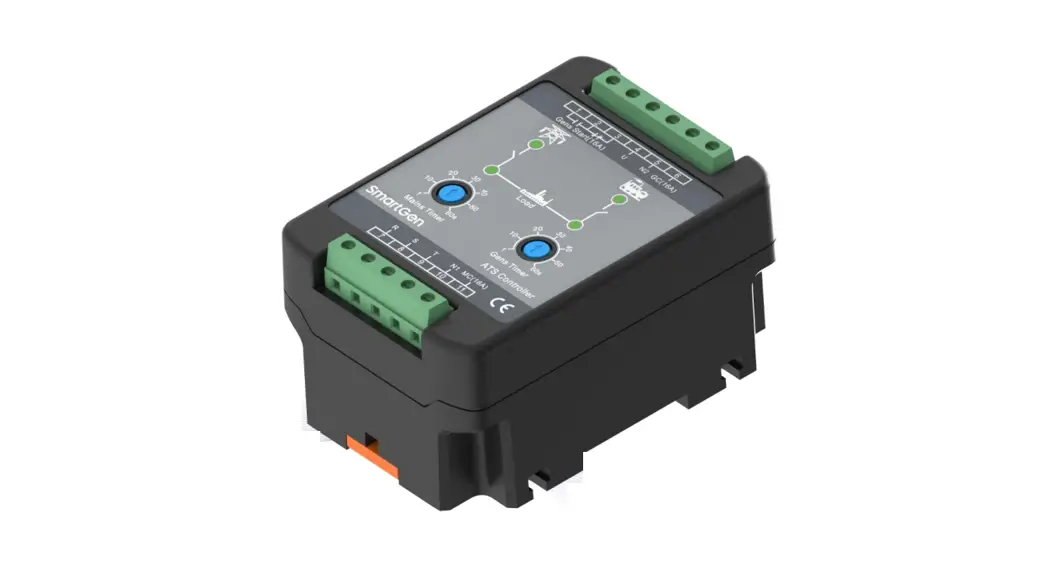
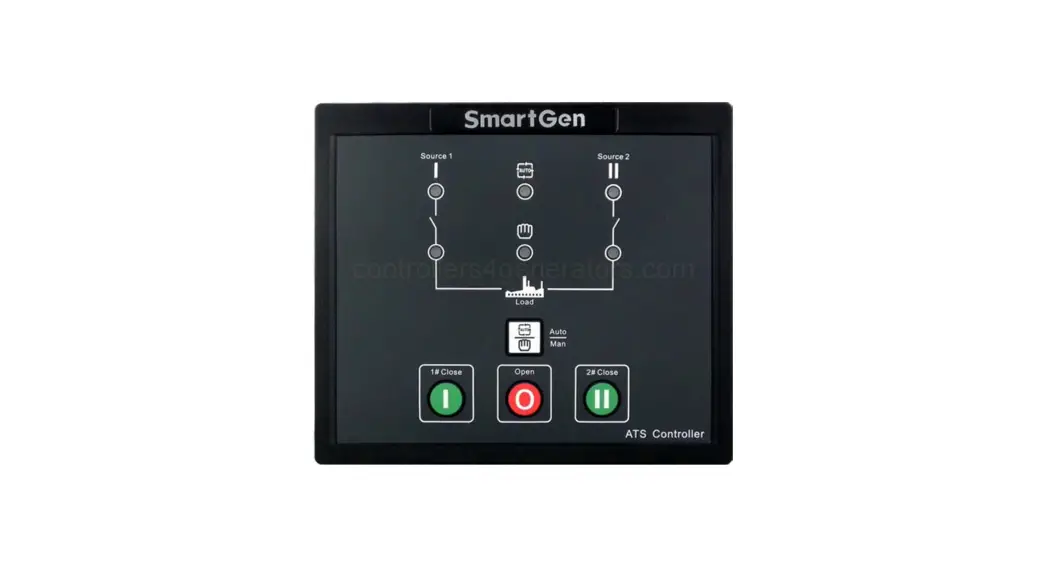
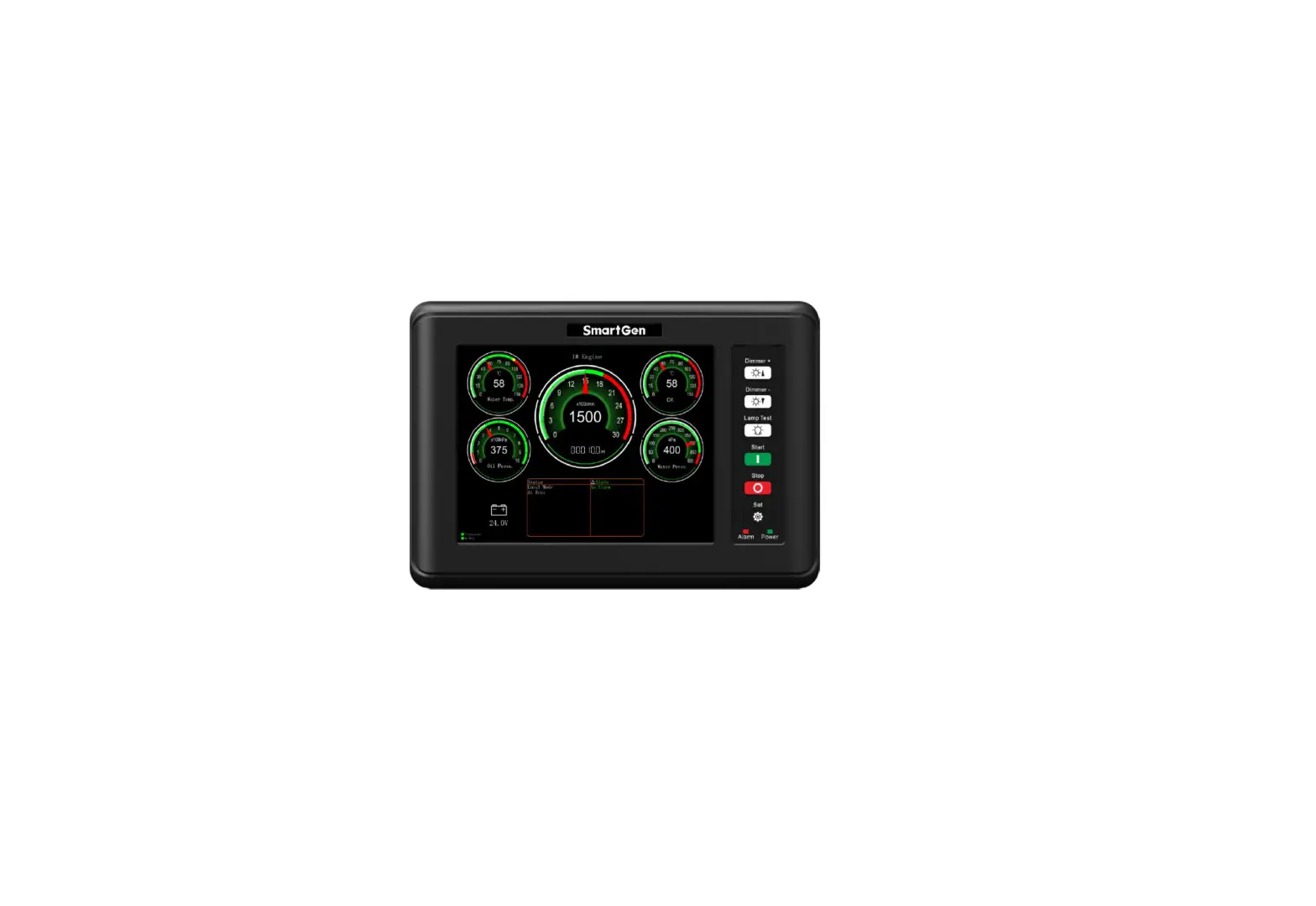
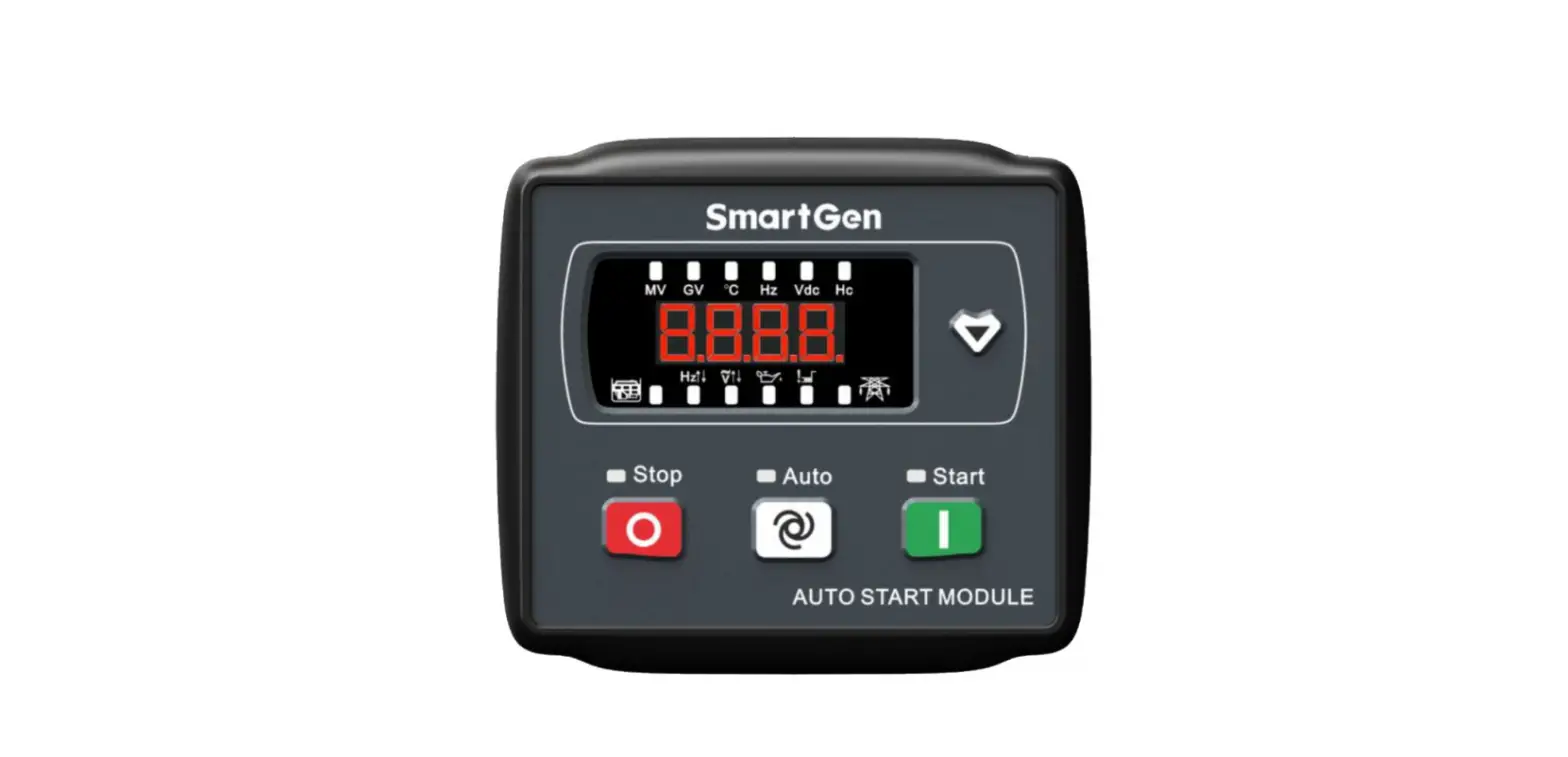
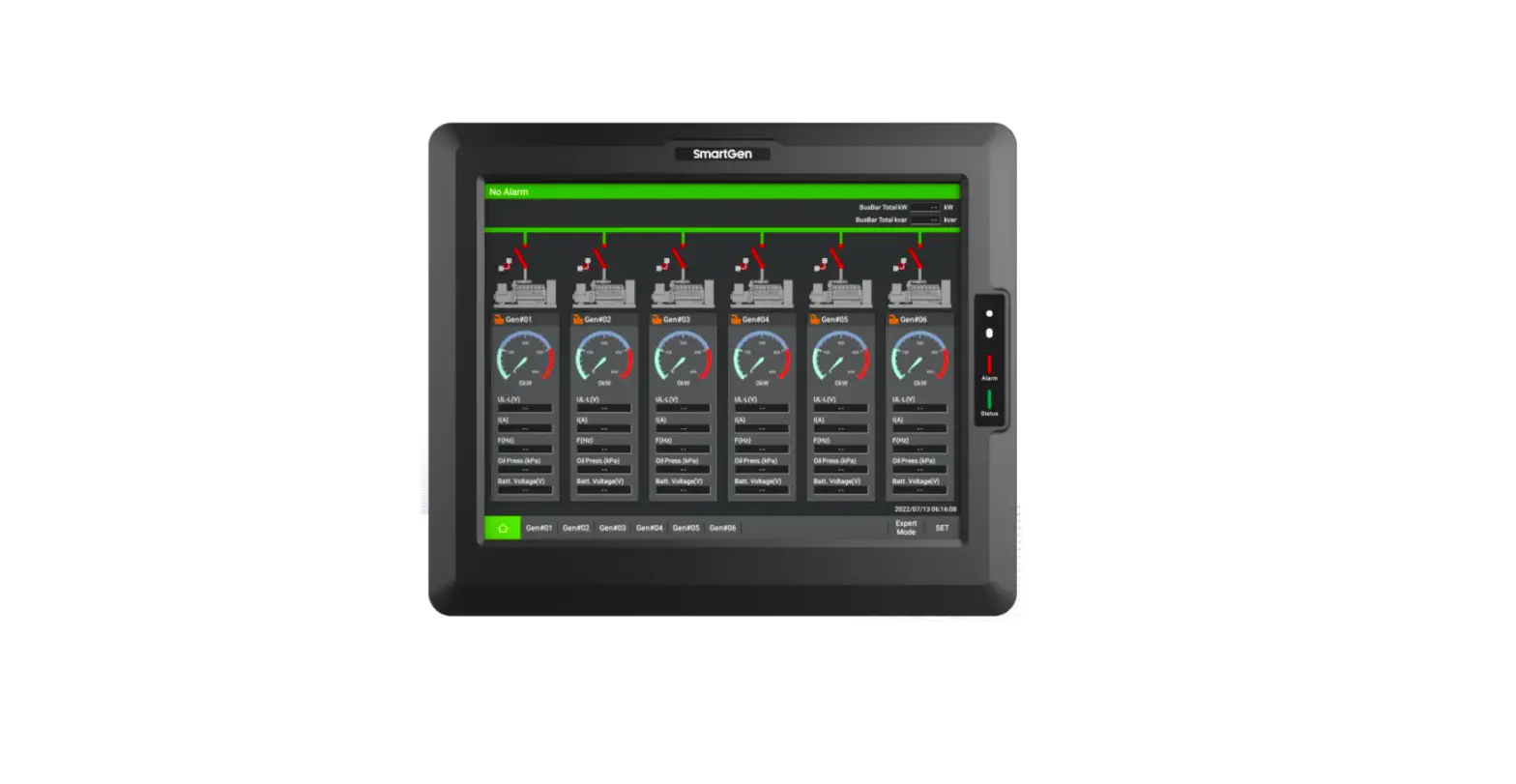
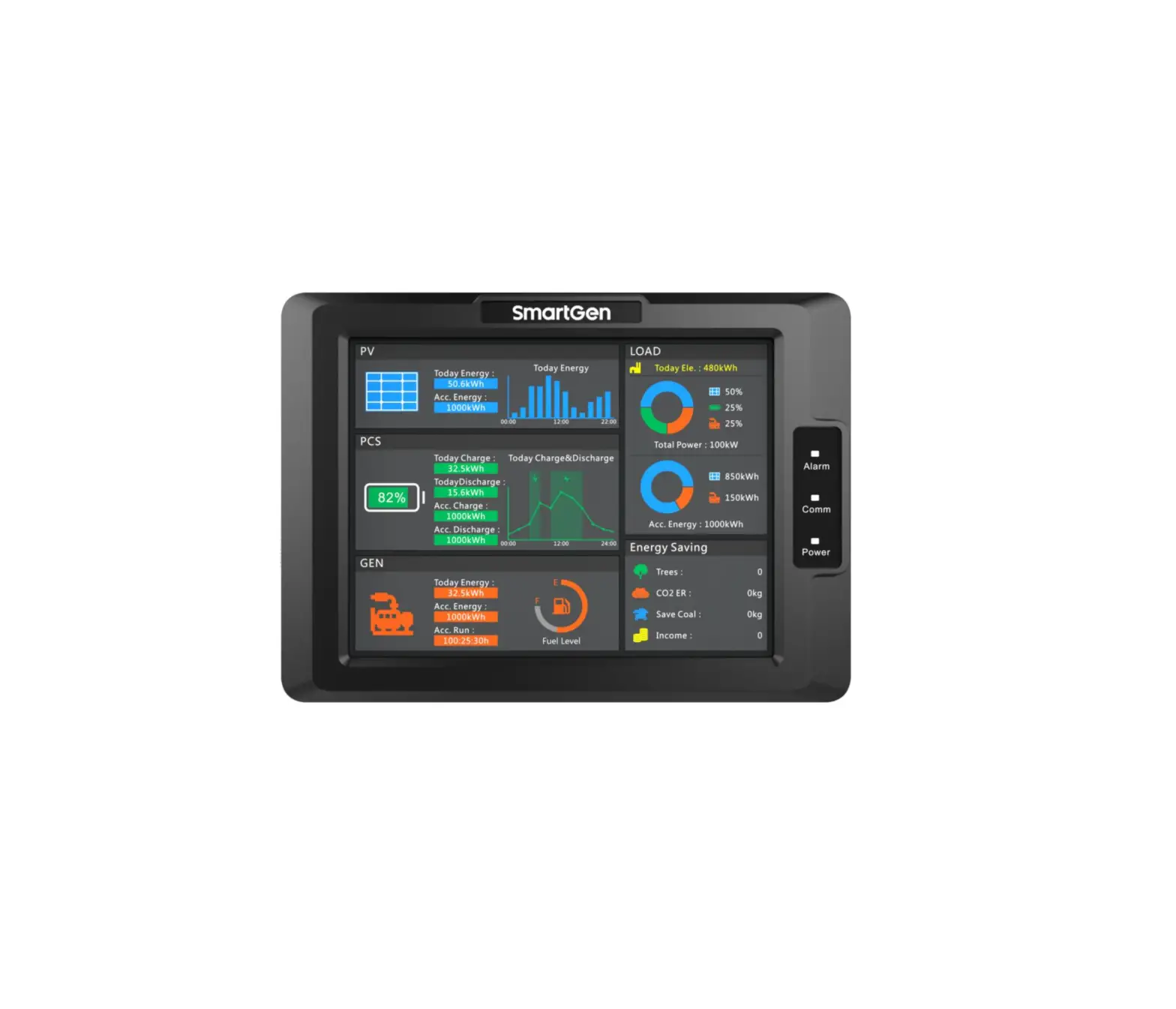
HAT600N Series ATS Controller
Product Information
HAT600N SERIES (HAT600N/HAT600NI/HAT600NB/HAT600NBI) ATS
CONTROLLER
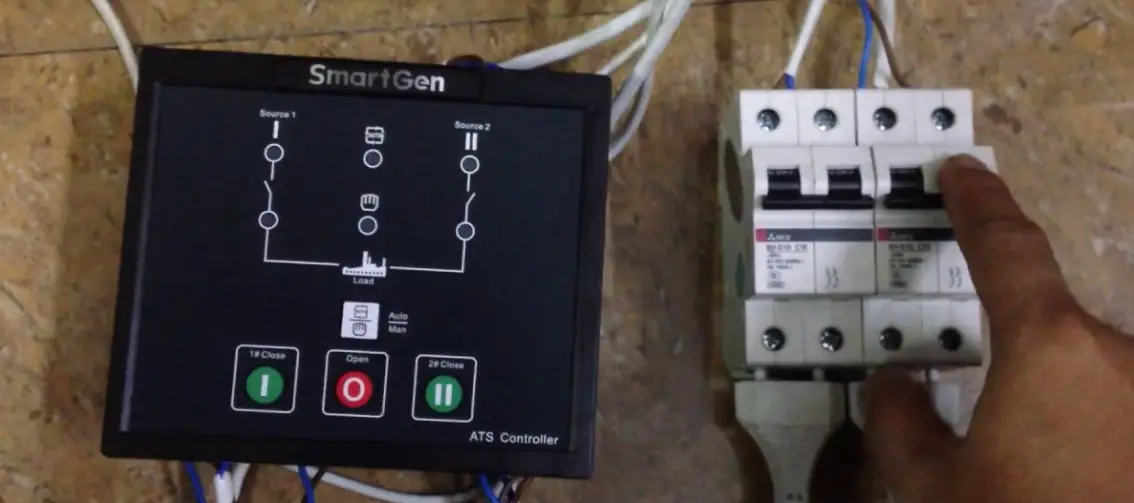
The HAT600N Series is an ATS (Automatic Transfer Switch)
Controller manufactured by SmartGen Technology Co., Ltd. It is
designed to make your generator smart and is available in four
different models: HAT600N, HAT600NI, HAT600NB, and HAT600NBI.
SmartGen Technology Co., Ltd. is a Chinese company located at
No.28 Jinsuo Road, Zhengzhou, Henan Province, China. They can be
contacted via telephone at +86-371-67988888/67981888/67992951 or
+86-371-67981000 (overseas), fax at +86-371-67992952, and email at
[email protected]. More information can be found on their website
at www.smartgen.com.cn or
www.smartgen.cn.
Product Usage Instructions
Table of Contents
- Overview
- Performance and Characteristics
- Specification
- Operating
- LCD Display
- Commissioning
- Parameters Configuration
- Event Log
- Timing Start
- Date and Time Setting
- Language Setting
- Controller Information
- ATS Operation
- Communication Configuration and Connection
- Description of Connecting Terminals
- Typical Wiring Diagram
Please refer to the corresponding sections in the user manual
for detailed instructions on each topic mentioned in the table of
contents.
HAT600N SERIES (HAT600N/HAT600NI/HAT600NB/HAT600NBI)
ATS CONTROLLER
USER MANUAL
Chinese trademark
English trademark SmartGen — make your generator smart SmartGen Technology Co., Ltd.
No.28 Jinsuo Road, Zhengzhou, Henan Province, China Tel: +86-371-67988888/67981888/67992951
+86-371-67981000(overseas) Fax: +86-371-67992952 Email: [email protected] Web: www.smartgen.com.cn
www.smartgen.cn
All rights reserved. No part of this publication may be reproduced in any material form (including photocopying or storing in any medium by electronic means or other) without the written permission of the copyright holder. Applications for the copyright holder’s written permission to reproduce any part of this publication should be addressed to Smartgen Technology at the address above. Any reference to trademarked product names used within this publication is owned by their respective companies. SmartGen Technology reserves the right to change the contents of this document without prior notice.
Date 2017-04-06 2019-09-05 2020-05-12 2020-12-16
2021-08-05
2022-05-31
Version 1.0 1.1 1.3 1.4
1.5
1.6
Table 1 Software Version
Note Original release. Added communication function description in parameter settings. Fixed current terminal number of breaker application diagram and optimized the diagram. Modified the event log record number. 1. Added the torque requirement for fixing clips below the installation dimension drawing; 2. Changed the font to “Roboto” Updated the figures of back panel and case dimensions, updated the logo of SmartGen.
CONTENT
1.
OVERVIEW …………………………………………………………………………………………………………………………..4
2.
PERFORMANCE AND CHARACTERISTICS ……………………………………………………………………………..4
3.
SPECIFICATION ……………………………………………………………………………………………………………………5
4.
OPERATING …………………………………………………………………………………………………………………………6
5.
LCD DISPLAY……………………………………………………………………………………………………………………….7
6.
COMMISSIONING …………………………………………………………………………………………………………………9
7.
PARAMETERS CONFIGURATION ……………………………………………………………………………………….. 10
8.
EVENT LOG………………………………………………………………………………………………………………………. 15
9.
TIMING START …………………………………………………………………………………………………………………. 16
10. DATE AND TIME SETTING…………………………………………………………………………………………………. 16
11. LANGUAGE SETTING ………………………………………………………………………………………………………… 16
12. CONTROLLER INFORMATION ……………………………………………………………………………………………. 17
13. ATS OPERATION ………………………………………………………………………………………………………………. 18
14. COMMUNICATION CONFIGURATION AND CONNECTION …………………………………………………… 19
15. DESCRIPTION OF CONNECTING TERMINALS …………………………………………………………………….. 19
16. TYPICAL WIRING DIAGRAM ………………………………………………………………………………………………. 21
17. INSTALLATION…………………………………………………………………………………………………………………. 24
18. FAULT FINDING………………………………………………………………………………………………………………… 25
HAT600N Series ATS Controller User Manual
Page 3 of 25
1. OVERVIEW
HAT600N series ATS controller is an intelligent dual-supply module with programmable function, automatic measurement, LCD display, and digital communication. It combines digitalization, intelligence and network together. Measurement and control process are automated, which greatly reduces hand operation mistakes. It is an ideal option for ATS.
HAT600N series ATS controller is made of microprocessor as its core, which can accurately detect 2-way-3-phase voltage and also make accurate judgment for abnormal voltage (over voltage, under voltage, loss of phase, over frequency, under frequency) and output passive control signal. This controller has full consideration in various applications of ATS (automatic transfer system), which can be directly used for Intelligent ATS, Contactor ATS, Circuit Break ATS etc. It have compact structure, advanced circuits, simple wiring and high reliability, can be widely used in electric power, telecommunications, petroleum, coal, metallurgy, railways, municipal administration, intelligent building, electrical devices, automatic control and testing system etc.
2. PERFORMANCE AND CHARACTERISTICS
1) System type can be set to: Mains (1#) & Mains (2#), Mains (1#) & Generator (2#), Generator (1#) & Mains (2#), Generator (1#) & Generator (2#).
2) Backlit 128×64 LCD, optional Chinese and English display, push-button operation. 3) Collect and display 2-way 3 phase Voltage and Frequency:
1# Line-Line voltage (Uab, Ubc, Uca) Phase voltage (Ua, Ub, Uc) Frequency (F1)
2# Line-Line voltage (Uab, Ubc, Uca) Phase voltage (Ua, Ub, Uc)
Frequency (F2)
4) Collect and display load active power, apparent power, power factor and 3 phase current. 5) Over current alarm function. 6) Over/under voltage, loss of phase, reverse phase sequence, over/under frequency protection. 7) Automatic/Manual mode transfer; In manual mode, switch can be forced to close or open; 8) All parameters can be set on site. Two level passwords ensure authorized staff operation only. 9) During genset testing ATS controller can be set to either in On-load or Off-load mode. 10) ATS Controller has function of automatic Re-closing. 11) Closing output signal can be set as on intervals or as continuous output. 12) Applicable for ATS of one neutral position, two neutral position and change over. 13) Applicable for 2 isolated neutral line for Generator and Mains. 14) Real-time clock (RTC). 15) Event log can record 50 items circularly. 16) Timely schedule can be set on monthly or weekly basis and trial can be set as with on- load or off
-load. 17) Can control two generators to work in a cycle, even the genset running time and crank rest time
can be set. 18) Widely range of DC power supply (8V to 35V). Max.80V DC input can be endured in an instant, or be
supplied via HWS560 module (input AC 85V~560V, output DC 12V). 19) Wide space between connecting terminals of AC input. Max.625V input voltage. 20) With standard isolated RS485 communication interface. With “remote controlling, remote
measuring, remote communication” function by the ModBus communication protocol. 21) Can check the current status of controller (including switch digital input, over Voltage, and under
Voltage etc.). 22) Suitable for various AC systems (3 phase 4-wires, 3-phase 3-wires, single-phase 2-wire, and
2-phase 3-wire). 23) Modular design, flame-resisting ABS plastic shell, plug-in terminals and embedded installation.
Compact structure with easy installation.
HAT600N Series ATS Controller User Manual
Page 4 of 25
Type HAT600N HAT600NI HAT600NB HAT600NBI
Table 2 HAT600N Series Controller Models and Main Functions
DC Power Supply
AC Power Supply × ×
(LN220V) (LN220V)
AC Current and Power × ×
3. SPECIFICATION
Table 3 Technical Parameters
Items Operating Voltage Power Consumption
AC Voltage Input
Contents
DC 8.0V~35.0V, continuous power supply.
HTS220/HWS560 power supply (without battery supply).
AC160V~280V (HAT600NB/HAT600NBI) during AC power L1N1/L2N2 supply.
<3W (Standby mode: 2W)
AC system
HAT600N/HAT600NI HAT600NB/HAT600NBI
3P4W (L-L)
(80~625)V
(80~480)V
3P3W (L-L)
(80~625)V
Not used
1P2W (L-N)
(50~360)V
(50~280)V
2P3W (A-B)
(80~625)V
(80~480)V
Rated Frequency Close / Open Trip Relay Output Programmable Relay Output Digital Input Communication Dimensions Panel Cutout Operating Temp. Range Storage Condition Protection Rank
Insulation Strength
Weight
50/60Hz
16A AC250V Free Voltage relay output
16A/7A AC250V Free Voltage relay output
Connecting to GND RS485 isolated interface, ModBus Protocol 209mmx153mmx55mm 186mm x 141mm
Temperature: (-25~+70)°C; Humidity: (20~93)%RH
Temperature: (-25~+70)°C IP55: when waterproof gasket is installed between enclosure and control screen. Apply AC2.2kV voltage between high voltage terminal and low voltage terminal and the leakage current is not more than 3mA within 1min. 0.8kg(HAT600N,HAT600NI)/1.0kg(HAT600NB/HAT600NBI)
HAT600N Series ATS Controller User Manual
Page 5 of 25
4. OPERATING 4.1 OPERATION PANEL
Fig. 1 Operation Panel 4.2 KEY FUNCTION DESCRIPTION
Table 4 Key Function Description
Icon
Keys
1# Close
Open
2# Close
Manual
Automatic
Test
Menu / Confirm
Scroll Screen /Increase
Description
In Manual mode, switch on 1# power to load.
In Manual mode, switch off 1# or 2# power to off-load.
In Manual mode, switch on 2# power to load.
Press and controller enters into Manual mode.
Press and controller enters into AUTO mode.
Pressing this key can directly enter commissioning interface. Press the key to enter menu interface; pressing and holding it to return to the main menu interface. When an alarm occurs, pressing and holding the key can remove alarm. Scroll the screen. In parameter editing, pressing this key can increase values.
HAT600N Series ATS Controller User Manual
Page 6 of 25
5. LCD DISPLAY
5.1 MAIN SCREEN
U1(L-L) 380 380 380V U2(L-L) 380 380 380V F1 50.0Hz F2 50.0Hz Present Status: MANUAL
This screen shows: line-line voltage (L1-L2, L2-L3, and L3-L1), frequency and controller’s present working mode.
U1(L-N) 219 219 219V U2(L-N) 219 219 219V AMP 500 500 500A Present Status: MANUAL
This screen shows: 1# and 2# 3 phase Voltage (L-N), 3 phase current with load and controller status.
PWR 329kW PF 1.00 PS 329kVA 2010-06-10 (4) 20:25:36 Present Status: MANUAL
This screen shows: total active power, total apparent power, power factor and real-time clock and controller working status.
1# Volt normal 2# Volt normal Gens Start signal Output Gens starting
First line: 1# operating state of power supply. Second line: 2# operating state of power supply. Third line: other operating states. Fourth line: alarm type and information.
Table 5 Display of #1 Status (upper to lower)
No.
Item
1 1# Gens Alarm
2 1# Fail to Close
3 1# Fail to Open
4 1# Over Voltage 5 1# Miss Phase 6 1# Over Freq
7 1# Under Freq
8 1# Under Volt
9 1# reverse phase 10 1# Volt Normal
Type Alarm Alarm
Alarm
Indication Indication Indication
Indication
Indication Warning Indication
Description When 1# genset occur failure, this will display. When 1# breaker occur closing failure, this will display. When 1# breaker occur opening failure, this will display. When 1# power supply voltage is higher than the setting value, this will display. Loss of any phase of A, B and C. When 1# power supply frequency is higher than the setting value, this will display. When 1# power supply frequency is lower than the setting value, this will display. When 1# power supply voltage is lower than the setting value, this will display. Phase sequence is not A-B-C. 1# source voltage is within the setting range.
HAT600N Series ATS Controller User Manual
Page 7 of 25
Table 6 Display Priority of #2 Status (upper to lower)
No.
Item
1 2# Gens Alarm
2 2# Fail to Close
3 2# Fail to Open
4 2# Over Volt 5 2# Miss Phase 6 2# Over Freq
7 2# Under Freq
8 2# Under Volt
9 2# reverse phase 10 2# Volt Normal
Type Alarm Alarm
Alarm
Indication Indication Indication
Indication
Indication Warning Indication
Description When 2# genset occur failure, this will display. When 2# breaker occur closing failure, this will display. When 2# breaker occur opening failure, this will display. When 2# power supply voltage is higher than the setting value, this will display. Loss of any phase of A, B and C. When 2# power supply frequency is higher than the setting value, this will display. When 2# power supply frequency is lower than the setting value, this will display. When 2# power supply voltage is lower than the setting value, this will display. Phase sequence is not A-B-C. 2# source voltage is within the setting range.
Table 7 Display Status of Other Items(upper to lower)
No.
Item
1 Trip alarm
2 Breaking compulsorily
3 Overload
4 Gens Start Output 5 Remote start input Remark:
Type Alarm Warning
Warning
Indication Indication
Description Trip alarm input is active. Breaking compulsorily input is active. Load current is over the setting limit and exceed the setting delay. Display that engine has been started. This input is active when start the genset circularly.
Alarm: when alarm occurs, indicators will flash and this alarm signal won’t be cut until it is reset by long pressing . Warning: when warning occurs, alarm indicator will flash while extinguish when warning alarm is inactive.
5.2 MAIN MENU INTERFACE
In the main screen, press key, and enter the main menu interface.
1. Parameters set 2. History record
3. Time start 4. Date & Time Set
3. Time start 4. Date & Time Set 5. Language 6. Information
Press
key to choose parameters (the
current line was highlighted with black) and then
press
key to confirm, and enter the
corresponding display screen.
HAT600N Series ATS Controller User Manual
Page 8 of 25
6. COMMISSIONING
In the main screen, press
1 Exit 2 Stop to Test 3 Test Off-Load 4 Test On-Load 5 Cycle start
to enter into the operation interface and the screen will show as below:
Press key to select corresponding function, and press key to confirm.
TEST OFF-LOAD: It will send out a start signal immediately. After generator is normal, if mains is normal, the ATS will not act. The ATS will transfer the load to generator only when mains is abnormal. After mains return to normal, the ATS will transfer the load to mains. Here the start generator signal output will keep.
TEST ON-LOAD: It will send out a start generator signal immediately. After generator voltage is normal, the ATS will transfer the load to gens immediately regardless the main is normal or not.
STOP TO TEST: The start generator signal will turn off after pressing this key immediately.
CYCLE START: When this mode is active, generator start-signal will cyclic output according to mains status. The cyclic time can be set by users. If generator fault occurs, start-signal won’t be sent out any more by controller. If in manual mode, controller will keep the current status and cancel cycle start function.
Conditions and procedures for cycle start mode:
1) In automatic mode.
2) Output setting: 1# engine start output (N/O Output) and 2 # engine start output (N/O Output).
3) Input setting: 1# generator fault input, 2# generator fault input and remote start input.
4) Option of <Cycle run times> and <Cycle shutdown times> should be programmed and run.
5) Set the system type as 1# Gens & 2# Gens.
6) Set the proper <generator start delay> time. Remark: In manual mode, after choosing commissioning stage, generator will output start-signal immediately, but the
ATS will not transfer to load automatically except for operation manually by pressing key on the front panel.
HAT600N Series ATS Controller User Manual
Page 9 of 25
7. PARAMETERS CONFIGURATION
7.1 PARAMETER SET DESCRIPTION
In the main interface, press password interface.
key, choose 1.Parameters setting and then press
key, to enter the
Input password value 0-9 by key, and shift Right by key. Press the again to confirm the password when four number is OK. If password is correct, it will enter into the parameter main interface. If it is wrong, it will directly exit and return to main interface. Factory Default Password is 1234.
Press to shift to next position and set the parameters. Under current parameter set screen, press
and enter current parameter set mode. Current value of the first line screen display was highlighted
with black. Press key to change the value and press key to shift position. Press key again to confirm the settings. If the value number is within the setting range, the value will be saved into the internal memory of the controller; If it is beyond the range, then the parameter settings will not be saved.
Long time pressing will go back to the main display screen.
7.2 PARAMETER CONFIGURATION TABLE
Table 8 Parameter Configuration Item Table
No.
Item
Range
01 1# Normal Delay (0-9999)s
02
1# Delay
Abnormal
(0-9999)s
03 2# Normal Delay (0-9999)s
04
2# Delay
Abnormal
(0-9999)s
05 Close Breaker (0-20)s
06 Open Breaker (1-20)s
07 Transfer Interval (0-9999)s
08 Exceed Transfer (0-20.0)s
09
Again Close Time
(0-20.0)s
10
Again Open Time
(0-20.0)s
11 Start Delay
(0-9999)s
12 Stop Delay
(0-9999)s
Default 10 5 10 5 5 5 1 0.0
1.0
1.0
1
5
Description It is the delay of 1# power from voltage abnormal to voltage normal. It is the delay of 1# power from voltage normal to voltage abnormal. It is the delay of 2# power from voltage abnormal to voltage normal. It is the delay of 2# power from voltage normal to voltage abnormal. Closing relay output pulse. If set as zero, it is continuous output. Opening relay output pulse. It is the delay from 1# power open to 2# power close or from 2# power open to 1# power close. When module receives a closing signal, closing relay output. When the breaker fail to close for the first time, the module will open breaker, and then attempt to close for the second time, if still failed to close the second time, the module will send out closing breaker failure signal. When the breaker fail to open for the first time, the module will close breaker, and then attempt to open for the second time, if still failed to close the second time, the module will send out opening breaker failure signal. When voltage is abnormal, start delay begins and starting signal is initiated. In cycle start, starting signal is initiated, delay begins. After delay ends, if voltage abnormal, send fault alarm and start another genset. Start delay should be higher than total starting time, minimum 30 seconds. It is the delay from #1 power is normal to send out stop generator signal.
HAT600N Series ATS Controller User Manual
Page 10 of 25
No.
Item
Range Default
Description
13 Cycle Run Time (1-1440)min 720
Gens cycle start run time.
14 Cycle Stop Time (1-1440)min 720
Gens cycle stop time.
15 Rated Volt
(100-600)V 230
AC system rated voltage.
The settings are used to configure the power over
16 Over Voltage
(100-150)% 120
voltage point in the event of the voltage rising above the setting value. This value can be adjusted
to suit user requirements.
17
Over Voltage Return
(100-150)% 115
Normal return value of over voltage.
The settings are used to configure the power under
18 Under voltage (50-100)% 80
voltage point in the event of the voltage falling
below the setting value.
19
Under Voltage Return
(50-100)% 85
Normal return value of under voltage.
20 Over Frequency (0.0-75.0)Hz 55.0
When the frequency is over the point, over frequency is active.
21
Over Frequency Return
(0.0-75.0)Hz
52.0
Normal return value of over frequency.
22 Under Frequency (0.0-75.0)Hz 45.0
When the frequency is under the point, low frequency is active.
23
Under Frequency Return
(0.0-75.0)Hz
48.0
Normal return value of over frequency.
24 CT Ratio
(5-65000)/5 500
Current Transformer ratio.
25
Rated Load Current
(5-6000)A 500
Load rated current.
26
Over Current Value
(50-150)% 120
Load over current value.
27
Over Current Delay
(0-9999)s 1296 Over current alarm delay
28 Module Address (1-254)
1
RS485 communication address
29 Password
1234 It applies to modify parameters.
1.1# Mains 2# Gens
30 System Type
(1-4)
1
2.1# Gens 2# Mains 3.1# Mains 2# Mains
4.1# Gens 2# Gens
1) two OFF position;
31 Off Position
(1-3)
1
2) one OFF position;
3) no OFF position
1. 3-phase 4 wires
32 AC System
(1-4)
1
2. 3-phase 3 wires 3. Single phase 2 wire
4. 2-phase 3 wires
1. 1# Priority;
33 Priority Select (1-3)
1
2. 2# Priority;
3. No Priority
34 Aux. Output 1 (1-28)
25
1 Not used
35 Aux. Output 2 (1-28)
28
2 Critical failure
36 Aux. Output 3 37 Aux. Output 4
(1-28) (1-28)
13
3 Fail of Transfer
16
4 Warning output
5 Alarm output(delay)
6 1# Normal volt
38 Aux. Output 5 (1-28)
18
7 1# Abnormal volt 8 2# Normal volt
9 2# Abnormal volt
10 Overcurrent output
HAT600N Series ATS Controller User Manual
Page 11 of 25
No.
Item
Range
39 Aux. Input 1 40 Aux. Input 2 41 Aux. Input 3
(1-14) (1-14) (1-14)
42 Aux. Input 4
(1-14)
43
Communication Set
(1-4)
Default
02 01 01 01 1
Description 11 Auto state output 12 Manual state output 13 Gens Start(N/O) 14 Gens Start(N/C) 15 1# Shut output 16 1# Break Off output 17 2# Shut output 18 2# Break Off output 19 Common Alarm output 20 Time Test Gen Start 21 Shut state 22 2# Shut state 23 1# Gens Start(N/O) 24 2# Gens Start(N/O) 25 ATS Power L1 26 ATS Power L2 27 ATS Power L3 28 ATS Power N 01.Not used 02.Breaking compulsorily 03.Test off-load 04.Test on-load 05. Test Lamp 06. 1# Gens Alarm 07. 2# Gens Alarm 08. Remote start 09. Trip alarm 10. Reserved 11. Reserved 12. Reserved 13. Reserved 14. Reserved 1.Enable COM Adj/Ctrl 2. Disable COM Control 3. Disable COM Adjustment 4. Disable COM Adj/Ctrl
HAT600N Series ATS Controller User Manual
Page 12 of 25
7.3 INPUT/OUTPUT FUNCTION DESCRIPTION
Table 9 Input Port Function Description
Item 01 Not used
02 Breaking compulsorily
03 Test Off-load
04 Test On-Load
05 Test lamp
06 1# Gens Alarm 07 2# Gens Alarm 08 Remote start 09 Trip alarm 10 Reserved 11 Reserved 12 Reserved 13 Reserved 14 Reserved
Description Invalid. When active, this will force the breaker to transfer the ATS to OFF position. “None OFF position” ATS is unavailable When active, controller will send a genset start signal immediately. When mains is normal, gens will not close the breaker. When active, controller will send genset start signals immediately. When gens is normal, gens will close the breaker. When active, all Led lights on the front panel of the controller will be bright and the background of the LCD will be black in color. In Cycle start, if the input is active, 1# Gens will not start In Cycle start, if the input is active, 2# Gens will not start This input is necessary for cycle start generator.
HAT600N Series ATS Controller User Manual
Page 13 of 25
Item 01. Not used 02. Critical failure
03.Fail of transfer
04. Warning output
05. Alarm output (delay) 06. 1# Normal volt 07. 1# Abnormal volt 08. 2# Normal volt 09. 2# Abnormal volt 10. Over current output 11. Auto state output 12. Manual state output 13. Gens start (NO) 14. Gens start (NC) 15. 1# close output
16. 1# open output
17. 2# close output 18. 2# open output 19. Common alarm output 20. Timing Start Gen 21. 1# Shut state 22. 2# Shut state 23. 1#Gens start (NO) 24. 2#Gens start (NO) 25. ATS power L1 26. ATS power L2 27. ATS power L3 28. ATS power N
Table 10 Output Port Function Descriptions
Description Invalid. Switch transfer failure also belongs to the critical failure alarm. 1# closed failure, 1# open failure, 2# closed failure, and 2# open failure also belongs to the fail to transfer. 1# reverse phase sequence; 2# reverse phase sequence, and load over current and compulsory belongs to general warning output. When there is Serious fault then it will alarm for 60sec. It will output when 1# voltage is normal. It will output when 1# voltage is abnormal. It will output when 2# voltages is normal. It will output when 2# voltages is abnormal. It will output when loaded current exceeds the limit. In will show output in automatic mode. In will show output in manual mode. When generator starts output (Relay closed). When generator starts output (Relay released). 1# Switch ON signal output. 1# Switch OFF signal output, for one breaking position breaks off output. 2# Switch ON signal output. 2# Switch OFF signal output. It is include serious fault alarm and common alarm. Schedulers start generator function. 1# Switch auxiliary shutdown output. 2# Switch auxiliary shutdown output. 1# Gens start output. 2# Gens start output.
ATS power supply.
HAT600N Series ATS Controller User Manual
Page 14 of 25
8. EVENT LOG
In the main screen, press key and select 2 Event log, and then press the event log interface as below:
1# Shut 1# Volt normal 2# Under Volt 2010-02-18 21:15:07 1/99
key, the screen will show
Press key to select the corresponding record, and press interface.
key to enter into detailed information
In the detailed information interface, press key and it can display the record information circularly, including the temporal voltage of #1 and #2, detailed voltage, current, frequency and date and time.
Press and it will exit the current interface, while pressing screen.
for a long time will return to main
1# Close 1# Volt normal 2# Below Volt 2010-02-18 21:15:07
1# Close U1(L-N) 220 220 220V U2(L-N) 0 100 220V 2010-02-18 21:15:07 1/99
1# Close AMP 501 502 503A F1 50.0Hz F2 50.1Hz 2010-02-18 21:15:07 1/99
Event log includesrecord type, 1# power supply status, 2# power supply status, 1# 3-phase voltage, 2# 3-phase voltage, 3-phase current, 1# frequency, 2# frequency and time-to-event etc.
Table 11 Event Log Type
NO.
Type
1 1# Close
2 2# Close
3 1# Fail to Close
4 2# Fail to Close
5 1# Fail to Open
6 2# Fail to Open
7 Trip alarm
8 Breaking compulsorily
Description 1# close signal output 2# close signal output 1# power supply can not connect to load. 2# power supply can not connect to load. 1# power supply can not disconnect to load. 2# power supply can not disconnect to load. The input is active. Breaking compulsorily input is active.
HAT600N Series ATS Controller User Manual
Page 15 of 25
9. TIMING START
In the main screen, press key and select 3 Time start, and then press show the time start interface as below:
1 Exit 2 Timing start cyc 3 Load set 4 Start time 5 Continue time
key, the screen will
Time start cycle: includes inhibit start; single time, weekly or monthly. Load set: Starting generator with load or without load. Start time: Generator start date and time. Continue time: Generator continuously run time can be set on the duration of maximum time for 99 hours 59 minutes.
10. DATE AND TIME SETTING
In the main screen, press key and select 4 Date & Time set, and then press show the Date & Time Set interface as below:
Date& Time Set
key, the screen will
10-06-25 (2) 10:00
Press key and input corresponding bit values 0-9, press key and make bit shift to right. At the last bit press key, so date and time can be updated. Date and time format set: year-month-date (week) and hour: minute.
11. LANGUAGE SETTING
In the main screen, press key and select 5 Language, press again to enter into language setting interface and the screen will show the language interface as follow:
1Simplified Chinese 2English
Press to select the language and press to confirm the setting. Language optionSimplified Chinese/ English
HAT600N Series ATS Controller User Manual
Page 16 of 25
12. CONTROLLER INFORMATION
In the main screen, press key and select 6 Controller information, and then press screen will show the controller information interface as follow:
key, the
Information One OFF Position 1# Priority Ver1.0 2009-10-11
Display contents include off positions setting and switching priority choice and controller version, date. Long press key and it will exit and return to main screen.
HAT600N Series ATS Controller User Manual
Page 17 of 25
13. ATS OPERATION
13.1 MANUAL OPERATION
Press key and manual operation indicator goes light, and the manual mode is active.
1) Press , 1# close relay outputs immediately, if 1# closing input is active, its indicator lights, and
the 1# source connect to load.
2) Press , 2# close relay outputs immediately, if 2# closing input is active, its indicator lights, and
the 2# source connect to load.
3) Press , 1# or 2# open relay outputs immediately, if 1# or 2# closing input is inactive, the
indicators is black, the 1# or 2# power disconnect with load.
Remark: For the ATS of no OFF position, pressing
key is invalid.
13.2 AUTOMATIC OPERATION
Press and the automatic LED will light. Controller enters AUTO mode and can automatically switch load to 1# or 2#.
13.3 ATS POWER SUPPLY
The power of ATS is smartly controlled by controller. As long as one power is normal, it can ensure ATS voltage power supply normally and can be transferred properly.
Users should select power supply voltage (phase voltage or line voltage) based on ATS type. If phase voltage is chosen, connect the phase voltages (e.g. A phase) of #1 and #2 separately to N/C Pin 5 and N/O Pin 7 of auxiliary output 1; and connect N phases of #1 and #2 separately to N/C Pin8 and N/O Pin10 of auxiliary output 2. And then connect the common output of auxiliary output1&2 to ATS power supply. Power on the controller, and enter the parameters set page. Set aux. output 1 to “ATS power L1” and set output 2 to “ATS power N”. If the ATS power is supplied by Line Voltage, setting way is the same as above, and it only needs to change phase N to phase voltage. Aux. output 2 also needs to be changed based on the settings. Wiring diagrams are shown as below:
ATS L-N voltage power supply
ATS L-L voltage power supply
Note: Normally Close (NC) input voltage must come from 1# voltage.
HAT600N Series ATS Controller User Manual
Page 18 of 25
14. COMMUNICATION CONFIGURATION AND CONNECTION
HAT600N series controller has RS485 serial port, which can connect the local area network openly. It uses Modbus protocol via PC or system software. It can also be applicable to dual power switching management for factories, telecom, industrial and civil buildings, achieving “remote control, remote measuring, remote communication” functions.
More information about communication protocol, please refer to HAT600 Communication Protocol.
Communication parameters:
Module address 1 (range: 1-254, User can set.)
Baud rate
9600 bps
Data bit
8bit
Parity bit
None
Stop bit
1 bit or 2bits(set via PC)
15. DESCRIPTION OF CONNECTING TERMINALS
Fig. 2 Connecting Terminal Description
HAT600N Series ATS Controller User Manual
Page 19 of 25
Table 12 Functional Description of Input/Output Ports
Pin
Items
1 2
1# close output
3 4
2# close output
5
6 Aux. output 1
7
8
9 Aux. output 2
10
11 A1
12 B1
13 C1
14 N1
15 A2
16 B2
17 C2
18 N2
19 B-
20 B+
21 1# close input
22 2# close input
23 Aux. input 1
24 Aux. input 2
25 Aux. input 3
26 Aux. input 4
27 28
Aux. output 3
29 30
Aux. output 4
31 32
Aux. output 5
33 RS485 A+
34 RS485 B-
35 RS485 GND
36 IA Input
37 IA Output
38 IB Input
39 IB Output
40 IC Input
41 IC Output
LCD Contrast
LCD Display
LINK Programming port
Description Volt-free relay contact output
Notes 250V16A(relay capacity)
Volt-free relay contact output
250V16A(relay capacity)
NC Common NO NC Common NO
Default: ATS power Volt-free relay contact output:
of L1 output.
250V16A
Default: ATS power Volt-free relay contact output:
of N output.
250V16A
1# AC 3-phase 4 wire voltage input
For single phase, only connect A1, N1
2# AC 3-phase 4 wire voltage input
For single phase, only connect A2, N2
Connect battery negative To start engine, connect the terminal to battery positive Detection of 1# switch closing state, voltage free contact input Detection of 2# switch closing state, voltage free contact input
DC negative input DC positive input controller power supply
connect GND
connect GND
(8-35)V
connect GND
Voltage free relay contact output Voltage free relay contact output Voltage free relay contact output
250V7A 250V7A 250V7A
RS485 communication port
Sensing from Secondary phase A
current
Sensing from Secondary phase B Only
suitable
for
current
HAT600NI/HAT600NBI
Sensing from Secondary phase C
current join
Adjust the LCD contrast
Factory update
HAT600N Series ATS Controller User Manual
Page 20 of 25
16. TYPICAL WIRING DIAGRAM Fig. 3 ATYS3 Wiring Diagram
Fig. 4 SGQ-N/T Wiring Diagram HAT600N Series ATS Controller User Manual
Page 21 of 25
Fig. 5 SGQ-M Wiring Diagram
Fig. 6 VITZRO Wiring Diagram HAT600N Series ATS Controller User Manual
Page 22 of 25
Fig. 7 Contactor Wiring Diagram
Fig. 8 ATYSM3S Wiring Diagram HAT600N Series ATS Controller User Manual
Page 23 of 25
Fig. 9 Breaker Wiring Diagram
Remark: all above are application diagrams of HAT600N series ATS controllers. However, HAT600N and HAT600NB have no current sample input, please skip over the current part of the diagram.
17. INSTALLATION
Unit: mm
Fig. 10 Case Dimension and Cutout Size Note: The torque of 0.27N·m (2.75kgf·cm) is recommended.
HAT600N Series ATS Controller User Manual
Page 24 of 25
18. FAULT FINDING
Table 13 Fault Finding
Fault Symptom
Possible Remedy
Controller no operation
Check battery voltage Check DC fuse.
Check whether RS485 negative and positive are right connected.
Check whether RS485 converter is abnormal.
RS485 communication Check whether module address in the parameter settings is correct.
failure
If the above methods are not available, try to short connect GND of controller
with RS485 converter GND (or PC GND).
It is recommended that a 120 resistor is added between A and B of RS485.
Programmable output Check programmable output connections, and pay attention to N/O and N/C.
error
Check output settings in parameters settings.
Programmable abnormal
input
Check whether the programmable input is connected to GND reliably when it’s active, and hung it up when it is inactive.
(Note: The input will be possibly destroyed when connected with voltage)
ATS is not work while Generator running
Check ATS. Check the connection wirings between the controller and the ATS. Check whether breaking positions of ATS are in accordance with the set breakings.
____________________________________
HAT600N Series ATS Controller User Manual
Page 25 of 25
 众智科技
众智科技 众智科技
众智科技