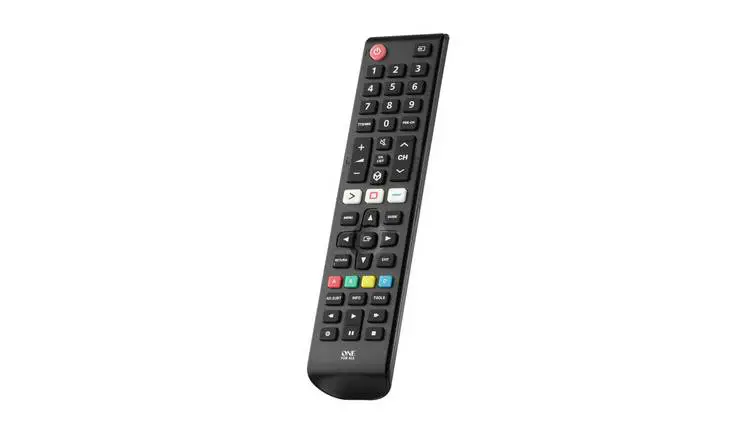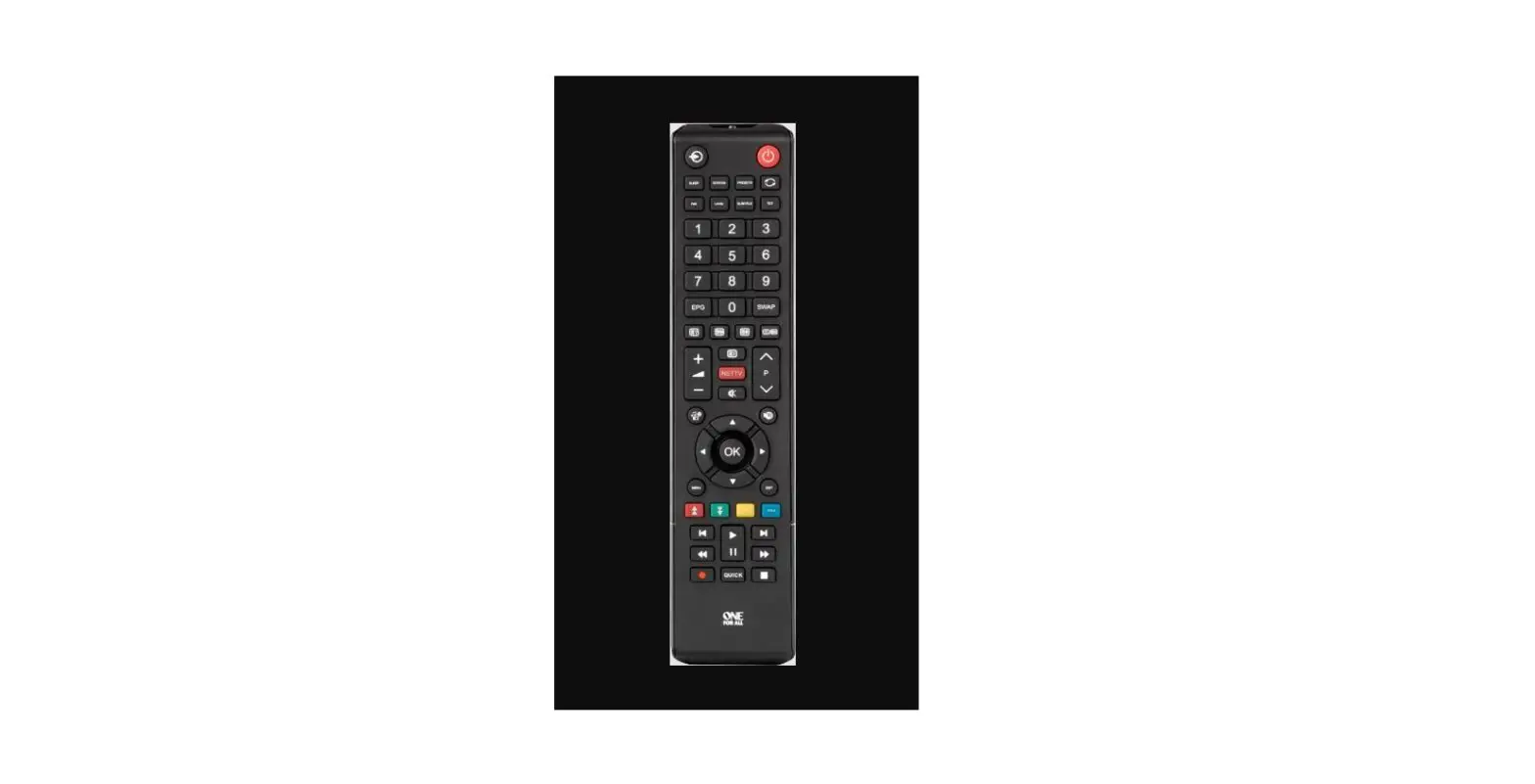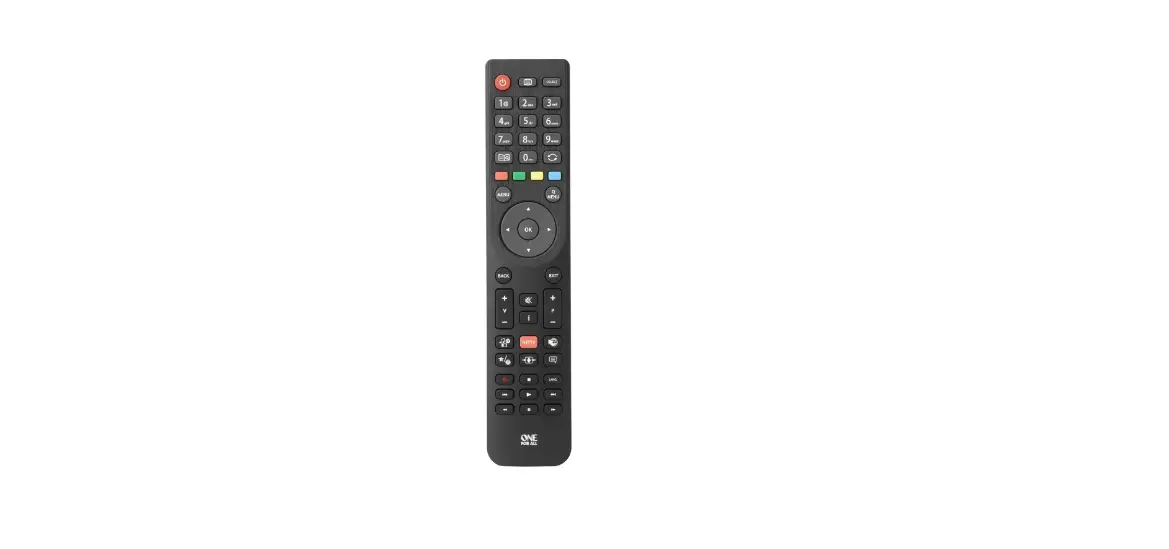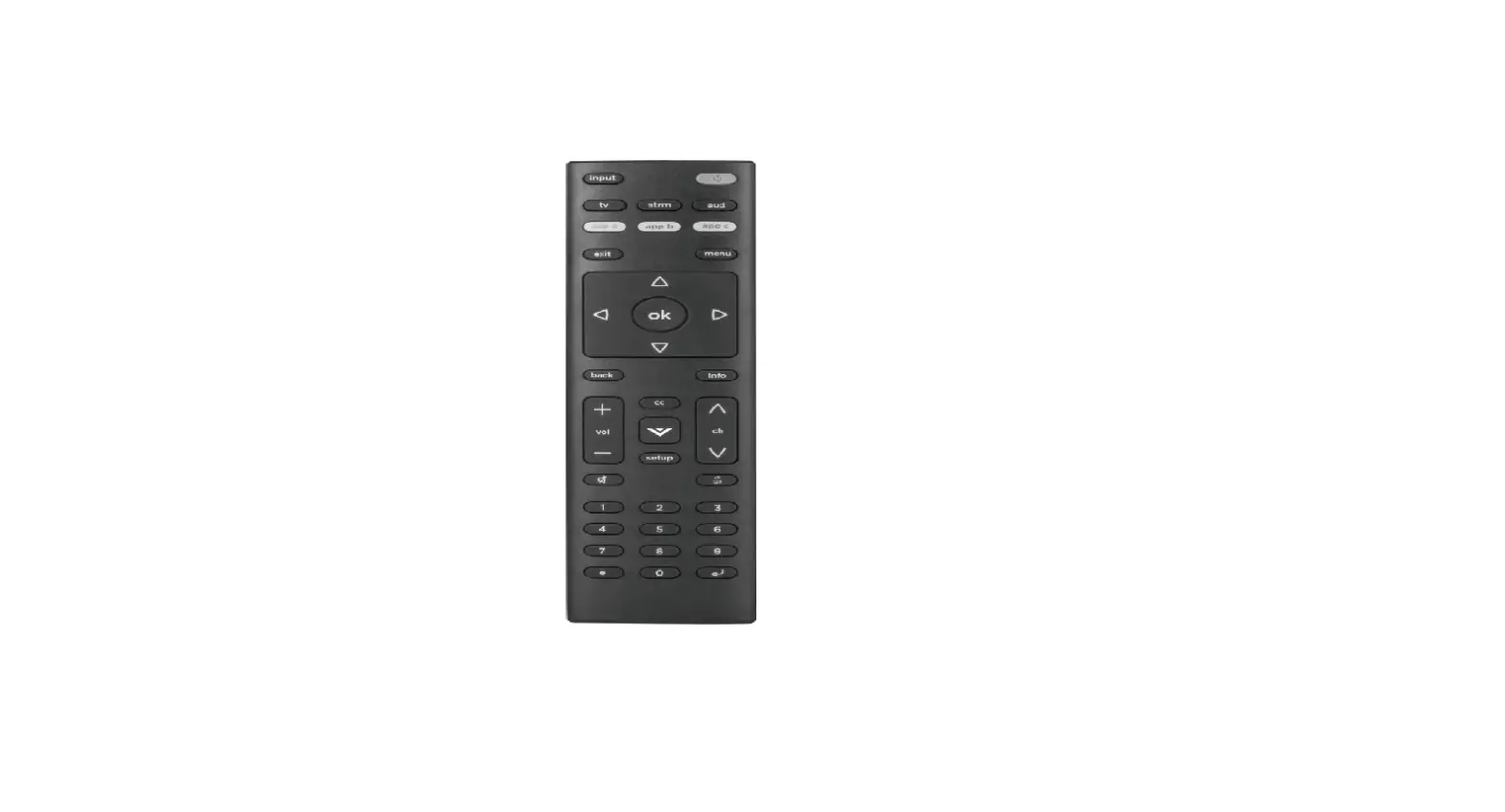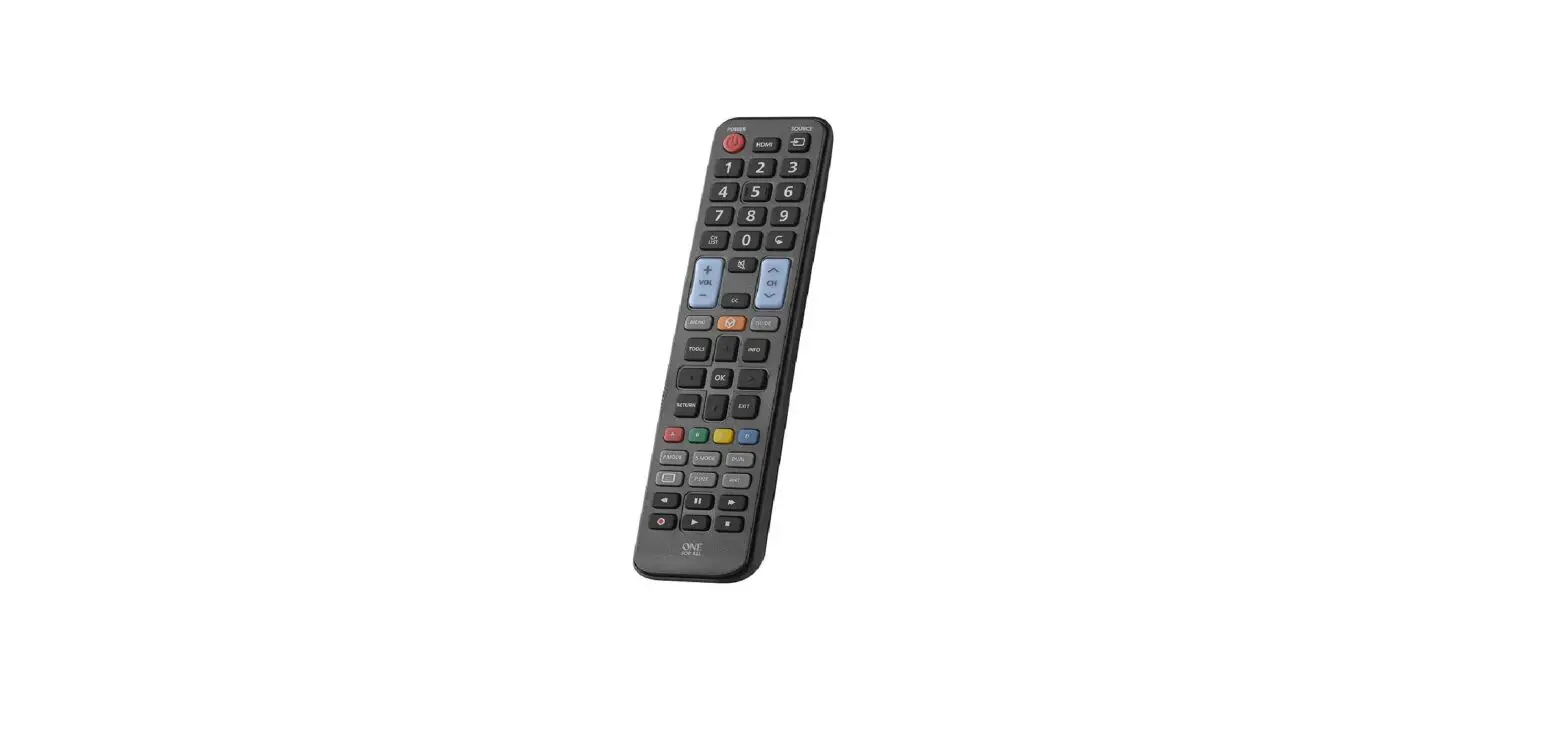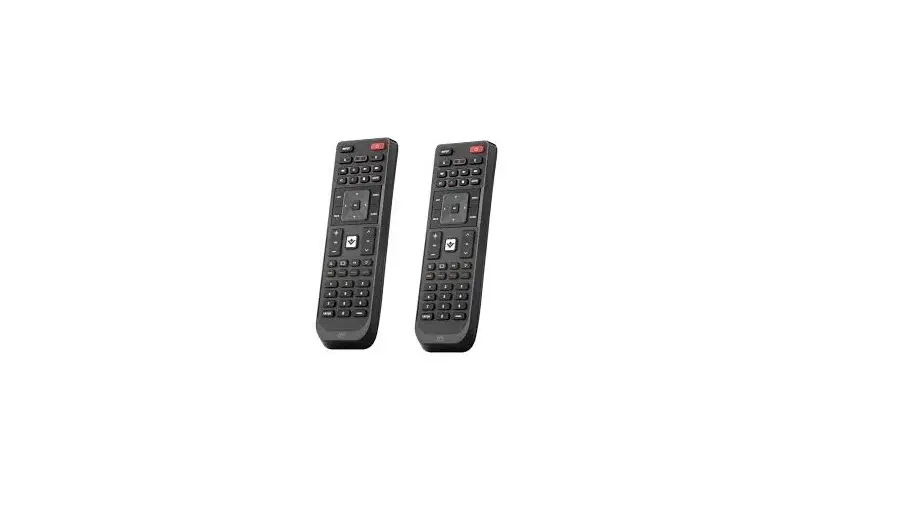
ONE OFA Vizio Universal Replacement Remote URC 1823 Instruction Manual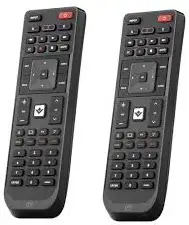
WARRANTY / GUARANTEE INFORMATION
Terms and Conditions for “100% Guaranteed To Work” policy, and the seperate 1 Year Limited Warranty against defects in material and workmanship can be found at www.oneforall.com/remoteguarantee, or you may request hard copies by calling 855-716-2573, or via mail to UEI Technical Support Service, Suite 301, 26250 Euclid Ave., Euclid, OH 44132. Please include your full name, product information, and contact information in your request communication.
LEGAL NOTICES FCC STATEMENT
This equipment has been tested and found to comply with the limits for a Class B digital device, pursuant to part 15 of the FCC Rules. These limits are designed to provide reasonable protection against harmful interference in a residential installation. This equipment generates, uses and can radiate radio frequency energy and, if not installed and used in accordance with the instructions, may cause harmful interference to radio communications. However, there is no guarantee that interference will not occur in a particular installation. If this equipment does cause harmful interference to radio or television reception, which can be determined by turning the equipment off and on, the user is encouraged to try to correct the interference by one or more of the following measures:
- Reorient or relocate the receiving antenna.
- Increase the separation between the equipment and receiver.
- Connect the equipment into an outlet on a circuit different from that to which the receiver is connected.
- Consult the dealer or an experienced radio/TV technician for help.
This device complies with part 15 of the FCC Rules. Operation is subject to the following two conditions: (1) This device may not cause harmful interference, and (2) this device must accept any interference received, including interference that may cause undesired operation.
Caution: Changes or modifications not expressly approved by the party responsible for compliance could void the
user’s authority to operate the equipment.
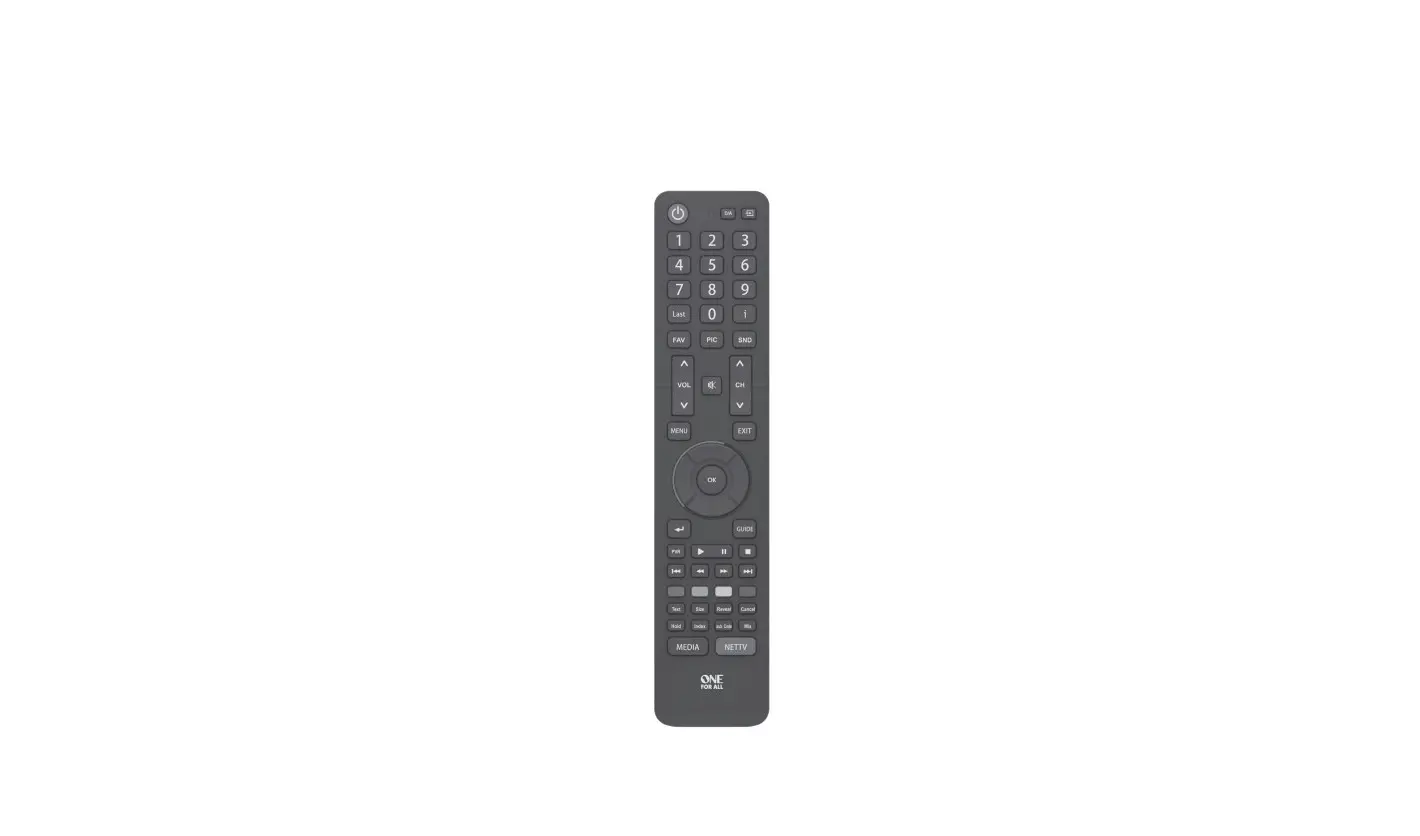
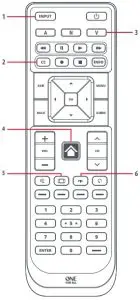
Product Overview
Installations Instructions
- STEP 1: SET UP YOUR TELEVISION THE MAJORITY OF NEWER VIZIO TVS SHOULD WORK DIRECTLY.
After putting batteries in, just test some of the keys, and if they work, your remote is ready. If not, follow the next steps:
Make sure your TV is on (not on standby).
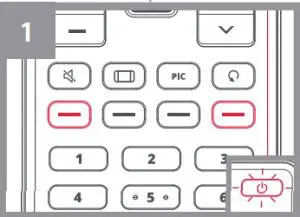
Hold down YELLOW + GREEN until the LED behind the Power Key blinks twice. - Point towards the TV and hold down the POWER KEY until the TV turns off. The remote will send a different Power signal every 3 seconds
As soon as the TV turns off, let go of the POWER KEY.
The LED will blink twice. Now test the rest of the keys on the remote, if they work as your original did, your remote is ready to use.
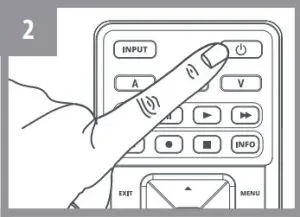 Point towards the TV and hold down the POWER KEY until the TV turns off. The remote will send a different Power signal every 3 seconds
STEP 2: IF STEP 1 DOES NOT WORK AS EXPECTED
ARE SOME KEYS NOT WORKING AS EXPECTED?
If you find some keys do not work as expected (or at all), proceed to the next step.
Make sure your TV is on (not on standby). Hold down YELLOW + GREEN until the LED behind the Power Key blinks twice
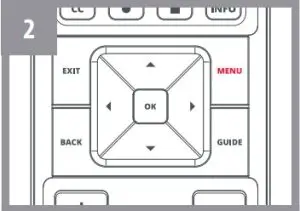
Point towards the TV and hold one of the keys that is not working correctly (for example MENU).
The remote will send a signal every 3 seconds.
When the correct function is shown on the screen (in this case the MENU), let go of the key.
The LED will blink twice – your remote is ready to use
LEARNING
START: LEARN A NEW FUNCTION TO YOUR REMOTE
Your One For All remote can learn any function from your original (working) remote.
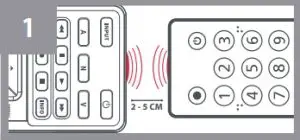
Place the original remote facing the One For All remote on a flat surface.
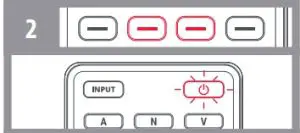
To learn: Hold down BLUE + RED until the LED blinks twice
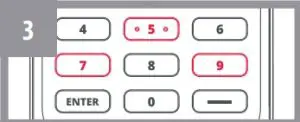
Press 975 The LED will blink twice.
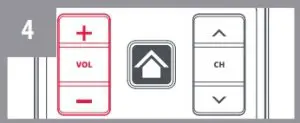
Press the key on the One For All remote you want to learn on, for Example: the VOL + key
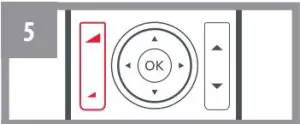
Press the key on the Original remote you want to learn, for Example: the VOL + key of your AUDIO Device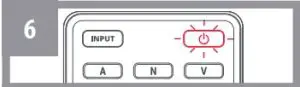
Two blinks: ok. Repeat from step 4 for any more keys to learn.
Long blink: try again from step 4.
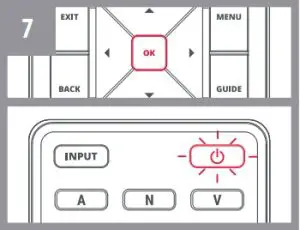
When you have learned all the keys you need, press and hold the OK KEY for 3 seconds. The LED will blink twice

HOW TO DELETE A LEARNED FUNCTION
- Hold down BLUE + RED until the LED blinks twice.
- PRESS 976.
- Press the key to reset twice.
Assembling Batteries
- INPUT SELECT
AV Input / Entrada de AV - CC
Closed Captions / Subtitles - A, N, Y
Shortcuts to Apps (if applicable) - VIA MENU
- PICTURE SIZE
- PICTURE MENU


 CAUTION: Risk of explosion if battery is replaced by an incorrect type. Use quality Alkaline batteries.
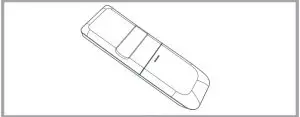
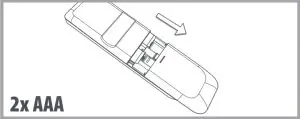
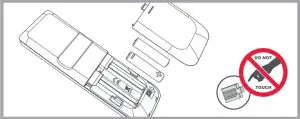
 CAUTION: Risk of explosion if battery is replaced by an incorrect type. Use quality Alkaline batteries.
The LED flashes twice and the key will get back the original function.
711962
RDN 1211020
Customer Support: 855-716-2573 (toll free) OFA warranty/terms & conditions: 855-569-6595 (toll free) www.oneforall.com
Imported into the US by:
Universal Electronics Inc.
UEI Technical Support Services,
Suite 301, 26250 Euclid Ave.
Euclid, OH 44132
One For All is a registered trademark of UEI Made in China, Hecho en China
 Home | One For All